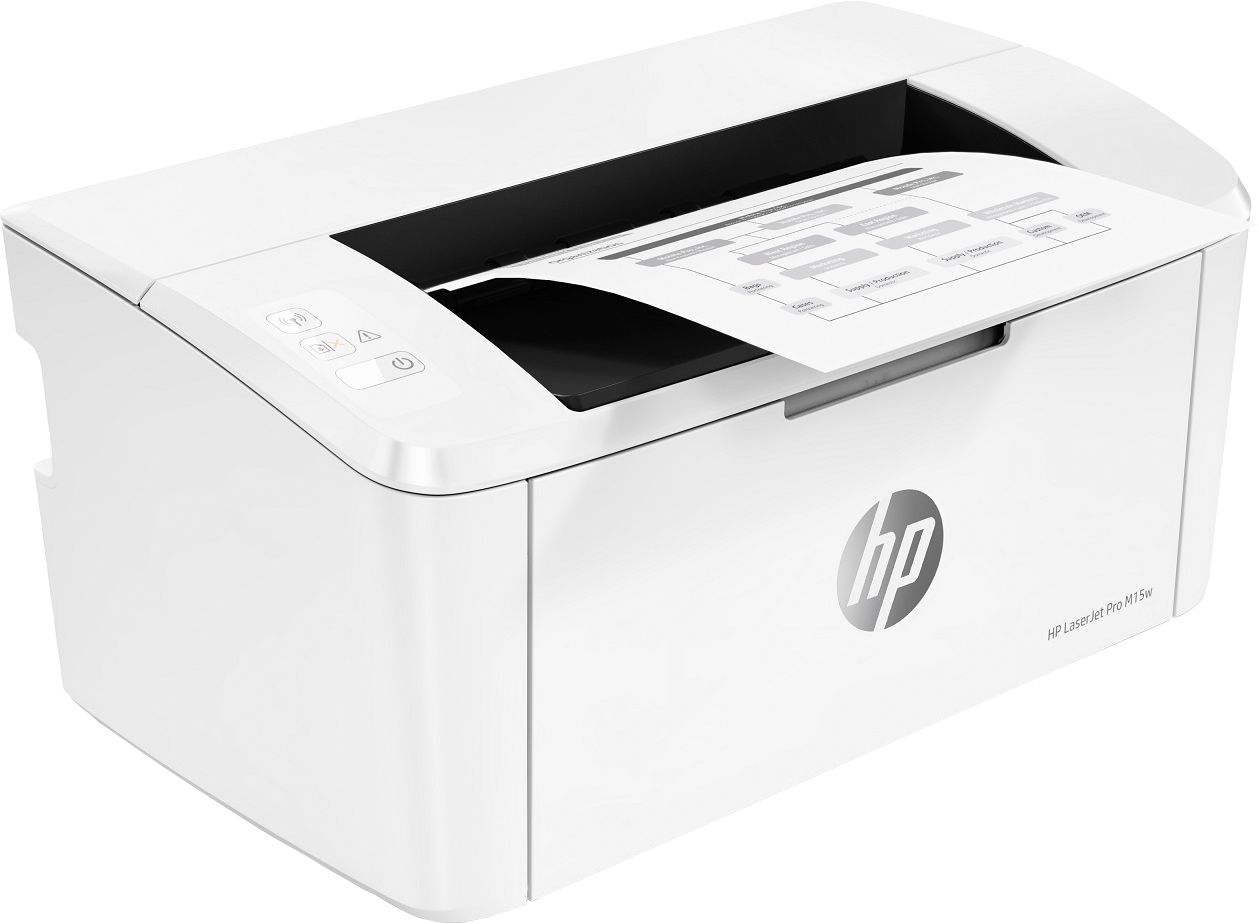
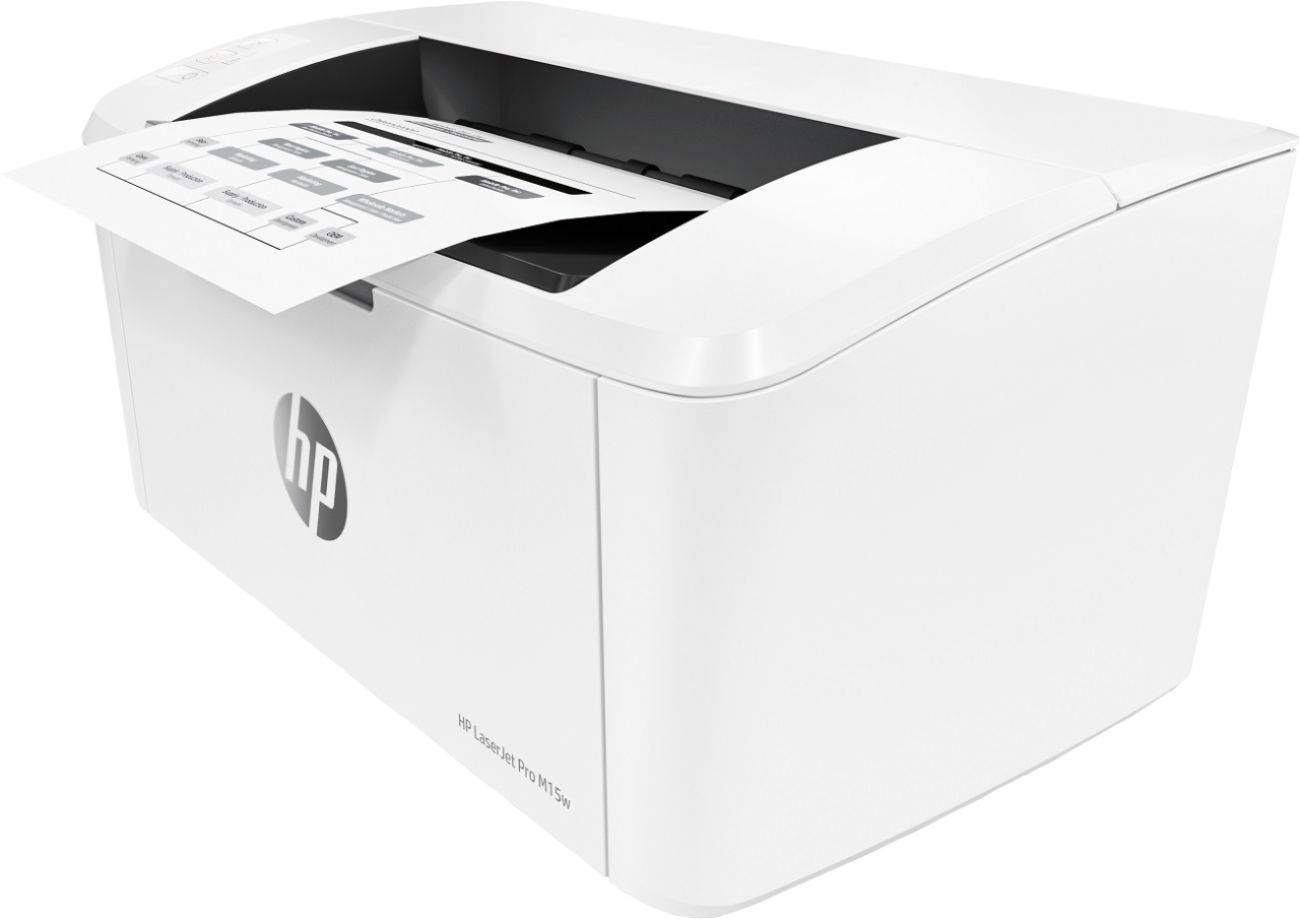
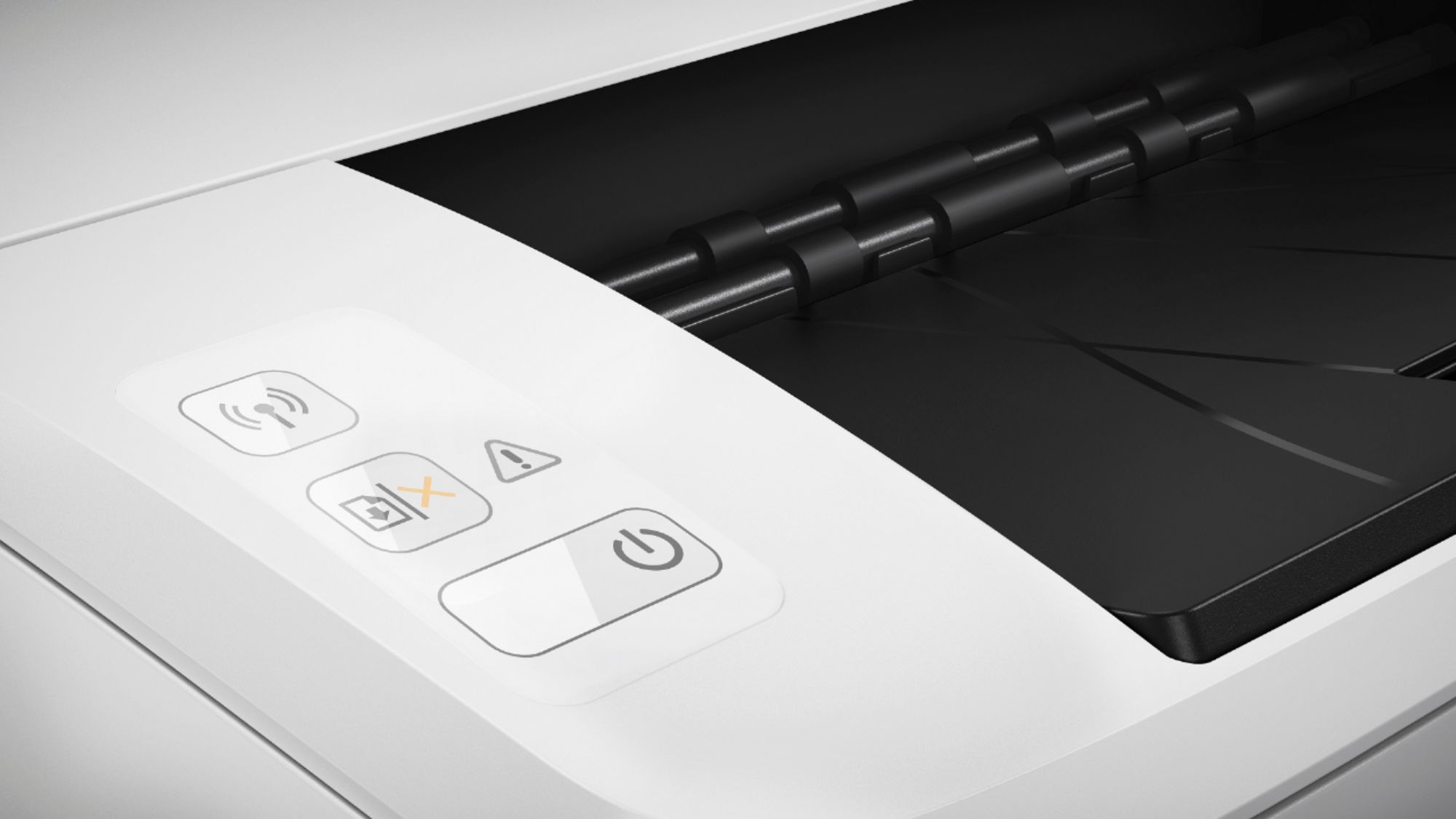
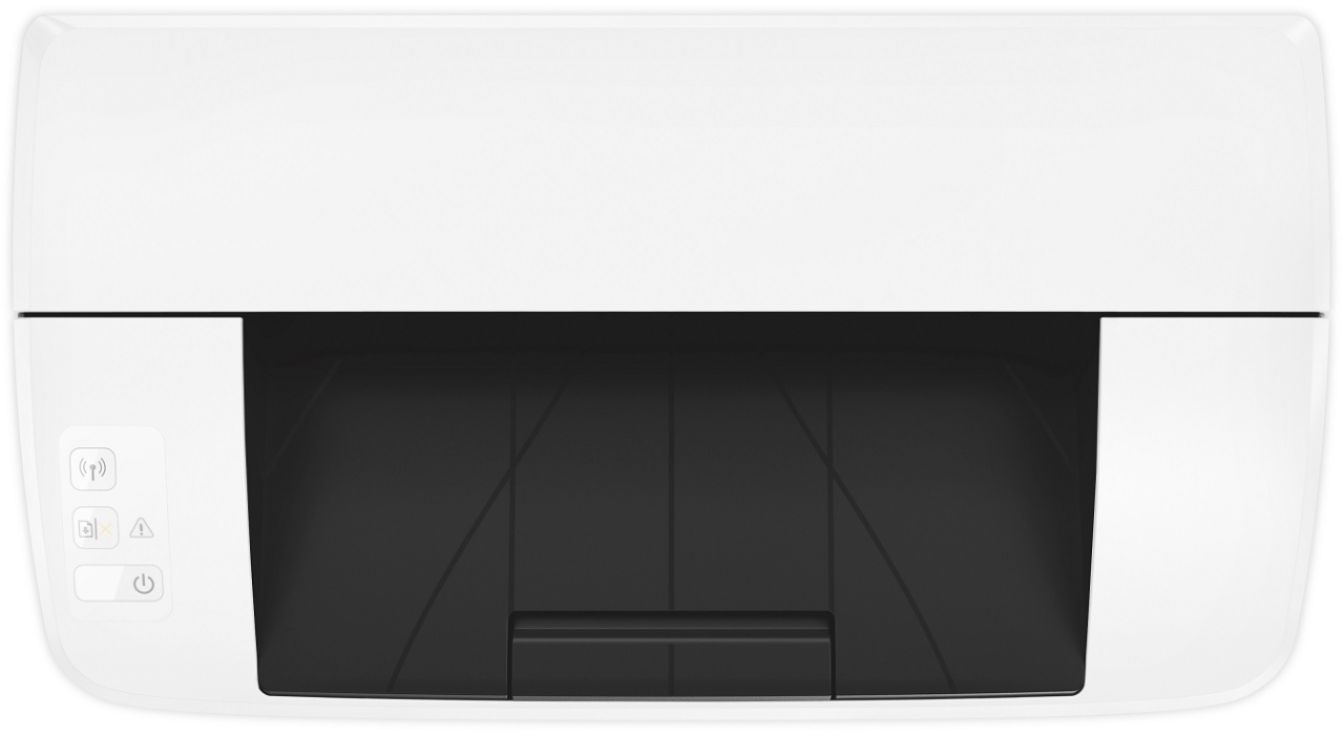
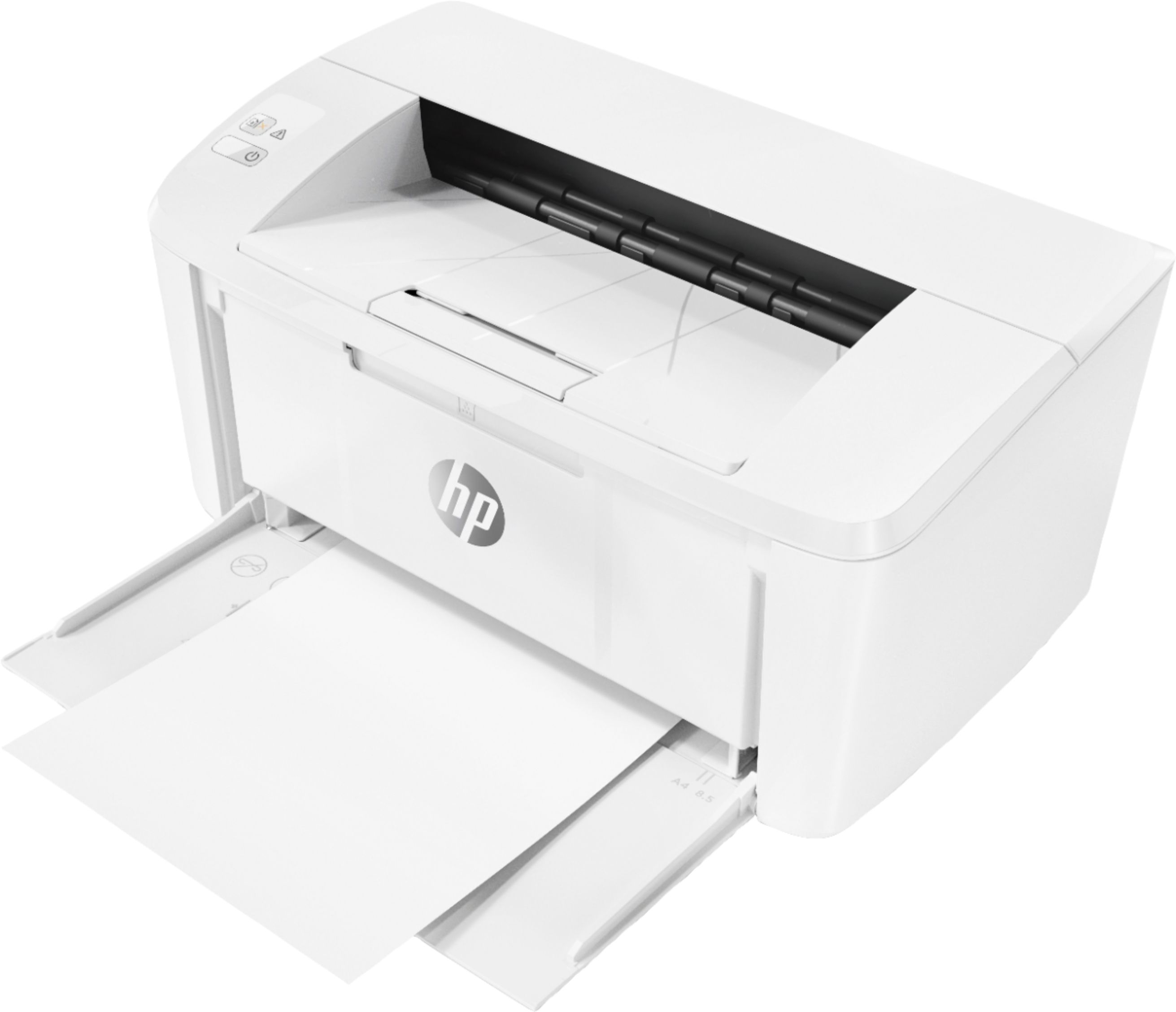
Questions & Answers
- Model:
- W2G51A#BGJ
- |
- SKU:
- 6199701
Q: QuestionIs this compatible with Mac Catalina osx
Asked by Anonymous.
- A:Answer Thanks for your question! Yes, the HP LaserJet Pro M15w is compatible with Mac Catalina OS X 10.15.
Answered by HP Team

Q: Questionwhat cartridge number is in this printer
Asked by Anonymous.
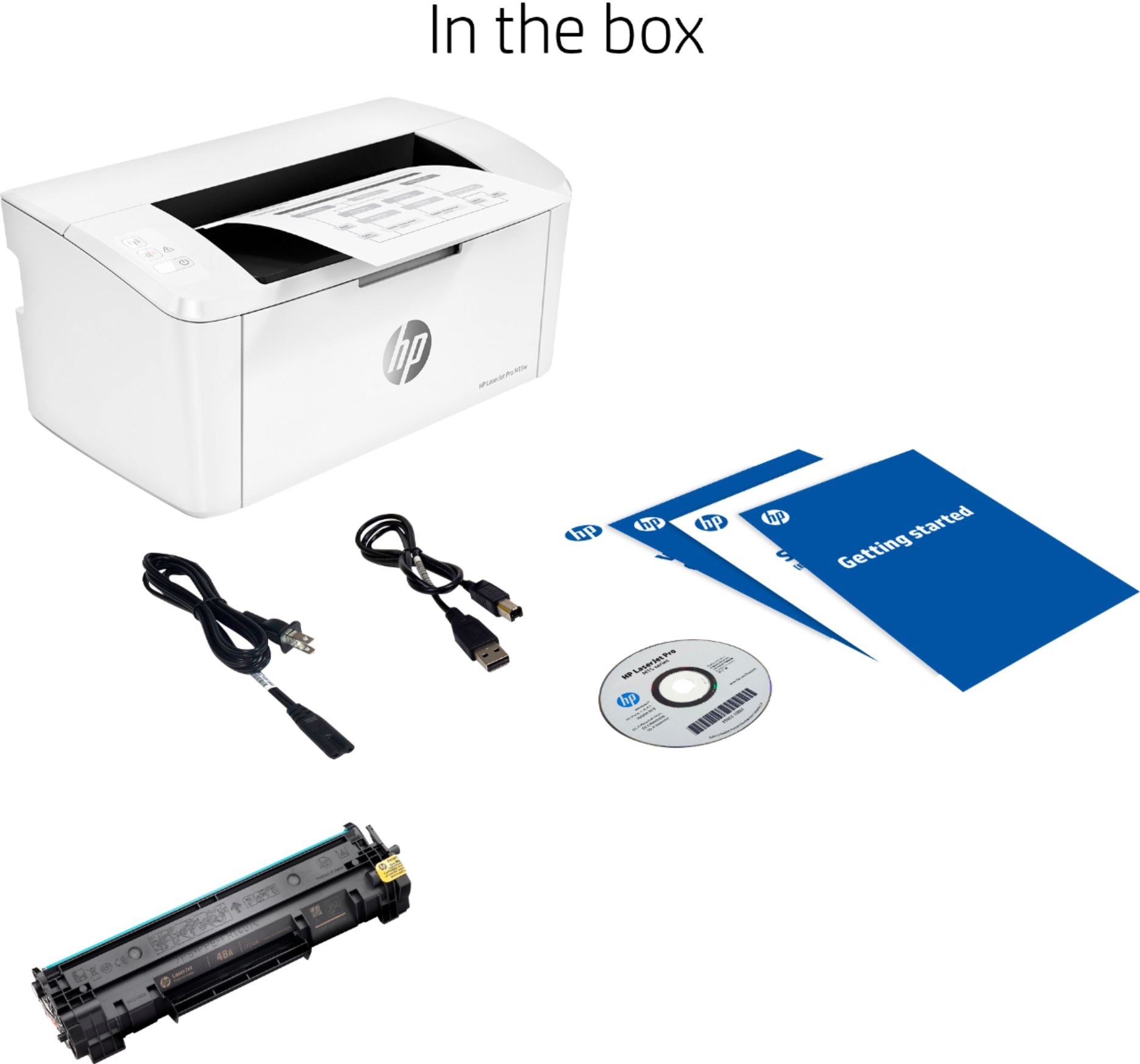
- A:Answer HP48A. All HP printer cartridge boxes have the hp printer number for the corresponding printer on the outside of the box. It’s that simple. Go to Office Depot with the number or get online, even easier.
Answered by HollyA
Q: Questioncan you copy from this printer
Asked by rustybear.
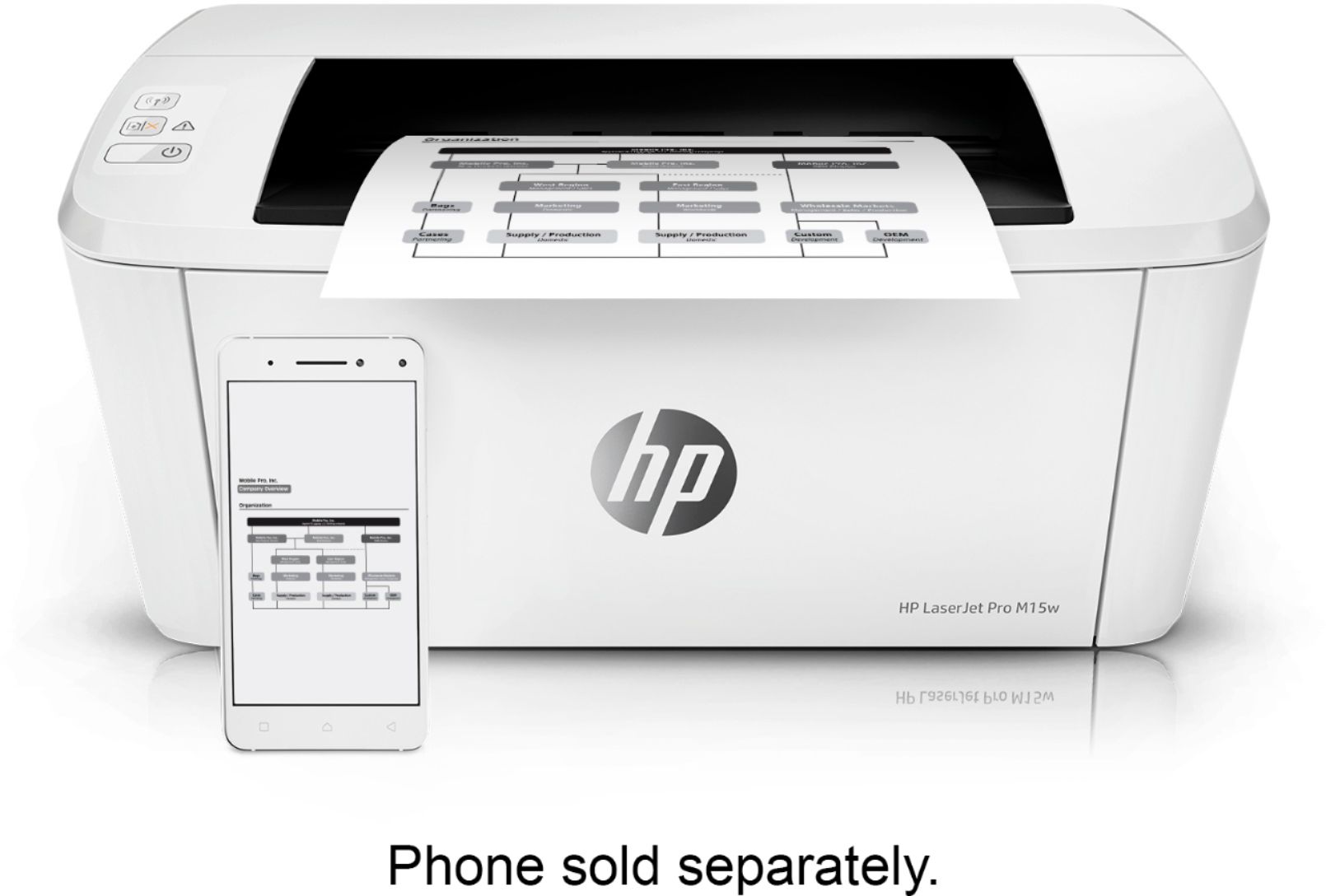
- A:Answer Need to take a photo or scan the document with you phone and print from there. Printer doesn’t have a flat bed to make copy.
Answered by Momo
Q: QuestionDifference between inkjet and Lasser printers
Asked by Anonymous.
- A:Answer Hello. Thanks for your question. When you look at the specs on an inkjet vs. a laser printer, you will notice that the inkjet printer has a larger d.p.i. (dots per inch). The d.p.i. are the dots that make up the letters or images on the page. The larger the dpi, the smaller the dots are to create that image. Inkjet printers are great for photos and documents. Laser printers are great for printing a lot of documents.
Answered by HP Team

Q: Questionim trying to connect my laptop with printer via wifi but i am unable to locate this printer from selection of names. What is the printer name for wifi?
Asked by Lisa.
- A:Answer LASERJET PRO M15W Or M15W
Answered by Momo
Q: QuestionDoes it have a scanner ... direct sheet feed! [not thru iphone or ipad]?
Asked by Anonymous.
- A:Answer This model is just a printer, no scanner.
Answered by HP Team

Q: QuestionIs this printer Alexa compatible?
Asked by Gerre.
- A:Answer Yes, the LaserJet Pro M15w is compatible with Alexa.
Answered by HP Team

Q: QuestionCan I scan a document from the printer to my computer without using my smart phone?
Asked by Terry.
- A:Answer The HP Laserjet Pro M15W does not have a scanner. It is a black and white printer only.
Answered by Kriss
Q: QuestionDoes this have fax ability?
Asked by pablo.
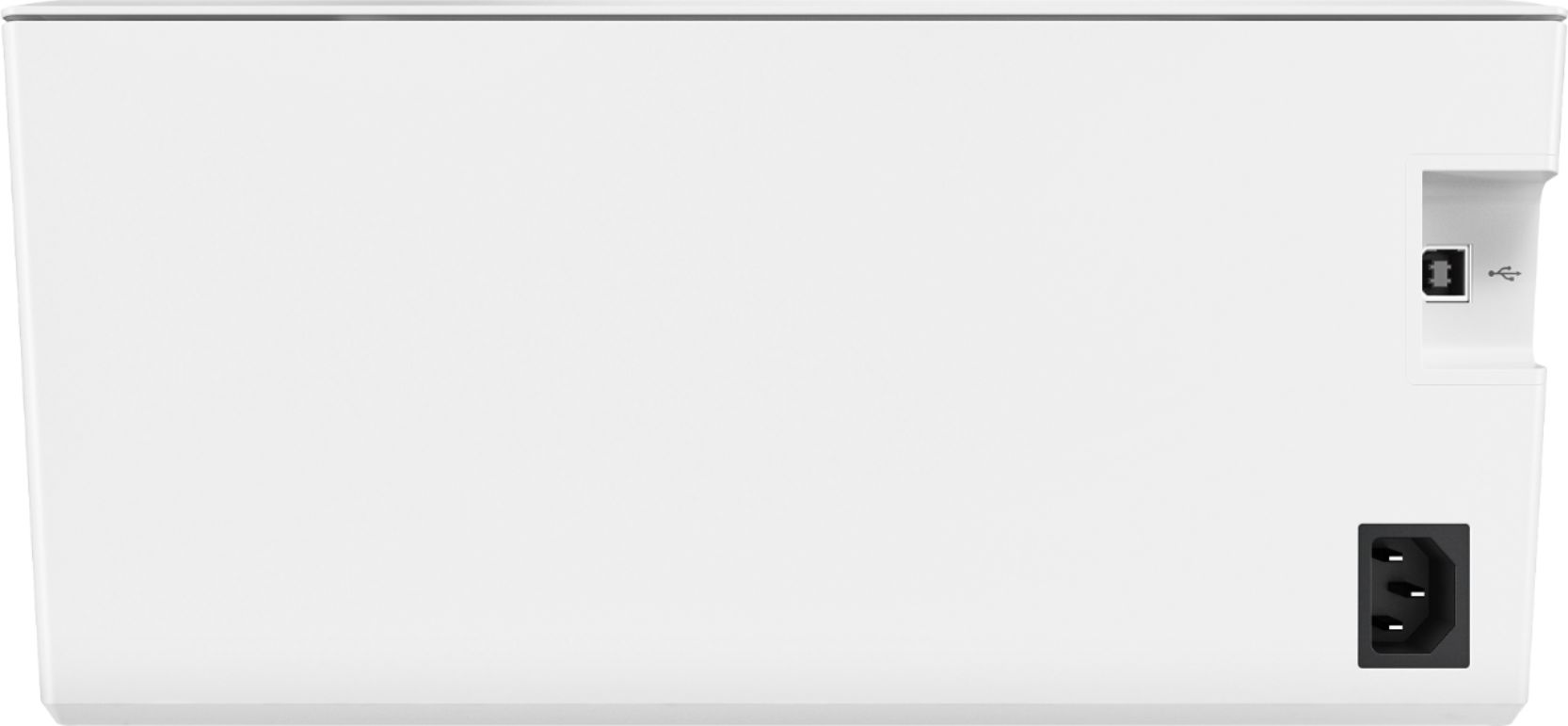
- A:Answer No it sure doesn't it's just a laser printer. It works wireless also connect it to your computer via the USB.
Answered by xperiencejohn
Q: QuestionWhat are all of the different label sizes it can print? (Ex. 2x6, 5x3, 4x6 etc)
Asked by Carpharp.
- A:Answer Hello. Thanks for your question. This HP Laserjet Pro m15w printer can handle up to 8.5 x 11-inch paper. There are a variety of 8.5 x 11-inch label sheets that are available that have different-sized labels on them. You would just want to be sure that the labels are made for laser printers. For example, if you wanted to get 5 x 3-inch labels for laser printers. There would be 3-5 x 3-inch labels on a label sheet.
Answered by HP Team

Q: Questioncan you use this printer with chromebooks.
Asked by Anonymous.
- A:Answer Yes you can
Answered by Laserjet
Q: QuestionCan I scan and fax and does it has the size of paper option
Asked by Sharon.
- A:Answer Hello, Sharon. The HP Laserjet Pro m15w printer is only a printer. It does not have a scan or fax function. You can print on paper up to 8.5 x 11 inches.
Answered by HP Team

Q: QuestionWill this printer print on parchment paper?
Asked by scrappinguru.
- A:Answer Thank you for the question. Parchment is not indicated as a recommended media, and it can be "slippery". Parchment with a waxy coat may not survive the heat used in laser printers, and wax remaining could damage the printer. You might have better luck with an inkjet printer, with sheets fed in small amounts and with a backing page of plain paper to assist with feeding.
Answered by HP Team

Q: QuestionIs this printer compatible with Chromebook laptops?
Asked by jsstrats.
- A:Answer Not sure. It isn’t compatible with Apple devices
Answered by JoMc
Q: QuestionWhat is the difference between laser and ink jet? I'm looking for a printer to print quilt label that won't wash out. What would you recommend?
Asked by Angel.
- A:Answer Laser will not fade away with water. Also it will not dry if you don't use the printer. Inkjet are only good if you need to print in colors.
Answered by Rob1C
Q: QuestionCan I print on paper smaller than 8.5 x 11?
Asked by RS411.
- A:Answer Yes, you can print on paper as small as 4x5 inches.
Answered by HP Team

Q: QuestionCan I print addresses on envelopes?
Asked by RS411.
- A:Answer Yes, you can. You'll need to tell whatever program you're using that you're printing on an envelope and what size it is.
Answered by HP Team

Q: Questioncan I make copies on this printer?
Asked by gigiy.
- A:Answer No, this printer doesn’t have a scanner. However, there is a similar model that does have a scanner, so you could make copies with that one.
Answered by SusanM
Q: Questionwhat is the wattage used for printing with this printer?
Asked by Anonymous.
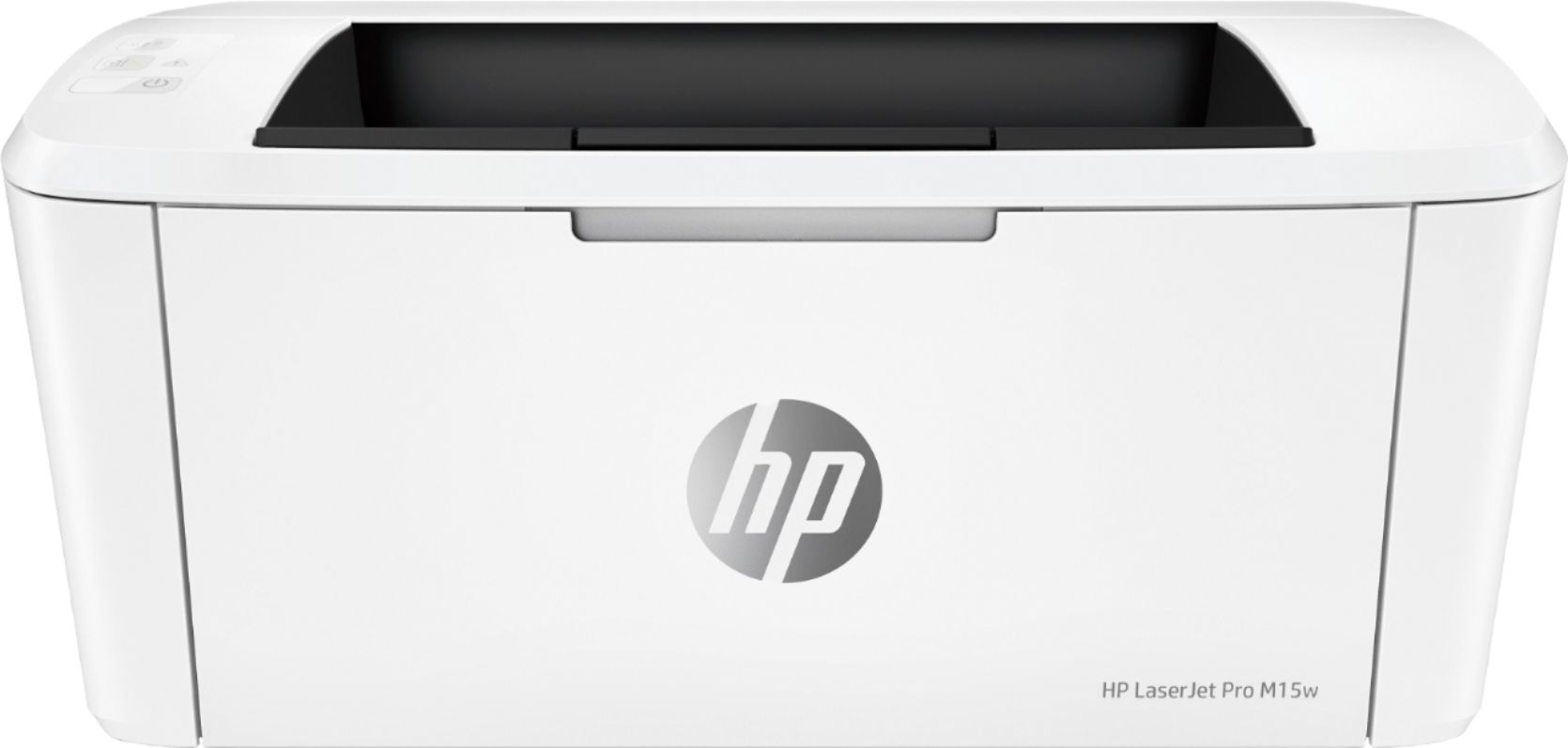
- A:Answer Thank you for the question. The LaserJet Pro M15w consumers power at the following rates: 210 watts (active printing), 2.2 watts (ready), 0.4 watts (sleep), 0.1 watts (Manual-off), 0.1 watts (Auto-off/Manual-on), 0.4watts (Auto-off/Wake on USB).
Answered by HP Team

Q: QuestionDoes this printer use CB435A cartridges?
Asked by sangriamare.
- A:Answer It uses the following HP 48A Black Original LaserJet Toner Cartridge, CF248A https://www.bestbuy.com/site/hp-48a-standard-capacity-toner-cartridge-black/6212801.p?skuId=6212801&ref=212&loc=1
Answered by Walle
Best-selling Best Buy
- $299.99$299.99The price was $349.99
- $59.99$59.99The price was $99.00
- $14.99$14.99The price was $19.00
- $24.99$24.99The price was $29.99
- $199.99$199.99The price was $349.99
- $14.99$14.99The price was $19.00
- $149.00$149.00The price was $399.00