A:AnswerYes, but you have to place a piece of opaque tape on the back of every sheet you’re trying to print on, otherwise it won’t read in the tray and you’ll get the “no paper” error.
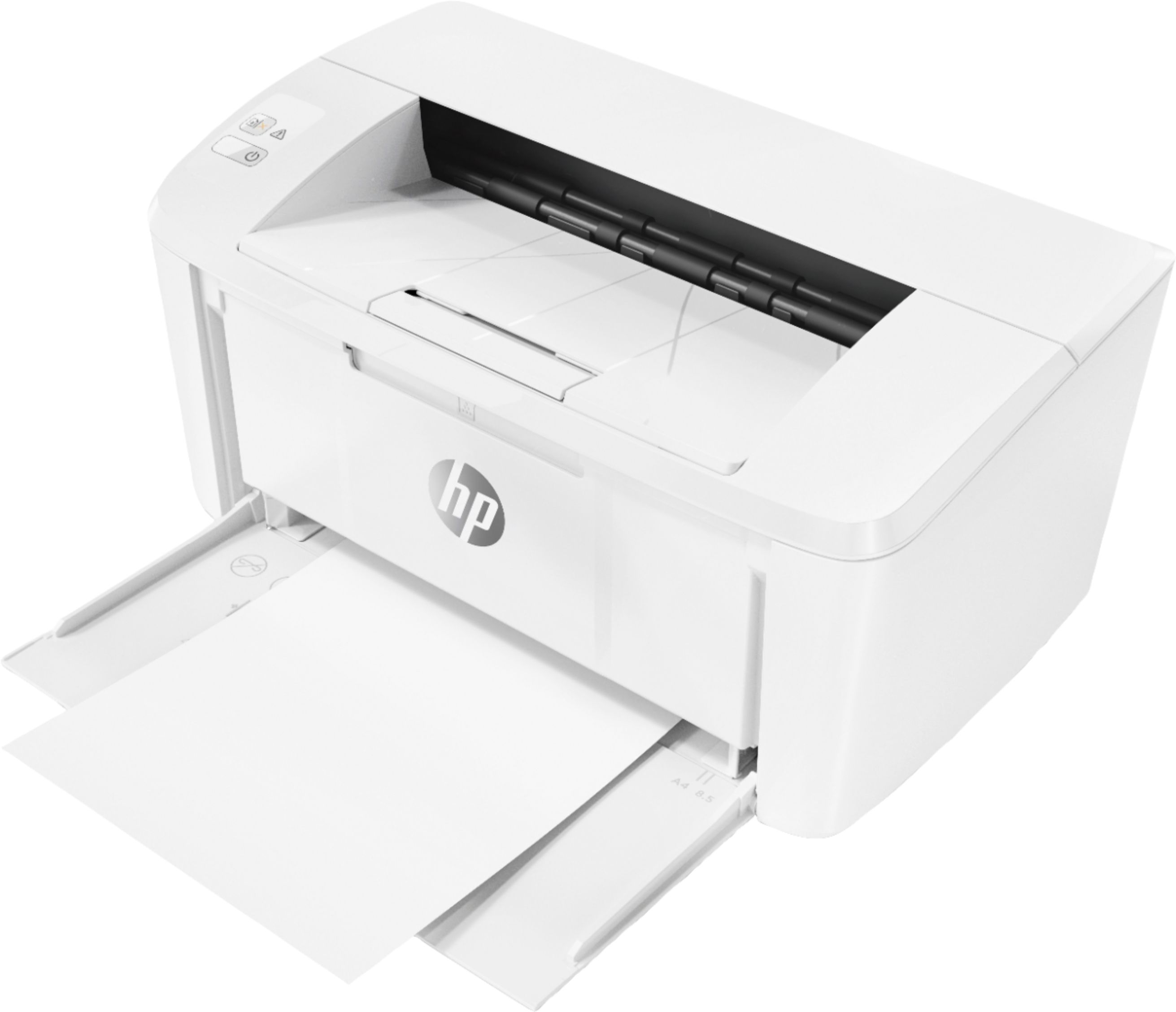
A:AnswerThank you for taking interest in our small form factor LaserJet printers! This printer is compatible with #10 envelopes and can support media sizes up to A4 specification.
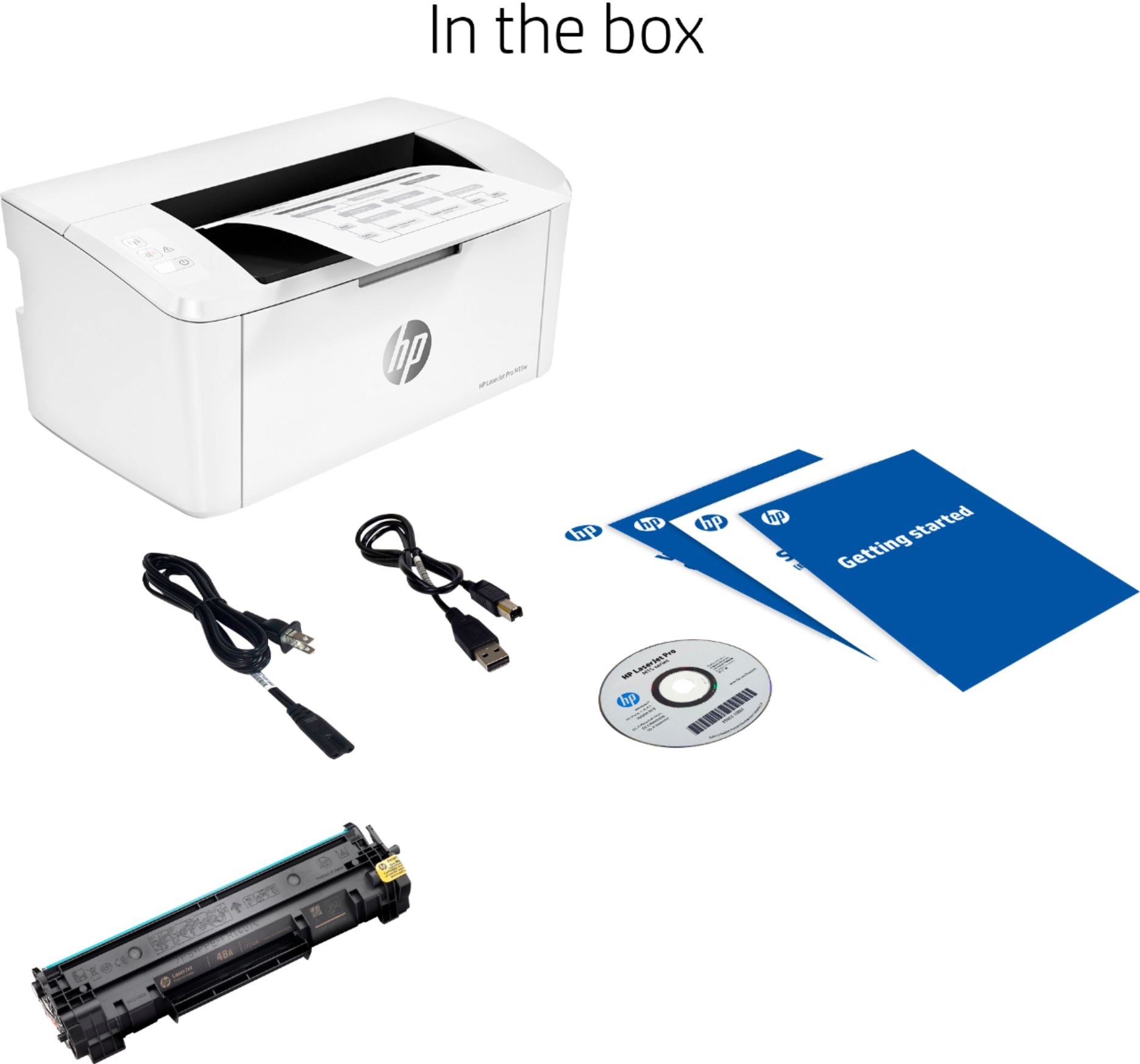
A:AnswerThe disc will have the software for the printer. You would need to use a disk drive on a computer. You can also download the software from the HP website.
A:AnswerHello. Thanks for your question. The HP LaserJet Pro M15w Laser Printer is only a printer. You can use the HP Smart app on your smartphone or tablet to camera scan your item, then send it via email. Here is more information on the HP Smart app: https://bit.ly/3cEujqO