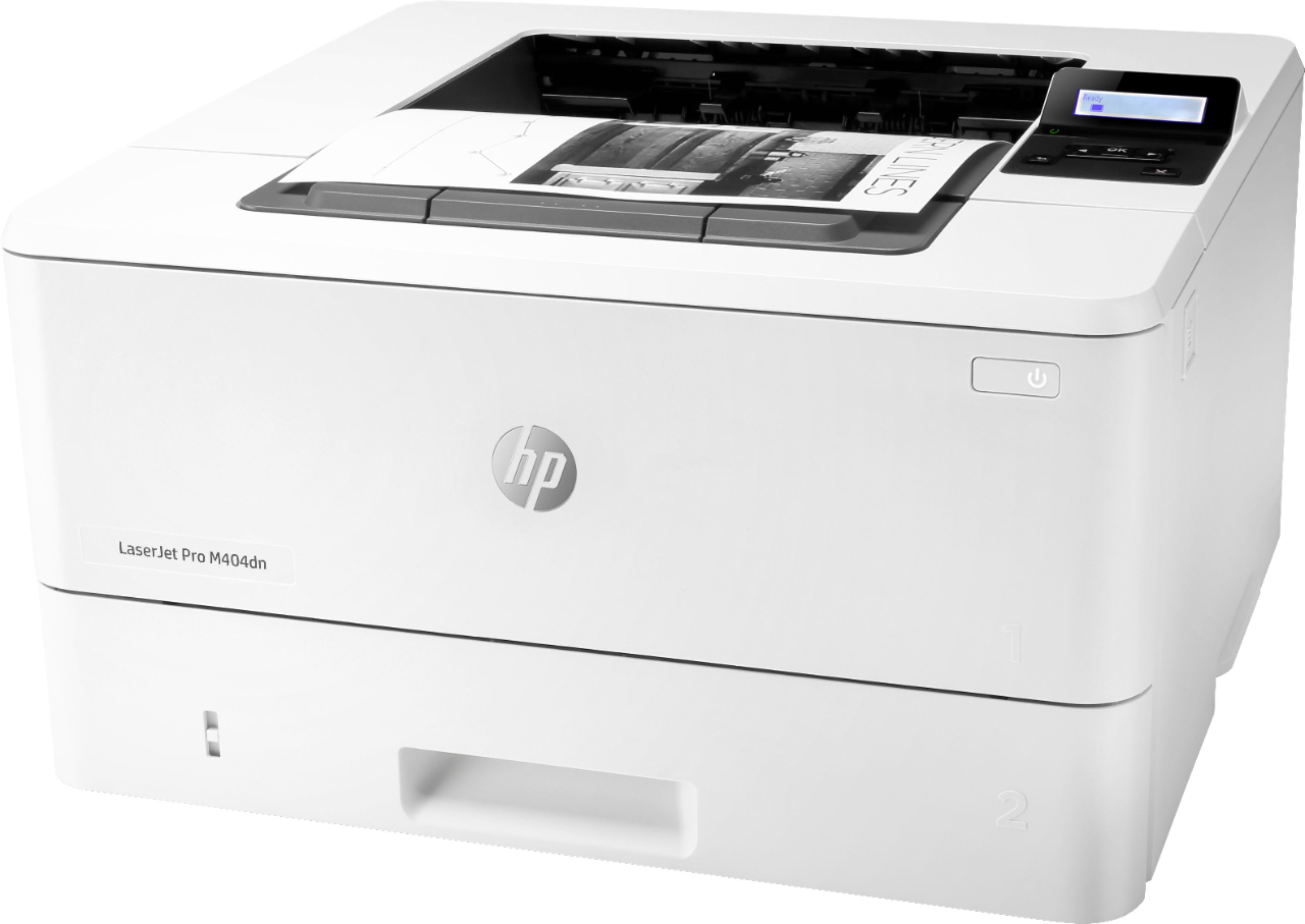
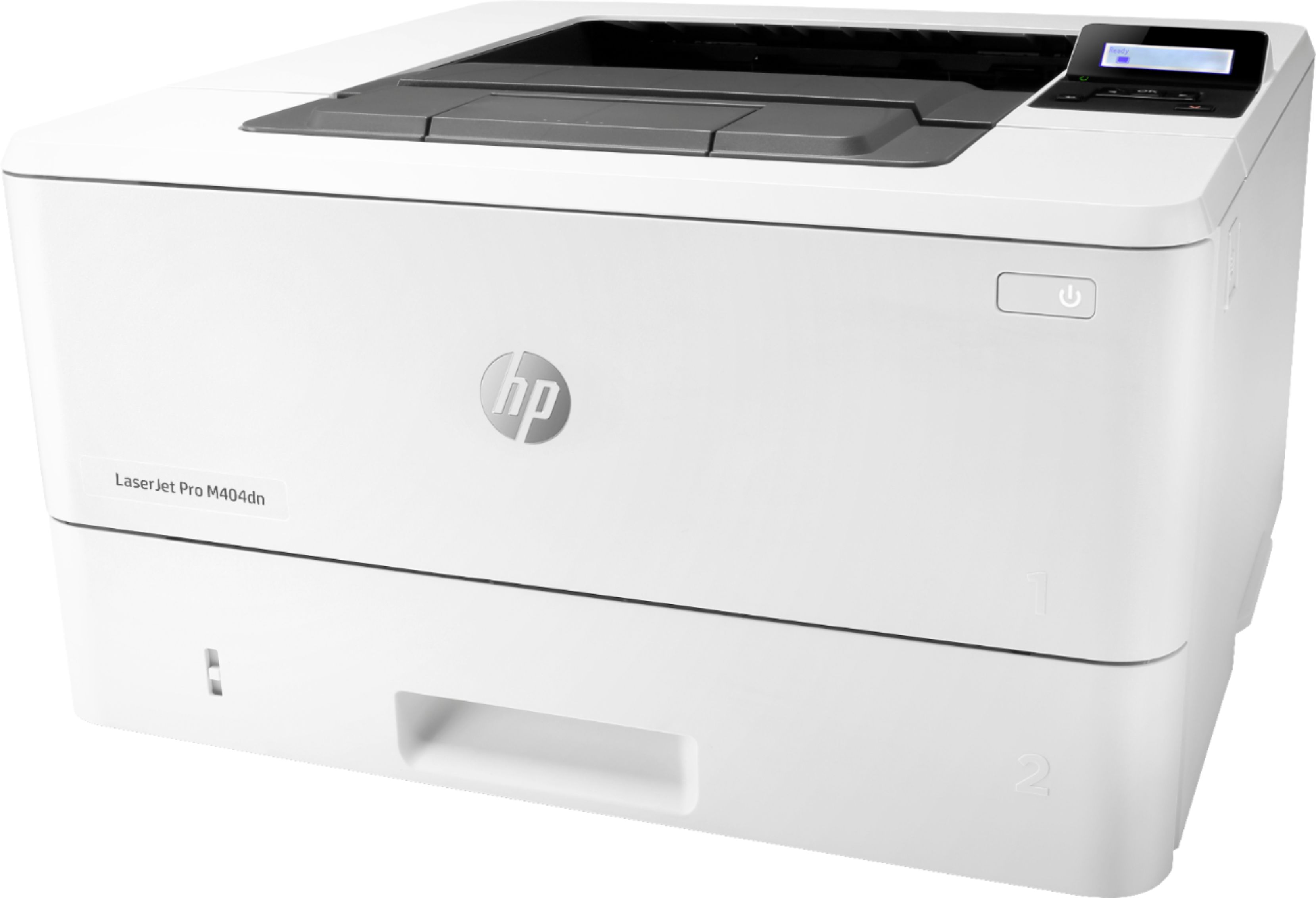
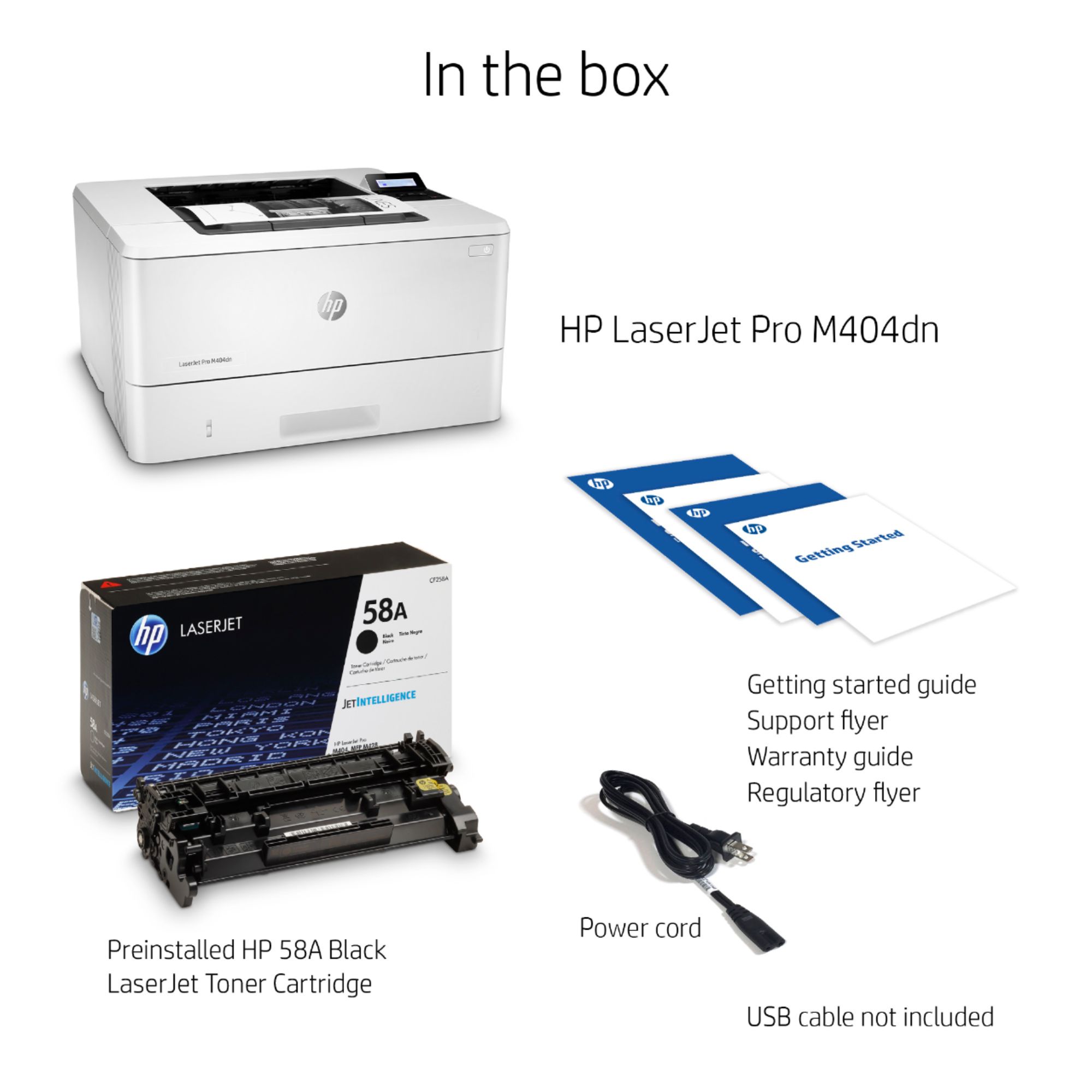
A:AnswerThe printer can connect via a standard USB printer cable which is included. It also has an RJ45 connector to connect to a router. You would need to purchase a cat 5 cable separately. Here is an example of one: https://www.bestbuy.com/site/insignia-6-cat-5e-network-cable-gray/6232004.p?skuId=6232004
A:AnswerNo it does not have a scanner. You can however copy and scan (as well as print) with the FREE HP Smart App. HP Smart app is available for FREE on Android or Apple iOS smartphones and tablets, and Windows 10 and macOS computers.
Here is a link about the HP Smart app: https://support.hp.com/us-en/document/c06097800
A:AnswerHi Erika, thank you for the question. Yes, the LaserJet Pro M404dn has an optional 550-sheet feeder tray that can be purchased at a number of retailers. The HP product number is D9P29A.
A:AnswerThe HP LaserJet Pro M404dn Black-and-White Printer is not wireless. You can hard wire via an ethernet cable to a router. And it can print double sided documents. Here is another option that is wireless and it does print double sided documents: https://www.bestbuy.com/site/hp-laserjet-pro-m404dw-wireless-black-and-white-printer-white/6348963.p?skuId=6348963
A:AnswerI would say any HP printer with an ethernet jack will work with Windows 10. You will have difficulty finding drivers for the oldest HP LaserJets. Windows 10 no longer lists the LJ 5 series drivers but enterprising techs extracted the drivers from a Win10 machine that had them previously installed and posted them online. That may be more than you want to take on; the LJ 5N I have has a manufacture date 1997. Windows 10 DID list LJ5 series drivers as recently as April 2021 and those drivers work like a charm.
The best way to get an HP driver in Windows 10 is to try the add a printer feature and then ask for the download list. Windows 10 does not install with a very long list of drivers but many more are available with a mouse click. The download is not necessarily very fast so give it the time it takes.
A:AnswerNo, the LaserJet Pro M404dn is not compatible with Windows XP. The following are the operating systems that it is compatible with: Windows Client OS (32/64 bit), Win10, Win8.1, Win 8 Basic, Win8 Pro, Win8 Enterprise, Win8 Enterprise N, Win7 Starter Edition SP1, UPD Win7 Ultimate.
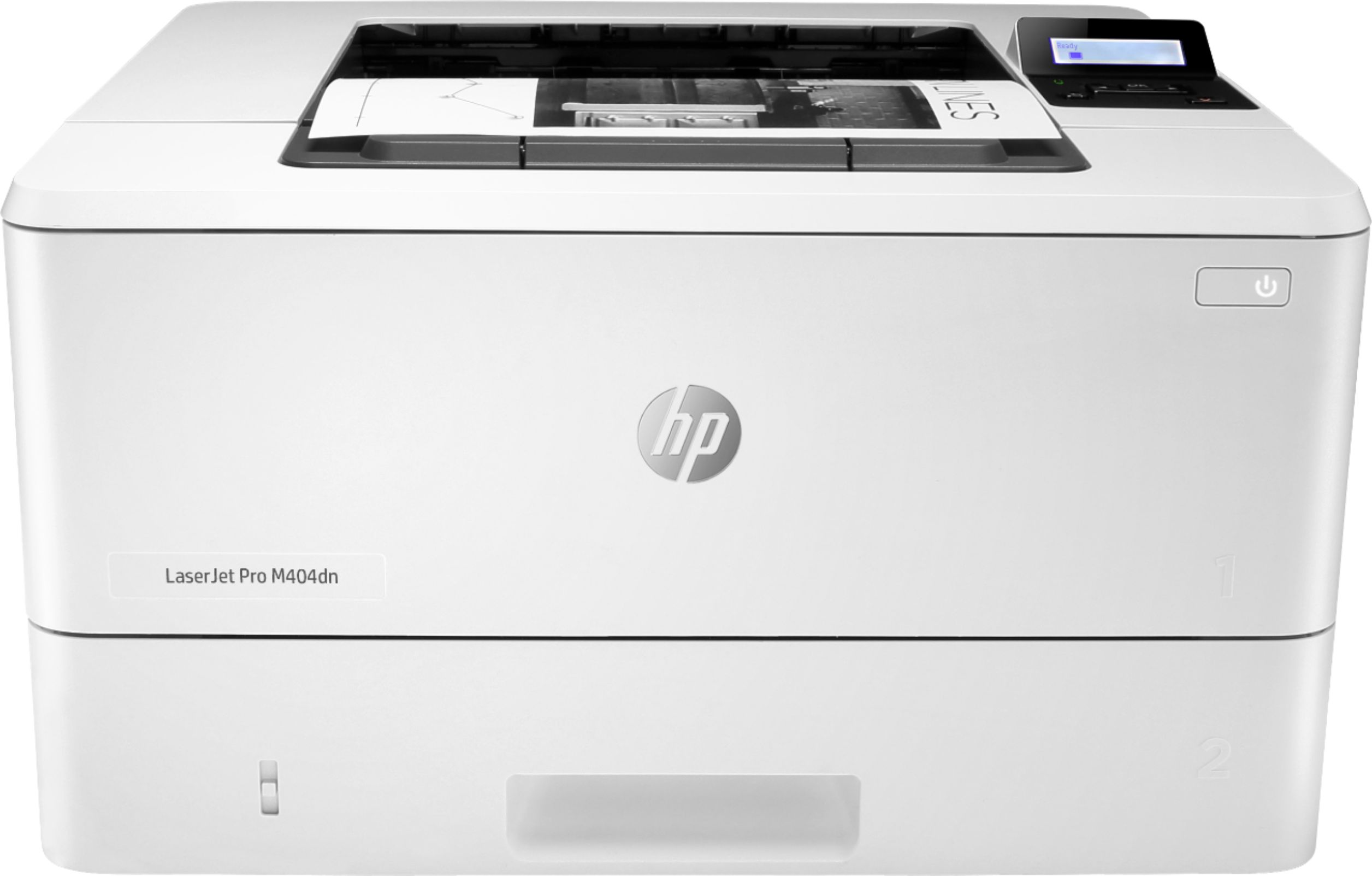
A:AnswerThanks for your questions. Yes the LaserJet Pro M404dn can print on laser printer transparency sheets. No this does not have a rear paper tray, but it does have a front multipurpose tray where you can feed secondary media.
A:AnswerThe HP website does not have a driver package specific to XP. That said, XP will almost certainly have a generic driver that will run the printer. This may not be able to take advantage of certain features of the printer, however, such as duplex printing. Unless you need XP for a specific application or for hardware limitations, it’s really time to upgrade your OS. Don’t feel bad, I had to be dragged into the current OS myself.
A:AnswerThank you for the question. Most laser printers at the consumer/home level do not support 300gsm media. That's not to say you can't use it, but it should be fed gingerly through the multi-purpose tray of the M404dn and your selection on the print menu should indicate "heavy" paper type. You'll have far more flexibility with an inkjet printer, that will typically support thicker media.
A:AnswerHi Mike, thank you for asking. The M404dn has one 250 sheet paper tray. You can add the optional 550-sheet tray. After configuring the trays according to the sizes you'll be loading, it is possible for your print job to pull from the properly configured tray, however, the printout will not be collated.
A:AnswerHi Char, thank you for the question. HP LaserJet Pro M404dn automatic two-sided printing option can be turned off from the printer setting on the computer or from the HP Smart application.
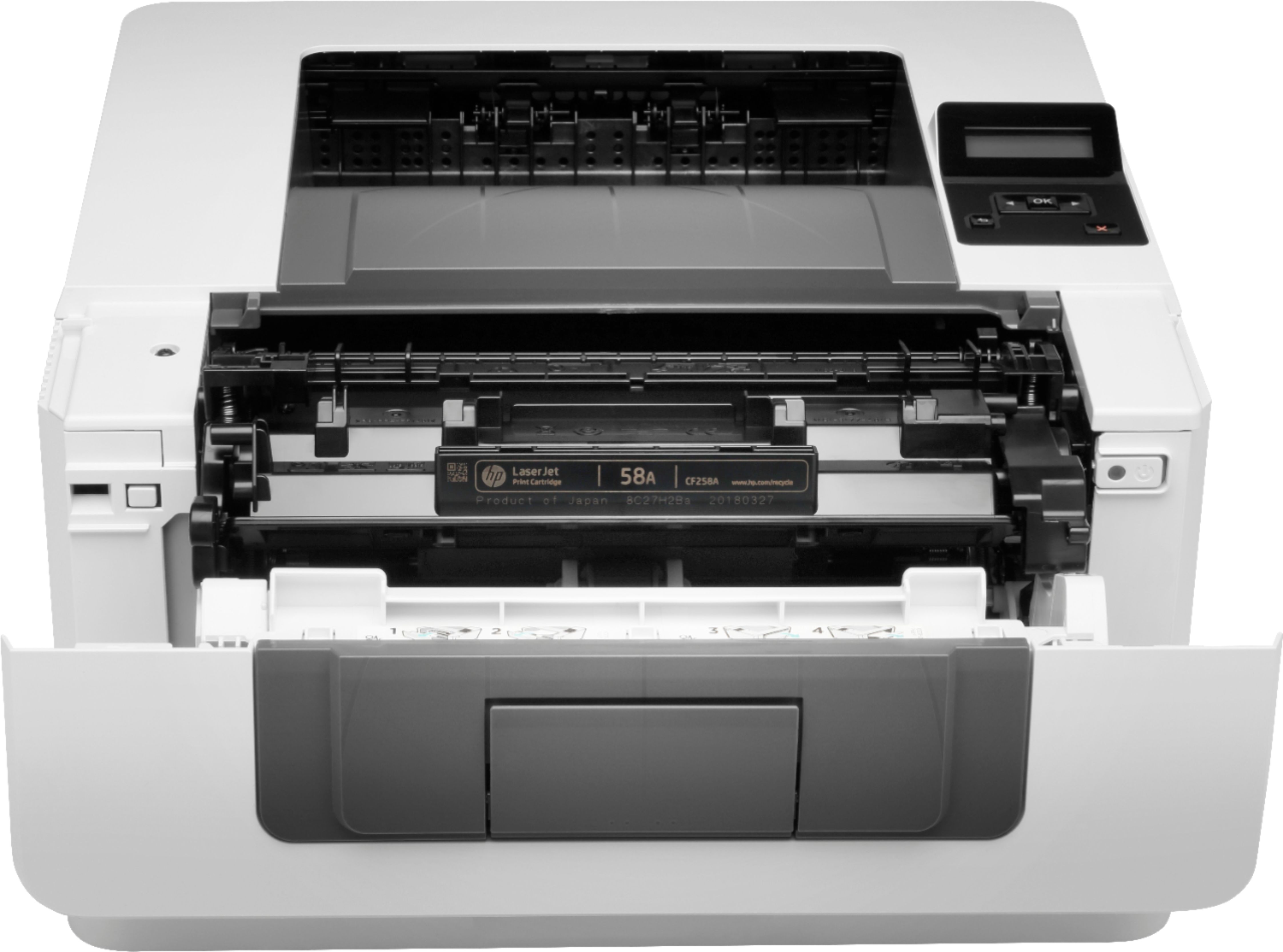
A:AnswerHello! Thank you for your question! All of HP's printers include setup cartridges in the box. You will be able to begin printing as soon as you receive your printer! The correct toner is 58A or the high-yield version, 58X.
A:AnswerYes, The printer can print 2 pages per sheet (or 4, 6,etc. pages per sheet). The printer can print on both sides, but not sure if 2 pages per sheet will print both sides (?).