Questions & Answers
- Model:
- W1A52A#BGJ
- |
- SKU:
- 6348964
Highly rated by customers for: Print Quality, Ease of use, Reliability
Page Showing 121-126 of 126 questions
Q: QuestionCan u make copy’s? And if so how?
Asked by Roxyy.
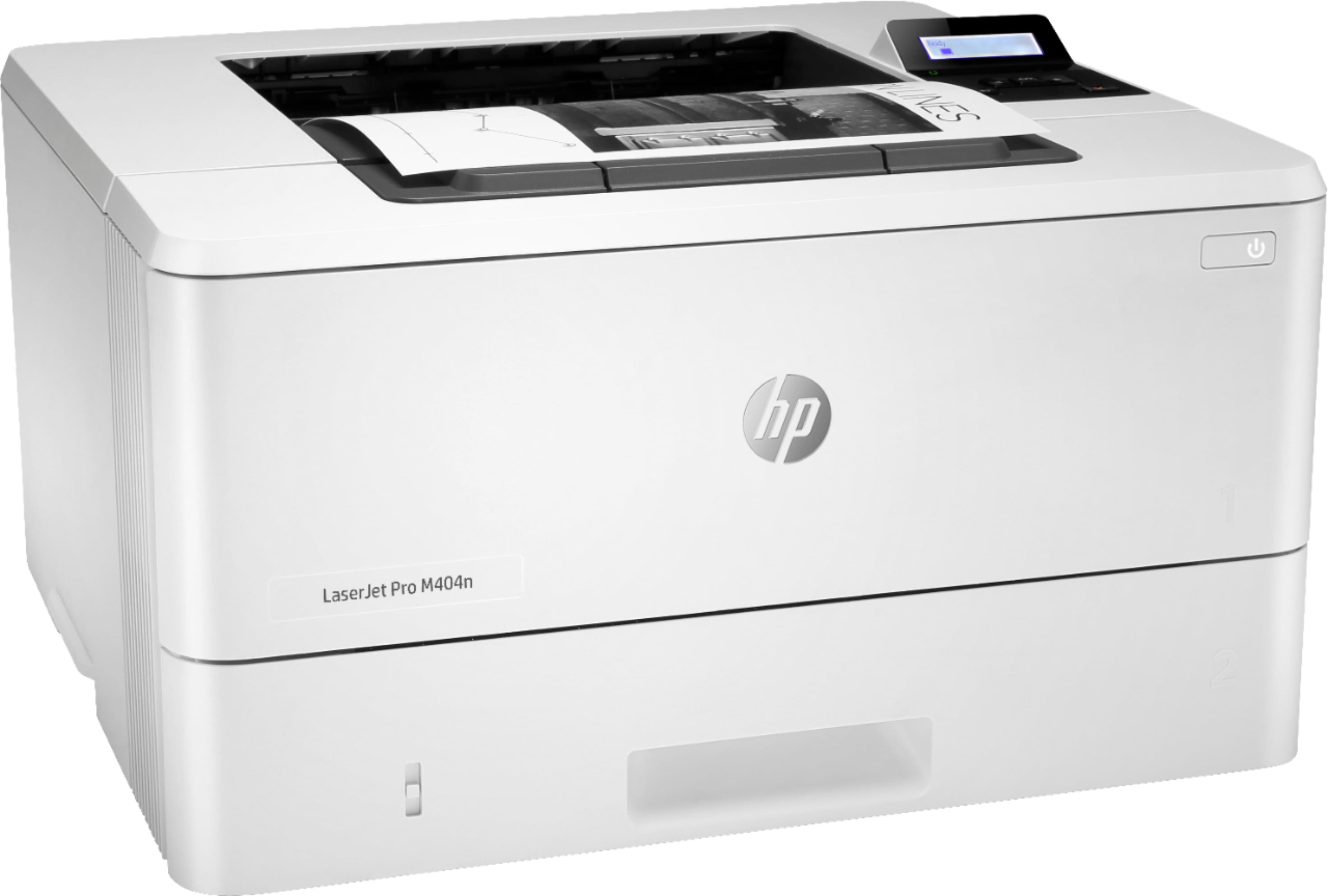
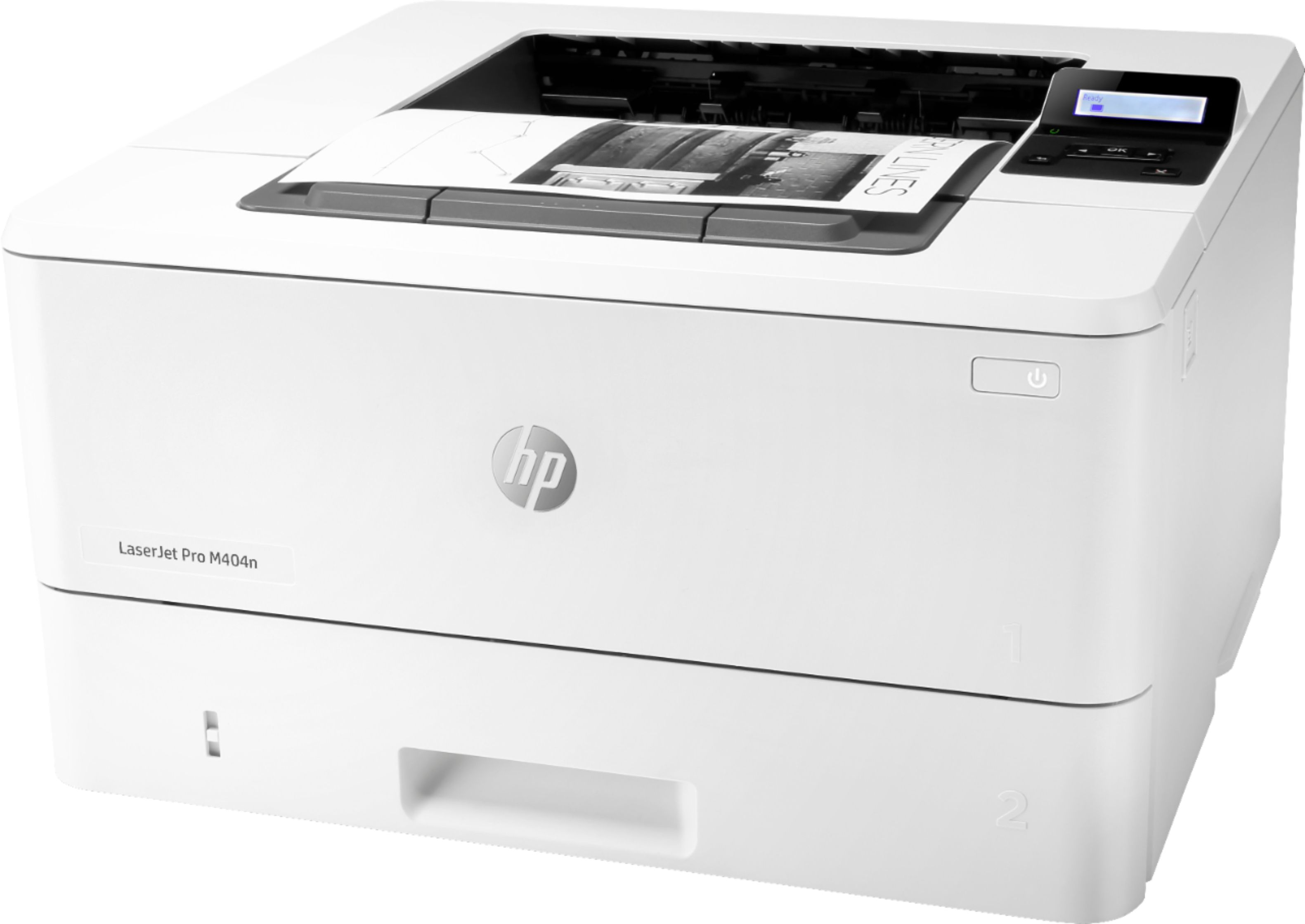
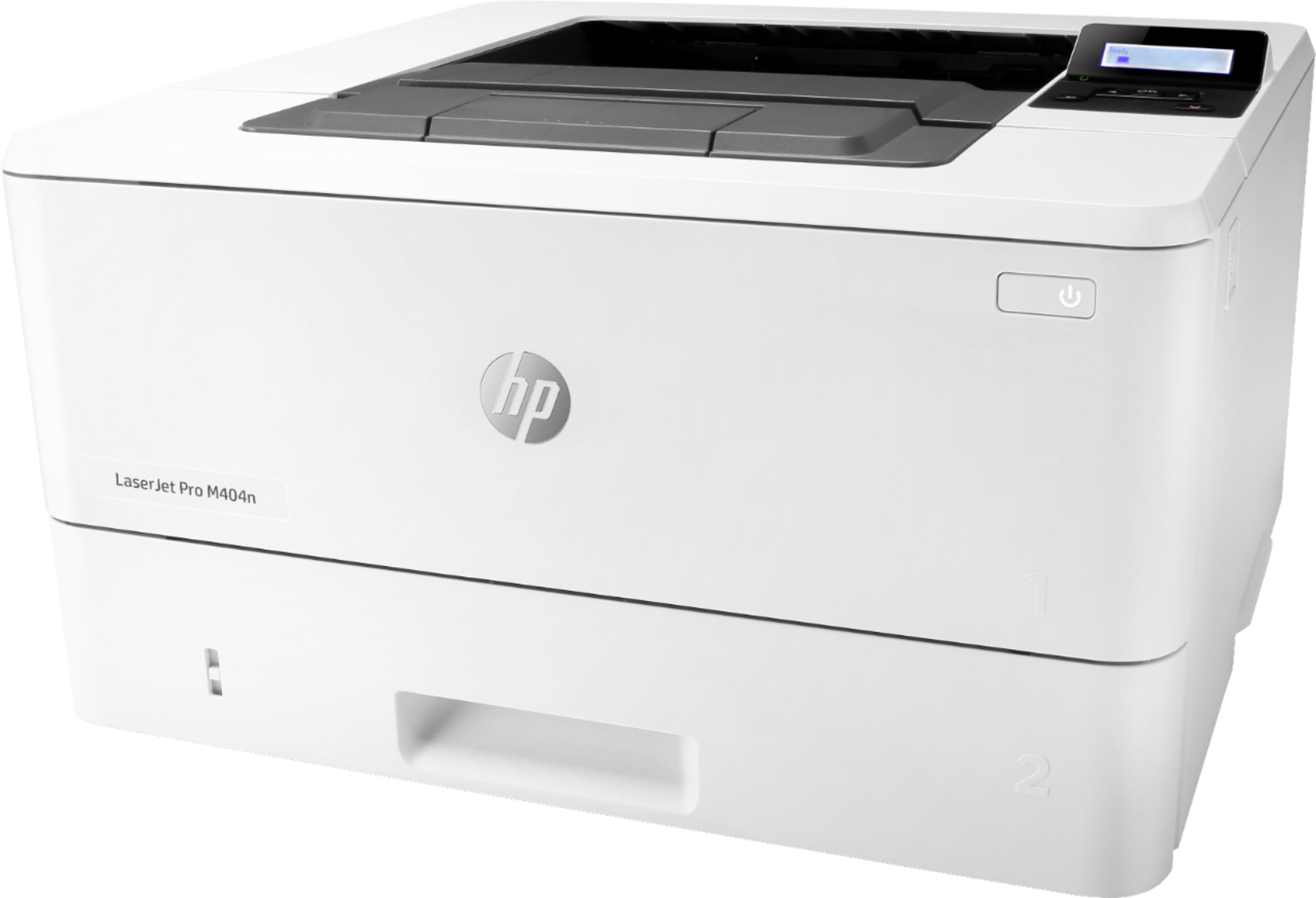
- A:Answer Hi, thank you for the question. Unfortunately, HP LaserJet Pro M404n can not scan or make copies.
Answered by HP Team

Q: QuestionDoes this printer come with letter and legal trays? If no can they be purchased. I need both trays. Thank you.
Asked by Kim.
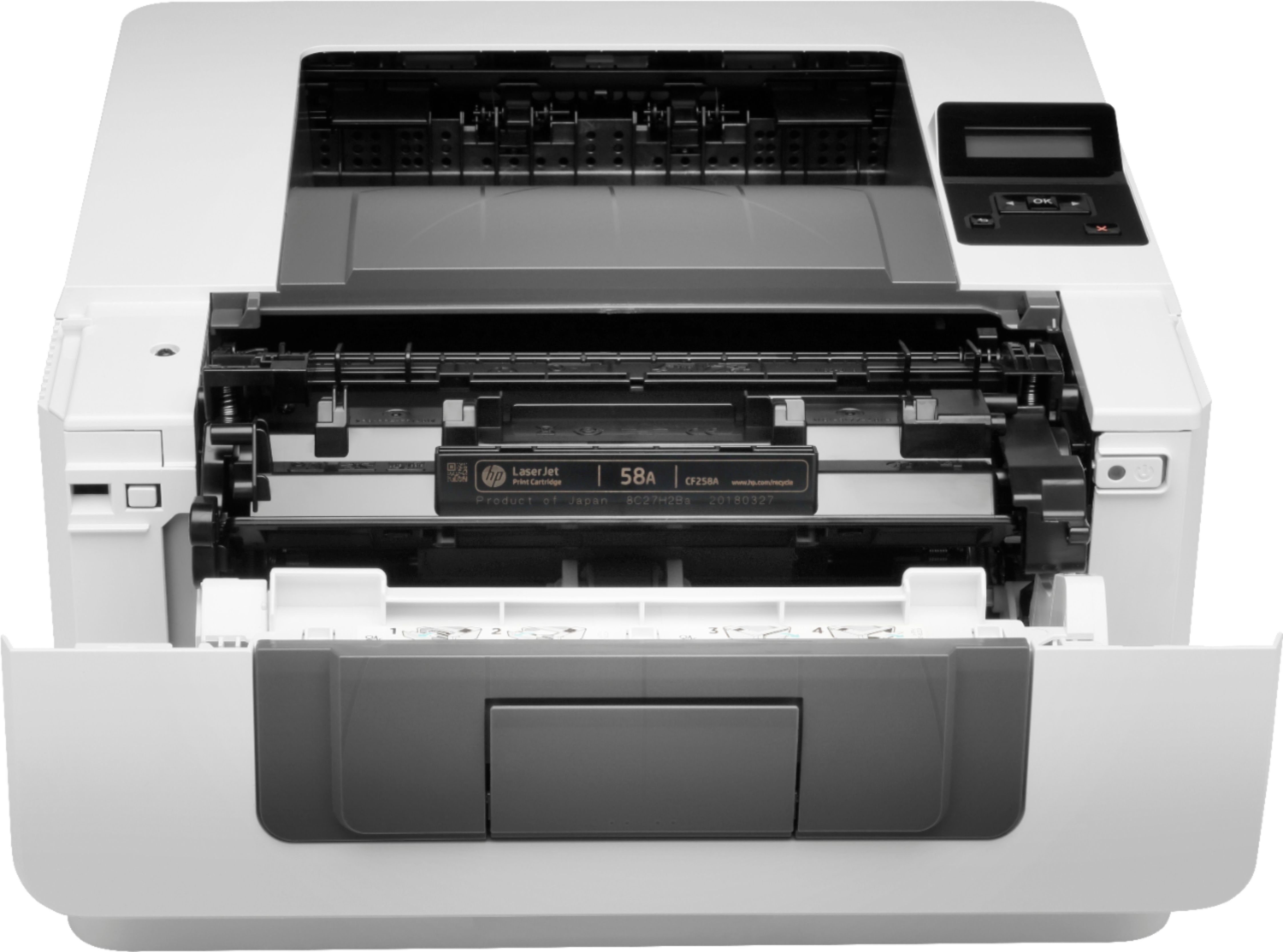
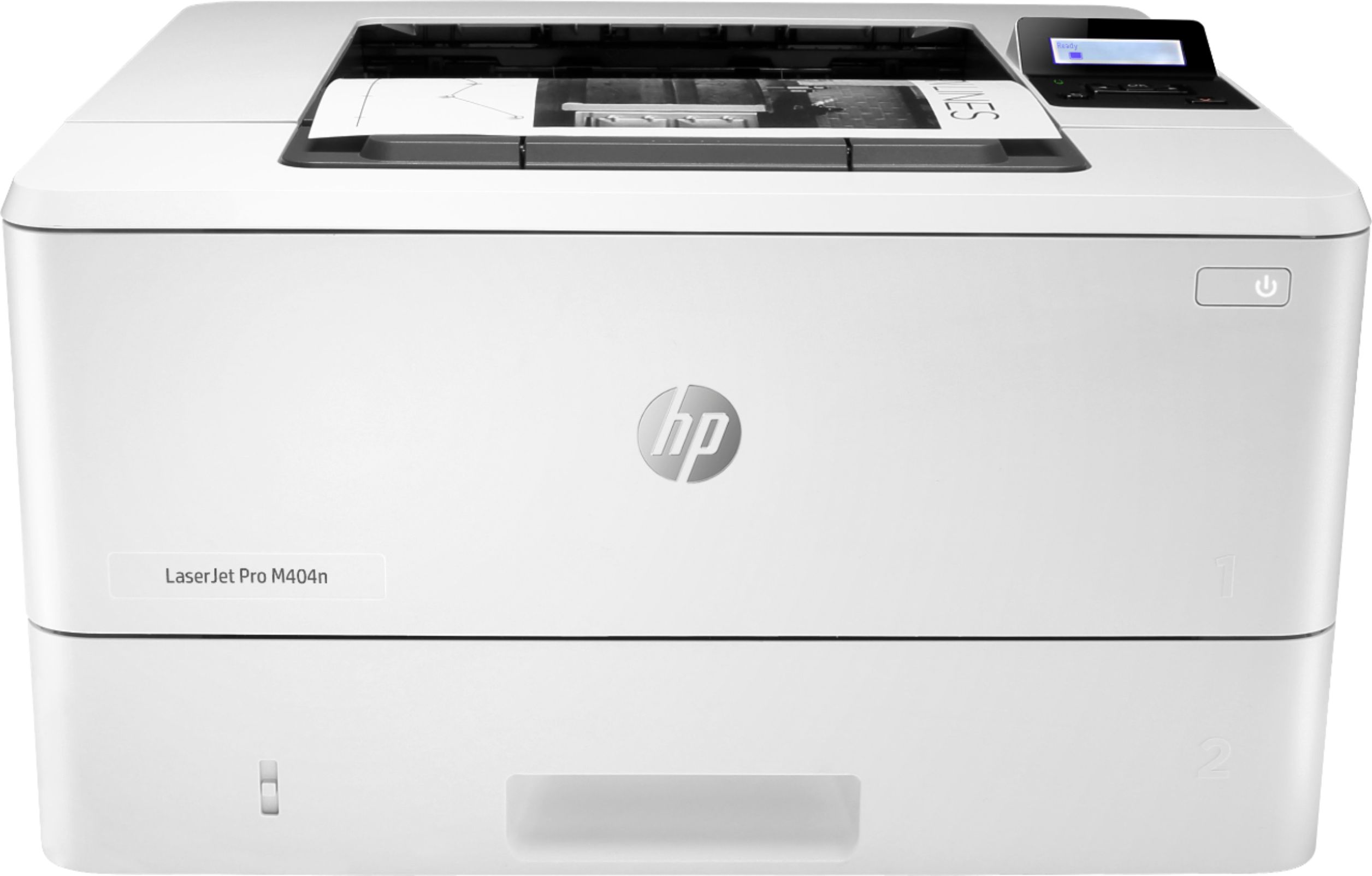
- A:Answer You can extend the existing paper tray to accommodate legal size paper on the HP Laserjet Pro M404n printer. You can add another paper to this printer, that part information is HP LaserJet Pro 550-sheet Feeder Tray, D9P29A. The additional paper tray can also support legal size paper. Here is information on how to load paper into this printer: https://support.hp.com/us-en/product/hp-laserjet-pro-m404-m405-series/19203833/document/c06396530#AbT1
Answered by HP Team

Q: QuestionIs this printer compatible with Macbook Pro?
Asked by Felicia.
- A:Answer Yes it is.
Answered by HP Team

Q: QuestionDOES IT HAVE AN ENVELOPE FEED
Asked by KST.
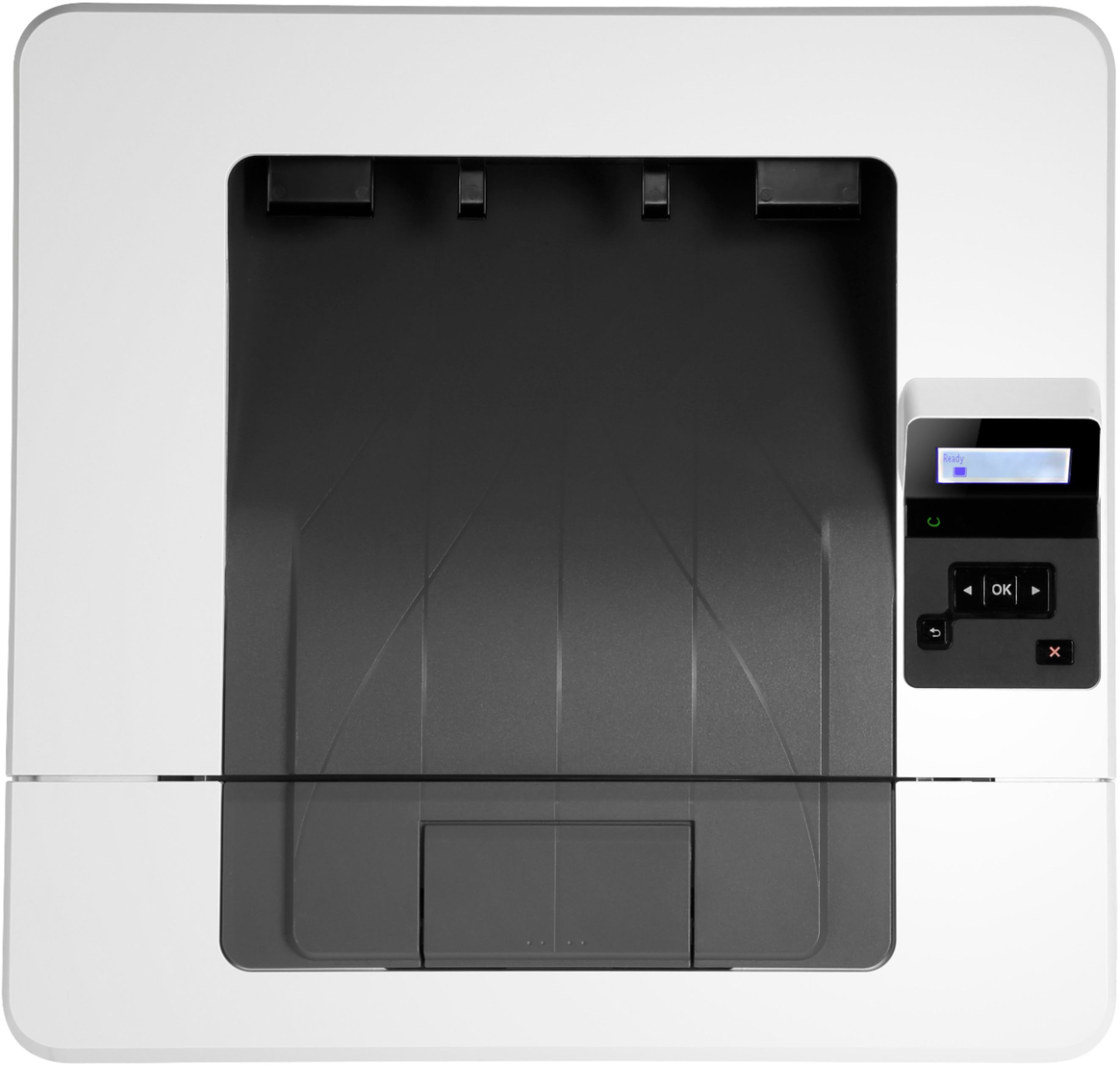
- A:Answer Yes it has a 250 sheet main tray and a 100 sheet multipurpose tray.
Answered by HP Team

Q: QuestionIs it wireless also?
Asked by Virginia.
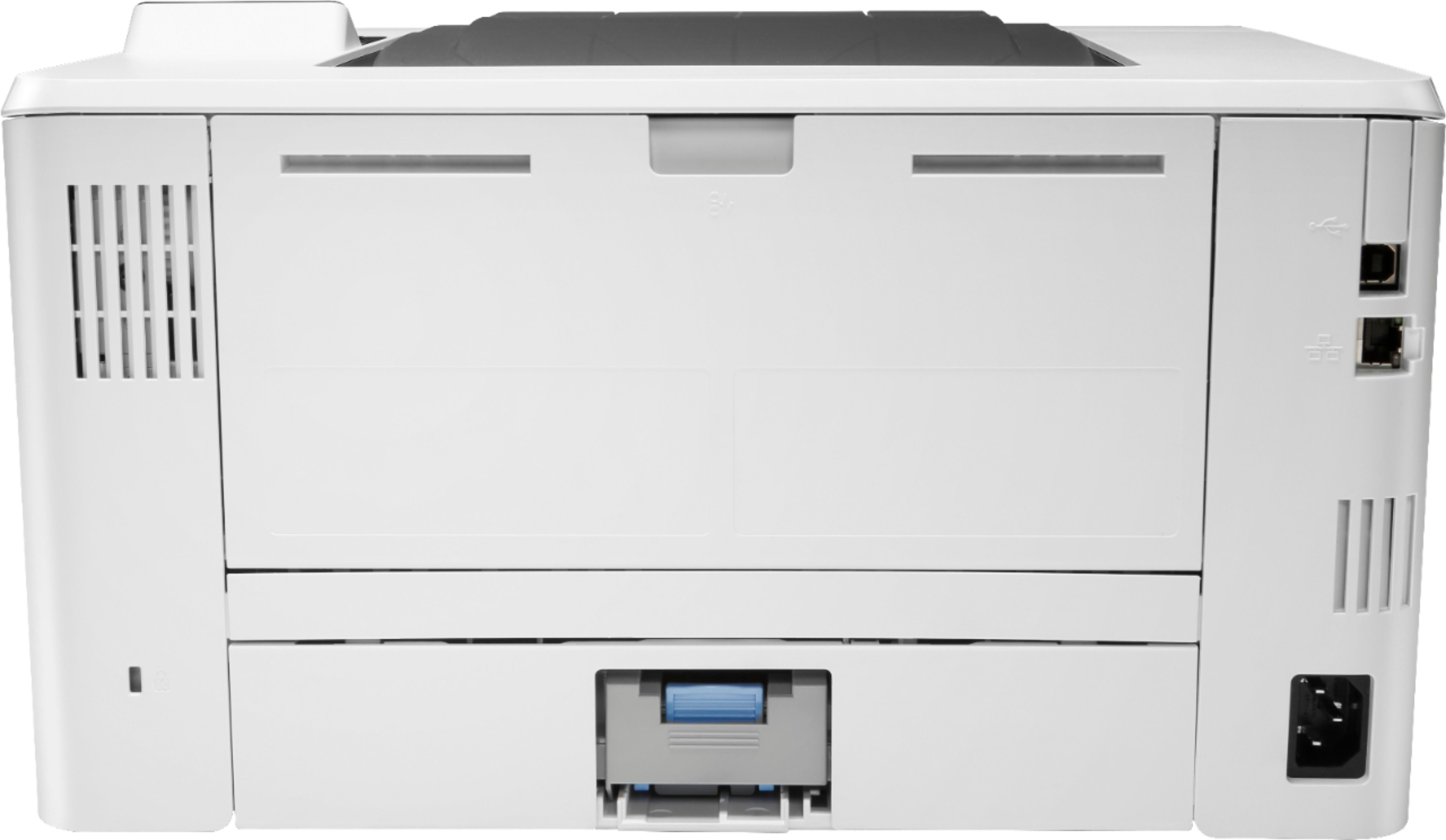
- A:Answer No. It is usb or Ethernet
Answered by Iceskater75
Q: QuestionIs it a problem to print on both sides of a sheet of paper, to print on one side & manually flip it over & print on second side? Years ago when I did this, the ink from the first side would transfer to the heated roller and start problems w/ printer.
Asked by Stephen.
- A:Answer M404n doesn’t print two side, M428fdw does automatically great without any problem (no manual flipping)
Answered by Daohuuben
Most-viewed items
- $160.95$160.95The price was $162.99
- Memorial Day Deal$1,299.99$1,299.99
- Memorial Day Deal$299.00$299.00
- $89.99$89.99The price was $229.99
- Memorial Day Deal$1,899.99$1,899.99