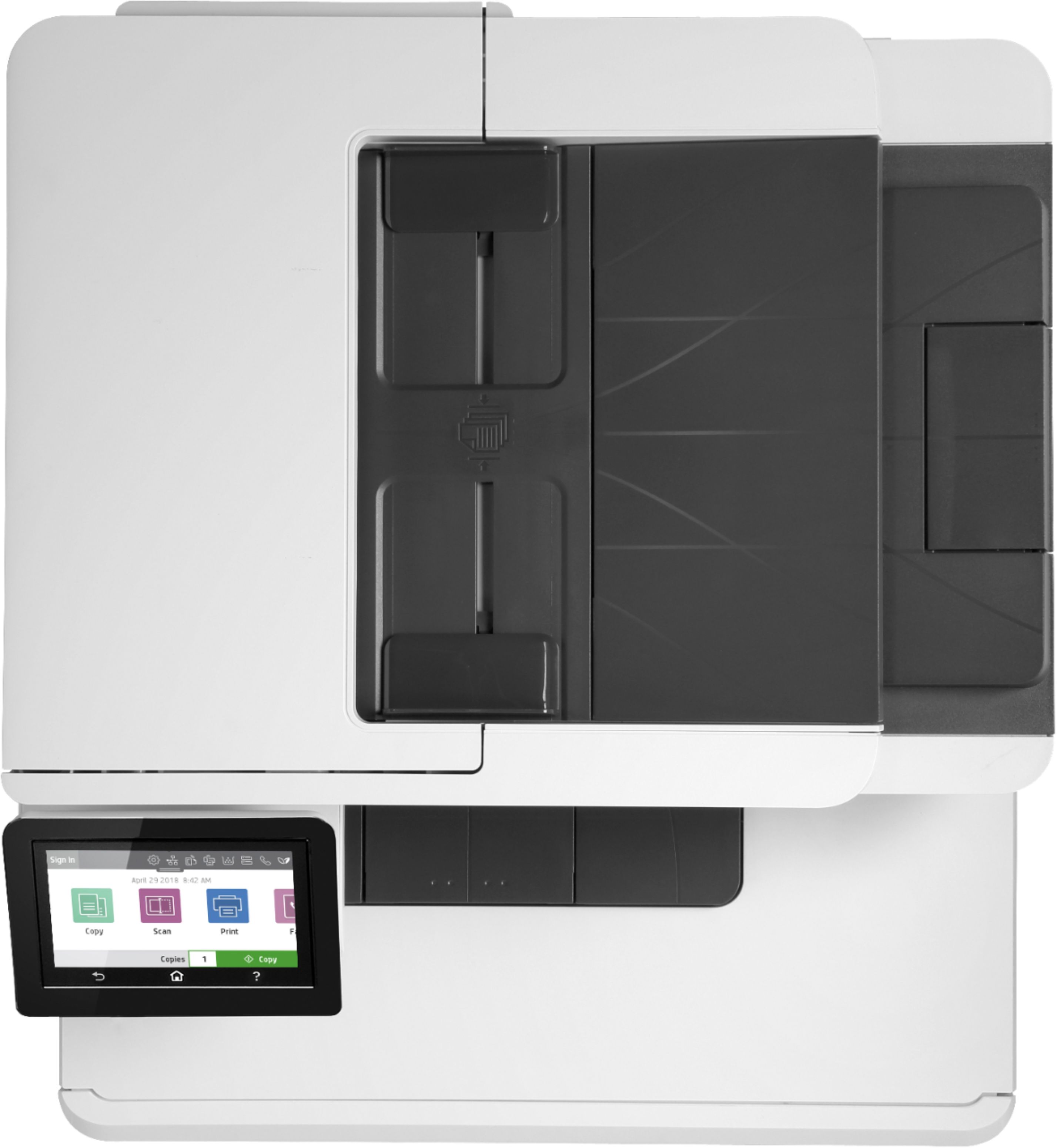
A:AnswerThe HP specs sheet lists the scan resolution as the same on both the flatbed scanner and ADF. Here is a link. https://www8.hp.com/h20195/v2/GetPDF.aspx/4AA7-4959EEP.pdf
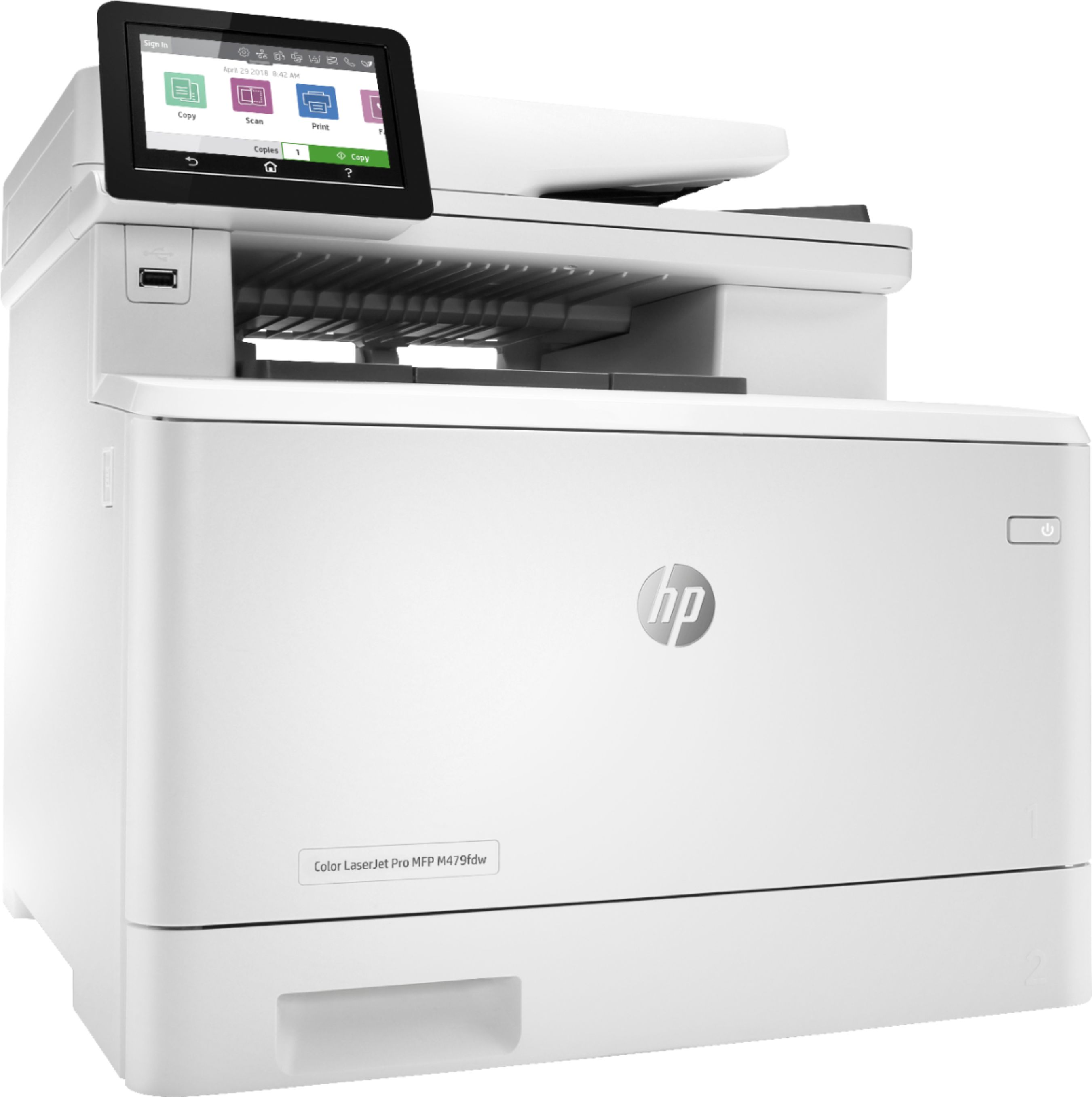
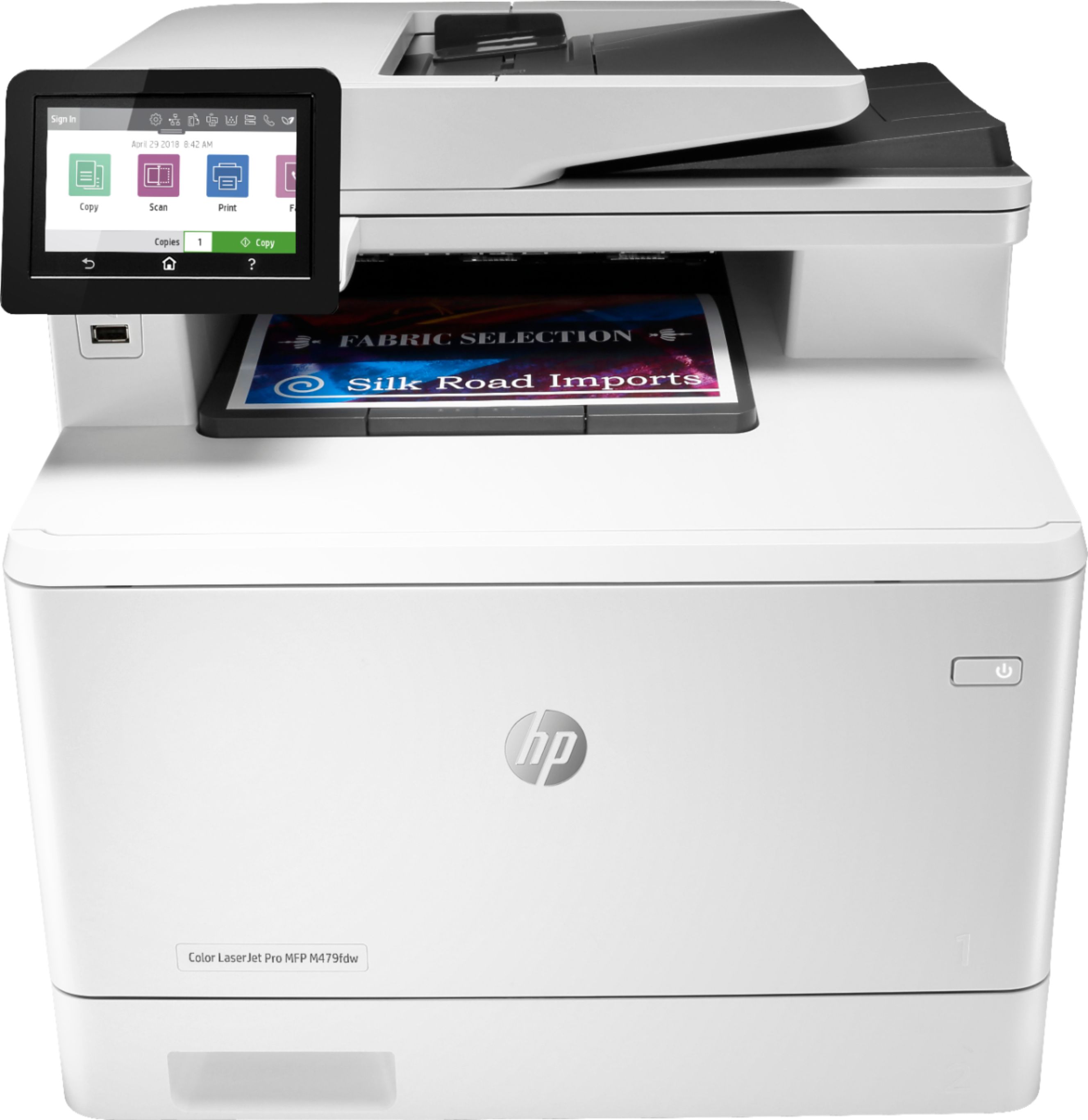
A:AnswerI didn't see a "cdw" model. There is a "dw" and "fdw" model. The fdw model has a fax machine in it, where the dw model does not.
f = fax
d = duplexer
w = wireless
A:AnswerIt has been my experience that HP printers will only work with HP toner. That said, I have purchased and used other cartridges that claim to work. They worked, but the print quality was poor and the toner tended to streak, forcing me to clean the rollers frequently.
A:AnswerYou can get special laser glossy paper, but Laser printers are not great options for photo printing. I would look at a inkjet if you need to print mostly photos.
A:AnswerThis printer supports the following media weights. Tray 1: 60 to 176 g/m² (up to 200 g/m² with postcards and HP Color laser glossy photo papers); Tray 2: 60 to 163 g/m²
(up to 176 g/m² with postcards, up to 200 g/m² HP Color
laser glossy photo papers): optional Tray 3: 60 to 163 g/m²
(up to 176 g/m² with postcards, up to 150 g/m² Glossy
media); Automatic duplexer: 60 to 163 g/m²