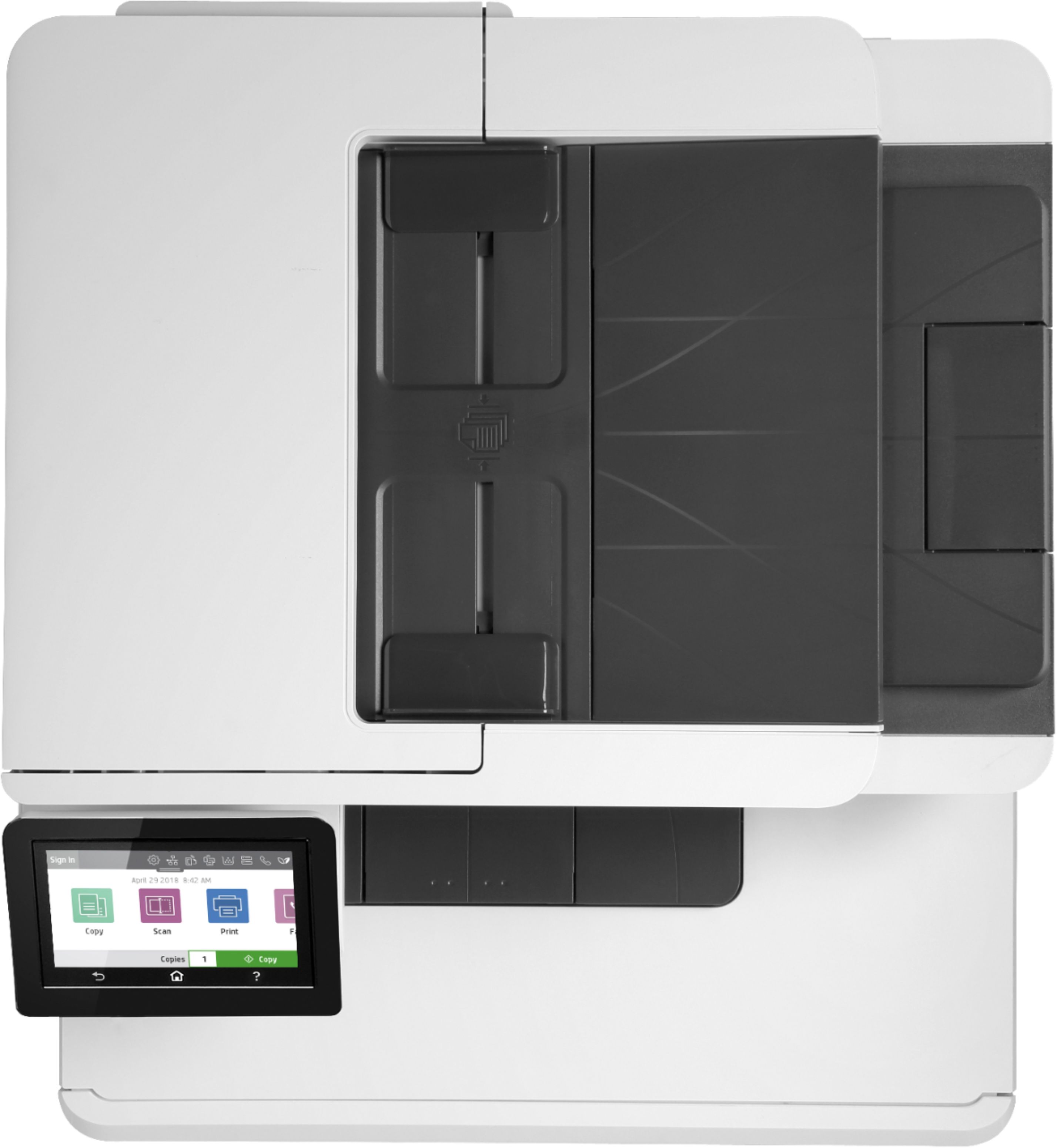
A:AnswerHi Deb, thank you for the question. If using the automatic document feeder, these types of receipts may not feed properly, as they tend to be on very thin (thermal) paper and may be smaller than the feeder's scan size minimum (4 x 6"). You could scan these smaller items on the glass without the worry of a jam or damage to the original receipt.
A:AnswerNot sure if I got it right, but if you're talking about how many sheets were scanned, when using the HP Smart app for scanning it it will show you how many sheets you scanned per job.
A:AnswerThank you for the question. The LaserJet Pro M479fdw has a monthly duty Cycle of 50,000 letter-sized pages - 600,000 pages per year. Duty cycle is defined as the maximum number of pages per month of imaged output. This value provides a comparison of product robustness in relation to other HP LaserJet or HP Color LaserJet devices and enables appropriate deployment of printers and MFPs to satisfy the demands of connected individuals or groups.
A:AnswerHi George, thank you for the question. To copy from the LaserJet Pro M479fdw. lay the original (face down) on the glass or load it into the document feeder (face up). On the control panel, touch copy>document>settings. In the settings you can select the paper tray you'd like to use, and more. See this HP Support video to learn more: https://www.youtube.com/watch?v=fCEZVbX8lOk
A:AnswerThank you for your question! These are the tolerated media weights from this model's data sheet: Tray 1 can handle 16 to 47 lb bond paper (up to 52 lb for laser glossy photo papers), Tray 2 can handle 16 to 43 lb bond paper (up to 47 lb with postcards, up to 52 lb with laser glossy photo papers), and the ADF scanner on top can handle receiving 6 to 32 lb pages.
A:AnswerHi Lynette, thank you for the question. Yes, you can reduce or enlarge copies using the OfficeJet Pro M479fdw. Load the document onto the scanner glass or into the. document feeder. From the Home screen on the control panel, select Copy, select Settings, select Reduce/ Enlarge, and enter your size. Then select Start Copy.
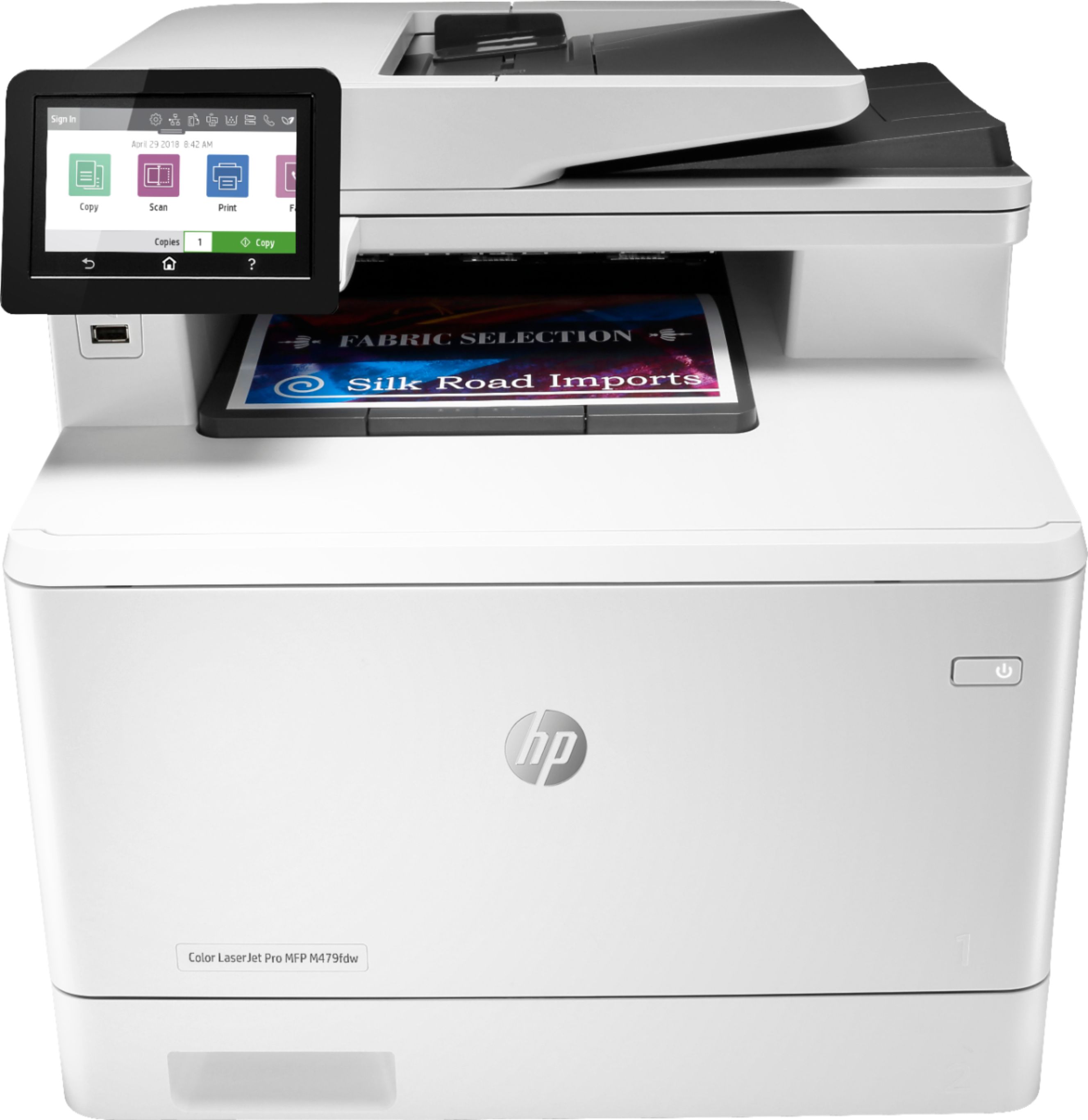
A:AnswerThe M479fdw has a glass copy bed that is letter size, not legal size. However, I believe you can feed legal size through the copier and it should copy legal size. If you had an old family photo on cardboard that is larger than 8.5 x11, you would not be able to copy it since you would not be able to feed it through the printer/copier.
A:AnswerNope winter will come this year just like all the years before except maybe Florida will be winter chill free. I love winter so I’m ok with having winter again.