Questions & Answers
- Model:
- LaserJet Pro 3101fdwe
- |
- SKU:
- 6522304
Highly rated by customers for: Ease of use, Print Quality
Page Showing 1-14 of 14 questions
Q: QuestionWill this printer allow me to print from my iPad Air and iPhone?
Asked by Susan.
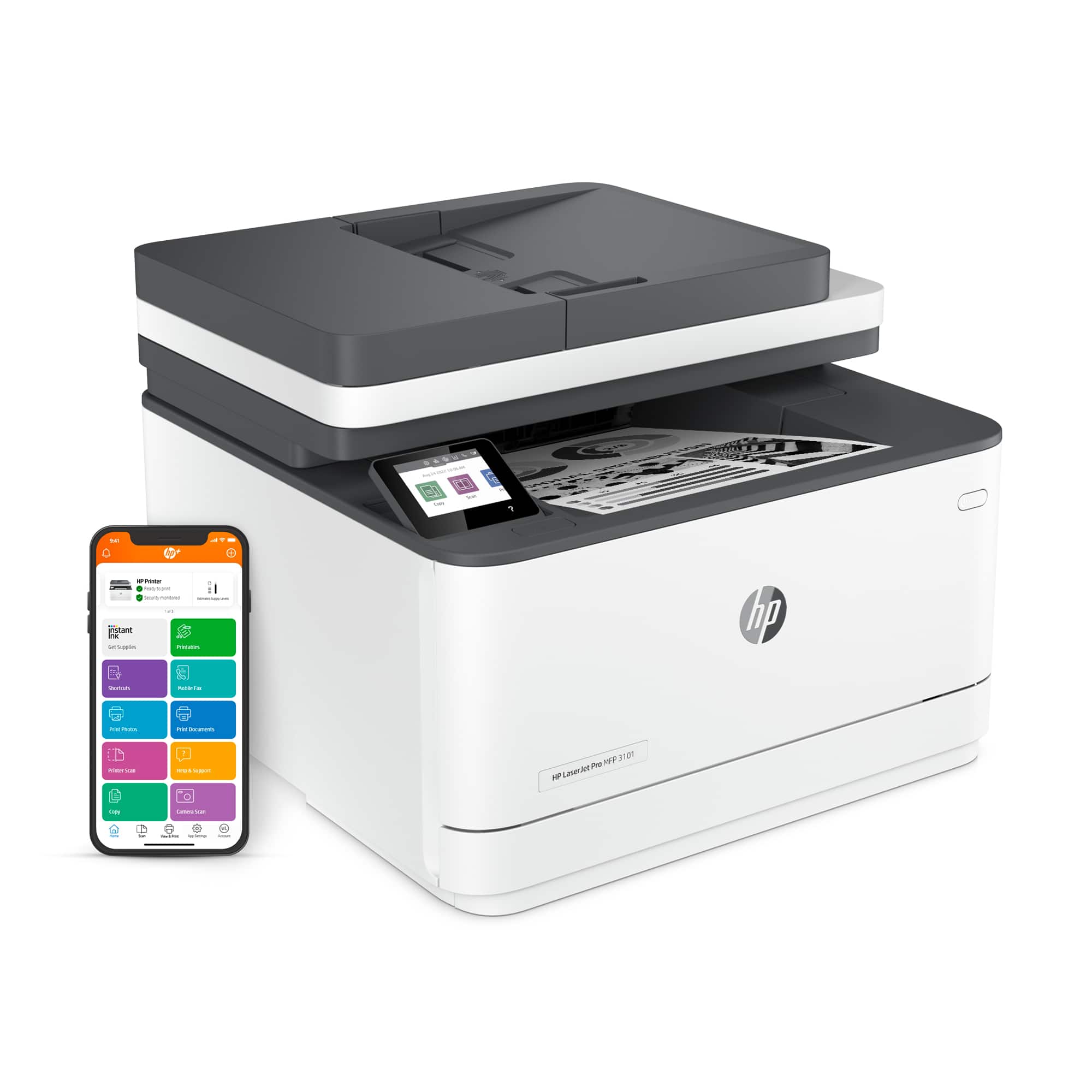
- A:Answer Hello, Susan. Thanks for your question. Yes, you can print from your iPad Air and iPhone with this HP LaserJet Pro 3101fdwe all-in-one printer. We recommend using the HP Smart app to set up the printer on your devices. Here is more information on the HP Smart app: https://support.hp.com/rs-en/document/ish_1716406-1413451-16
Answered by HP Team

Q: QuestionDoes this printer have Airprint (that I can use to print easily from my Apple iPad Air) installed in it?
Asked by Susan.
- A:Answer Hello, Susan. Thanks for your question. Yes, this HP LaserJet Pro 3101fdwe all-in-one printer has AirPrint.
Answered by HP Team

Q: QuestionCan I put legal size paper in the tray and close it? or is it open?
Asked by Jorge.
- A:Answer Thank you for the question. The paper tray can accept legal-sized paper and the tray/draw would be closed.
Answered by HP Team

Q: QuestionCan you print custom envelopes?
Asked by SassieLizzie.
- A:Answer no sure
Answered by Anonymous
Q: QuestionWhen printing an envelope, do I have to remove all of the paper out of the tray first?
Asked by Jean.
- A:Answer Thank you for the question. Yes, because you'll need to adjust the paper guide to the size of the envelope. If you place the envelope on top of a paper stack (and the guide is set for that paper width) the envelope's feed will not be guided - aligned properly to print.
Answered by HP Team

Q: QuestionDoes this printer support both PC/Windows and Apple laptops?
Asked by Steve.
- A:Answer Hello, Steve. Thanks for your question. This HP LaserJet Pro 3101fdwe all-in-one printer is compatible with Windows 7 and 10; and macOS 10.14 and higher.
Answered by HP Team

Q: QuestionDoes this printer have a dual paper tray, legal size for one, standard size for the other? If not any suggestions for a: All in one Monochromatic 30ppm Laser printer Dual paper tray
Asked by Printer.
- A:Answer Hello. Thanks for your question. The HP LaserJet Pro 3101fdwe all-in-one printer has 1 paper tray. The HP LaserJet Pro MFP 4101fdwe Printer has 1 multi-purpose tray that can hold up to 100 sheets and 1 tray that can hold up to 250 sheets. You can add an optional tray, the HP LaserJet Pro Feeder Tray, D9P29A; that can hold up to 550 sheets to the HP LaserJet Pro MFP 4101fdwe Printer.
Answered by HP Team

Q: QuestionDoes this device do 2-sided scanning via the document feeder? I don't mind flipping pages over (2 passes), but want to ensure the scanner can collate everything in the end. Also, how well does the document feeder work? Thank you.
Asked by Anonymous.
- A:Answer Hello. Thanks for your question. You would need to manually turn the paper over when scanning double-sided documents with this HP LaserJet Pro 3101fdwe all-in-one printer. We recommend looking at the HP LaserJet Pro MFP 4101fdwe Printer which does have the capability to scan both sides through the ADF (Auto Document Feeder) on top.
Answered by HP Team

Q: QuestionWill this printer easily operate with windows 11??
Asked by Punkin32.
- A:Answer yes
Answered by Anonymous
Q: Questiondoes the hp laser jet pro mfp3101dwe accept windows10?
Asked by gail.
- A:Answer Yes, it will work just fine with Windows 10.
Answered by HP Team

Q: QuestionDoes it duplex scan or does the document need to be fed back in?
Asked by FLADAD.
- A:Answer It does not have duplex scanning, so you'd need to feed the document back in.
Answered by HP Team

Q: Questioncan you scan multi pages at the sane time or do i need to insert 1 page at a time?
Asked by Thnghynh.
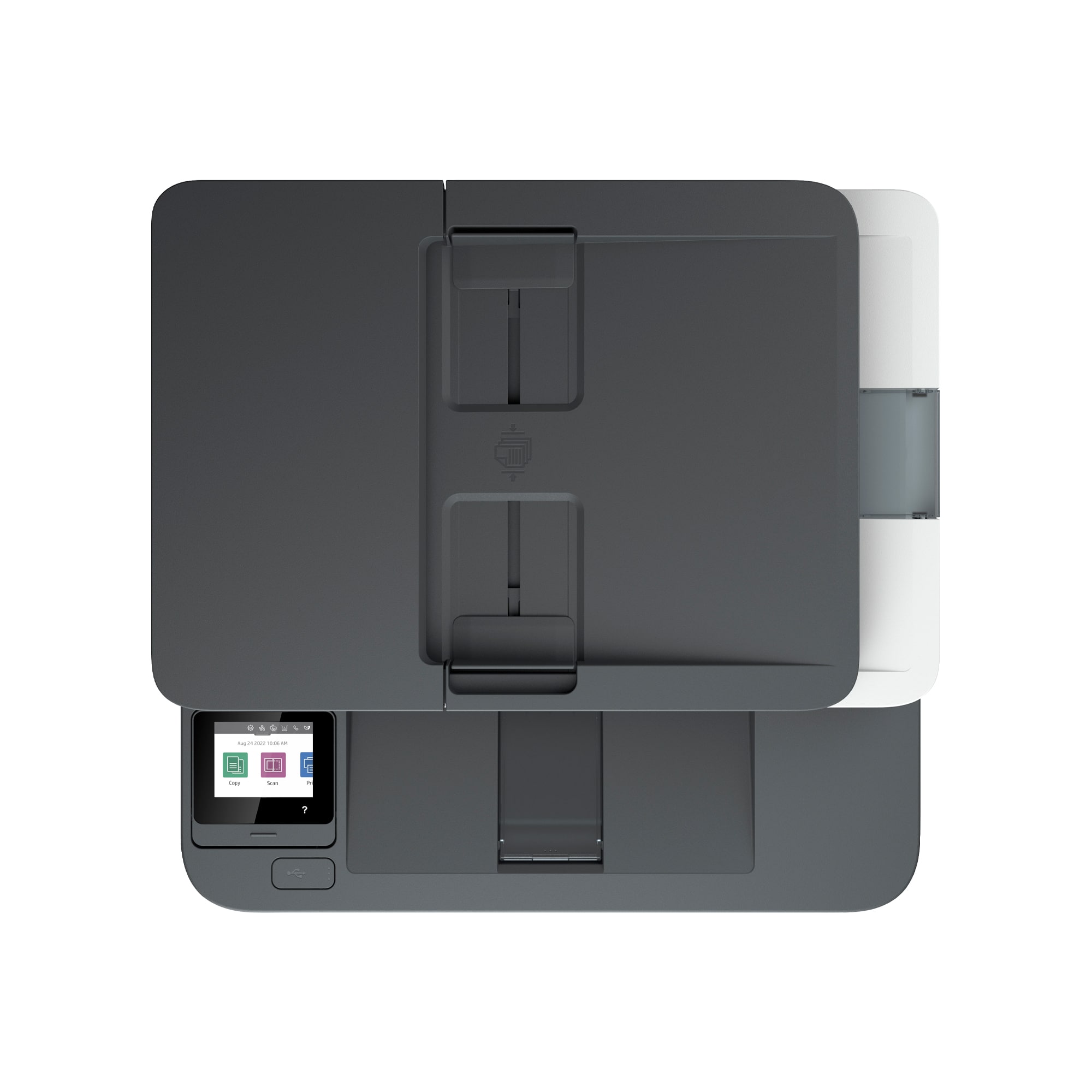
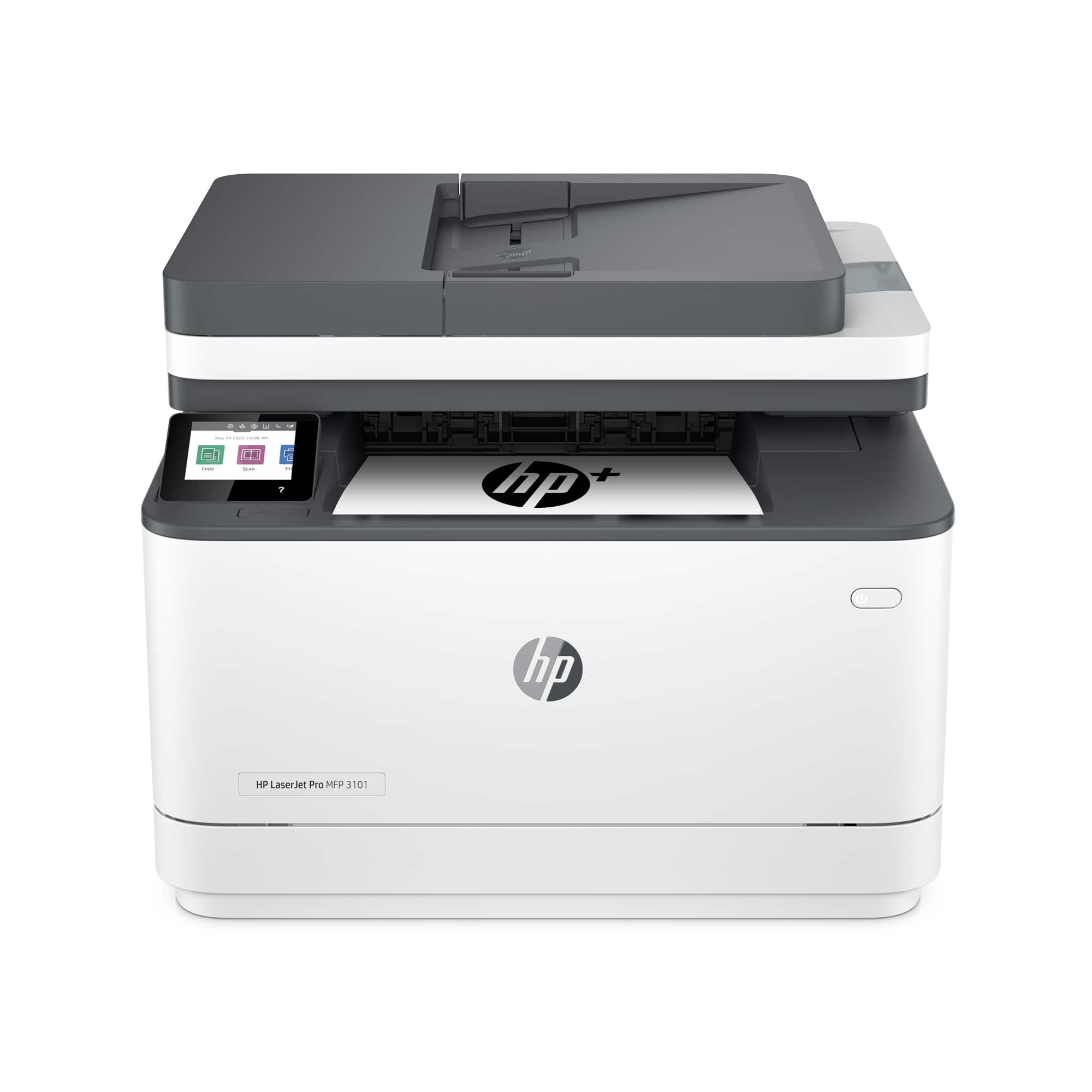
- A:Answer Hello, this printer is enabled to scan multiple sheets through the automatic document feeder. Up to 35 pages. Thank you for being an HP customer!
Answered by HP Team

Q: QuestionCan I scan to email with this printer?
Asked by henzun.
- A:Answer Thank you for your question! Yes, the HP LaserJet Pro MFP 3101fdwe Printer is able to scan to email.
Answered by HP Team

Page 1, Showing 1-14 of 14 questions
Top Rated
- $329.99$329.99The price was $469.99
- $139.99$139.99The price was $149.99
- $299.99$299.99The price was $349.99
- $1,099.99$1,099.99The price was $1,299.99
- $279.99$279.99The price was $329.99
- $1,499.00$1,499.00The price was $2,799.00
- $449.99$449.99The price was $649.99
- $122.00$122.00The price was $129.99