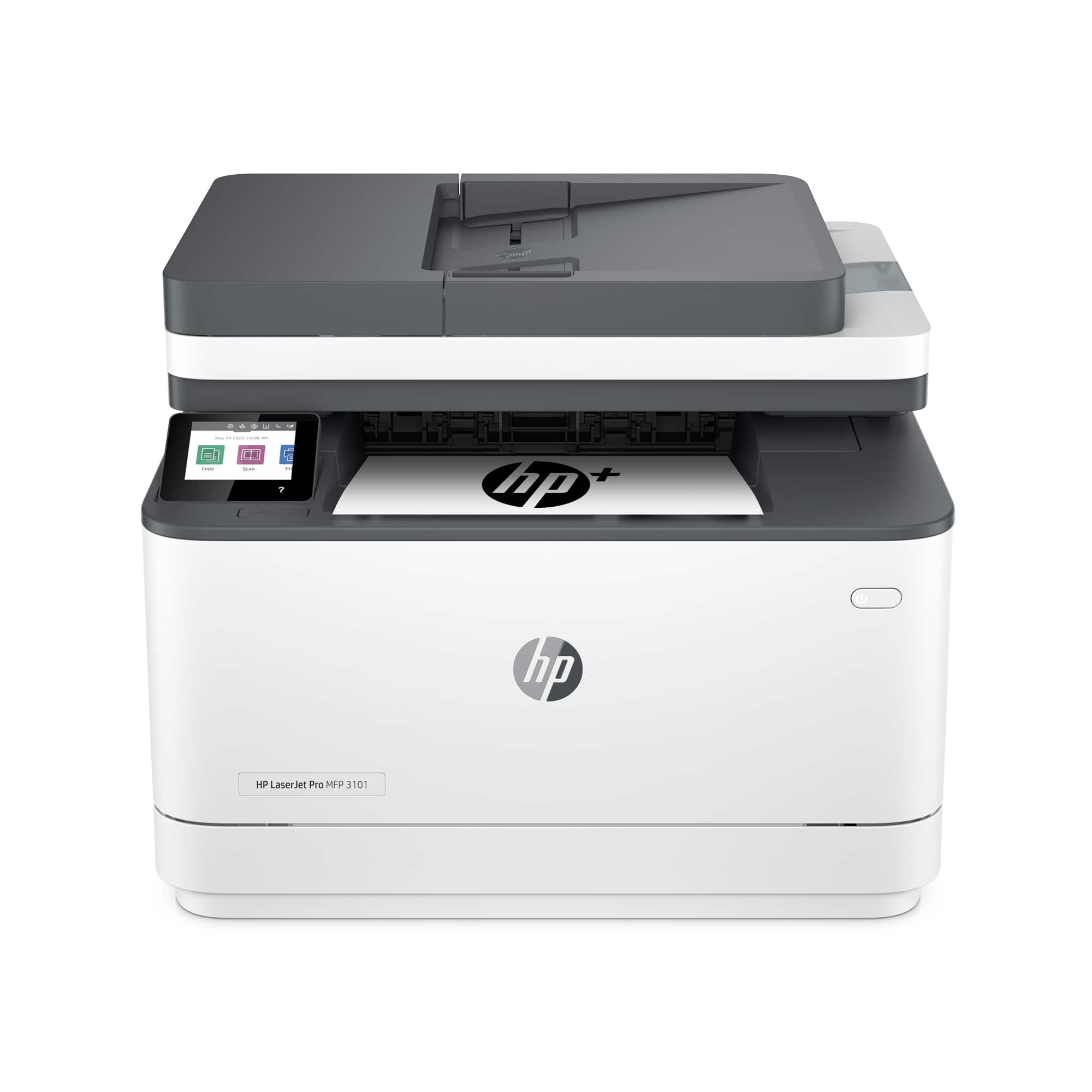
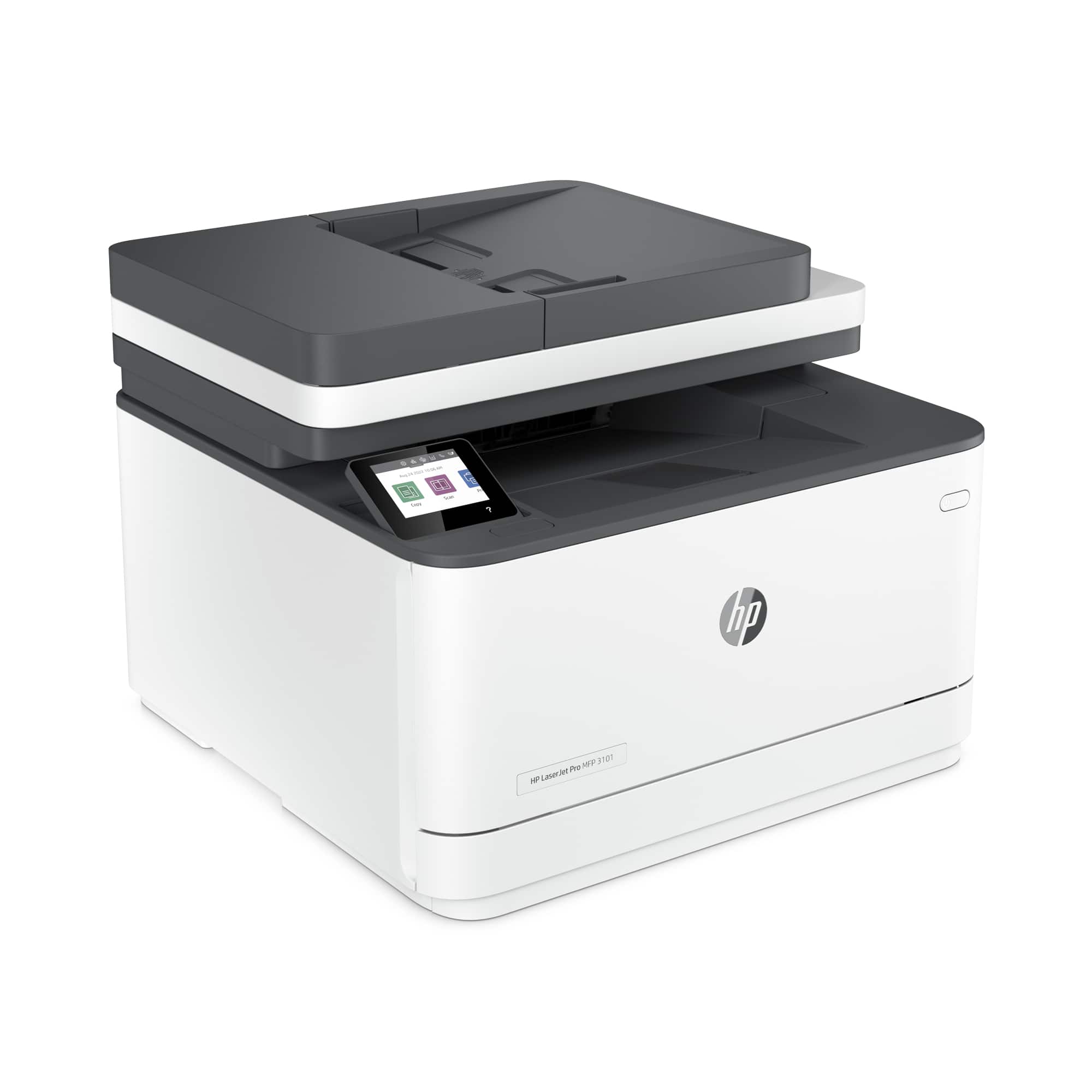
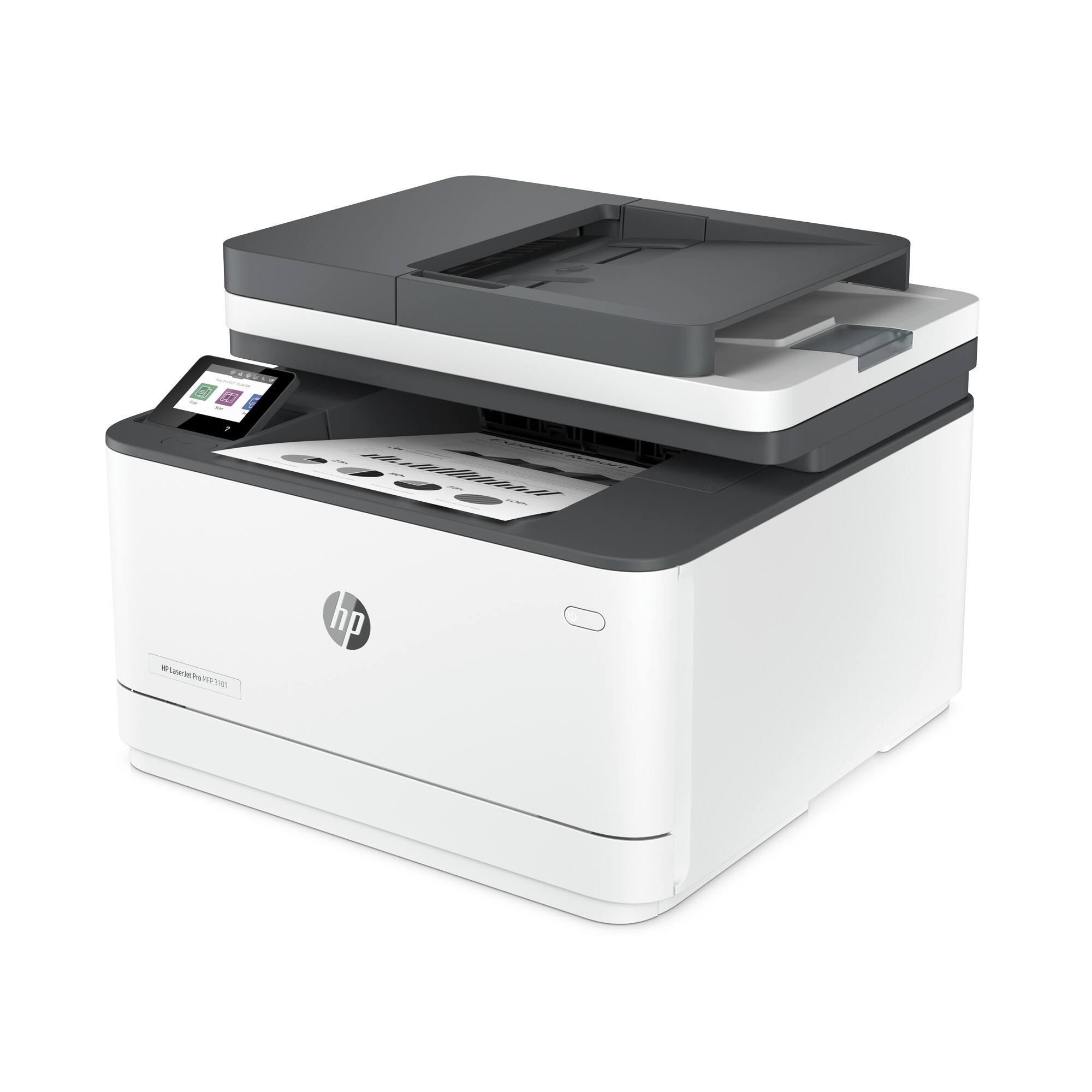
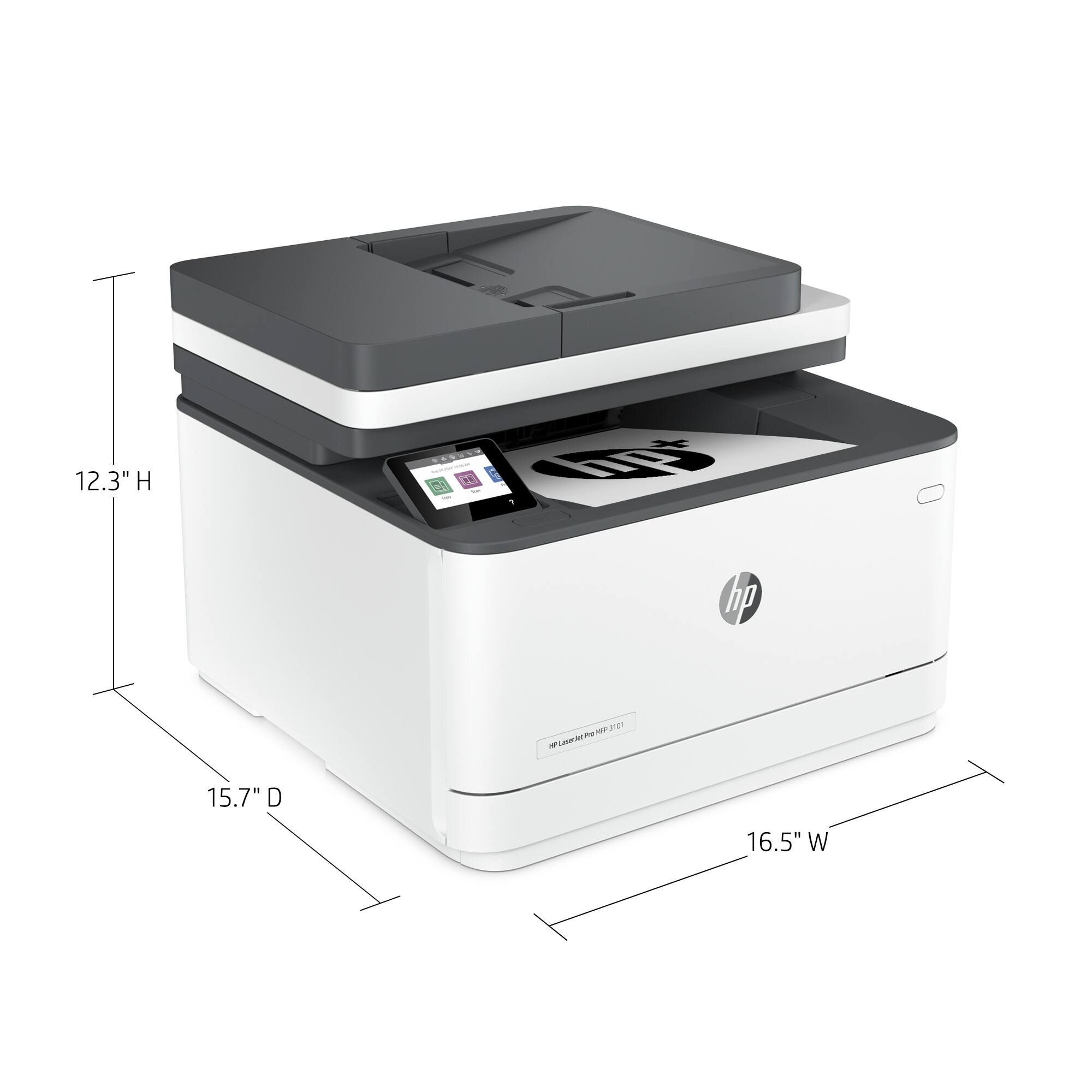
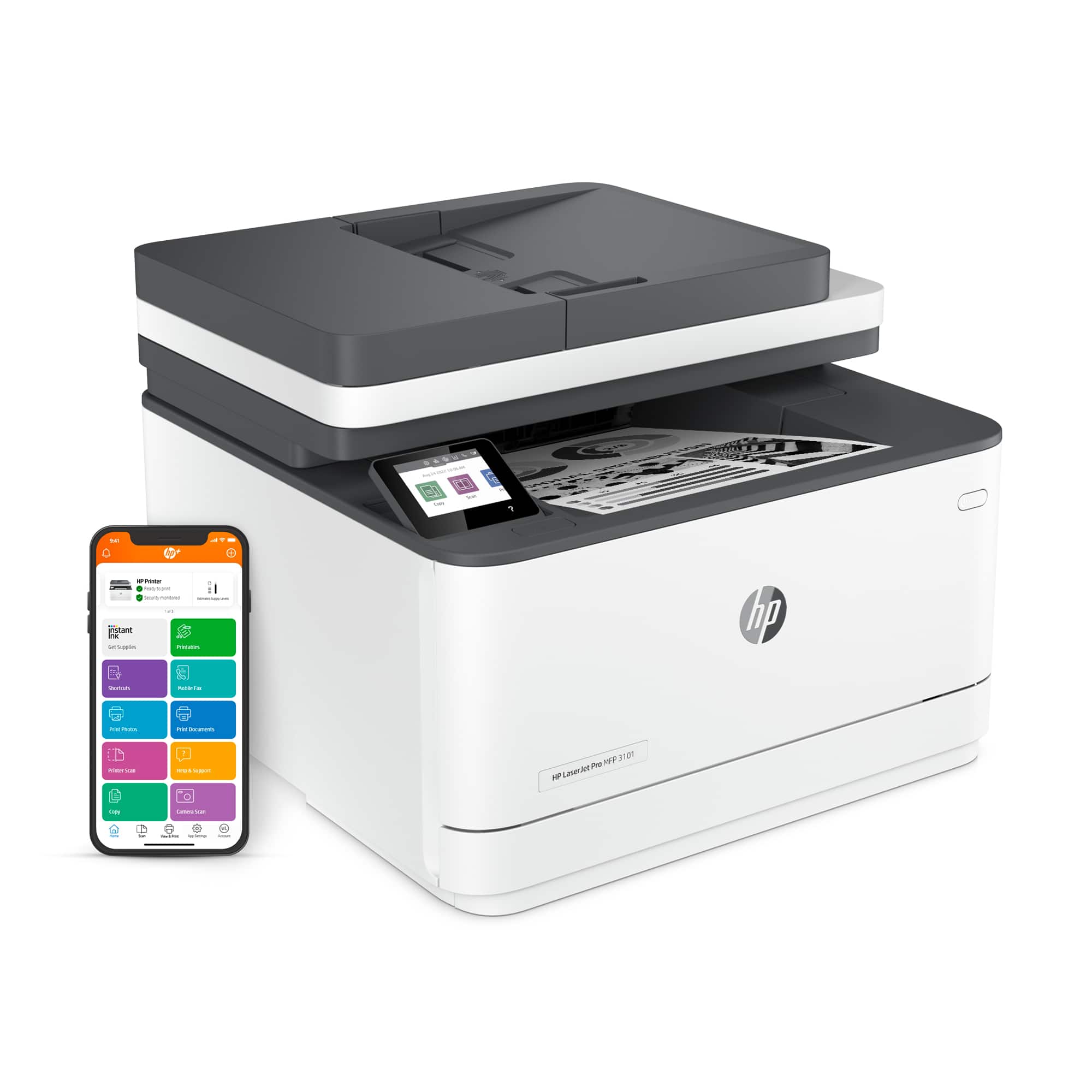
A:AnswerHello, Susan. Thanks for your question. Yes, you can print from your iPad Air and iPhone with this HP LaserJet Pro 3101fdwe all-in-one printer. We recommend using the HP Smart app to set up the printer on your devices. Here is more information on the HP Smart app: https://support.hp.com/rs-en/document/ish_1716406-1413451-16
A:AnswerThank you for the question. Yes, because you'll need to adjust the paper guide to the size of the envelope. If you place the envelope on top of a paper stack (and the guide is set for that paper width) the envelope's feed will not be guided - aligned properly to print.
A:AnswerHello, Steve. Thanks for your question. This HP LaserJet Pro 3101fdwe all-in-one printer is compatible with Windows 7 and 10; and macOS 10.14 and higher.
A:AnswerHello. Thanks for your question. The HP LaserJet Pro 3101fdwe all-in-one printer has 1 paper tray. The HP LaserJet Pro MFP 4101fdwe Printer has 1 multi-purpose tray that can hold up to 100 sheets and 1 tray that can hold up to 250 sheets. You can add an optional tray, the HP LaserJet Pro Feeder Tray, D9P29A; that can hold up to 550 sheets to the HP LaserJet Pro MFP 4101fdwe Printer.
A:AnswerHello. Thanks for your question. You would need to manually turn the paper over when scanning double-sided documents with this HP LaserJet Pro 3101fdwe all-in-one printer. We recommend looking at the HP LaserJet Pro MFP 4101fdwe Printer which does have the capability to scan both sides through the ADF (Auto Document Feeder) on top.
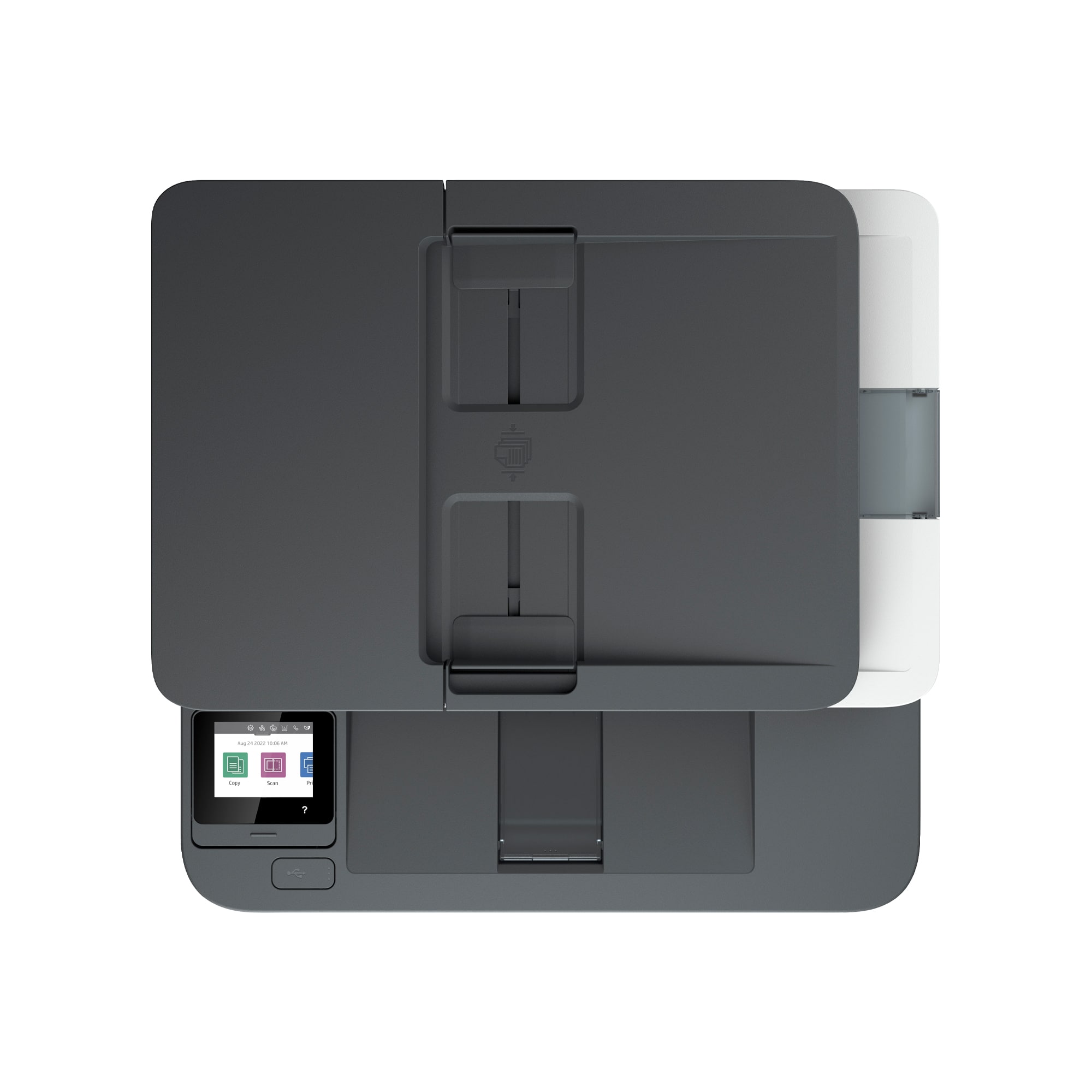
A:AnswerHello, this printer is enabled to scan multiple sheets through the automatic document feeder. Up to 35 pages. Thank you for being an HP customer!