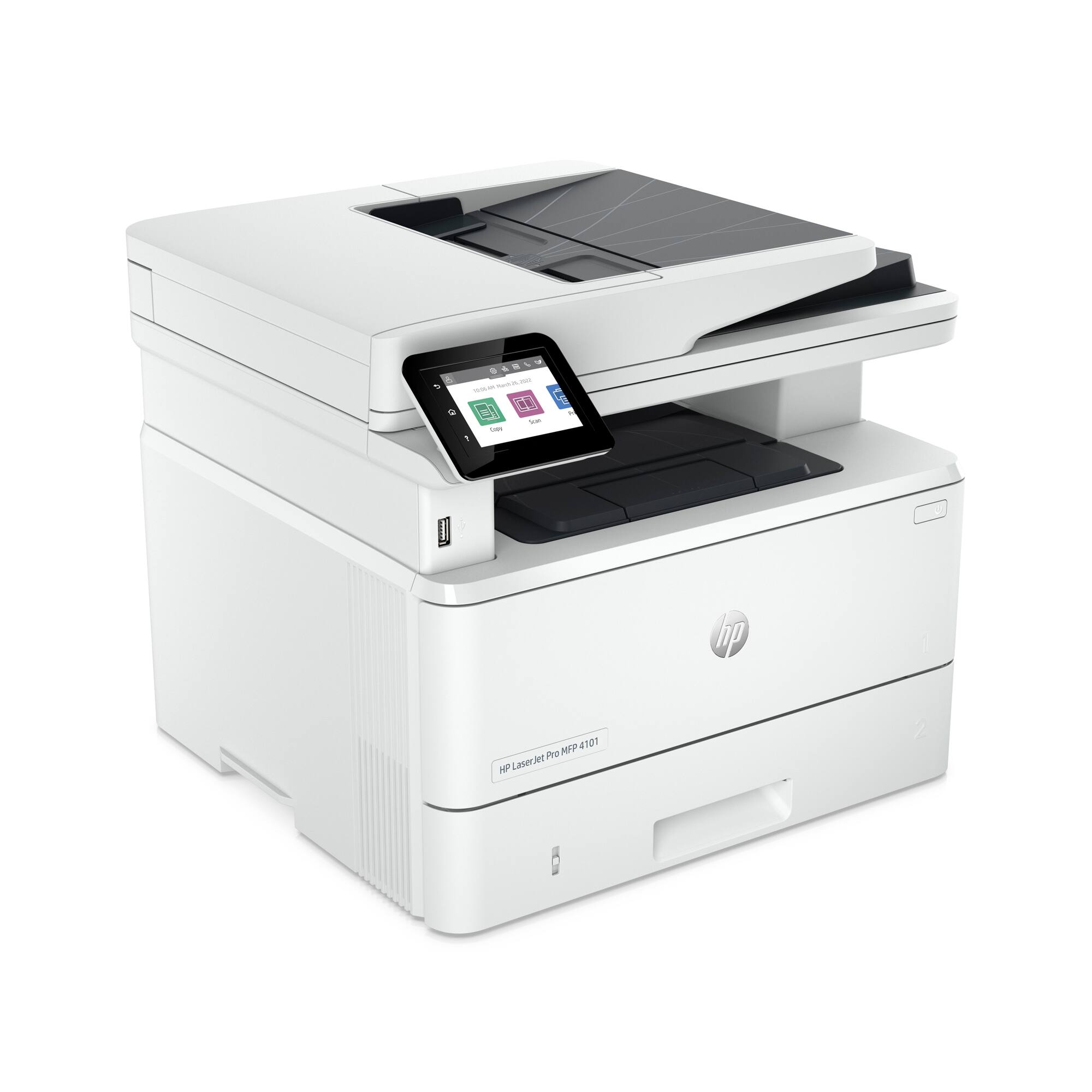
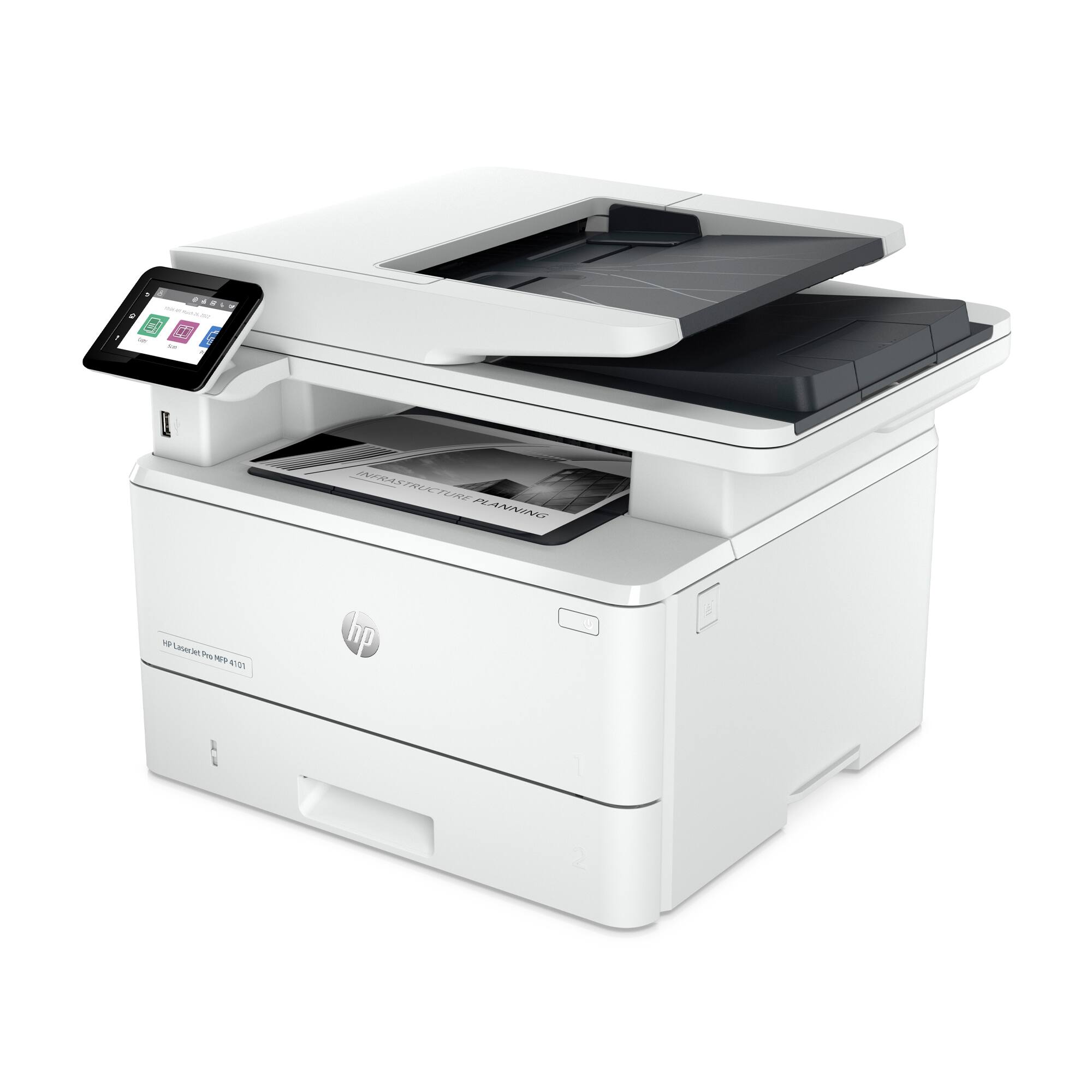
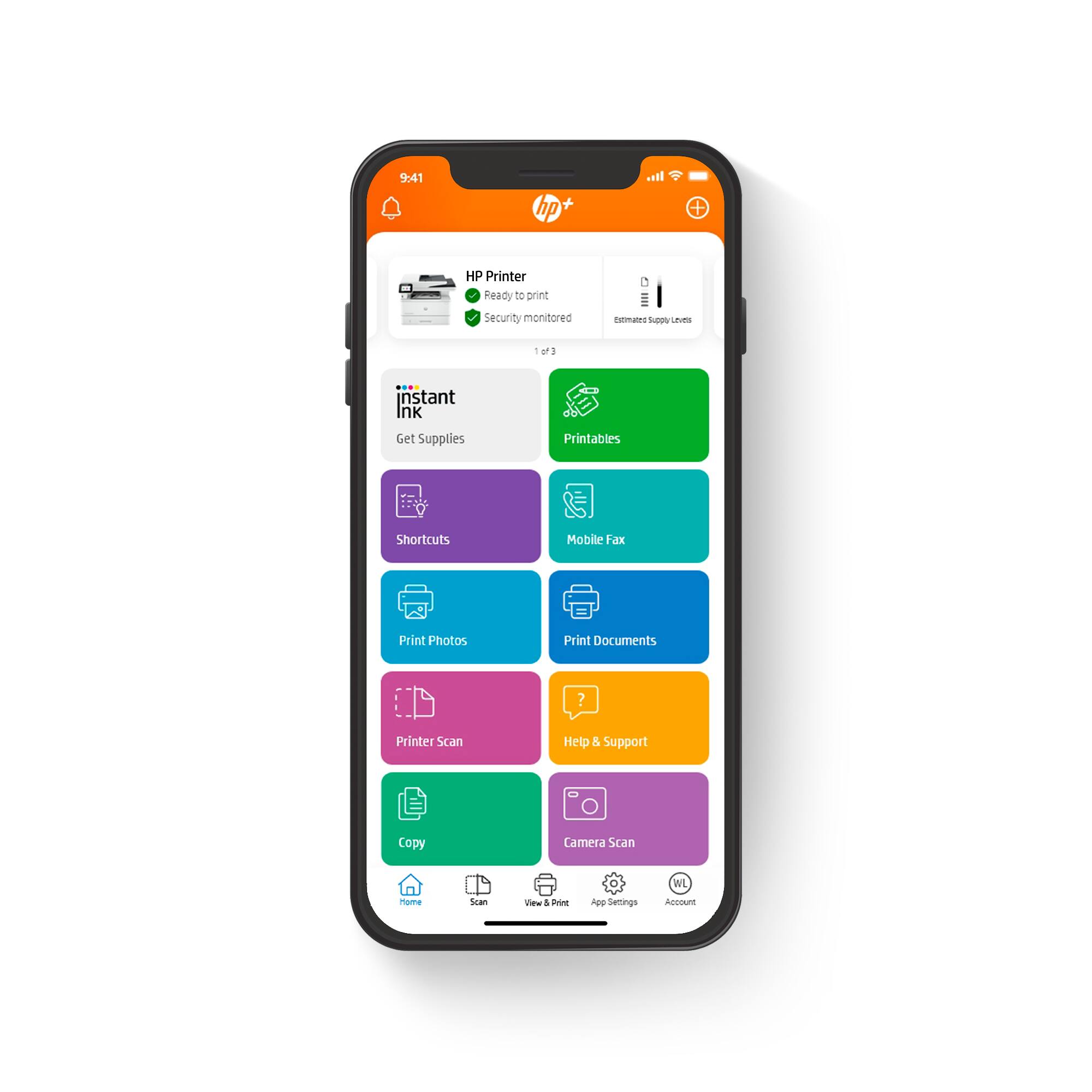
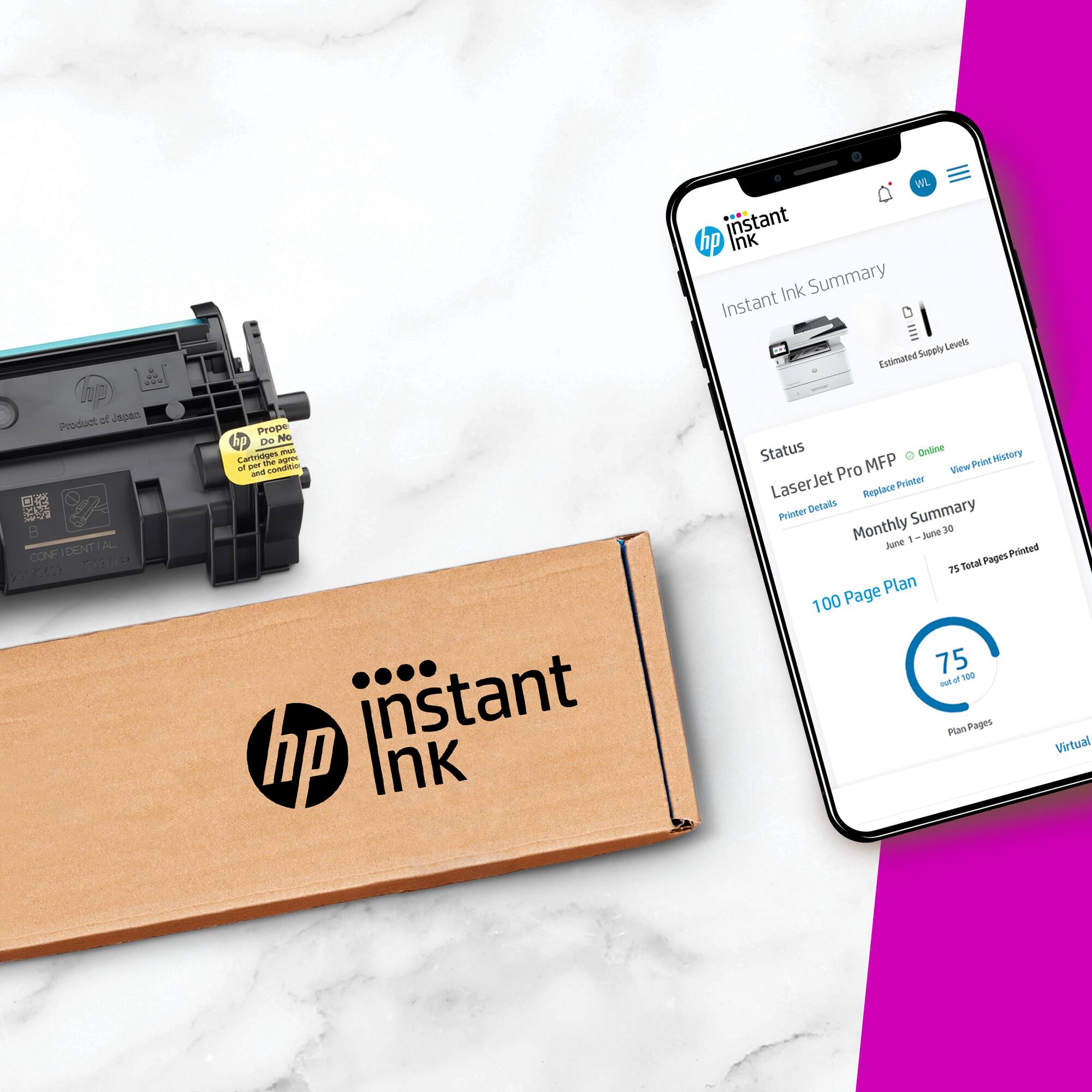
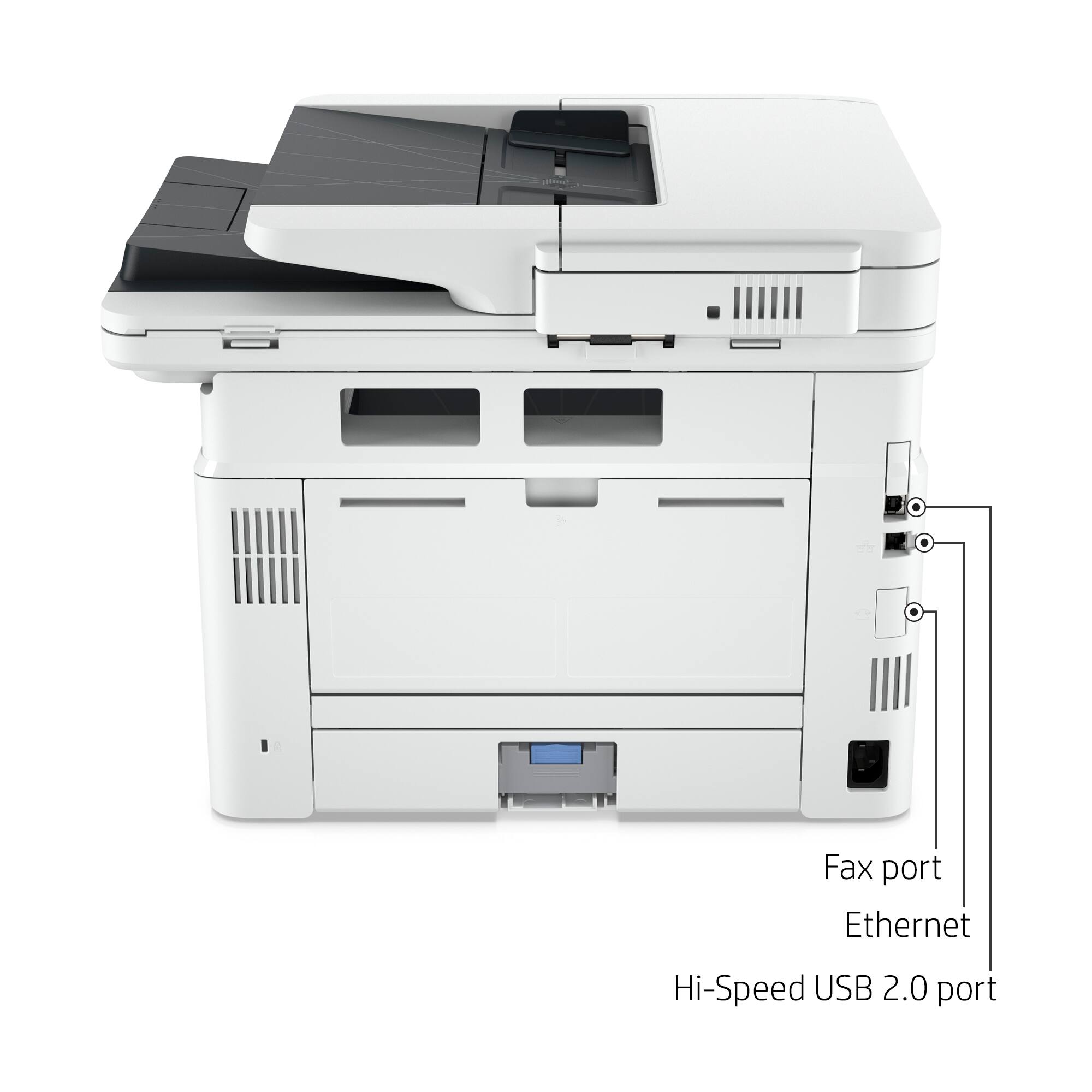
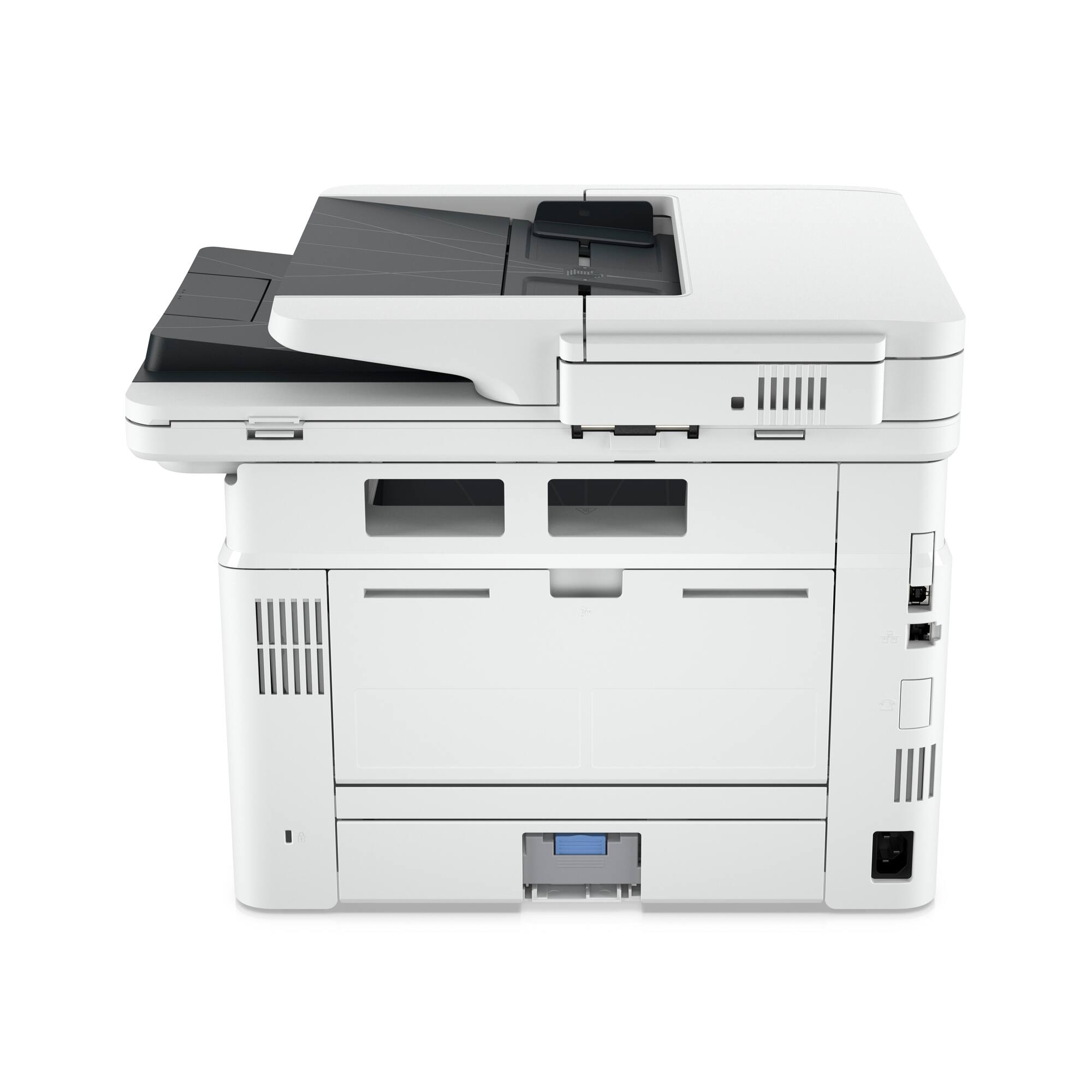
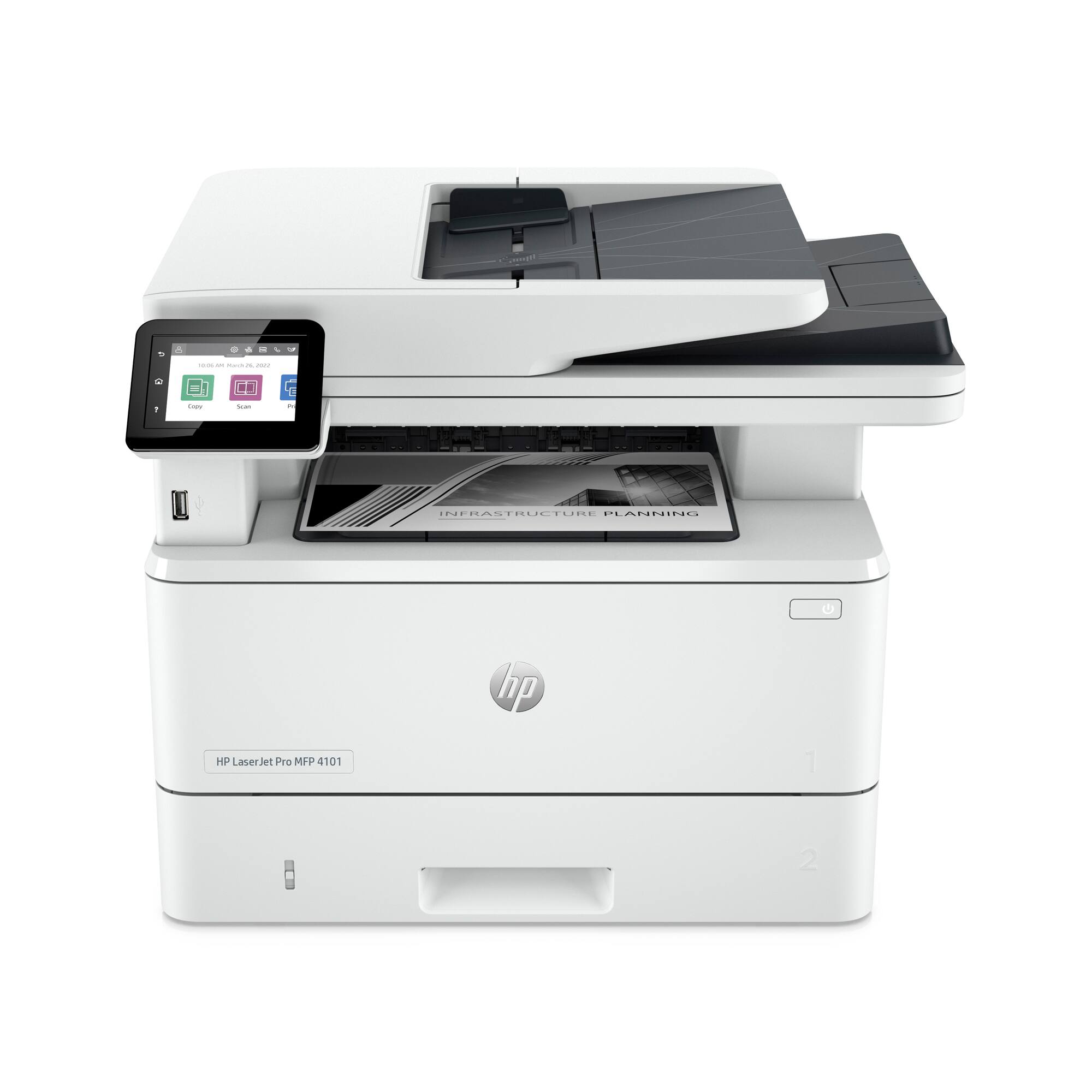
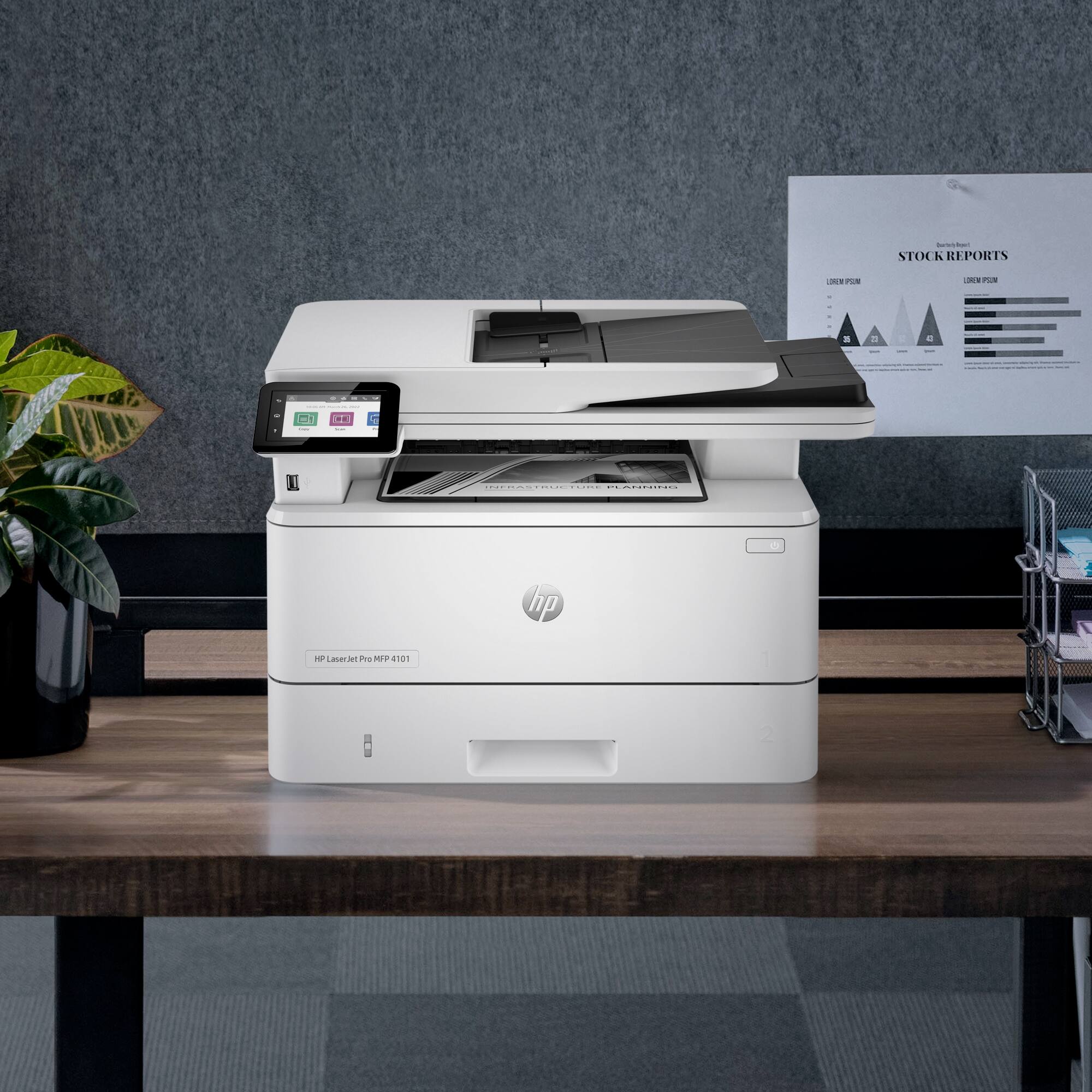
A:AnswerHello. Thanks for your question. The "f" means that it has a landline fax that allows you to send and receive faxes. The "d" after the model name indicates that the printer has a duplexer. The duplexer allows to you to print double-sided documents automatically. The "w" means that the printer has wireless and network (or ethernet) capabilities. The "e" means you get a 3 month trial of HP Instant Ink. You also get an extra year of warranty and advanced scanning features through HP Plus.
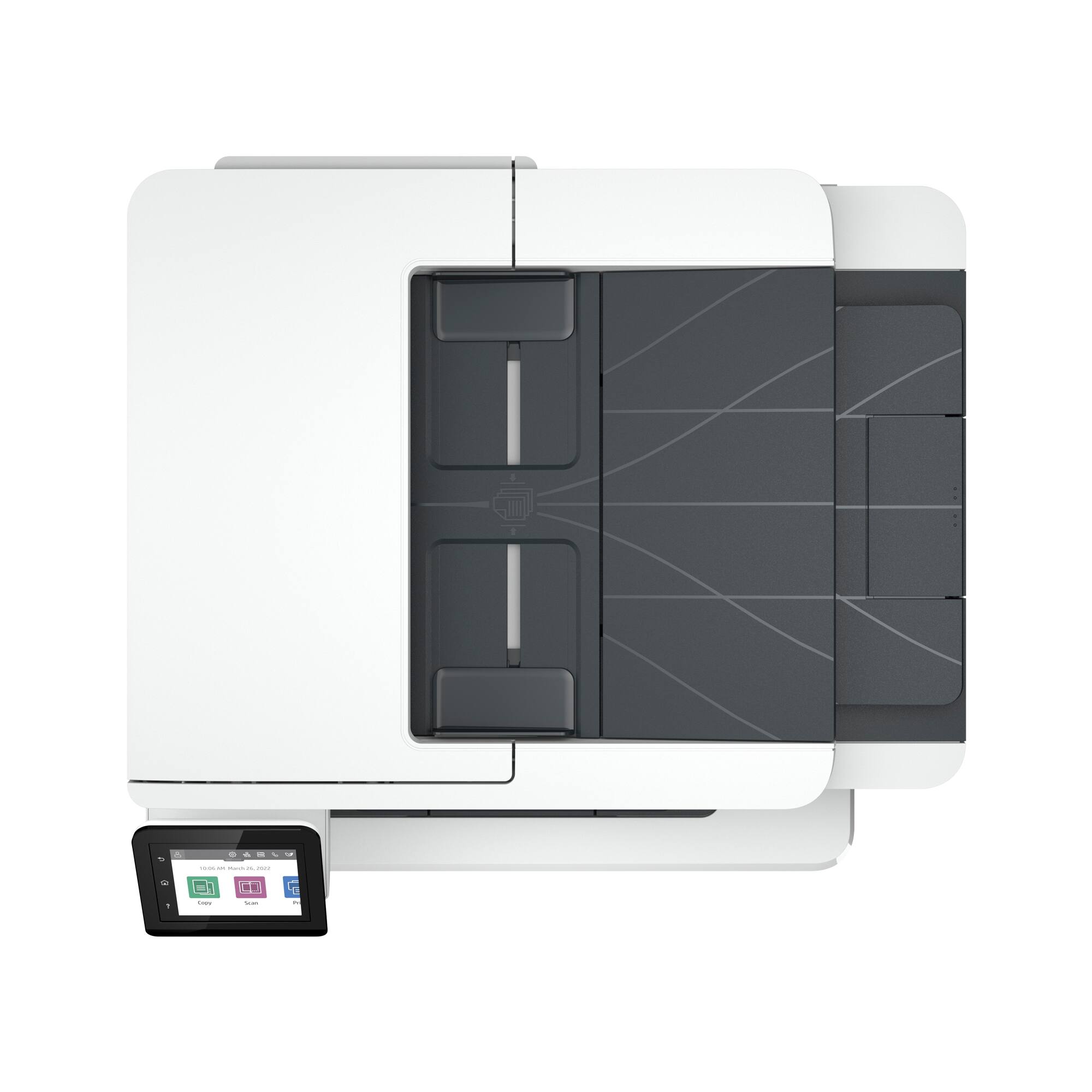
A:AnswerScans double sided and will scan multiple pages through feeder on top.I don’t know specs but I feel it could easily scan 15 or more pages. Very user friendly for my small work office.
A:AnswerThank you for the question. Yes, the LaserJet Pro MFP 4101fdwe will scan to email. Yes, you can create an email address book, and send to one address or a contact list that you create.
A:AnswerThank you for asking. If you do not want to avail yourself of the HP+ benefits, see the LaserJet Pro MFP 4101fdw (no "e" in the suffix). There is no free toner offer, no free second year of warranty, and no sign-up required. While the HP Smart App includes the software and enables you to control the printer and has advanced features for using with your smartphone, the app is not required for the standard M4101fdw. You can download the software and drivers from 123.HP.com.
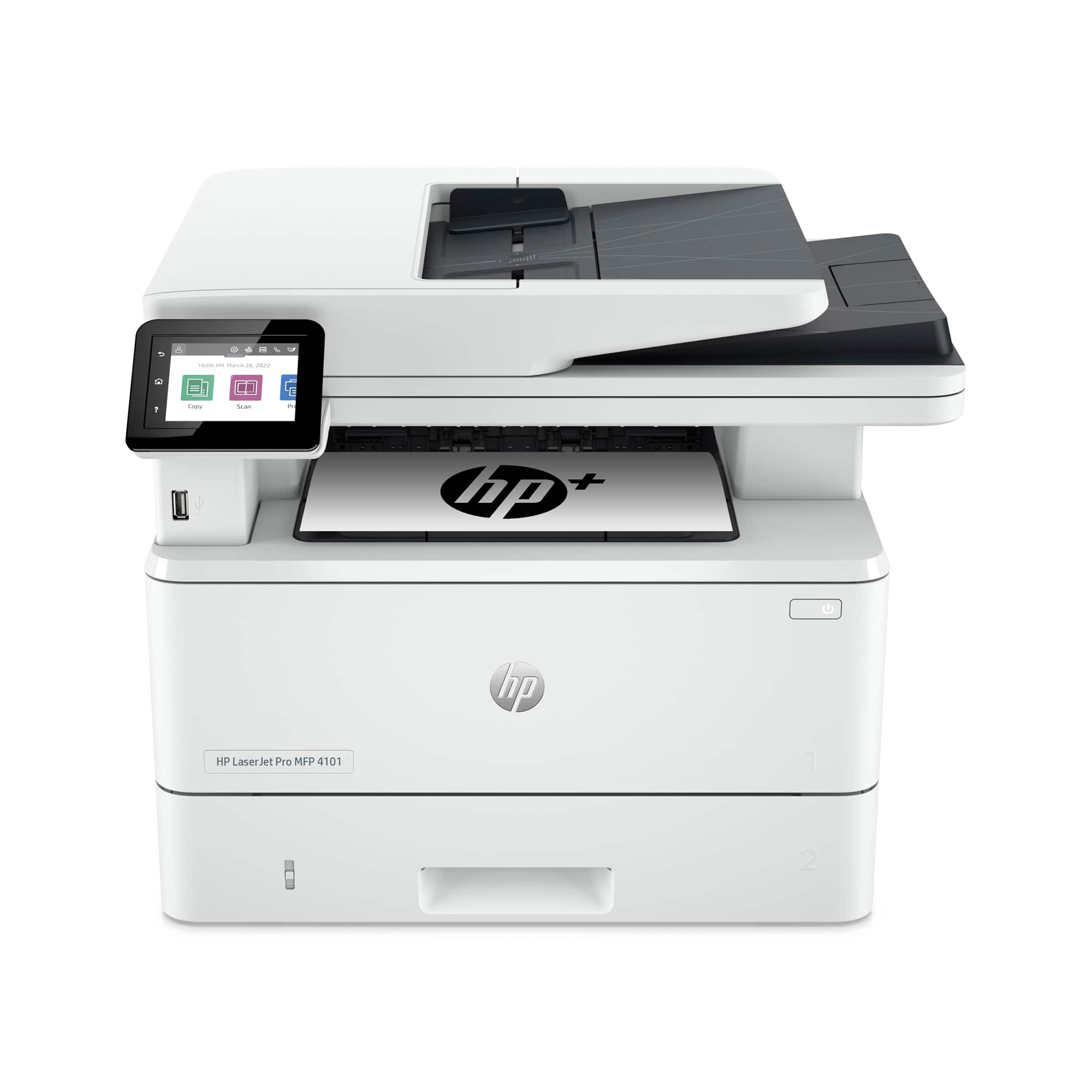
A:AnswerThank you for the question. The scan speed for the LaserJet Pro MFP M4101fdwe (from the automatic document feeder) is up to 31 pages per minute, 49 images per minute (black and white), and up to 21 pages per minute, 36 images per minute (color). Scan speed may vary depending on scan resolution.
A:AnswerIt should work, if the transfer sheets are designed for use with a laser printer. Most transfer sheets are designed for an inkjet print and won't work with a laser printer.
A:AnswerHello. Thanks for your question. You can use Mobile Fax. Mobile fax is where you can send faxes through the HP Smart app on your smartphone, tablet, or computer. If you need to send or receive faxes, you can use a service like eFax. Here are more details about the mobile fax: https://www.hpsmart.com/us/en/mobile-fax Here is a video: https://www.youtube.com/watch?v=NvDAYa1nZzw
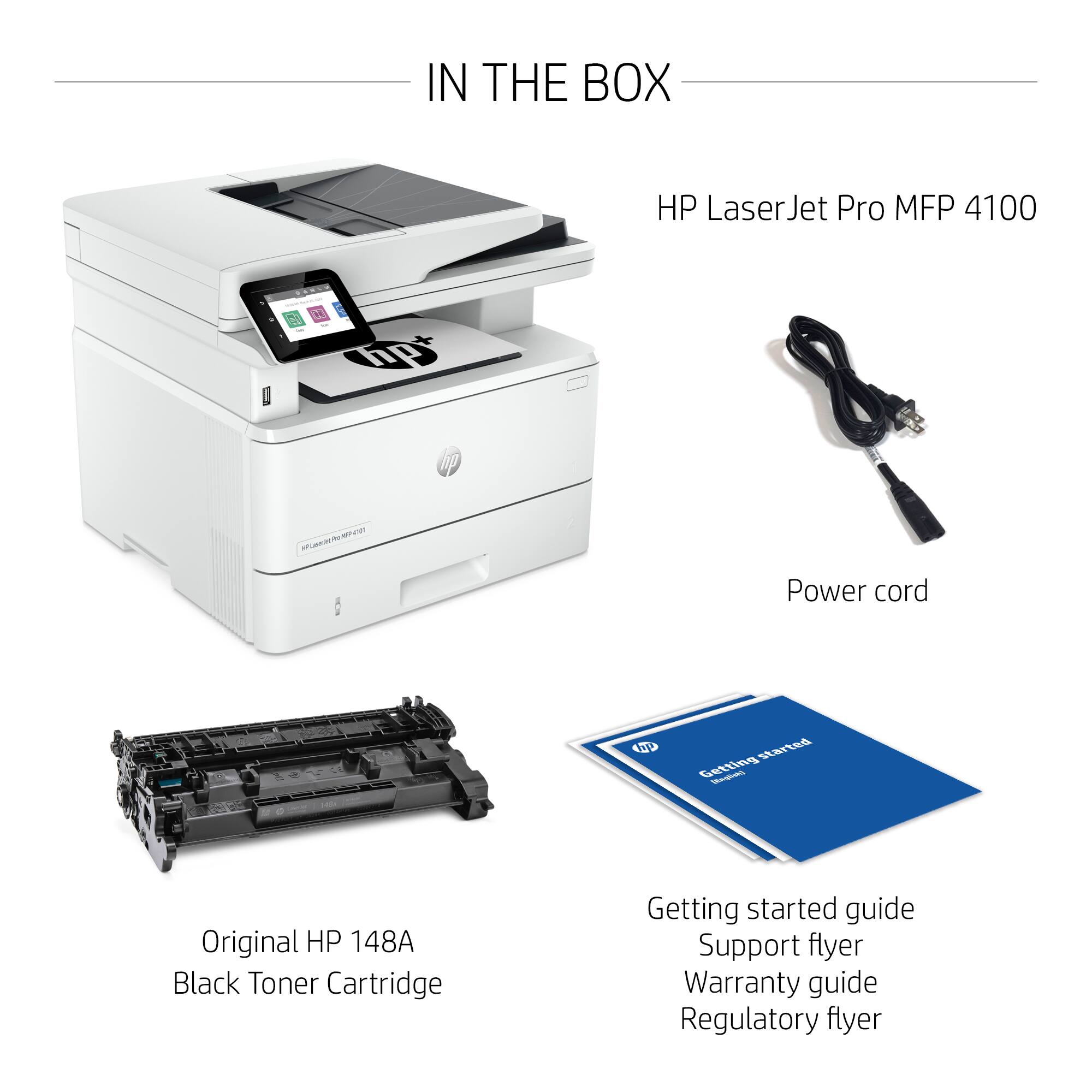
A:AnswerThank you for the question. Yes, but the drum and toner are one unit. So, when you replace the toner cartridge (148A or 148X) you will also be replacing the drum.

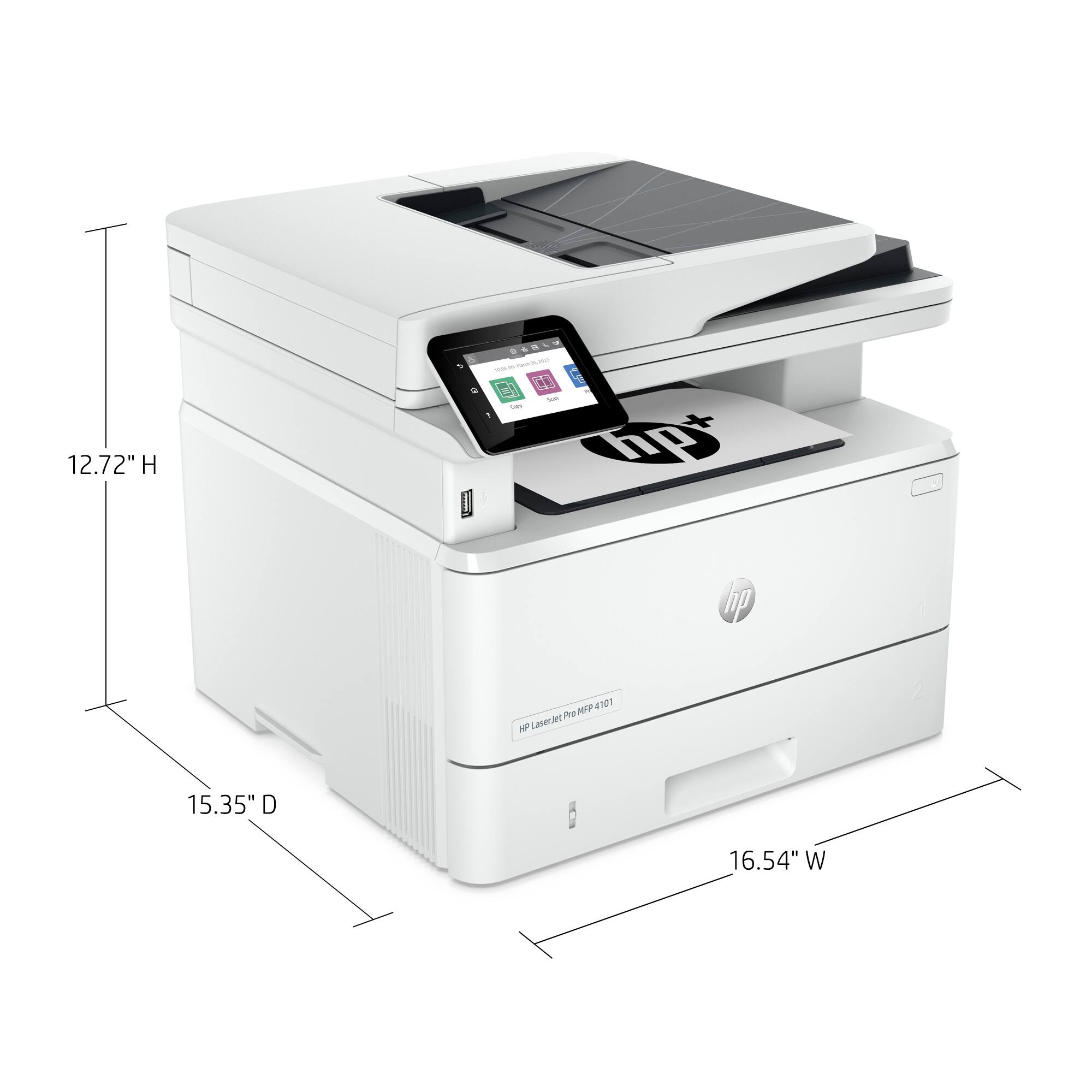
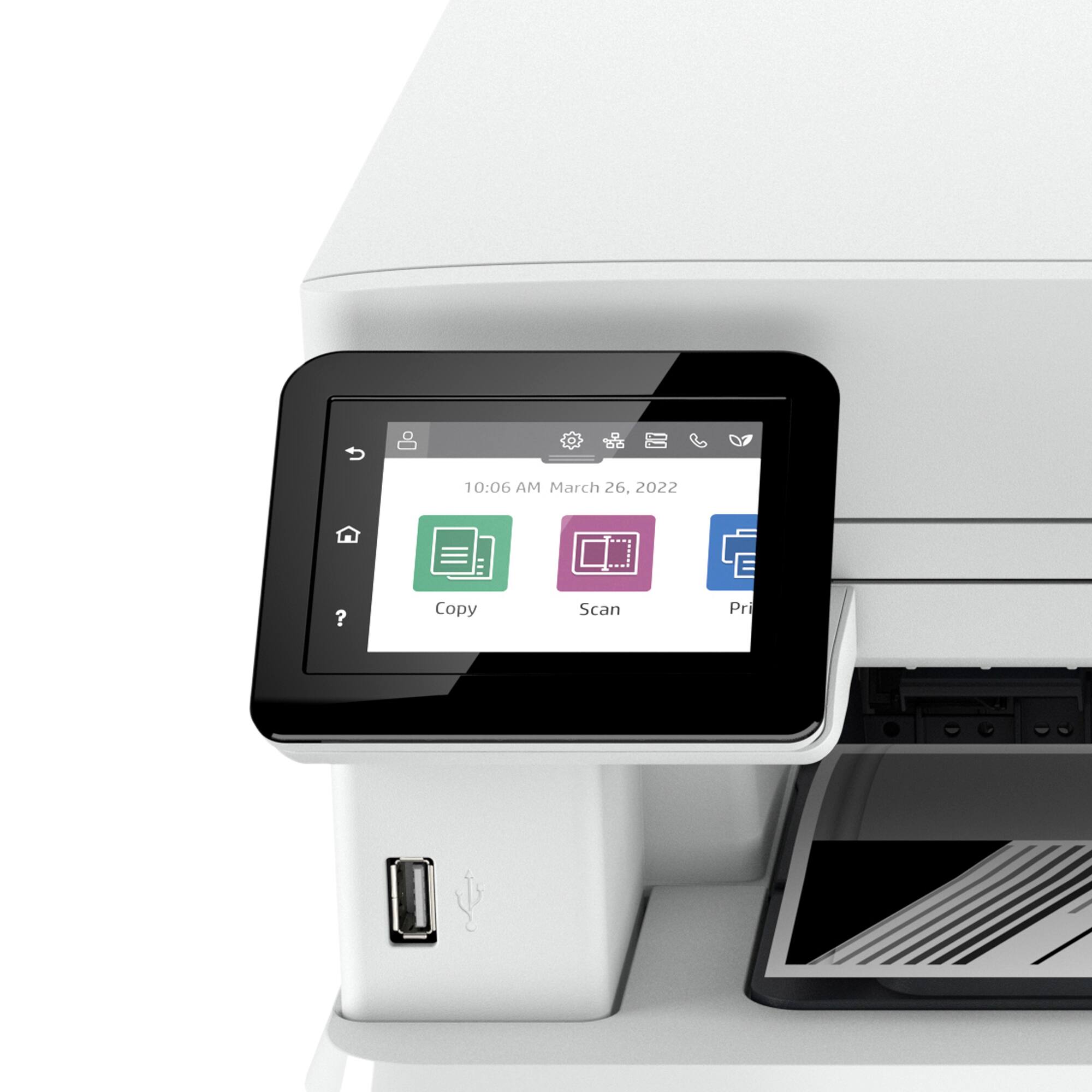
A:AnswerThe LaserJet Pro 4101fdwe weighs 27.78 lbs. The print speed is up to 42 ppm. It can copy and scan and has a 50-page auto document feeder. It uses the 148A toner which runs around $111.99 and it can also use the high-yield 148X toner which runs around $226.99. This printer is wireless and needs no cables (although it can connect to your computer via a USB printer cable) nor does it need a modem.