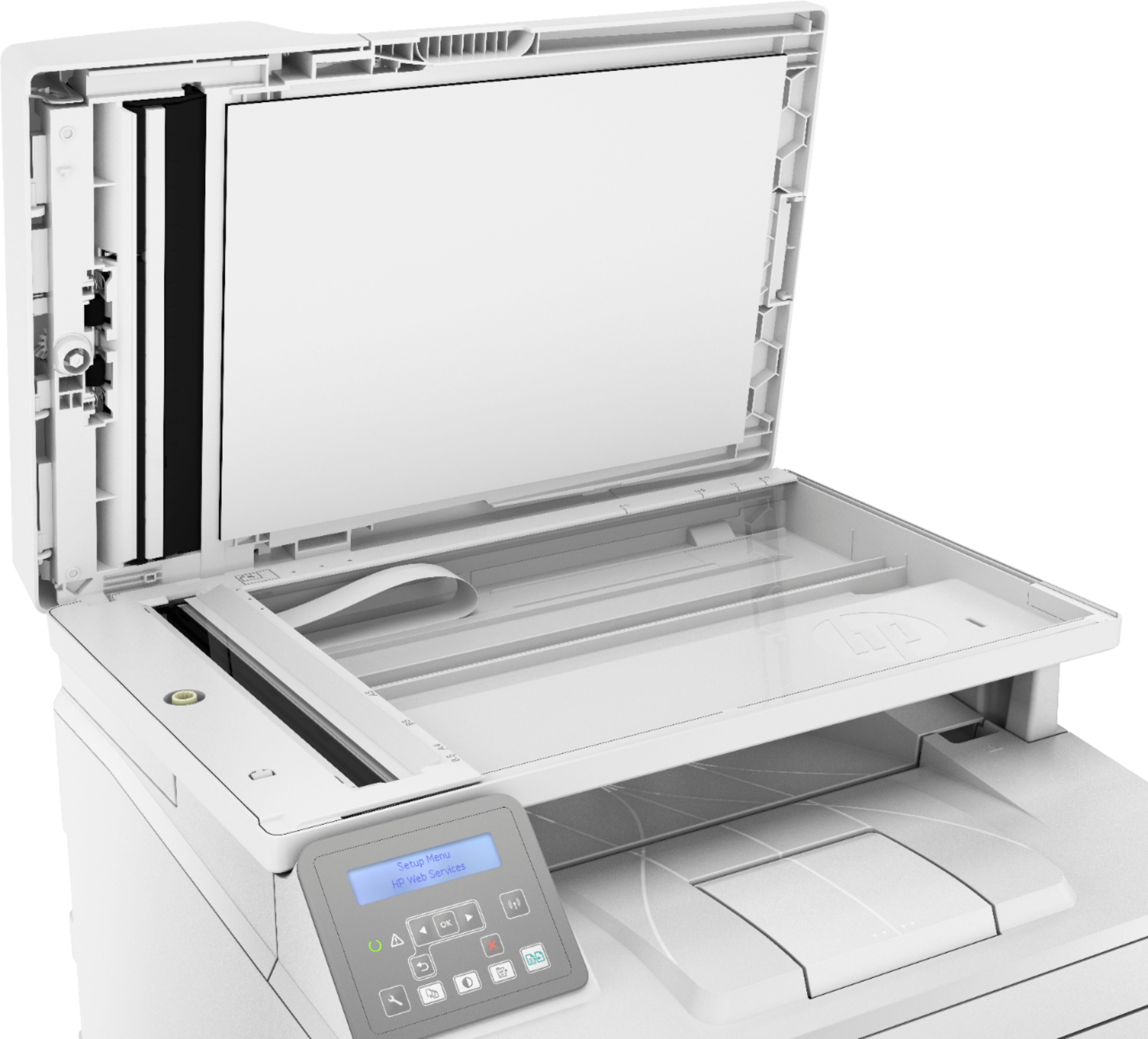
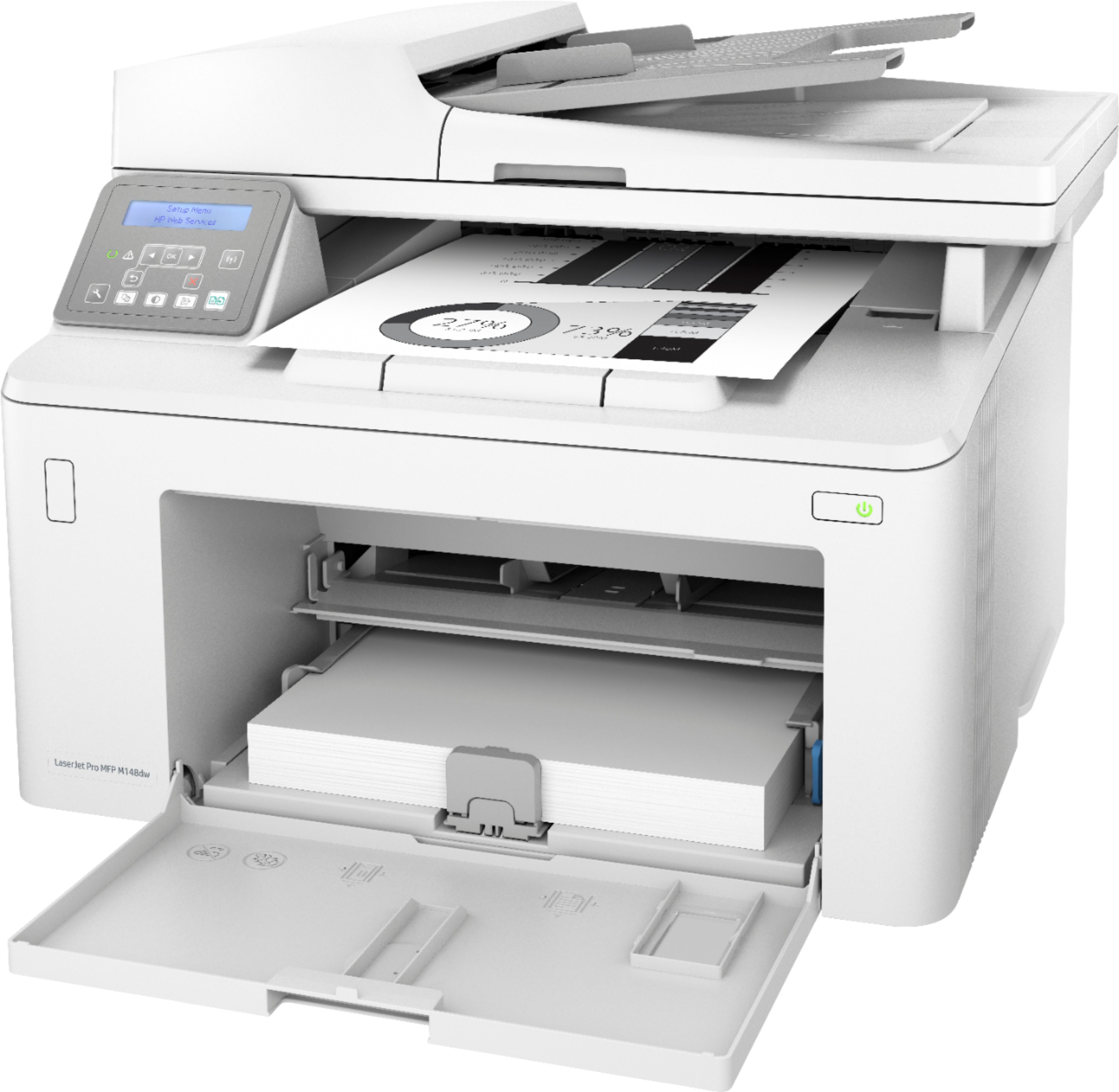
A:Answer1.Windows 10: From the Start menu, click All Apps, click HP, and then select the printer name.
2.In the HP Printer Assistant, select Scan, and then select Scan a Document or Photo.
3.Adjust the settings if necessary.
4. Click Scan
A:AnswerSince it's a monochrome laser printer, unfortunately it only prints in black and white. However, we've got several laser and inkjet printers that will print in color.