A:AnswerI didn’t try it, but it should be able to work because I can print from my Windows computer, Hp laptop, iPad, and phone. It is really easy to connect to printer. Just make sure your printer is connected to WiFi or the network adapter is on.
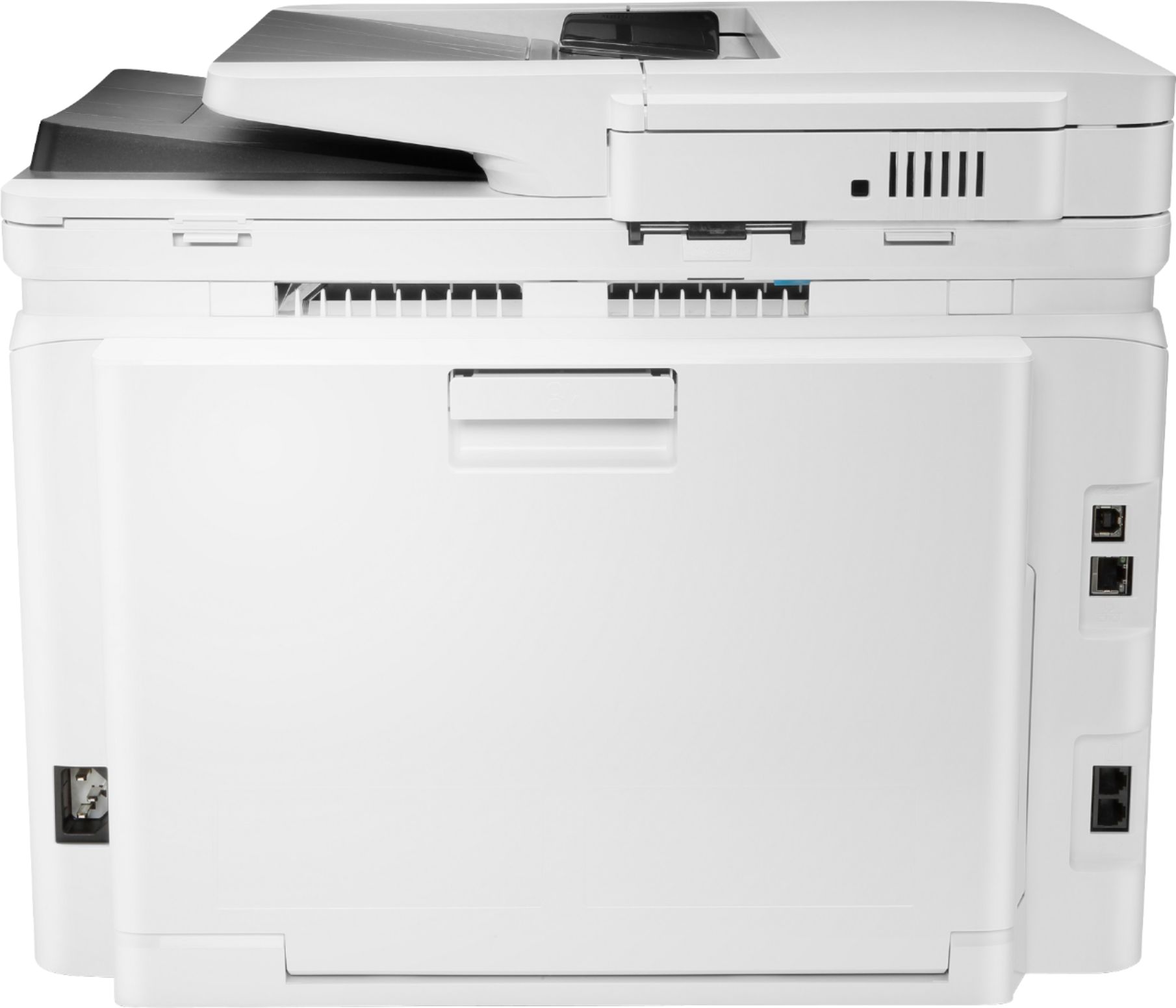
A:AnswerFor a broadband connection for faxes, your phone line from the printer needs to be connected to a VoIP phone which in turn is connected to the broadband wall jack.
A:AnswerI used a mail merge to print my Christmas envelopes (250 of them) They are a small, non-standard size and it printed the return address and the recipient's address. I also included a Christmas tree design on the front of the envelope for embellishment. Worked great (and I have fought for HOURS with my old printer to try and print an odd size envelope!
A:AnswerSupported media weights allow for up to 59lbs. https://support.hp.com/us-en/product/hp-color-laserjet-pro-m280-m281-multifunction-printer-series/14142489/model/14142491/document/c05689030#AbT9
A:AnswerI am pretty sure you can set the envelope size in the software you are printing from (MS Word).
Be sure the feed the envelope in the front before hitting print from your computer. It feeds in and then hit print.