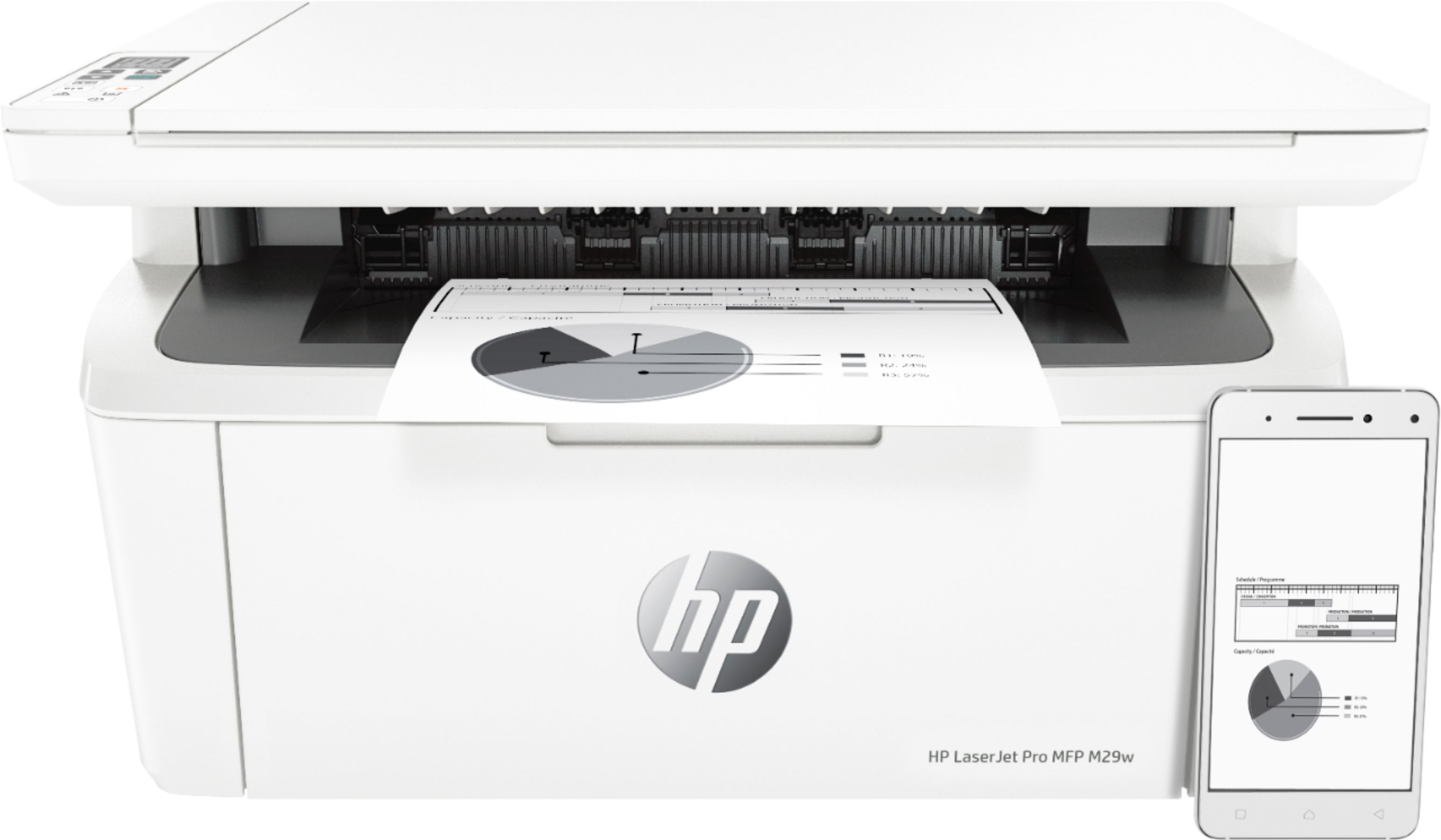
A:AnswerYes Compatible With Apple Devices and Android Aswell, Aslong As You Can Download The HP Smart App and The HP Smart Service Pluging App. Currently My Partner And I Have This Devices And It Works Flawlessly.
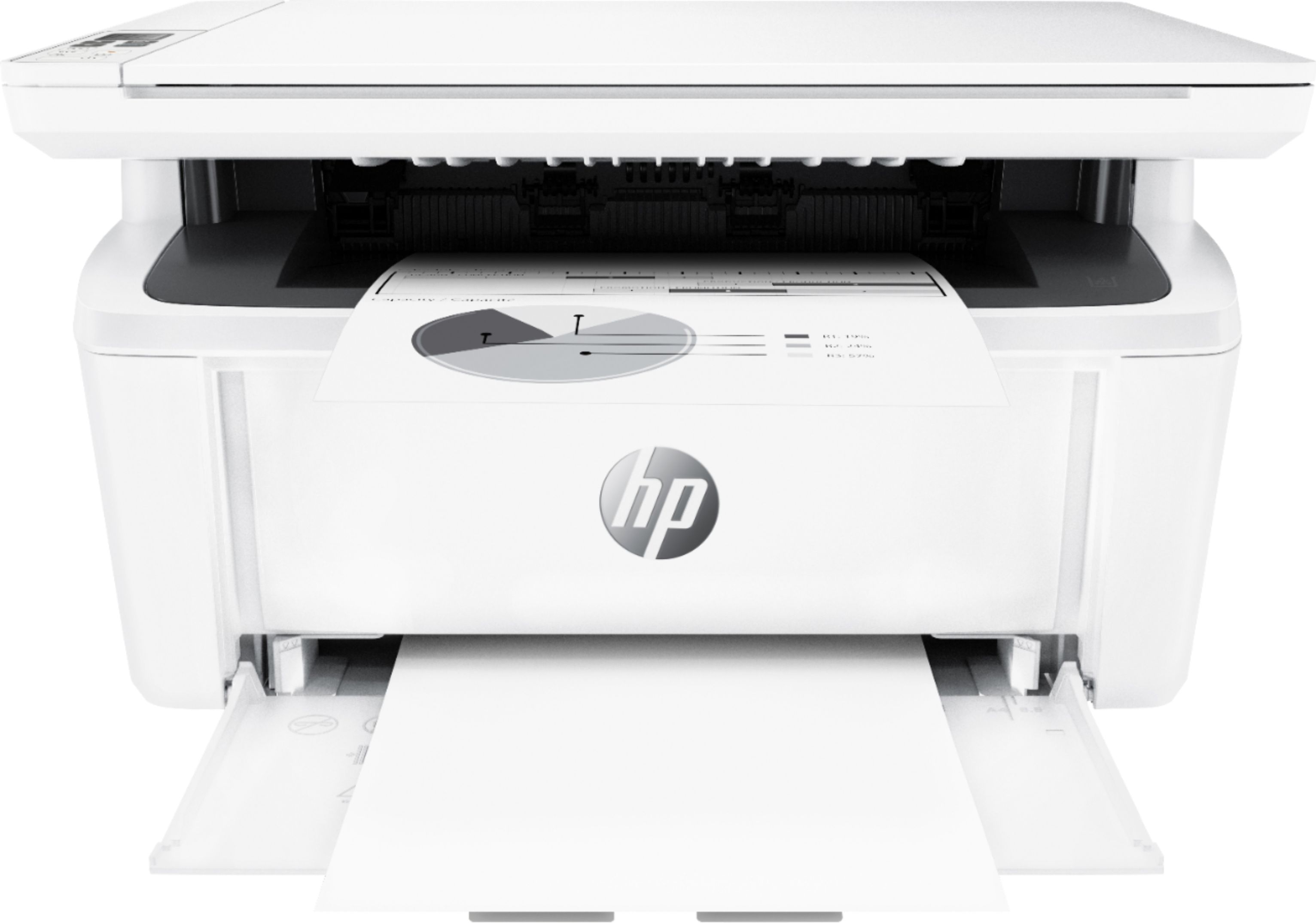
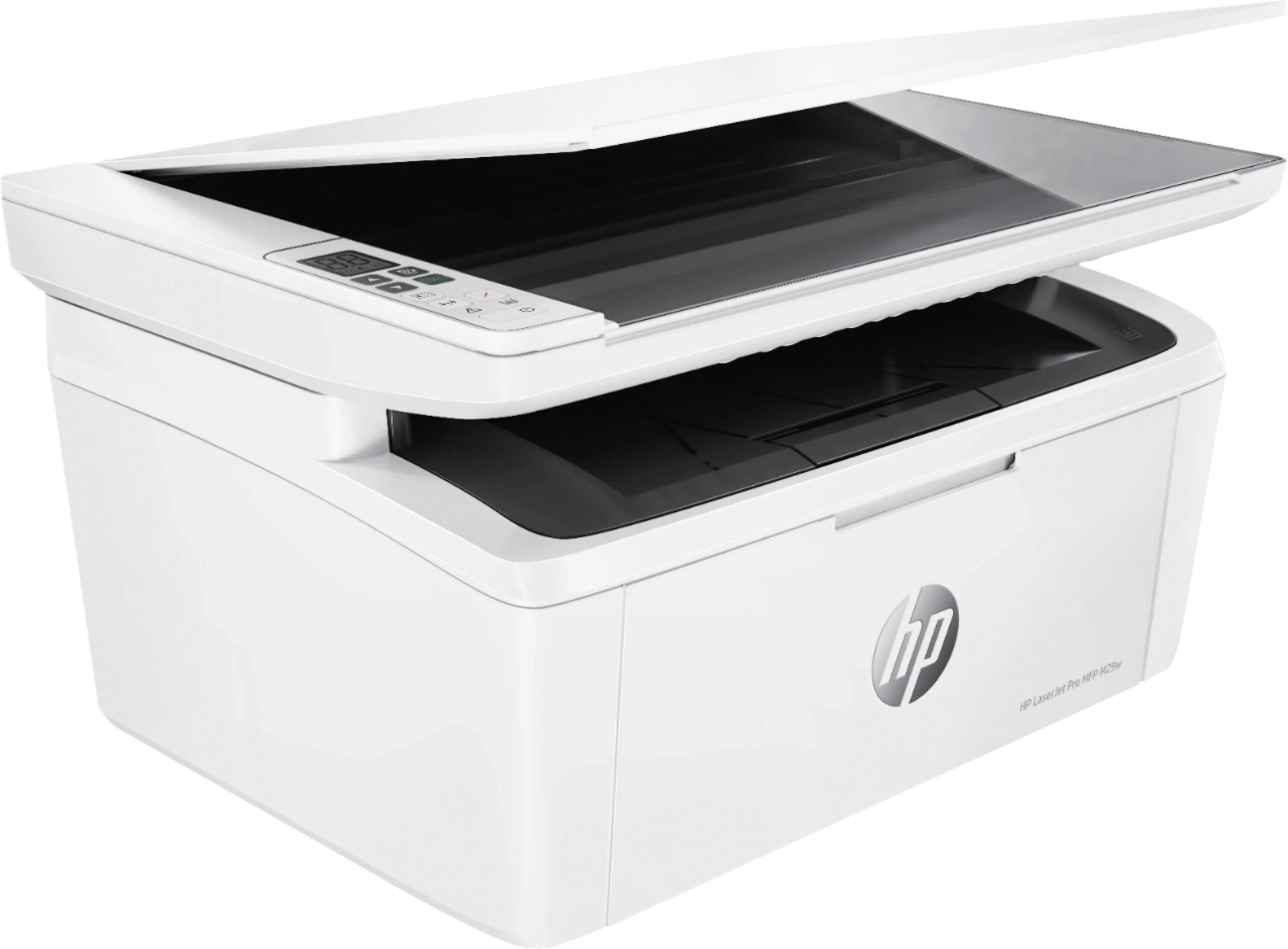
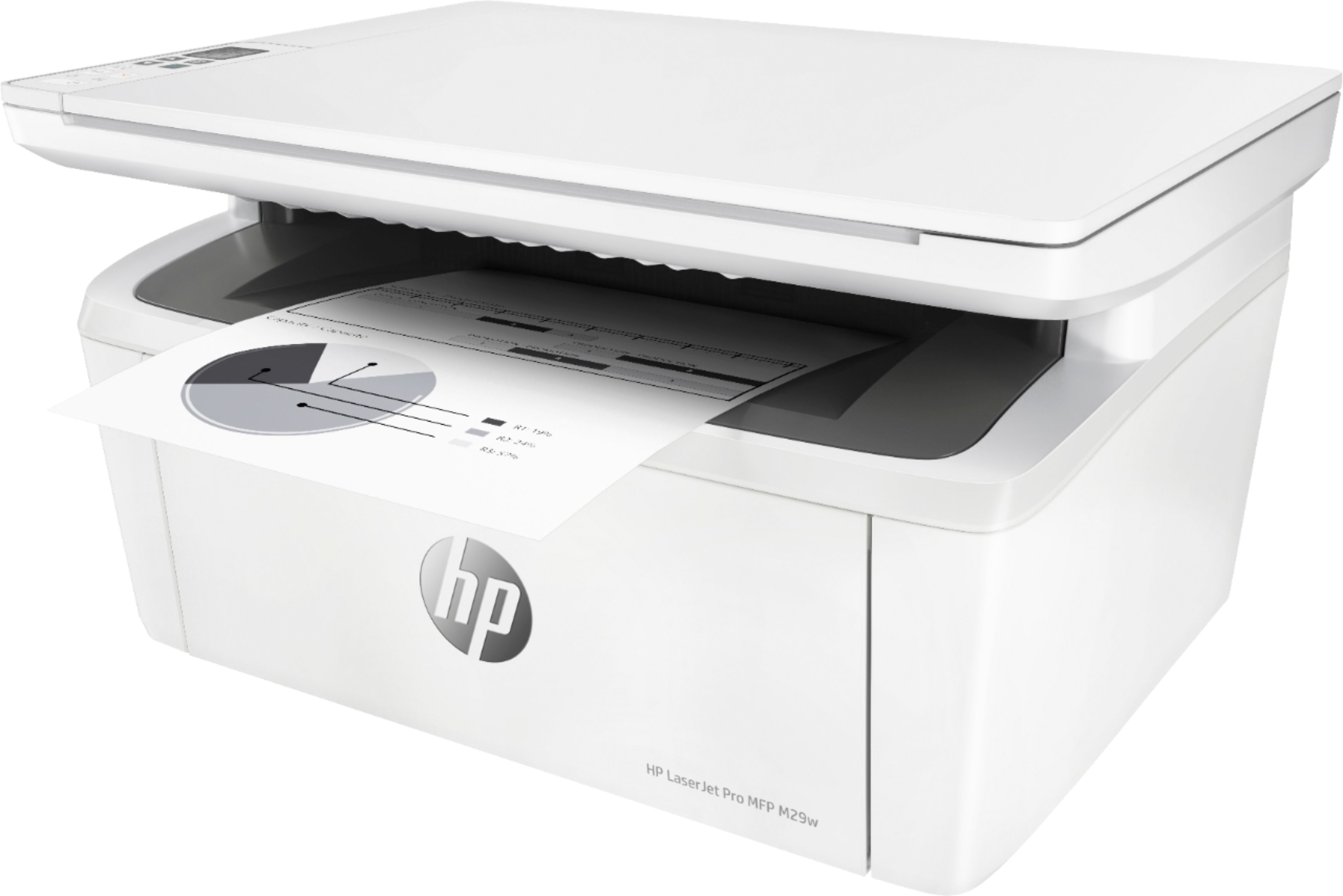
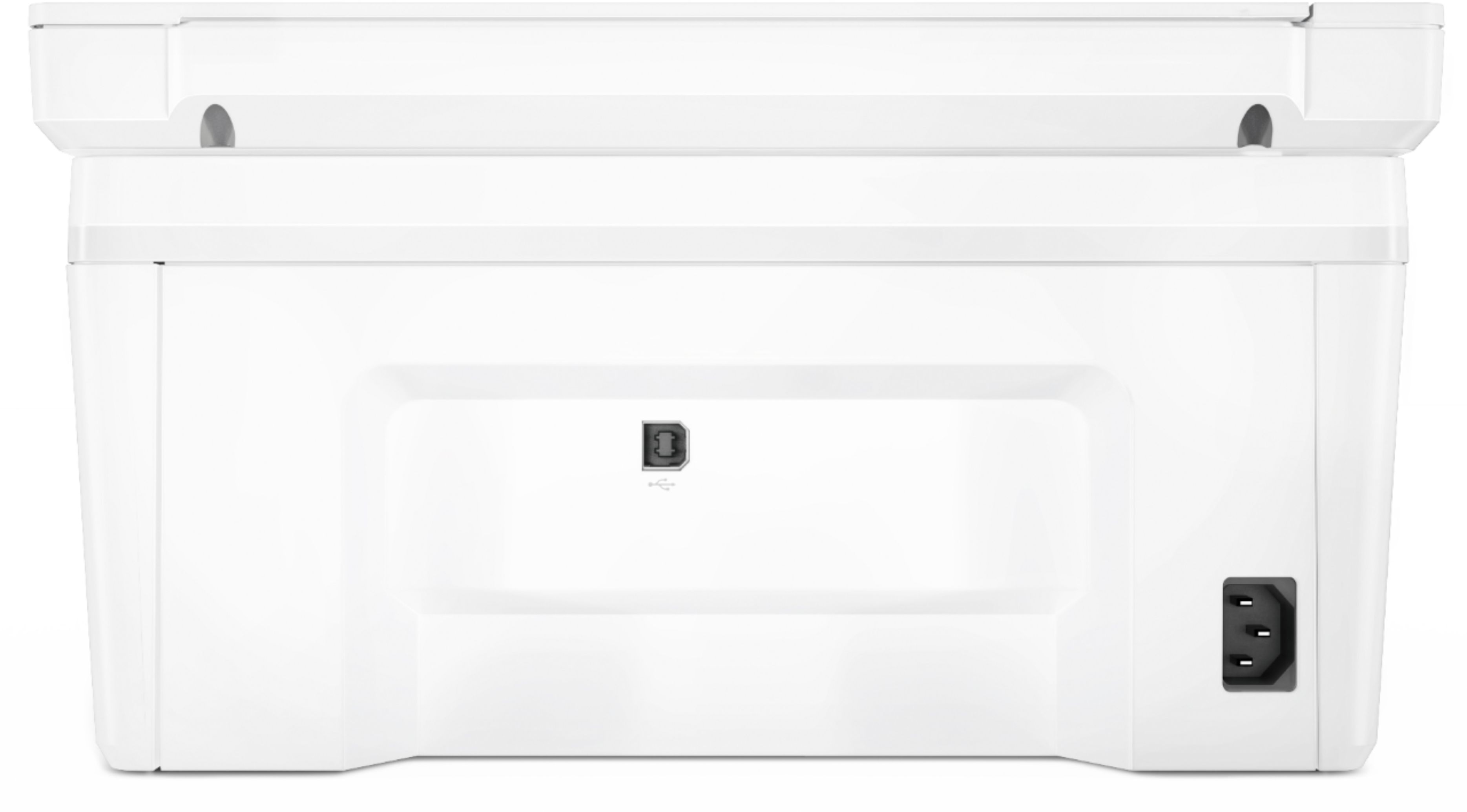
A:AnswerThe HP LaserJet Pro MFP M29W printer does not have a USB port on the front for a USB drive. The HP LaserJet Pro MFP M227fdw does have the front USB port for scanning to a USB drive. https://www.bestbuy.com/site/hp-laserjet-pro-m227fdw-black-and-white-all-in-one-printer-white/5689641.p?skuId=5689641
A:AnswerIf you are trying to print double sided documents, you would have to turn the paper manually. There is no duplex on this printer. If you are trying to scan double sided documents, you would also have to manually turn the paper when prompted. This will not damage the printer.
A:AnswerYes, it does work with OS X 10.11 (El Capitan), but it requires a download called "HP Easy Start.app" from the HP website (https://123.hp.com/us/en/).