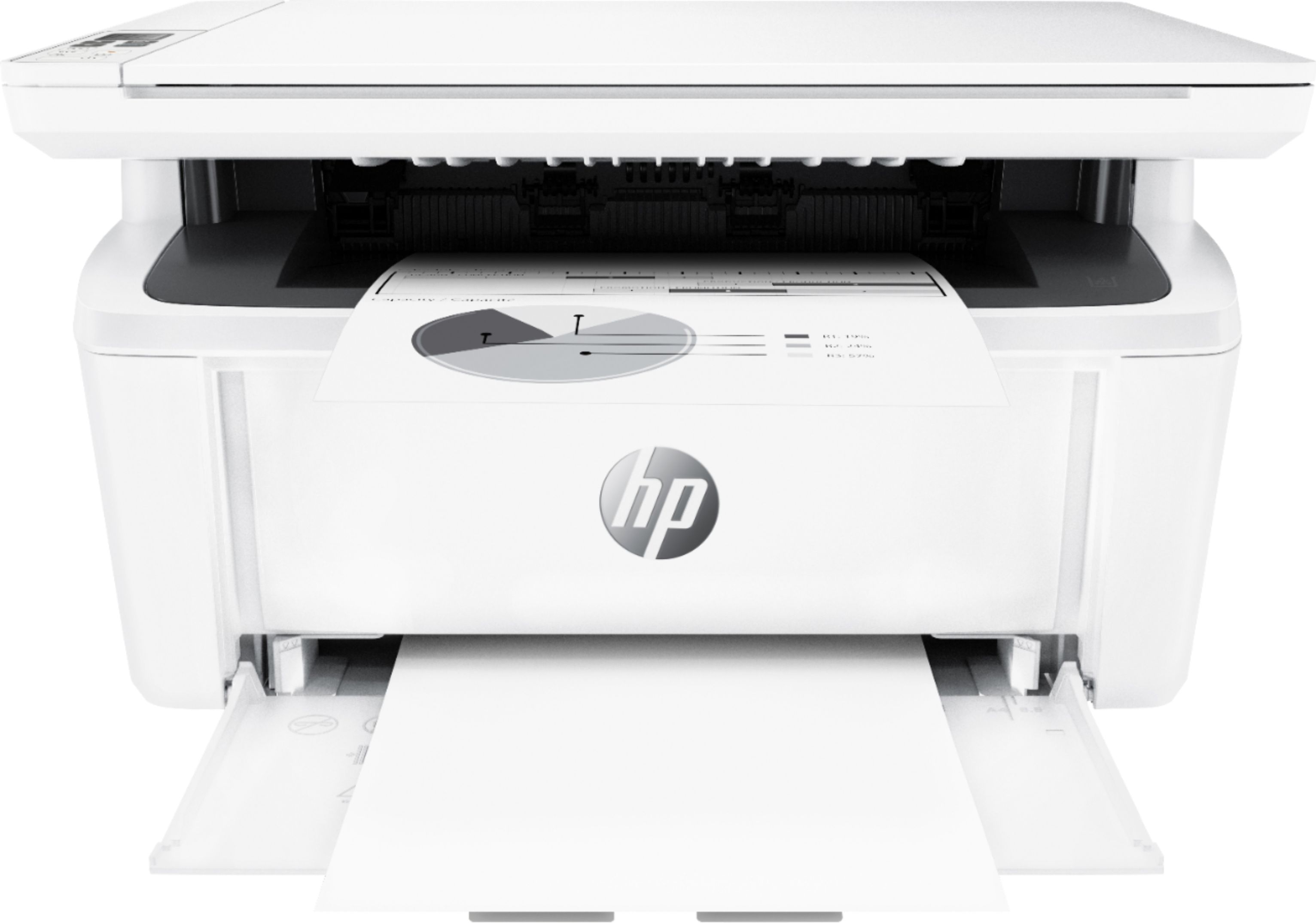
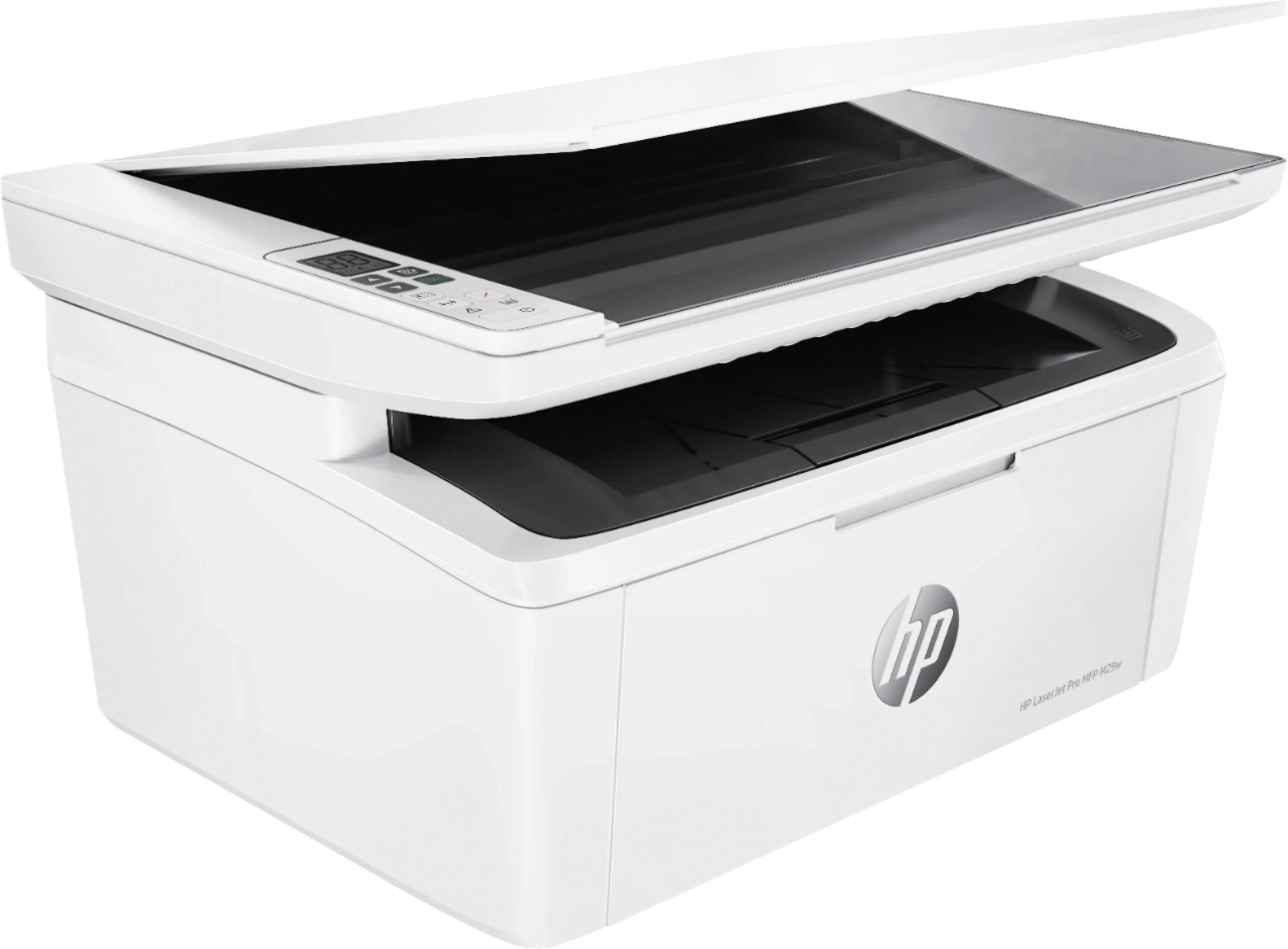
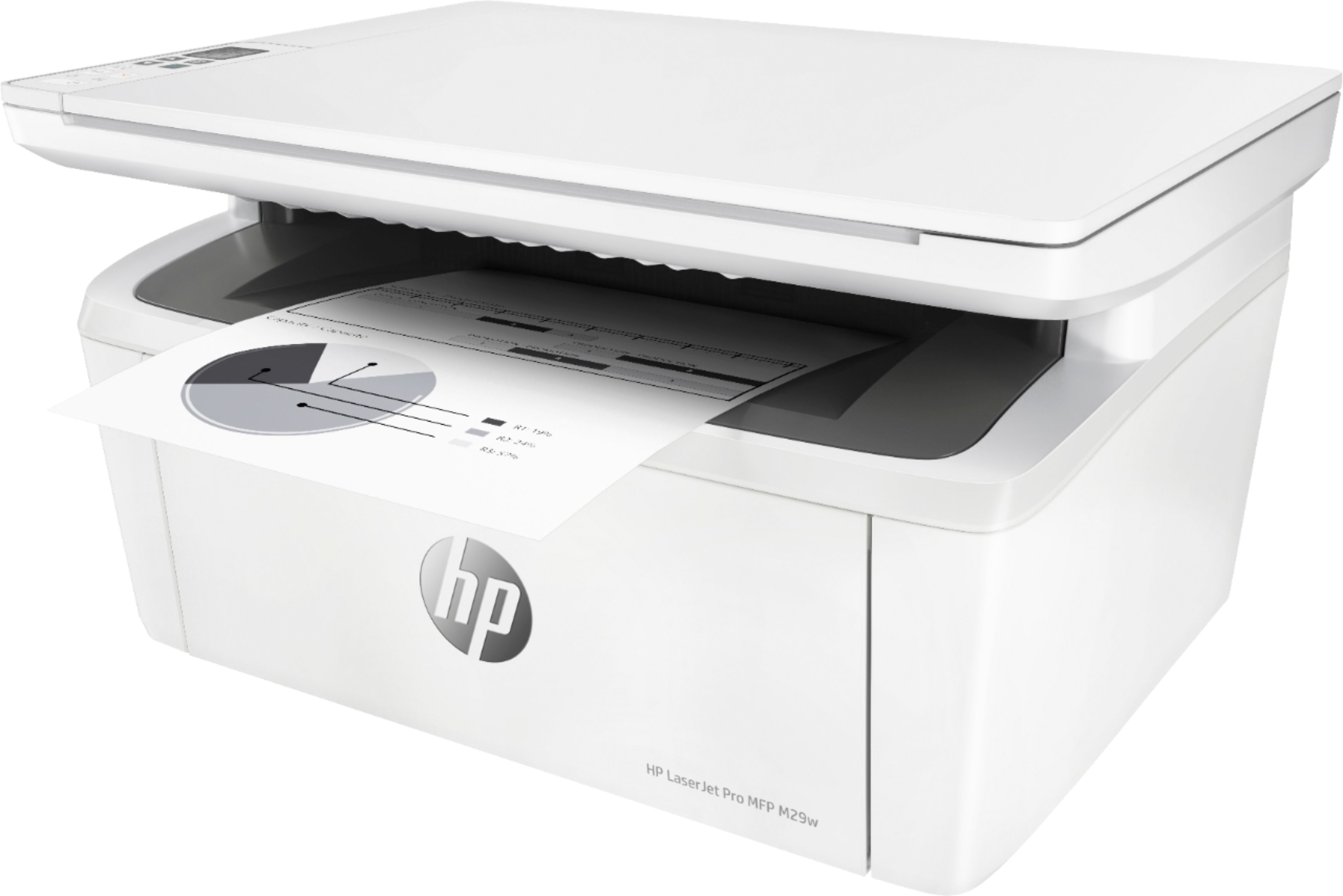
A:AnswerYes, you can, and it's about as seamless as it can possibly be. You plug the printer in, the computer recognized it, and then grabs whatever files it needs.
A:AnswerHello, yes, the HP LaserJet Pro MFP M29W can be connected to a Chromebook and can be used to scan through the HP Smart App found in the Google Play Store. Thank you for being an HP customer!
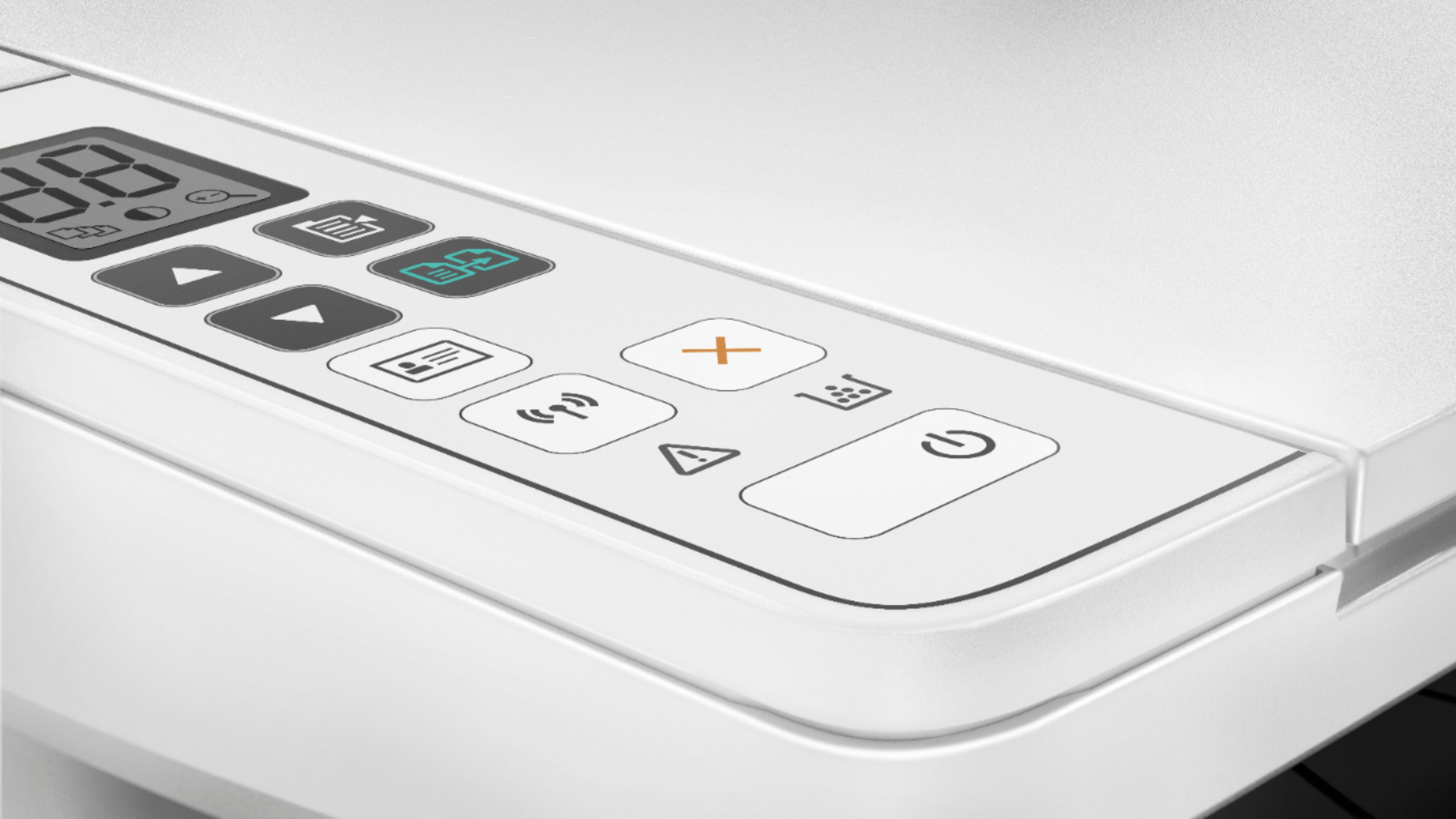
A:AnswerHello. Thanks for your question. This HP Laserjet Pro m29w printer does not have a landline fax option. You can use the HP Smart app to send faxes.