Questions & Answers
- Model:
- Y5S53A#BGJ
- |
- SKU:
- 6238315
Highly rated by customers for: Print Quality, Ease of use, Size
Page Showing 261-280 of 363 questions
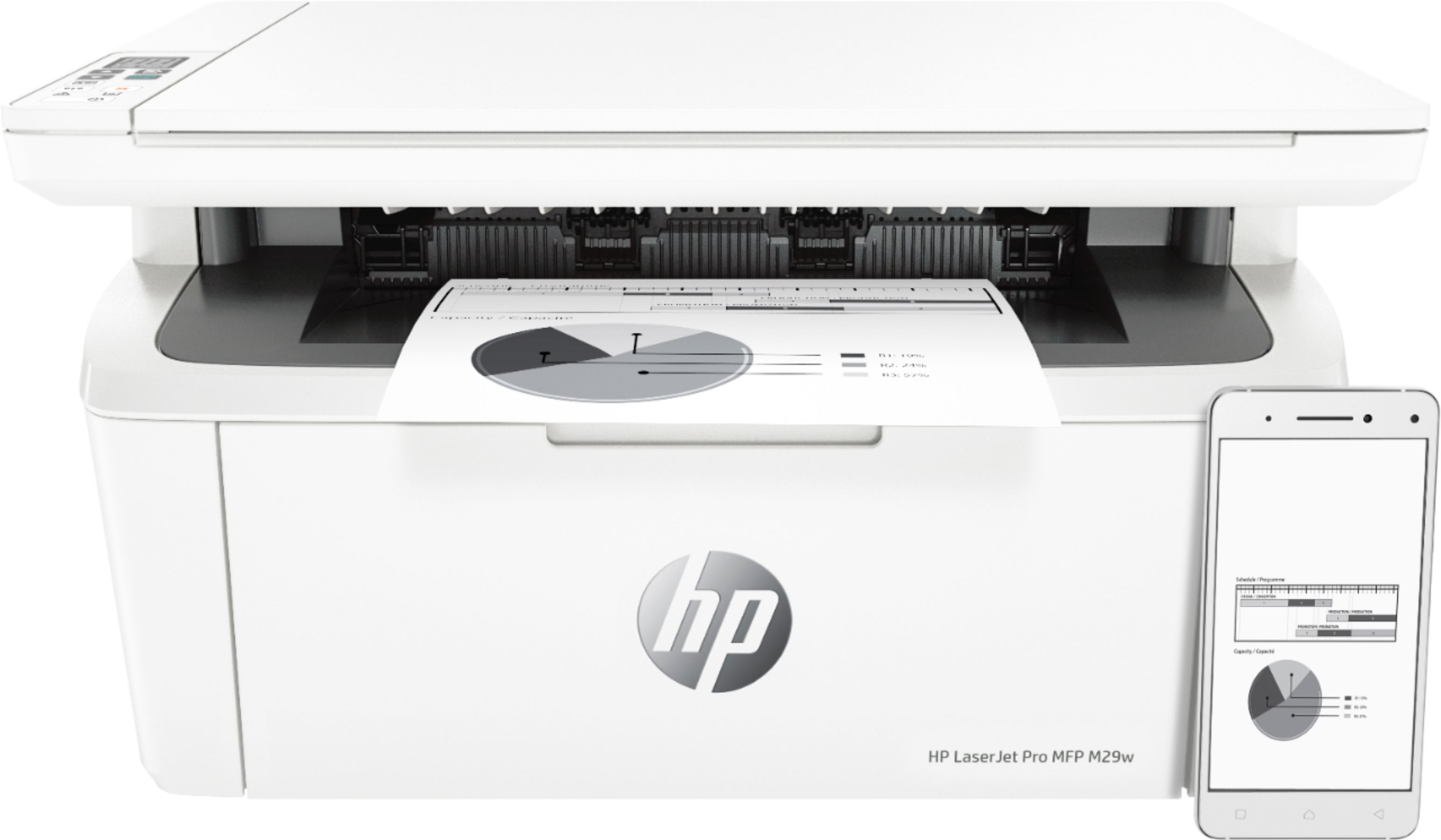
Q: QuestionWhat makes this an All - In One ?
Asked by Stacy.
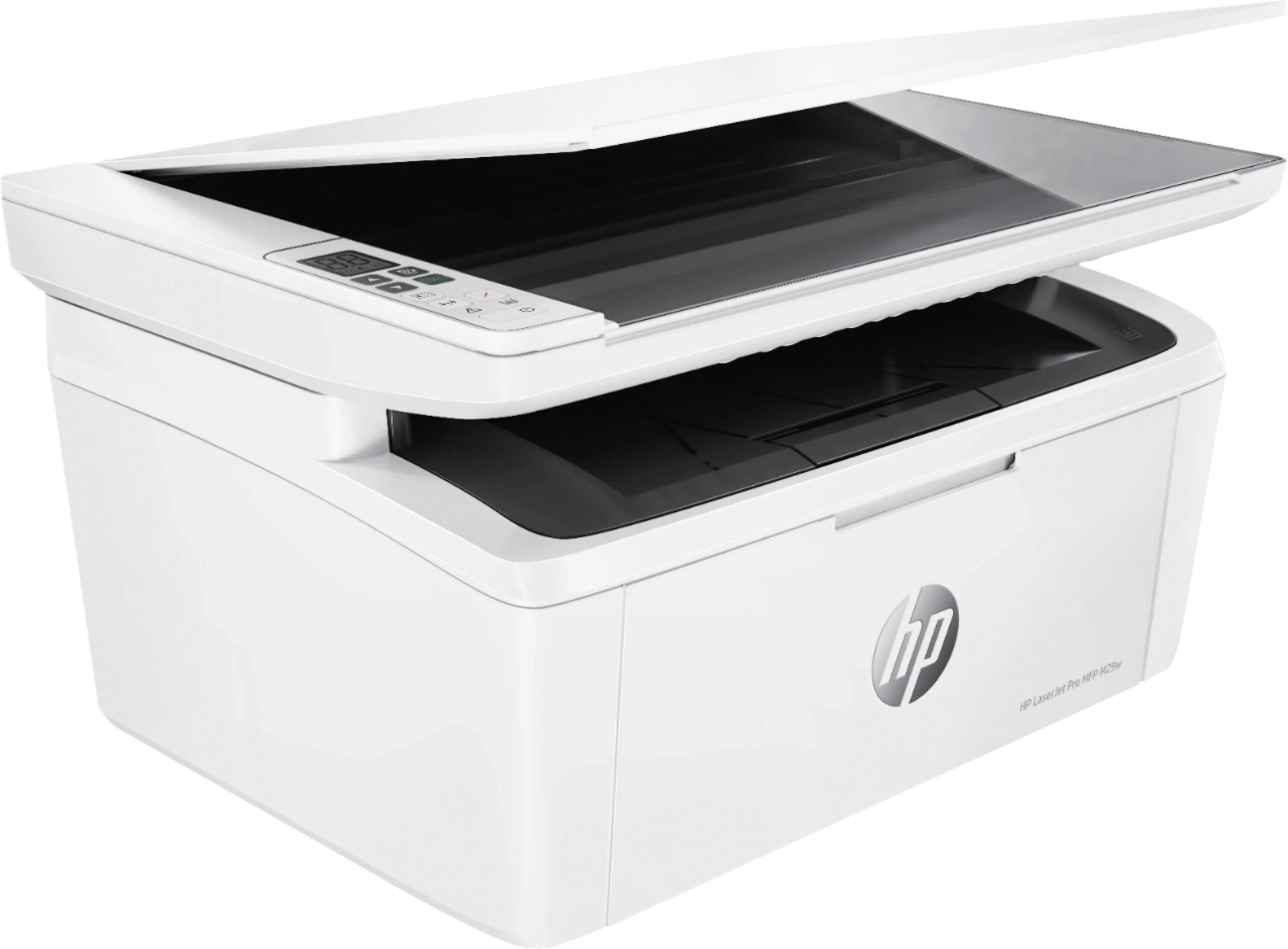
- A:Answer The ability to print, copy, scan.
Answered by Rhodc
Q: Questionmy router doesn't have a wps button. so how do I set it up
Asked by joe.
- A:Answer The User Guide is online in case it has any help. The only reference to WPA is this statement: Verify that the encryption method (AES or TKIP) is the same for the printer as it is for the wireless access point (on networks using WPA security). Otherwise I suspect this is an HP support question. The boxed instructions just show plug into electricity source and the CPU.
Answered by LAC2020
Q: QuestionIs the HP M29w printer compatible with an Imac computer with OS X version 10.11.6 software?
Asked by Mitty.
- A:Answer I suspect this question needs to go to HP. I pasted your question into a search and it brought up Search Results Web results HP Printers - macOS and OS X Compatible Printers | HP ...
Answered by LAC2020
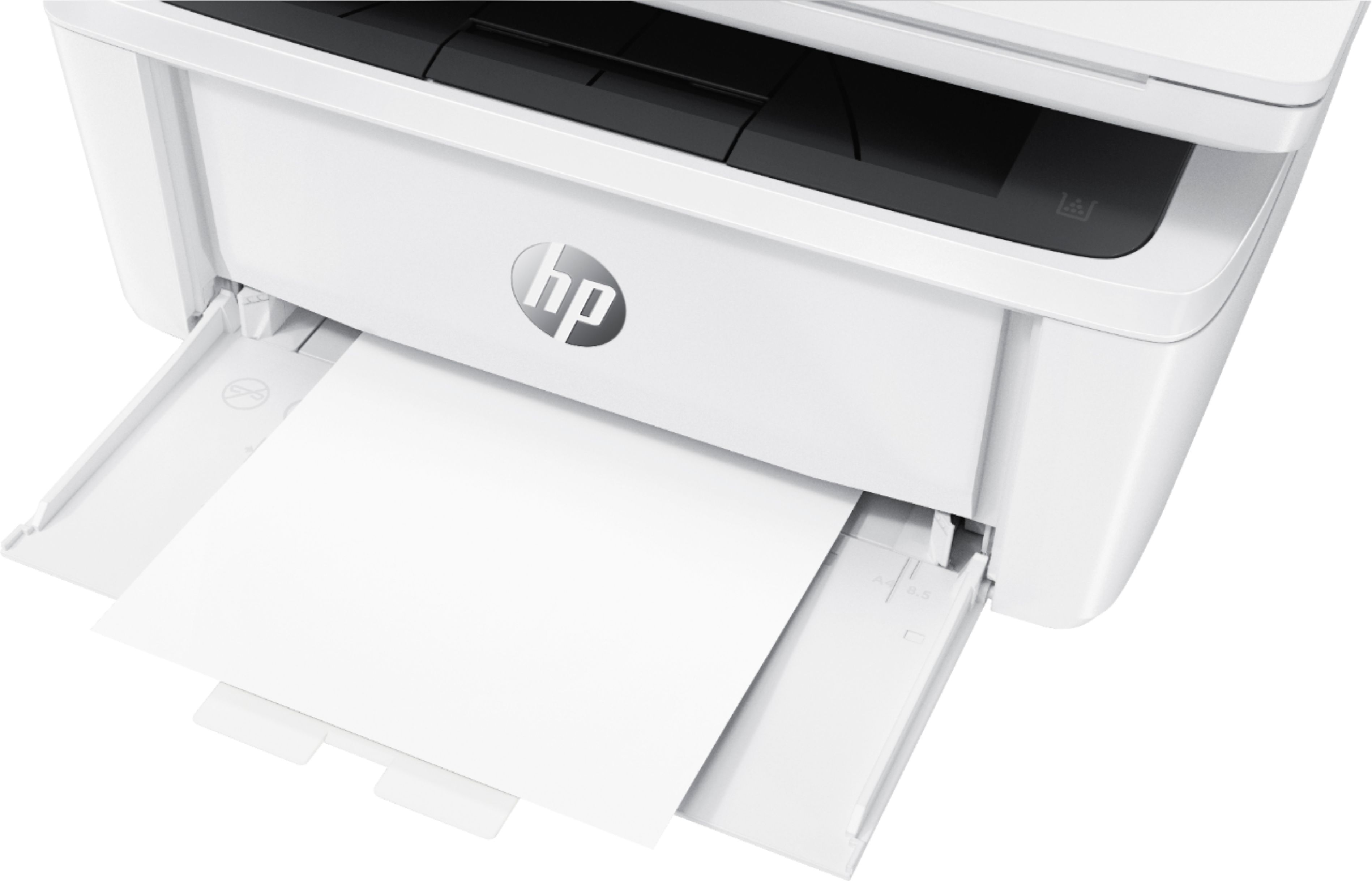
Q: QuestionI want to print pre-printed checks in their numerical order. Does the stack feed pull from the top, face up? This would keep the print run in numerical order.
Asked by BobtheBuilder.
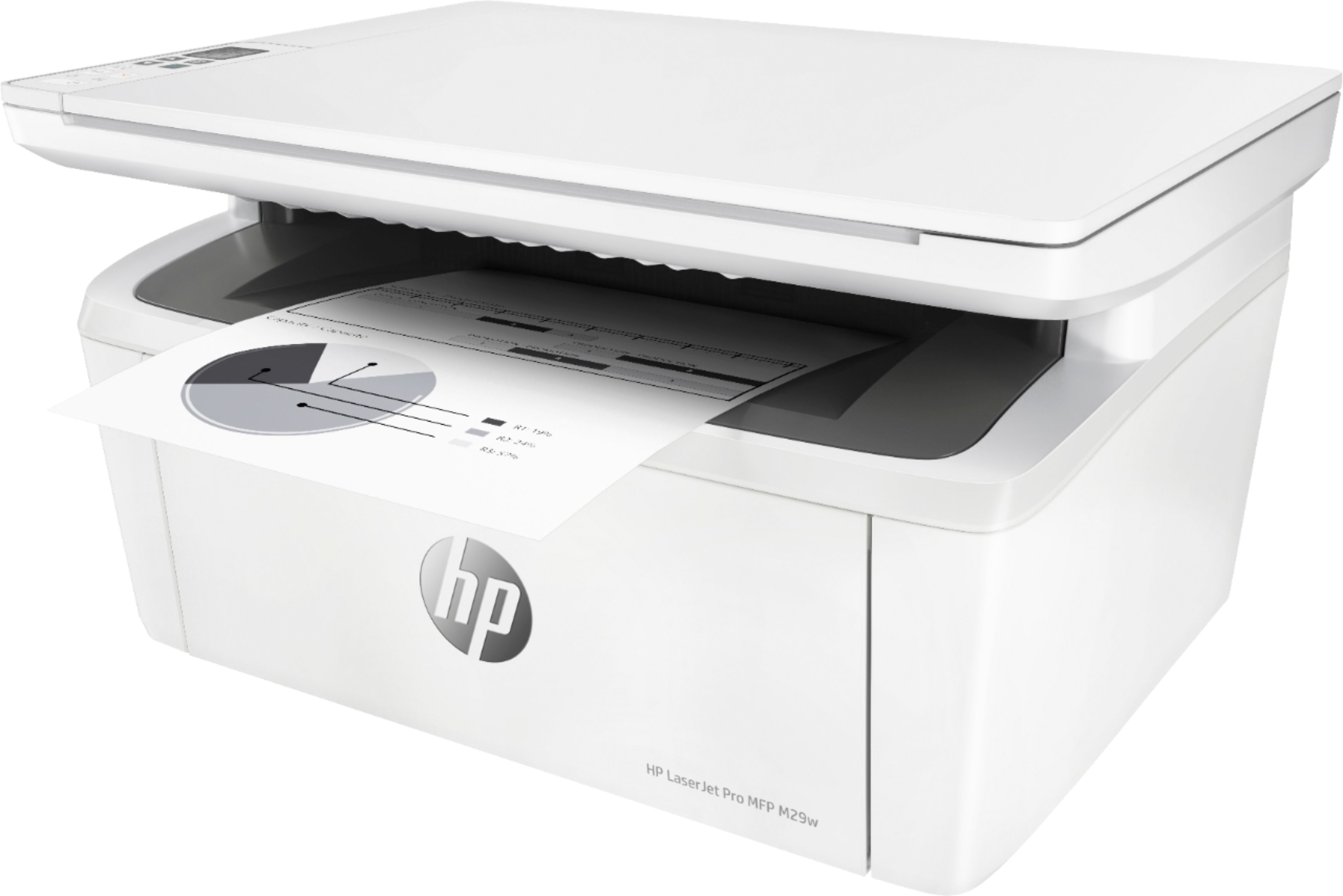
- A:Answer The printer pulls the checks from the top, but face down. If the software you're using support it, you should be able to specify printing the run of checks in reverse order, which would result in the stack being in numerical order.
Answered by HP Team

Q: QuestionI know that the paper tray only holds 8-1/2 x11 paper, but can you manually use 8-1/2 x 14 paper?
Asked by Anonymous.
- A:Answer I suggest checking the online user guide. It shows how to manually feed labels, and section 4/Print includes manually printing on both sides. Perhaps contact HP if only want one side and nothing in user guide?
Answered by LAC2020
Q: QuestionIs this copy machine capable of enlarging something, ie: enlarge to 150% ??
Asked by Pat.
- A:Answer I checked the online user guide and it looks to me like just a straight copy machine. I suspect enlarging requires extra mechanics inside and this is a compact unit. You can always ask HP is this will do enlarging (altho I doubt based on what I see in the user guide), or if they have any home printers/copiers that can, vs you have to go to Kinkos, local library copier, etc. for enlargements.
Answered by LAC2020
Q: QuestionI want to set up my HP laser jet pro M29w. The instructions say I can install the software or use the CD in my Windows computer. Or I can download the printer support website for my iPad. Can I do both?
Asked by Joyce.
- A:Answer Yes you can do both
Answered by Maryna
Q: Questiondoes it work with the acer chromebook r 13 ?
Asked by val3ri3.
- A:Answer Yes this printer will work with a chromebook. This link will show you how to get set up: https://support.hp.com/us-en/document/c04122530
Answered by HP Team

Q: QuestionHas anyone tried printer on label paper?
Asked by Yessii23.
- A:Answer Printed standard every labels with no problem
Answered by Donald
Q: QuestionHow many computers can print to this printer at one time using the wifi direct feature?
Asked by Deerhunter.
- A:Answer I don’t know the exact answer but I have 2 computers and 3 iPhones that regularly print to this with no issues through WiFi
Answered by KenLen
Q: Questiondo I need a land line to fax and does it have a feeder
Asked by Anonymous.
- A:Answer Copier, Printer, Scanner This one does not fax... that being said, YES you need a landline to fax.
Answered by MacKnife
Q: Questiondoes it print on bots sides 2 sided
Asked by aser.
- A:Answer It does not print on both sides 2 sided, you would have to turn the paper manually.
Answered by CommunityAnswer
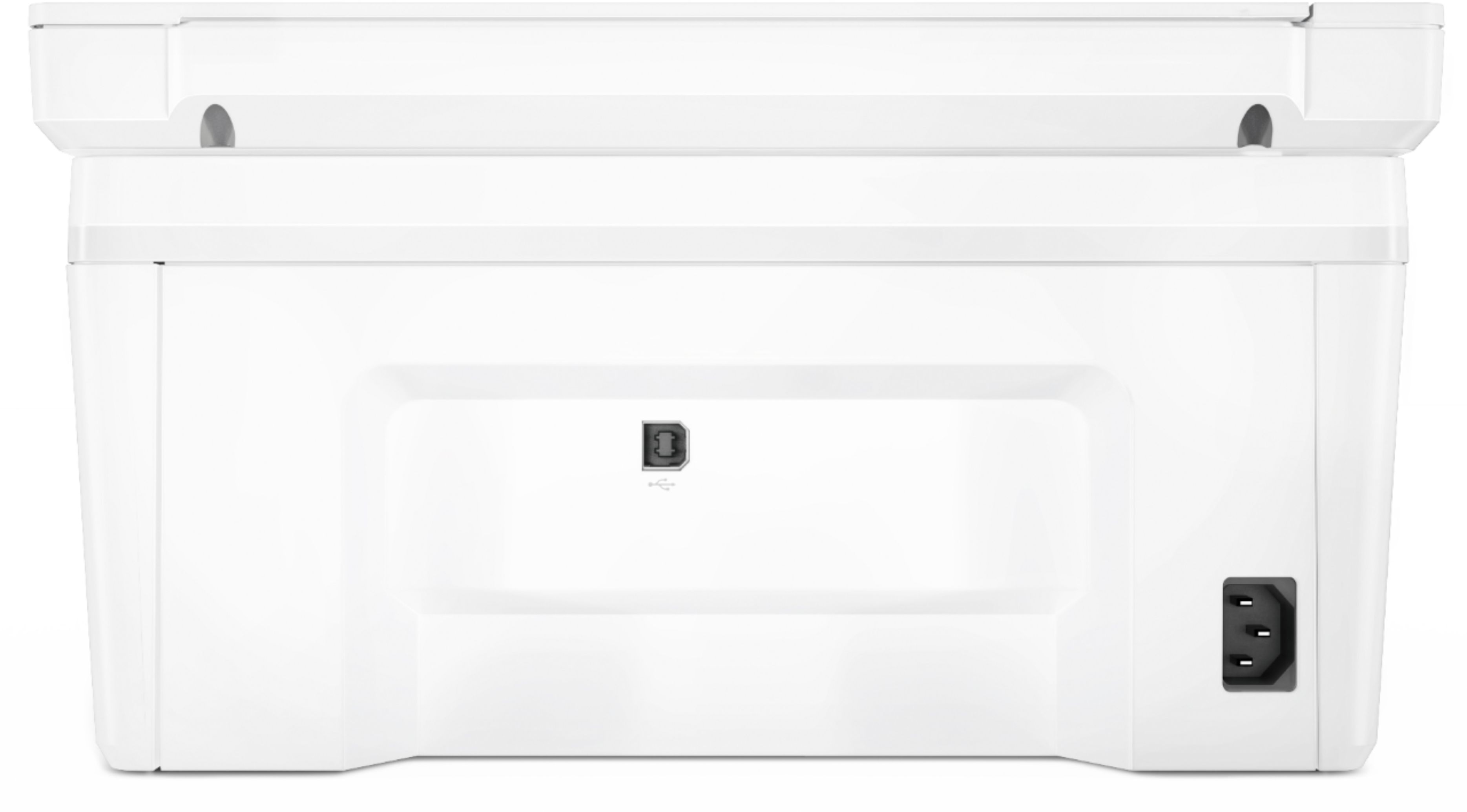
Q: Questioncan it scan to usb thumb drive?
Asked by Anonymous.
- A:Answer Unfortunately this printer does not have a USB port for connecting a flash drive. It has a USB B-type connector for connecting to your computer only. Wifi connectivity allows you to scan and print using most wifi connected devices.
Answered by HP Team

Q: QuestionCan this printer printer in color?
Asked by Shay.
- A:Answer Unfortunately, the M29W is a monochrome, or black and white only, printer.
Answered by HP Team

Q: QuestionCan I use this printer to fax?
Asked by Jakson.
- A:Answer It does not have faxing via phone line option. I use a virtual fax service and upload scanned documents. No direct faxing from device though.
Answered by juliesusannedotcom
Q: Questioncan this scan or just a printer
Asked by ronny.
- A:Answer Yes, It scans, and you can adjust the scanned doc (darken, lighten, straighten, etc) before saving. It Is a one page at a time scanner. ... There is no document feeder, which is what makes it compact.
Answered by juliesusannedotcom
Q: QuestionCan you enlarge an image?
Asked by Jak.
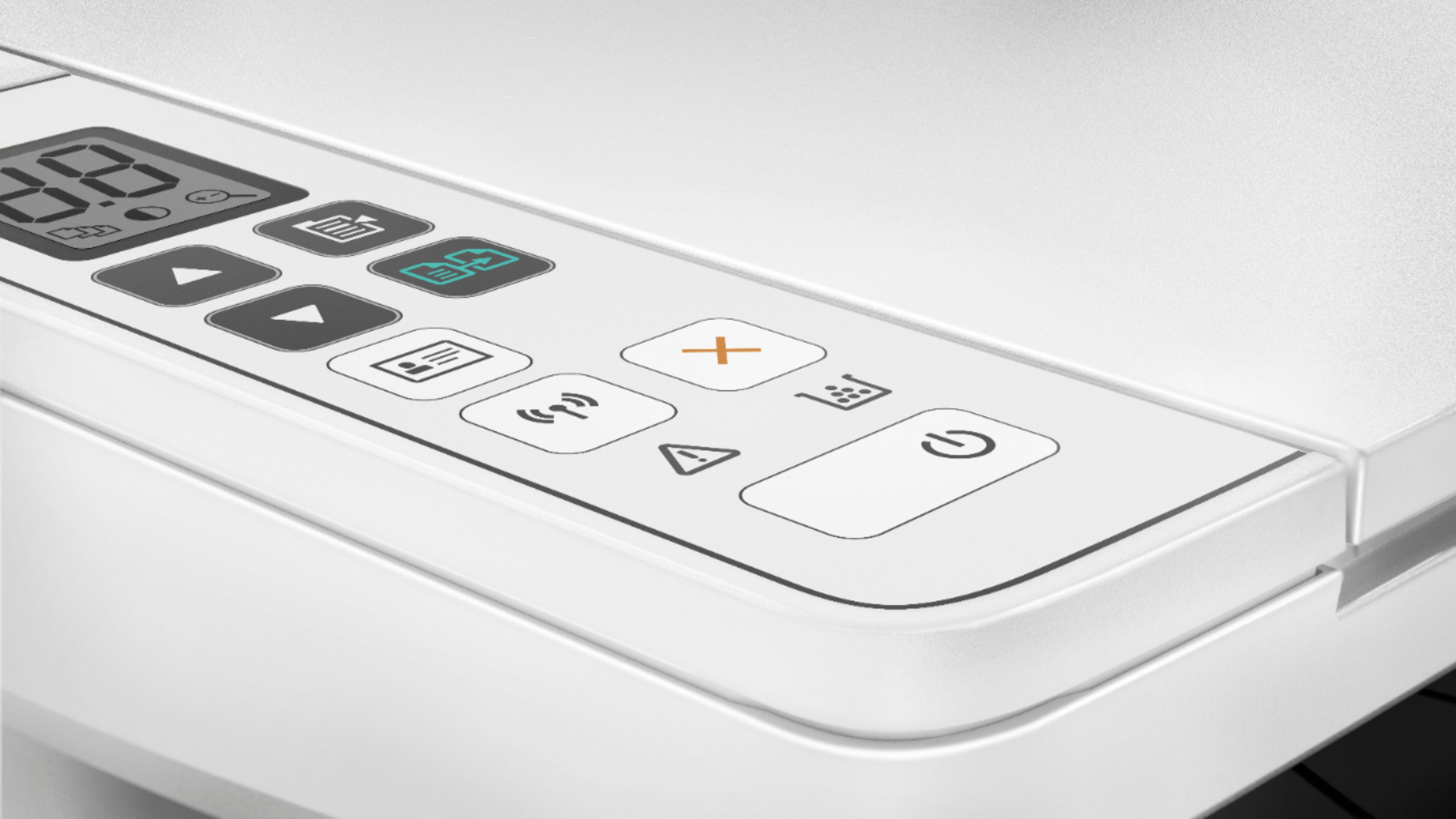
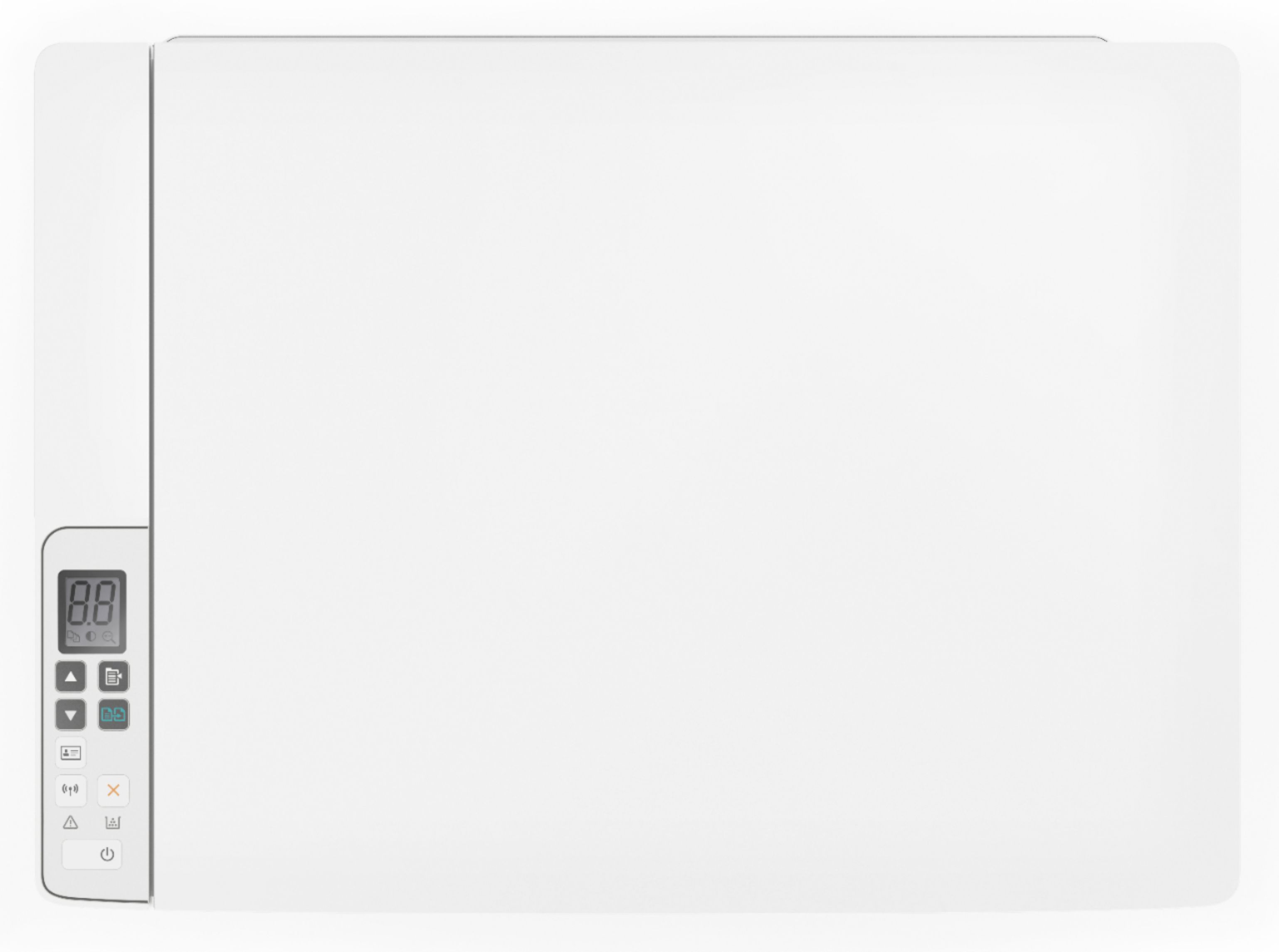
- A:Answer Yes you can enlarge or shrink copies using the full HP drivers.
Answered by HP Team

Q: QuestionSide & weight I have a small area do you take tradings?
Asked by Bob.
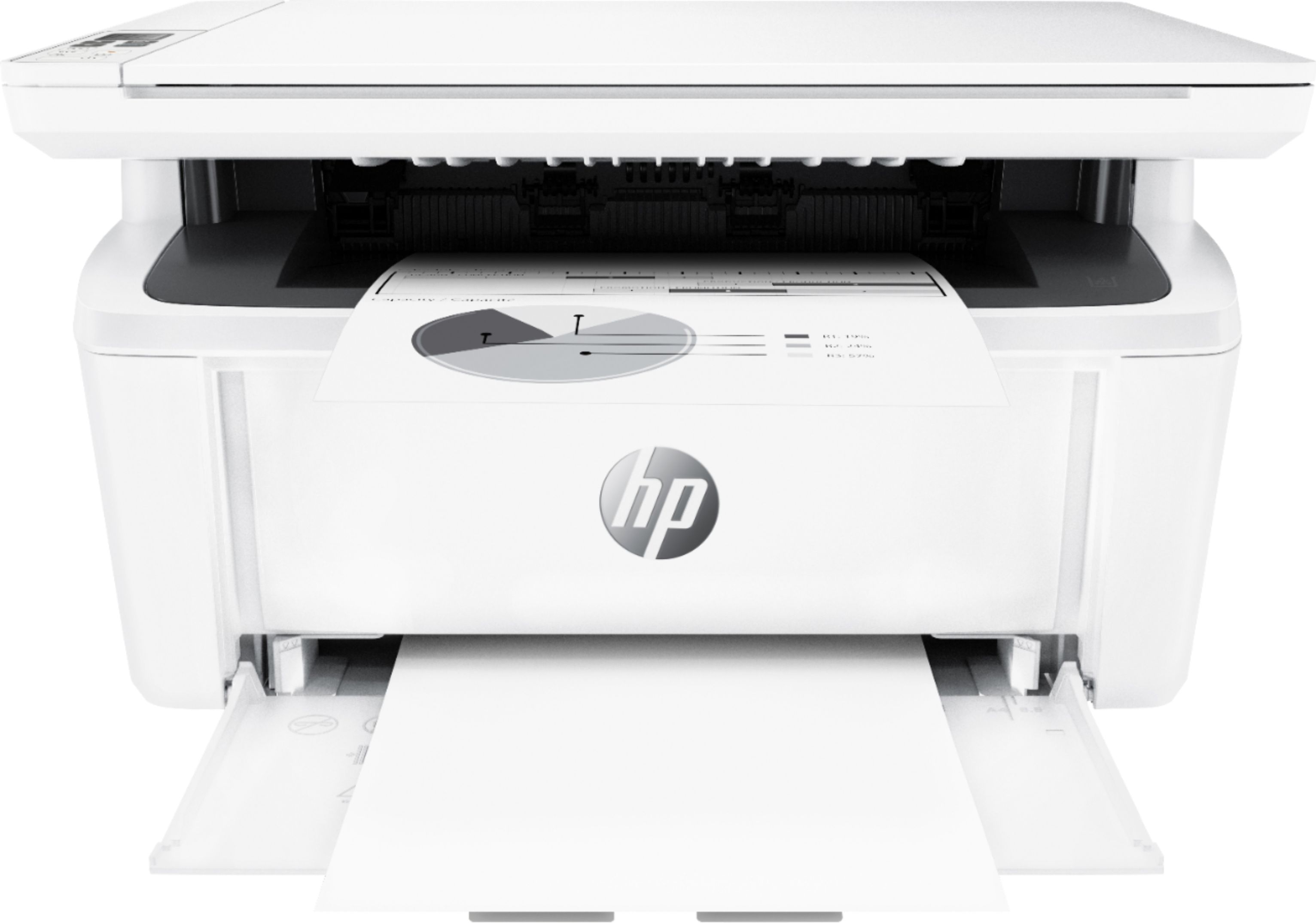
- A:Answer Hi Bob, this printer weighs 11.9 lbs and dimensions of W x D x H: 14.2 x 10.4 x 7.8 in. I am not sure if Best Buy has any trade-in promotions, your best option would be to call your local store and ask.
Answered by HP Team

Most-viewed items
- $39.99$39.99The price was $62.99
- $389.99$389.99The price was $499.99
- $1,199.99$1,199.99The price was $1,299.99
- $237.99$237.99The price was $368.98
- $99.99$99.99The price was $129.99
- $170.00$170.00The price was $249.00
- $329.99$329.99The price was $469.99
- $149.99$149.99The price was $179.99