Black Friday is hereShop new DoorbustersShop now

Main Content

Questions & Answers

Your price for this item is $439.99
Clearance
The comparable value price is $549.99
Page Showing 121-140 of 188 questions
  • QuestionFrom a previous question Depth 25". Front to back is this printer 25"???

    Asked by T.

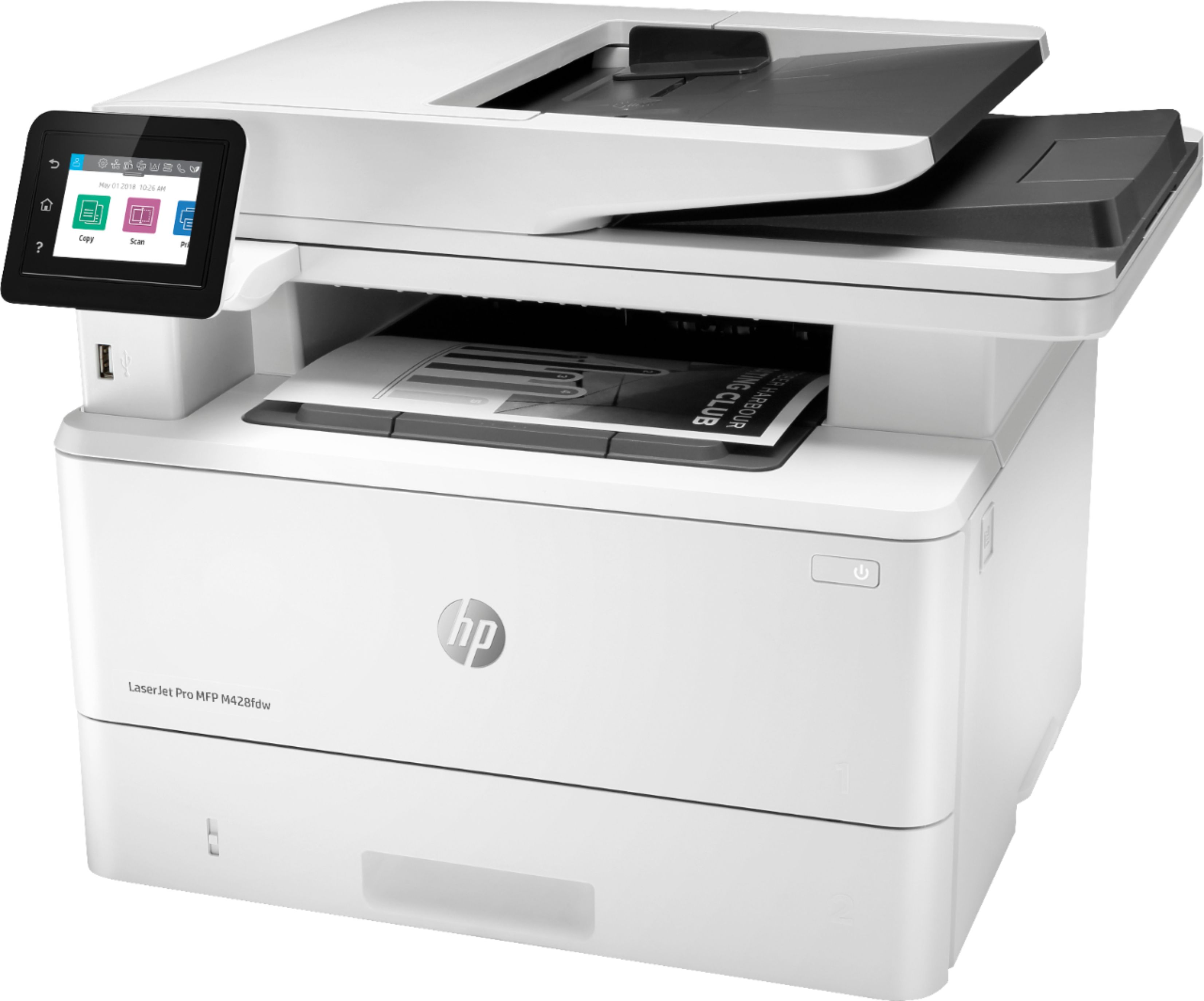
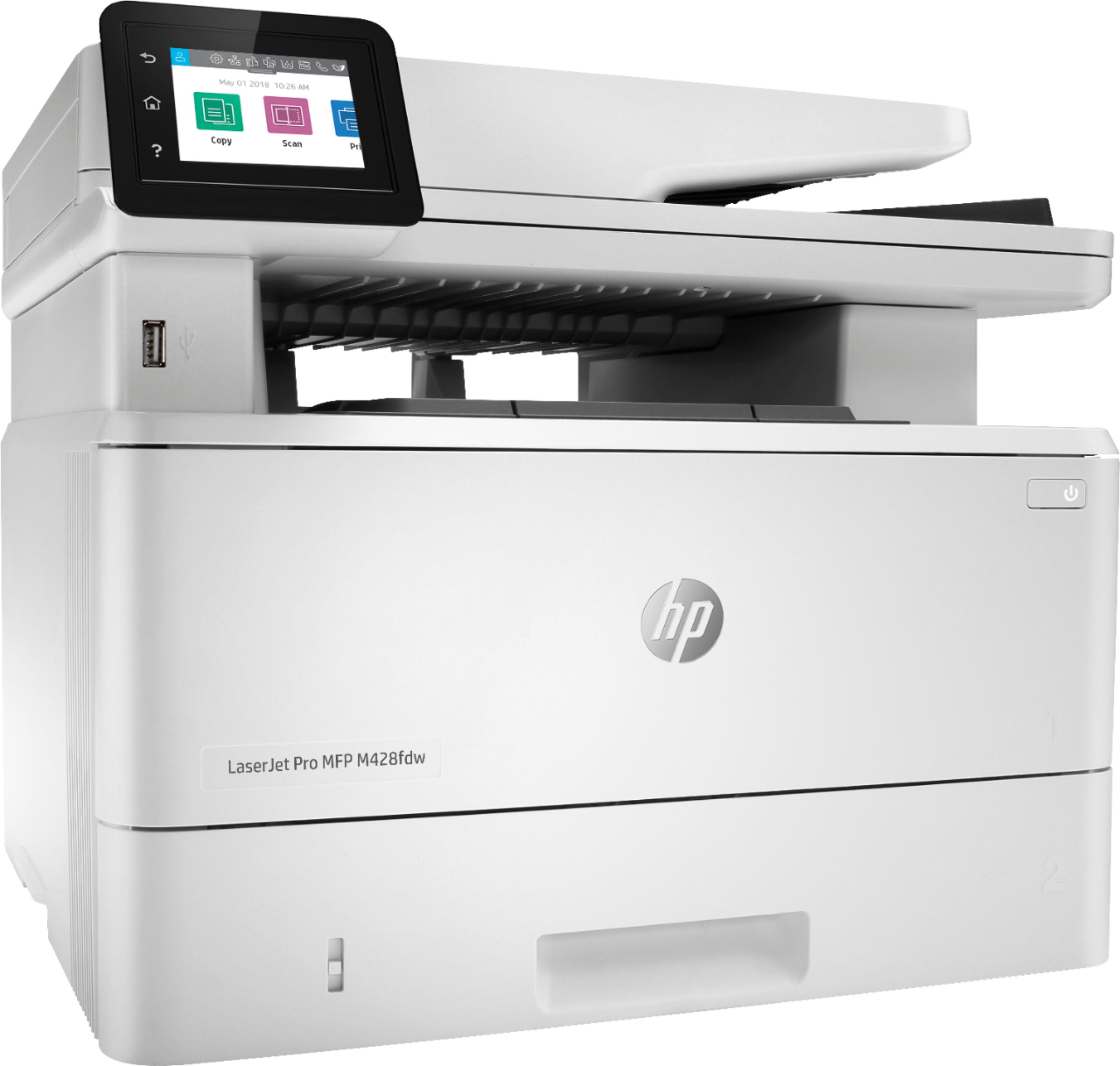
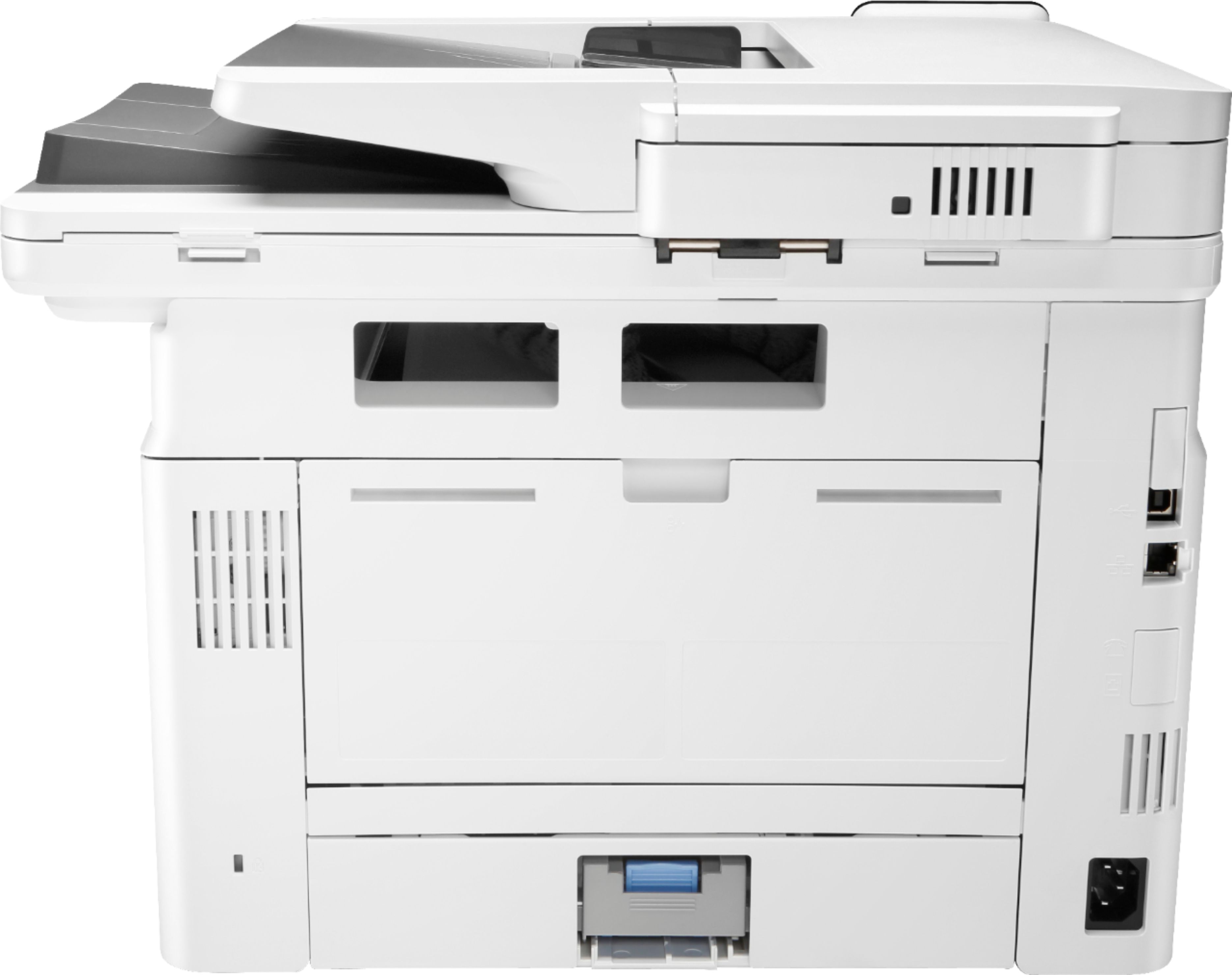
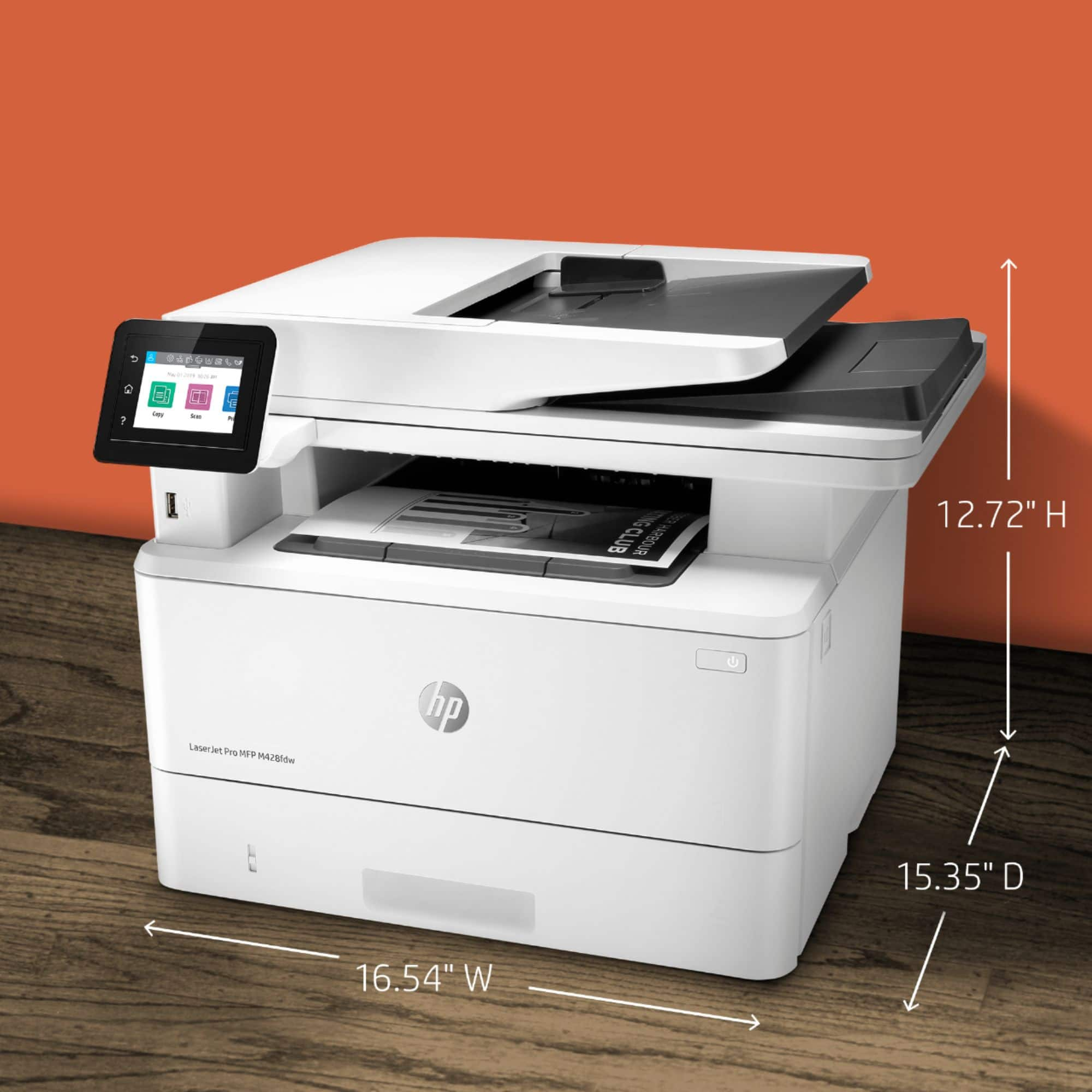
    • Answer The front to back depth of the printer itself is 15", not 25" (I just measured it). However you should allow about three inches from a wall to accommodate the AC power cord that sticks out and some vents on the back side.

      Answered by DianaJoan

  • QuestionCan this printer print / scan 11x17 documents?

    Asked by Braddy78.

    • Answer Scan Size ADF: 8.5 x 14 in Maximum; 4 x 6 in Minimum; Flatbed: 8.5 x 11.7 in Media sizes supported Tray 1: Letter; Legal; Executive; Oficio (8.5 x 13 in); 16K; Japanese Postcard; Double Japan Postcard Rotated; Envelope #10; Envelope Monarch; Envelope B5; Envelope C5; Envelope DL; Custom Size; 4 x 6 in; 5 x 8 in; Statement; Tray 2 & Tray 3: Letter; Legal; Executive; Oficio (8.5 x 13 in); Custom Size; 5 x 8 in; Statement From https://www8.hp.com/h20195/v2/GetPDF.aspx/c06330387.pdf

      Answered by mike

  • Questioncan you fax with this printer?

    Asked by Anonymous.

    • Answer Yes. It will print, copy, scan and fax.

      Answered by LittleCreek

  • QuestionCan you scan to email?

    Asked by AA.

    • Answer Yes you scan to email.

      Answered by Anonymous

  • QuestionIs this printer compatible with Windows 7?

    Asked by Chris.

    • Answer Yes.

      Answered by LittleCreek

  • QuestionCan I use this scanner to scan a stack of double sided papers of different sizes?

    Asked by Pw.

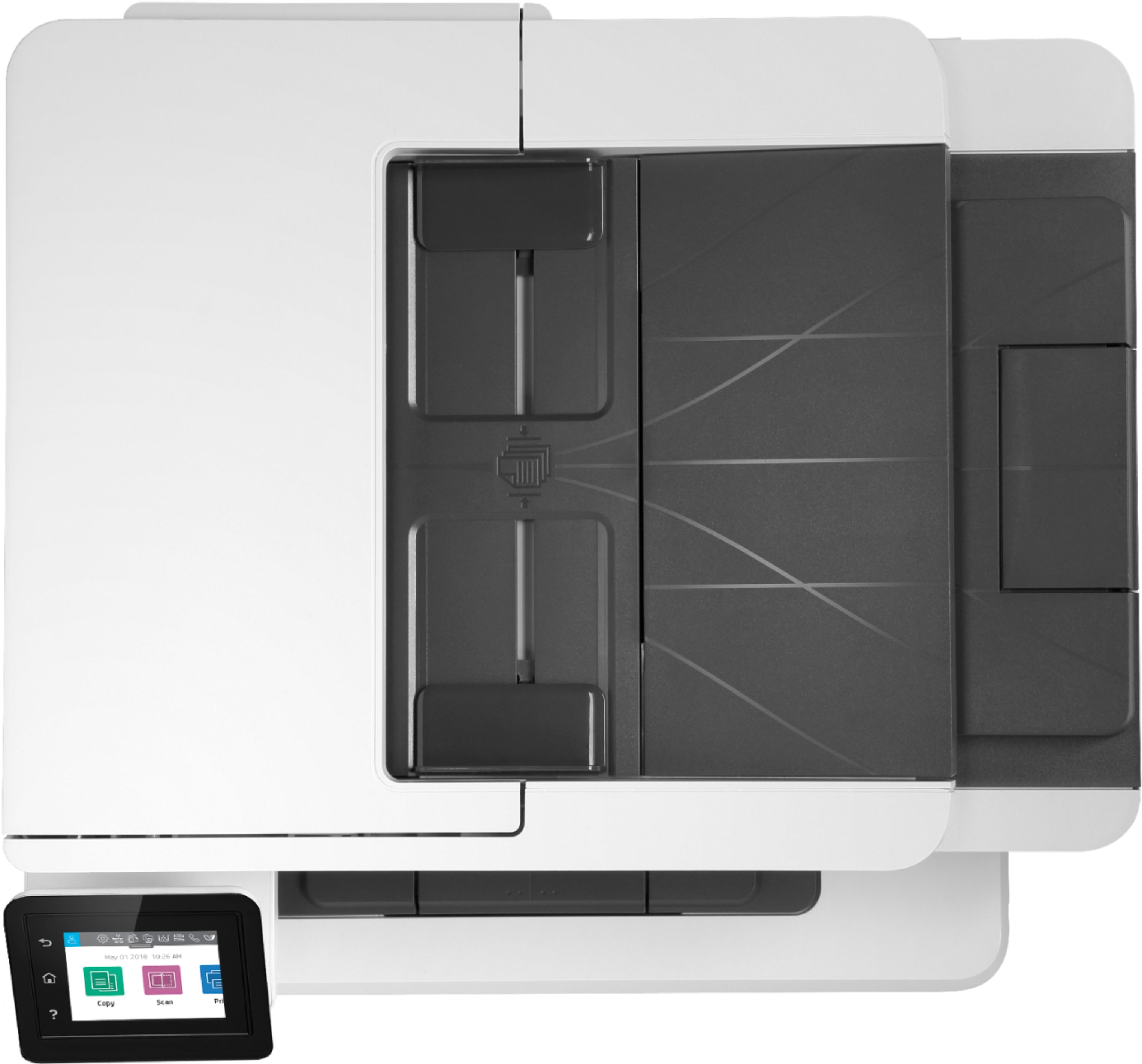
    • Answer Great question! This model has single-pass, 2-sided scanning via its 50-sheet Automatic Document Feeder (ADF) which can scan different sized documents ranging from 4"x6" to 8.5"x14".

      Answered by HP Team

  • QuestionHow many pages per minute does it print ?

    Asked by Sandy.

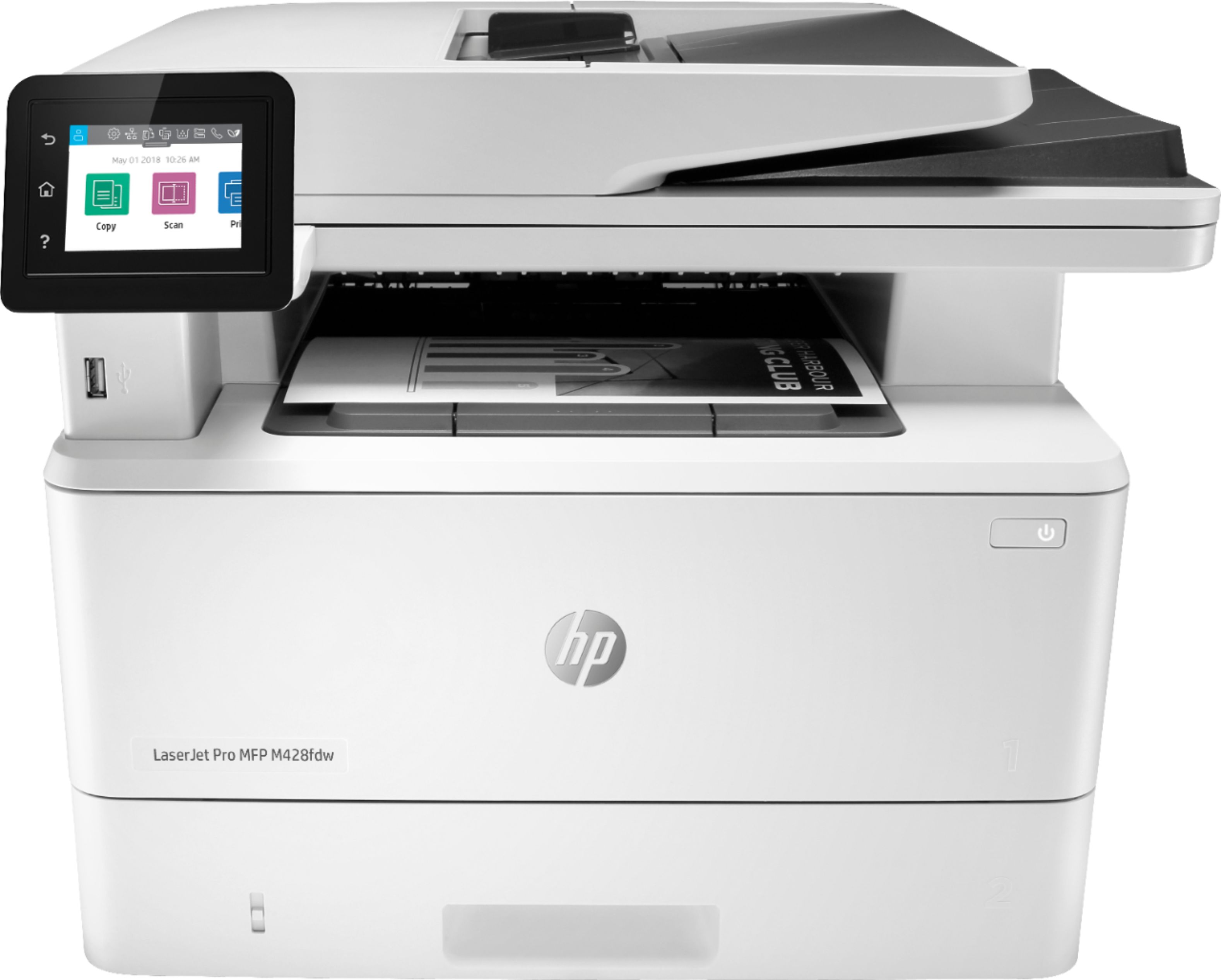
    • Answer Hi Sandy! That's a great question. This HP - LaserJet Pro MFP M428fdw Black-and-White All-In-One Laser Printer - White has a print speed black (normal, A4) up to 38 ppm (default), and up to 40 ppm (HP High Speed). Thank you for your question.

      Answered by HP Team

  • Questionwhat are they referring to for copier info (maxium number of copies) 999 compared to others that say only 99

    Asked by Anonymous.

    • Answer Hi, thank you for the question. It depends on the printer's copy quantity selector. Some printers have one (9), two (99), or three-digits (999) quantity selection limits. Higher maximums are typically seen with business printers. You can certainly copy the quantity that you want, however, if the job exceeds the maximum on the quantity selector, you'll need to copy a second time. (If you need 125 copies and your printer has a two-digit (99) selection limit, you'll need to copy twice - once for 99 copies, and once for 26 copies).
      Answered by HP Team

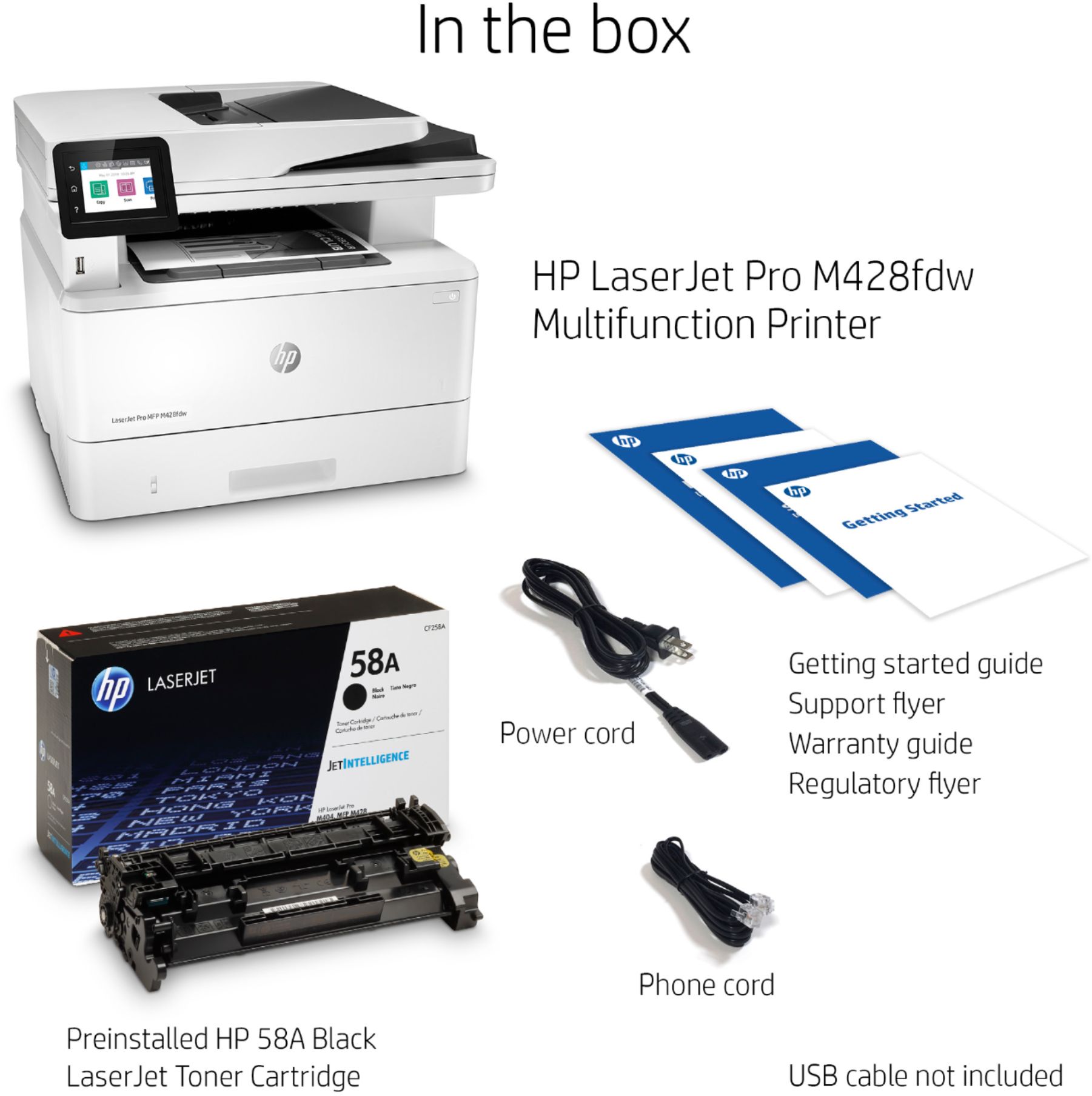
  • Questioni just realized that this is not a color printer, can i change out the cartridge for a color cartridge or does it have to be black

    Asked by 7479.

    • Answer Has to be black, since no color version of the appropriate cartridge is offered.

      Answered by TPVDayton

  • QuestionIs this device TWAIN compatable?

    Asked by Historian.

    • Answer Hi, thank you for the question. Yes, the LaserJet Po M428fdw is TWAIN compliant.

      Answered by HP Team

  • QuestionWill this copier copy both sides?

    Asked by Anonymous.

    • Answer Yes

      Answered by Gerry

  • QuestionCan the automatic double-side copying feature be turned off if I must print on only one side?

    Asked by Brewskitownbadger.

    • Answer Yes, you should be able to go into the printer defaults and change them to print 1-sided. I would do this on both your computer defaults and the defaults for the printer itself.

      Answered by Diane

  • QuestionWhat is the maximum number of pages that I can put in the feeder and scan at once?

    Asked by Sarah.

    • Answer Hi Sarah! The HP LaserJet Pro M428fdw has a 50 sheet automatic document feeder. 50 sheets, is the maximum it can hold.

      Answered by HP Team

  • QuestionWill the scanner scan to a PDF file?

    Asked by Jimi.

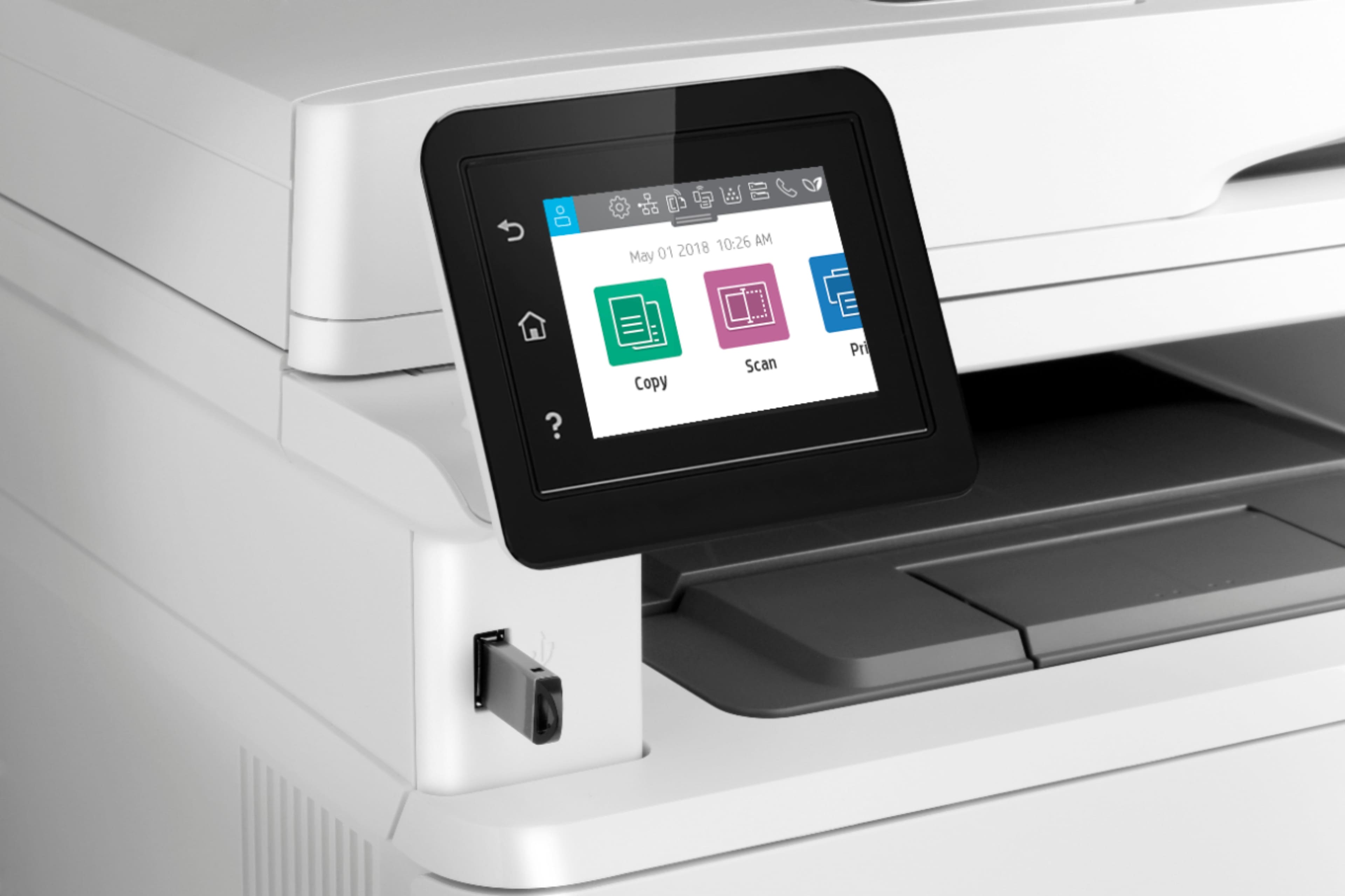
    • Answer Yes, it can easily (scan then) print to a PDF (also your Microsoft software can, too). It can print from a USB thumbdrive and can fax from either. Once you load the software from HP you can do anything that you need to manipulate images for email, fax, printing and storage.

      Answered by Leslietherunner

  • QuestionCan it copy 4 sheets to one page (two front and two back)?

    Asked by JimP.

    • Answer Yes, in combination with the native Windows operating software and the HP downloaded software it can not only print multiple pages to one page, but it can also make a booklet and print over the span of several pages. The actual printer is capable of doing a myriad of printing tasks, most of which are available from the Windows printer menu (and options). Enjoy your HP printer, it should solve most of your printer, scanning, and faxing needs.

      Answered by Leslietherunner

  • QuestionWill this scanner collate documents?

    Asked by Jim.

    • Answer Yes, from the Windows printer menu (once you select more than one copy) you have access to the collate checkbox, which will allow you to collate as your printing needs demand. It has a large capacity output tray so your printing needs should be solved with this unit. Check out the snapshot of the COLLATE option from the printing menu (below)

      Answered by Leslietherunner

  • QuestionWill this printer copier work with Windows XP

    Asked by Frank.

    • Answer The LaserJet pro M428fdw is compatible with the following OS's. Win10, Win8.1, Win 8 Basic, Win8 Pro, Win8 Enterprise, Win8 Enterprise N, Win7 Starter Edition SP1, UPD Win7 Ultimate. It is not compatible with XP.

      Answered by HP Team

  • QuestionCan this load and print at least 25 envelopes at a time

    Asked by Anonymous.

    • Answer The LaserJet Pro M428fdw can handle up to 10 envelopes at a time.

      Answered by HP Team

  • QuestionDo you have a laser Printer Black and white That can print 11 x 17 Copies?

    Asked by Mites.

    • Answer Hello. Thanks for your question. At this time, Best Buy does not carry an HP printer black and white laser printer that prints 11 x 17 inches.

      Answered by HP Team

  • QuestionWill the printer print from a computer if it is low on ink?

    Asked by Floss.

    • Answer yes it did.

      Answered by LAONY