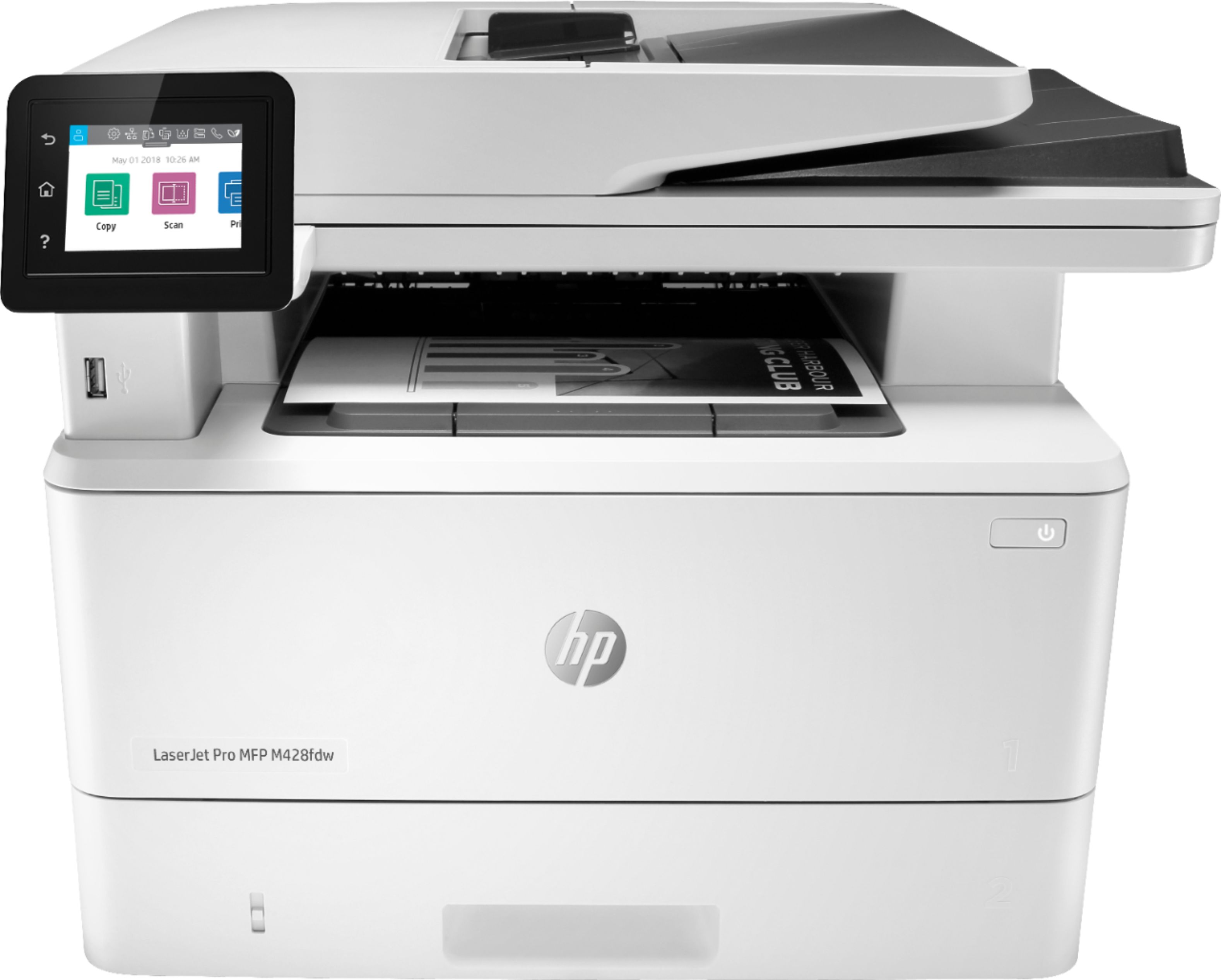
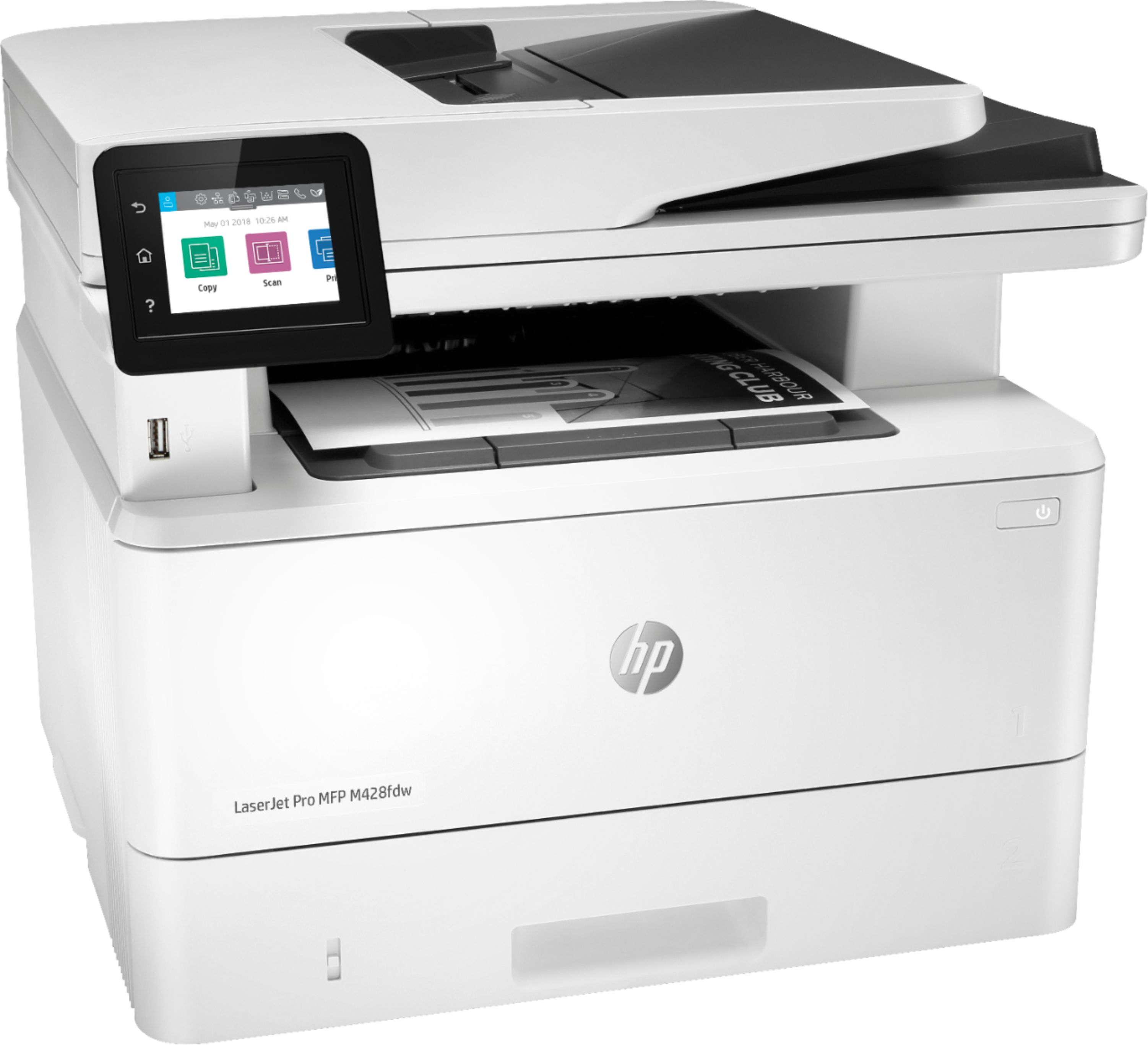
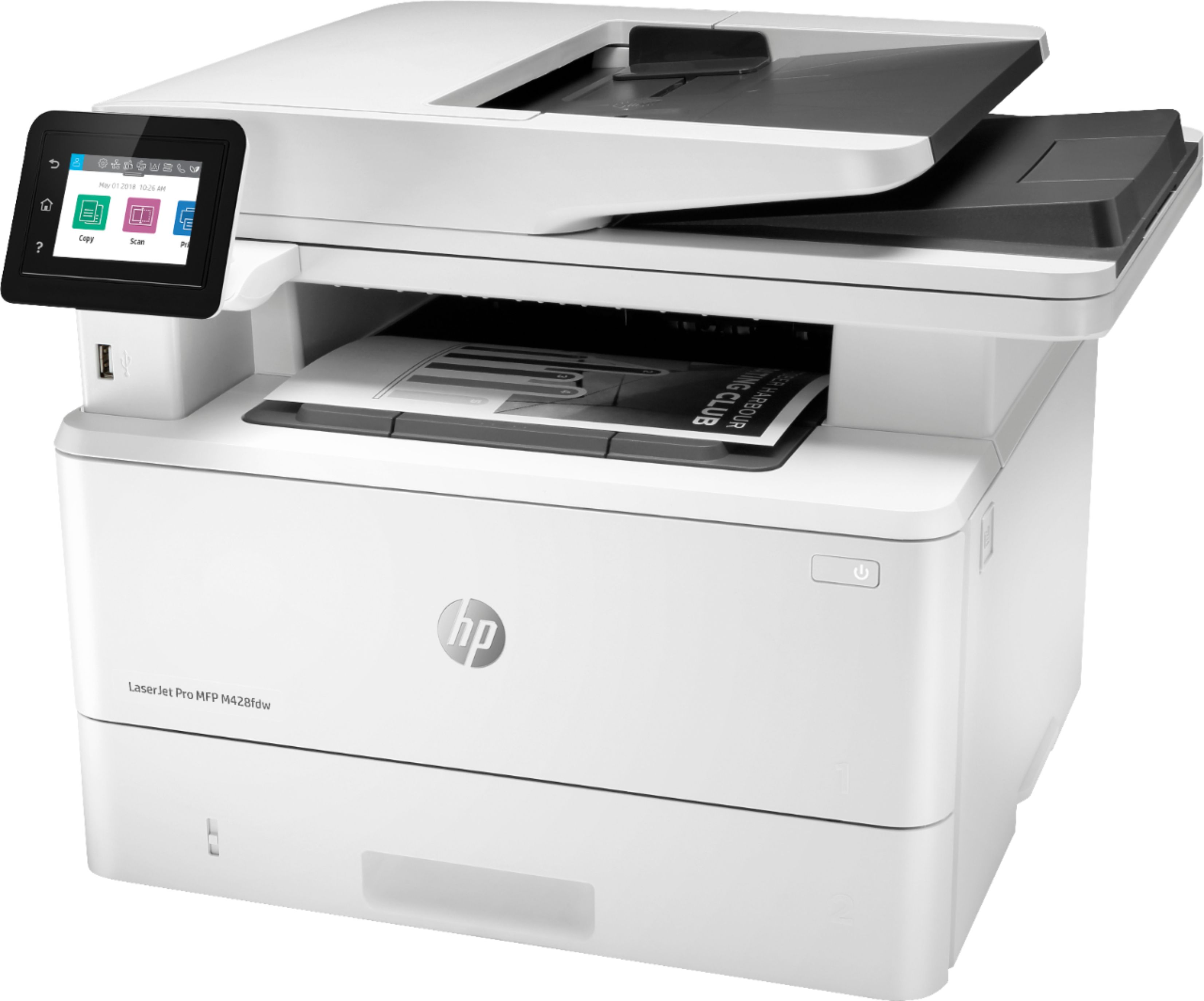
A:Answer In Windows, open up the Control Panel. Select "Devices and Printers". Right click on your printer and select "Printing Preferences". Make sure that "Print on Both Sides" is set to "None" and click "Apply".
The software that you're using to print may have it's own settings, so if the above instructions don't work, you'll need to look at the settings in the software.