A:AnswerHello, Mike. Thanks for your question. You can use the HP Smart app to scan to email. You would use the scan option on the HP Smart app to share via email. To make it easier the next time, we recommend using Shortcuts. It allows you to make a Shortcut, i.e. a scanned item to be emailed to this email address. Here is more information on the HP Smart app: https://support.hp.com/us-en/document/c03561640 and on the HP Shortcuts: https://support.hp.com/us-en/document/c06211157
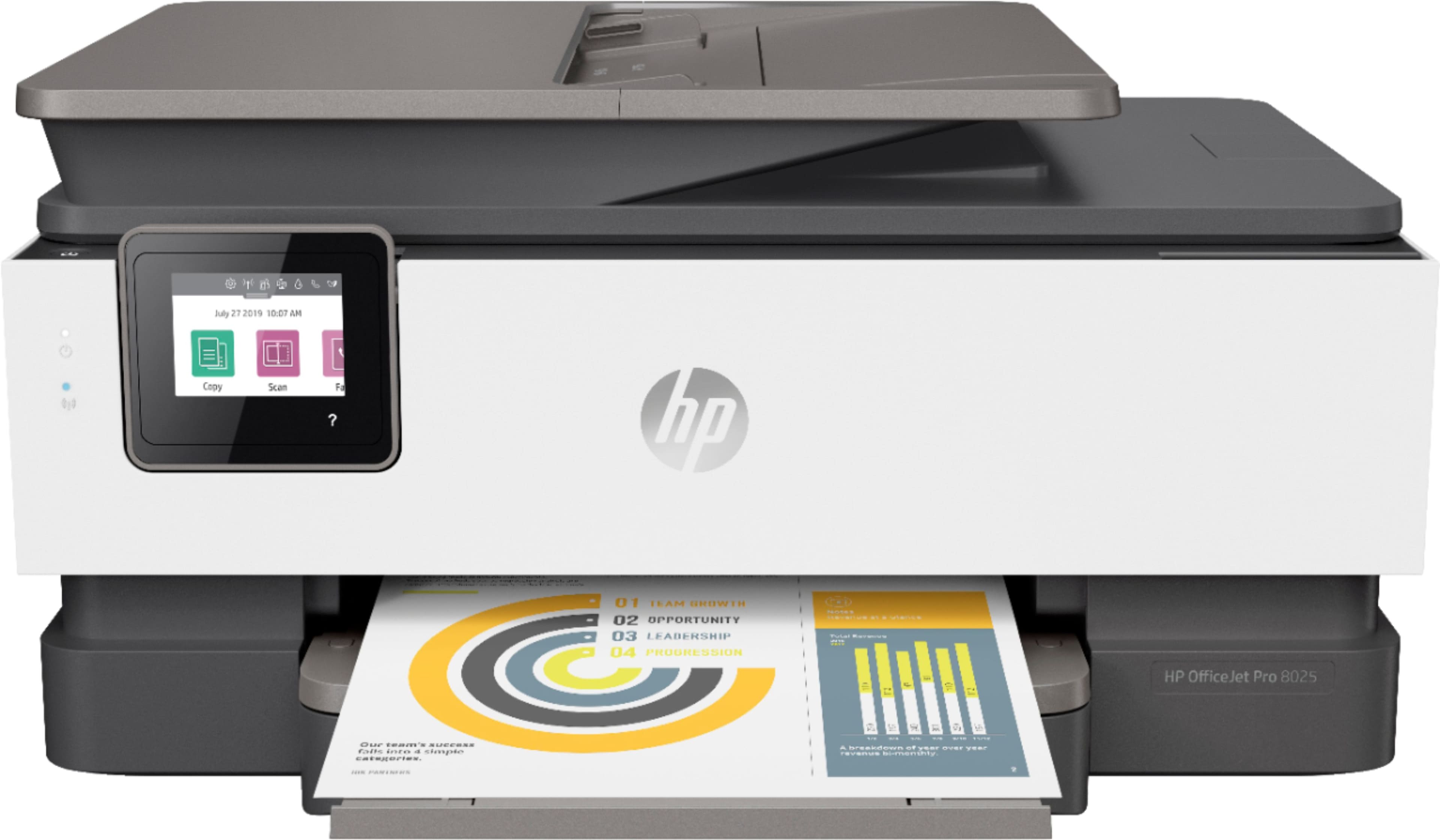
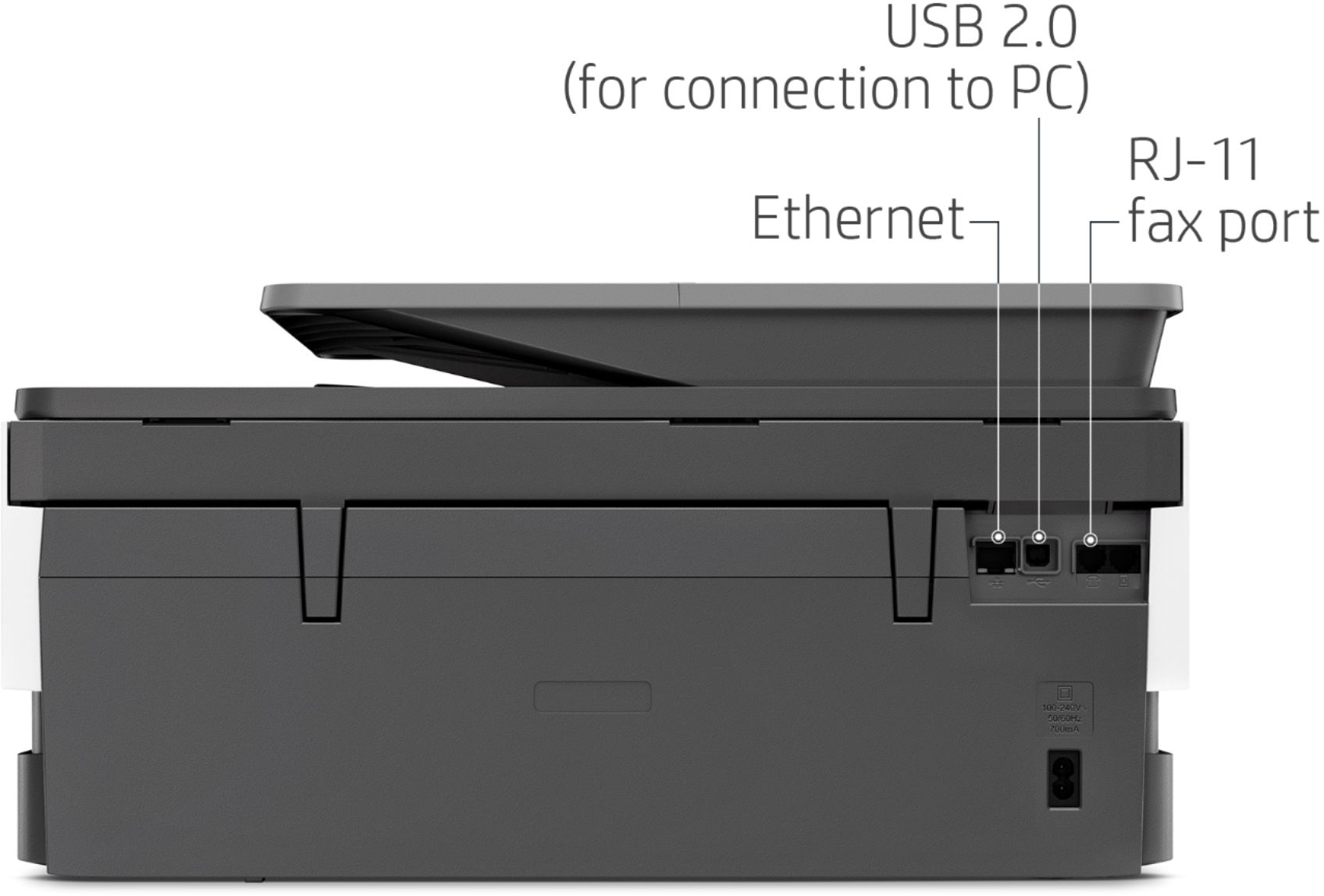
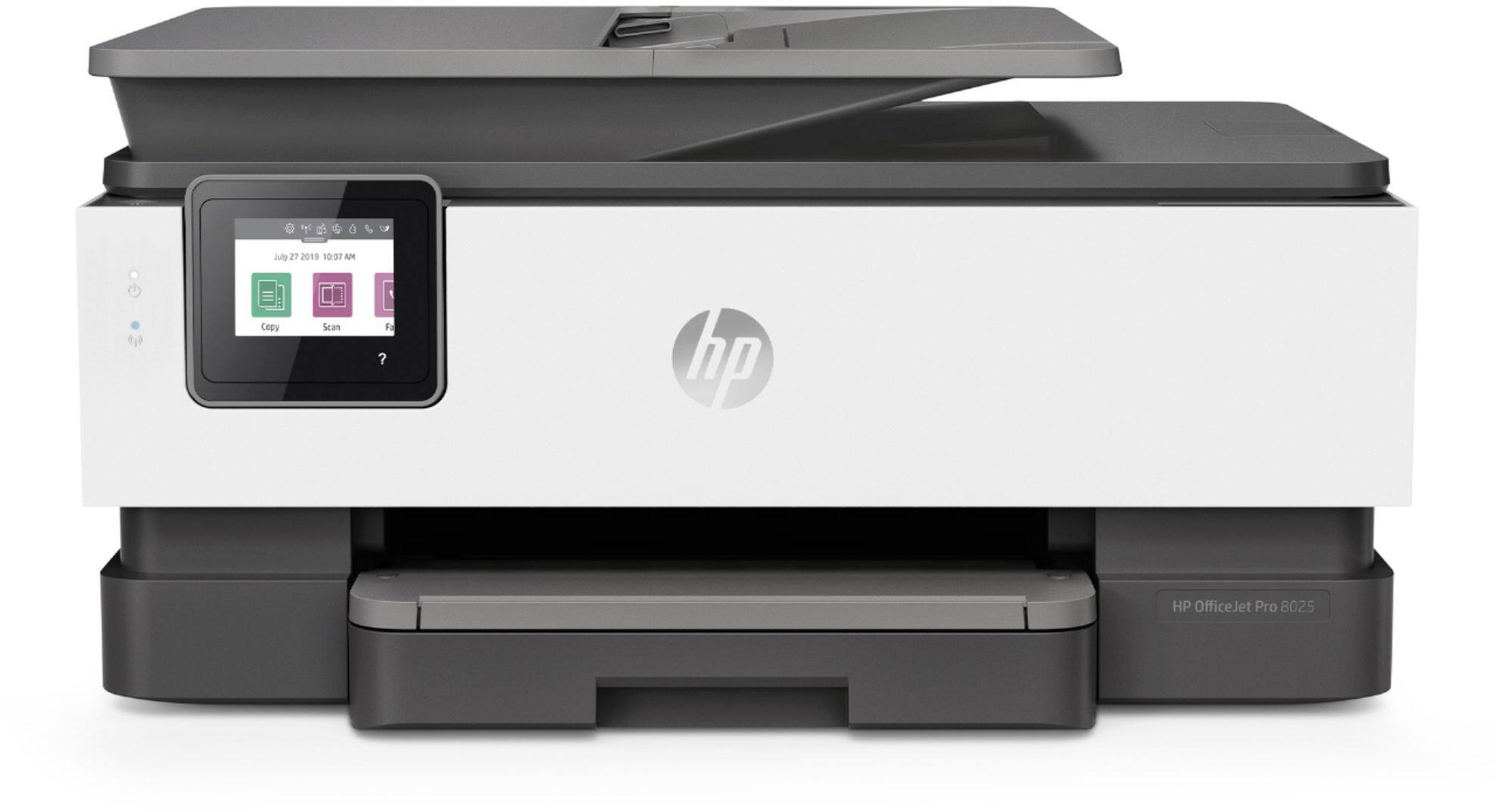
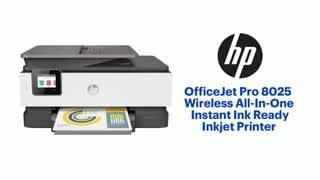
A:AnswerHello. Thanks for your question. Yes, this HP Officejet Pro 8025e printer can send and receive faxes. You do need a landline to use the fax on this printer.
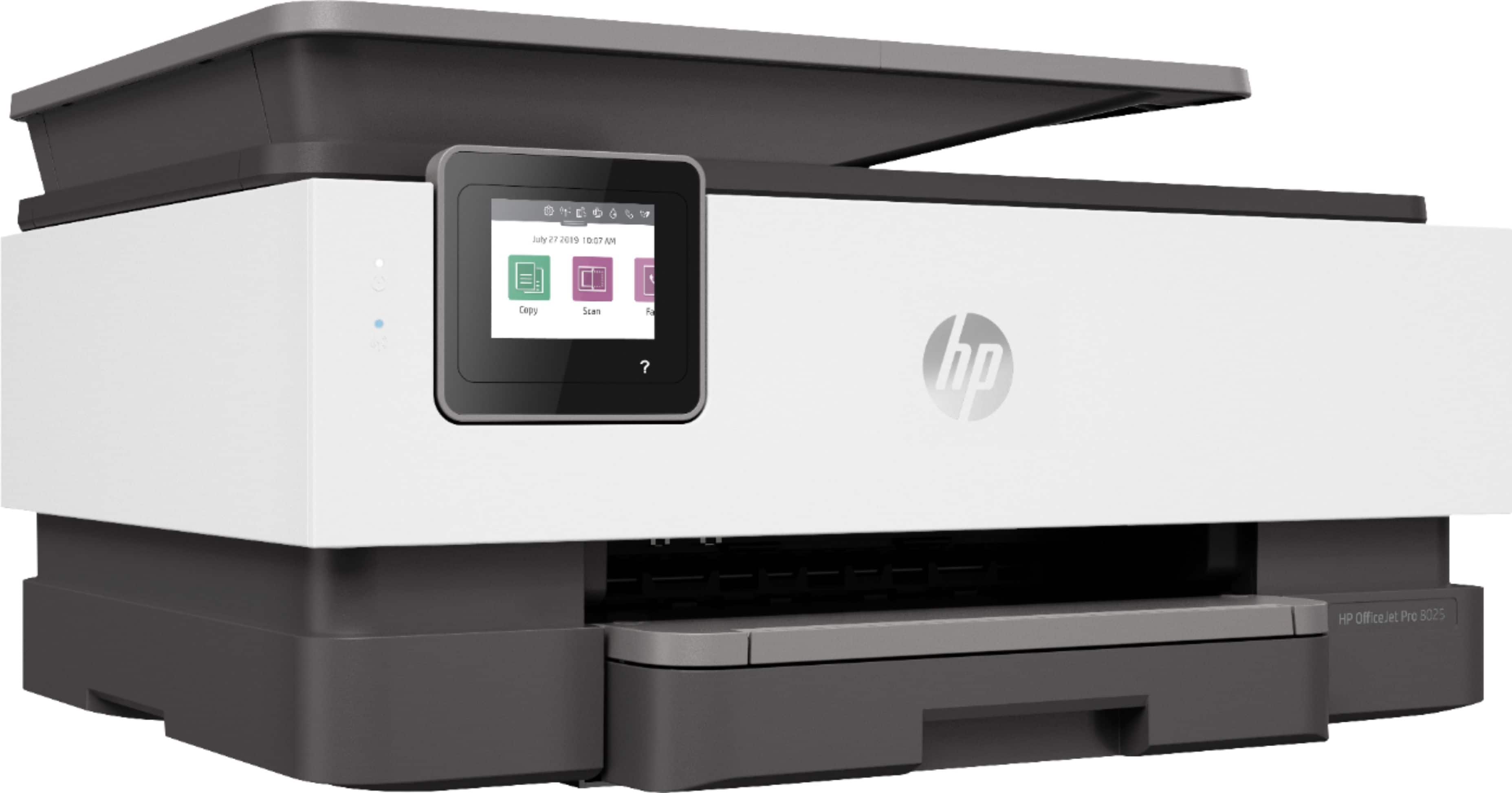
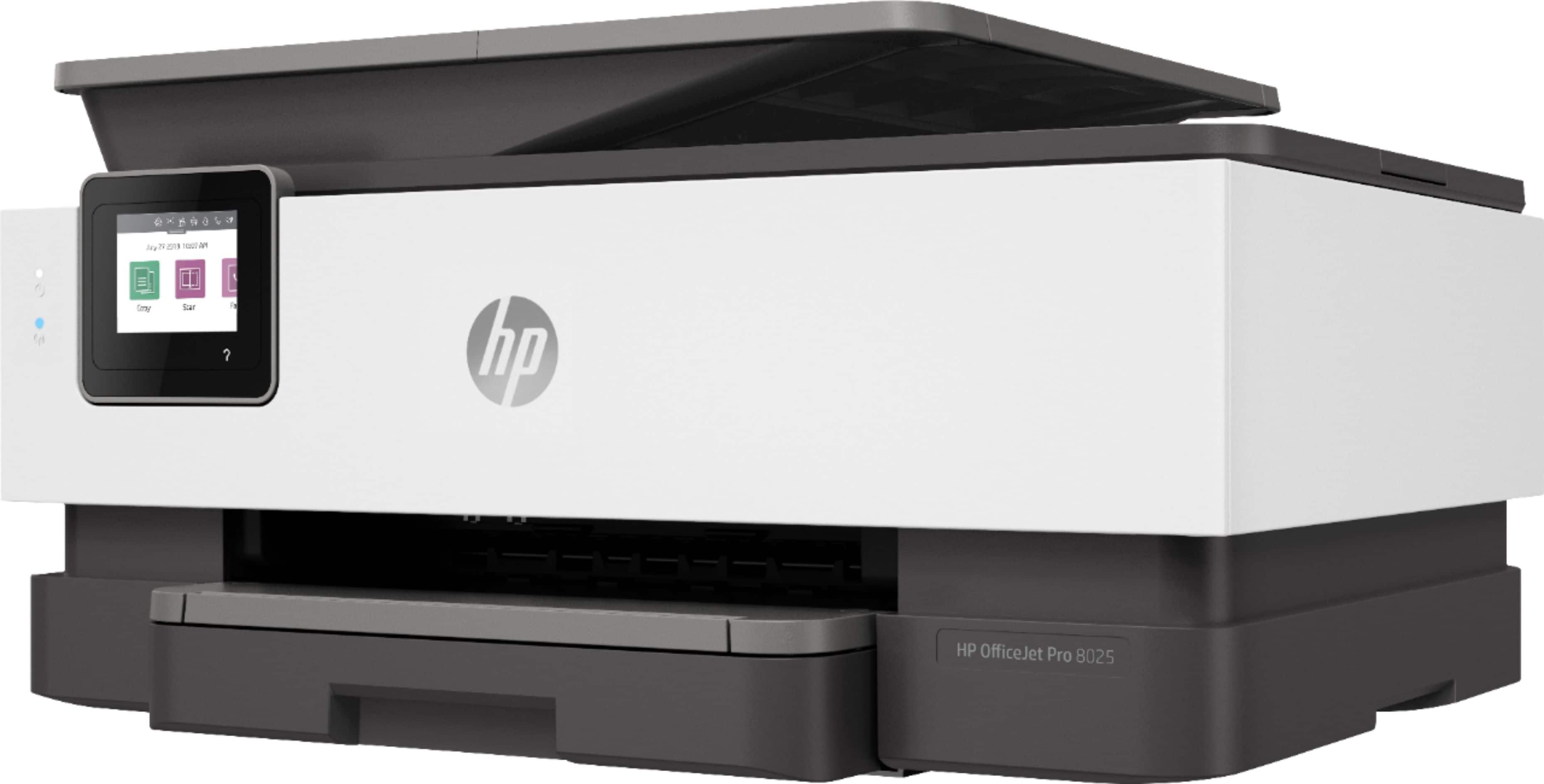
A:AnswerYes, the OfficeJet Pro 8025e printer does have fax capabilities, can scan and print in color, can print legal size, and has auto 2-sided printing.
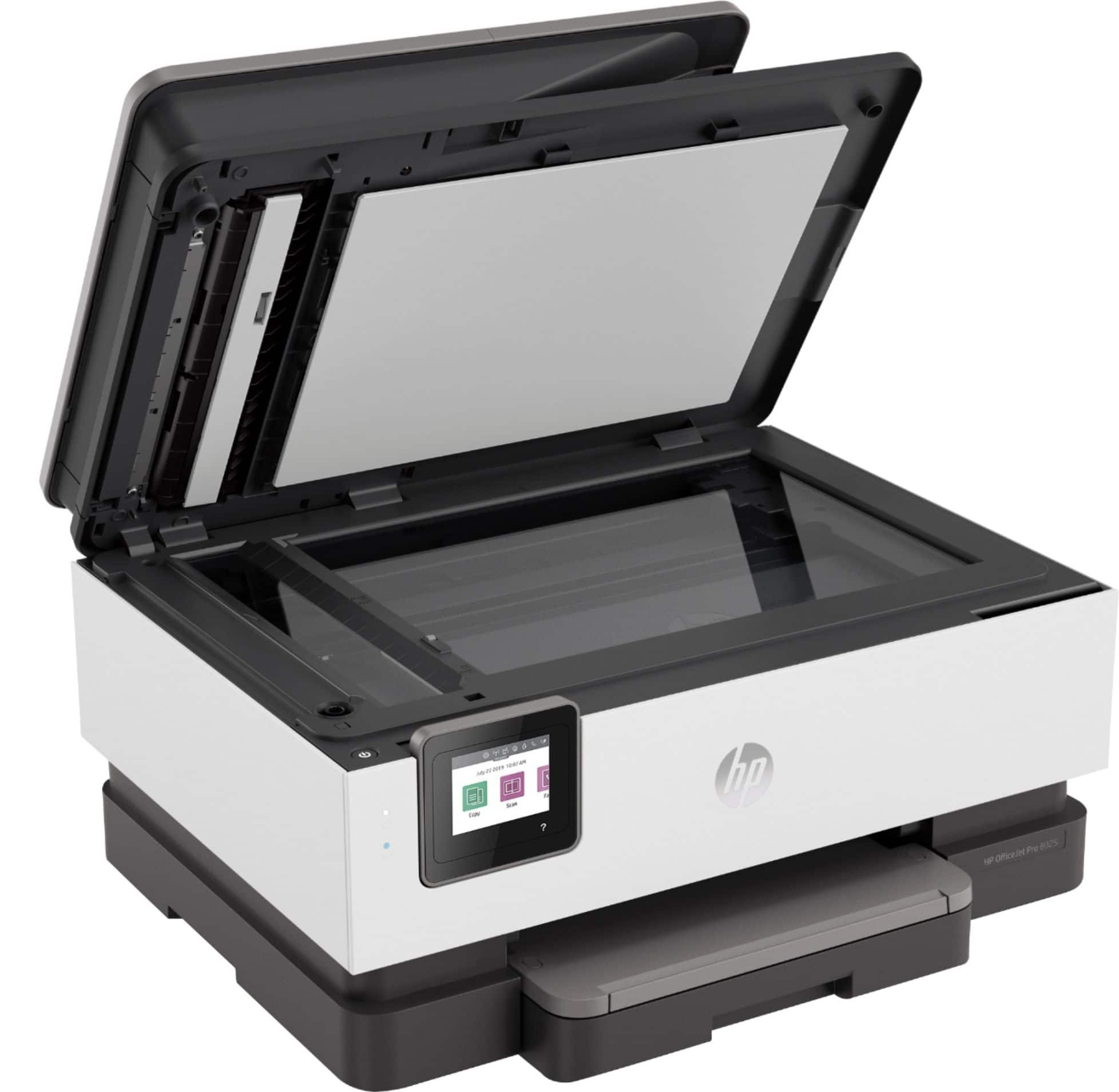
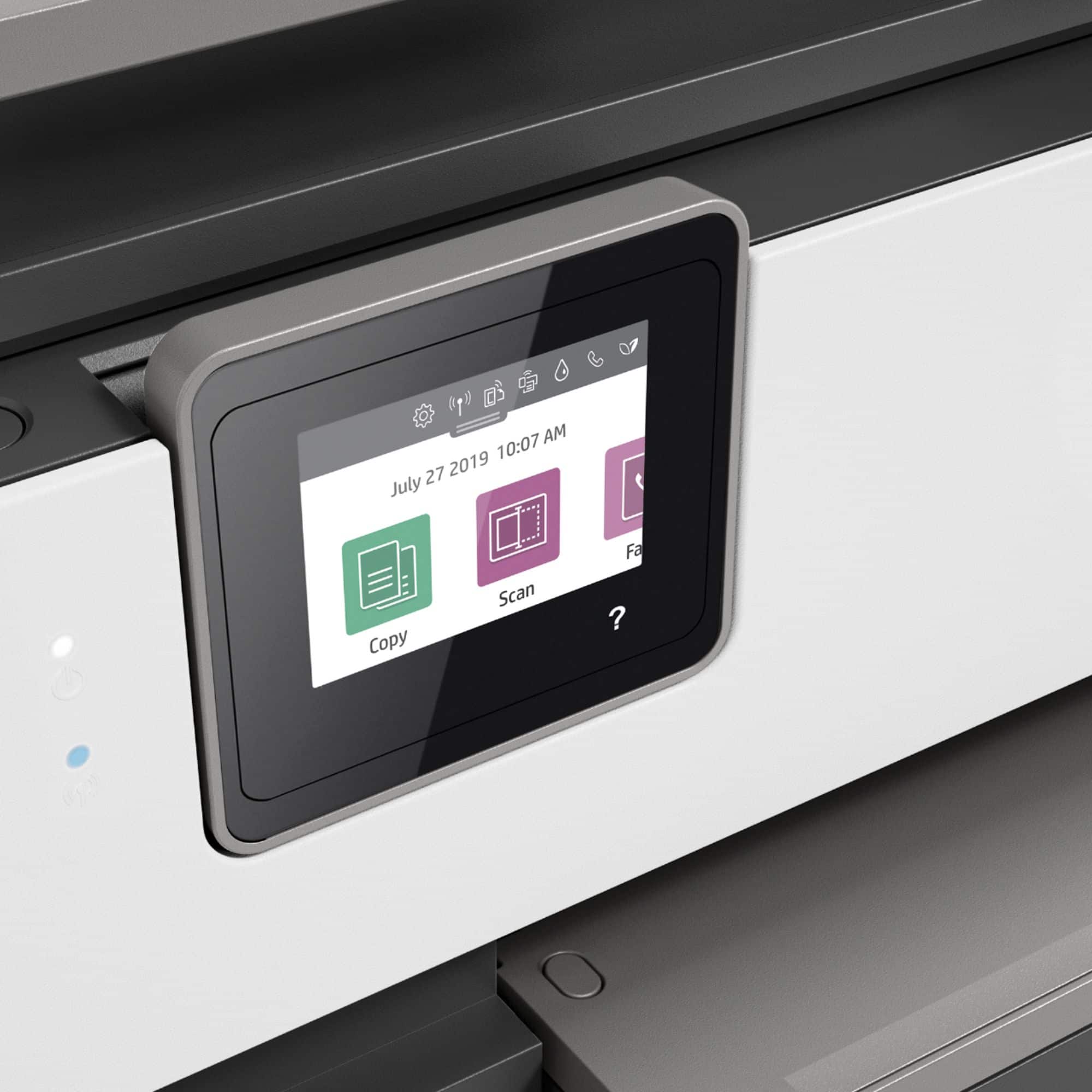
A:AnswerThank you for the question. The OfficeJet Pro 8025e does not have automatic 2-sided scanning. You can place your original in the document feeder and input your selection on the touch screen. You'll be prompted to reverse the original to scan the second side.
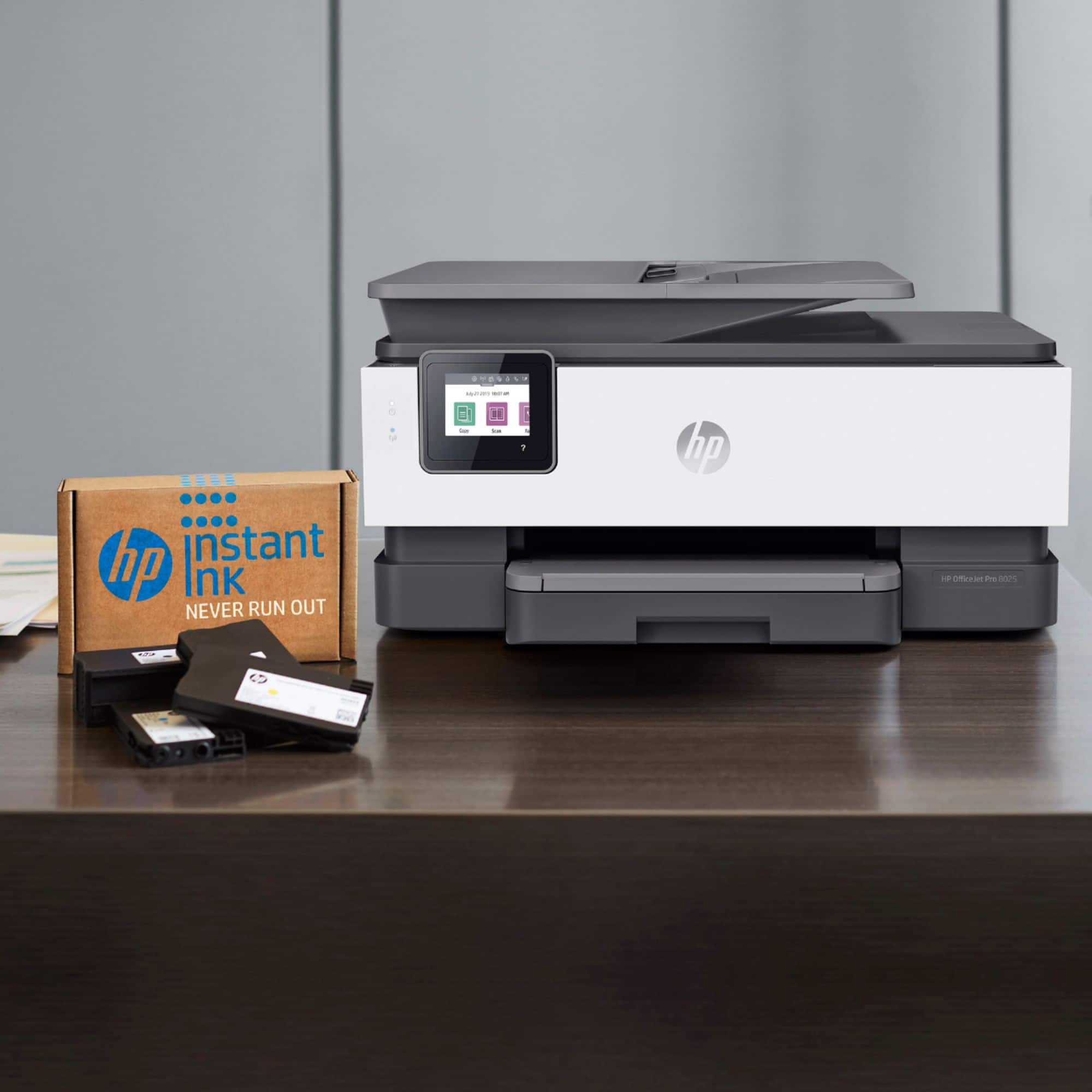
A:AnswerThank you for the question. The OfficeJet Pro 8025e accepts HP 910 and 910XL (high yield) black and color cartridges. It is also Instant Ink capable, saving about 50% on replacement ink costs.

A:AnswerHello, Jack. Thanks for your question. You can use the HP Smart app to scan to email. You would use the scan option on the HP Smart app to share via email. To make it easier the next time, we recommend using Shortcuts. It allows you to make a Shortcut, i.e. a scanned item to be emailed to this email address. Here is more information on the HP Smart app: https://support.hp.com/us-en/document/c03561640 and on the HP Shortcuts: https://support.hp.com/us-en/document/c06211157
A:AnswerThank you for your question! The HP OfficeJet Pro 8025e uses HP 910 or 910XL ink cartridges. This printer is also eligible for HP Instant Ink. Here is more information about HP Instant Ink: http://hpinstantink.com

A:AnswerThank you for asking. Yes, the OfficeJet Pro 8025e has landline fax capability and single-sided scanning from the automatic document feeder or from the glass scan bed.
A:AnswerThank you for the question. That depends on your operating system. Recommended system requirements for Macintosh are OS X v10.11 El Capitan; macOS Sierra v10.12 (previously OS X); macOS High Sierra v10.13; macOS Mojave v10.14, OS v10.15 Catalina. This printer is also compatible with Apple AirPrint.