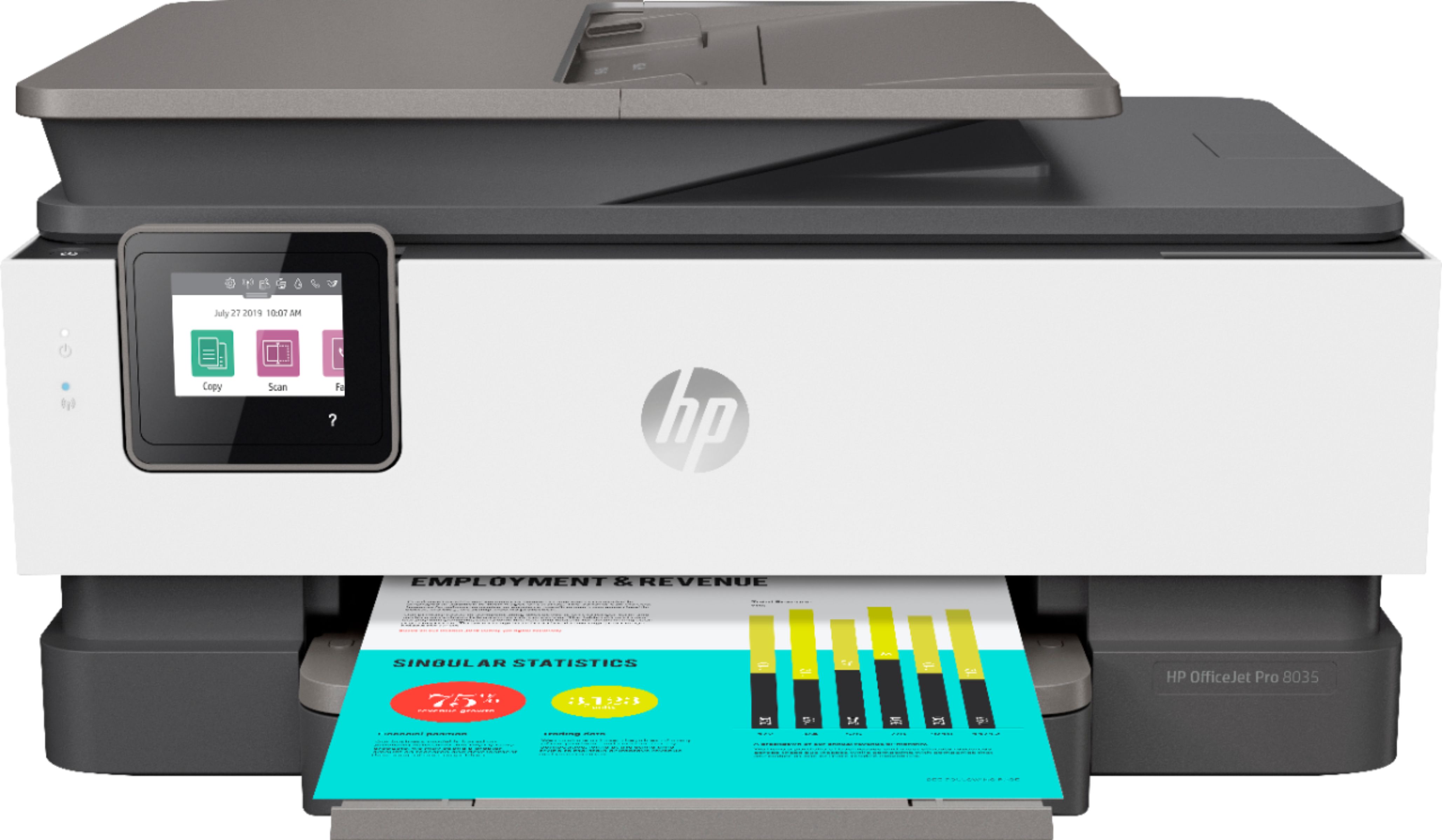
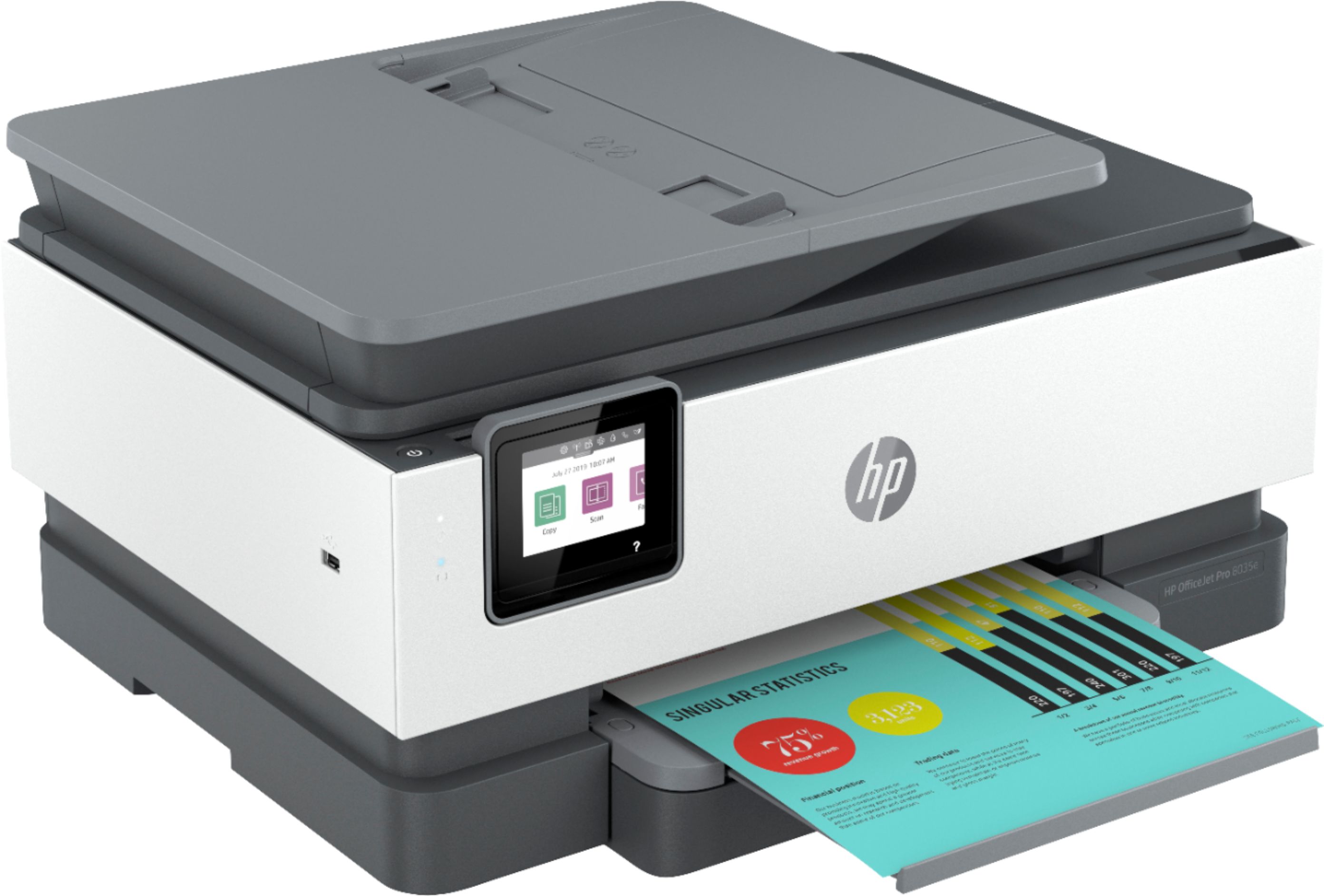
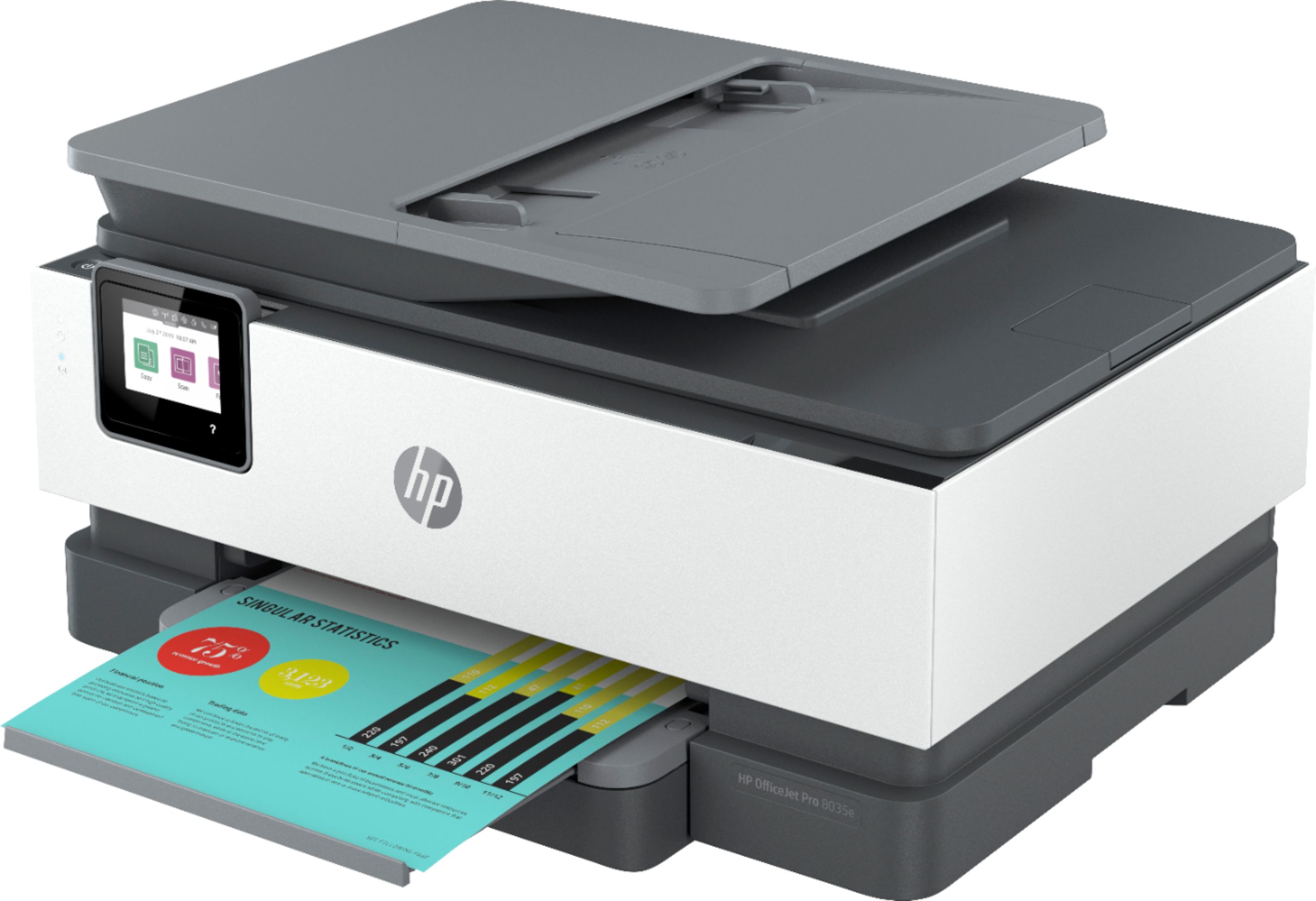
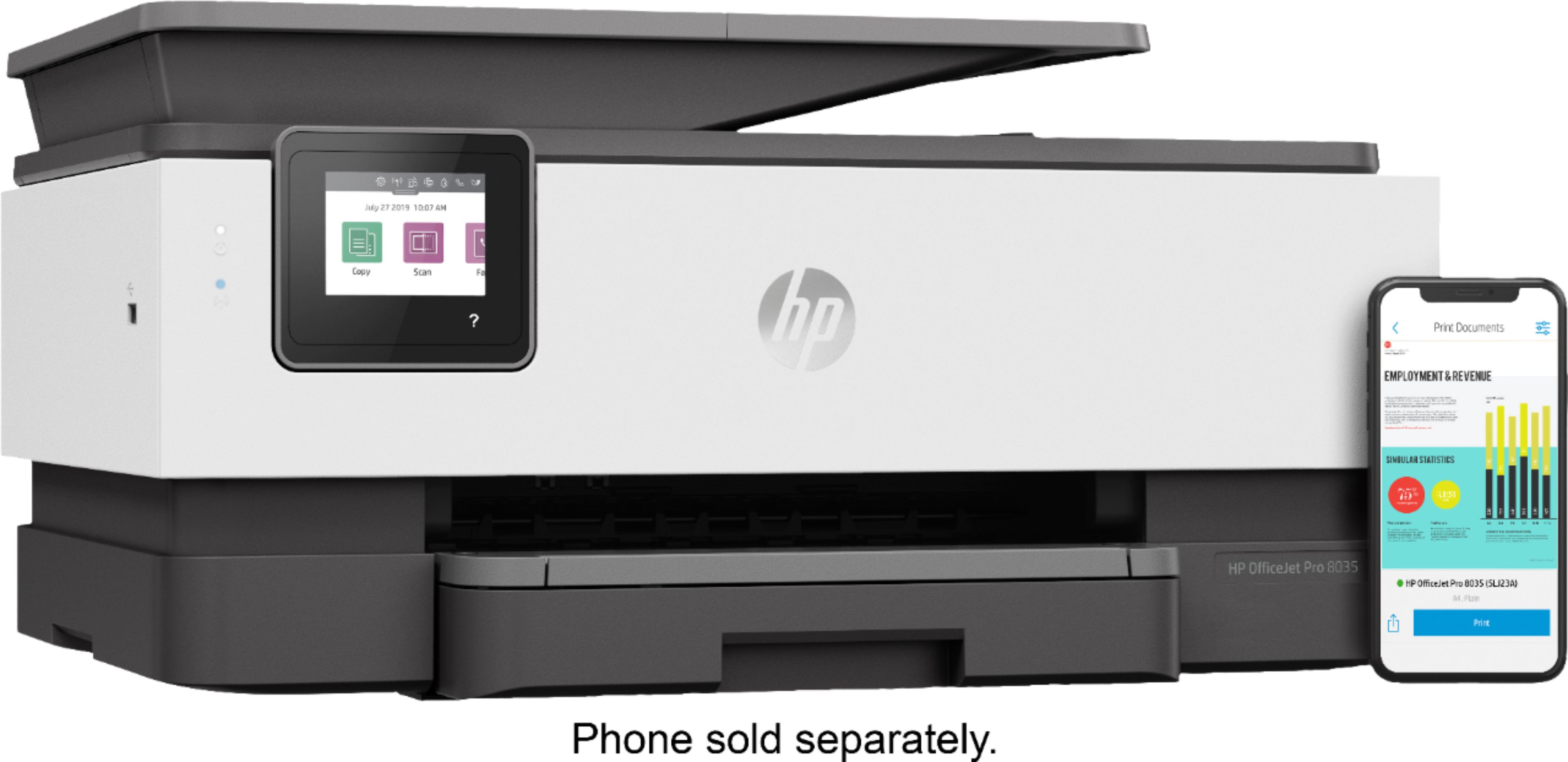
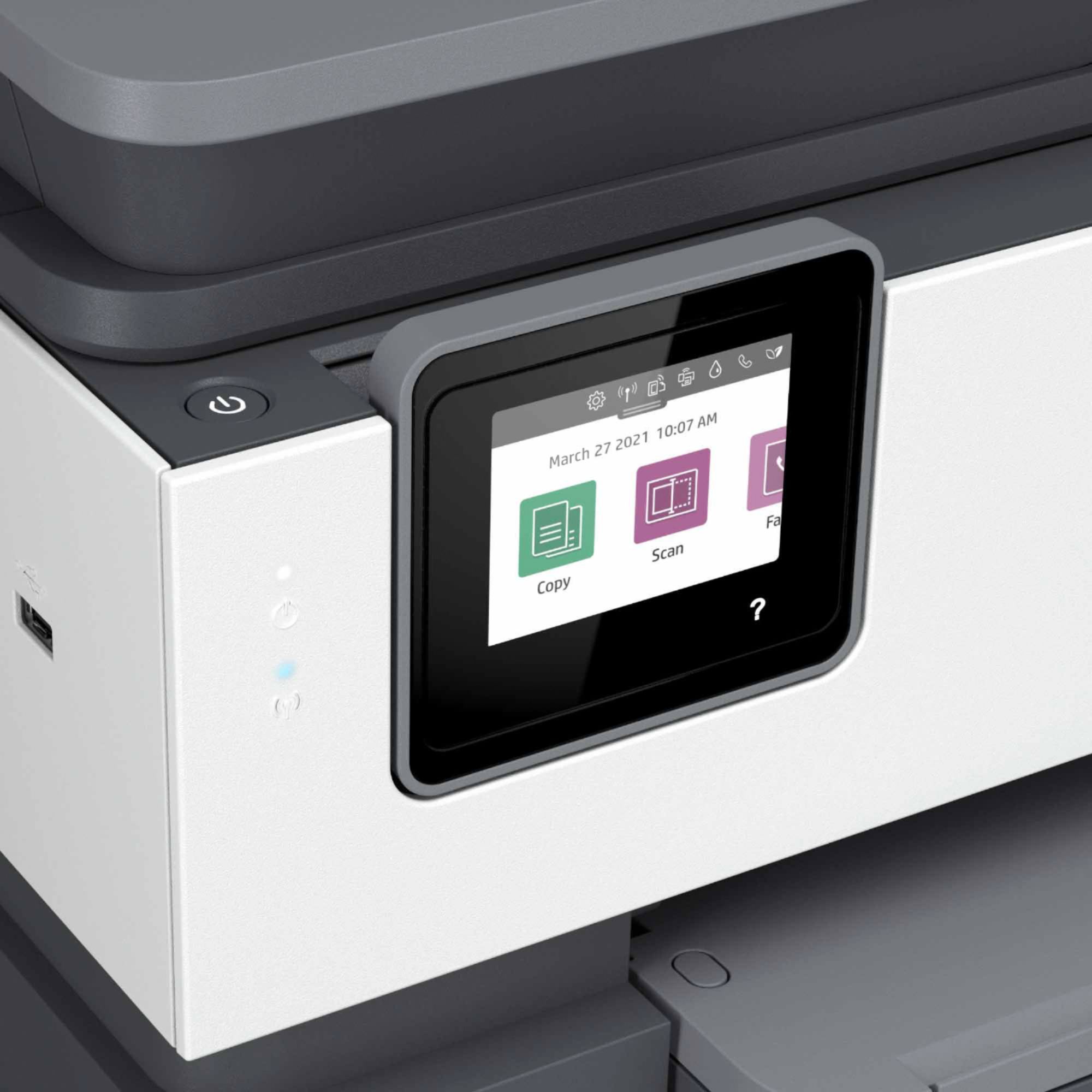
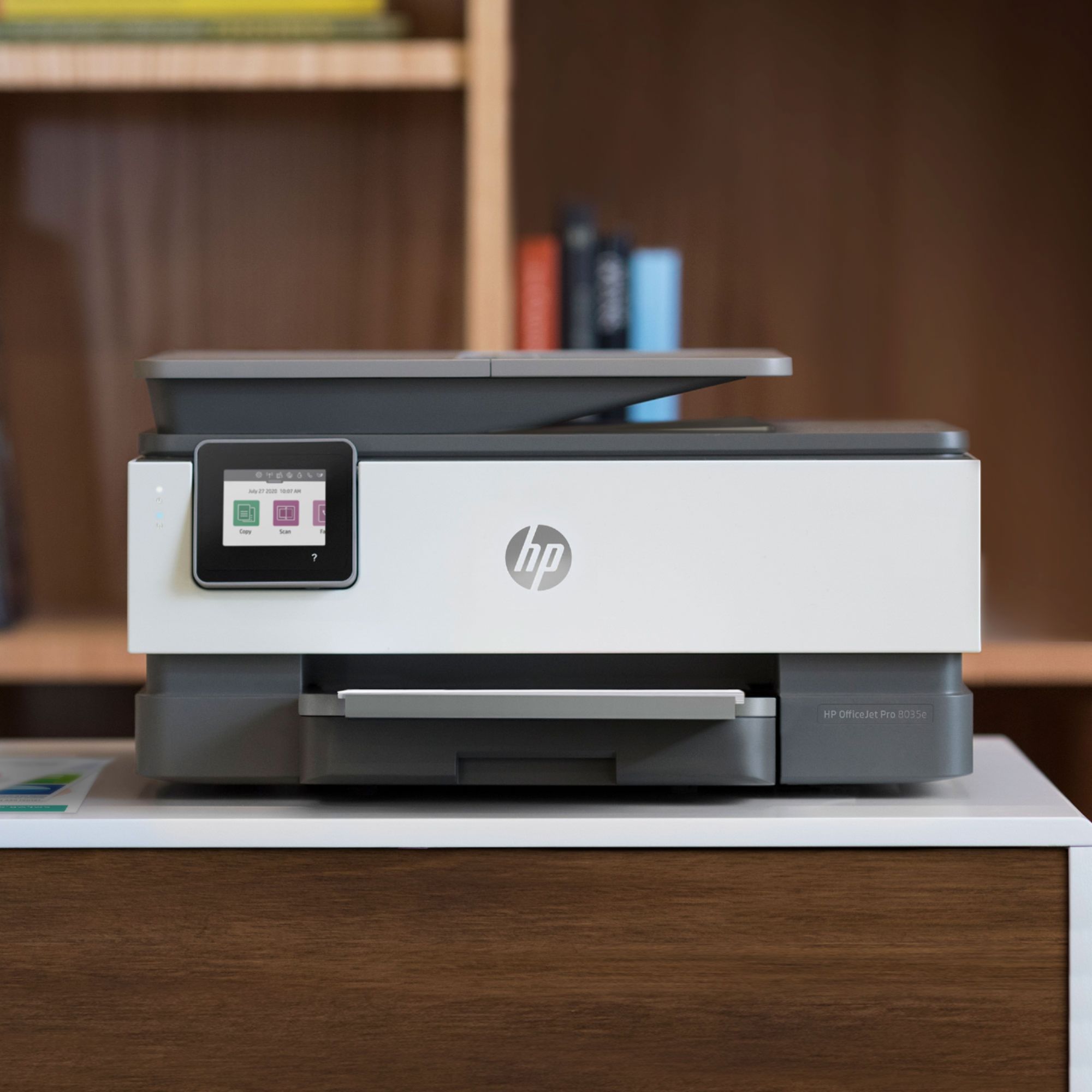
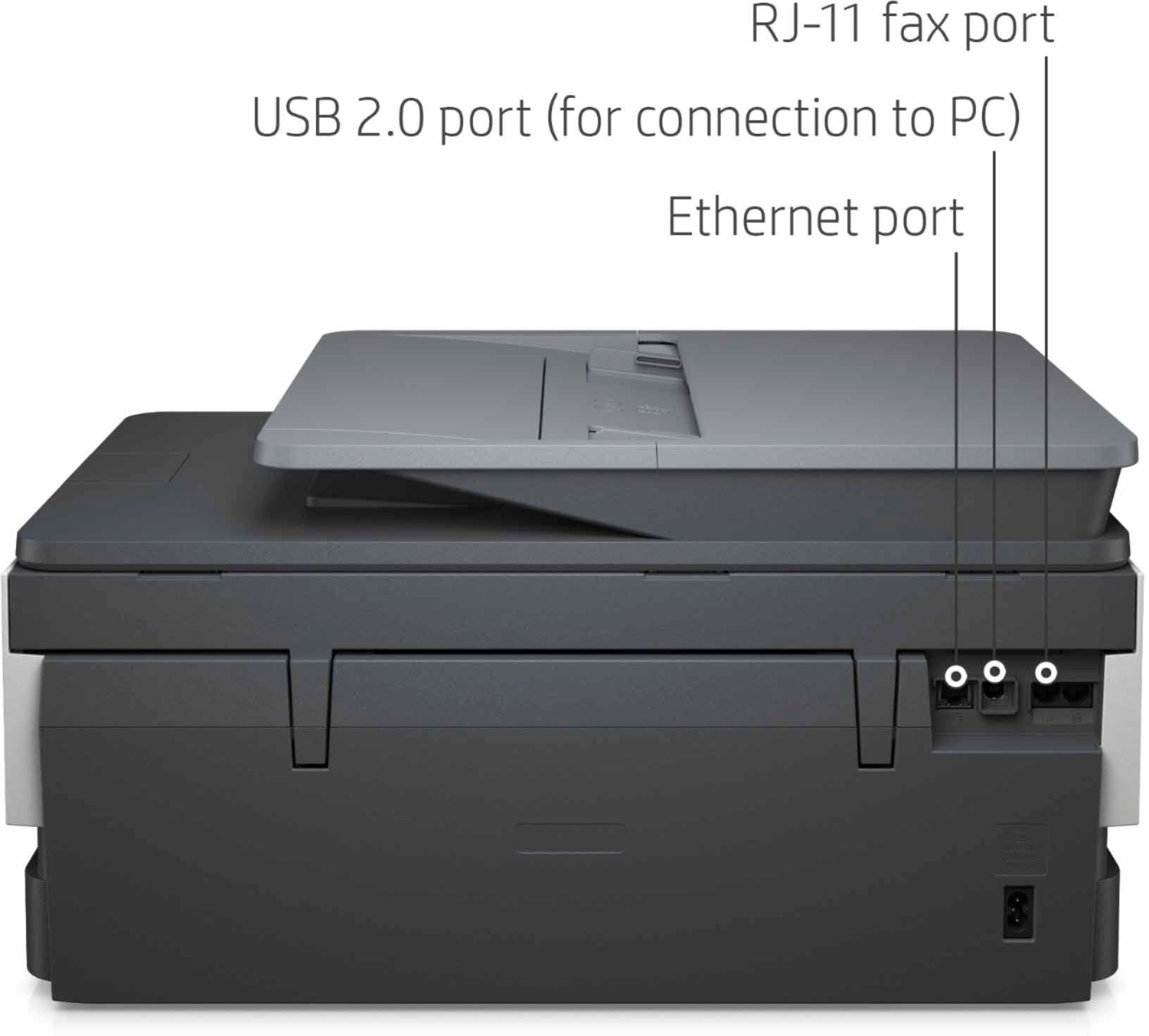
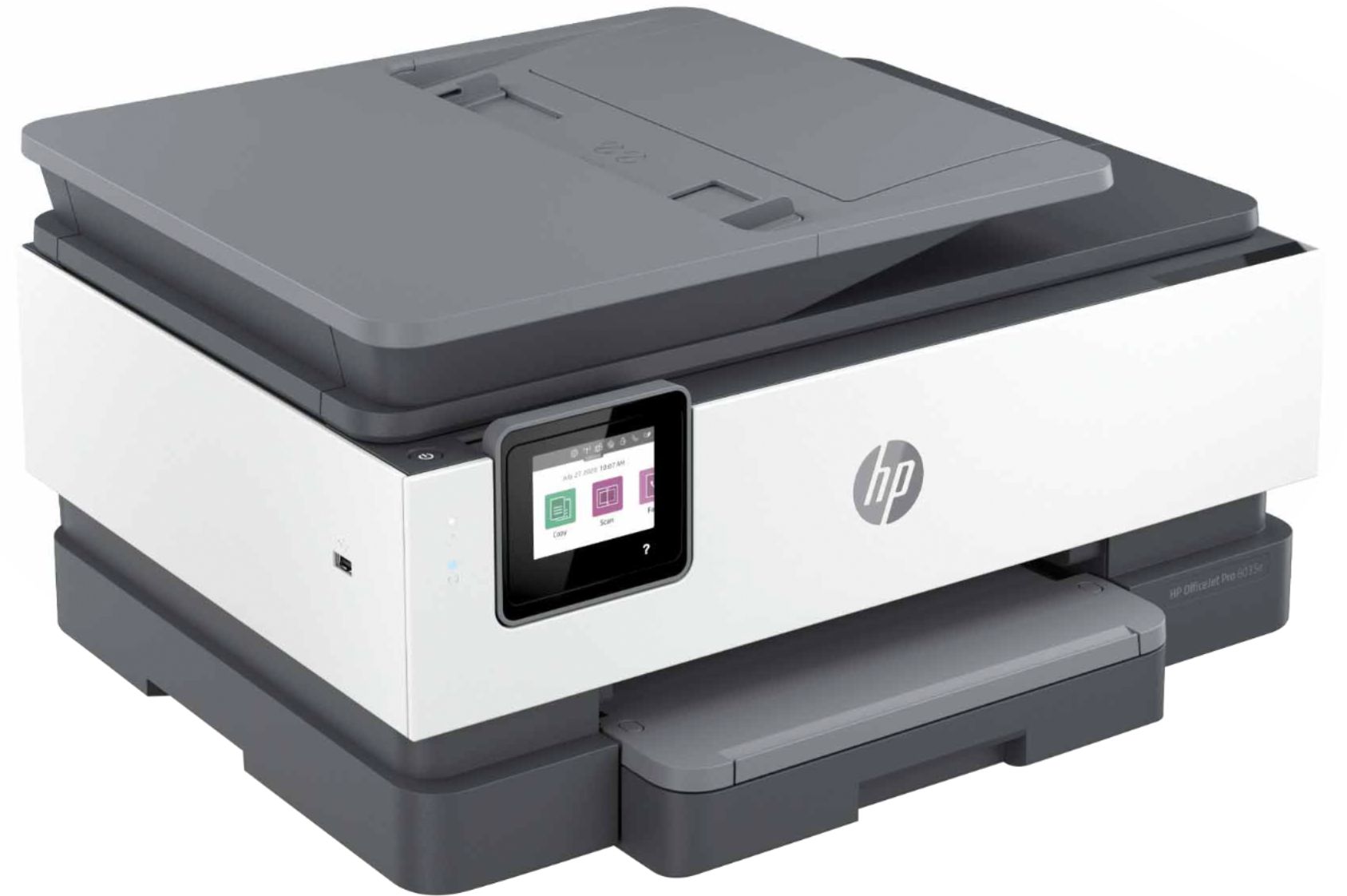
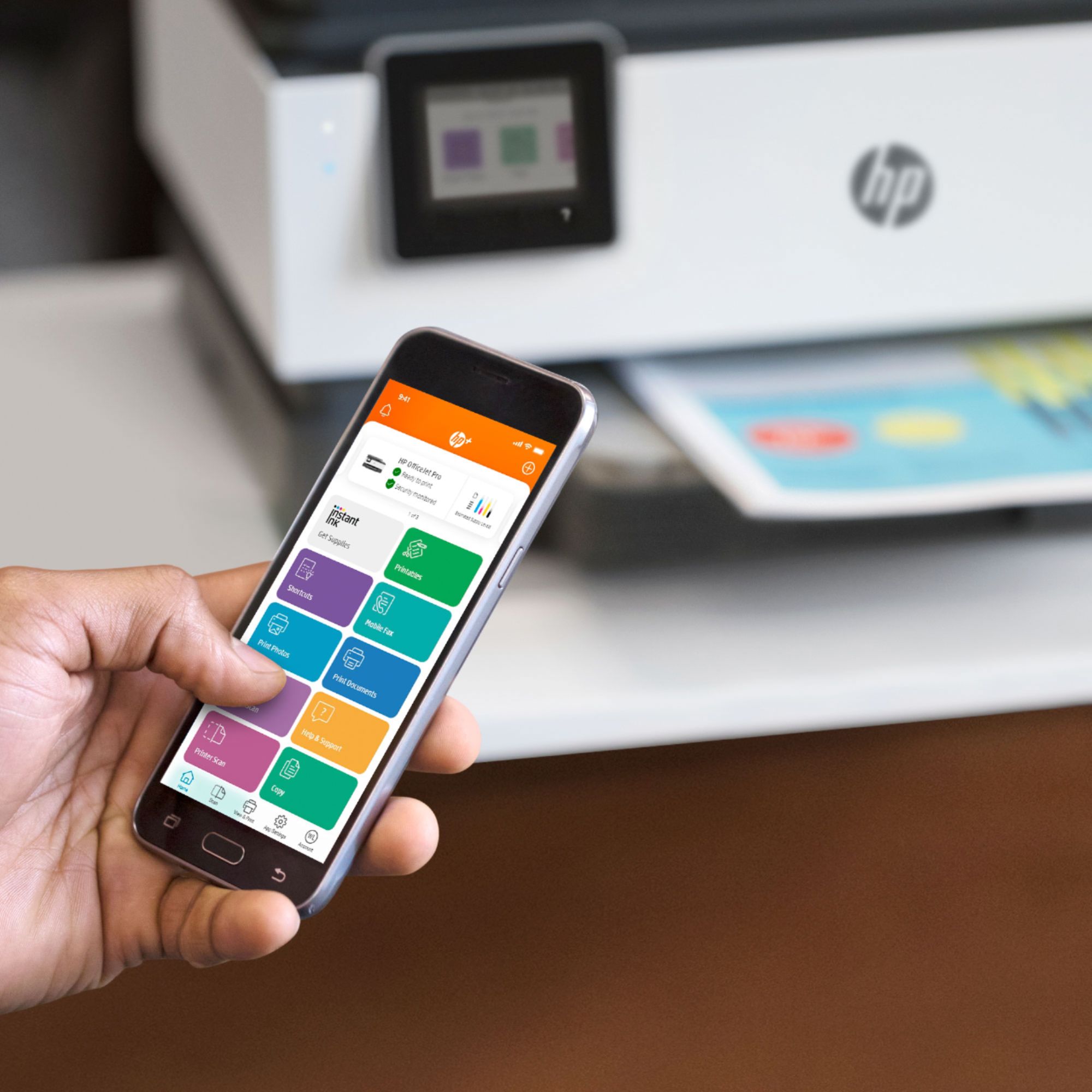
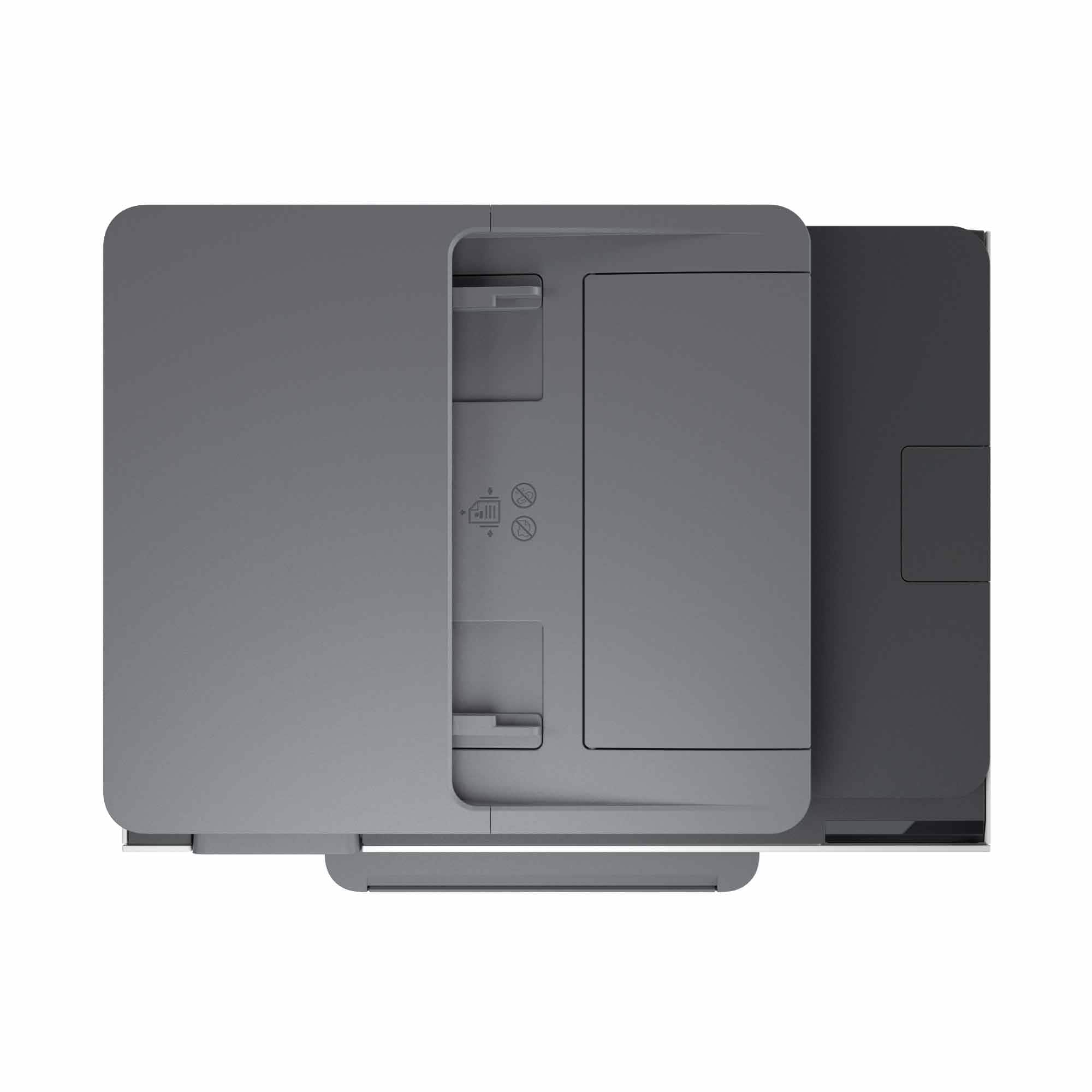
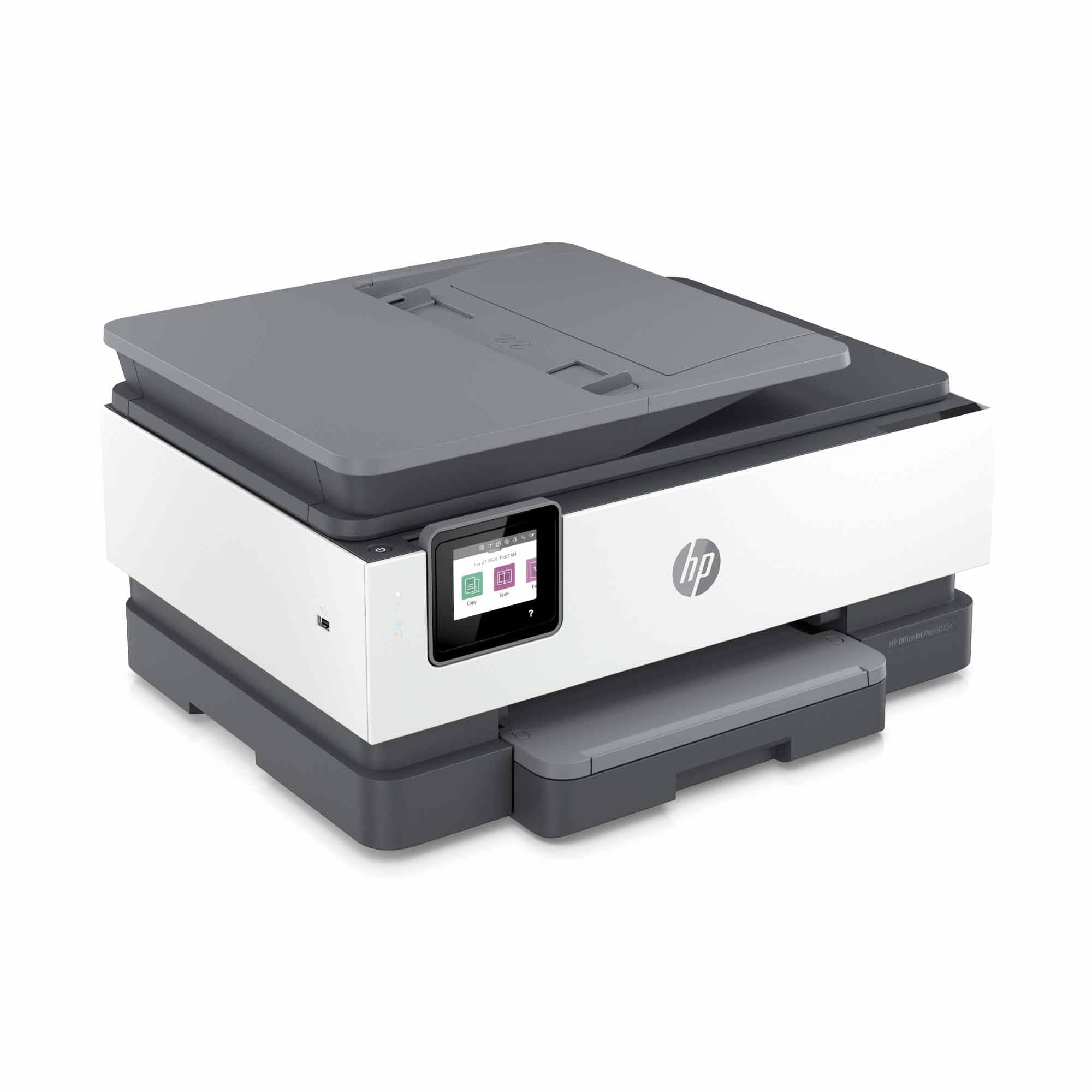
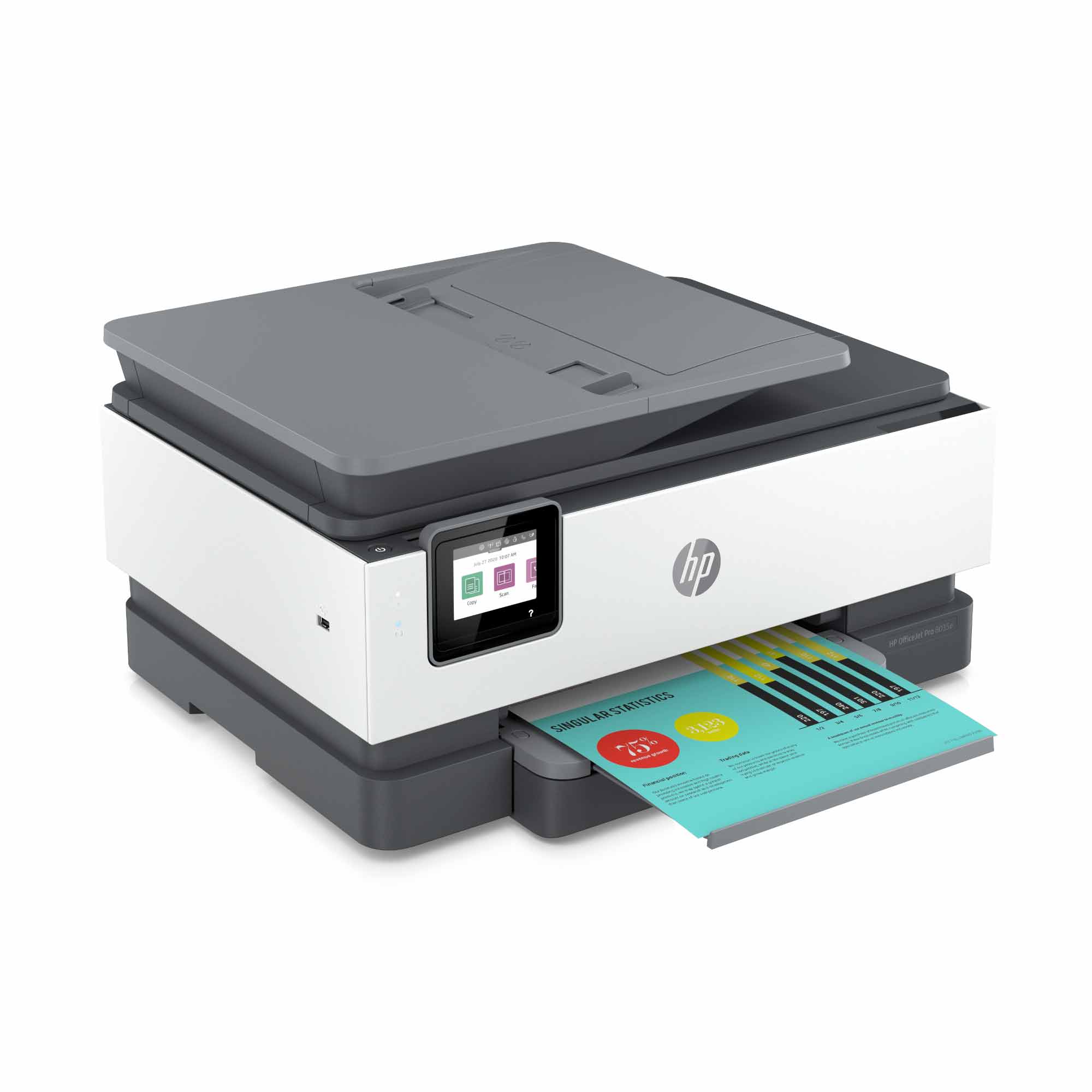
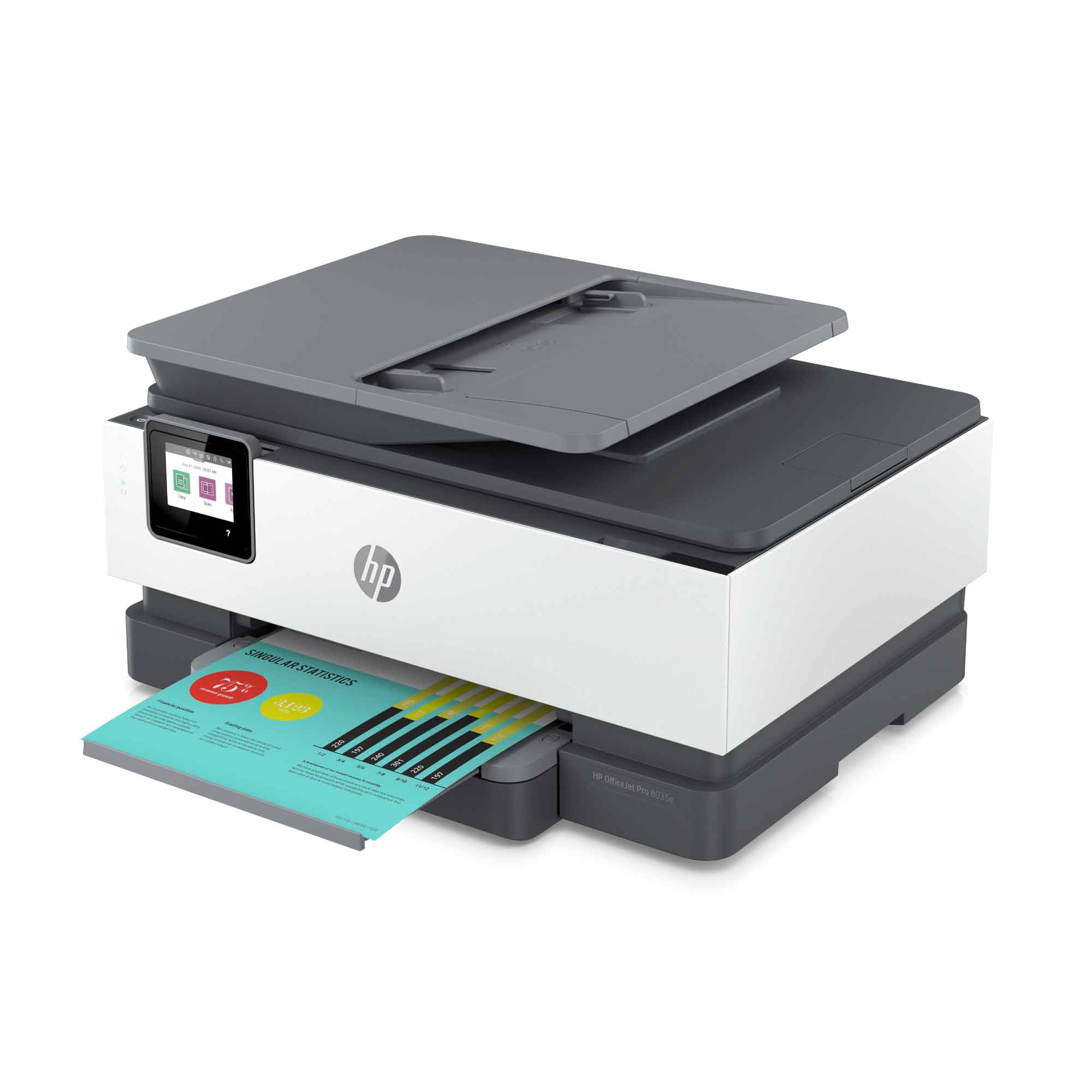
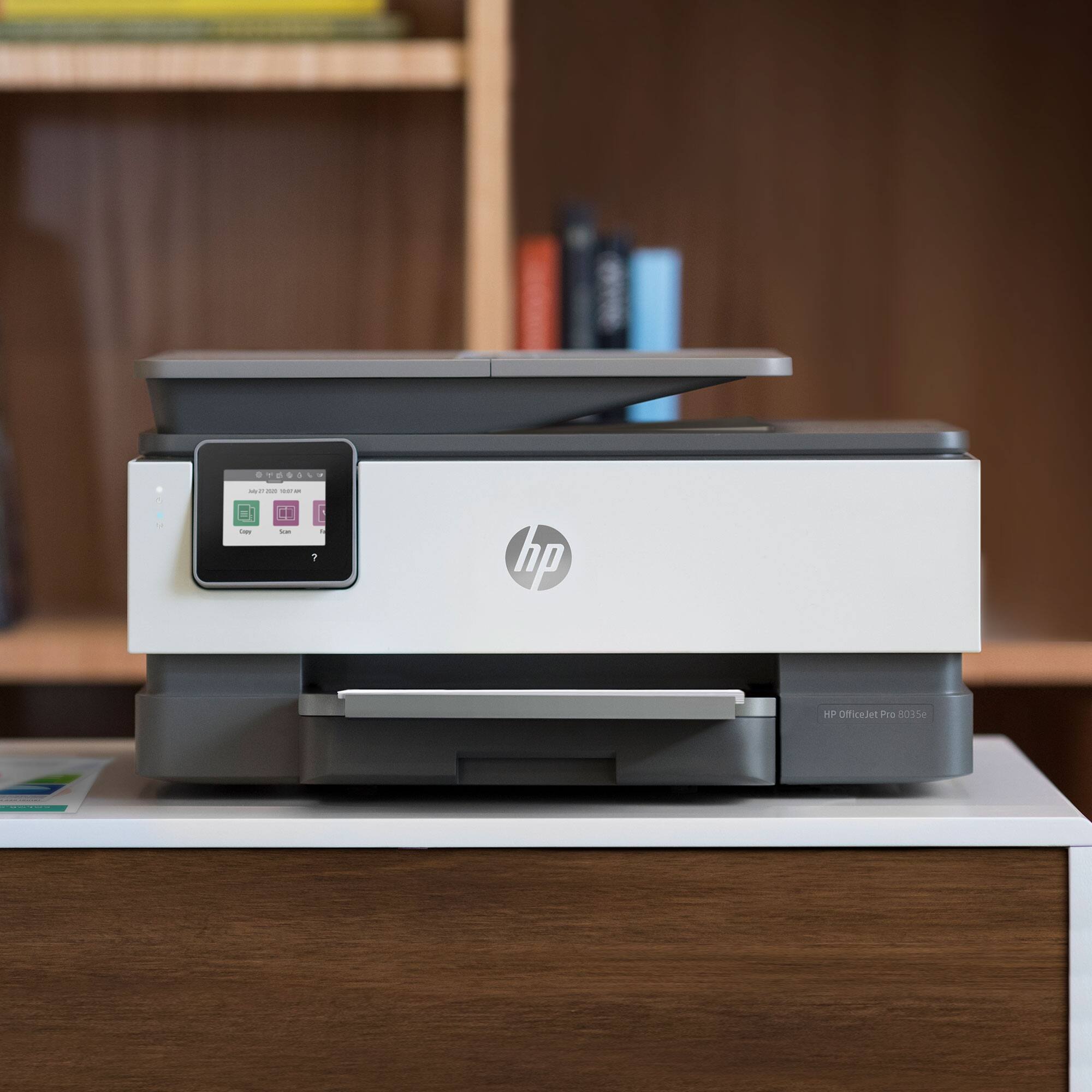
A:AnswerHello. Thanks for your question. Yes, you can use this HP Officejet Pro 8035e printer with a Mac and a Windows 10 computer that is connected to the same WiFi network.
A:AnswerYes
In Windows, click open the Devices and Printers tab
Select the account settings tab
Click the “Cancel My Instant Ink Subscription” button
Enter your email and password
Your service will conclude when the billing cycle ends
Once canceled, you cannot continue printing. Your printer will need replacement HP ink cartridges
A:AnswerYes, you can. The easiest ways are to either have all three on a wired network, or to put all three on the same wireless network and have the printer installed on both machines. In that case, you can just send the document from whatever machine it's on and it will print.
A:AnswerIf you're rolling over your account to the new printer, you won't get charged for the next 12 months while the free offer is being used. If it's a separate account on a separate printer, then it won't affect that existing account at all.
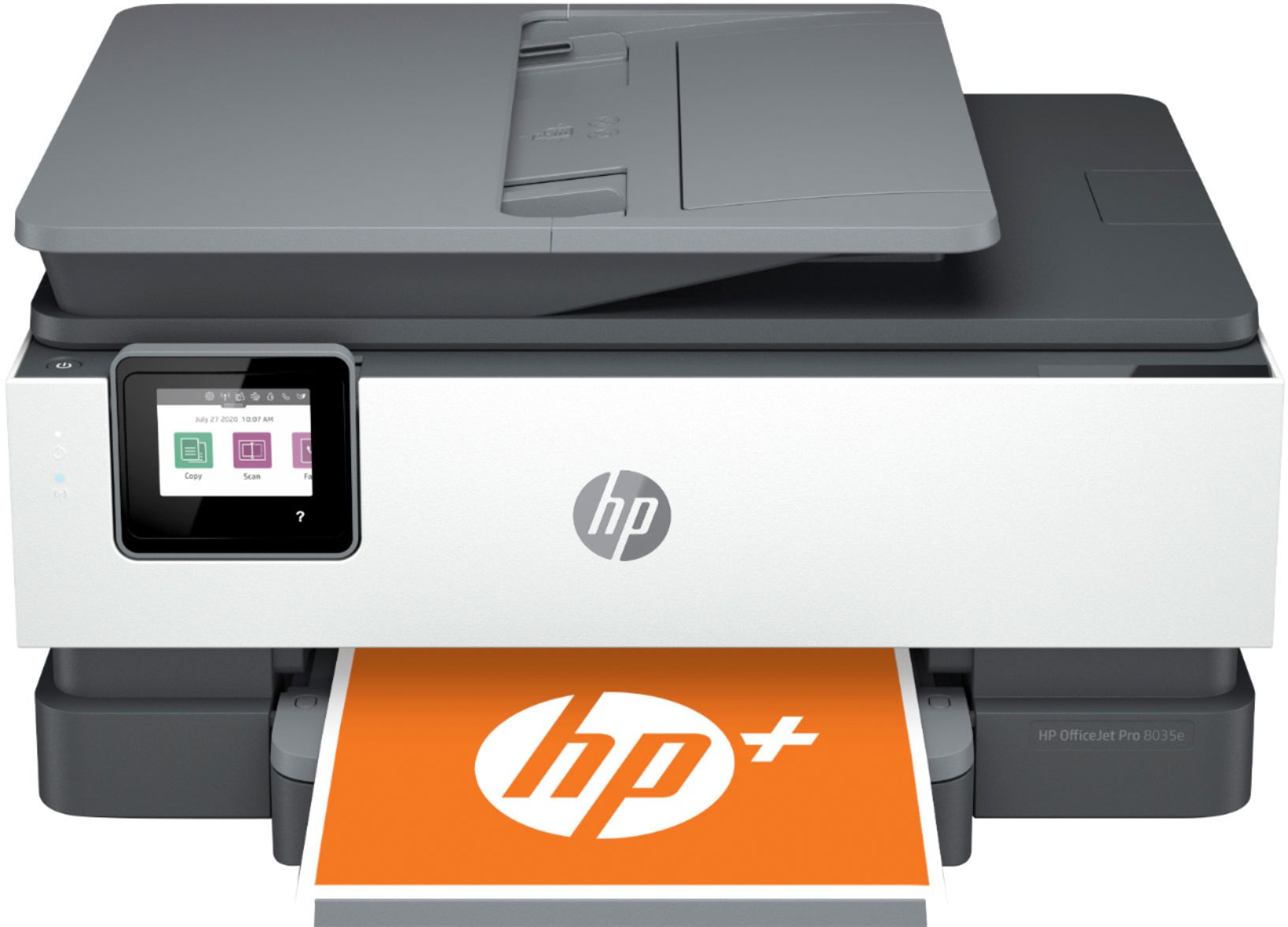
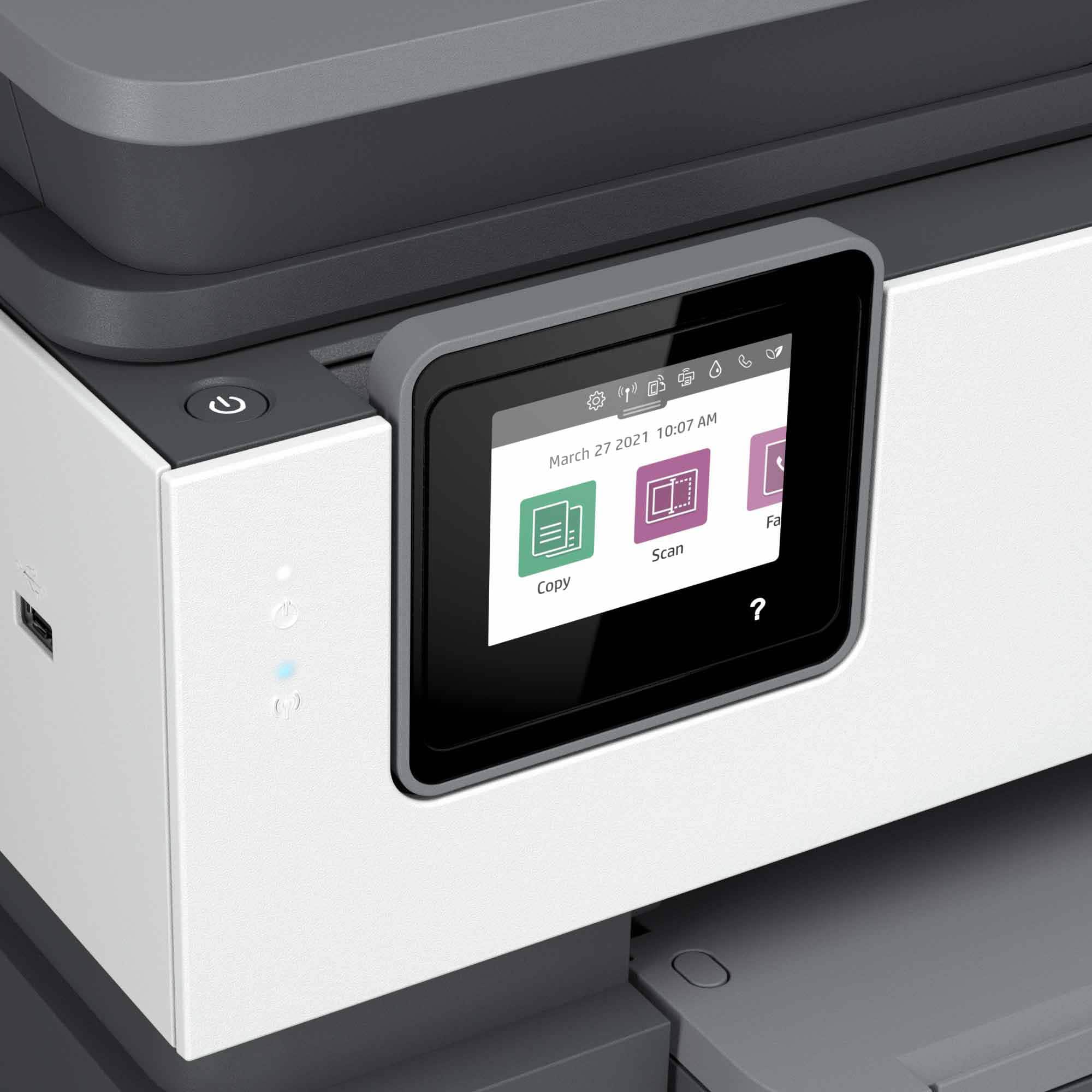
A:AnswerHello. Thanks for your question. This HP Officejet Pro 8035e printer can print, copy, scan, and fax. Yes, this printer can print photos that are photo quality.
A:AnswerThank you for the question. HP's specification for the OfficeJet Pro 8035e indicates that it's capable of borderless printing only on photo paper, up to 8.5 x 11" (letter size).
A:AnswerThank you for your questions. Yes, this printer can print in color or greyscale. You can get up to 12 months of free ink using HP Instant Ink, which you can learn about at InstantInk.com, or you can purchase either HP 910 or HP 910XL cartridges which you can find online or in stores.
A:AnswerI just bought mine but as far as I can tell, you can replace the ink cartridges individually so you can just replace the ones as needed. Hope this helps!!
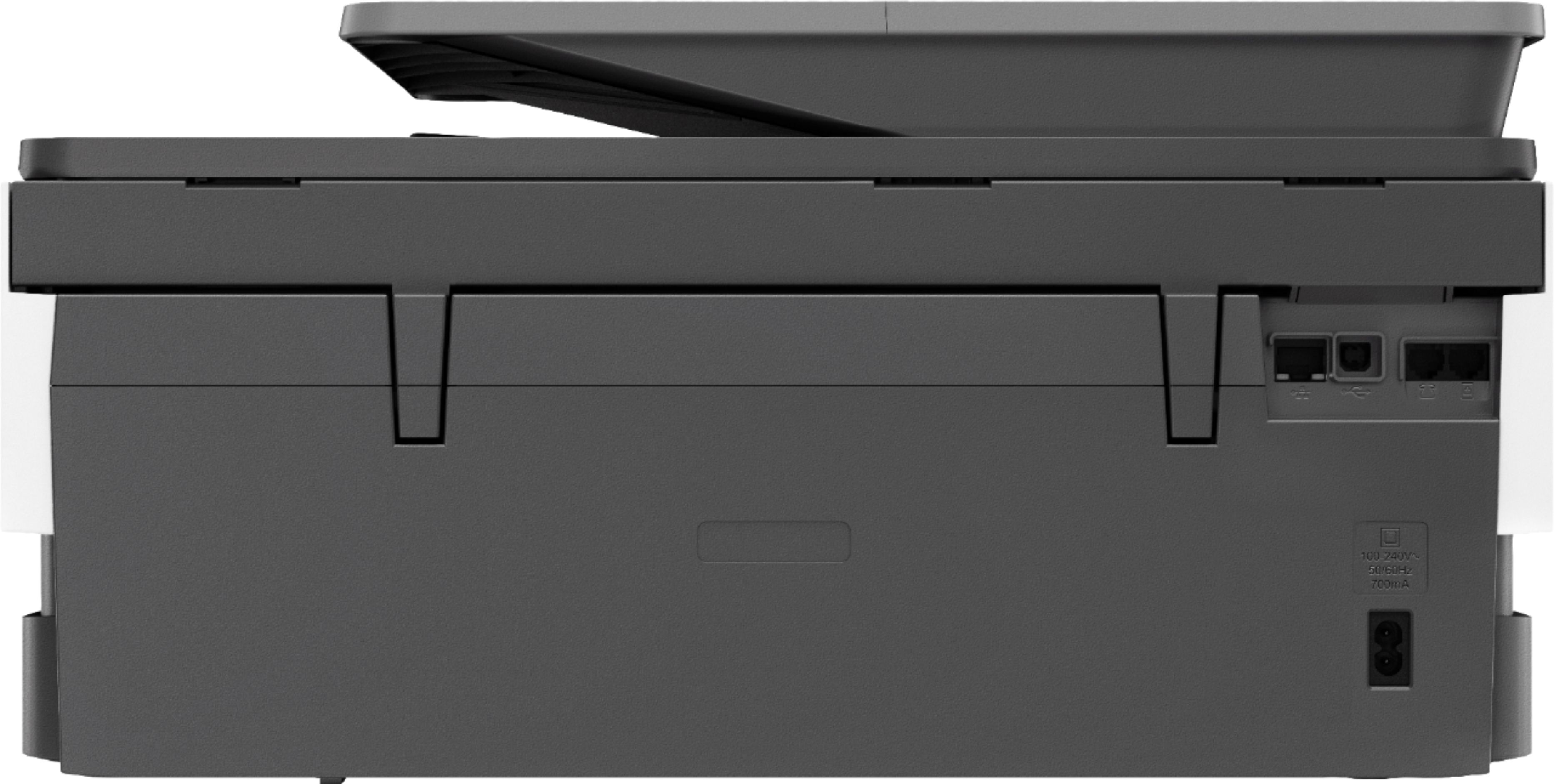
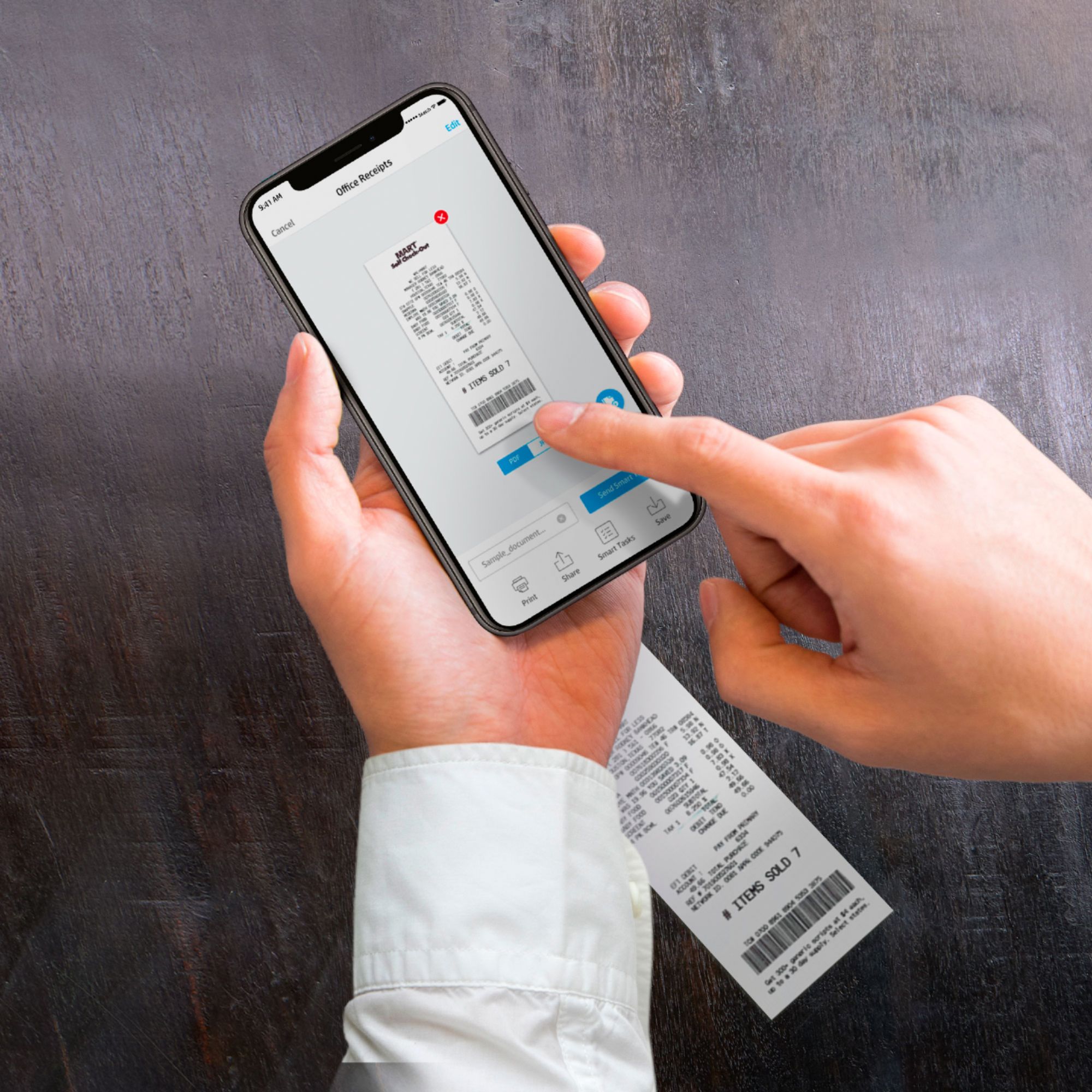
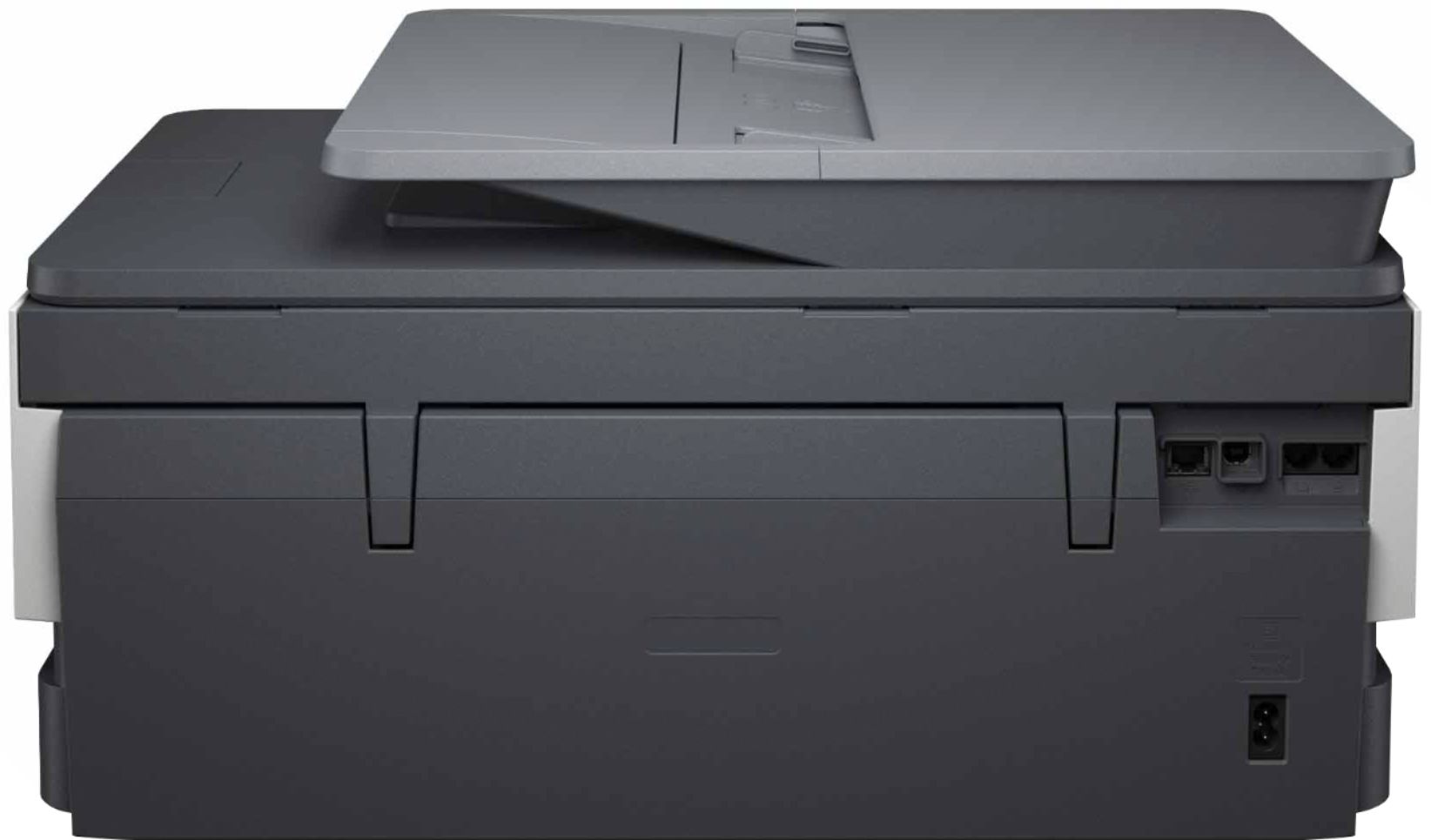
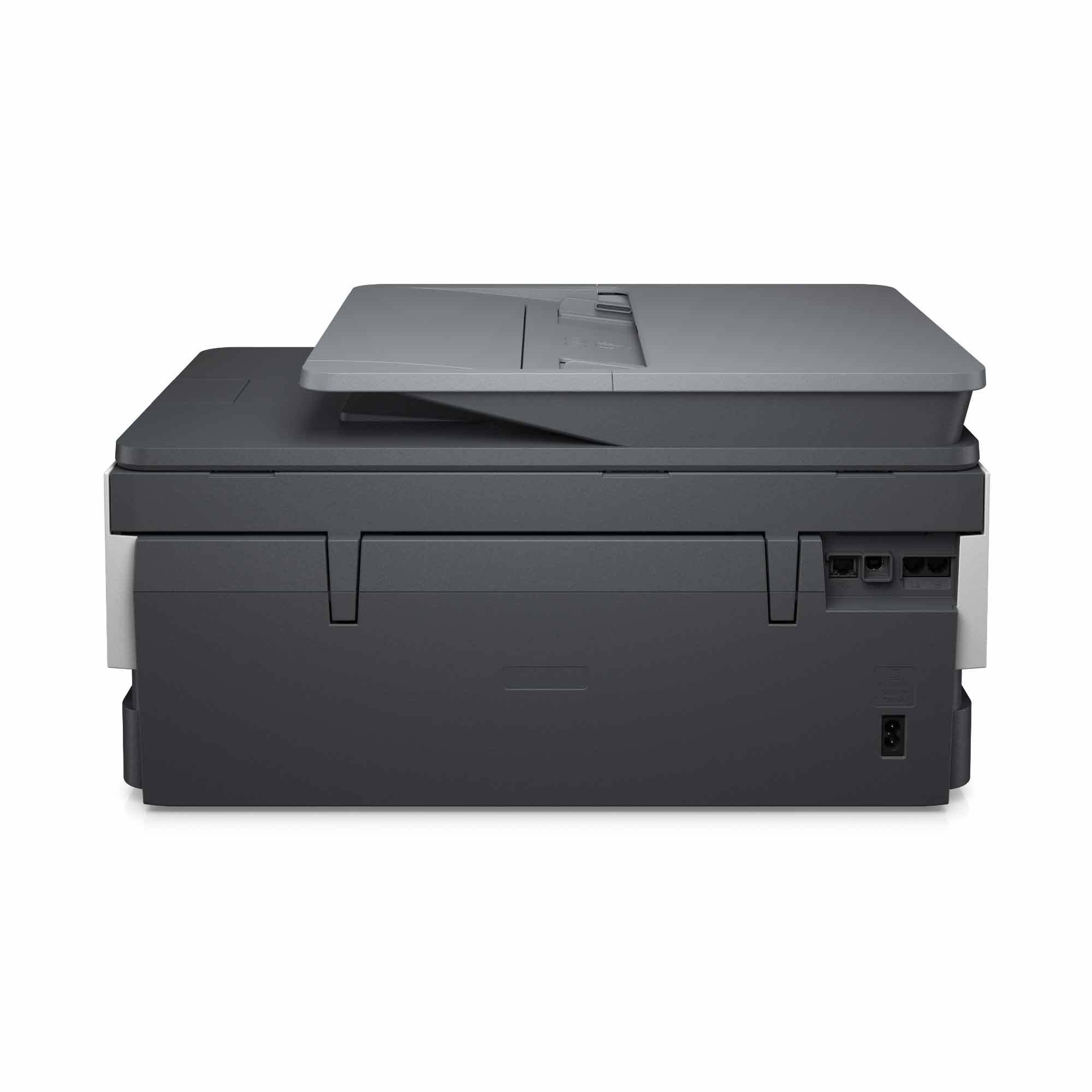
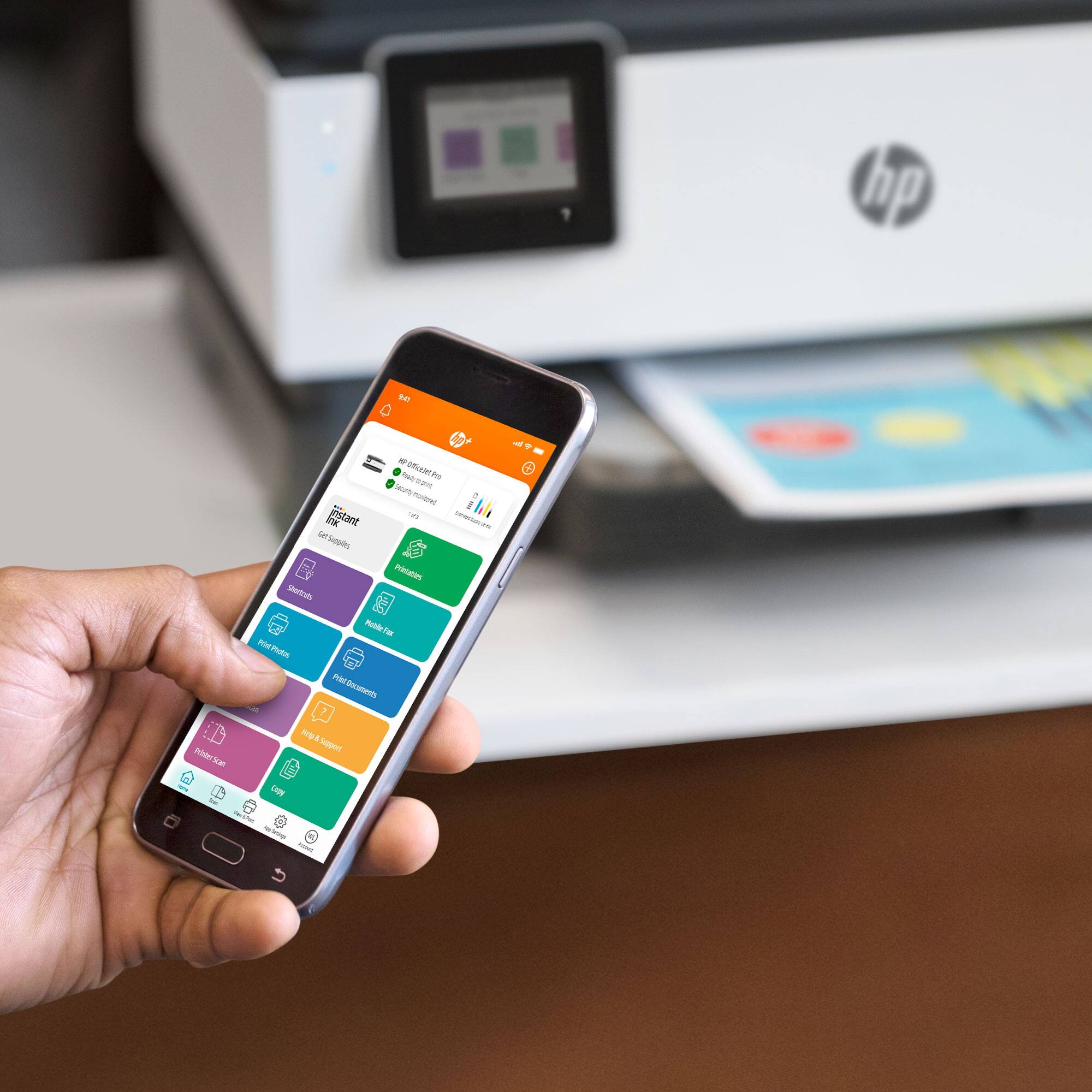
A:AnswerThank you for the question. Yes, the OfficeJet Pro 8035e is equipped with a fax modem for connecting to your landline. You can also send mobile faxes using your Smartphone and the HP Smart App.
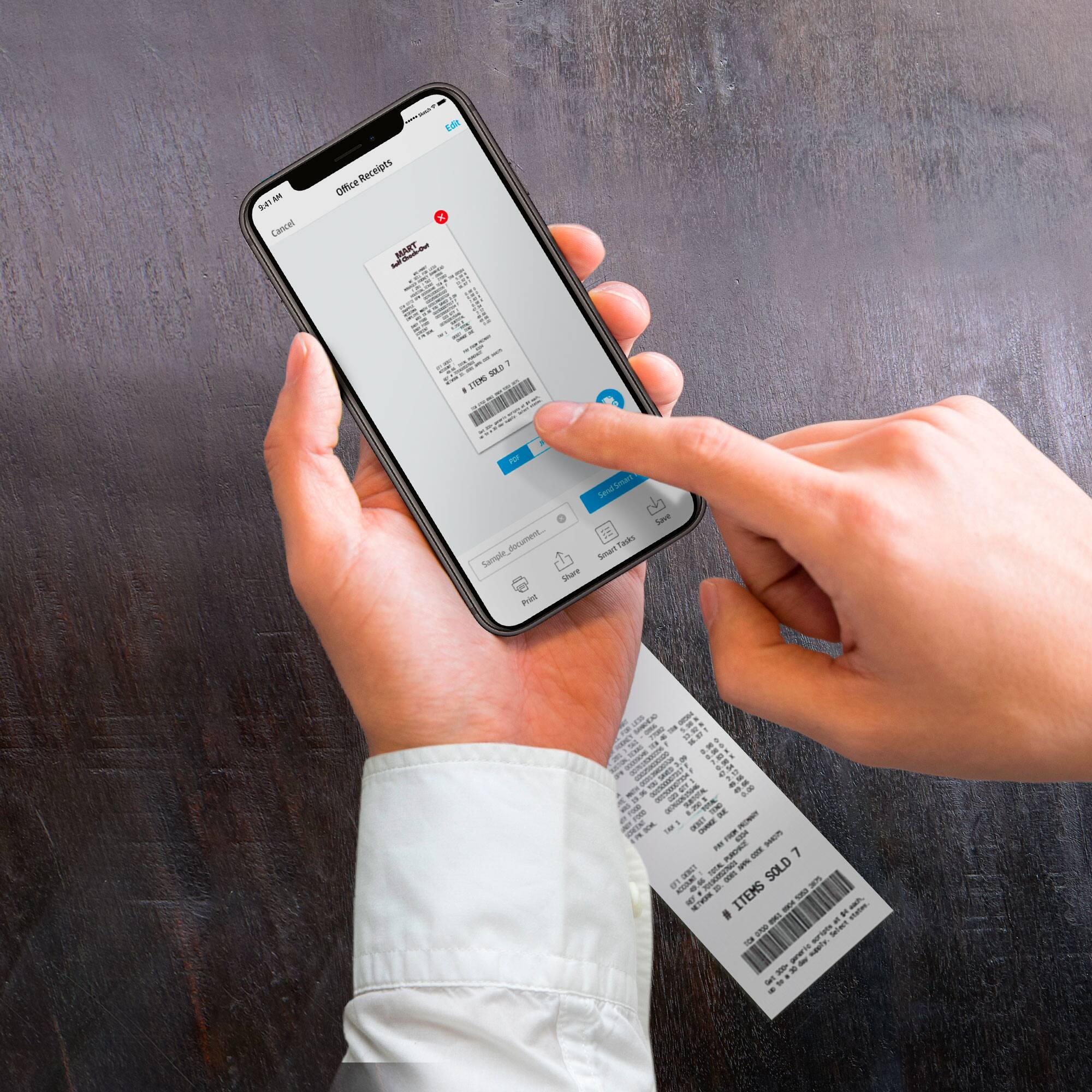
A:AnswerHi Bana, thank you for the question. Yes, the OfficeJet Pro 8035e will scan to email, PC or Mac, the cloud, or a USB drive using the control panel.