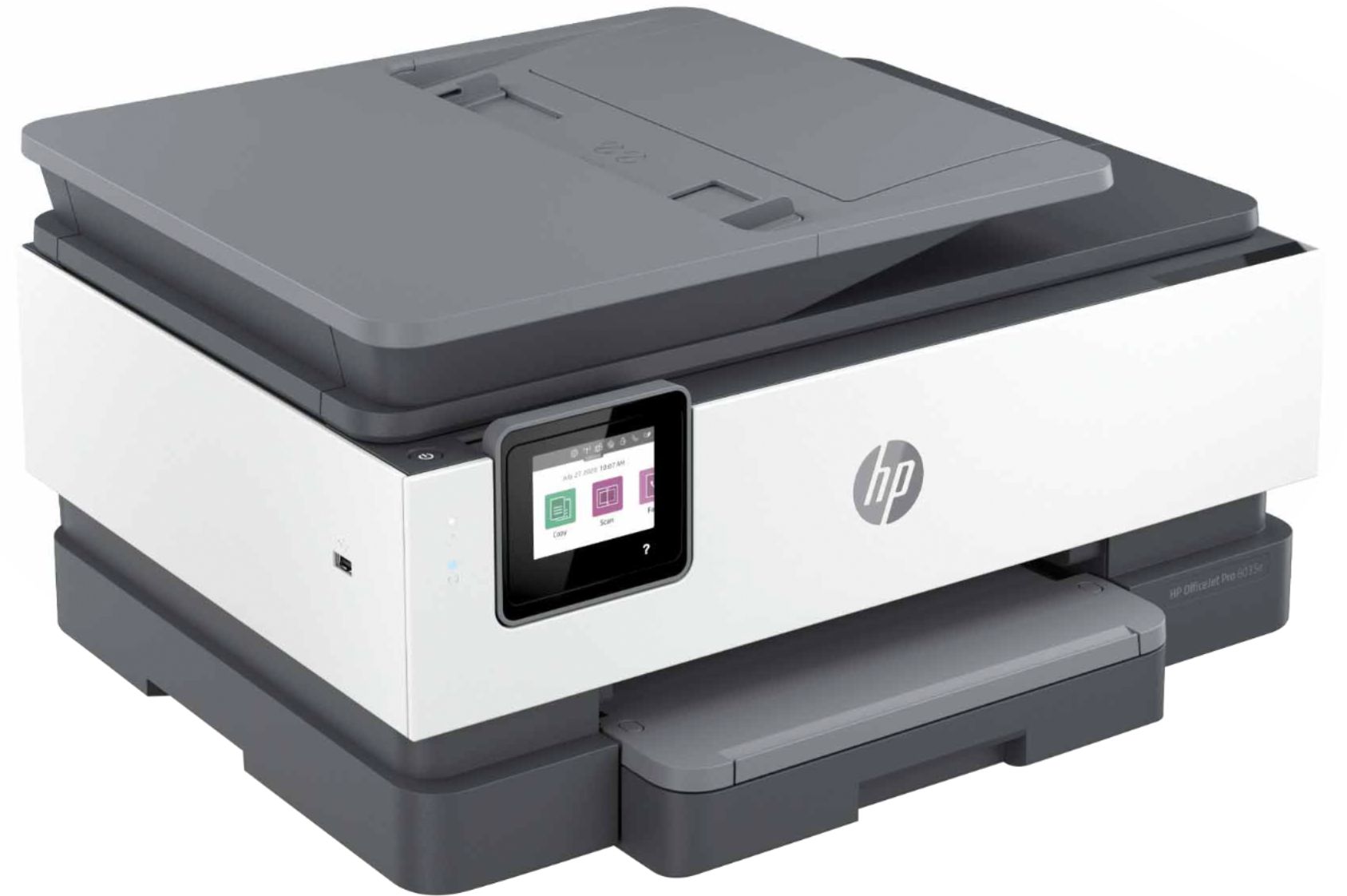
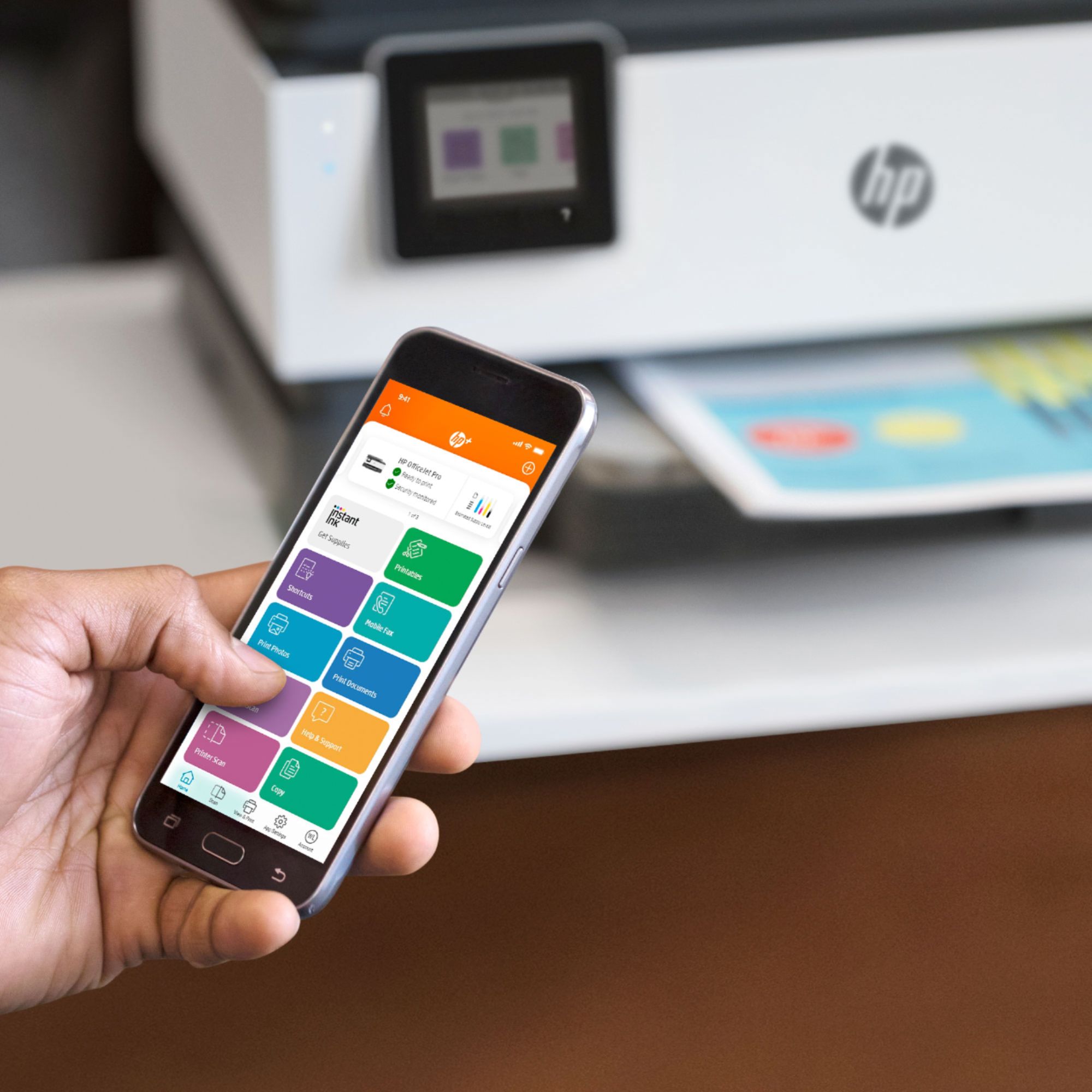
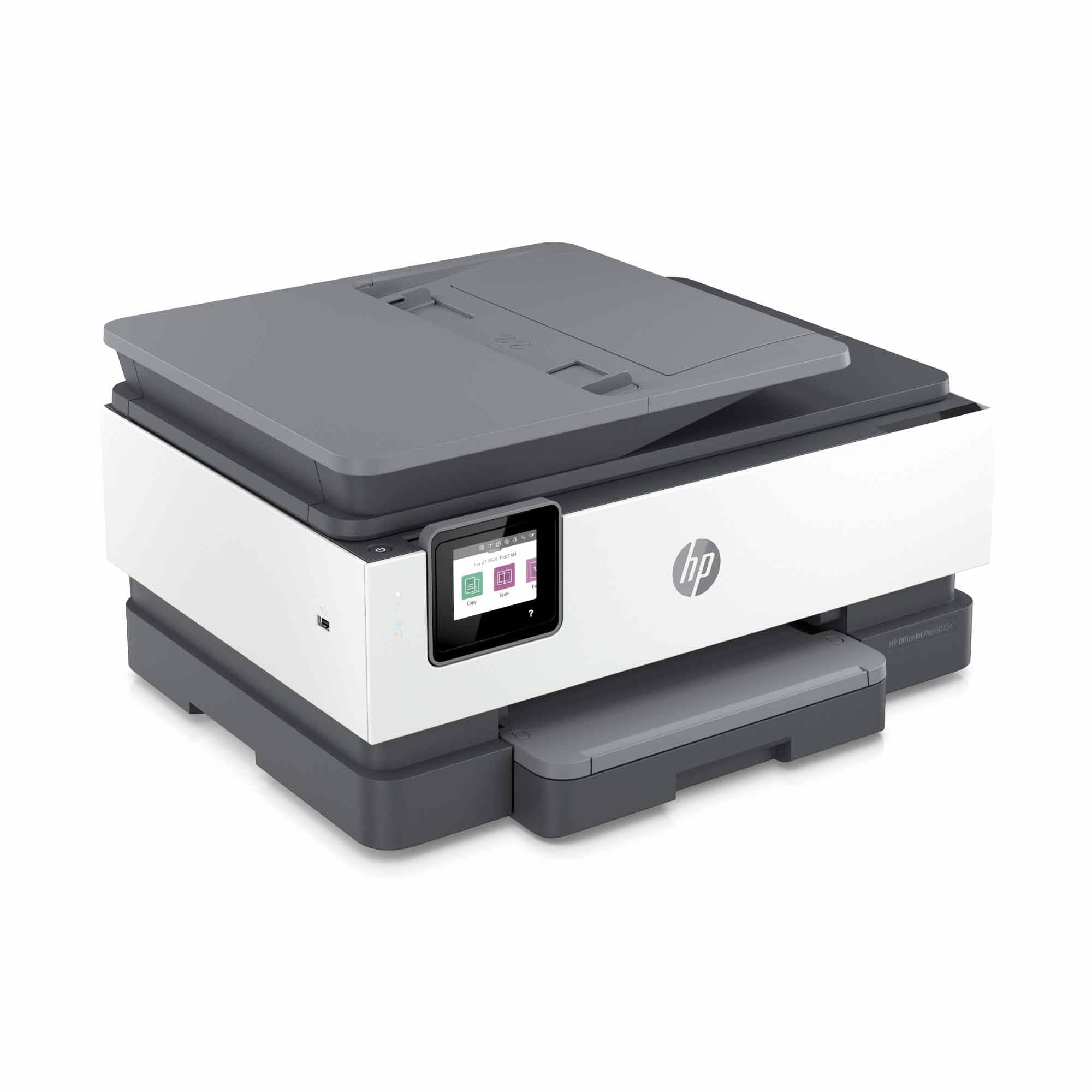
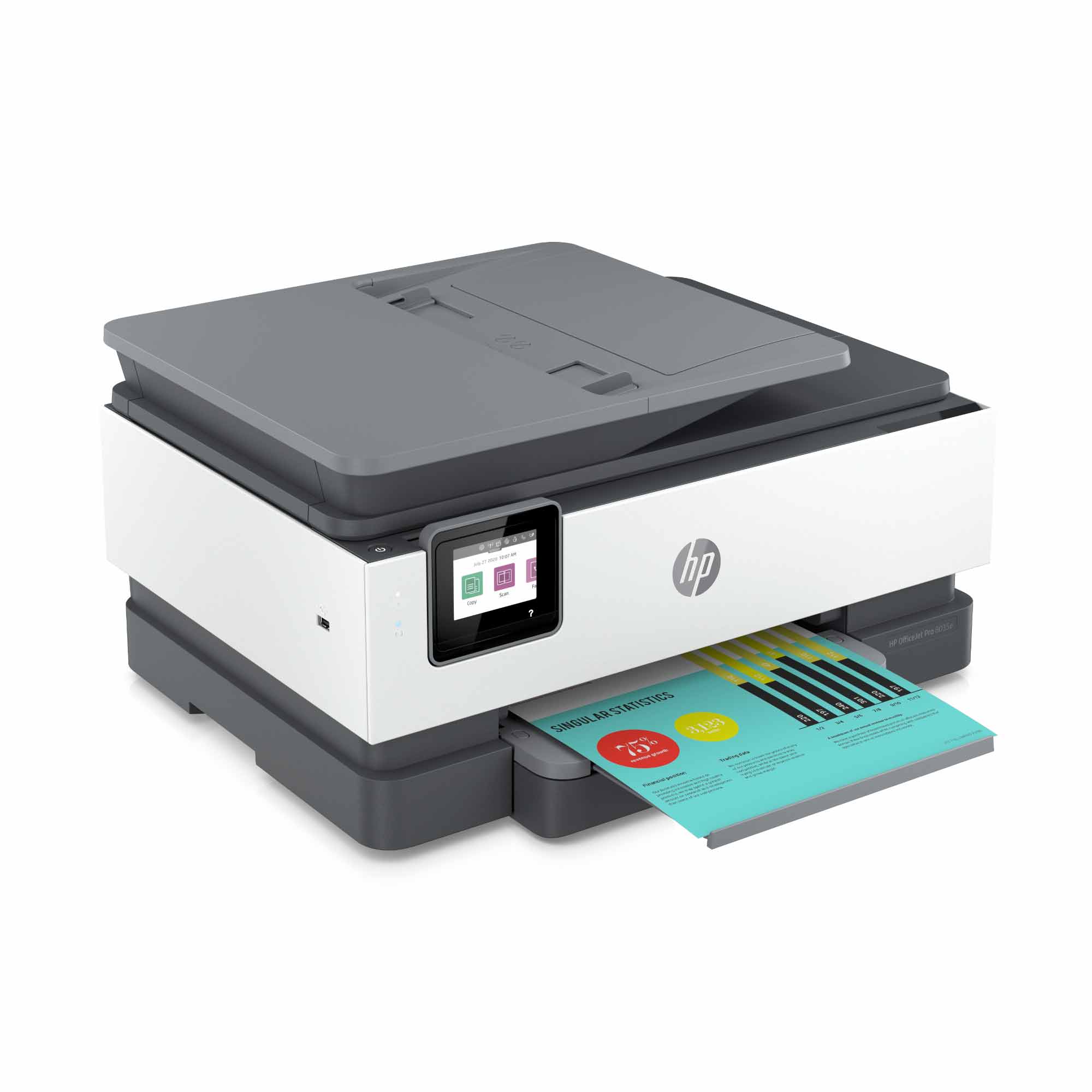
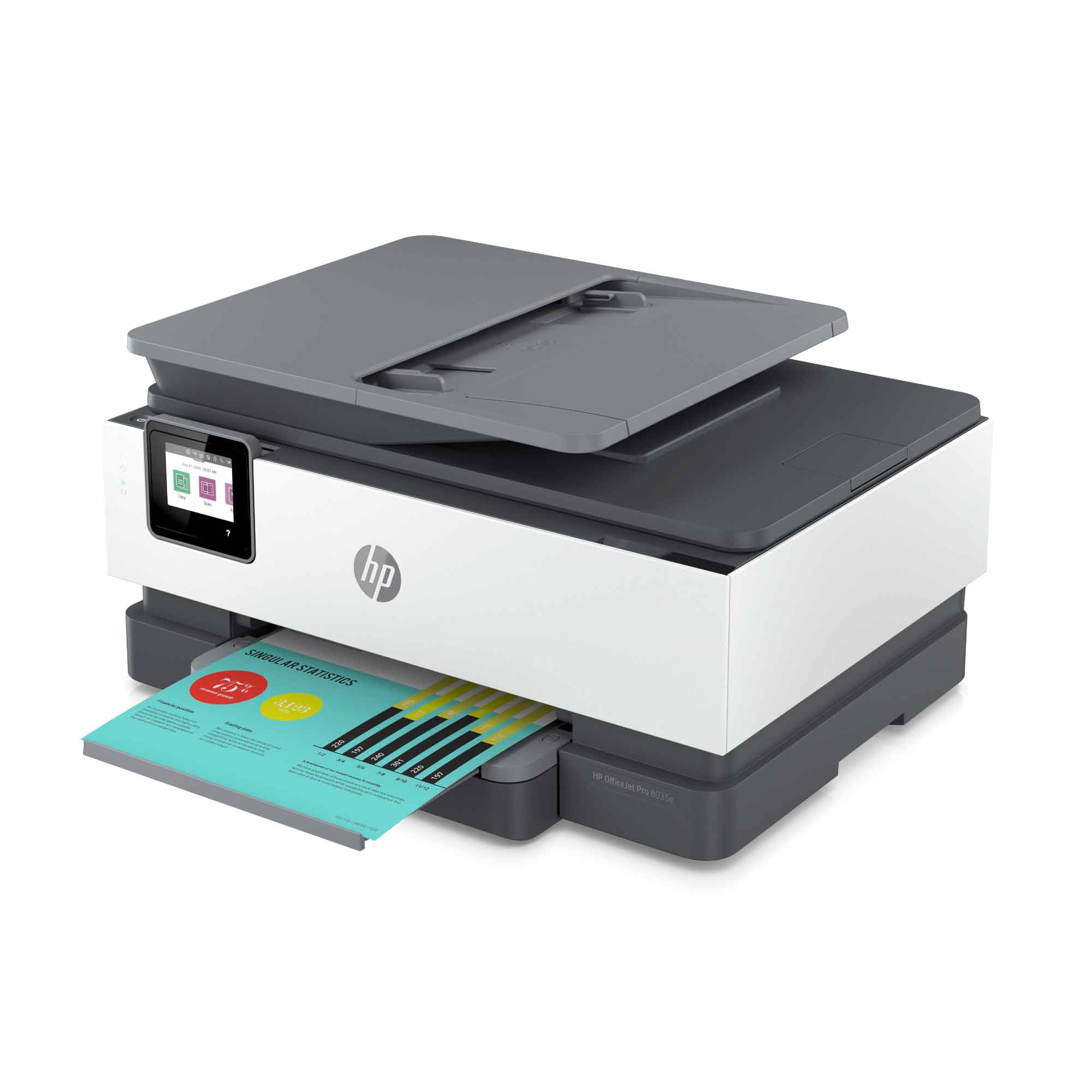
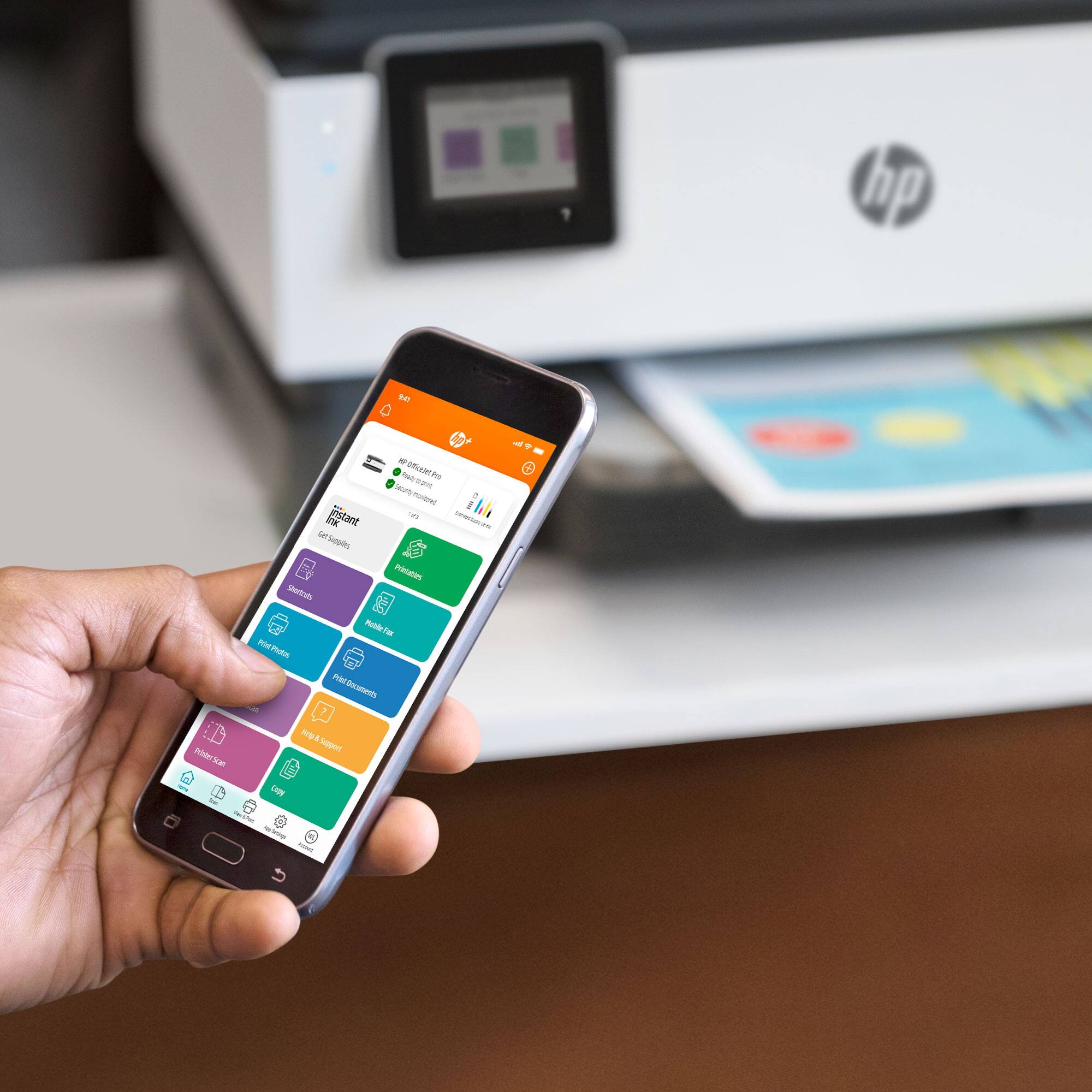
A:AnswerYes you can. However this printer is basically designed to work on the internet. It uses HP's instant ink which requires it to connect to the internet to work. If you don't have internet I recommend getting another printer.
A:AnswerNo, the Mac OS versions supported are listed here:
OS X v10.11 El Capitan; macOS Sierra v10.12 (previously OS X); macOS High Sierra v10.13; 1.5 GB available space; Internet access
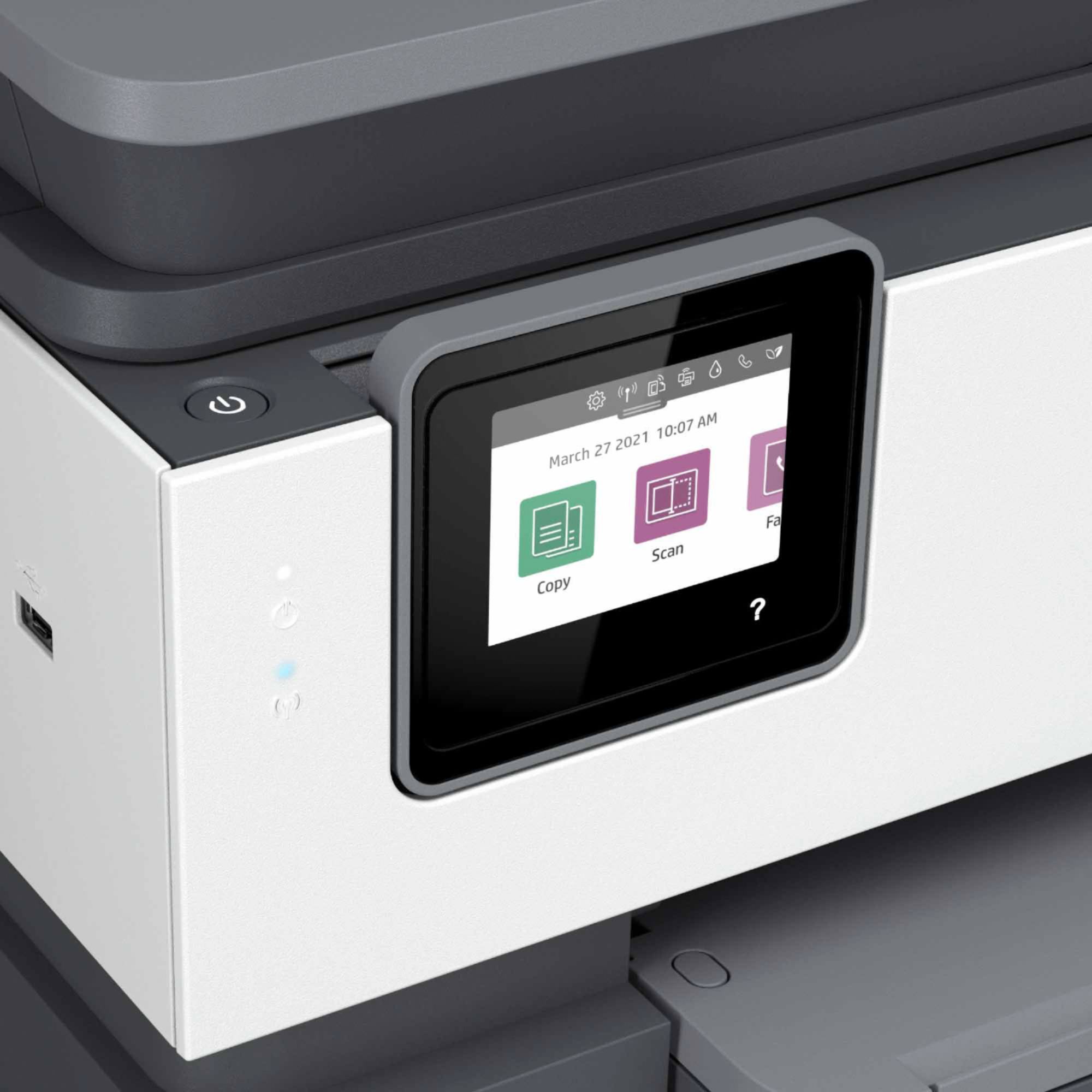
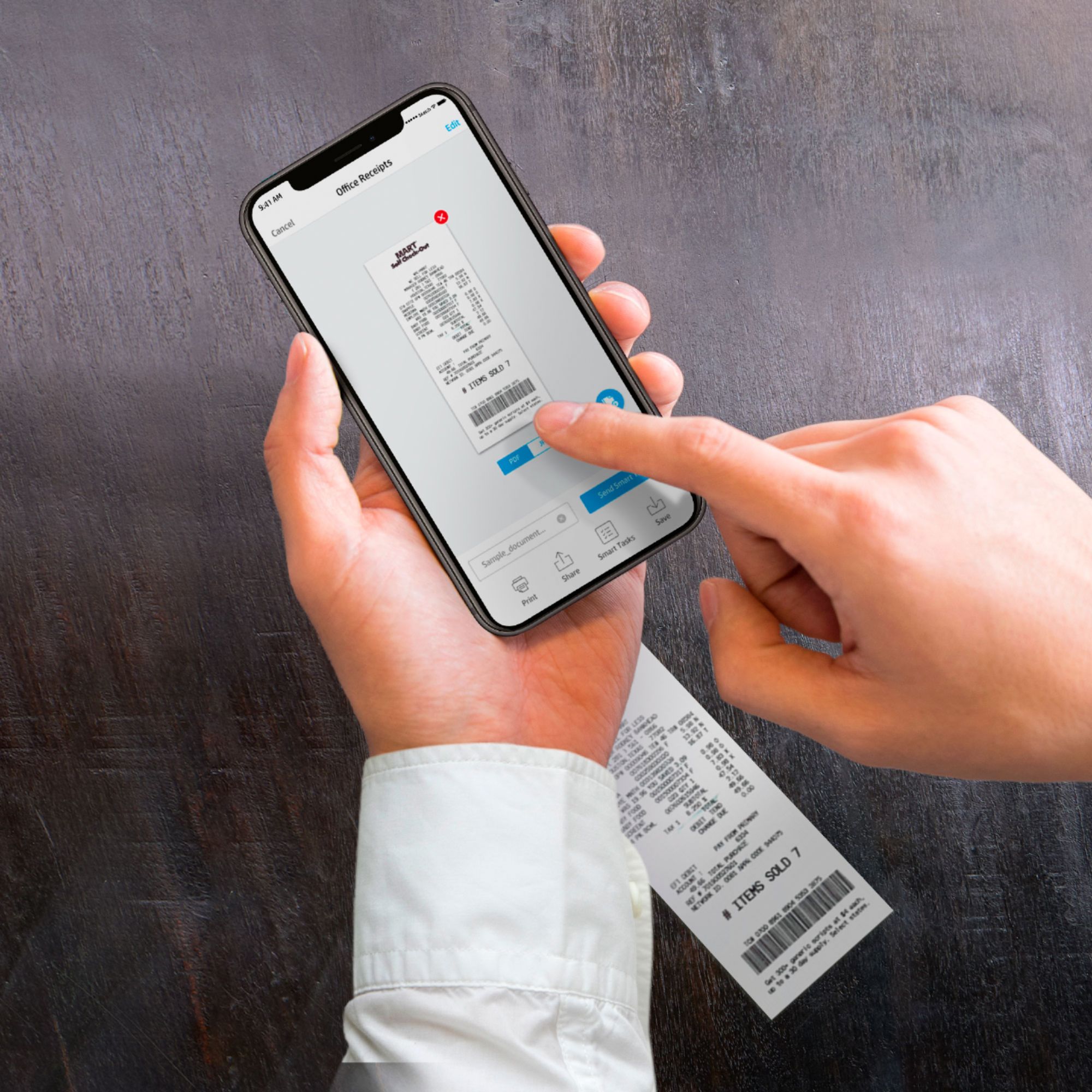
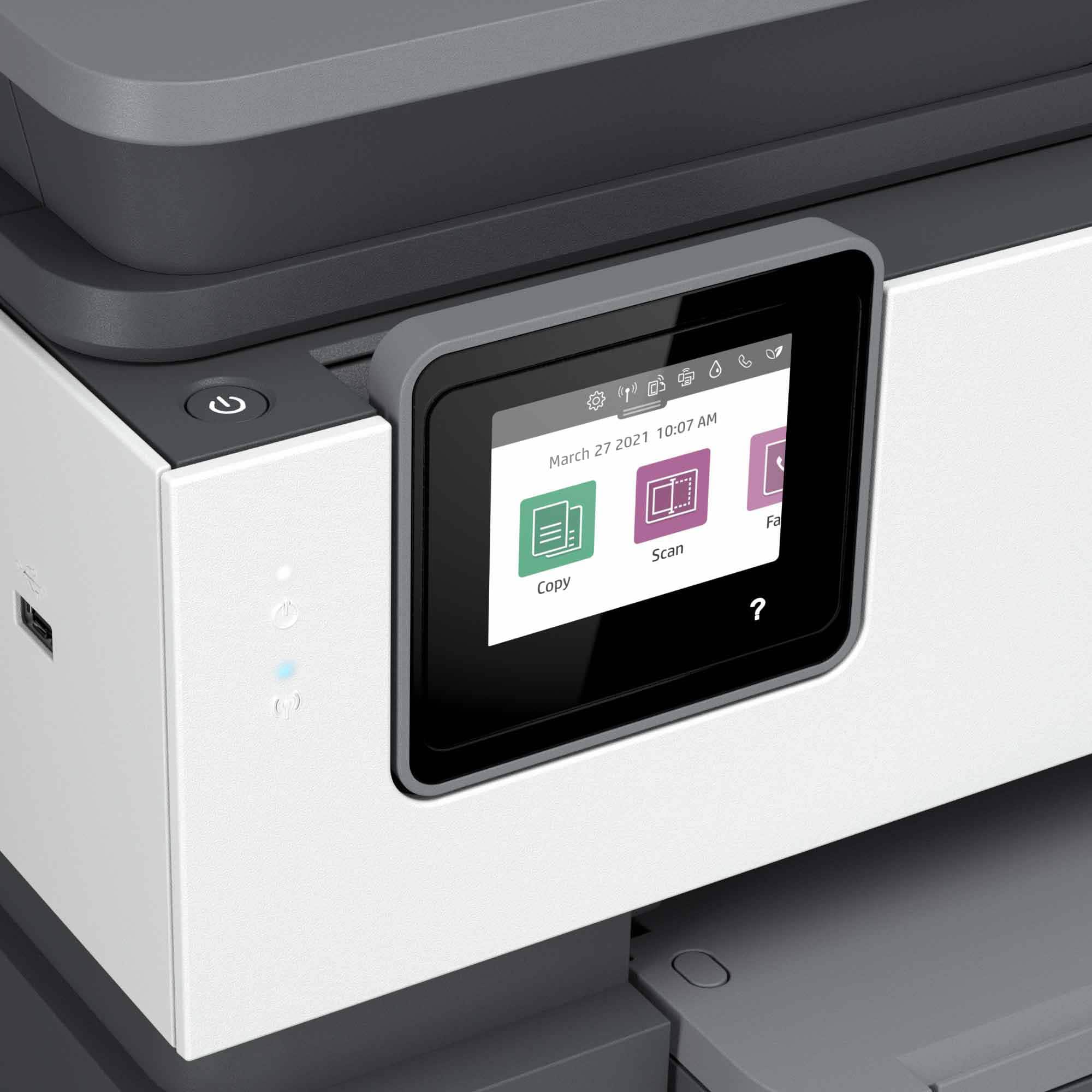
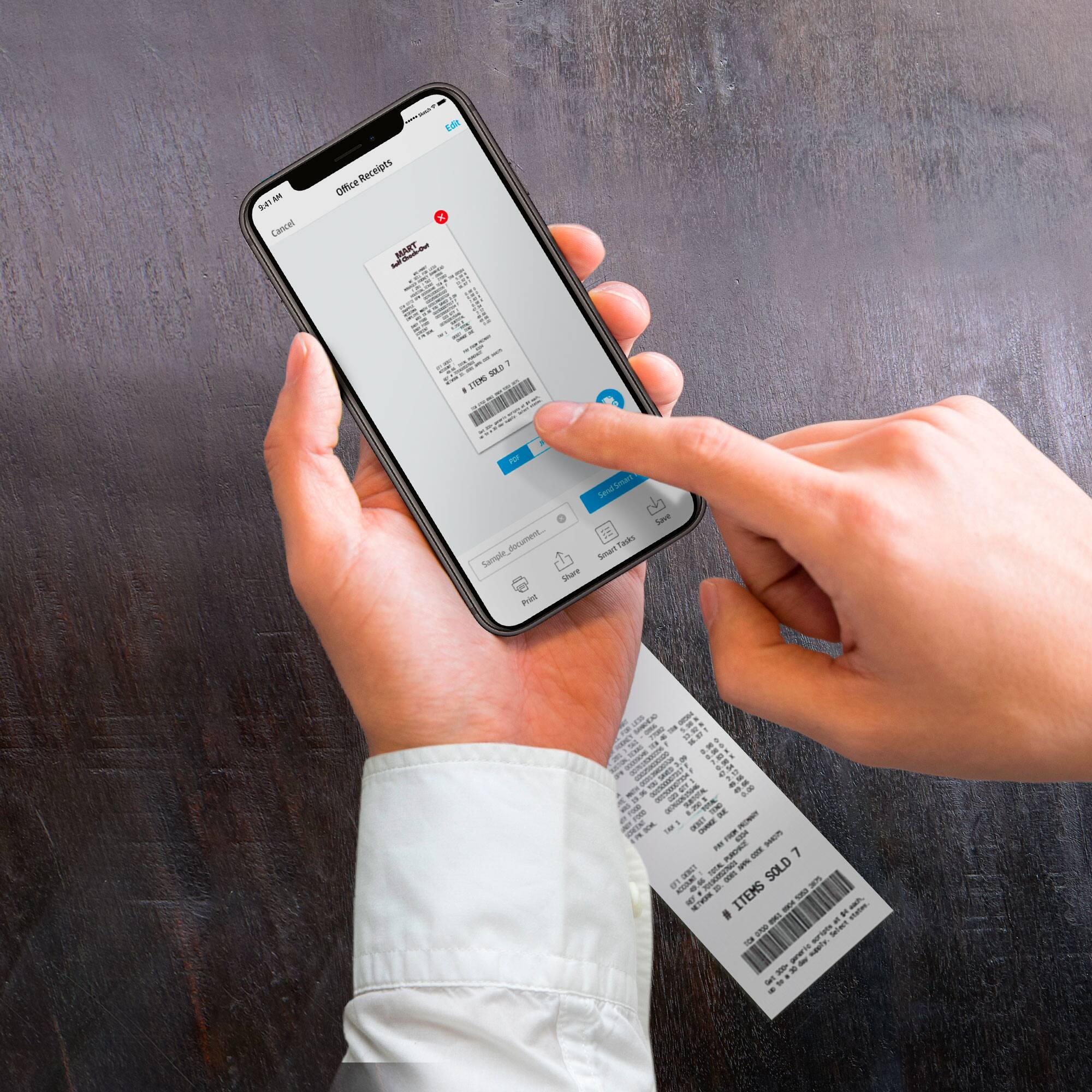
A:AnswerYes, this printer can scan and email documents. If you do it through the printer, it would be available under the scan function. You can also scan to a mobile device, i.e. smartphone, or a computer. I would recommend using the HP Smart App then choose to attach the document to an email. And you can set up a Smart Task through the HP Smart App to make it easier. Here is more information on Smart Tasks: https://support.hp.com/us-en/document/c06211157
A:AnswerYes, it can scan wirelessly with the HP scanning software installed on your computer. It does not require a CD for installation as you download all the software and drivers from the HP support site.
A:AnswerThat is probably correct. I bought mine less than a month ago and have already gotten a shipment of ink which I am a long way from
needing. I don't know how long the ink is good for when stored.
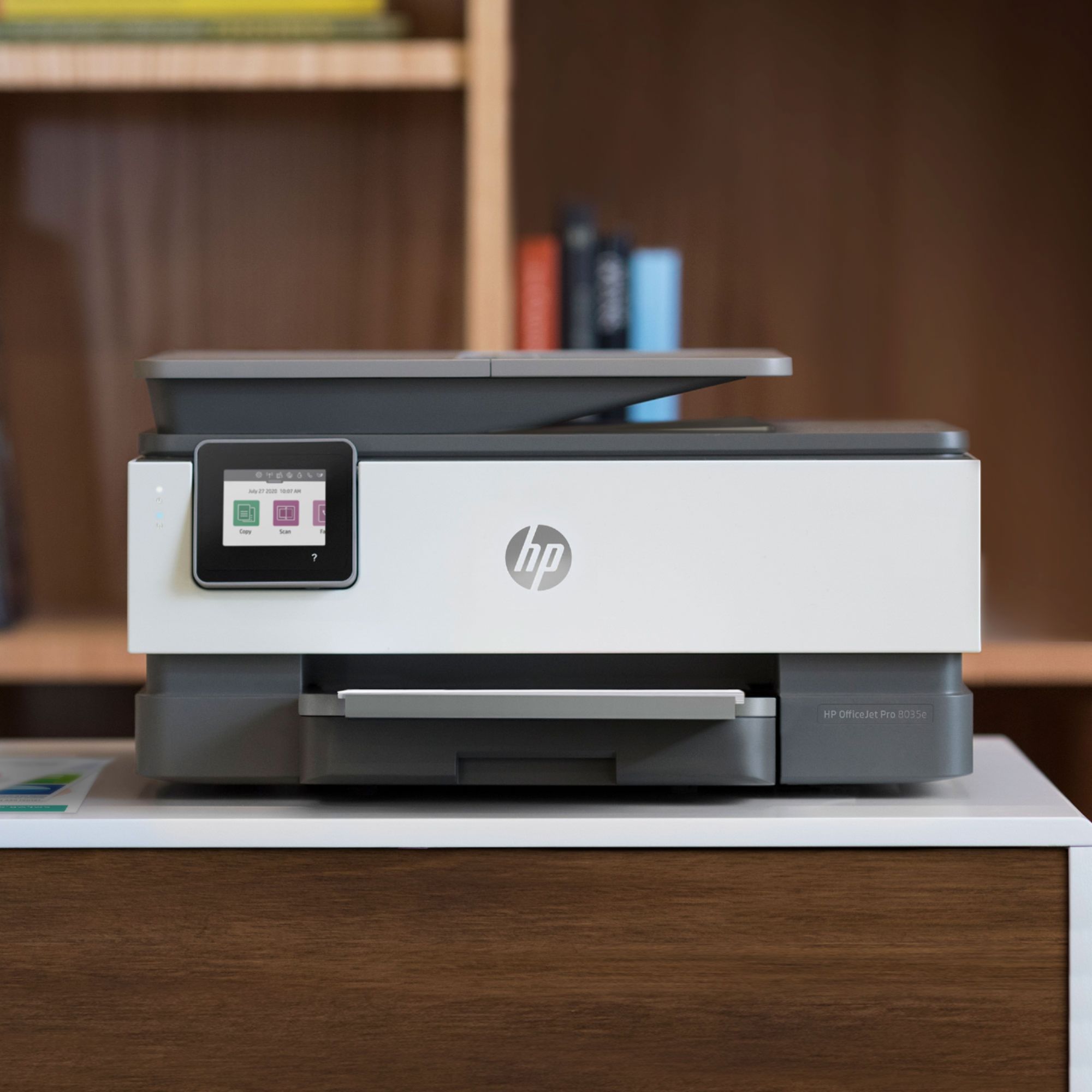
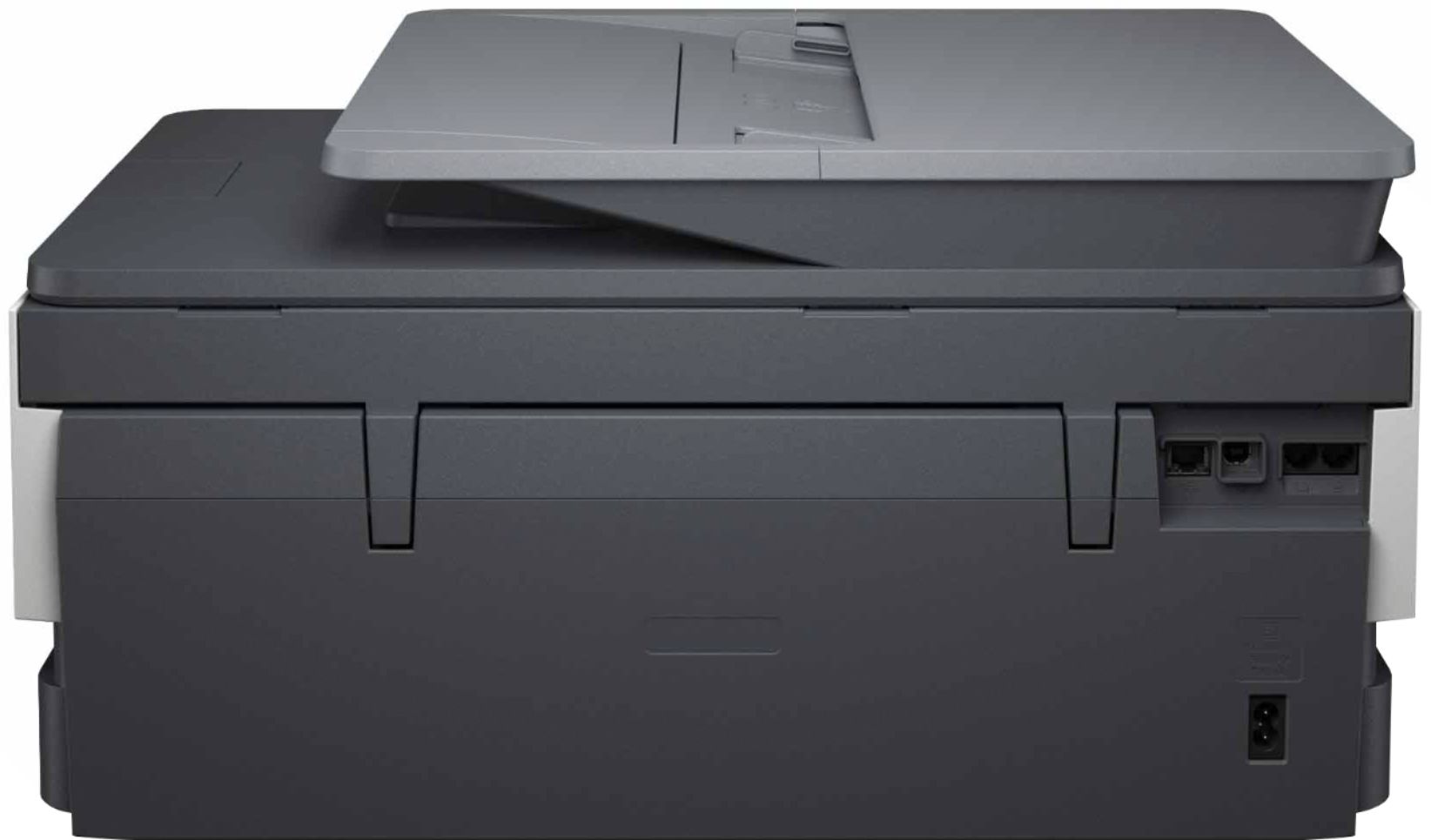
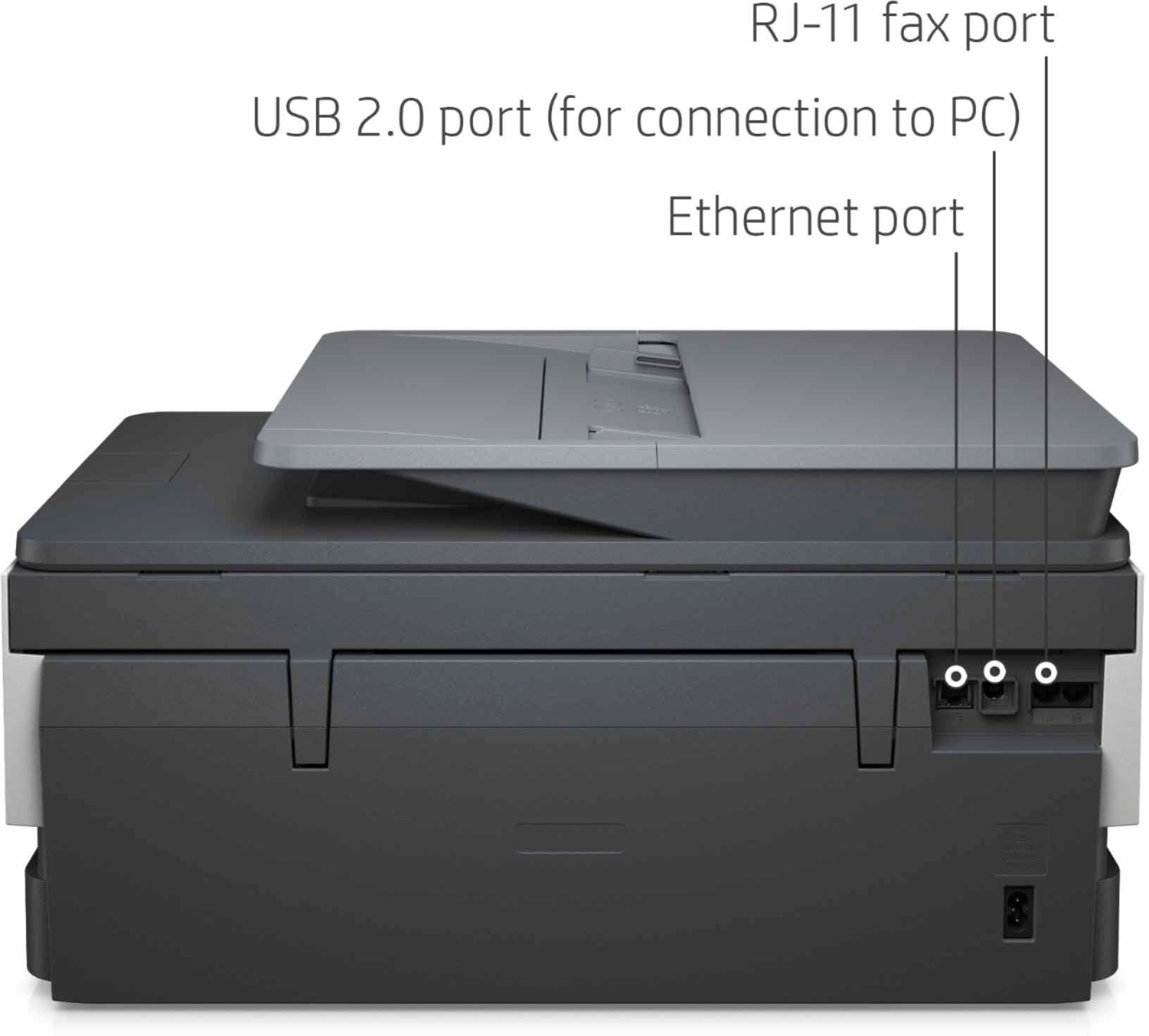
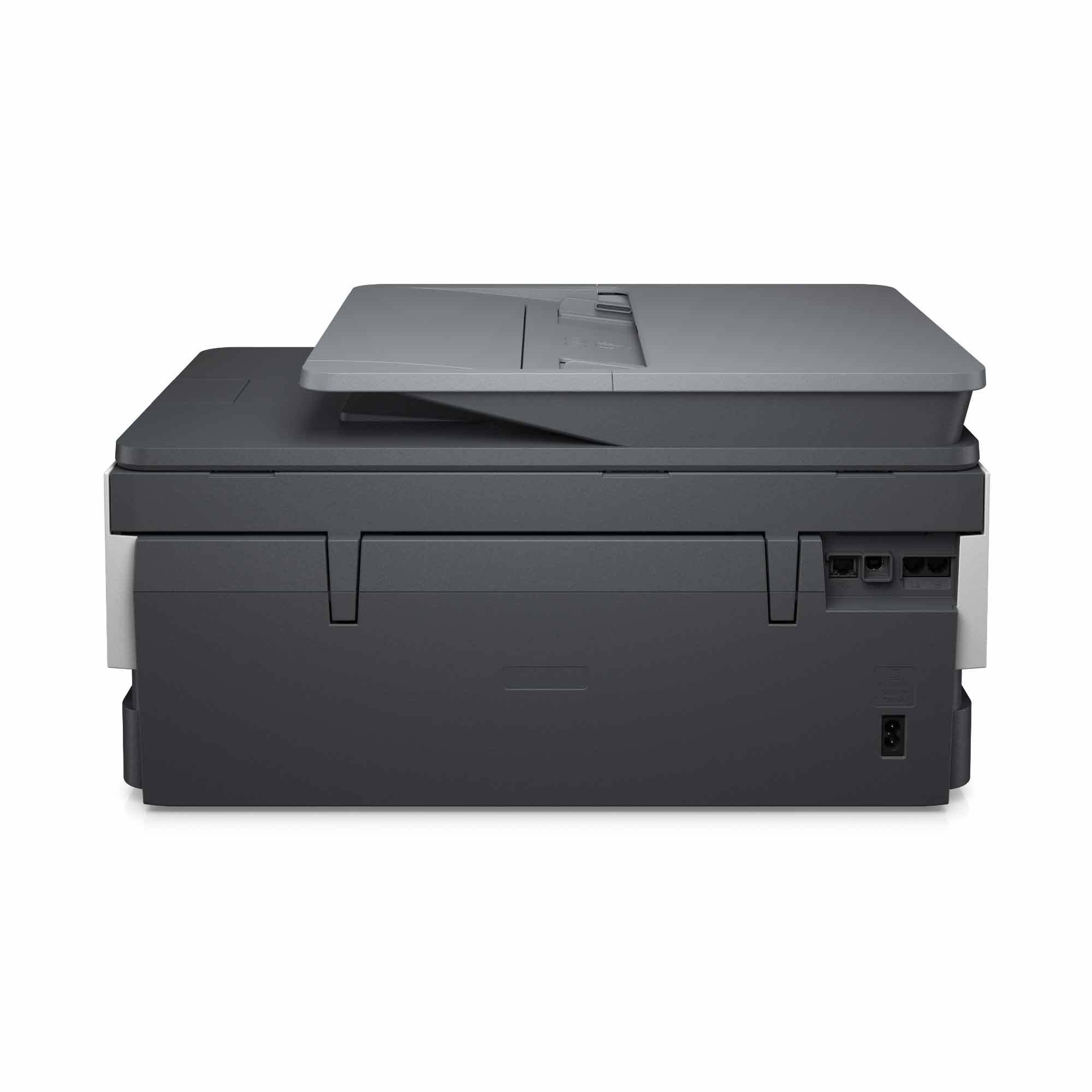
A:AnswerYes, you can fax with the HP OfficeJet Pro 8035. You would need to setup the fax function including connecting the phone line. Complete instructions can be found in the manual.
A:AnswerThe supported media weight ranges for the OfficeJet 8035 are: 16 to 28 lb (plain paper); 60 to 75 lb (photo); 20 to 24 lb (envelope); 90 to 110 lb (card). Vellum or cardstock that is compatible with inkjet printing and is within the weights given will print using the 8035.
A:AnswerIt comes with standard ink and the option of an instant ink subscription. After calling the instant ink customer service and having it explained to me, I went with the service. I have already received another set of ink cartridges for free and I’ve only had my printer for a month. You can always cancel when the free trial is up, but after I calculated out the different ink plan options, I think I’ll end up keeping it for a while even when my offer is up. The plans save about $30 once you figure the monthly fee minus what ink costs, and you can adjust your plan monthly depending on how much you’re printing.