A:AnswerIf you are facing difficulties with your HP printer, it would be best to reach out to HP Support or your local Best Buy Geek Squad for further assistance with this issue.
A:AnswerWe are sorry to hear about your challenges. We recommend trying these troubleshooting steps: https://youtu.be/wsH0QErpLzM If you need further assistance, we recommend reaching out to HP Support: https://support.hp.com
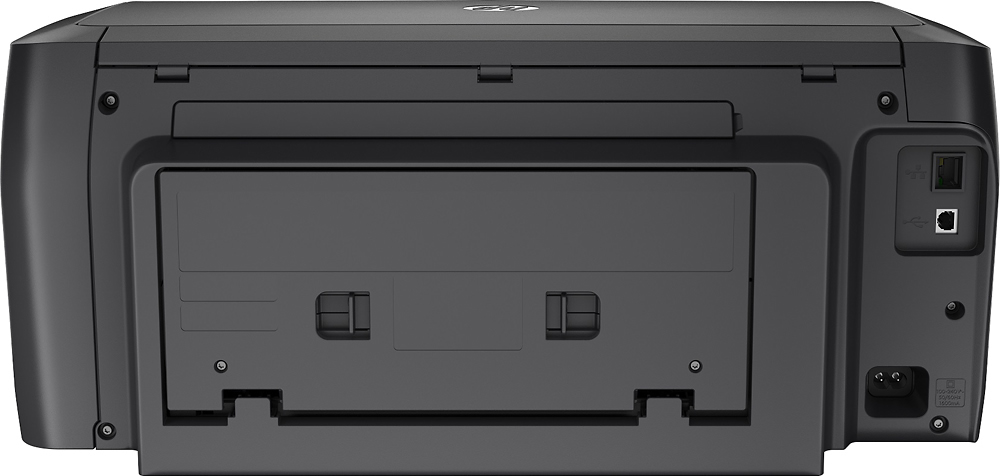
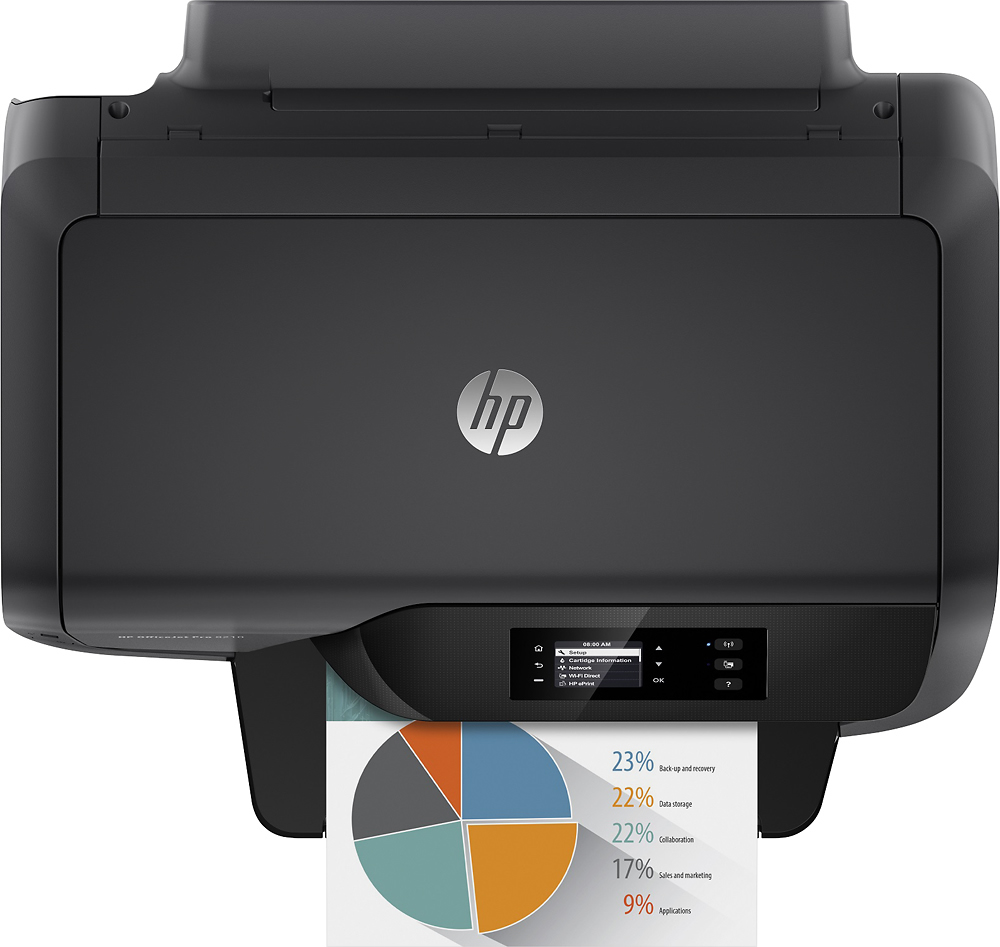
A:AnswerThank you for the question. The OfficeJet Pro 8210 has wireless 802.11b/g/n. It will connect to your 5G router, but it will not print at 5G speed. Note that this model also has an Ethernet port for wired connection to your network.
A:AnswerYes, there are MacOS 12.0.1 drivers for the OfficeJet Pro 8210. Your computer should download them automatically, but if it doesn't you'll be able to get them from the HP site.