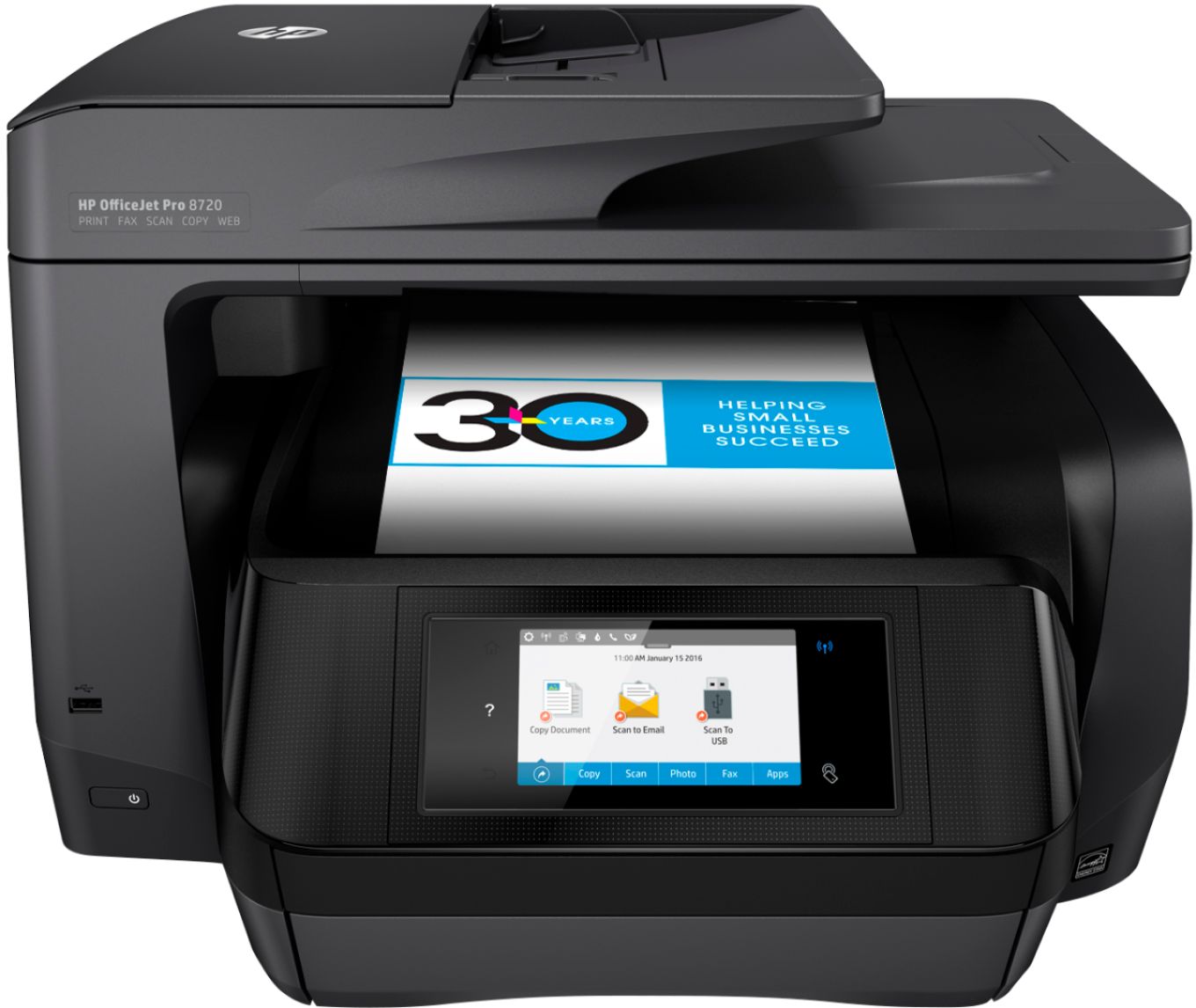
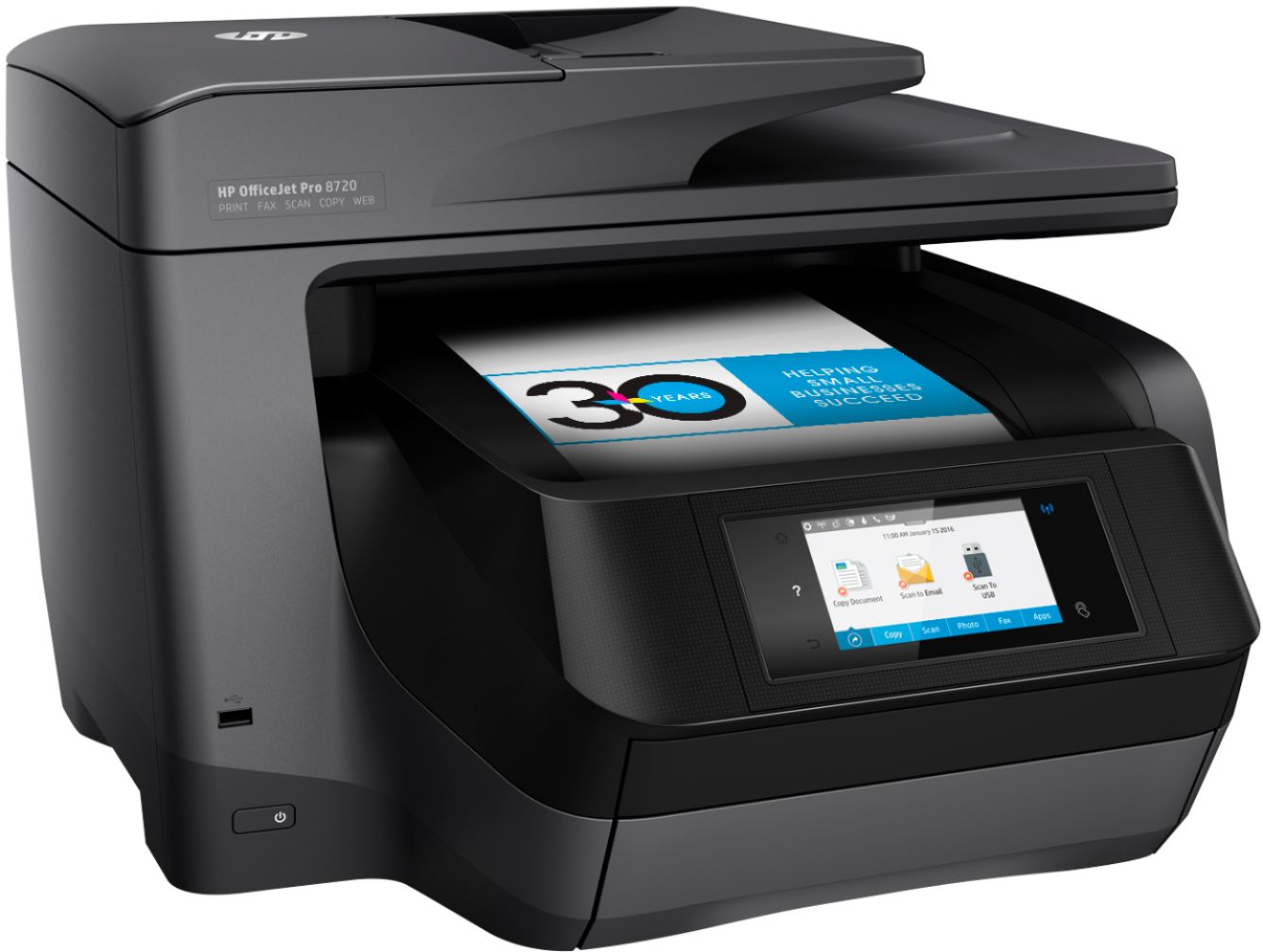
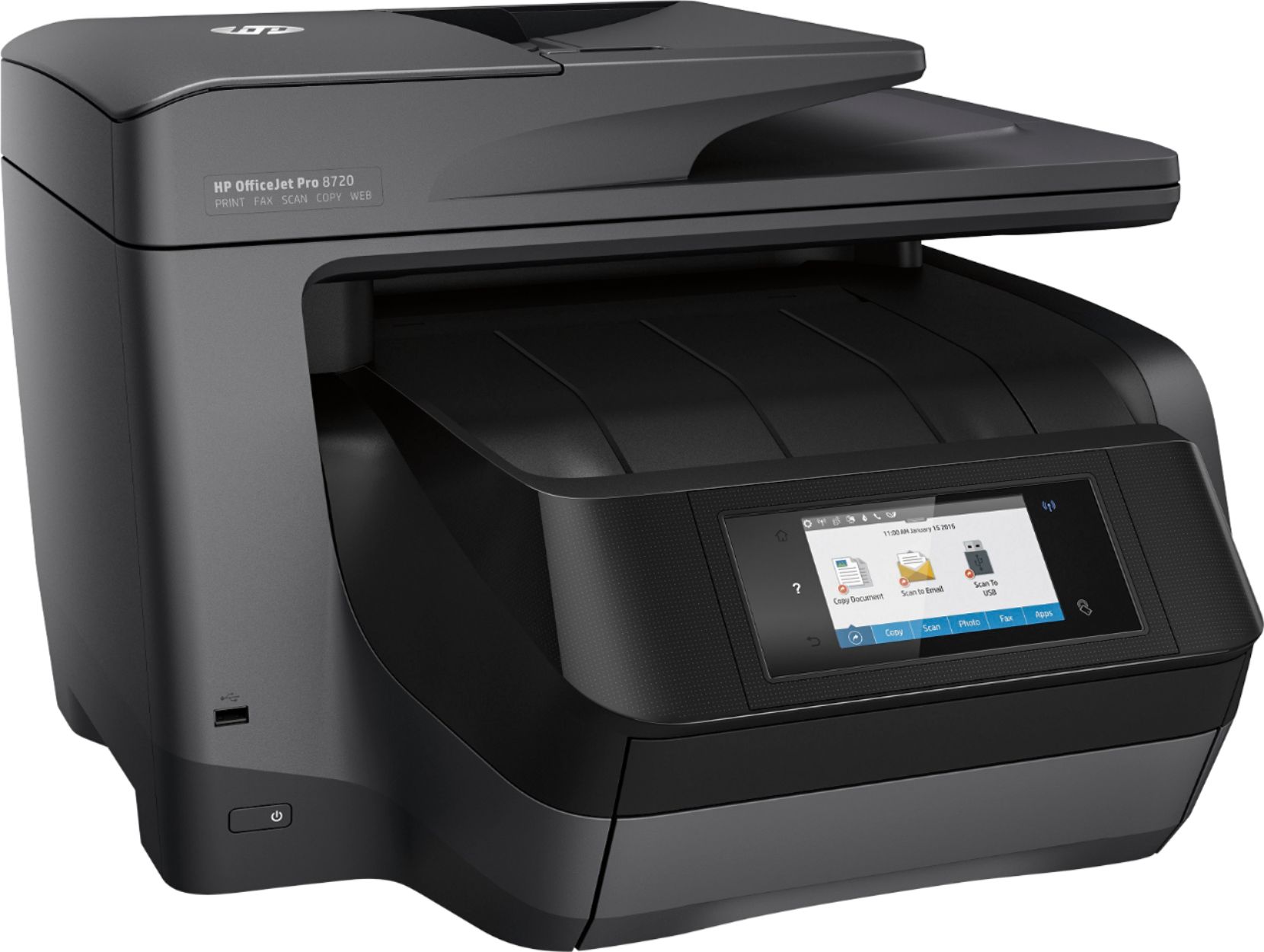
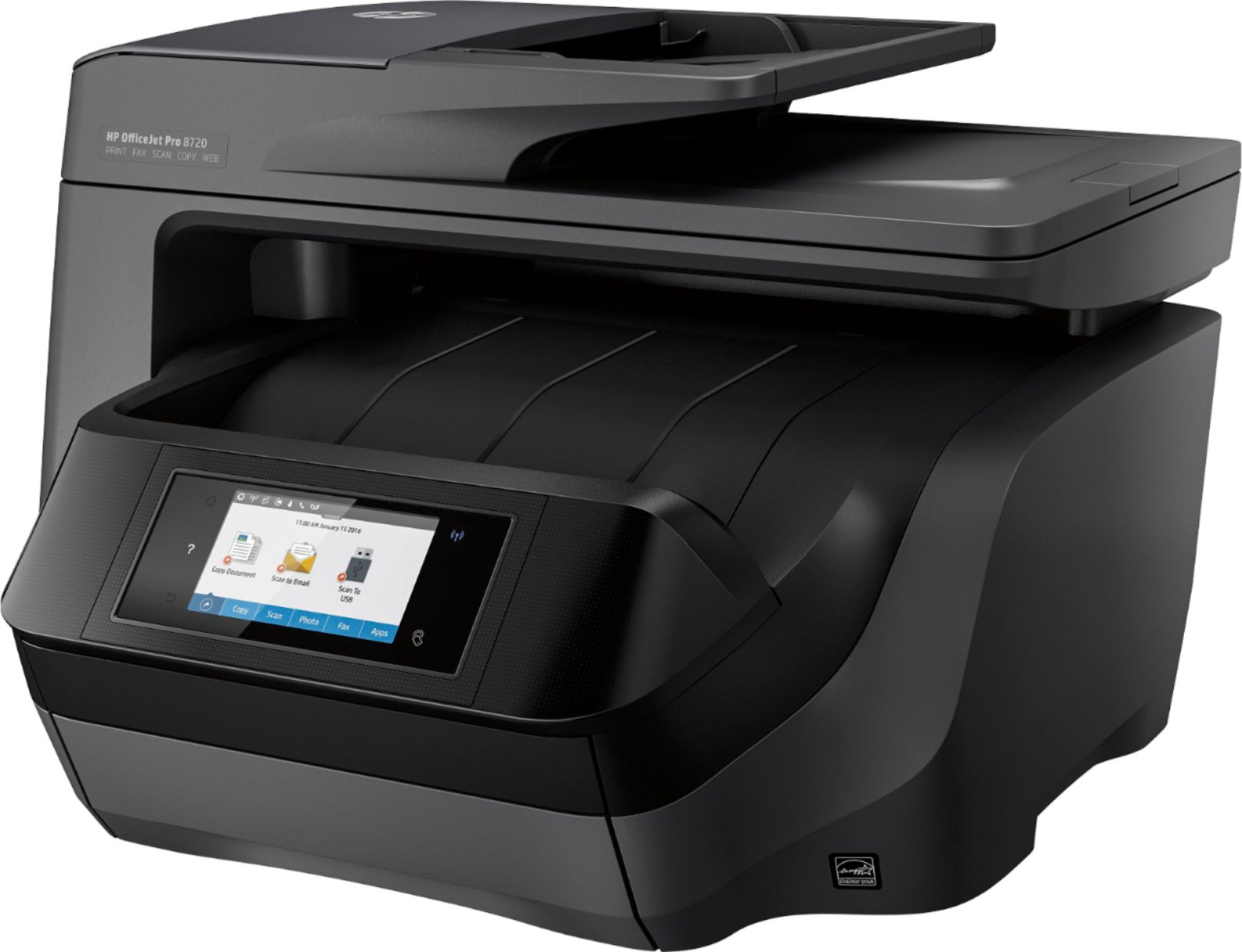
A:AnswerYou have to install a driver and related app from the included CD or online, depending on your system. Then you can either use the touch screen to scan and send to your computer or you can launch the app on your computer and initiate the scan.
A:AnswerThe difference is mainly the print speed. The 8720 prints a little faster than the 8710. The 8720 also can be upgraded to the dual paper tray, where as the 8710 cannot.
A:AnswerYes, that depends on your mailing program, like MS word. I use Word for my envelopes and I can have the printer print both the return address as well as the sending address at the same time. It's how you set your mailing program to do it. The printer just obeys your commands.
A:AnswerYes it does print 8.5 X 14. I did not realize until I got the printer home and set it up that it has two paper trays both take 8.5 X 11 and the lower tray can also take 8.5 X 14. I have not figured out how to use the upper tray but have not had any need to do so as yet as the lower tray has met all my needs. However if you use 8.5 X 14 a lot you may find the two tray system useful.
A:Answer951 cartridges fit the HP8620. The HP8720 uses 952/953 cartridges. The Instant Ink cartridges for the HP8720 are 954/955. I have both printers and looked at the cartridges before I wrote this answer.
A:AnswerYes it does.But i don' t think best buy caries it in black..At least They didn't have any when i bought mine.so i got white unfortunately (i couldn't beat the price at the time)
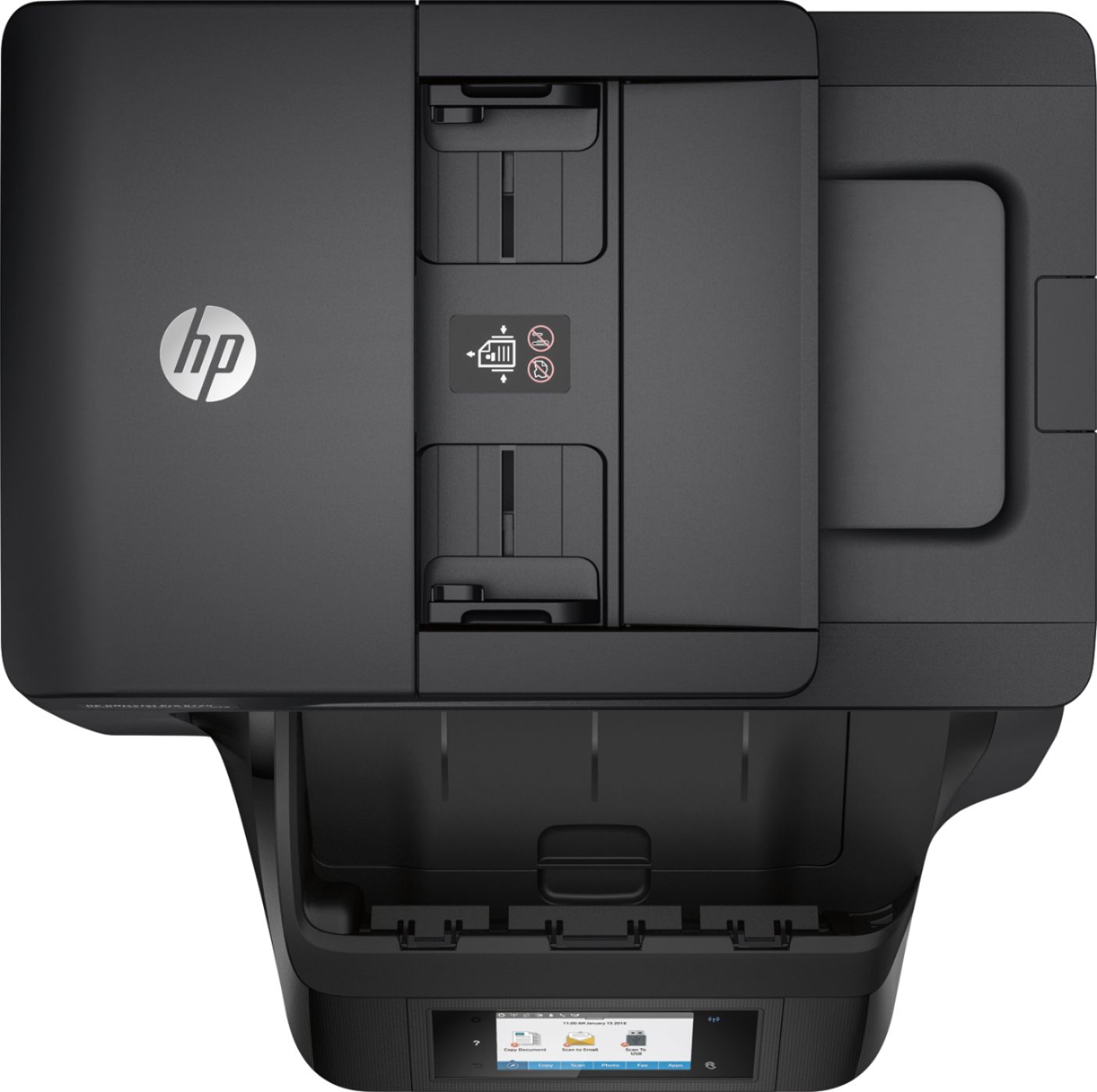
A:AnswerYes, the printer has a flatbed for copying and scanning. It also has a document feeder, which is very useful if you're copying/scanning multiple pages at a time.