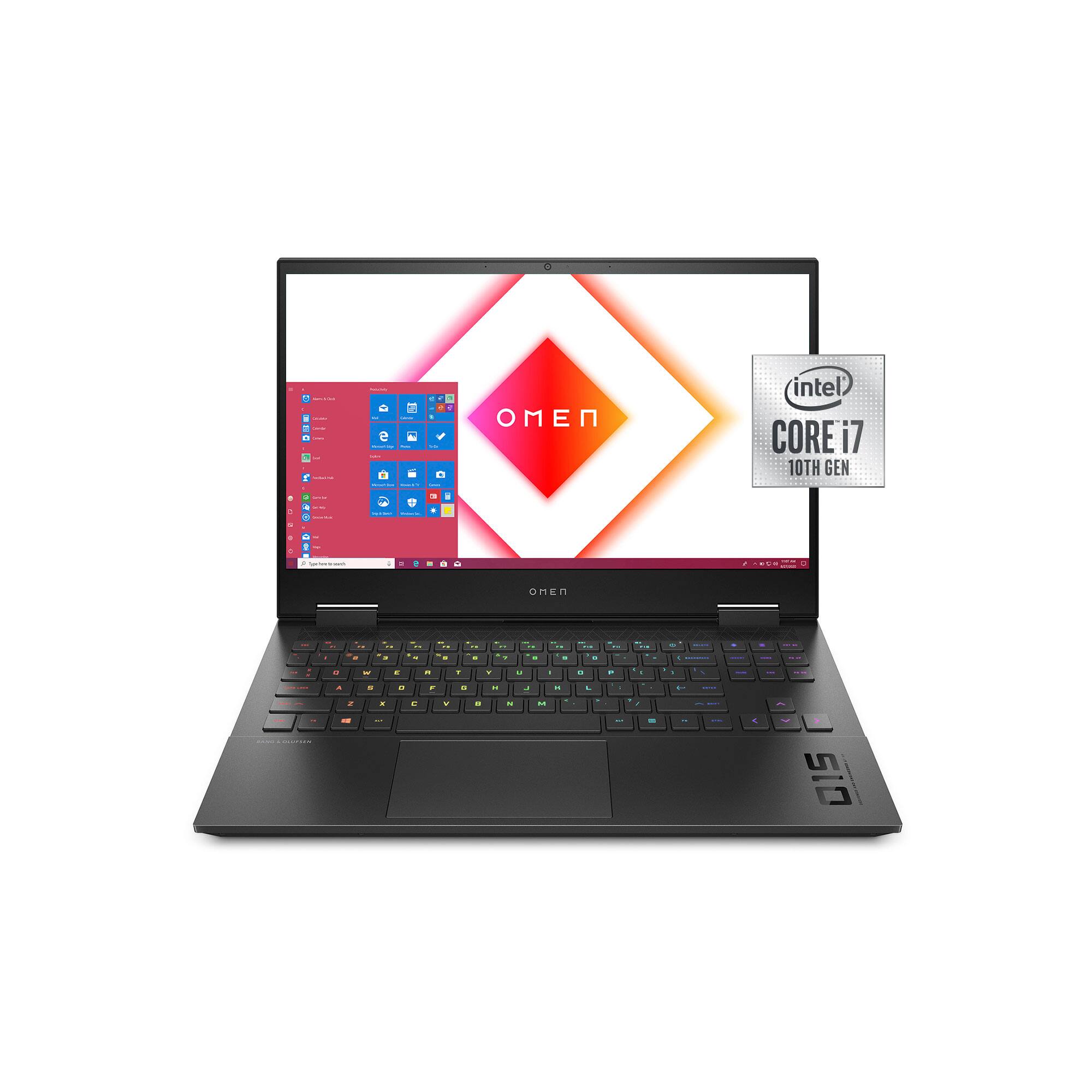
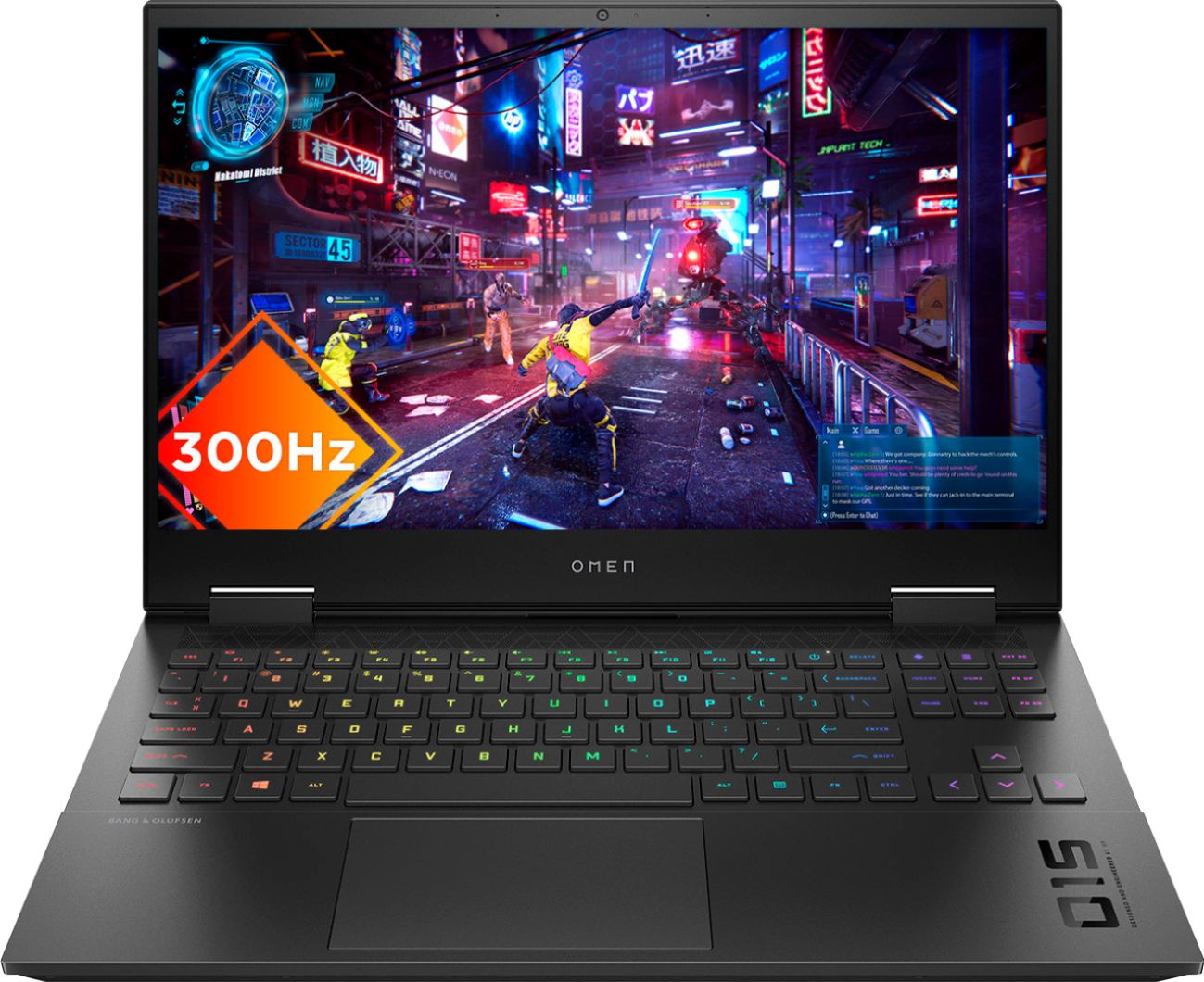
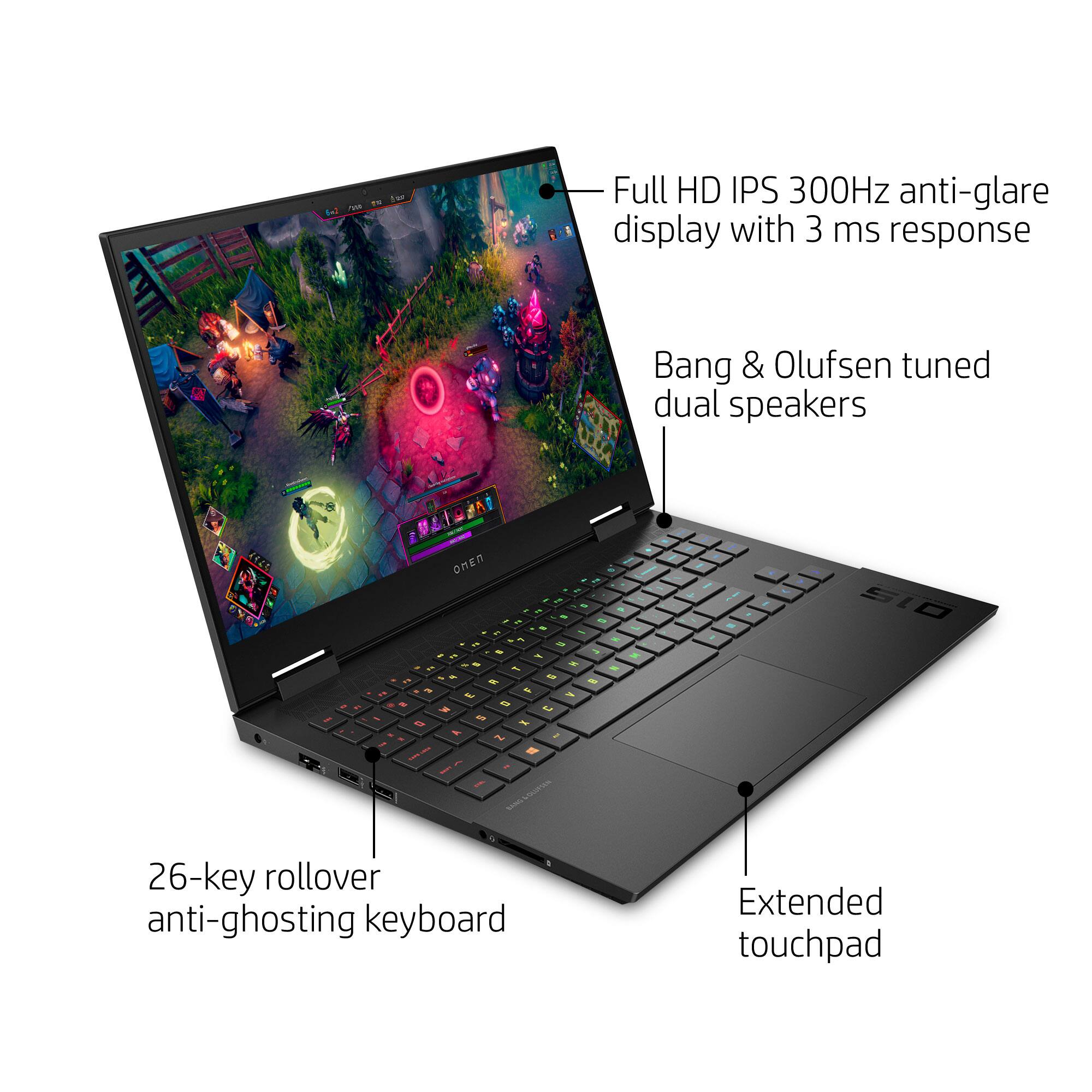
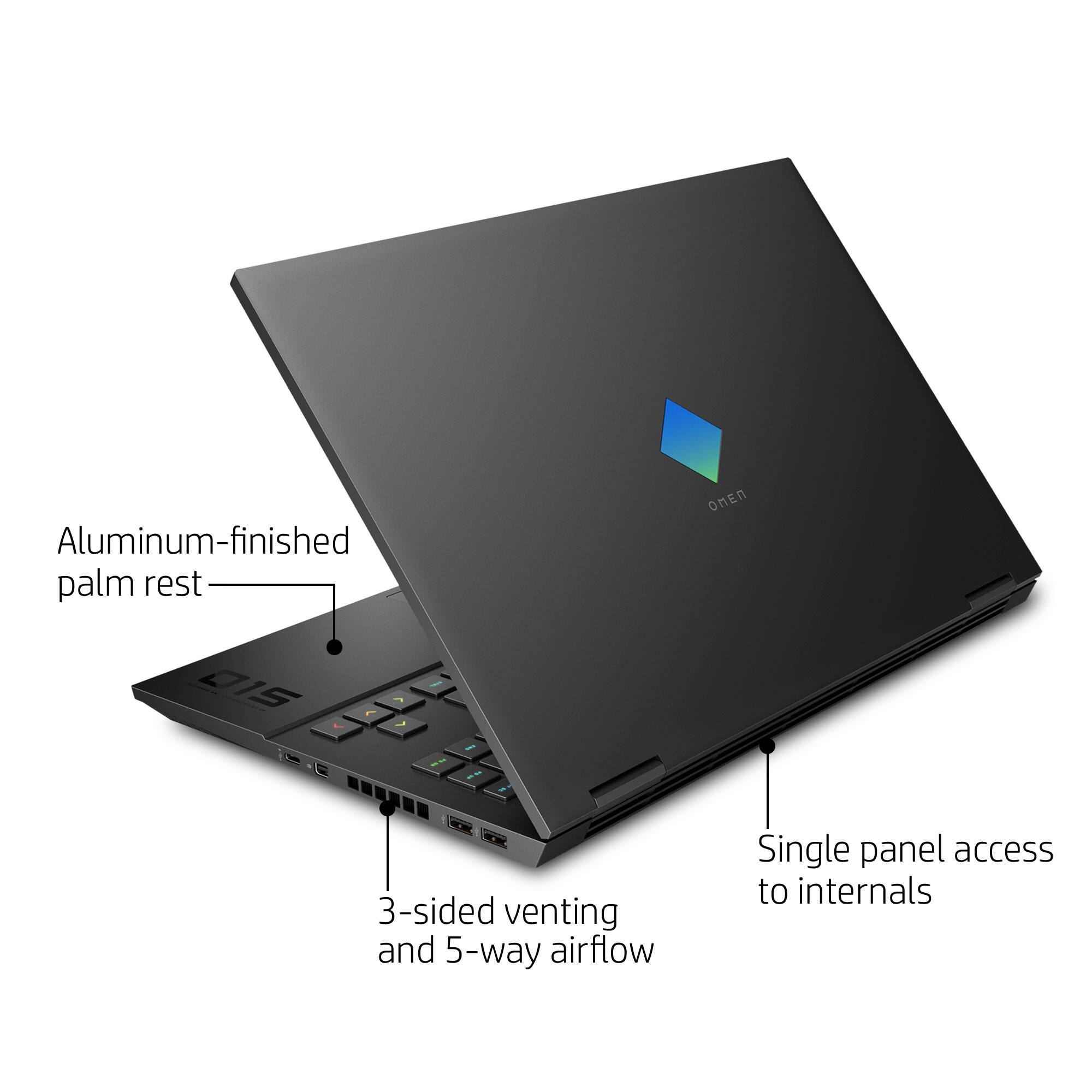
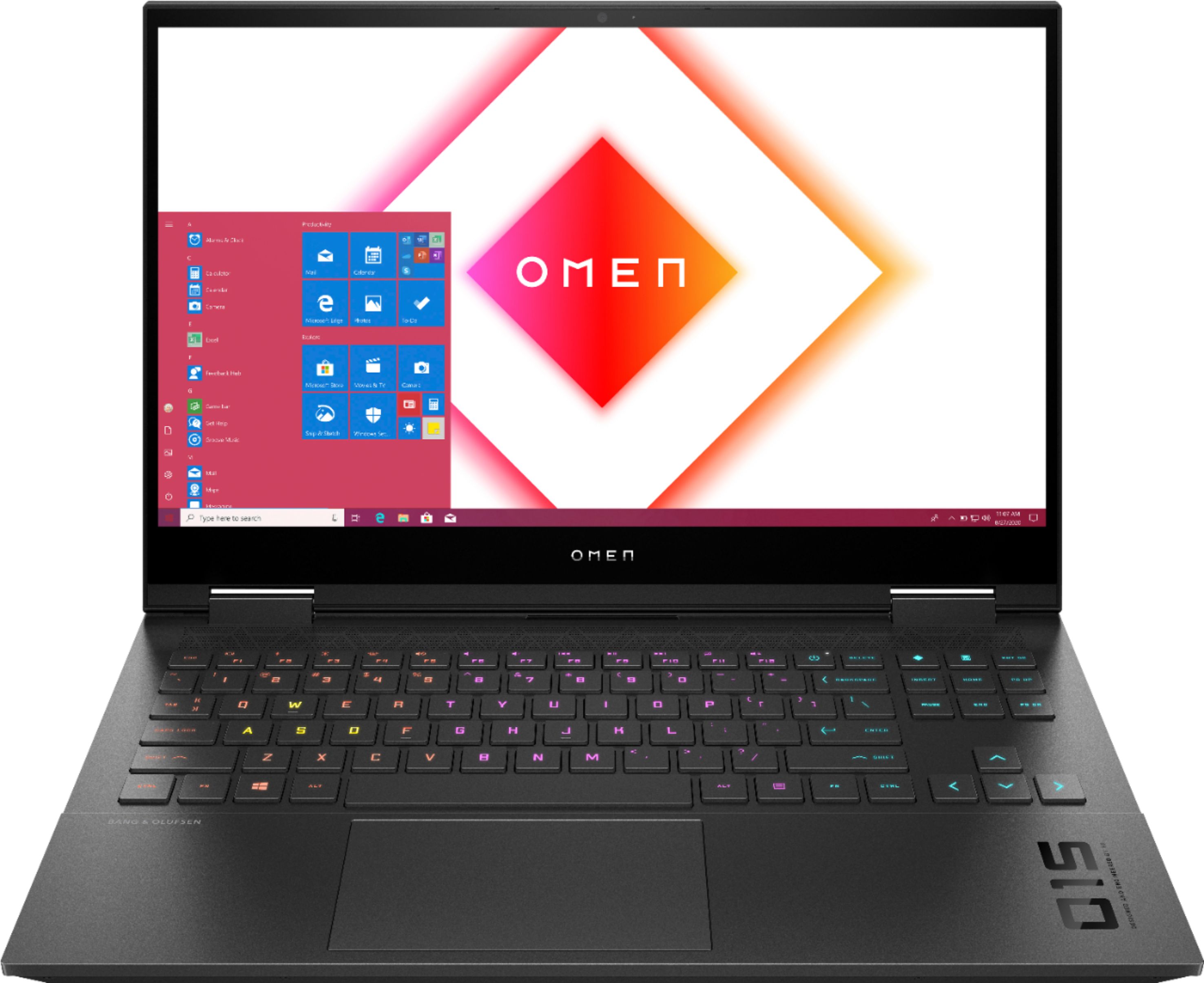
A:AnswerI believe the preinstalled HP Omen Gaming Hub software provides the functionality that you are looking for.
There you will find a tab titled: "Graphics Switcher" that allows you to switch between two modes. The descriptions are straight from the screen.
Hybrid - For productivity, media consumption, internet browsing, etc.
Discrete - For gaming, media creation, graphics intensive tasks, etc.
Hope that helps.
A:AnswerHello Ezel. Thank you for your question. Based on the information provided by the manufacturer, this HP OMEN Laptop 15-ek1013dx has a battery life of up to 5 hours.
You can confirm this information here:
***https://support.hp.com/us-en/document/c07049981***
Thank you for contacting Intel!
A:AnswerHello Cavemansam. Thank you for your question. Based on the information provided by the manufacturer, the battery on this OMEN 15-ek1013dx laptop lasts up to 5 hours.
Thank you for choosing Intel.
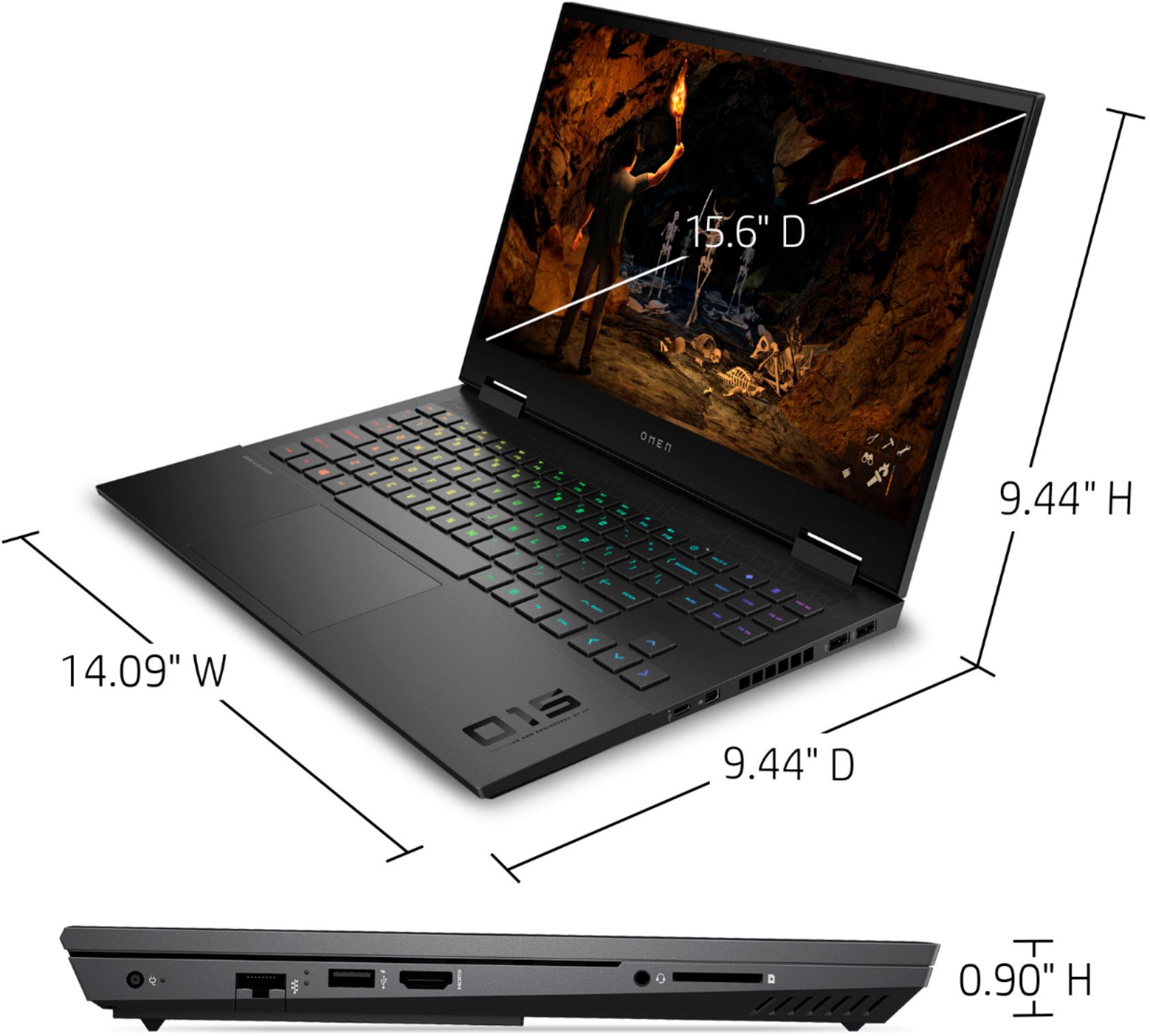
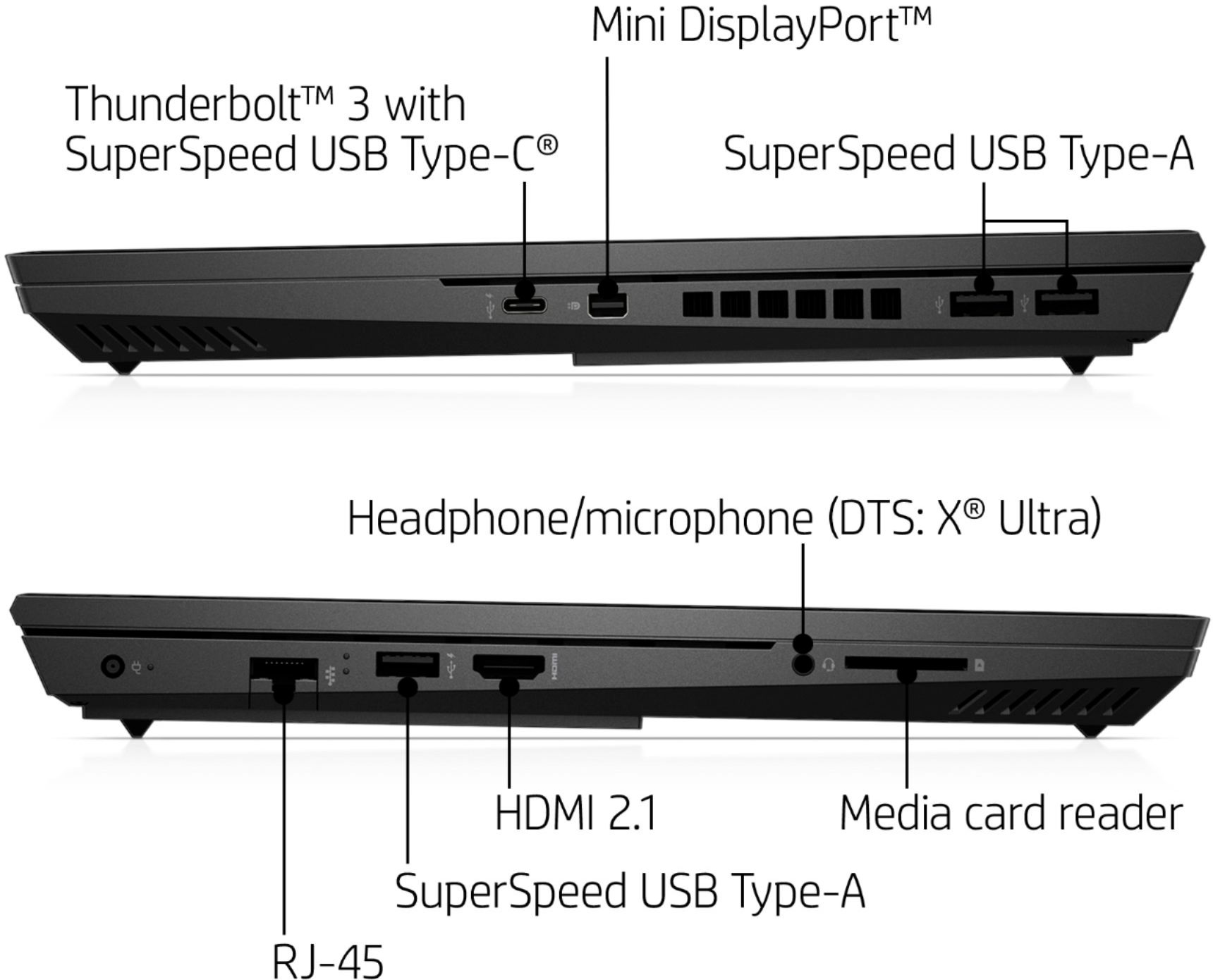
A:AnswerHello Sam. We are sorry for the delay in answering. Yes, this HP OMEN 15-ek1013dx gaming laptop comes with 1 Thunderbolt™ 3 port.
Thank you for choosing Intel!
A:AnswerHello Hedgehog. We are sorry for the delay in answering. High Dynamic Range (HDR) is supported on 7th Gen Intel® Core™ Processor and newer platforms. This HP OMEN 15-ek1013dx gaming laptop comes with a 10th generation Intel® Core™ i7-10750H Processor.
To confirm if this laptop does support HDR, we suggest you contact the manufacturer of the system. To do so you can access the following link:
***https://support.hp.com/us-en/contact-hp/***
Thank you for choosing Intel!
A:AnswerJust a software upgrade. Do the windows updates and the HP hub updates. If that does not work then look at directly doing the drivers, most likely the graphics.
A:AnswerMine defaults at high and during warzone, I'm the first one to load in almost every time and it plays at almost 200fps. I set mine at unlimited. It's also plugged in and not on battery power.