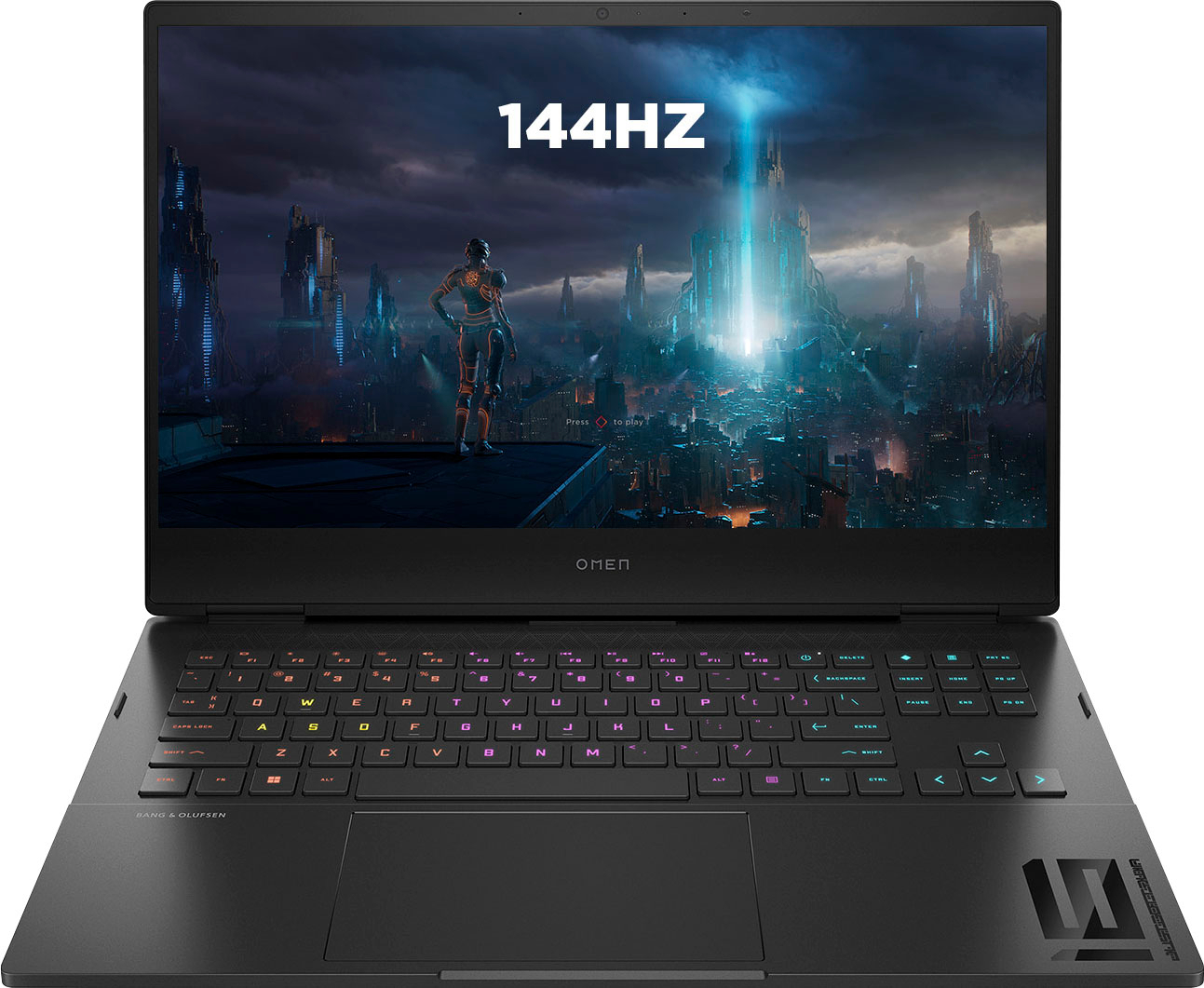
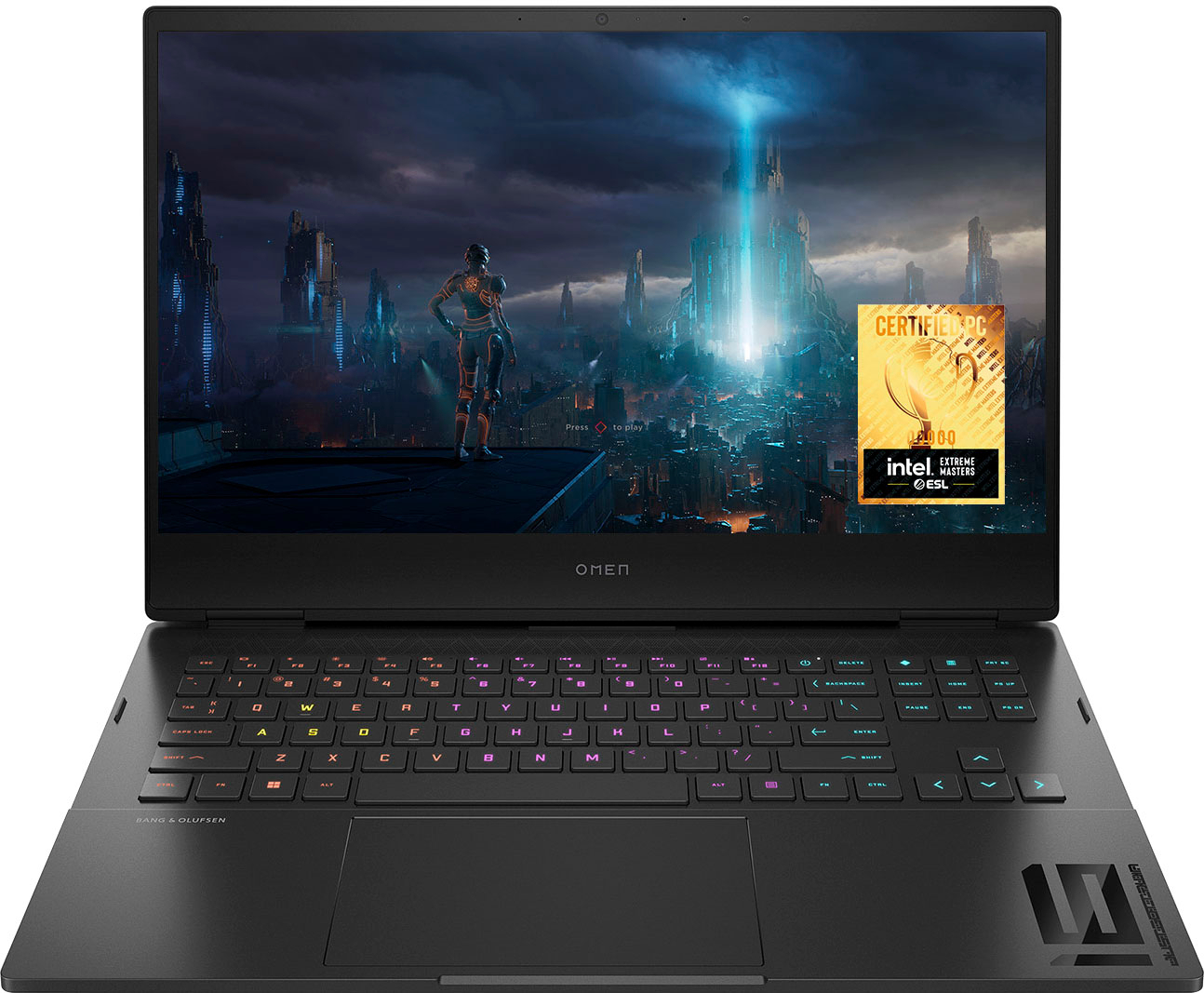
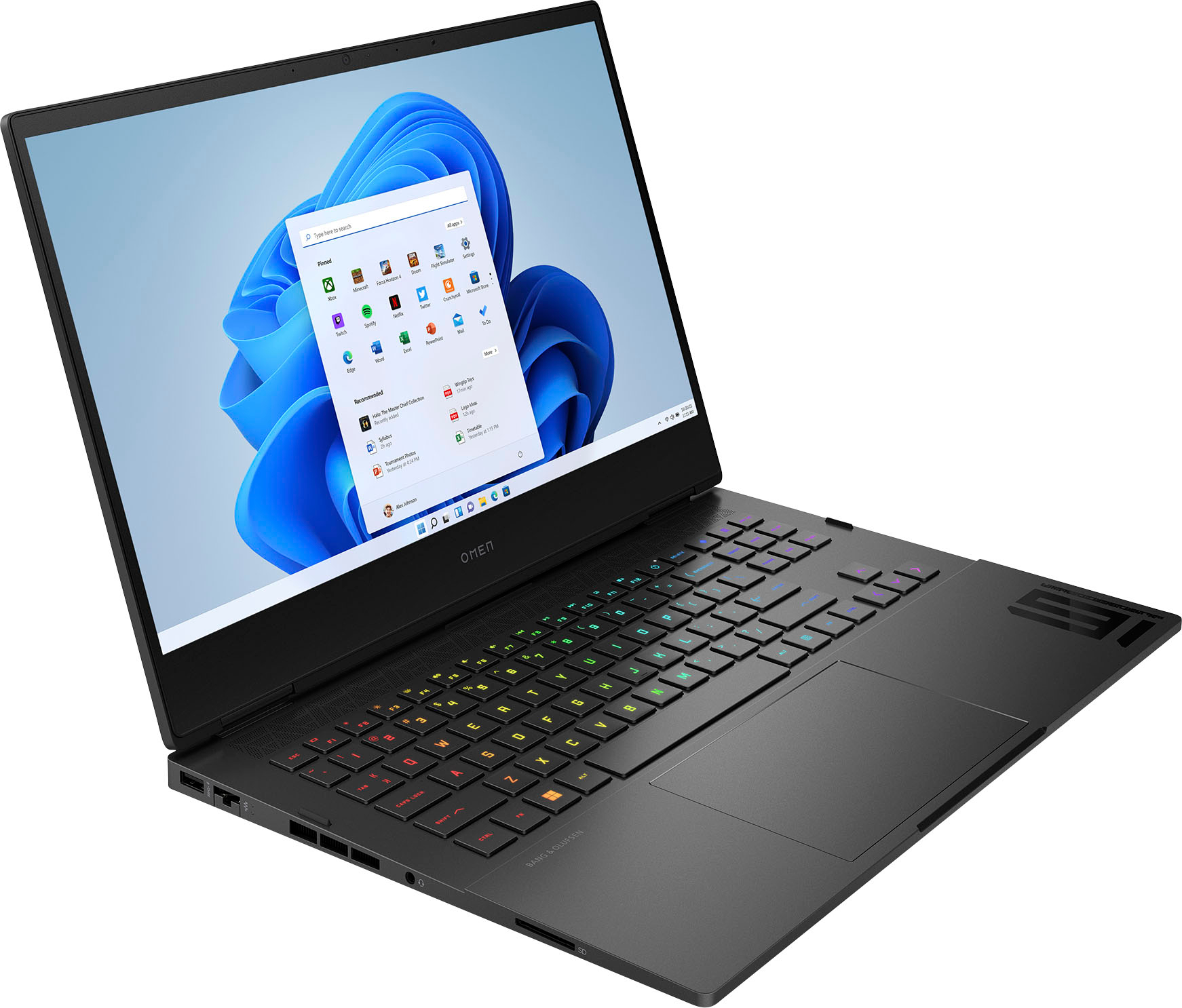
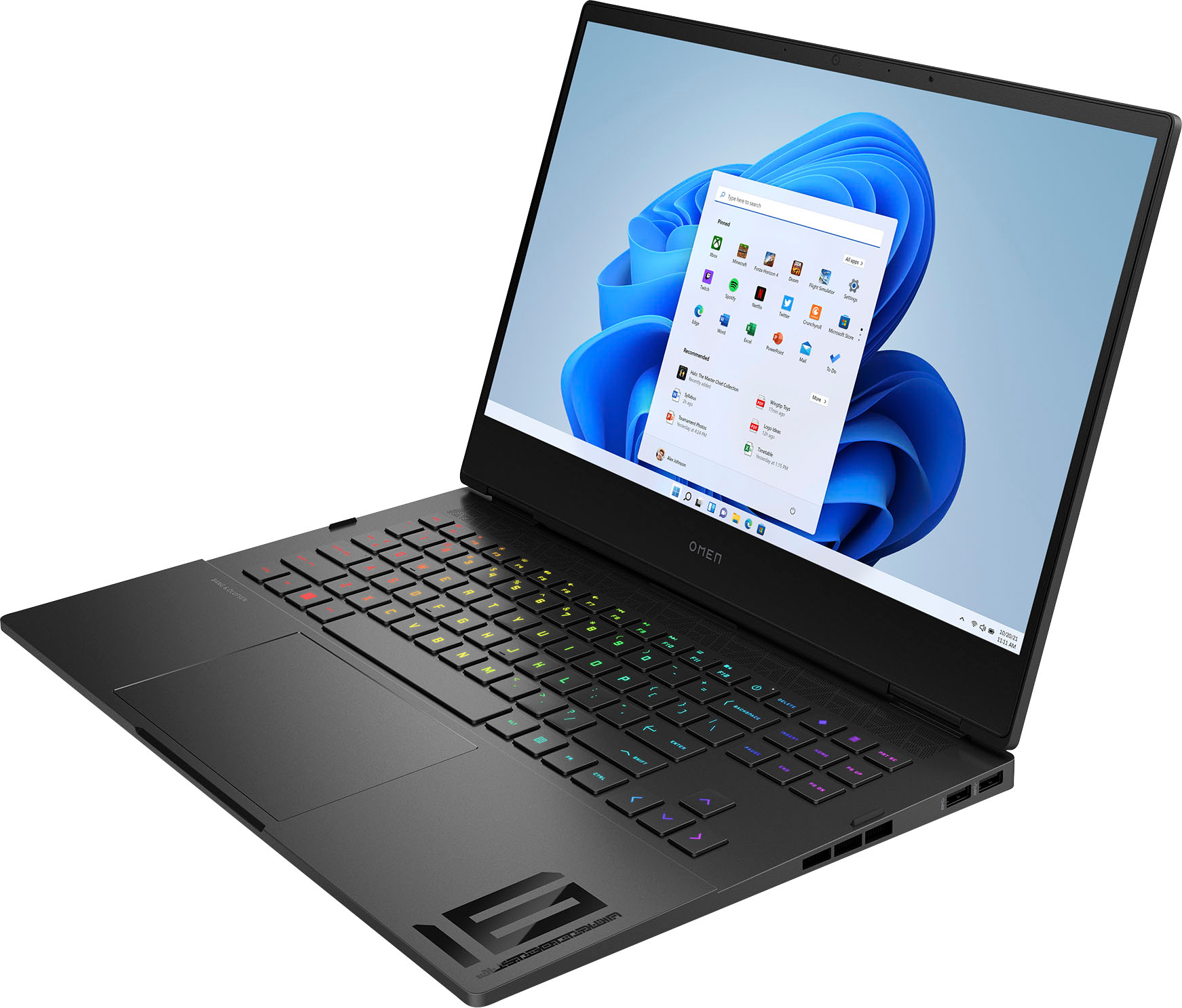
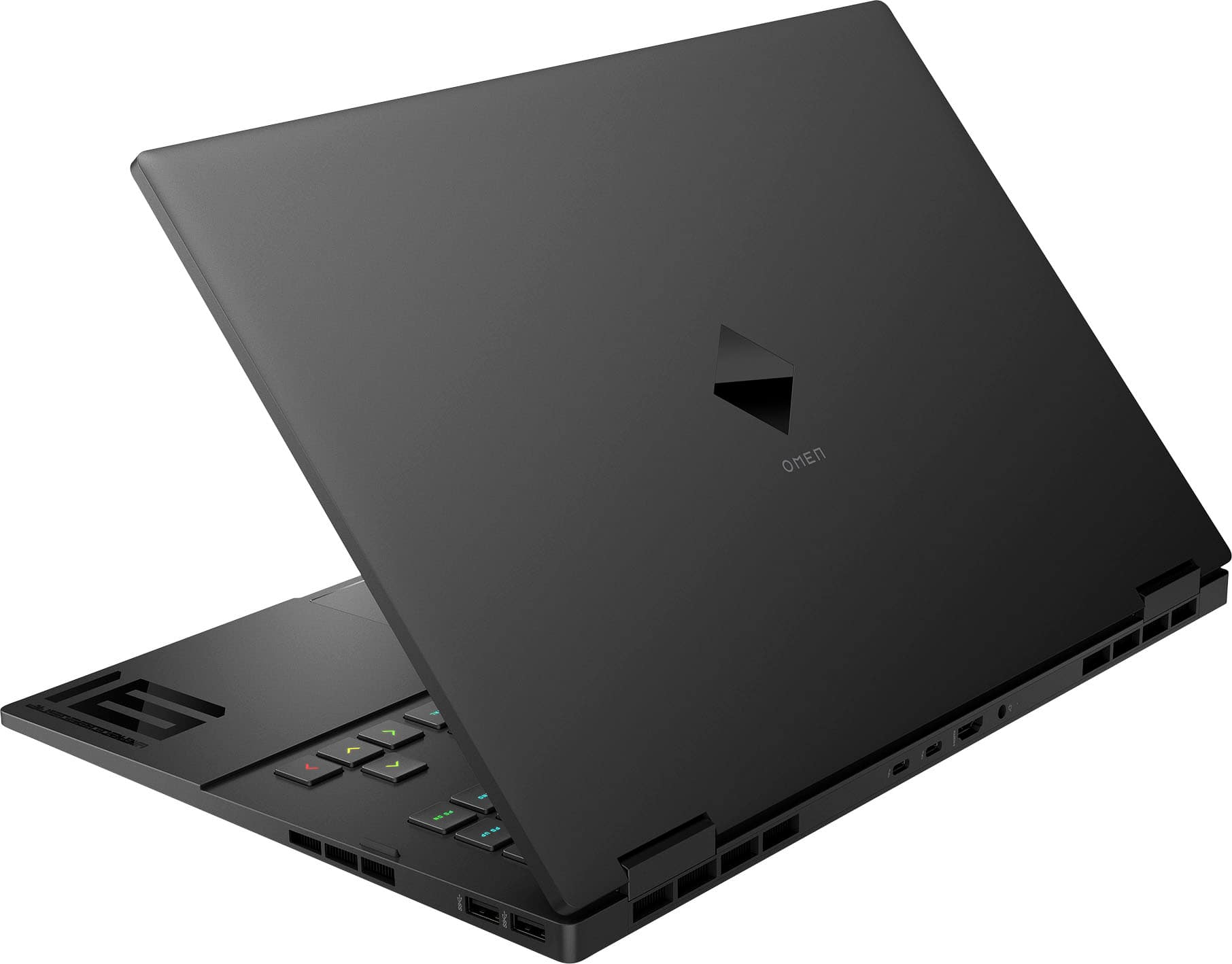
A:AnswerThank you for the question. Yes, you can upgrade the GPU. The HP specification for the Omen 16-k0013dx laptop indicates that the discrete GPU is NVIDIA® GeForce RTX™ 3050 with 4GB discrete memory (GDDR6).
A:AnswerThis OMEN laptop has 16 GB DDR5-4800 MHz RAM (2 x 8 GB). This link will take you to the full specs of this laptop. https://files.bbystatic.com/UNu5QmnZLE85jo61YF3LVA%3D%3D/Datasheet
A:AnswerHello. Thanks for your question. Here is a link with information on Global Warranty/international coverage from HP: https://support.hp.com/us-en/document/bpr01266
A:AnswerThank you for the question. Yes, the Omen 16-k0013dx should handle photo processing efficiently. Please review the developer's recommended system requirements for the various photo apps you intend to use to confirm.
A:AnswerThank you for the question. Yes, the Omen 16-k0013dx should handle these tasks more than efficiently. Please review the developer's recommended system requirements for the various school-related apps to confirm.
A:AnswerThank you for the question. The Omen 16-K0013dx does not have Thunderbolt 4 ports. It has
two SuperSpeed USB Type-C® 10Gbps signaling rate (USB Power Delivery, DisplayPort™ 1.4,
HP Sleep and Charge). The maximum RAM speed as configured is 4800 MHz. See the specification here: https://files.bbystatic.com/UNu5QmnZLE85jo61YF3LVA%3D%3D/Datasheet.
A:AnswerThank you for asking. This is an excellent choice for the tasks you've described. The 12th generation i7 processor uses performance cores and efficiency cores so that you can work on background and foreground tasks simultaneously. Creators and professionals who render large files will benefit greatly from the processing power as well as the included 16GB of RAM.
A:AnswerYou can upgrade to Windows 11 Pro. Best Buy offers a digital download upgrade option. https://www.bestbuy.com/site/windows-11-pro-upgrade-from-windows-11-home-english-digital/6496033.p?skuId=6496033
A:AnswerThank you for the question. The Omen 16-k0013dx does not have an additional SSD slot. You can either switch out the existing for one of more capacity, or even use an external drive.
A:AnswerIf you go into your PC graphics settings, settings > display > graphics. You will see a list of all the apps that will use either of the two graphics cards. If the app is selected for "high-Performance" the RTX 3050ti graphics card will be used, if it is selected for "power saving" it will use the Intel Iris Xe graphics card.