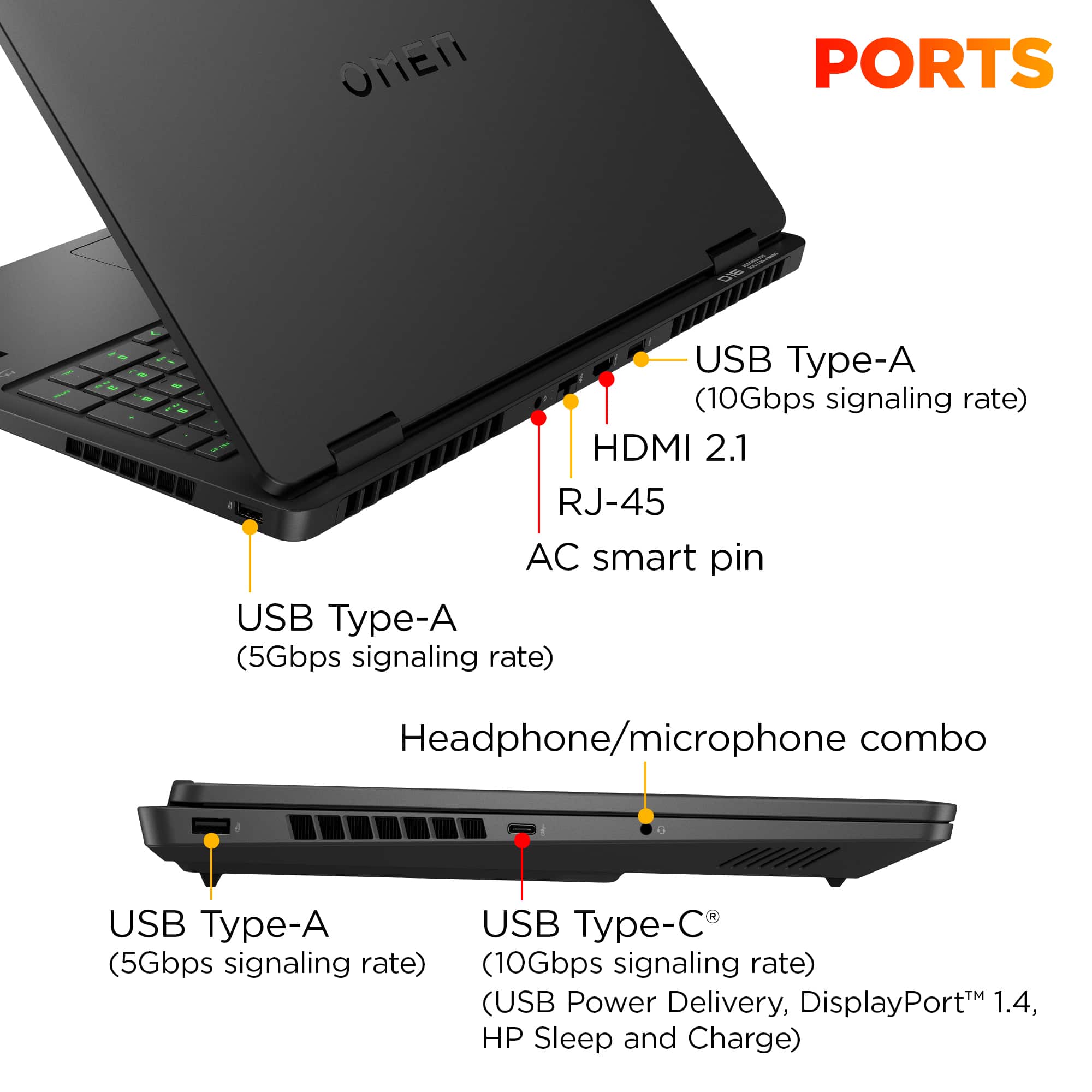
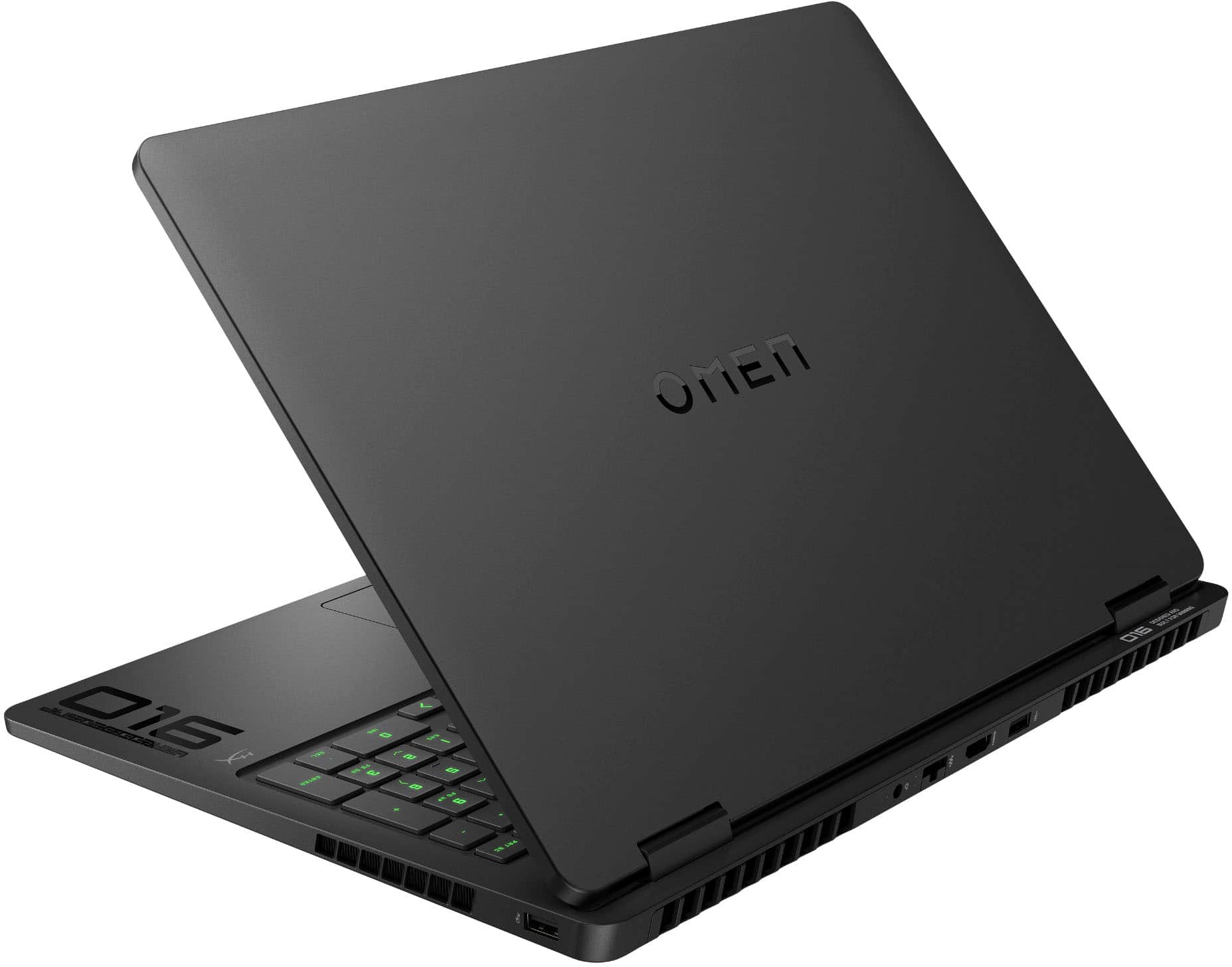
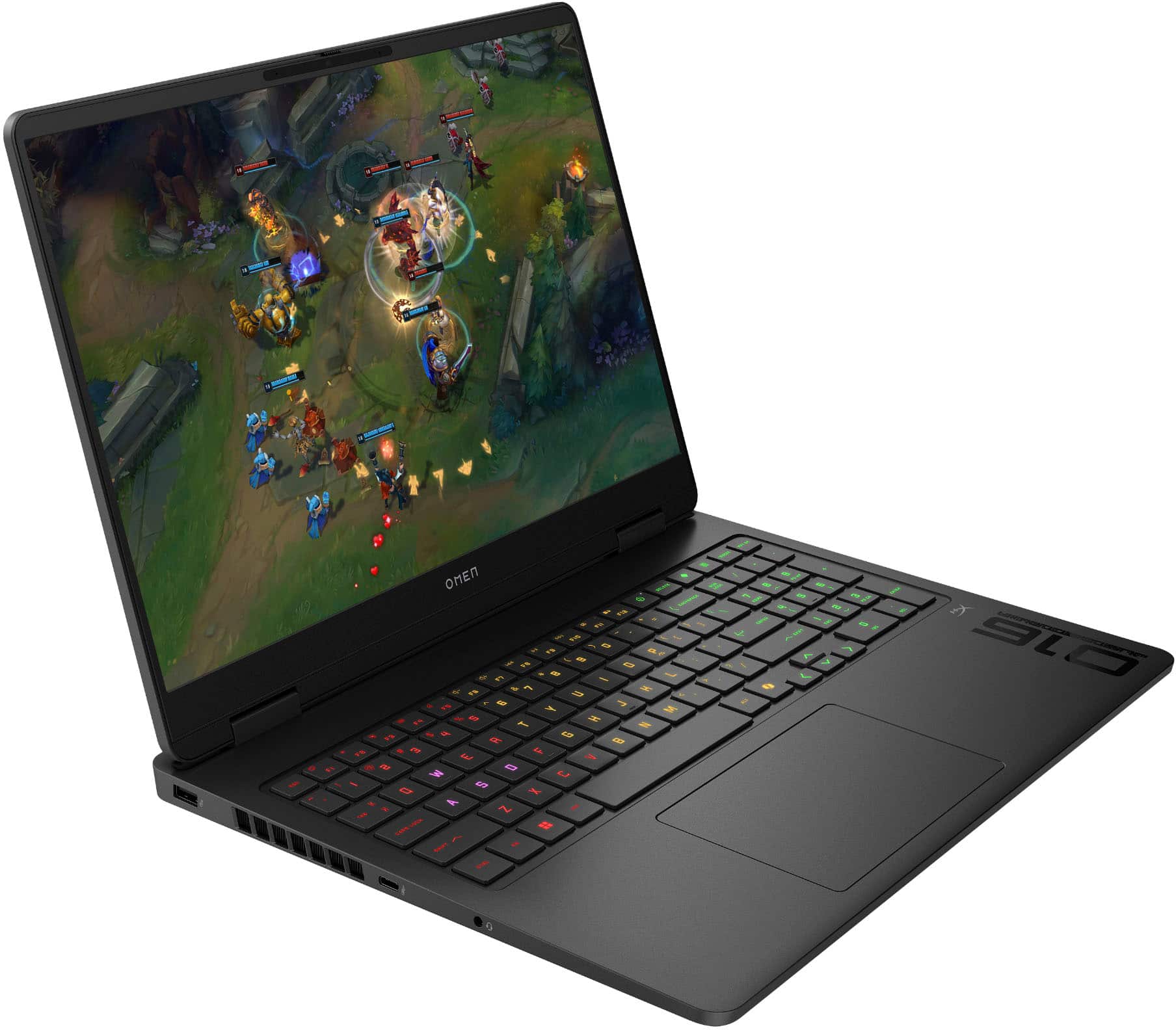
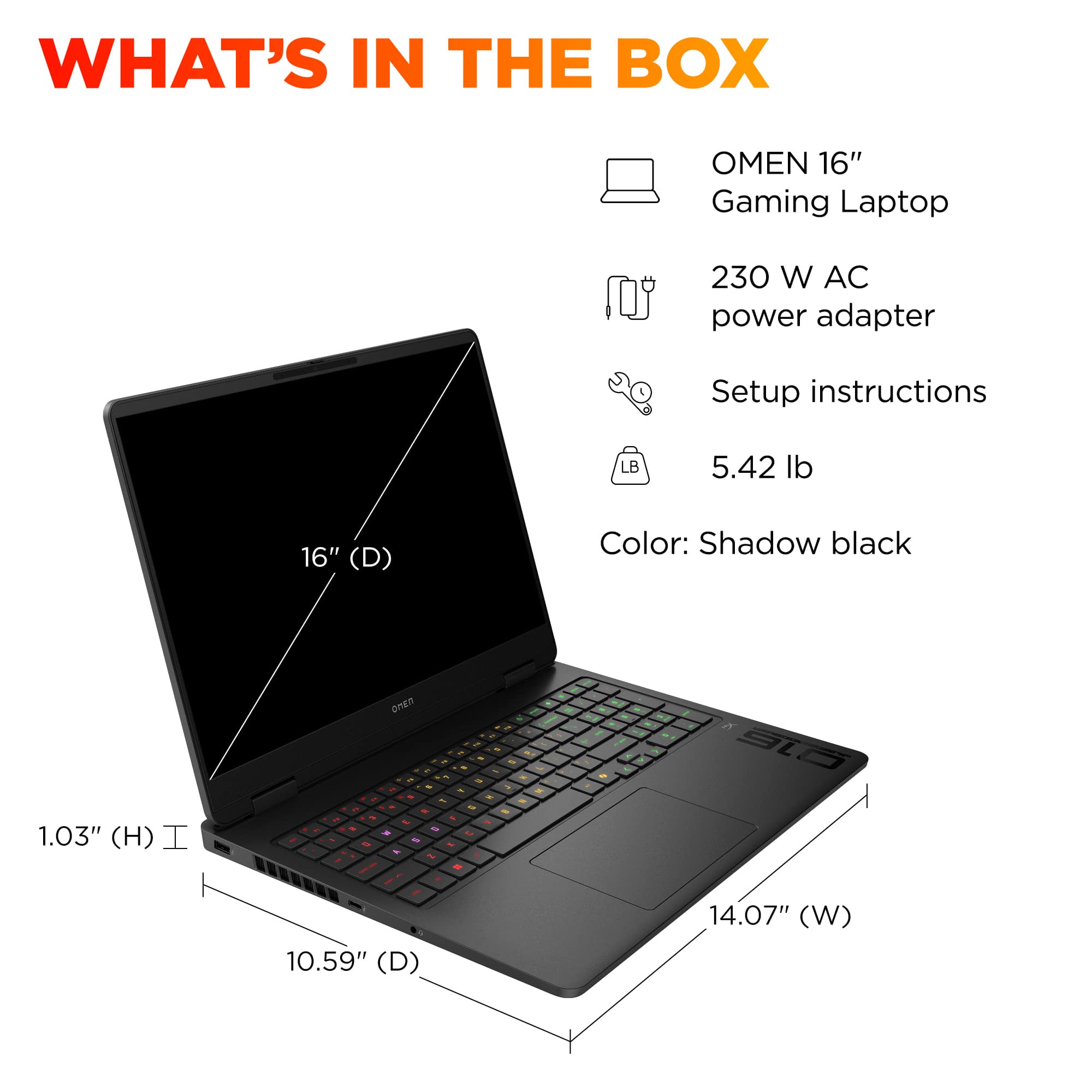
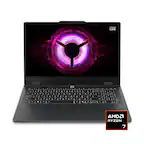
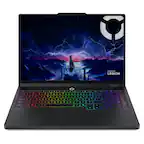
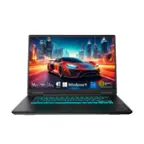
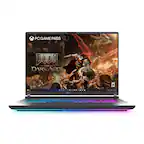
A:AnswerI don't know the speed, but I assume it's 10/100/1000, because why would a company hide a 2.5G speed? Also, USB 4 is not mentioned in either the Specs or the artwork, so I assume it's not present. Finally, the artwork notes 1 USB 10Gbps port, which is the same as saying USB 3.2 Gen 2, although the Specs only state USB 3.1, so I would guess that you get at least the lower parameter.
A:AnswerDepends on the cable. Hz rating is based on the cable and monitor, so if your monitor is 60hz it will run at 60hz, regardless of the laptop’s hz. Some cables also only support a certain hz, so if your cable only supports 60hz it will only output 60hz.

A:AnswerThe user guide says you'll need a 100W charger: "You can use an optional 100 W, 20 V USB Type-C adapter
or power bank when running light-load tasks. System-off
charging is supported only when you use a 20 V USB Type
C adapter or power bank."