A:AnswerThis model does not have a DVI port. It has HDMI and DisplayPort. Most computers do not come with DVI anymore. You would have to buy an HDMI or DisplayPort DVI adapter to use a DVI monitor.
A:AnswerAs with any program, the needs of the software may change with any future updates or modifications and it is always recommended to compare the hardware specifications against the publisher's current listed requirements. That being said, at the time of this writing, this HP OMEN exceeds the publisher's recommended specifications for X-Plane 12.
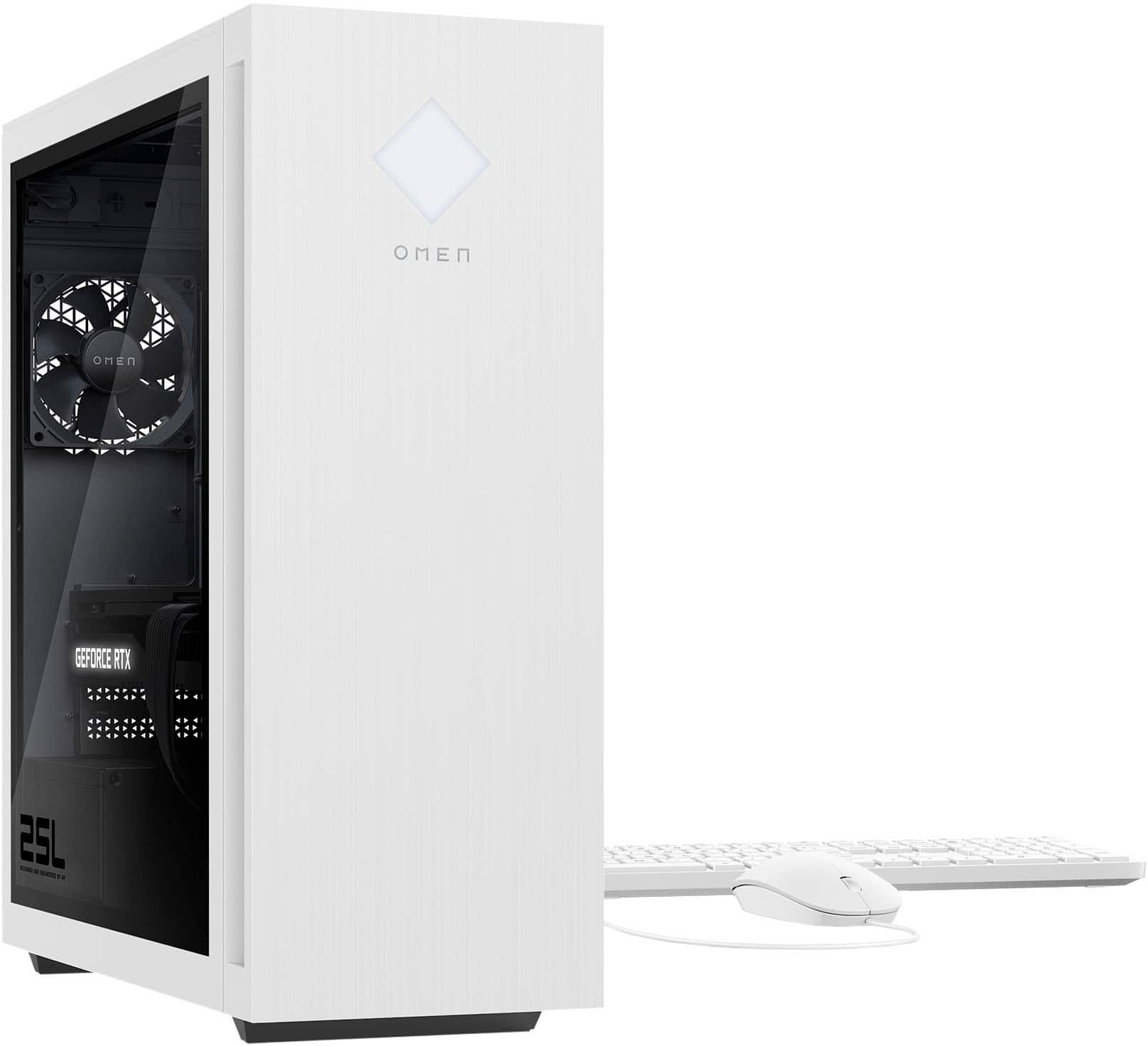
A:AnswerHello. Thanks for your question. This OMEN by HP 25L GT15-1134 Gaming Desktop computer can be upgraded up to 128 GB DDR5-5200. There are 4 RAM slots. It comes with Kingston FURY XMP RGB 16 GB (2 x8). You can install two more 16 GB DDR-5200 sticks into the other two RAM slots.
A:AnswerThank you for reaching out. You can find instructions for accessing the BIOS on HP's Support Channel on YouTube. https://www.youtube.com/watch?v=GdFCKLlPM3o
A:AnswerThank you for the question. The Omen 25L GT15-1134 has three m.2 slots - 2 for SSD (1is occupied) and 1 for WLAN. One SSD slot is adjacent to the fan and GPU, and the other slot is to the right of the GPU. You'll need to remove the GPU to access this slot. See Page 9 (item 6) in the Upgrading and Servicing Guide, here: https://kaas.hpcloud.hp.com/pdf-public/pdf_7911389_en-US-1.pdf