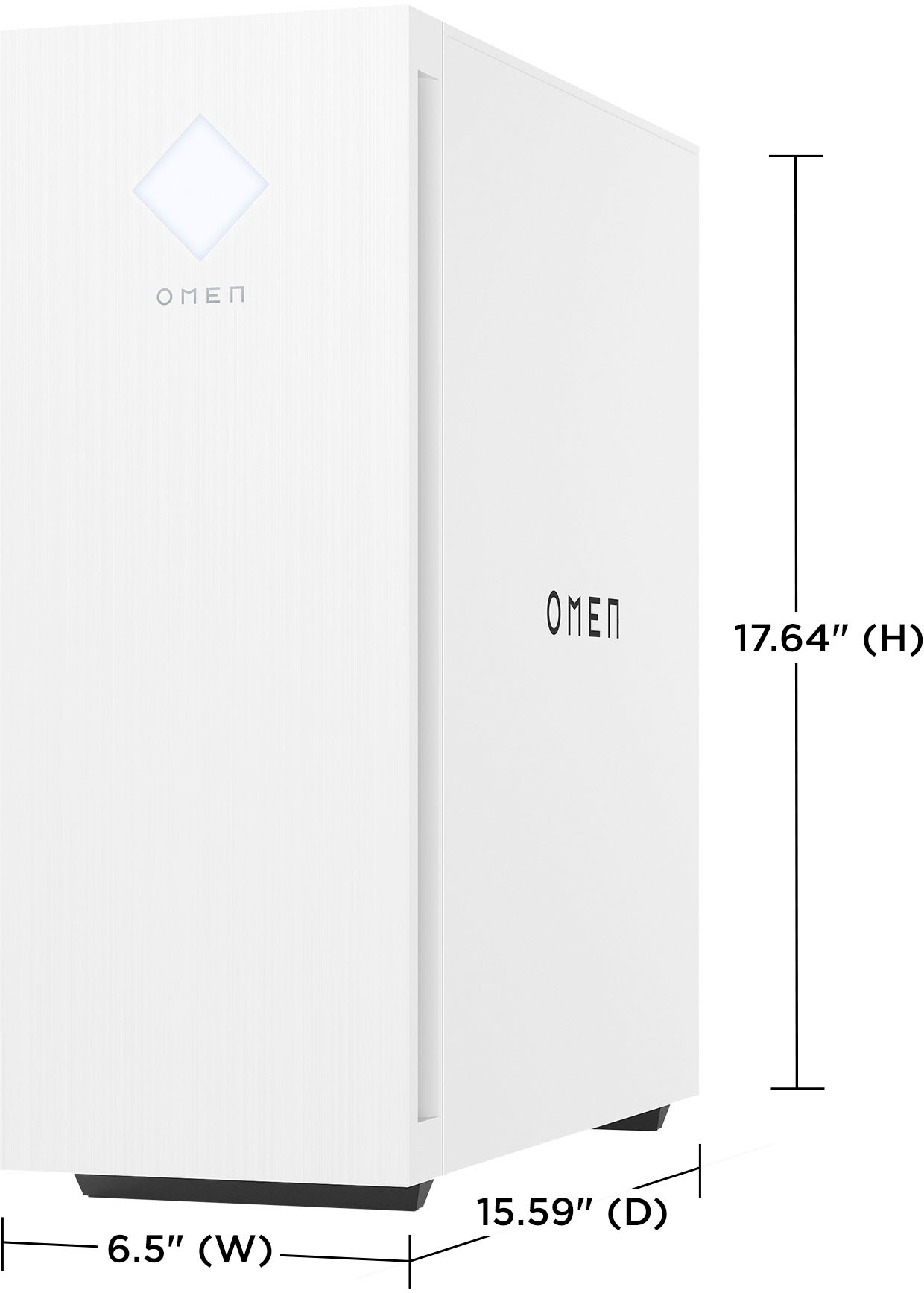
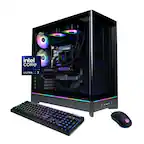
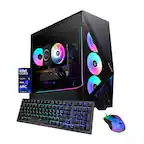
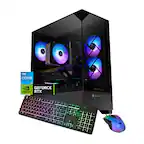
A:AnswerThank you for the question. The Omen 25L uses the ArcticL motherboard. It's Micro ATX, channel board exchangeable, measuring 24.0 x 24.0 cm(9.45 x 9.45 in).
A:AnswerHello Jack and thank you for your question. The HP OMEN 25L model GT15-1134 does support the addition of more fans. The motherboard in this model, known as the Arctic L motherboard, allows for both 3-pin and 4-pin fan connectors. This means you can easily connect additional 3-pin case fans to the 4-pin connectors on the motherboard. The fourth pin is typically used for PWM (Pulse Width Modulation) control, which regulates the fan speed. If you use a 3-pin fan in a 4-pin connector, the fan will run at a fixed speed since it won’t have PWM control.
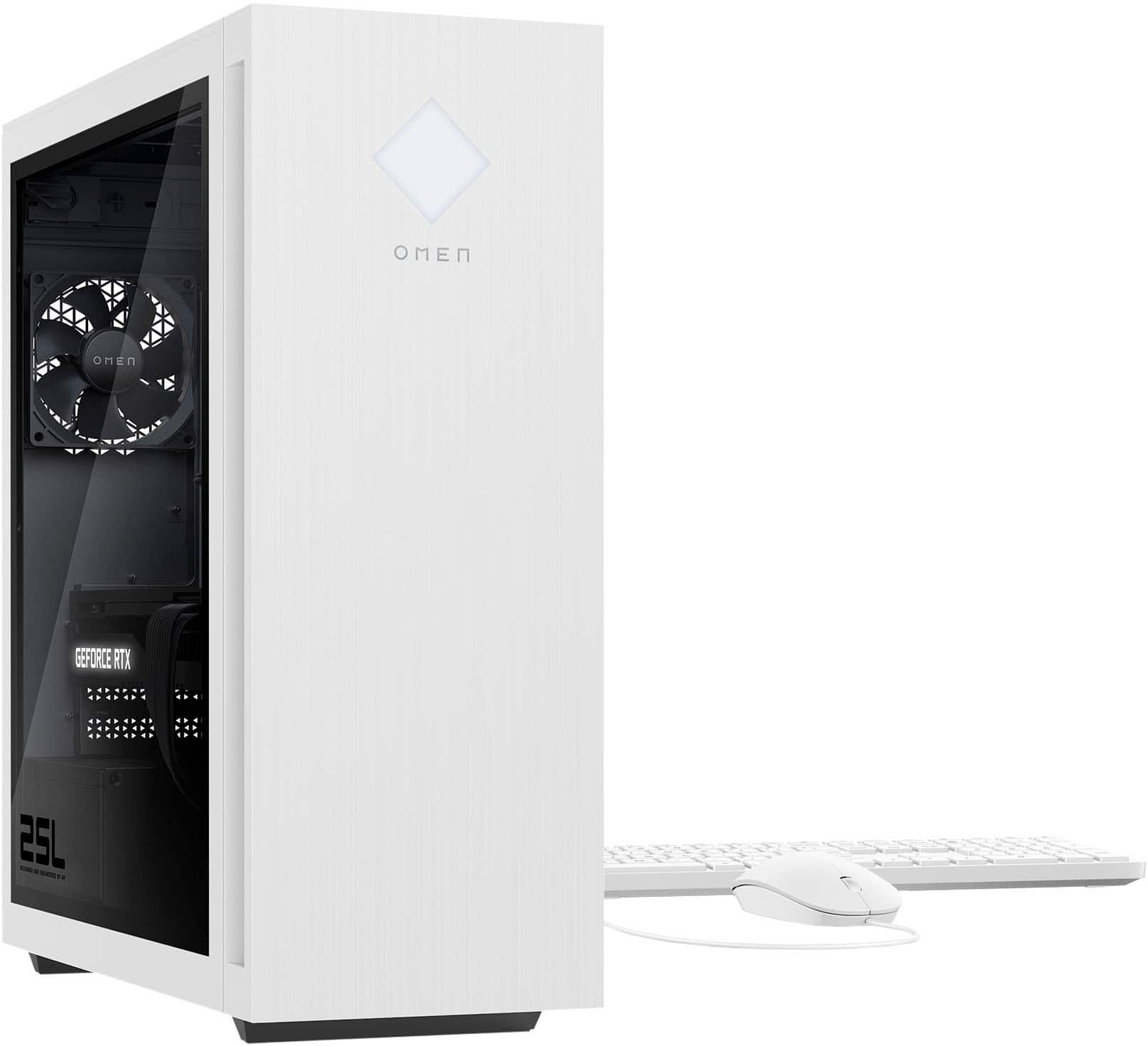
A:AnswerThe HP site contains what was originally available when the computer first shipped, and doesn't always get updated in a timely fashion. And the only questions I can see on the BestBuy site were answered by one of us at HP, and the one that says 5200 was in response to what memory ships with the computer. I just checked the Crucial.com website, and it does list 5600, as the top speed that the motherboard will support.
A:AnswerThis can easily push a 2k (1440p) 165hz display using a DisplayPort cable (usually included with monitor but not always) - note that using HDMI limits the refresh rate a bit to 144hz I believe.
A 4k display would be overkill for gaming using this computer.
A:AnswerA small 3 fan might because of the hard drive tray. The tray could possibly be modified or removed. 3060 has TDP of 170 (depending) recommended PSU 450. 4070 has TDP 200 (depending) recommended PSU 550.
A:Answer4060ti Yes for sure, I've already done so and it's been flawless. A 4070ti draws much more power, so you would need to also upgrade to a bigger power supply unit. The stock power supply is 500w, which is enough for the 4060ti, but not the 4070ti.
A:AnswerYes, you can replace the base PSU with that corsair unit. Both it and the PSU that comes with the computer are ATX units, so the Corsair will be a direct swap.
A:AnswerThank you for your question! As system requirements for software constantly change, we are unable to answer questions about software compatibility or performance. What is compatible today may not be in the future. Please check the software manufacturer's website for the most current minimum and recommended requirements.
A:AnswerThank you for the question. You might benefit from the videos on the HP Support YouTube channel, with in-depth instructions for removing and replacing parts. You can find the Upgrading and Servicing Guide here: https://kaas.hpcloud.hp.com/pdf-public/pdf_7911389_en-US-1.pdf
A:AnswerIt looks like the best frame rate/resolution combo is 1440p resolution at up to 144MHz. The 27qs would be a really good choice. https://www.bestbuy.com/site/hp-omen-27-ips-led-qhd-240hz-freesync-and-g-sync-compatible-gaming-monitor-with-hdr-displayport-hdmi-usb-black/6536814.p?skuId=6536814
A:AnswerHello and thank you for your question. When purchasing a pre-built computer like this HP Omen, you do not have to connect or build any pieces of the internal components of the desktop. You will still have to plug the power cable into the wall, and connect a monitor to the desktop, as well as any additional external devices such as a mouse and keyboard.