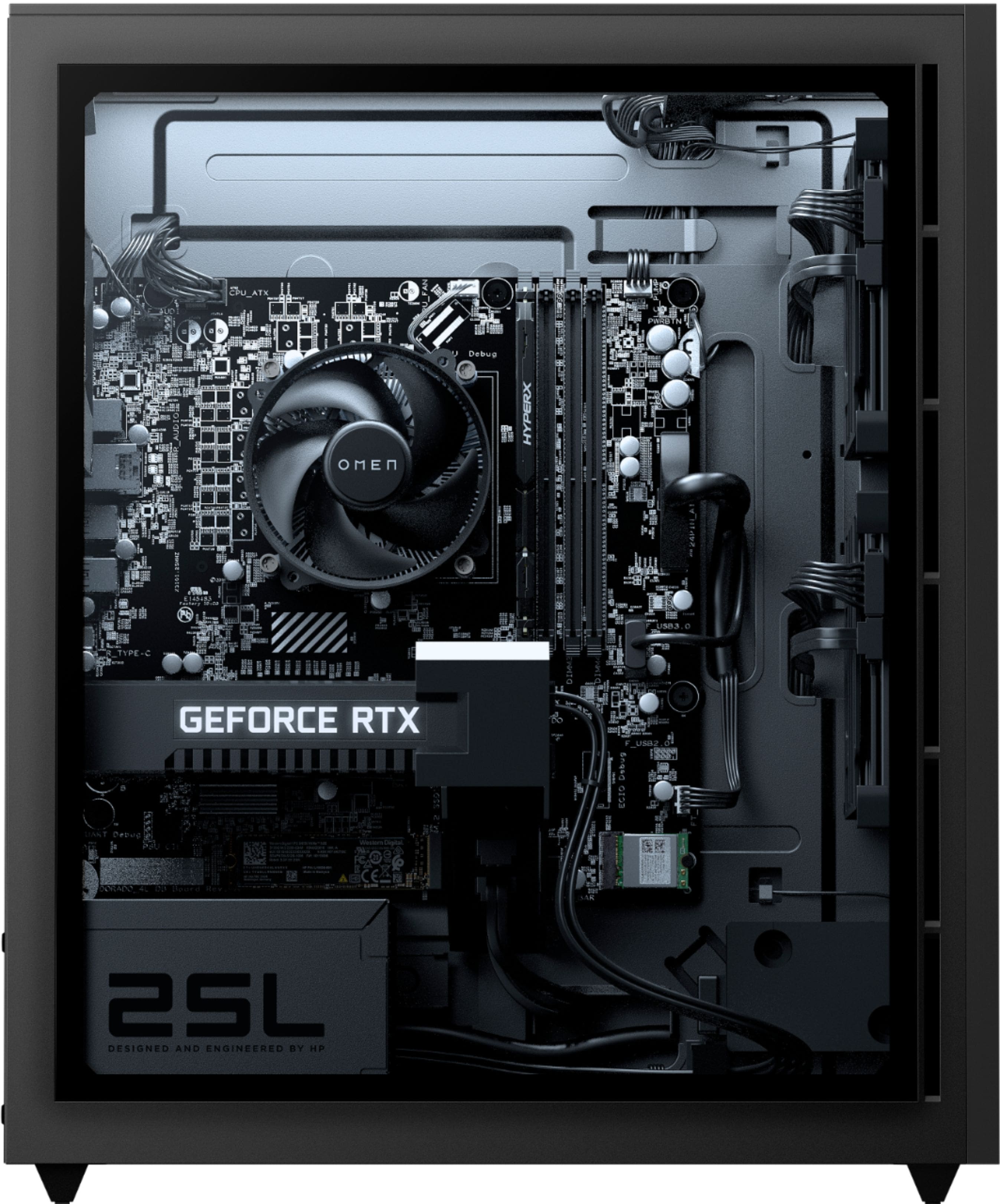
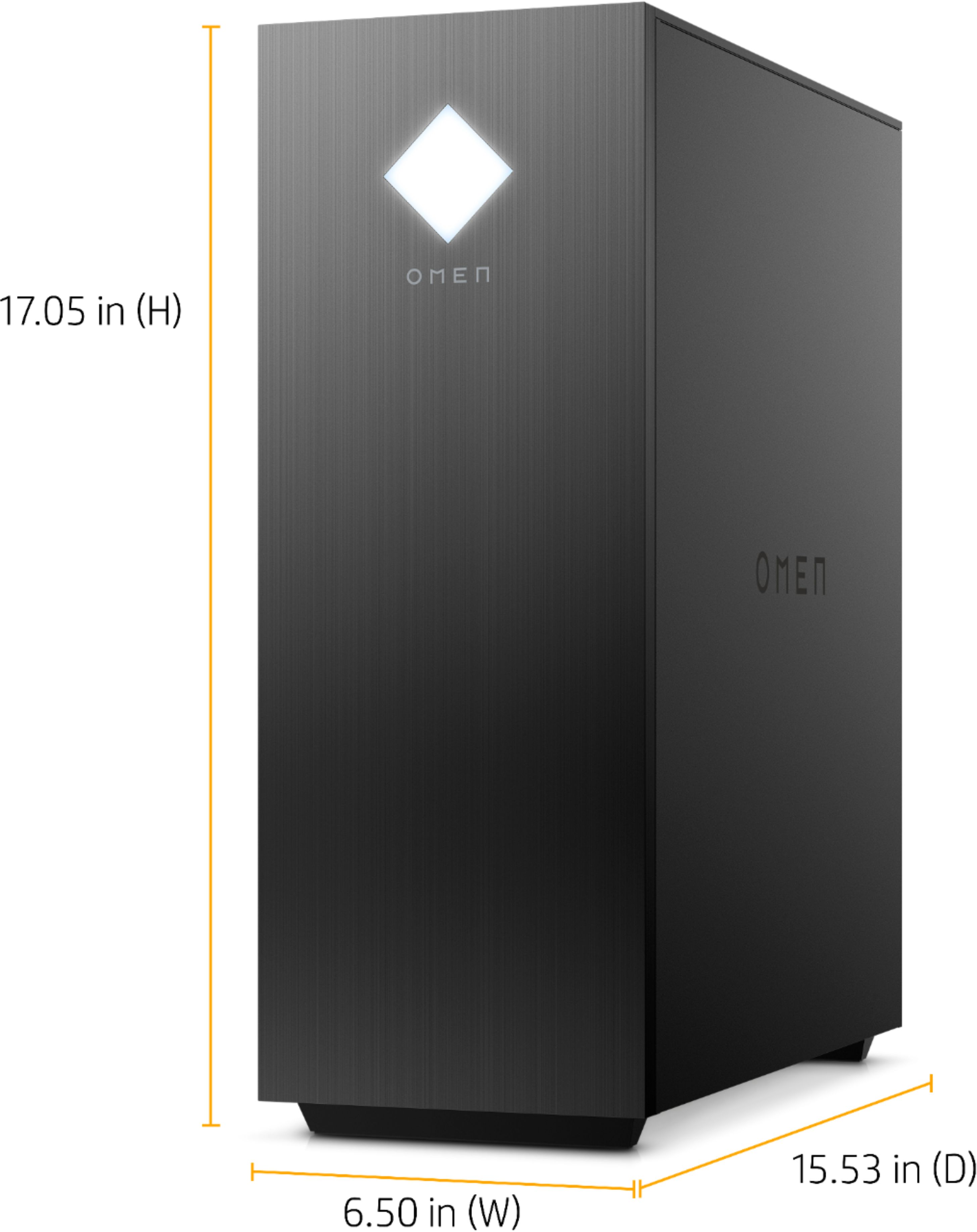
A:AnswerHello. Thanks for your question. Yes, this HP OMEN - 25L Gaming Desktop can be upgraded up to 64 GB DDR4-2933. There are 4 RAM slots on this computer.
A:AnswerThe shared components for the system allow for a perfect amount of amperage to the graphics card, so the wattage being a little less than the “recommended” still works out. Mine runs solid, surprisingly so honestly.
A:AnswerThere are many keyboards you could use, but the ones I recommend are:
1. Any Logitech gaming keyboard
2. SteelSeries Apex 3 TKL
3. Razer Huntsman 60%
4. Corsair K60 RGB Pro
They all have their own improvements off of each other, but in the end, I recommend you pick the one you like best. Head to any store where you can test keyboards out, (e.g. going to a Best Buy store IRL) and once you find a keyboard you like, look for more keyboards similar to that.
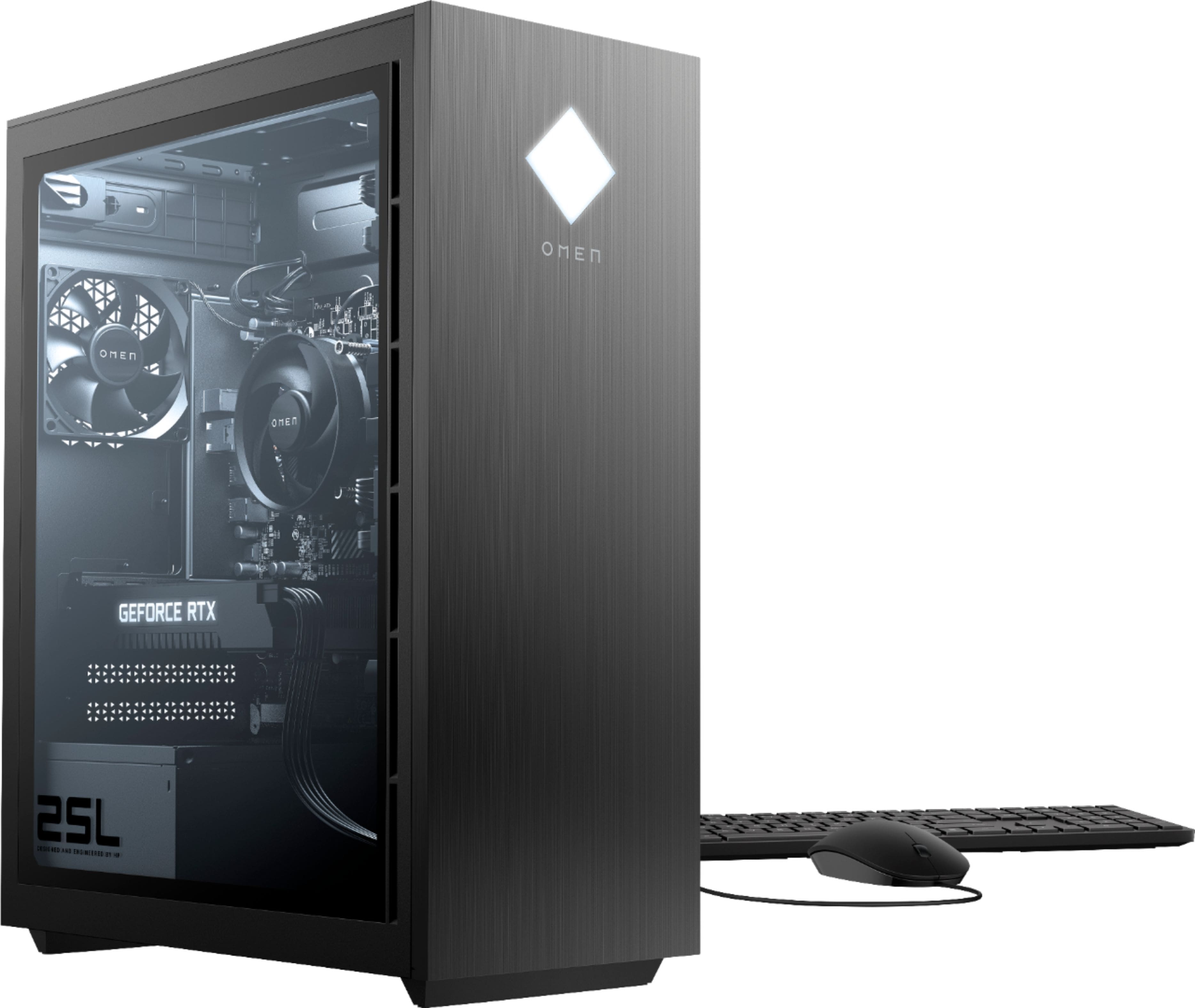
A:AnswerHello, Tina. This HP Omen desktop computer comes with a USB black keyboard. It is not a gaming keyboard. Here is the part number if you want to see what looks like: 928922-001.
A:AnswerHello Cole. Thank you for your question. Yes, as per the information provided on the retailer's website, this HP OMEN - 25L gaming desktop system is VR ready and has been tuned and tested for optimal VR performance right out of the box.
Thank you for choosing Intel!
A:AnswerThank you for the question. It's important to note the model number. The Omen 25L, model GT12-0164 does indeed have a 10th generation Intel i7-10700.
A:AnswerThe listing in the description is inaccurate. The official HP specs show four slots. Best Buy has been notified of the discrepancy so that they can correct it.
A:AnswerThank you for the question. The 25L is now manufactired with Windows 11, however, you can roll it back to Windows 10 once you've purchased it, or ask the Geek Squad to do that for you.
A:AnswerThank you for the question. Yes, you can add another drive in the additional slot. 1TB and 2TB capacities are popular, but you could use the capacity that fits your resources and in the mandated form. The drive slot is NVMe™ and the format is SATA. You'll also need cables.
A:AnswerThank you for asking. You can do that. Note that the USB Type-C port supports 10Gbps. You can also use an HDMI splitter and save your USB Type-C port for another purpose. Be sure that the splitter has the same refresh rate as the HDMI cable.
A:AnswerThank you for the question. Please visit the HP Support Channel on YouTube, entering the product number GT12-0164. You'll see the location of the slot and step-by-step disassembly instructions.
A:AnswerThank you for the question. The Omen GT12-0164 has the primary M.2 slot just over the GPU, and the secondary M.2 slot is to the right, adjacent to the wireless LAN module.
A:AnswerIt looks like the computer meets all the requirements other than for the video card, which requires at least an RTX 2080. So, the part that you'd need would be an upgraded video card.
A:AnswerThank you for the question. The Omen 25L GT12-0164 has HypeX® XMP ram, operating at a speed of 2933 MHz. It supports up to PC4-23400 (DDR4-2933), 8 GB and 16 GB DDR4 UDIMMs up to 64GB (unbuffered).