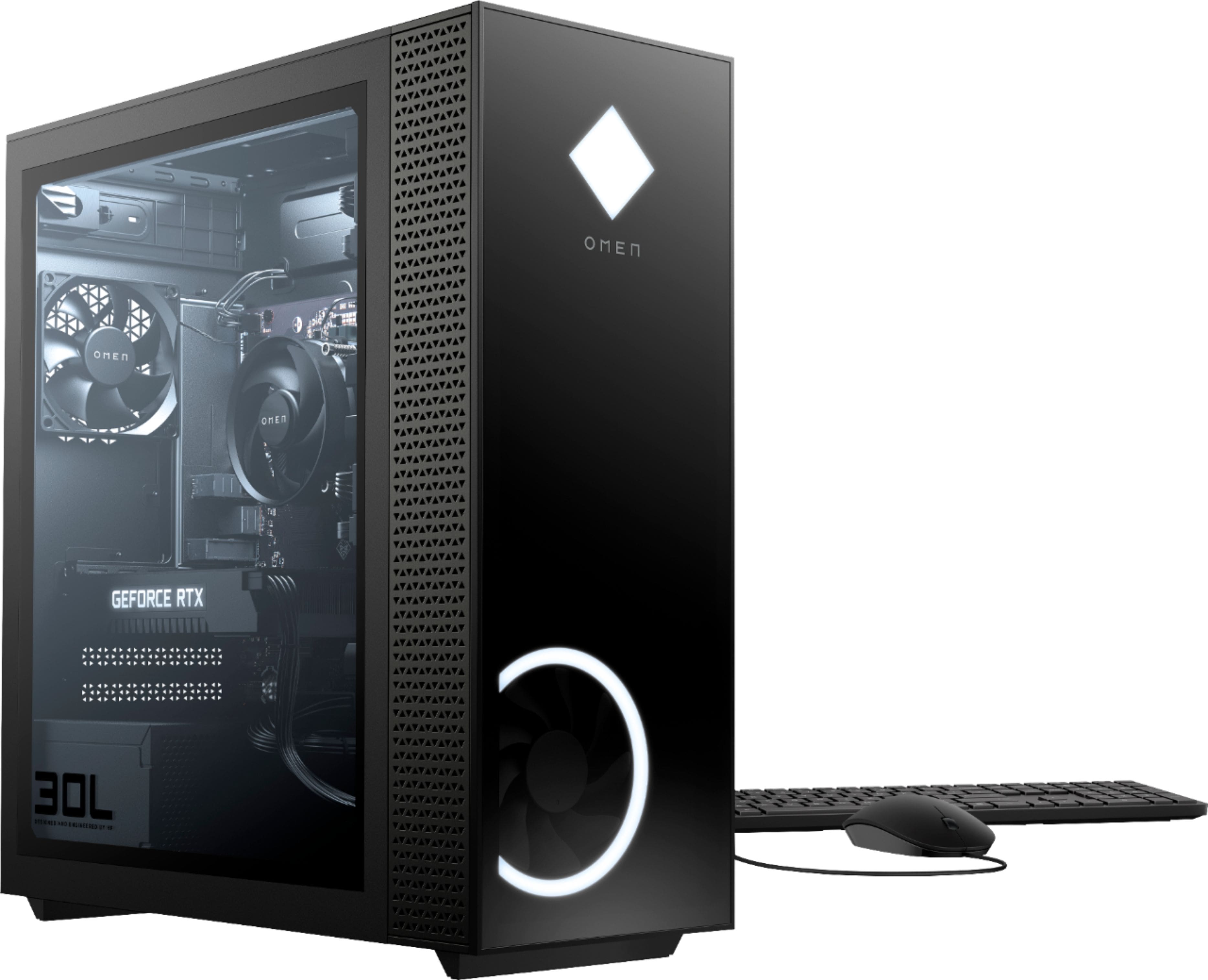
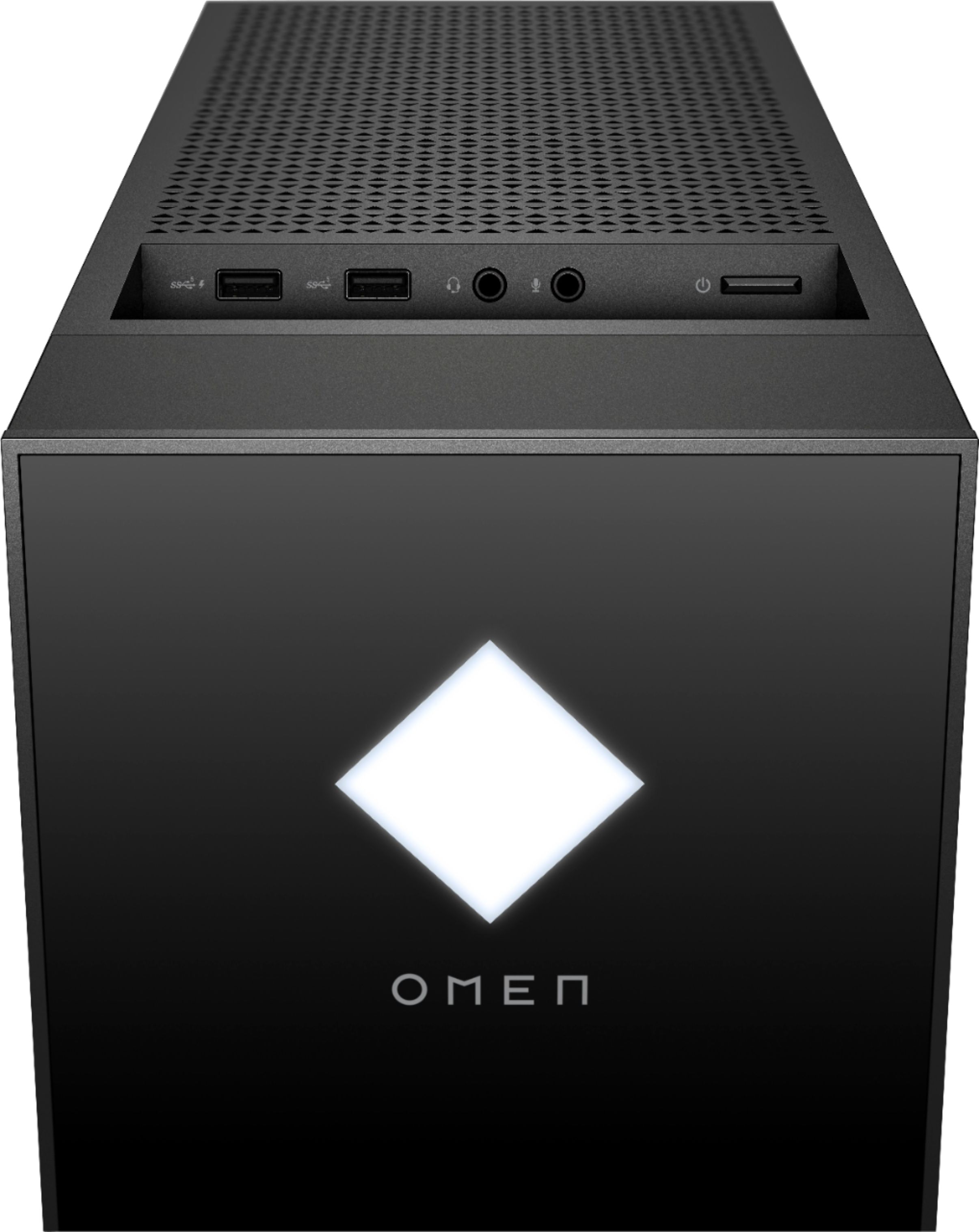
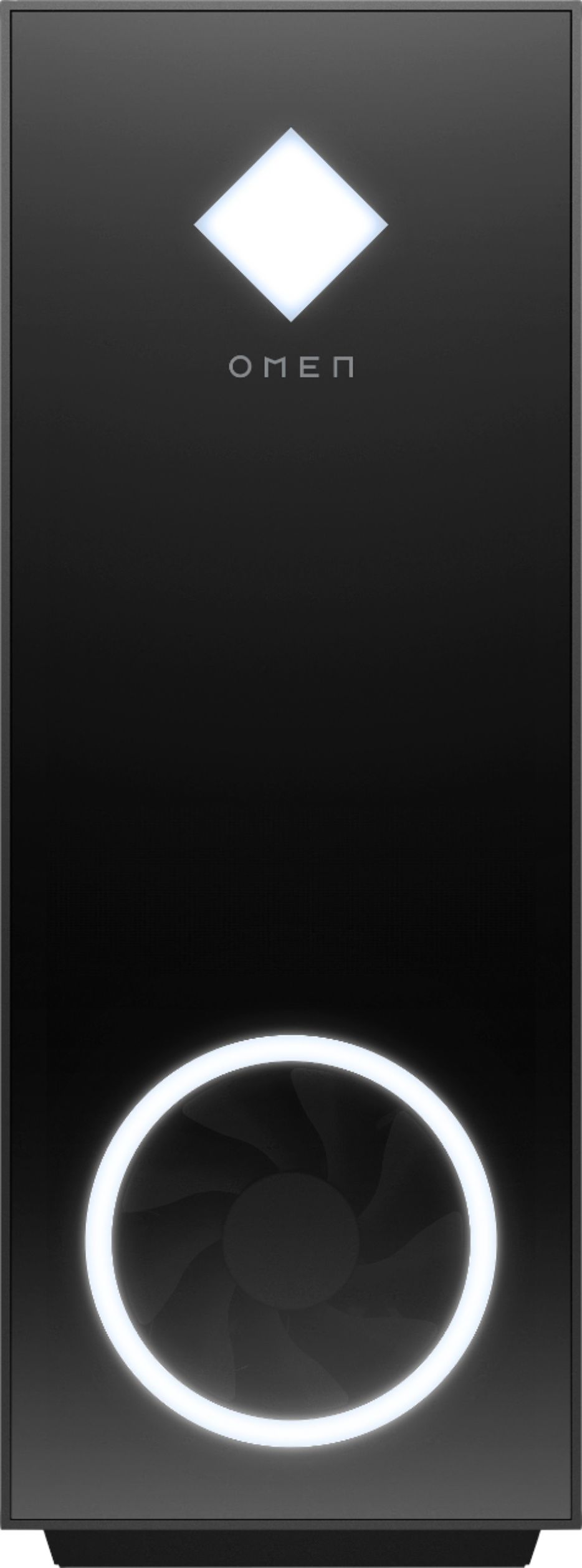
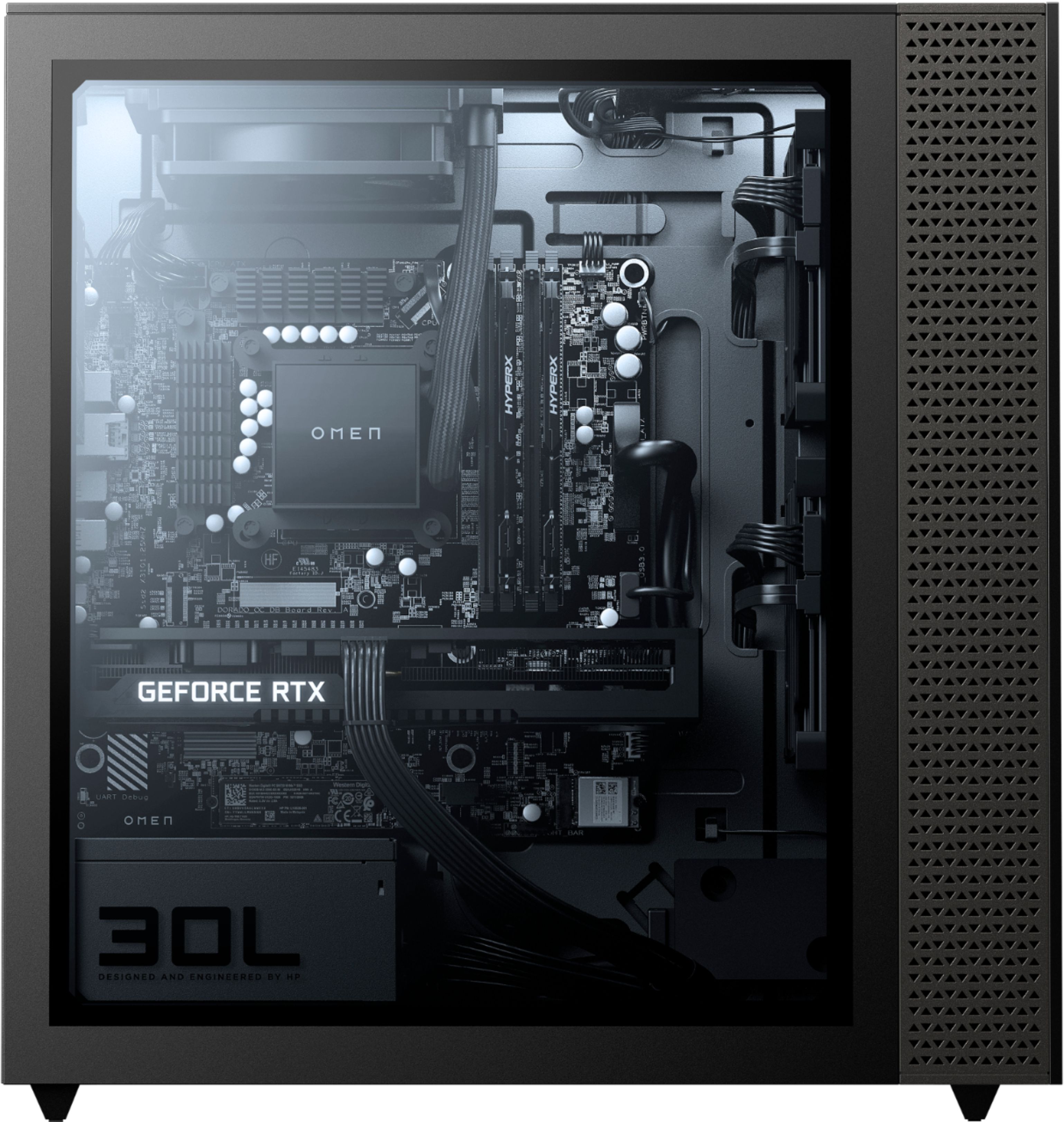
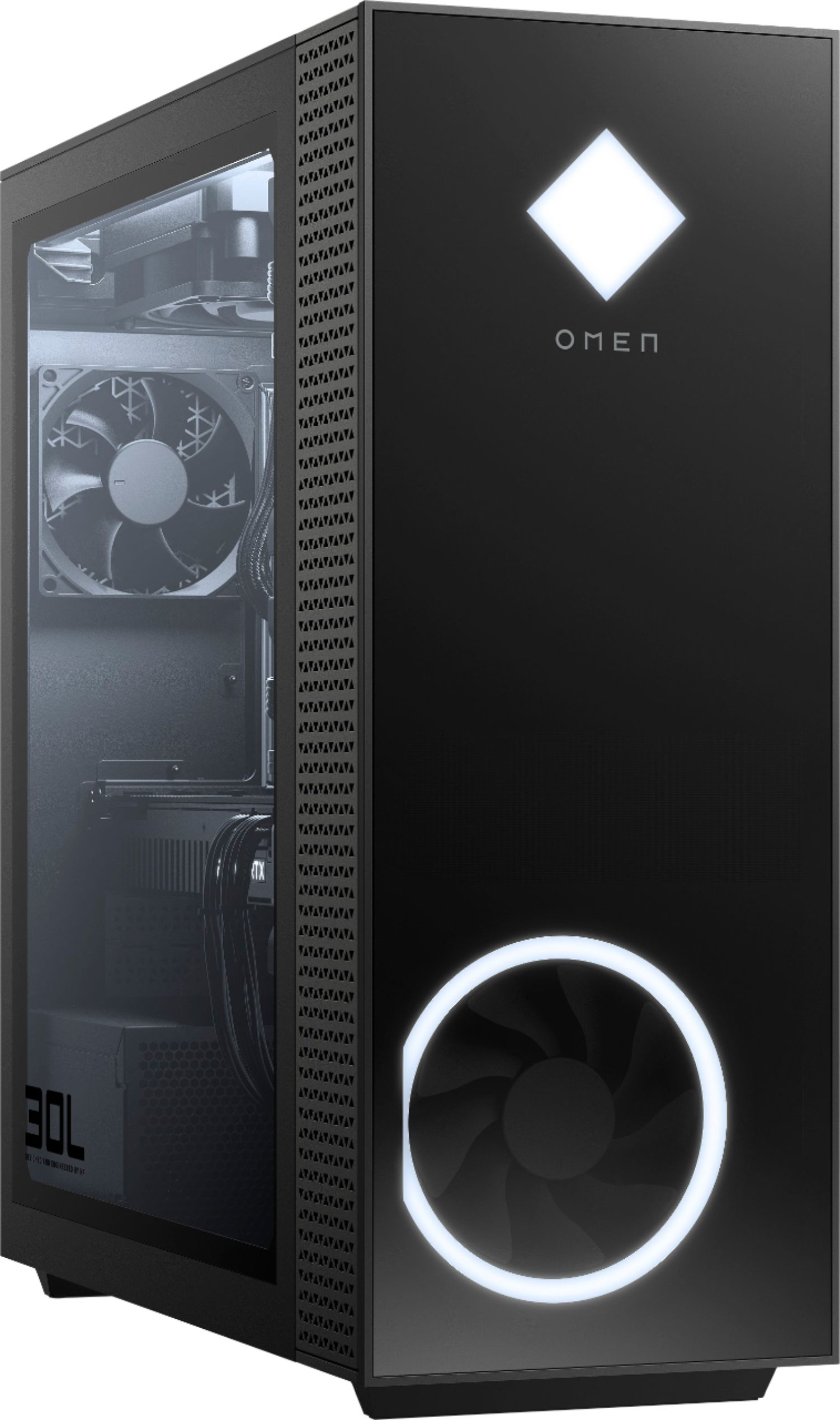
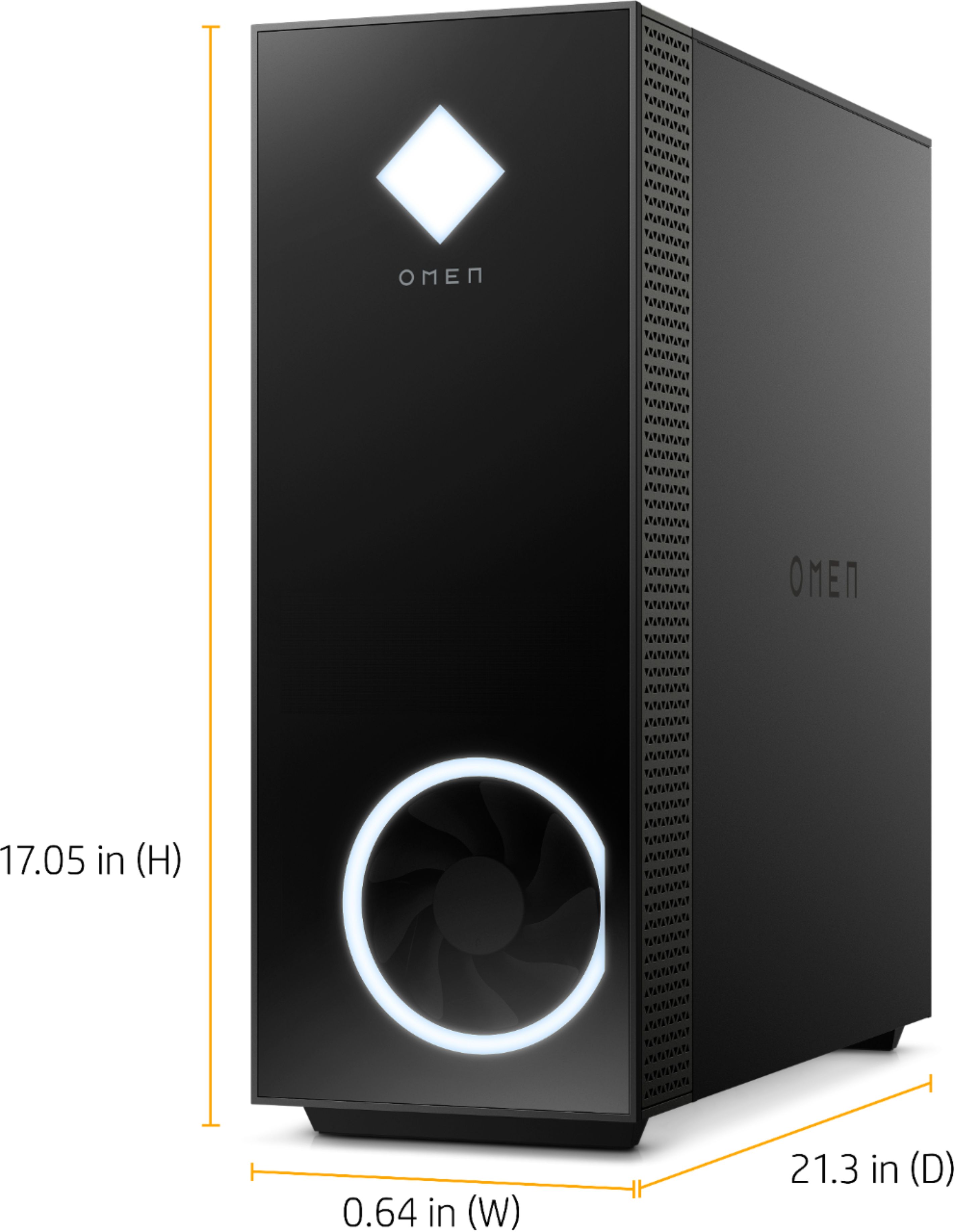
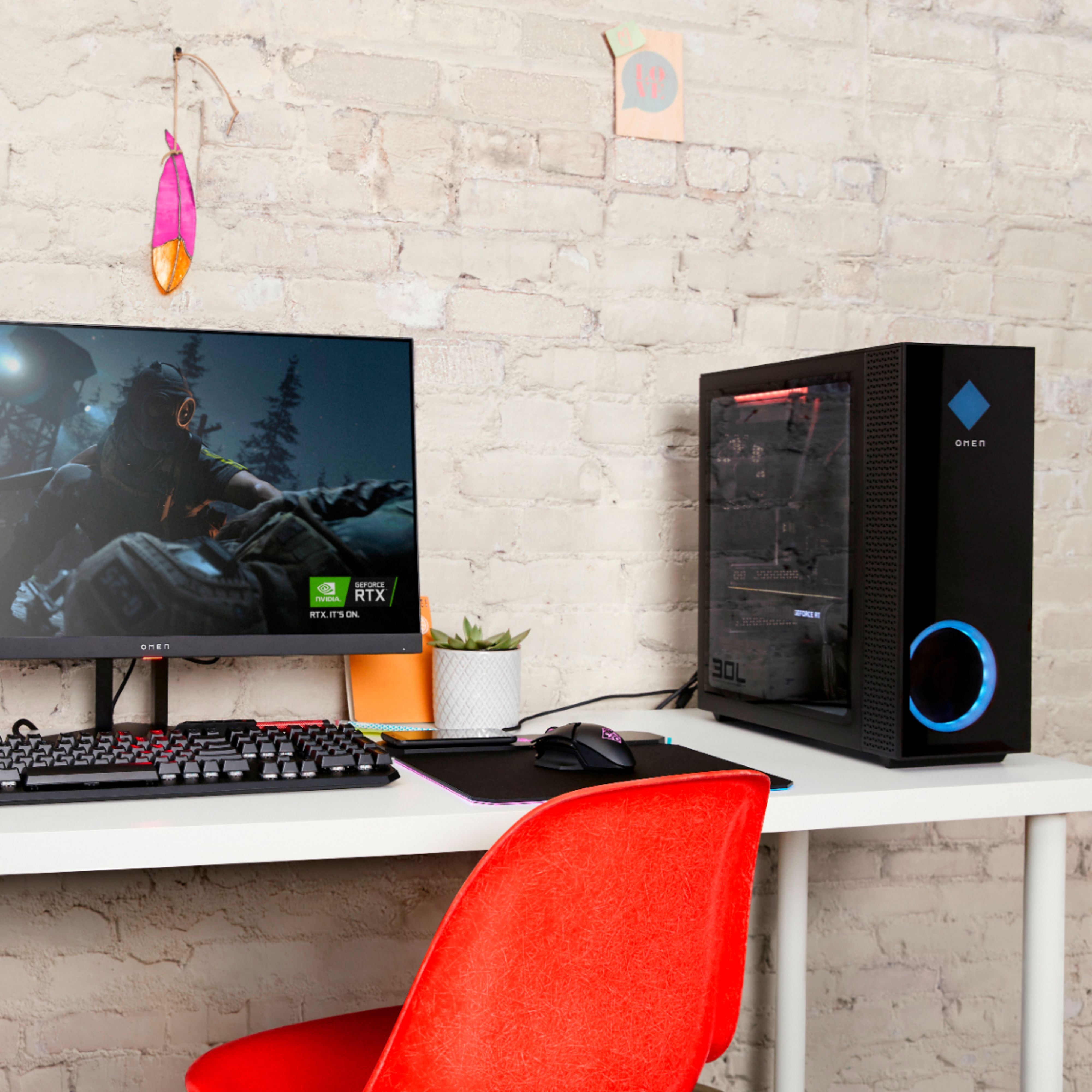
A:AnswerHello, Rick. Thanks for your question. Yes, this HP OMEN 30L GT13-1174 Desktop can support 2 monitors. There are (3) DisplayPorts and (1) HDMI port on this computer.
A:AnswerYou would want to look at the system requirements for any software from the developer's website. Updates can change the requirements which can affect which settings you can run the software on or if you can run it at all.
A:AnswerI don't think there are any issues with temperature. The highest I've seen on the GPU is 70C and the CPU around 75C. Both of these temperatures were while the gpu was at 100% usage as I was mining.
A:AnswerTry updating the graphics driver and the game to the newest versions, and making sure that you aren't running anything else. If the problem still happens, contact the HP support team so they can do troubleshooting and make sure there isn't a hardware problems
A:AnswerWithout knowing more it's impossible to tell you what the cause of the problem might be. Your best option is to contact the HP Support team so they can troubleshoot the problem with you.
A:AnswerIt does not, but you have a couple of options: You could use an external CD/DVD drive that plugs into one of the USB ports, or you could grab the driver from online and install it.
A:AnswerYou would want to look at the system requirements for any software from the developer's websites. Updates can change the requirements which can affect which settings you can run the software on or if you can run it at all.
A:AnswerThe cooler master ml120 . You have to modify the screws. Go onto YouTube there is a guy that did his that way . He shows you how much to cut and what you need. His cooler temps seem lower than if you were to use the bracket that comes with it.
A:AnswerThe one DisplayPort is referring to the motherboard options and not the dedicated graphics card. It will have all the same ports that a 3060 has.