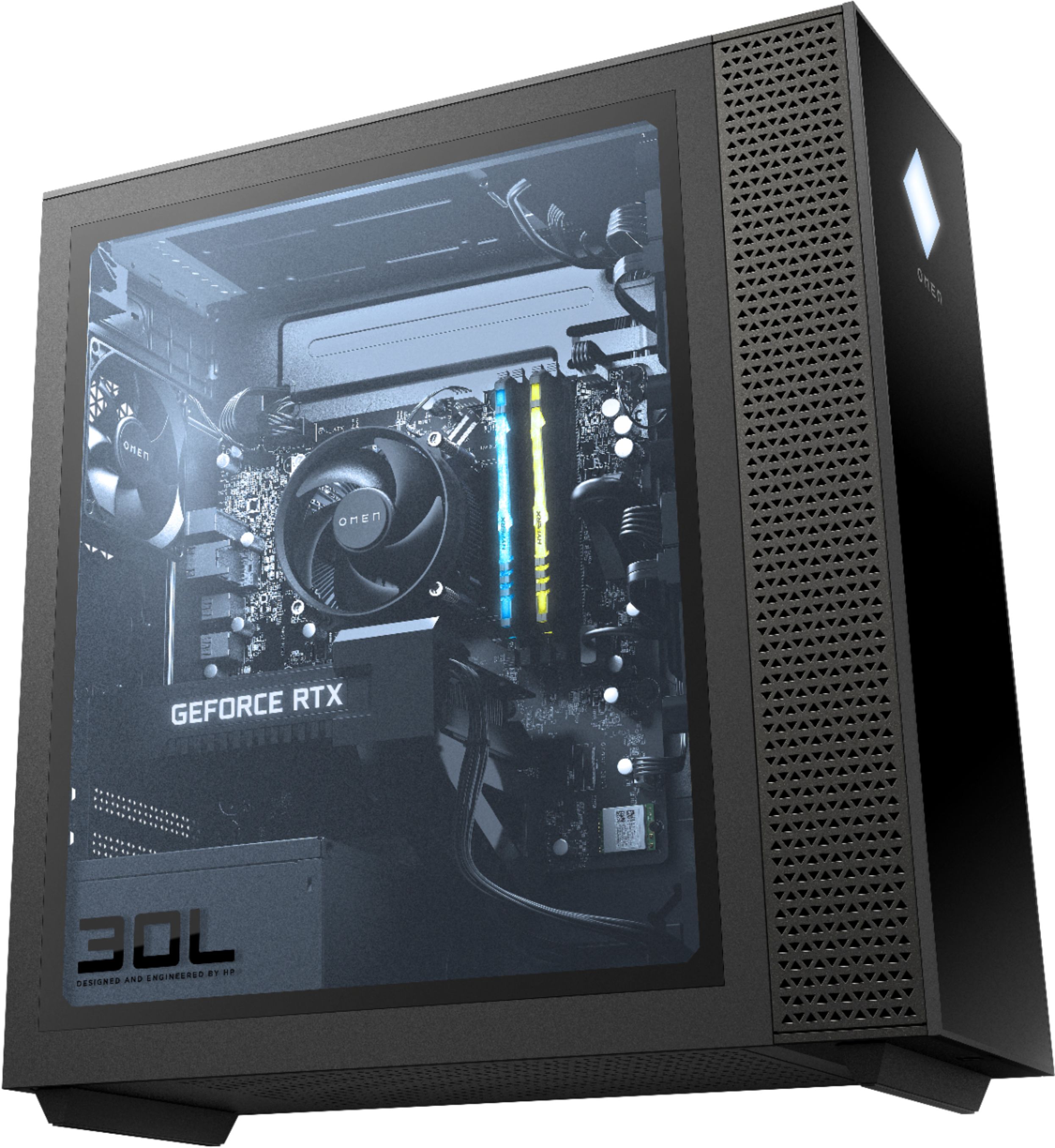
A:AnswerUnfortunately no. Only 1 pcie for a gpu. There’s 10gbs usb-c line out the back. I’m figuring I’ll connect cased nvme external drives there, as I came to forum searching your same question in hope of easily adding another m.2 ssd to the machine
A:AnswerGo to the Start/Windows button (bottom left corner, it’s in your task bar) and then click the power button on screen. It’ll give you options to shut it off, restart, or put in sleep mode. Select to shut it off, and then it will take a few seconds to power down.
A:AnswerI would go through HP's website and their dealer (I believe that it is crucial.com) because if you install a non HP approved RAM stick it will default to 2200MHz
A:AnswerIf your Best Buy has it in stock, then yes. Call ahead to double check. My original order was cancelled because they ended up not having it in stock, had it shipped and arrived in 3 business days.
A:AnswerFor sure without ray tracing. I've been playing with medium settings at 4k resolution and it's just fine.
I'm gonna try to see if maybe I can get a smooth performance with ray tracing if I downgrade the resolution from 4k to 1080p or something like that. But it will definitely run at medium preset settings.
A:AnswerThere are too many variables to give you anything more that a guess on what the framerate would be. But the Omen 30L massively exceeds the minimum requirements to run Warzone, so the frame rate should be really high.