A:AnswerI get that as well. A small buzzing right? I am not sure if that is from the GPU or power supply. Usually I take that as I sign for me to turn down the specs until it goes away. I can run perfectly fine in Fortnite at 60 fps and epic sets
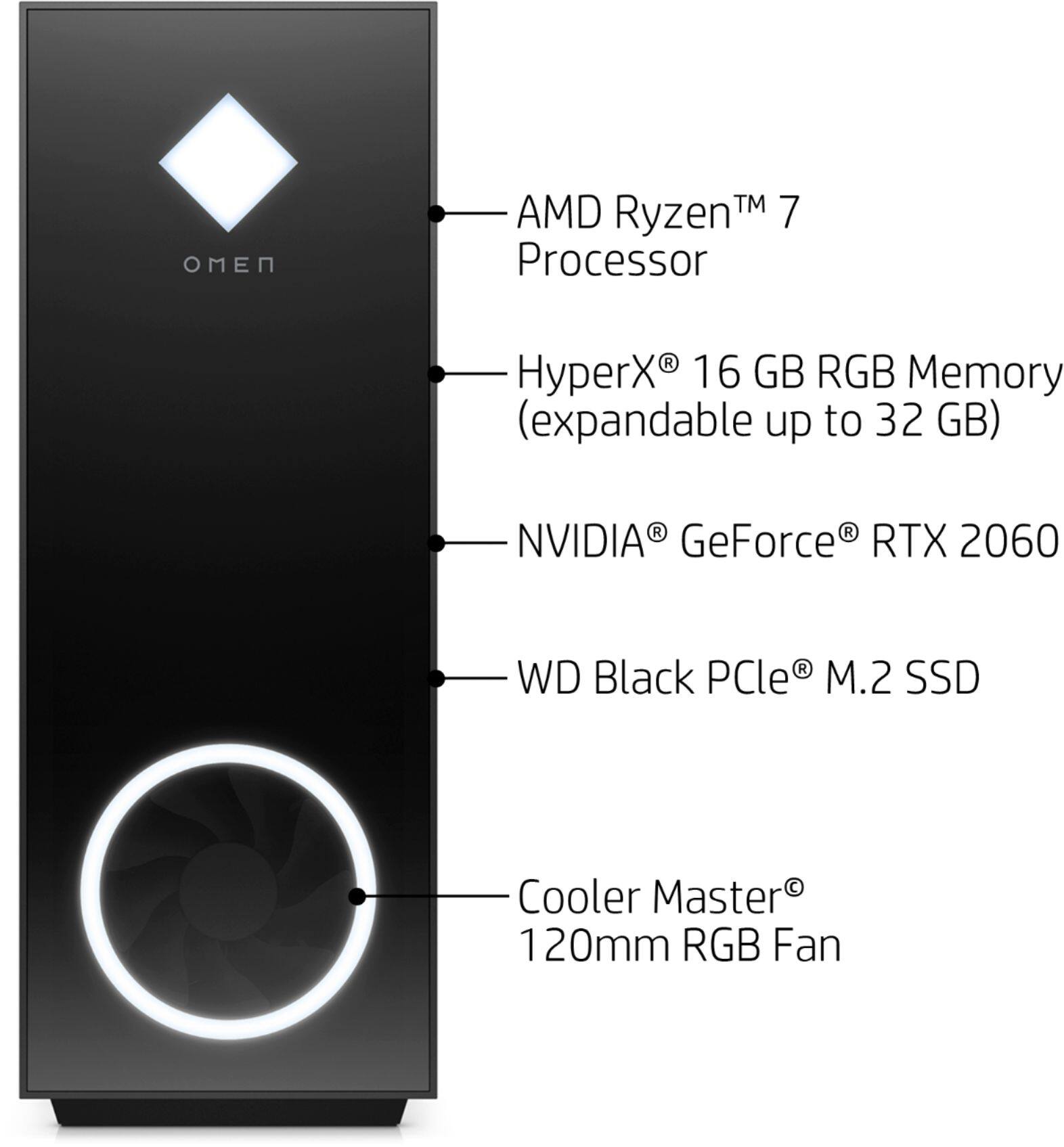
A:Answerthis psu isnt gonna support the 3060... and its not the smartest idea to use 500W. Nvidia recommends a *minimum* PSU of 550W for the GeForce RTX 3060. but i would highly recommend 650W if you dont want random blue screens.
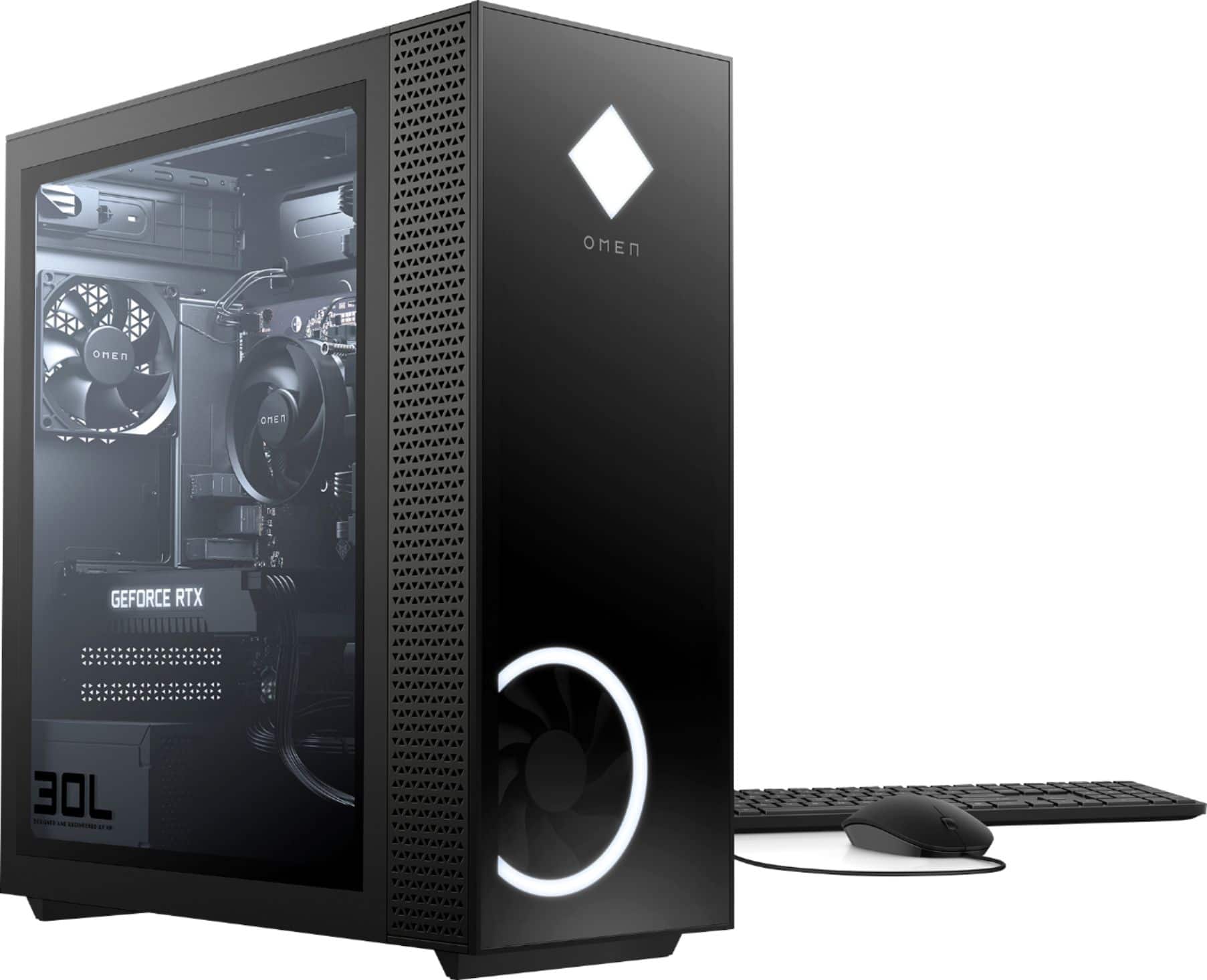
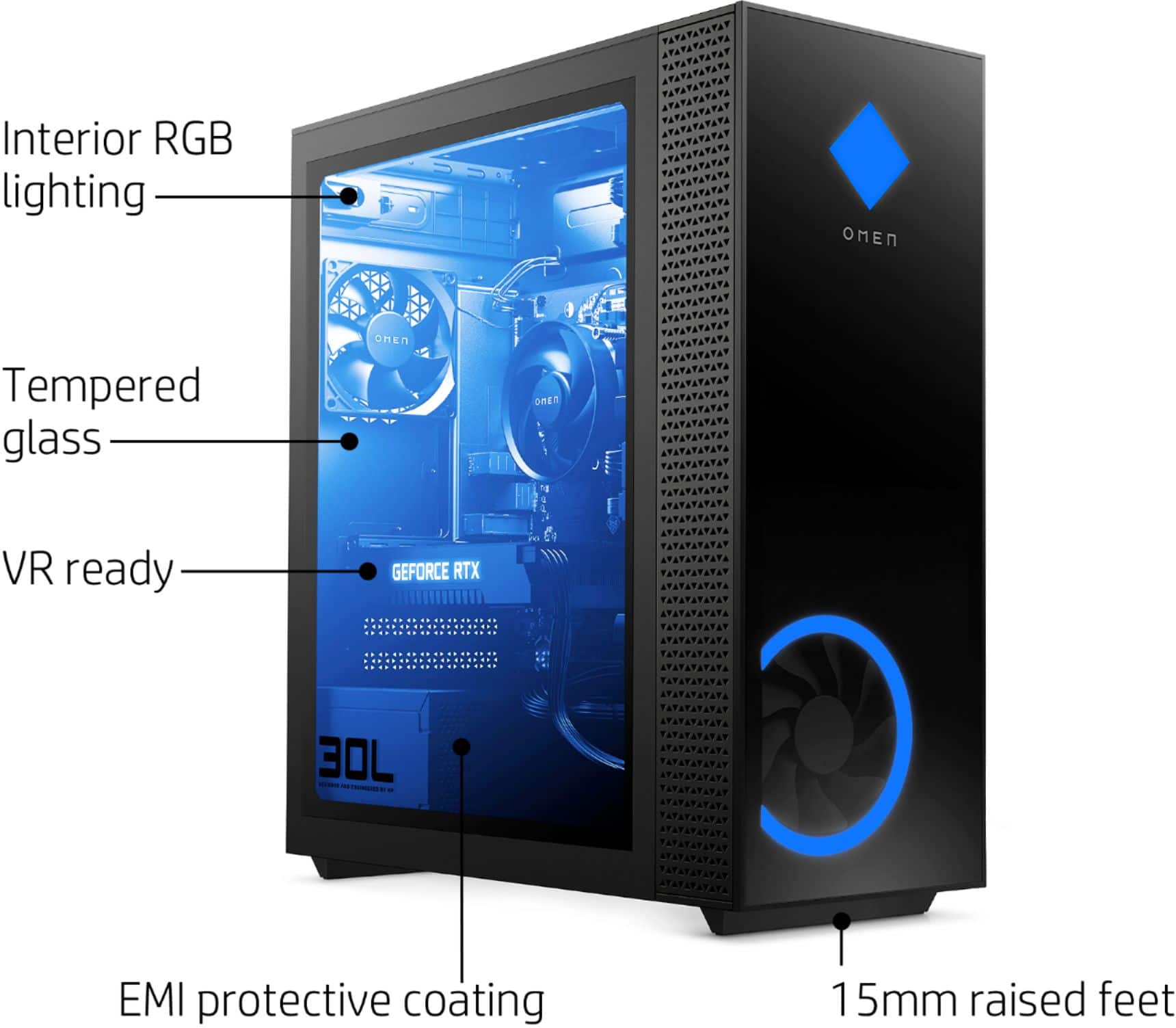
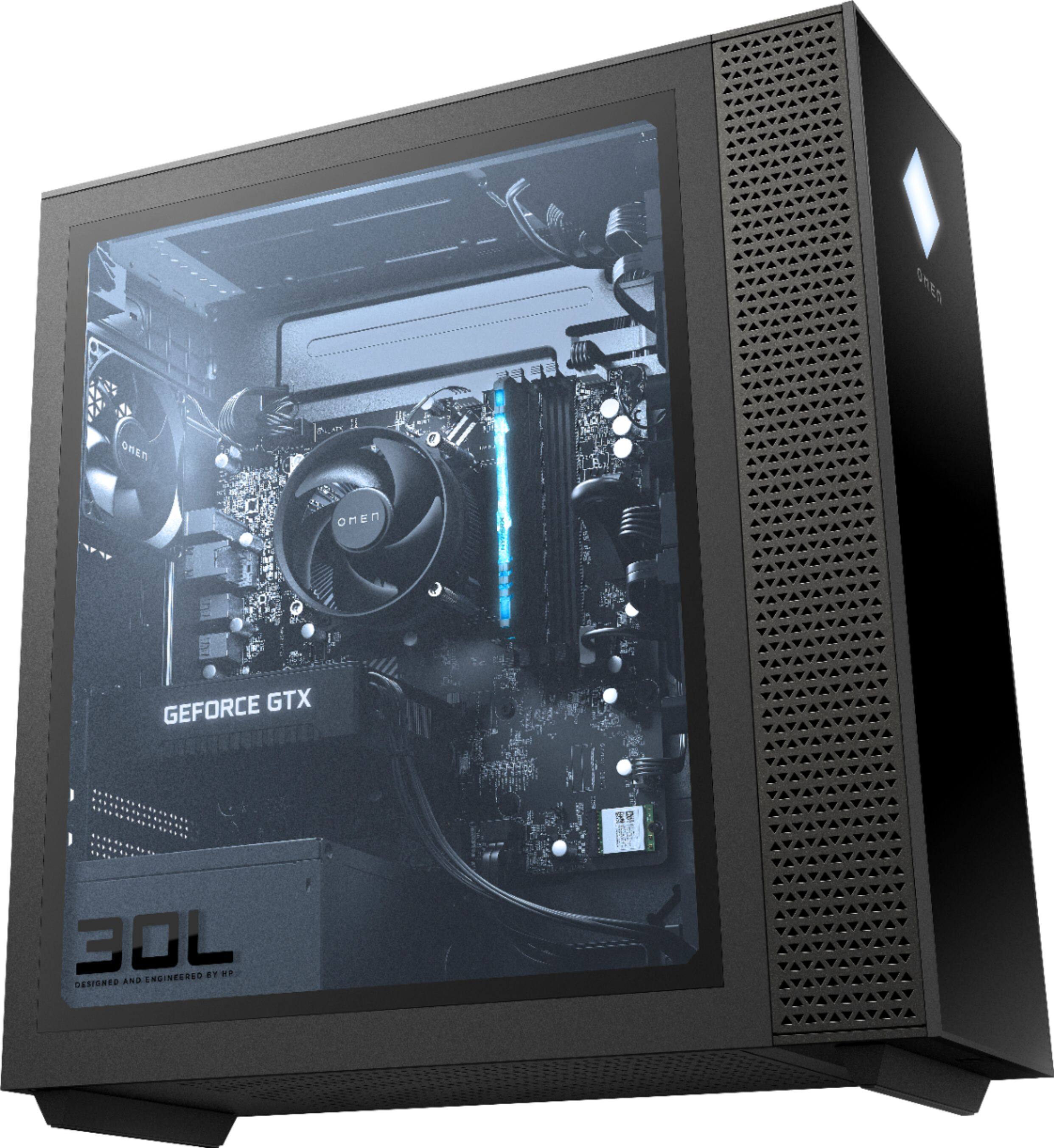
A:AnswerRyzen processors run hot. Try adjusting fan settings in omen command center. Also can easily add Liquid cooler as the connection are at the top of the motherboard .
A:AnswerIf you own this specific computer you might want to see about returning it for a replacement. We've had the hp omen and have not had any issues. Good luck
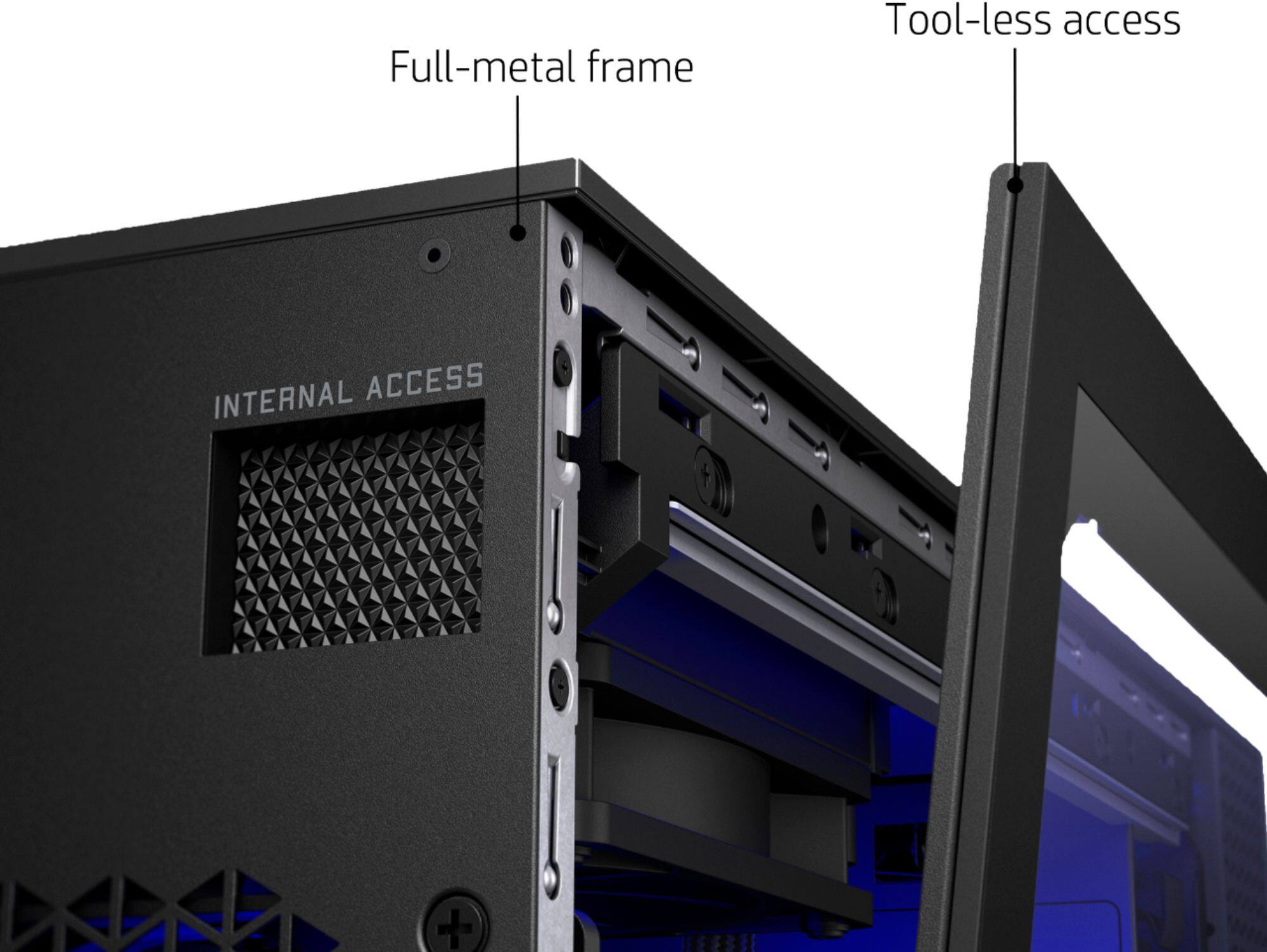
A:AnswerThere is one extra bay for 1 hard-drive and it is wired. All you have to do is plug it in . To upgrade the ssd 256gb you have to replace the it with a bigger one because there are only 2 m.2 slot and one is used by the WIFI card and the other is the 256 ssd. If you do choose to upgrade its a 2280 size card.
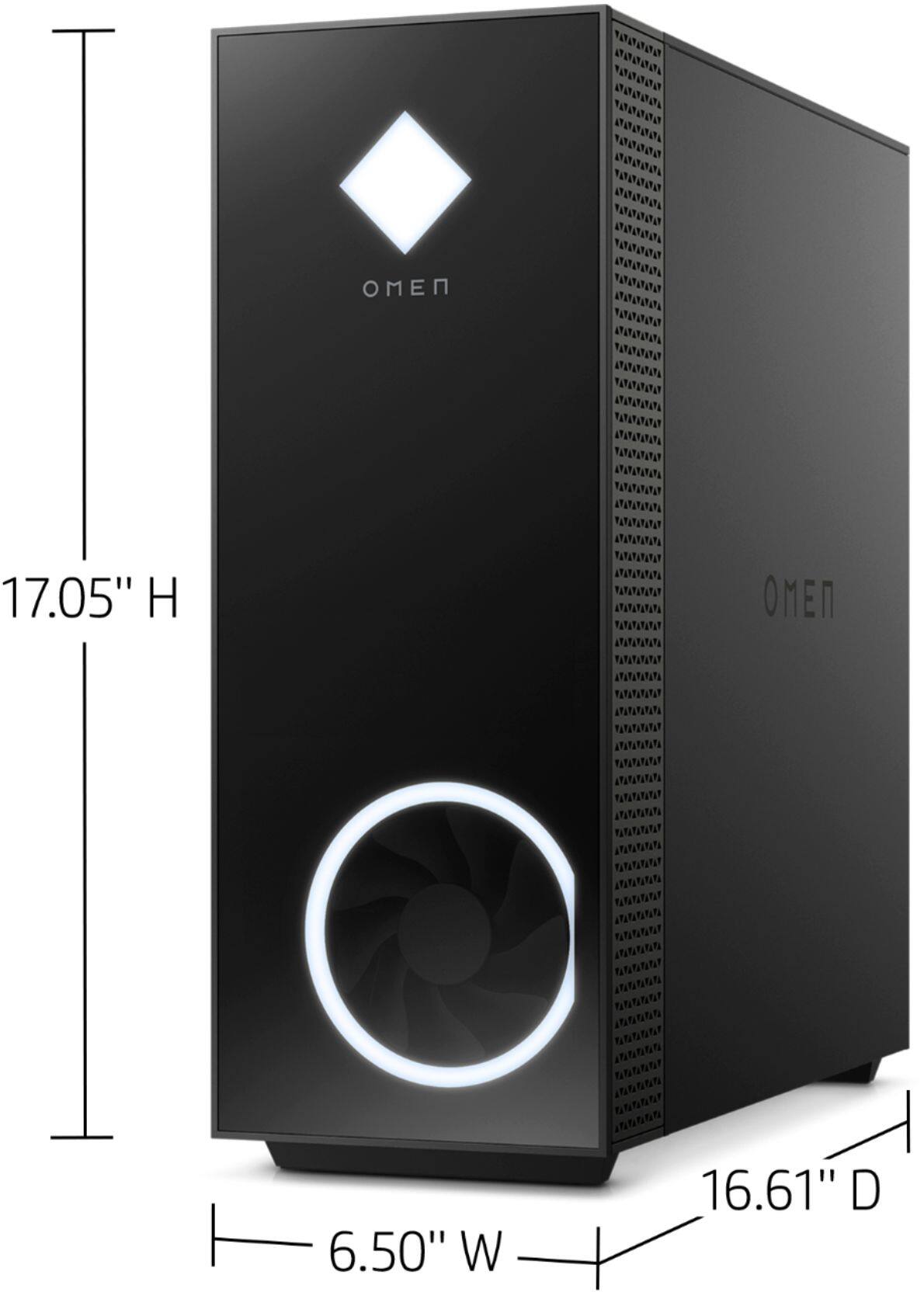
A:Answerany air cooler that is compatible with an AM4 socket and is small enough to fit in the case. i think corsair makes on AIO that fits the case but there isnt much room to mount a radiator. but do note you have to completely strip the computer and take out the motherboard to install. there is no rear access to the motherboard.