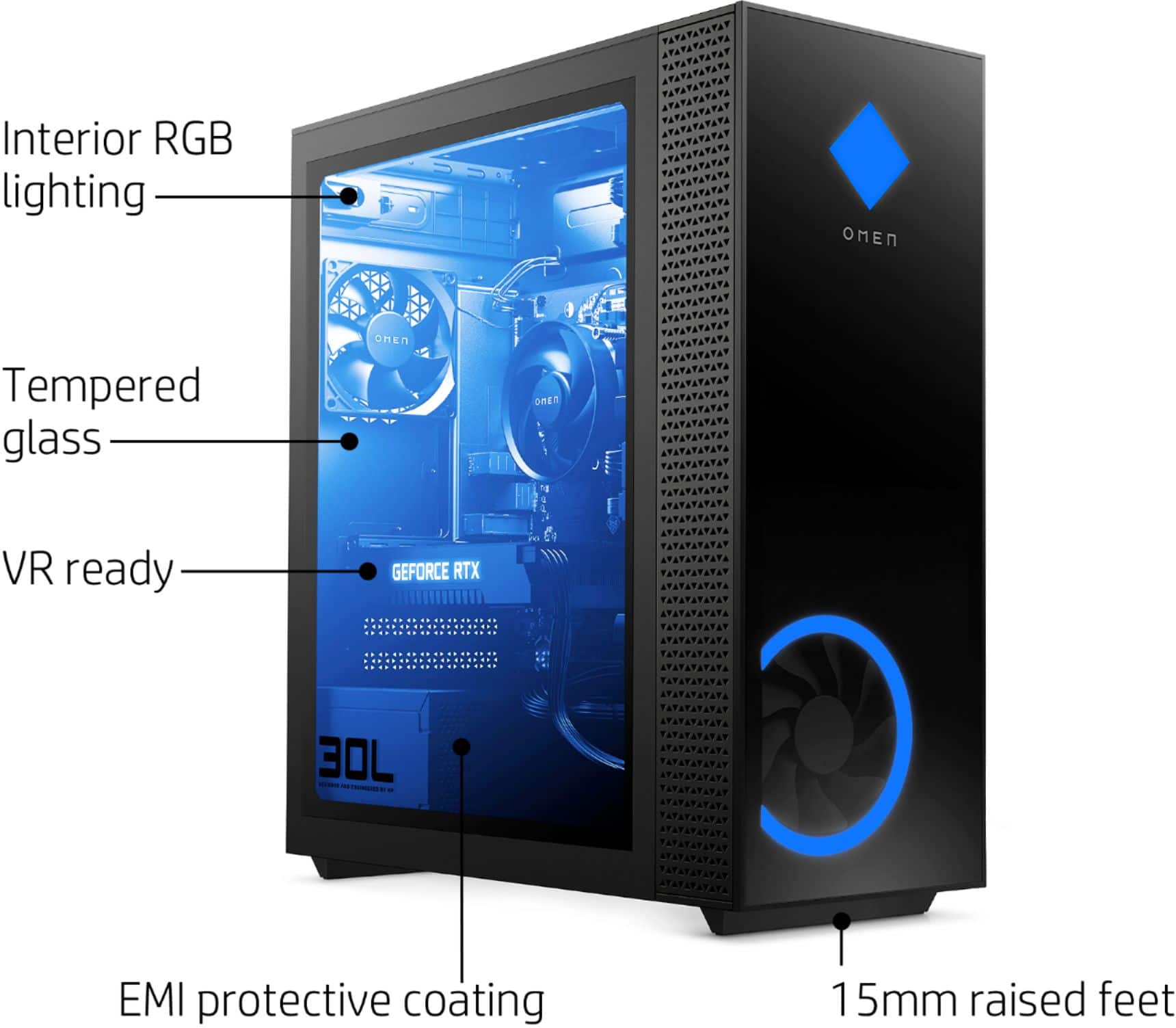
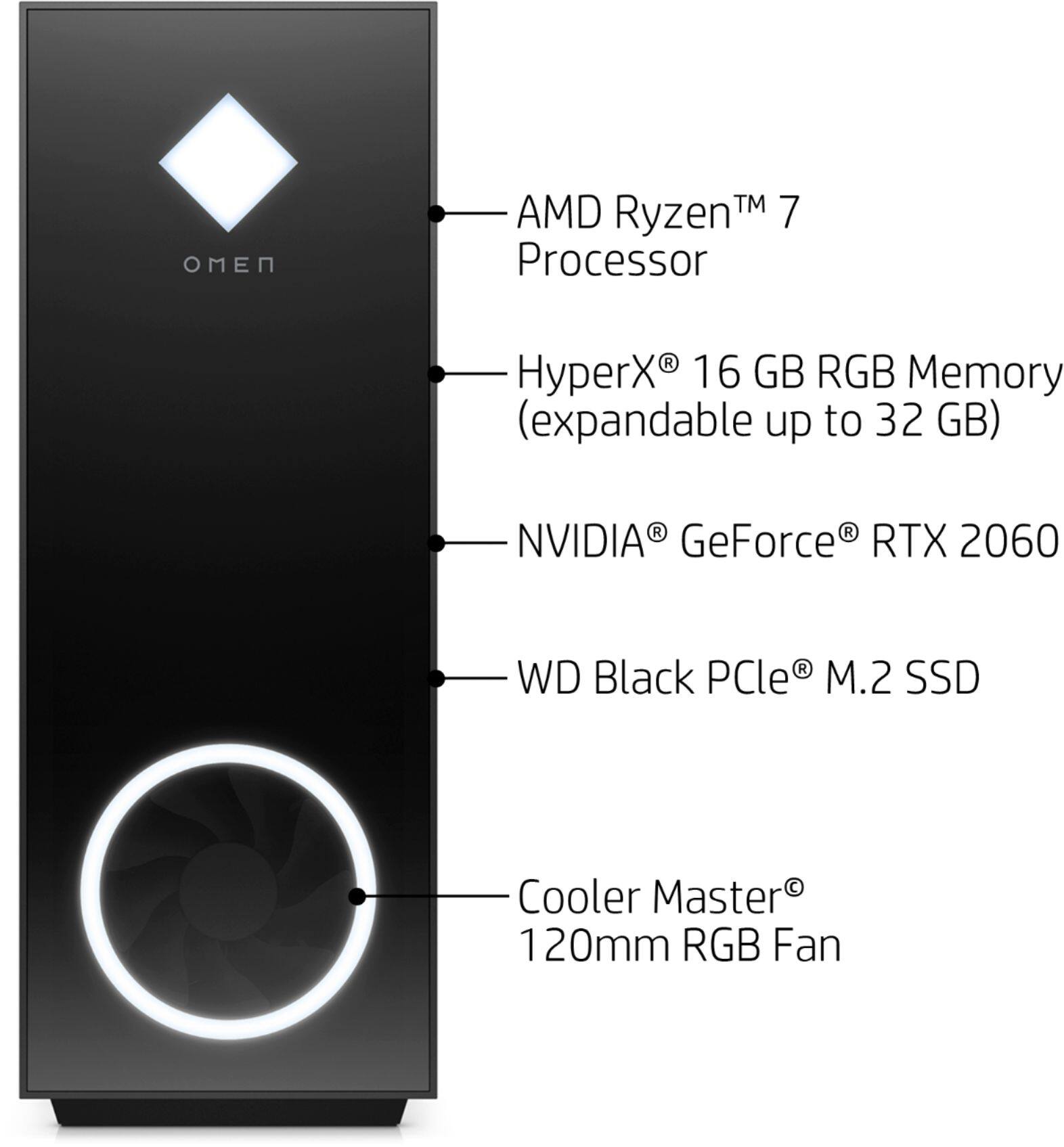
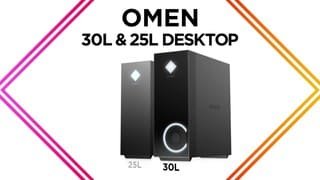
A:AnswerI have the PC and have had no issues with temps, Once you get the PC you definitely want to download Navida GForce app for the drivers and they have settings where you can adjust the temp of the GPU I run mine around 74
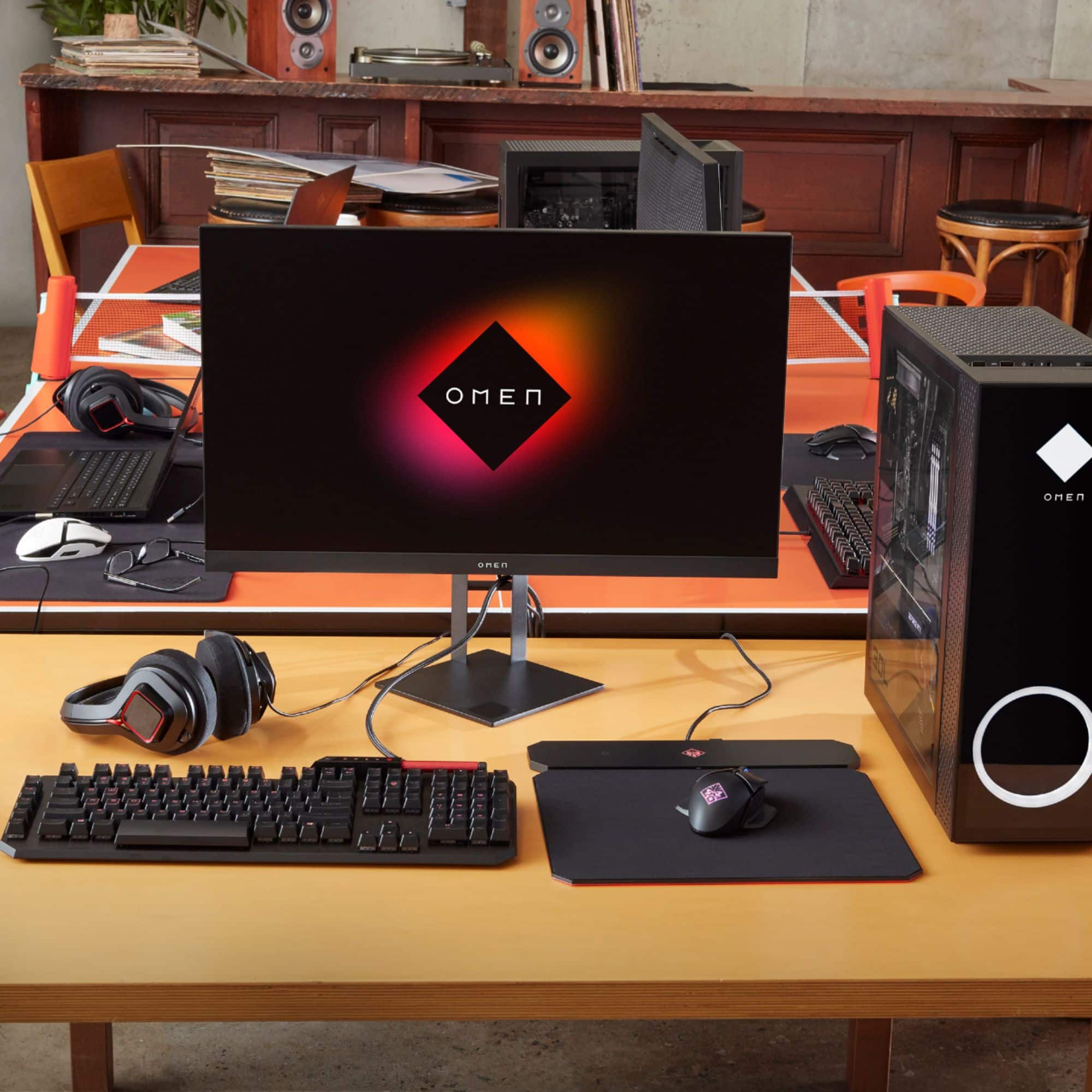
A:AnswerI use this setup with 2 monitors no problem the only downside is it only has 1 HDMI so you need display port or the RGB whatever it’s called but I use 2 monitors and it works great
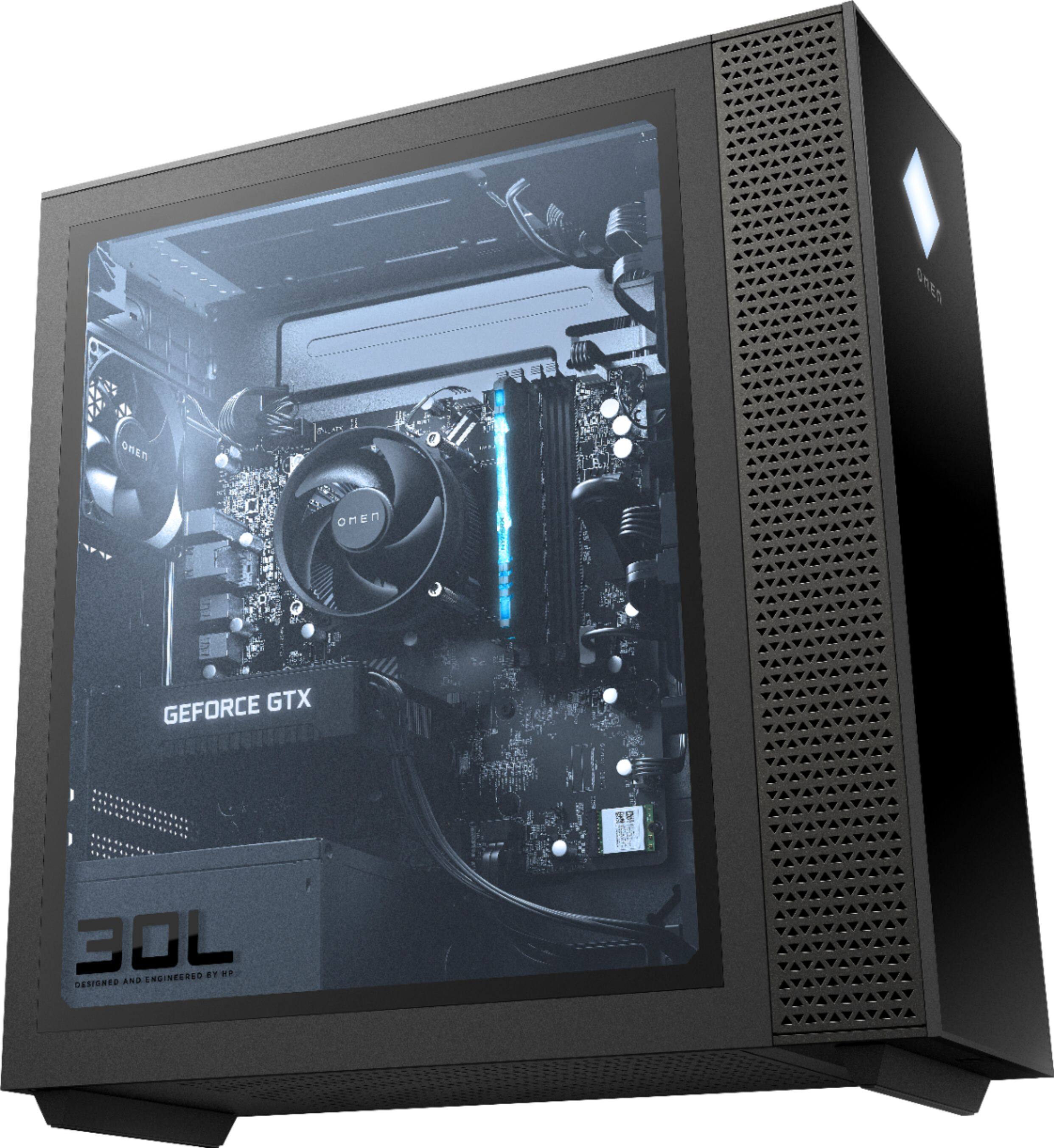
A:AnswerYes you can. Pop out the 4 square tabs and the fan should come with the hardware to mount it. You’ll be plugging the fan directly into the motherboard where it says “pump” it’s a 4 pin connector, but you’ll only be using the 3 pins on the right side.
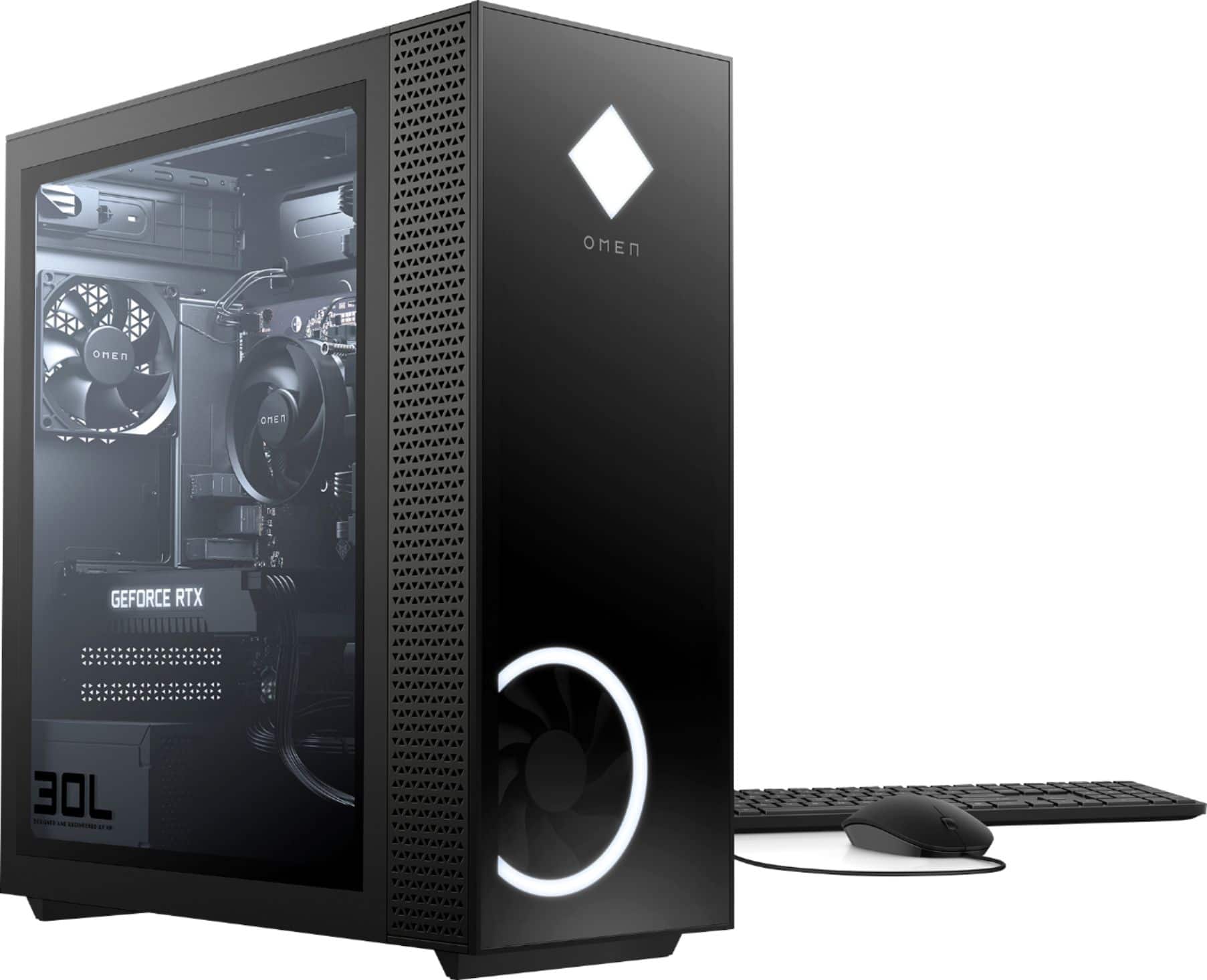
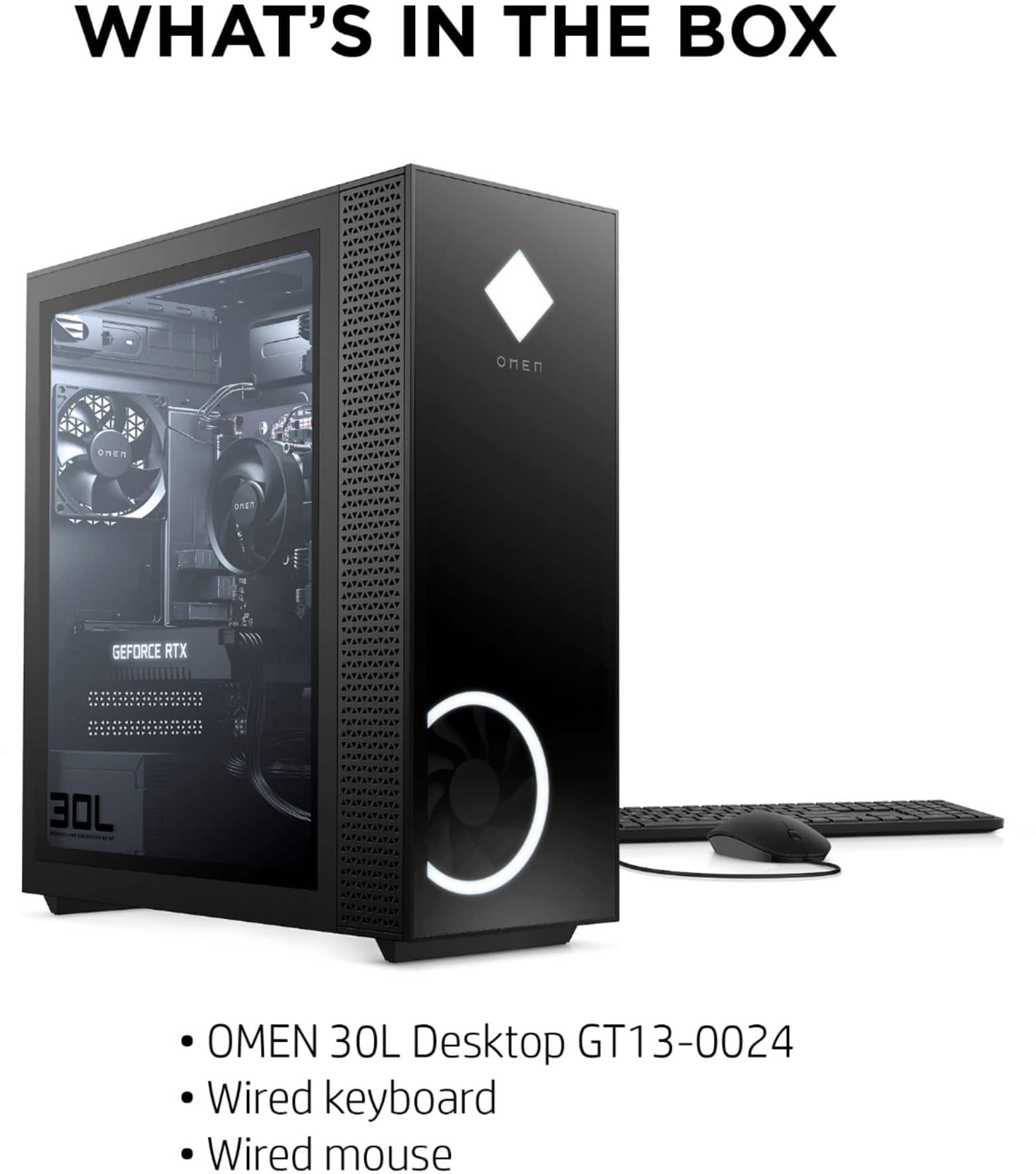
A:AnswerYes it comes with a mouse and keyboard but you may want to upgrade the base models of those items when you order. All the value is In the tower itself.
A:AnswerI haven’t had any issues with over heating but I did set something under the front and back to raise it off the desk a little bit. The stock fans seem to work just fine but it never hurts to have more airflow.