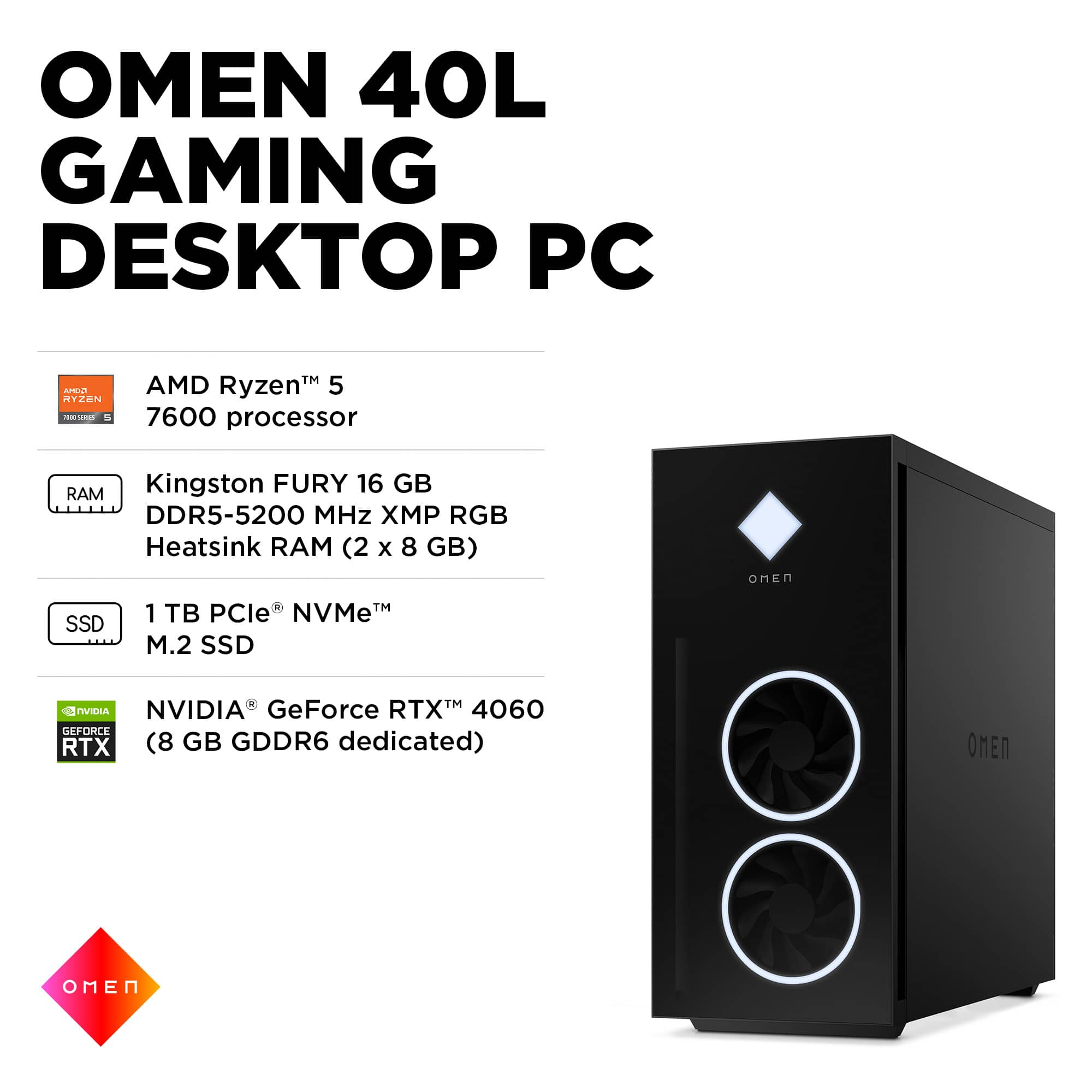
A:AnswerThank you for asking about this! The motherboard in this model is the HP-proprietary "FrostBreath" board. The chipset on it is the AMD B650. Happy gaming!
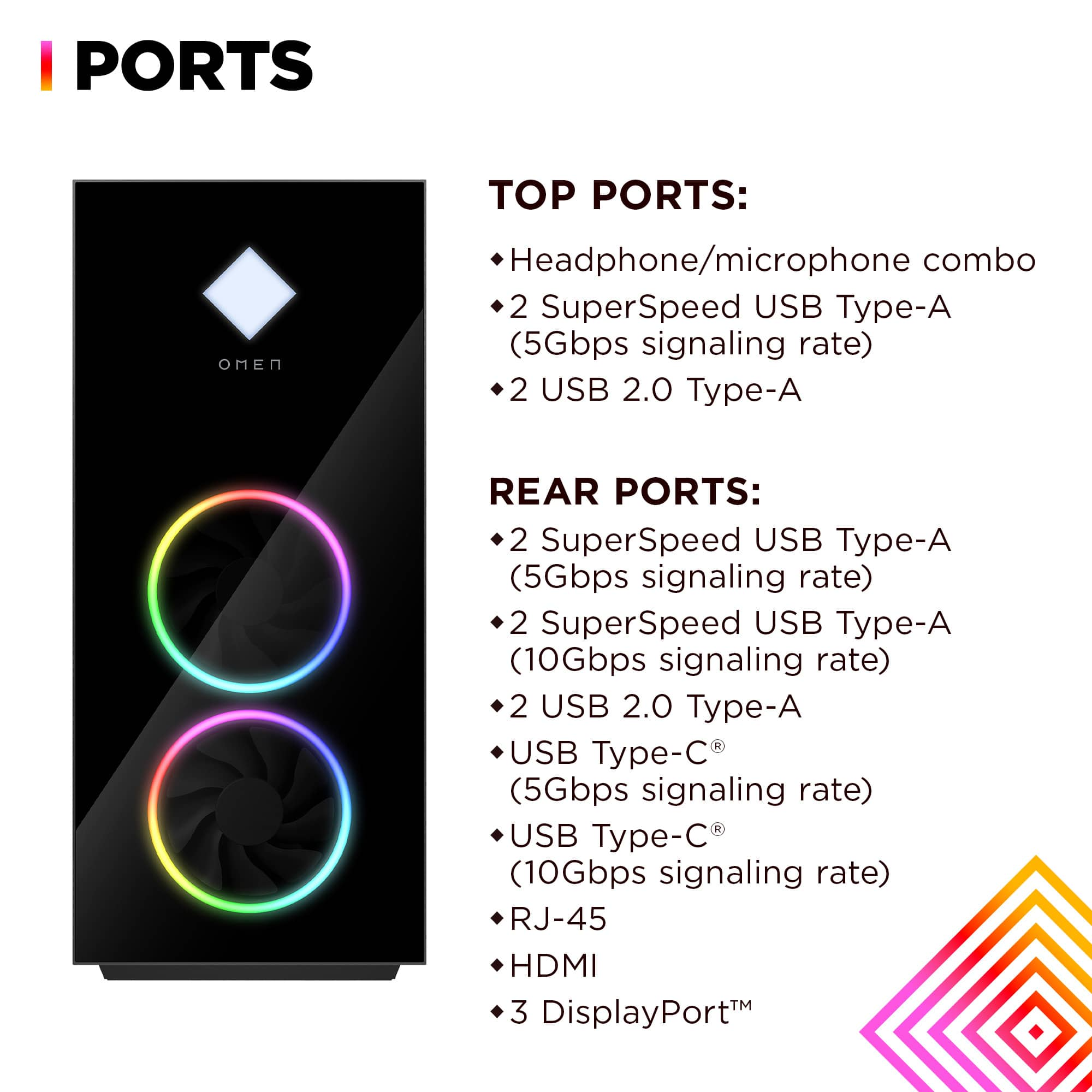
A:AnswerYes, the drive bays will support a 3.5" SATA hard drive. However, this tower does not have the means to accommodate the CD/DVD drive from your old computer: You will need to purchase an external drive and connect it via a USB port to this.
A:AnswerThank you for your question. As system requirements for software constantly change, we are unable to answer questions about software compatibility or performance. What is compatible today may not be in a few months. Please check the software manufacturer's website for the most current system recommendations.
A:AnswerI have no upgraded the graphics card yet. I have changed out the Ram, fans and I upgraded to the 4090 myself and also the power supply worked without a hitch. The large tower makes it very easy to work in.
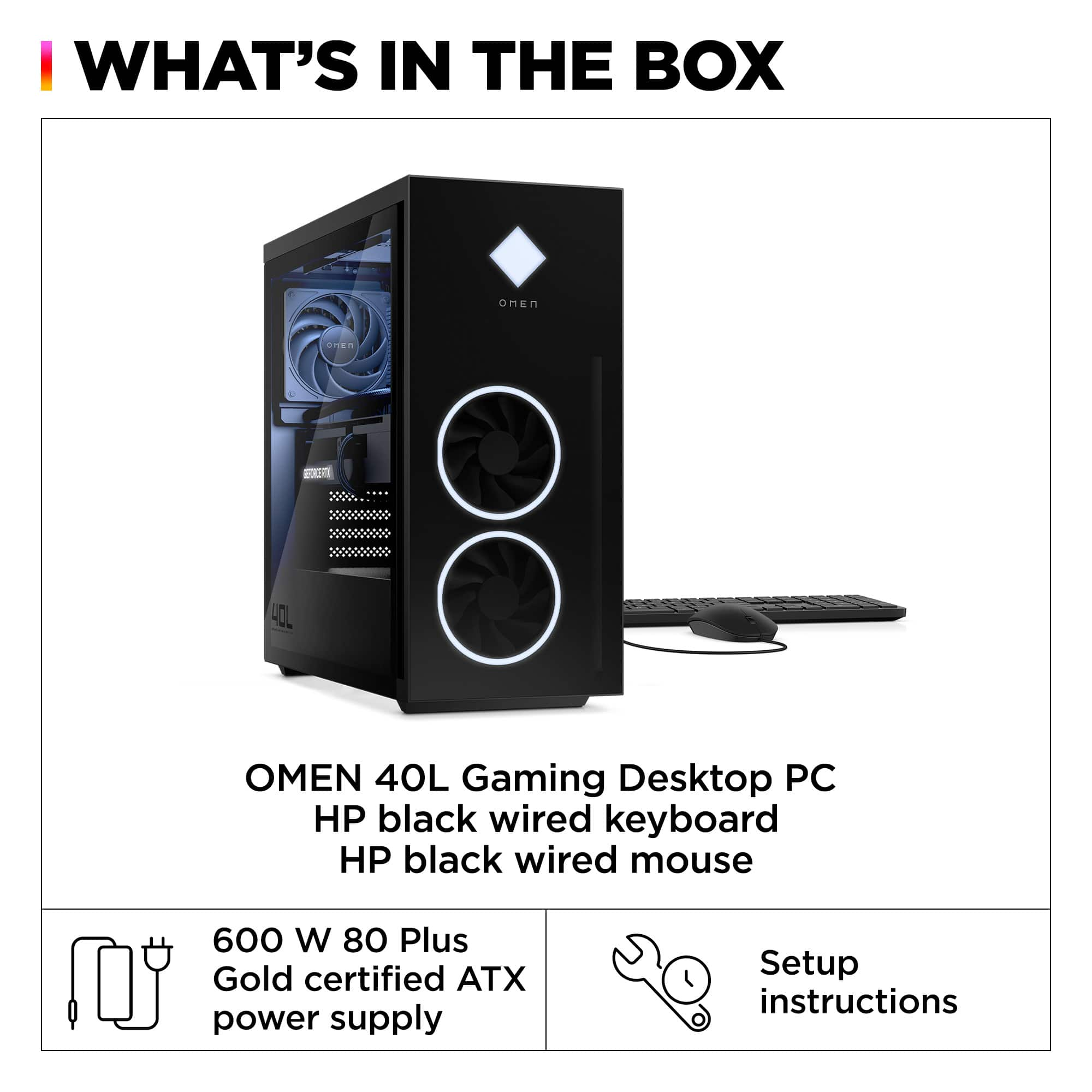
A:AnswerYou shouldn’t need a manual for the set up. The set up is very easy. Like setting up a phone. It will go step by step of everything before it will actually let you use the computer. It asks you all the important information. Each step is very well detailed and you should have no problems setting it up! If you have any other questions let me know!
A:AnswerEvery manufacturer of RAM will use different memory controllers, materials, PCBs and circuits. Mixing brands can sometimes lead to conflicts where a system crashes or fails to boot. The manufacturer will have tested RAM kits of the same brand to ensure they can work harmoniously


 for more information. OMEN.](https://pisces.bbystatic.com/image2/BestBuy_US/images/products/65e65762-8557-4036-b813-778ff6ad9e4e.jpg)