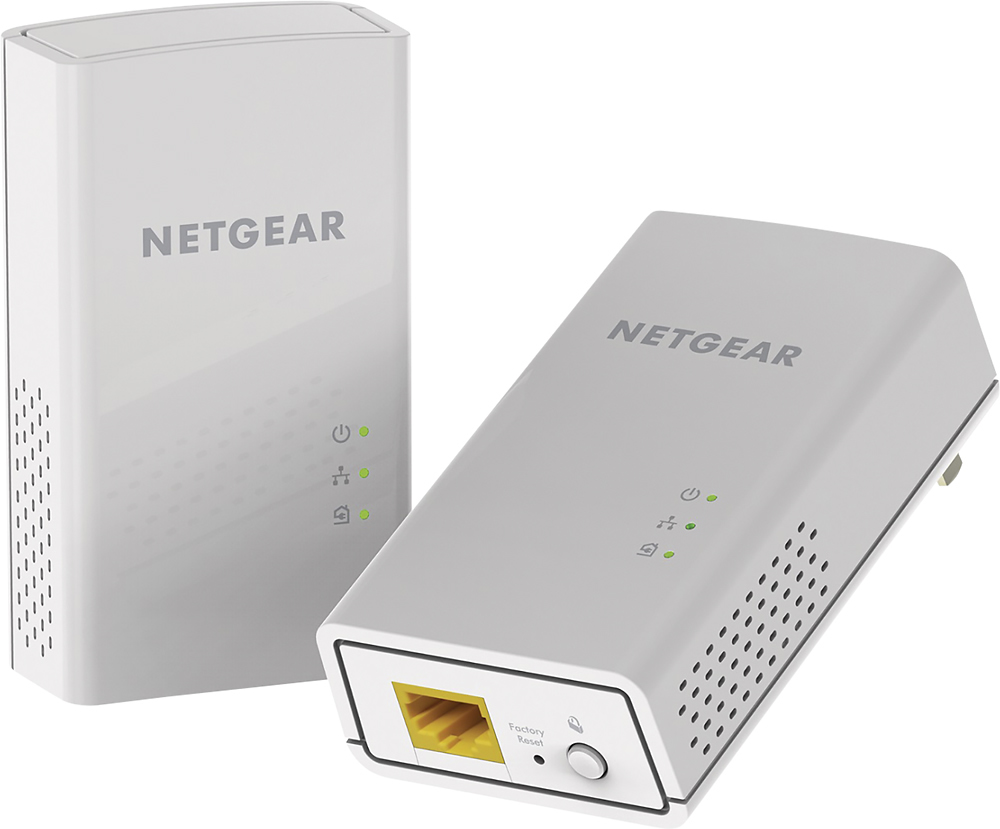
A:AnswerHook up you're pc with ethernet cable and that might work cause that's what I had to do, and if you're pc is in another room I would recommend that u buy a Powerline network adapters that's around another 60-200$. and the 1 that I added that's the 1 I use
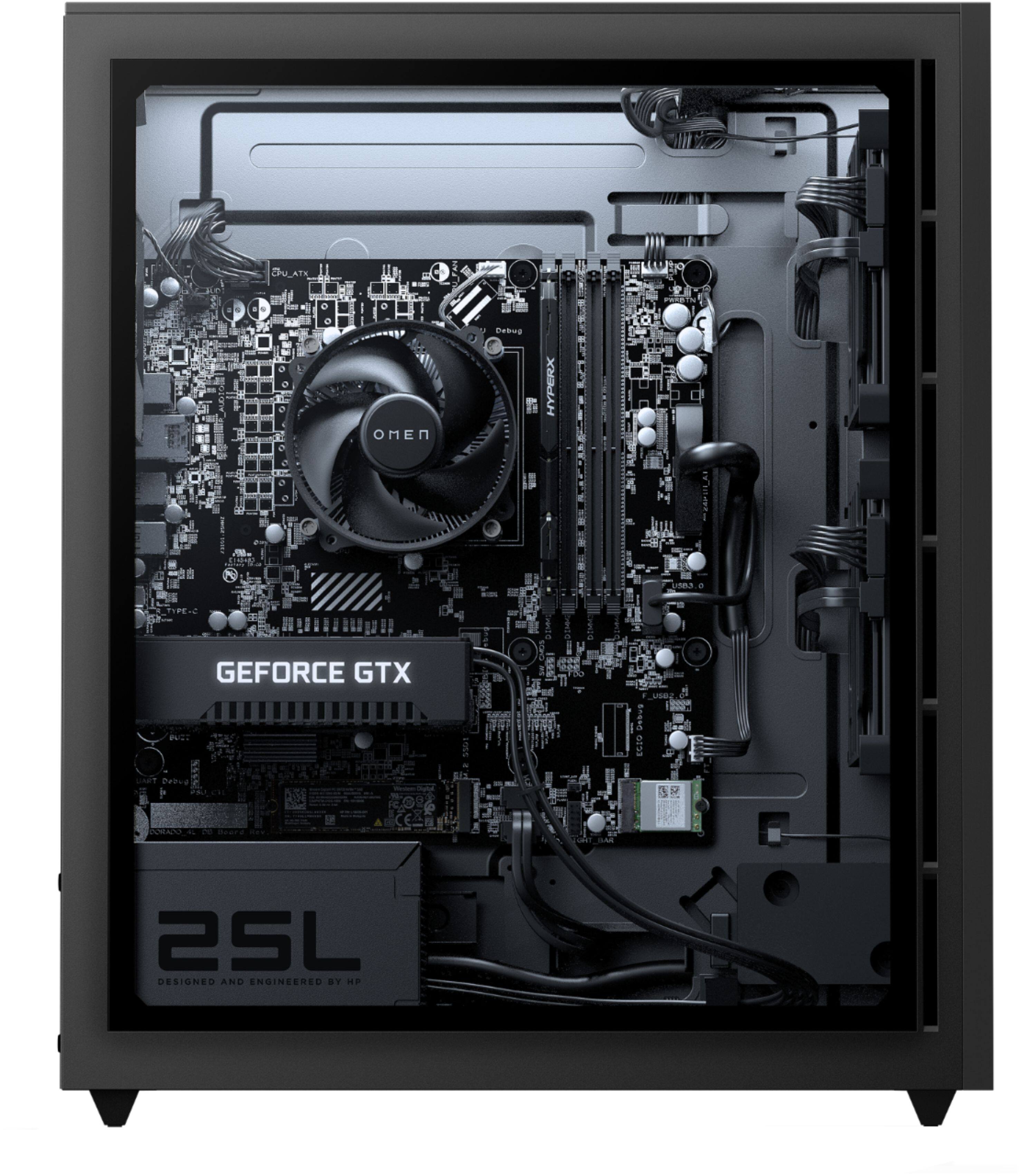
A:AnswerFrom all indications, HyperX 8GB 288-Pin DDR4 SDRAM DDR4 2666 (PC4 21300) Desktop Memory. Best way to tell would be opening the computer case and pulling the RAM out to check the speed and CL.
https://www.bestbuy.com/site/hyperx-fury-hx426c16fb3-8-8gb-2666mhz-ddr4-dimm-desktop-memory-black/6426482.p?skuId=6426482
A:AnswerI also upgraded my RAM to 16gb in this PC. It comes with one stick of DDR4 HyperX Fury 8gb 2666MHz RAM. It is recommended that you use the same brand/speed RAM just so you don’t run into comparability issues causing some of your RAM/all of it to not work. I got two sticks (16gb pack) of the Corsair Vengeance RGB Pro 8gb 3200MHz. When I replaced the RAM, I had to push one side of the stick in at a time with a lot of force to get it to lock into place. It is pretty simple to replace as well in this case.
A:AnswerHello Daniel. Thank you for your question. Based on the information provided by the manufacturer, this HP OMEN 25L GT12-0024 Desktop PC comes with a 512 GB PCIe NVMe M.2 Solid State.
You can check more technical specifications for this HP OMEN 25L GT12-0024 Desktop PC here:
***https://support.hp.com/us-en/document/c07243104***
Thank you for choosing Intel!
A:AnswerHello Pickles. Thank you for your question. To obtain an estimated date when this unit will be back in stock, you may reach out to Best Buy's Support Center using the link below:
***https://www.bestbuy.com/site/electronics/customer-service/pcmcat87800050001.c?id=pcmcat87800050001***
Thank you for choosing Intel!
A:AnswerHello Benjamin. Thank you for your question. To obtain an estimated date when this unit will be back in stock, you may reach out to Best Buy's Support Center using the link below:
***https://www.bestbuy.com/site/electronics/customer-service/pcmcat87800050001.c?id=pcmcat87800050001***
Thank you for choosing Intel!
A:Answerthere are no intake fans but by removing the top bracket and going to omen gaming hub and changing fan control to turbo it helps with my temps currently my idle gpu temps are 42°c and cpu temps are 40°c without any extra fans.
A:AnswerHello Anonymous265. Thank you for your question. Based on the information provided by the manufacturer, this HP OMEN 25L GT12-0024 Desktop PC comes with the following ports: Front I/O ports: 2 USB 3.2 Gen 1 Type-A ports (5 Gbps signaling rate), Back I/O ports 2 USB 2.0 Type-A ports, 2 USB 3.2 Gen 1 Type-A ports (5 Gbps signaling rate), 2 USB 3.2 Gen 2 Type-A ports (10 Gbps signaling rate) and 1 USB 3.2 Gen 2 Type-C port (10 Gbps signaling rate).
You can find more technical specifications for this HP OMEN 25L GT12-0024 Desktop PC here:
***https://support.hp.com/us-en/document/c07243104***
Thank you for choosing Intel!