Questions & Answers
- Model:
- 16-ar0013dx
- |
- SKU:
- 12235112
$735.00
Save $114.99
Comp. Value: $849.99
Page Showing 101-120 of 135 questions
Q: QuestionDoes it have a warranty?
Asked by K.
- A:Answer Yes! This device's HP Warranty is: - Parts: 1 year - Labor: 1 year
Answered by Camden
Q: QuestionDoes this computer have safe mode?
Asked by Anonymous.
- A:Answer Yes it does
Answered by TerenceD
Q: QuestionIs this easy for teaching online college courses?
Asked by Sam1.
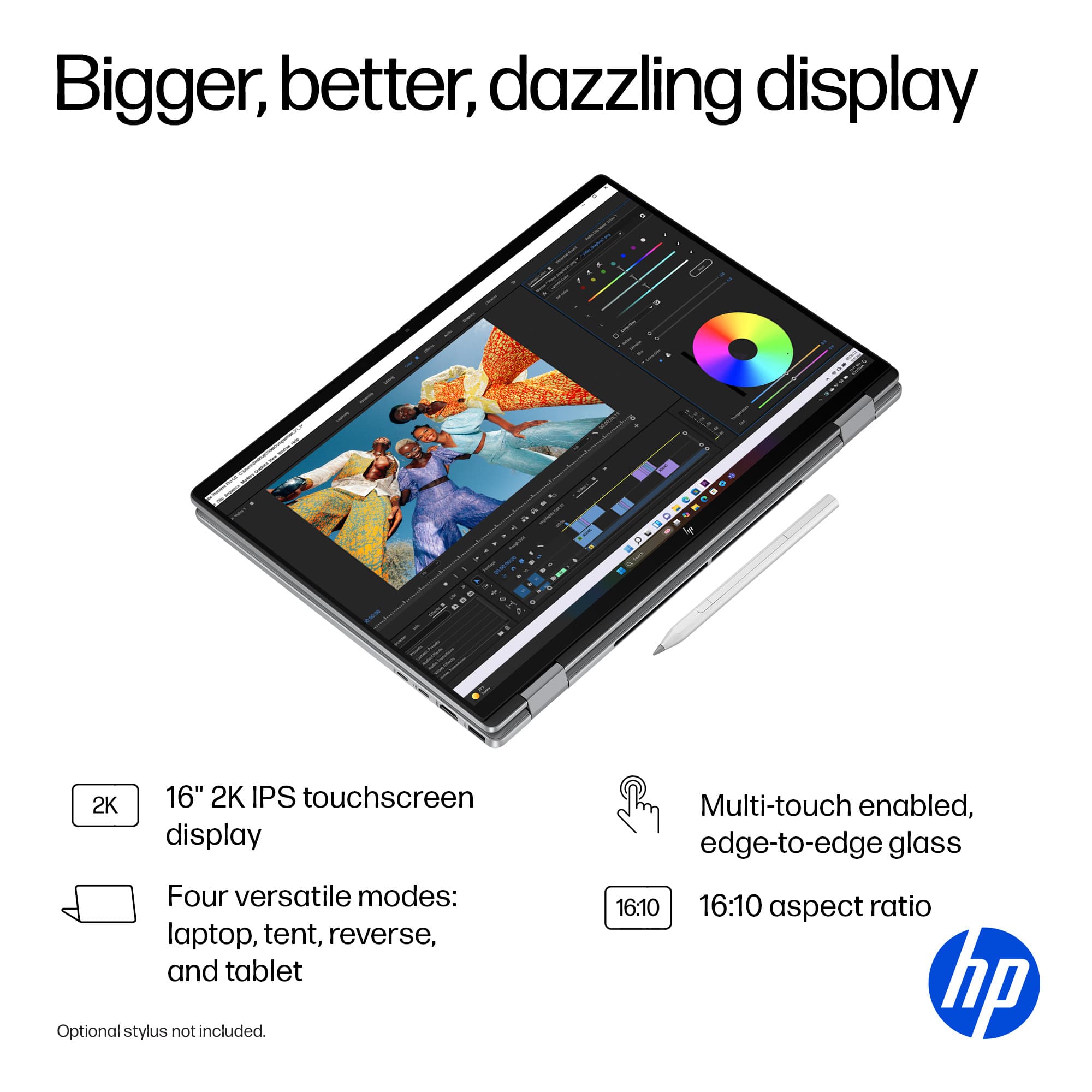
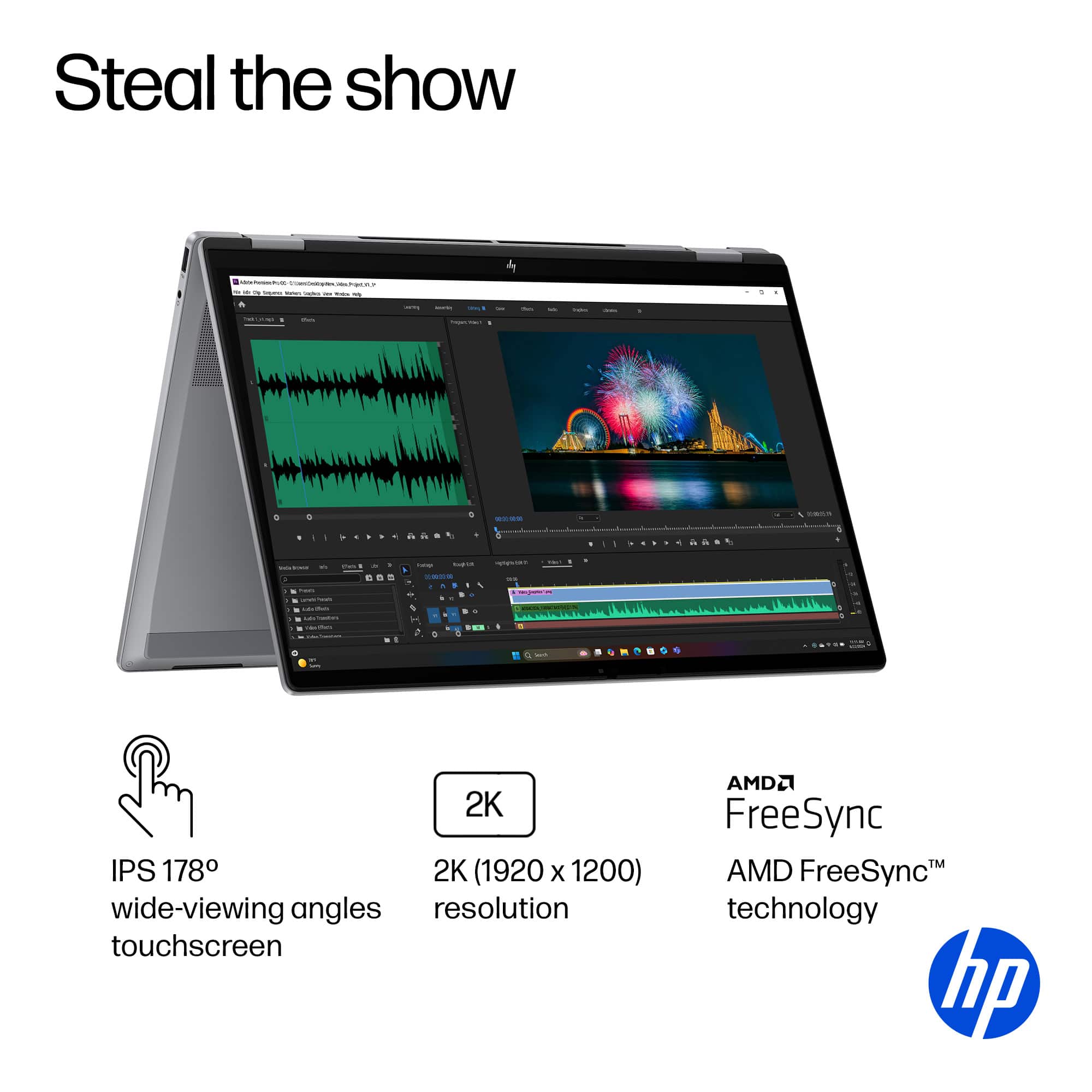
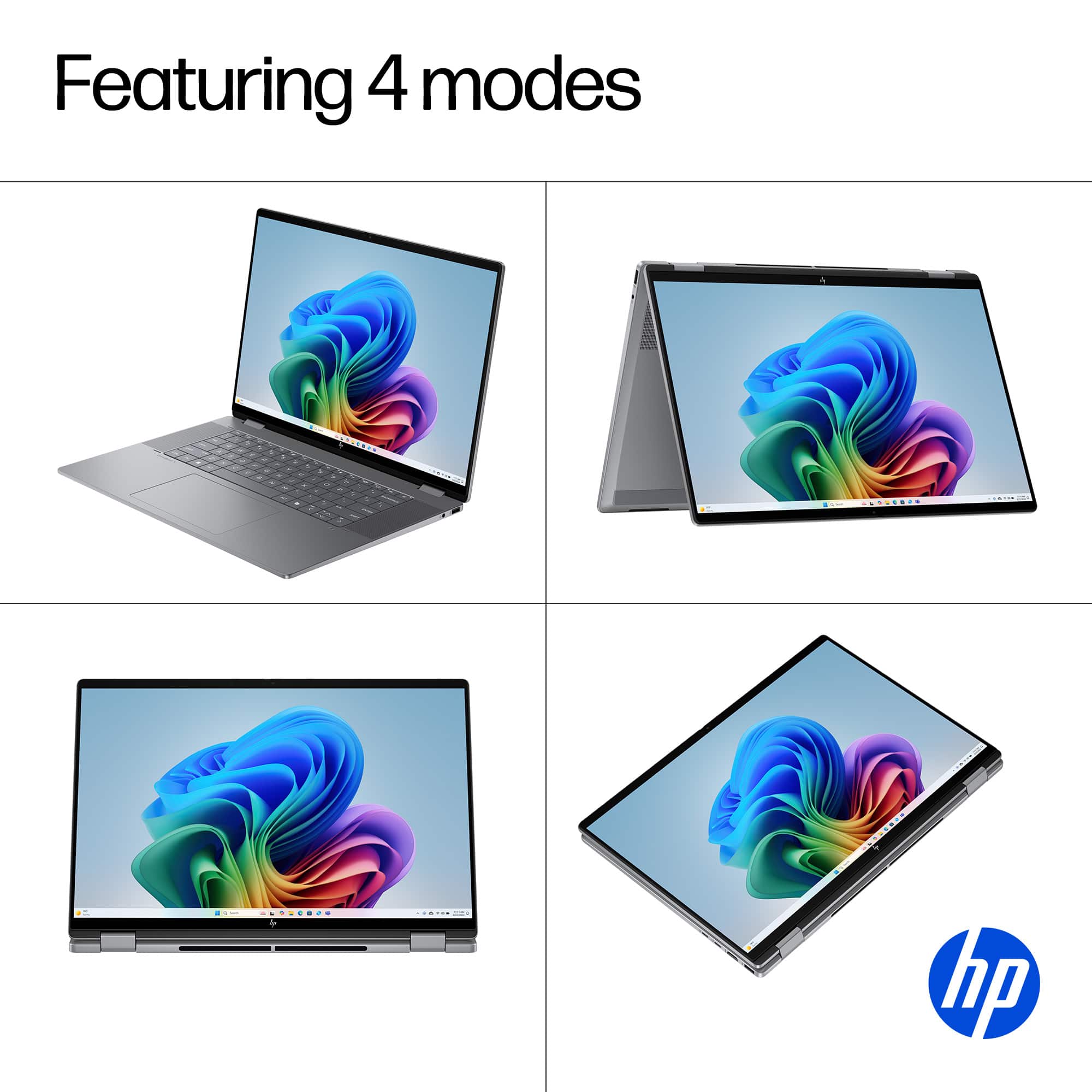
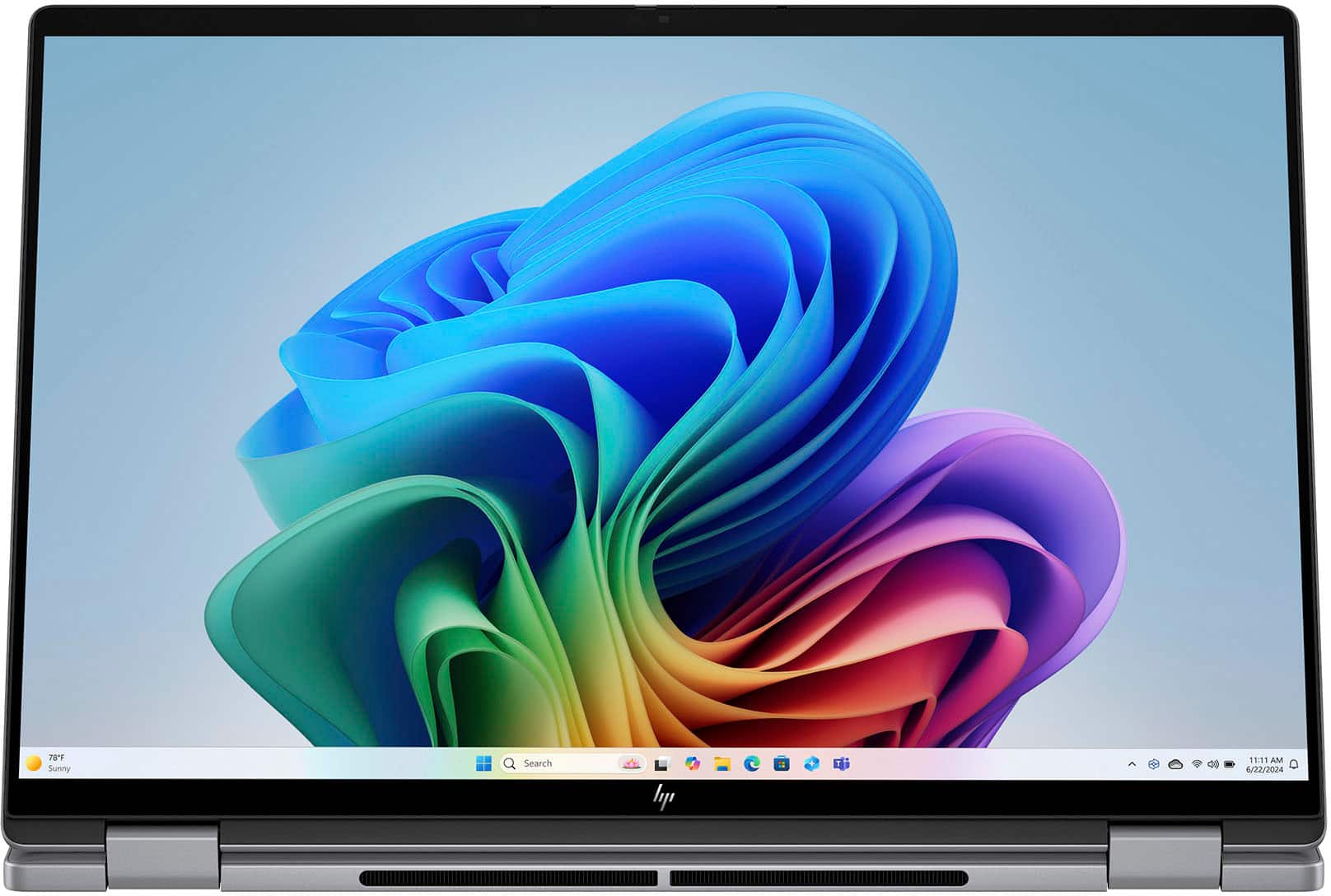
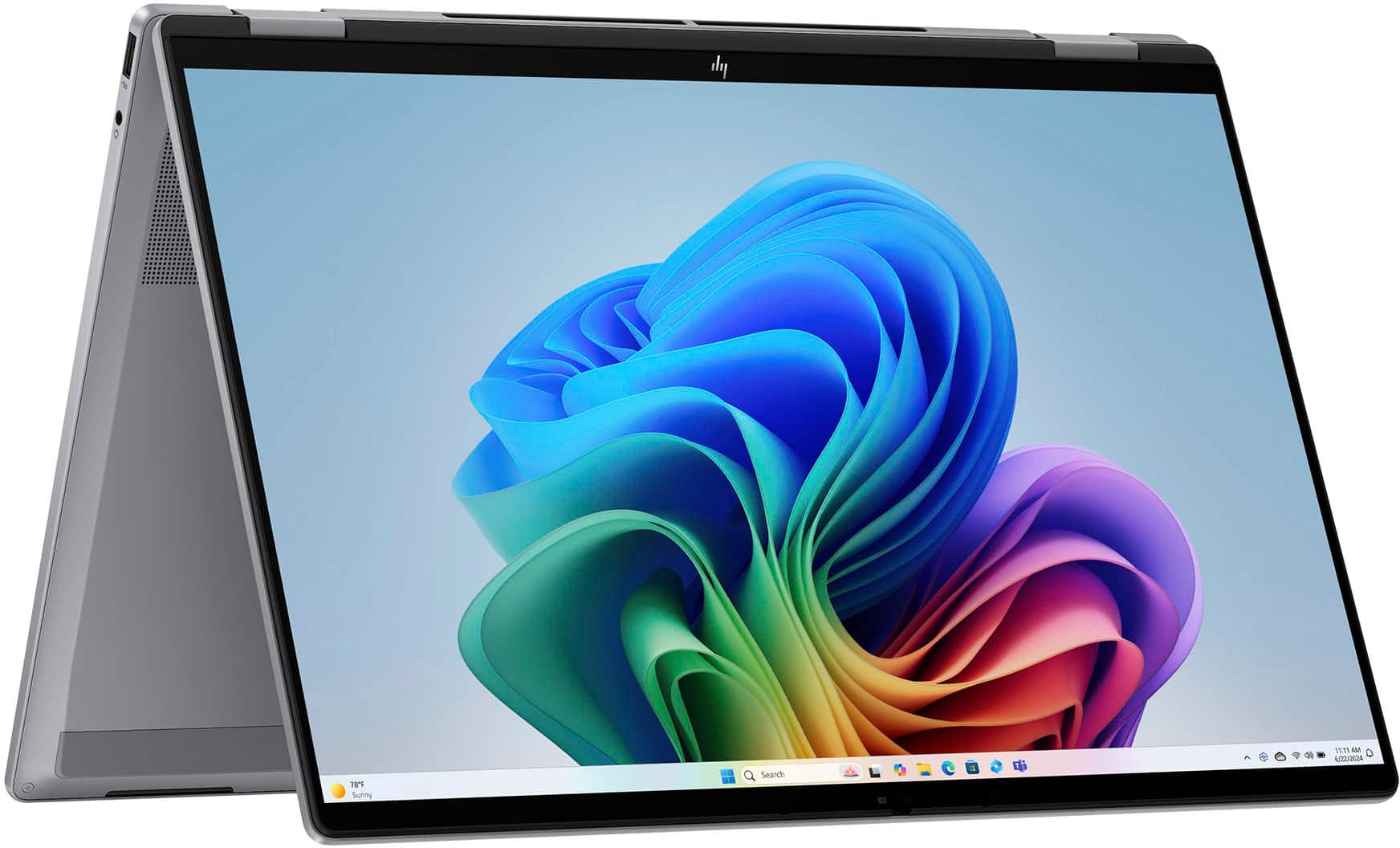
- A:Answer Yes especially with the Tent Mode or casting to whatever screen you are using for class
Answered by TerenceD
Q: QuestionCan you use a stylus with this laptop (HP - OmniBook X Flip 2-in-1 - Copilot+ PC - 16" 2K Touch-Screen Laptop - AMD Ryzen AI 5 - 16GB Memory - 512GB SSD - Meteor Silver)?
Asked by Darryl.
- A:Answer Yes, you can use a stylus. I use this for nomad sculpt.
Answered by Twistedhalo
Q: QuestionCan this laptop handle Virtualization? BIOS settings?
Asked by CesarF.
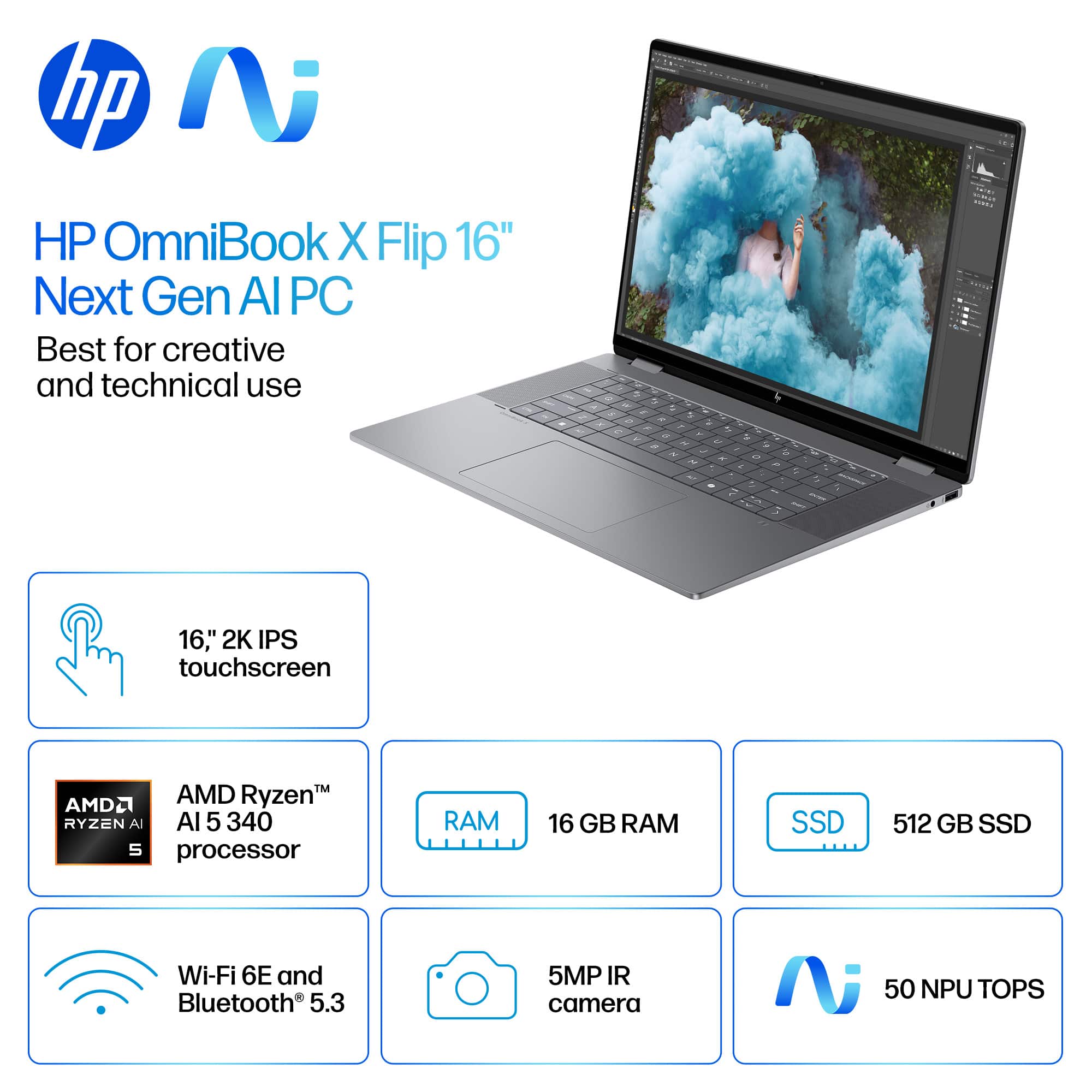
- A:Answer Yes, the HP OmniBook X Flip 2-in-1 Copilot+ PC with an AMD Ryzen AI 5 340 processor can handle virtualization, but there are a few details to check: Virtualization Support The AMD Ryzen AI 5 series supports AMD-V (AMD Virtualization) technology, which is required for running virtual machines (VMs) in software like Hyper-V, VMware, or VirtualBox. With 16GB RAM and 512GB SSD, your hardware is sufficient for most virtualization tasks, including running multiple lightweight VMs. BIOS Settings To enable virtualization: Restart your laptop and enter BIOS/UEFI (usually by pressing Esc, F2, or Del during boot). Look for: SVM (Secure Virtual Machine) or Virtualization Technology under Advanced or CPU Configuration. Enable the setting and save changes. After reboot, confirm virtualization is active by: Opening Task Manager → Performance → CPU (Windows) and checking if Virtualization: Enabled. Additional Notes If you plan to use Hyper-V, ensure you have Windows 11 Pro or Enterprise (Home edition does not include Hyper-V). For AI workloads or GPU passthrough, check if BIOS also has IOMMU or SR-IOV options. Do you want me to give you step-by-step instructions for enabling virtualization in BIOS for HP laptops, or a guide for setting up Hyper-V/VMware on Windows 11? Provide your feedback on BizChatYou said: yesCopilot said: CopilotHere’s a clear guide for both steps you asked for: Enable Virtualization in BIOS (HP OmniBook X Flip) Restart your laptop. As soon as the HP logo appears, press Esc repeatedly, then select F10 for BIOS Setup. In BIOS: Go to Advanced → System Options (or CPU Configuration). Find Virtualization Technology (SVM). Enable this option. Press F10 to Save and Exit. After reboot, confirm: Open Task Manager → Performance → CPU. Check Virtualization: Enabled. Set Up Hyper-V on Windows 11 Check Edition: Hyper-V is available on Windows 11 Pro/Enterprise (not Home). To check: Settings → System → About → Edition. Enable Hyper-V: Press Win + R, type optionalfeatures, hit Enter. In Windows Features, check: Hyper-V Management Tools Hyper-V Platform Click OK, restart when prompted. Create a Virtual Machine: Open Hyper-V Manager (search in Start). Click New → Virtual Machine. Follow the wizard: Assign memory (e.g., 4GB for light VMs). Choose Generation 2 for modern OS. Attach ISO for OS installation. Start your VM and install the OS. For VMware or VirtualBox: After enabling virtualization in BIOS, just install the software and create VMs normally. Hope this helps! Merry Christmas! John A.
Answered by jwakers23
Q: QuestionDoes this come with a stylus pen
Asked by Elly.
- A:Answer It does not. You can buy a whole can but a whole pack of pens for a couple dollars
Answered by Twistedhalo
Q: QuestionIs the graphics upgradable?
Asked by Askalot.
- A:Answer It’s not upgradable. But the graphics are very good for the price
Answered by Twistedhalo
Q: QuestionDoes this computer come with word and excel? If not can I install Word and Excel that doesn’t require a subscription?
Asked by Kyan.
- A:Answer No. It has a free 1 month trial with both.
Answered by JohnJ
Q: QuestionDoes this have an anti-glare screen?
Asked by Ronnie.
- A:Answer Yes. It is a very nice clear and vibrant screen.
Answered by JohnJ
Q: Questionwhy it doesnt have bluetooth connectivity? how do I connect external speaker/s.
Asked by kayjay.
- A:Answer It does have Bluetooth capability
Answered by Twistedhalo
Q: QuestionCan you upgrade the GPU?
Asked by ACTexas.
- A:Answer You can not upgrade this computer. But the computer runs great right out of the box. Great computer for the price
Answered by Twistedhalo
Q: QuestionWhat operating system does it come with?
Asked by dave.
- A:Answer Windows 11 Home
Answered by Jeff
Q: QuestionDoes this have a fingerprint sensor?
Asked by CrazyCMTLady.
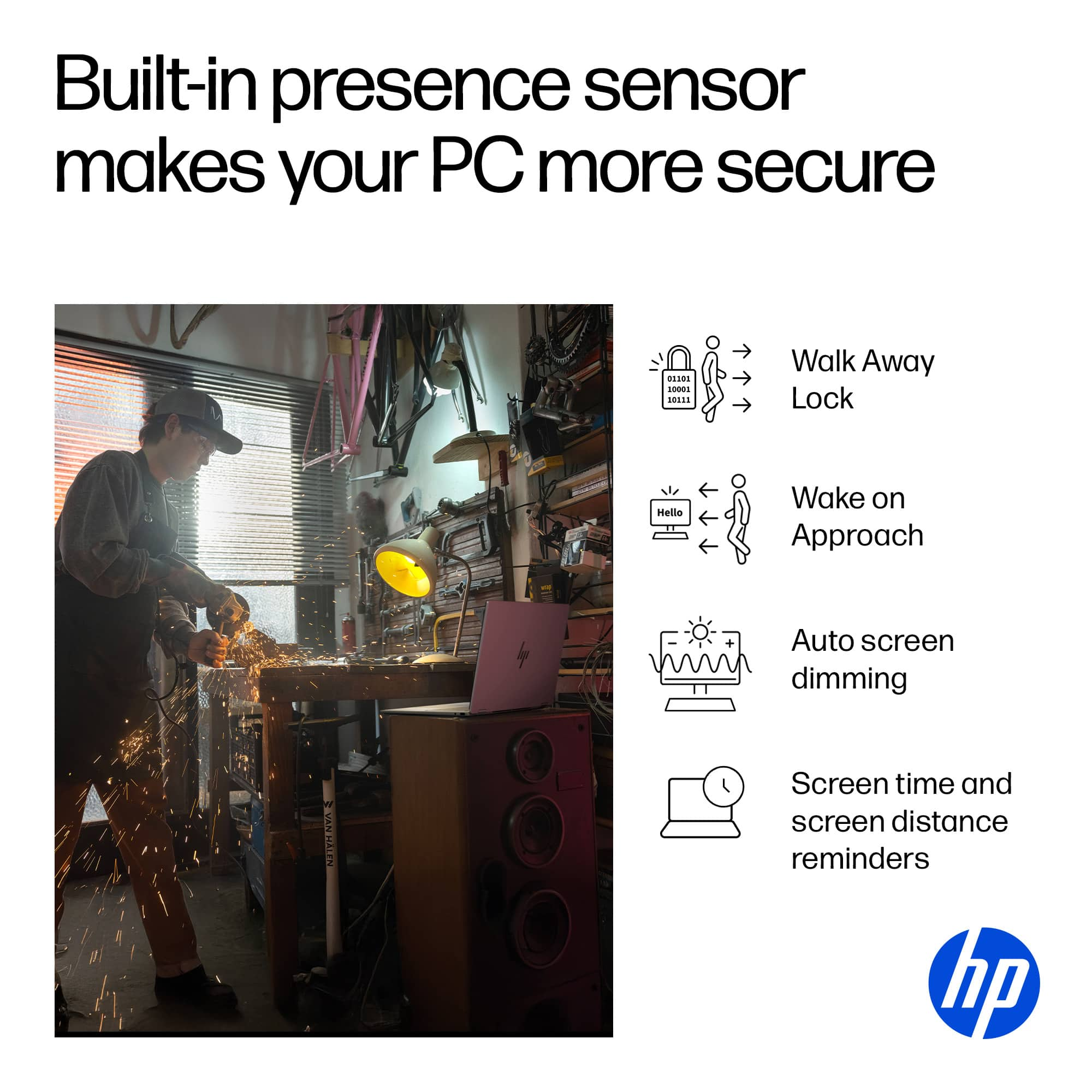
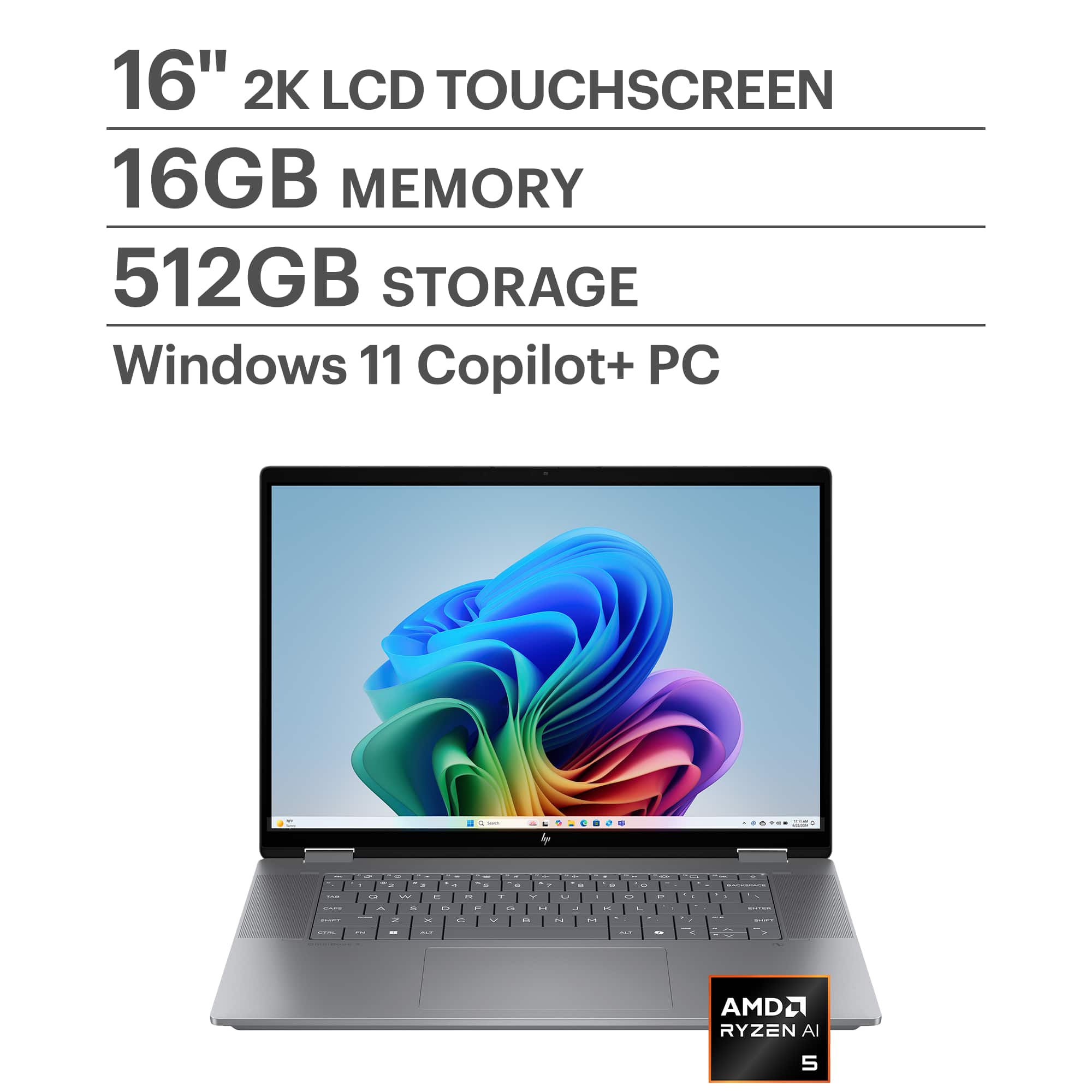
- A:Answer No, it does not have a fingerprint reader built in. You could buy and use an external one, or you could log in with the facial recognition on the camera, but it does not come with a built in fingerprint reader.
Answered by Anonymous
Q: Questioncan i upgrade the ssd
Asked by Texchino.
- A:Answer Yes, but I believe the limit is 2TB SSD. Merry Christmas! John A.
Answered by jwakers23
Q: QuestionIs it correct that there is no restocking fee for any new laptop that has been opened as long as it is returned within 15 days for non-elite members? Also, for a pickup order, is the 15-day counter started on the pickup date? Thanks.
Asked by CuriousABC.
- A:Answer I believe so yes
Answered by CASS
Q: QuestionDoes this laptop USB-C support video or docking stations/power delivery?
Asked by Antrex.
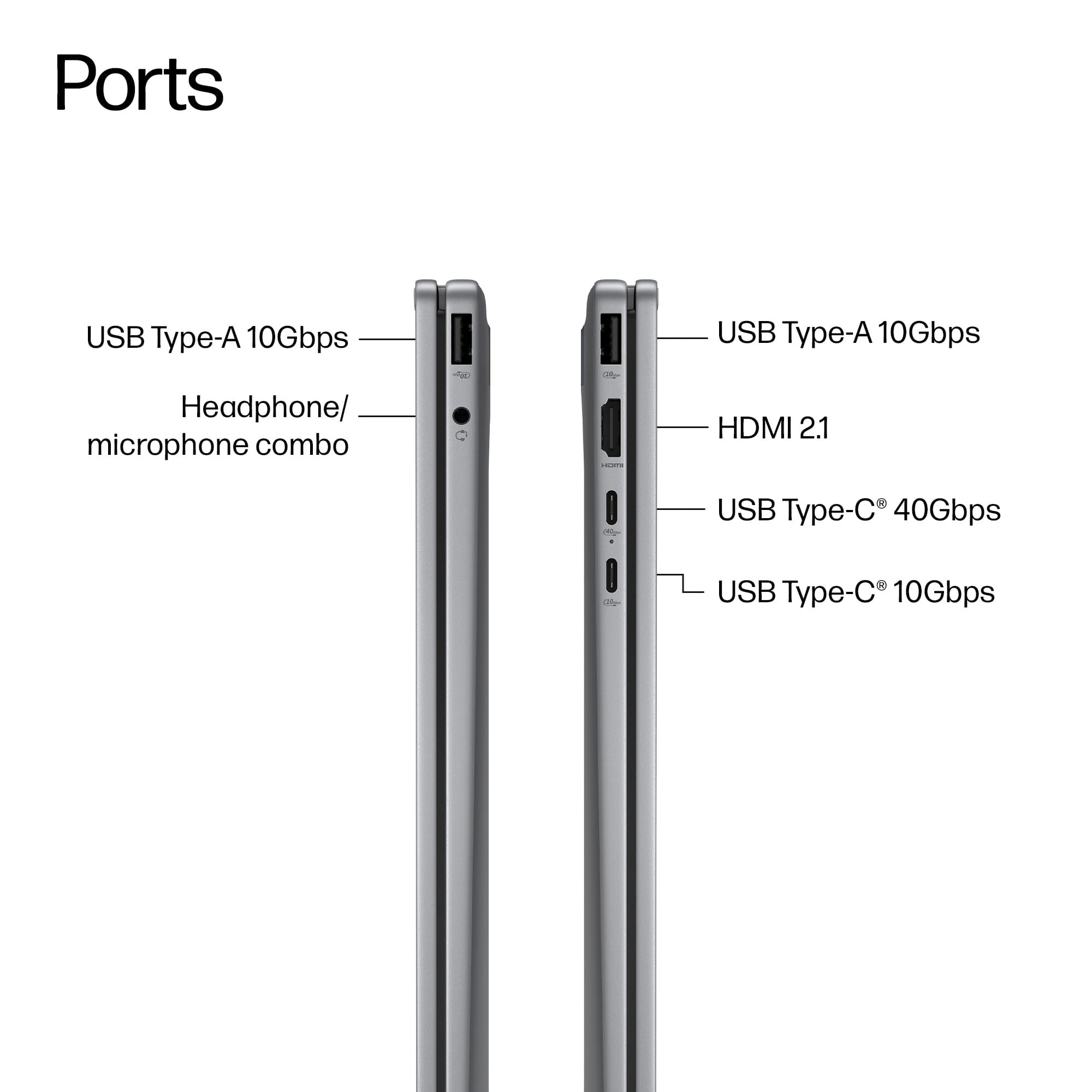
- A:Answer This computer does have usb-c support for both video and docking station.
Answered by Twistedhalo
Q: Questiondoes this laptop come with a stylus pen inside the box?
Asked by stylus.
- A:Answer No, there is no stylus pen.
Answered by Baron8181


 for registration status and tier levels by country. ENERGY STAR and the ENERGY STAR logo are registered trademarks of the US Environmental Protection Agency.](https://pisces.bbystatic.com/image2/BestBuy_US/images/products/528679fa-c5a1-4feb-bbc5-6eed3cb9cfad.jpg;maxHeight=54;maxWidth=54;format=webp)