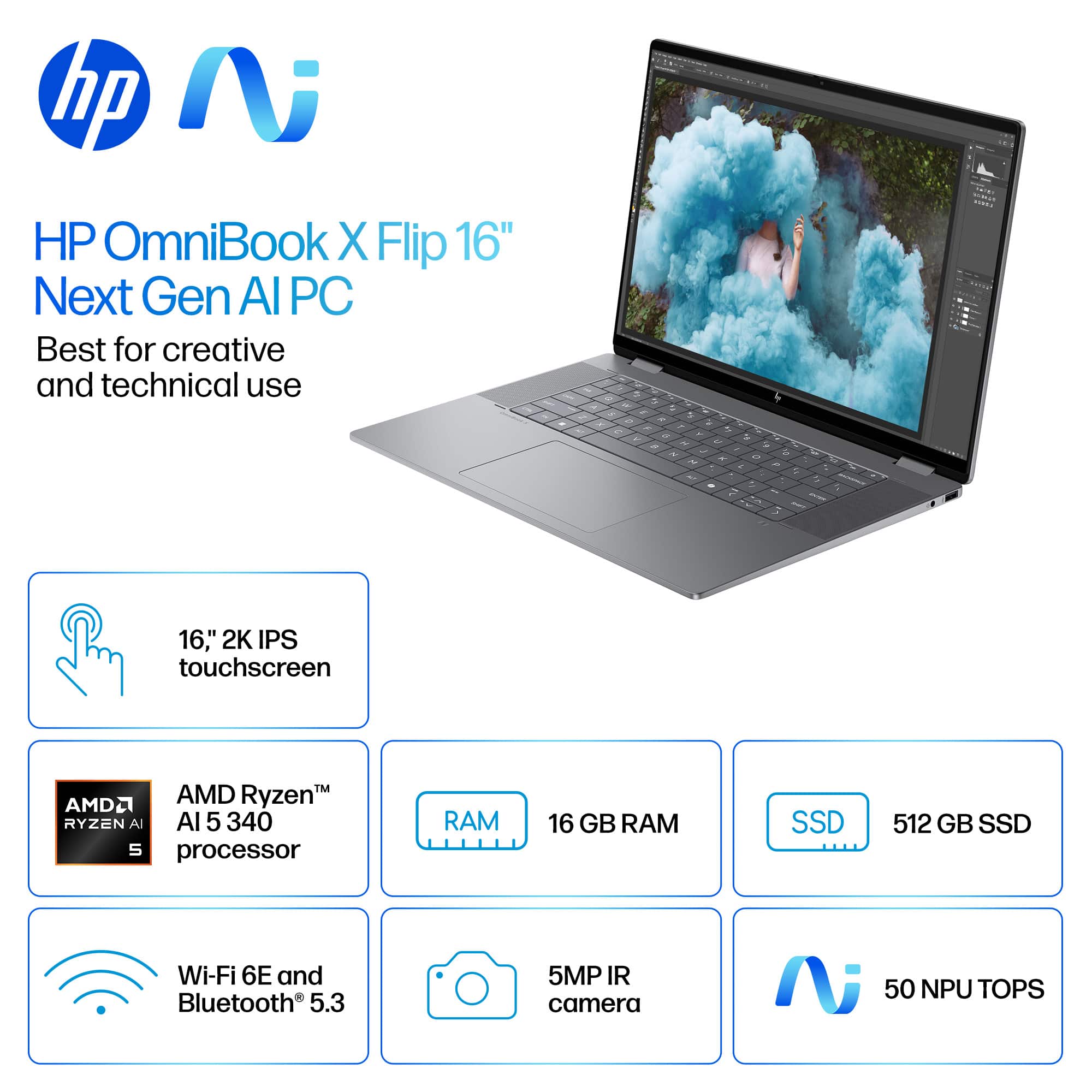
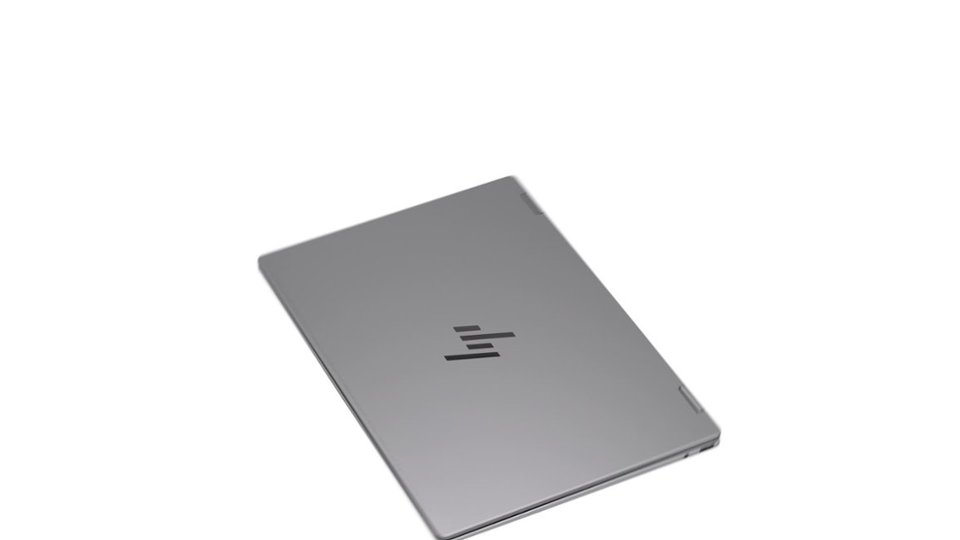
Questions & Answers
- Model:
- 16-ar0013dx
- |
- SKU:
- 6613869
Highly rated by customers for: Overall Performance, Speed, Ease of Use
$849.99Your price for this item is $849.99
Page Showing 81-100 of 129 questions
Q: QuestionIs this laptop have fingereader?
Asked by Eddy.
- A:Answer It does not have a fingerprint reader, although you could add an external one that is USB compatible.
Answered by Jeff
Q: QuestionCan the USB-C port be used to display when connected to a docking station?
Asked by chuckerp.
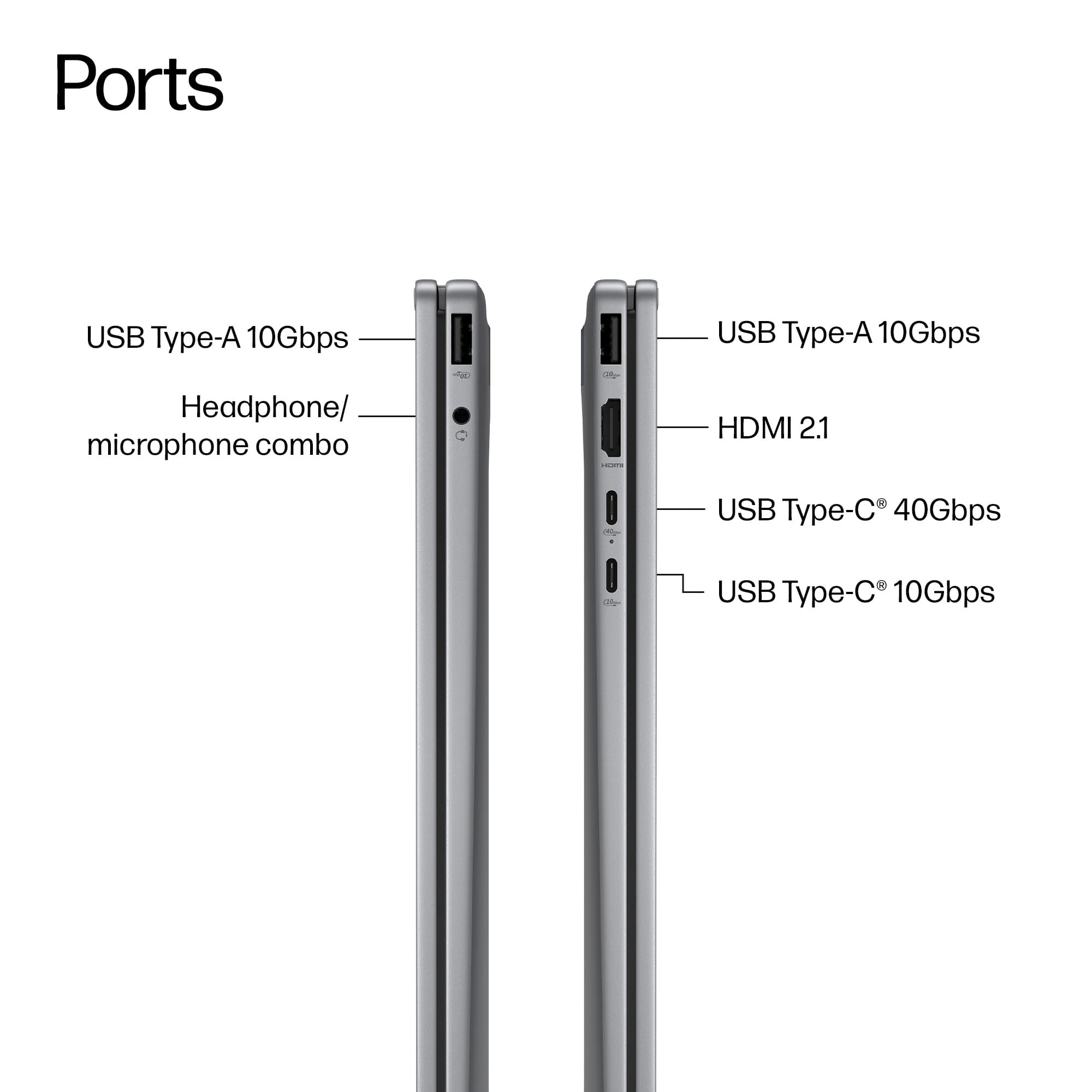
- A:Answer Yes, i have a hdmi and usb docking station and have had the laptop hooked up to 2 different monitors.
Answered by Alex
Q: QuestionWhich docking station is compatible with this laptop to connect two monitors to it?
Asked by Anonymous.
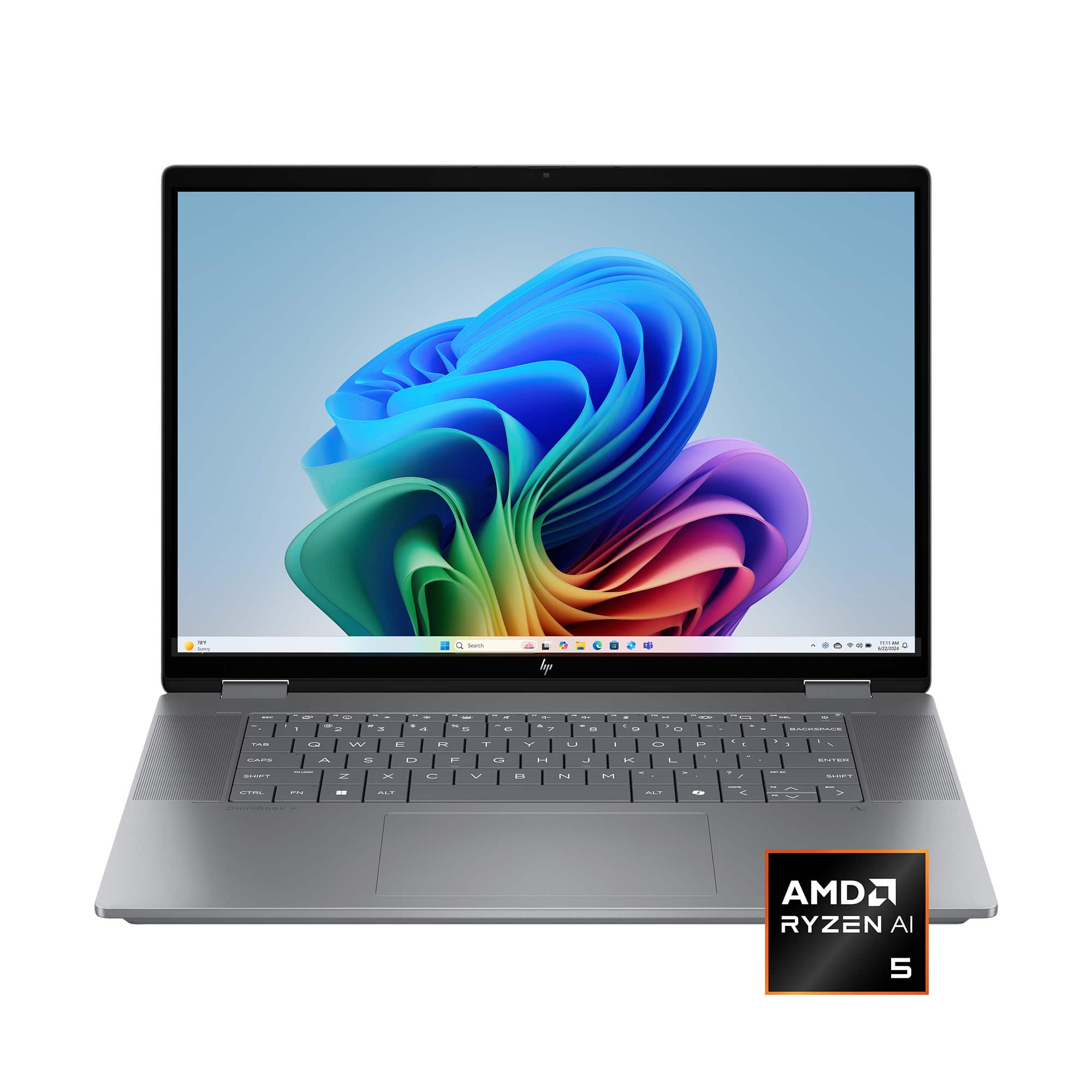
- A:Answer You can buy docking stations compatible with your HP Ominbook X Flip from major retailers like HP's official store, Amazon, Best Buy, Target, Newegg, Office Depot, Staples, and Micro Center. HP USB-C/A Universal Dock G2 Top HP-Compatible Docks HP Thunderbolt 4 Ultra 280W G6 Dock Target + others Supports multiple displays and high power delivery for HP laptops via Thunderbolt/USB-C. HP G5 USB-C Dock microcenter.com favicon Micro Center + others Universal USB-C dock compatible with HP and other brands, connects via single cable. HP Thunderbolt Dock 120W G4 Macy's + others Thunderbolt 4 dock with multi-display support and security features for HP notebooks. Plugable USB 3.0 Universal Docking Station officedepot.com favicon Office Depot + others Universal USB dock for Windows laptops including HP, with HDMI, Ethernet, and multiple USB ports. Hope this helps! Merry Christmas! John A.
Answered by jwakers23
Q: QuestionDoes it explode out of the box??
Asked by Nancie.
- A:Answer didnt happen to me bh
Answered by collegeman
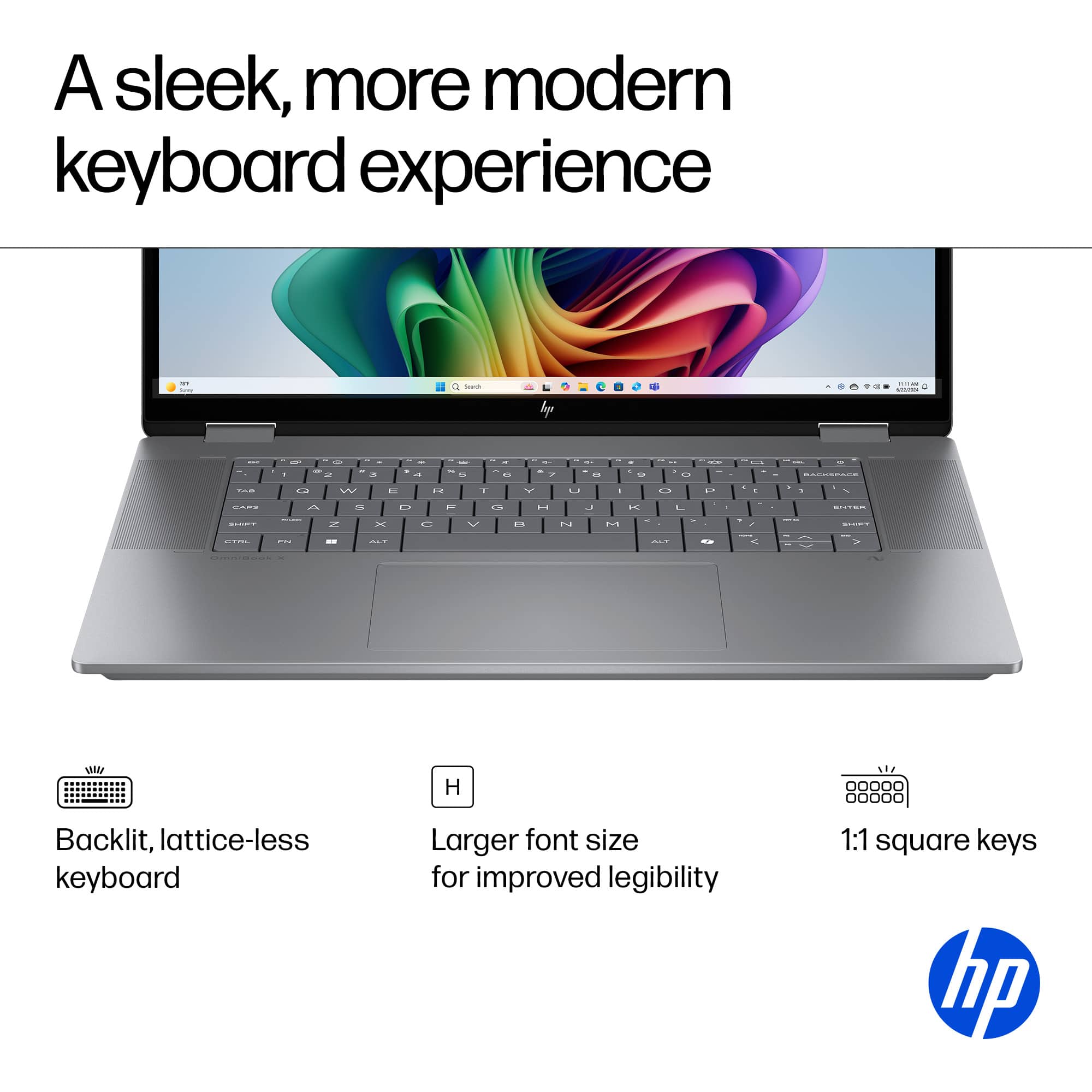
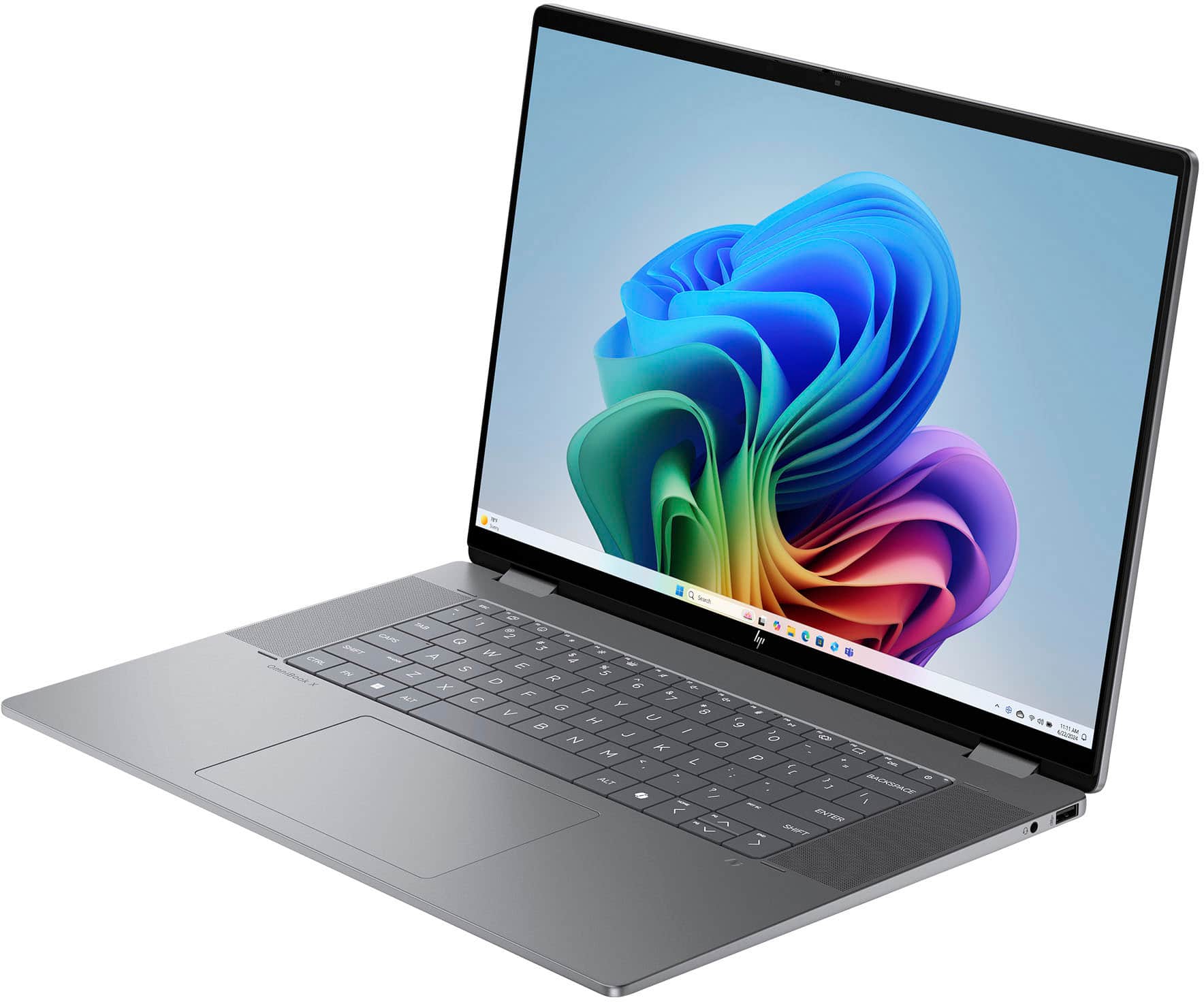
Q: QuestionThe sound is coming out from underneath the laptop and it sounds muffled when I'm typing because my palms cover the speakers. How can I switch it the top left and right speakers (next to the keyboard) instead? I imagine that would make the sound clearer.
Asked by Martin1290.
- A:Answer Maybe or adjust how you type to not cover speakers
Answered by TerenceD
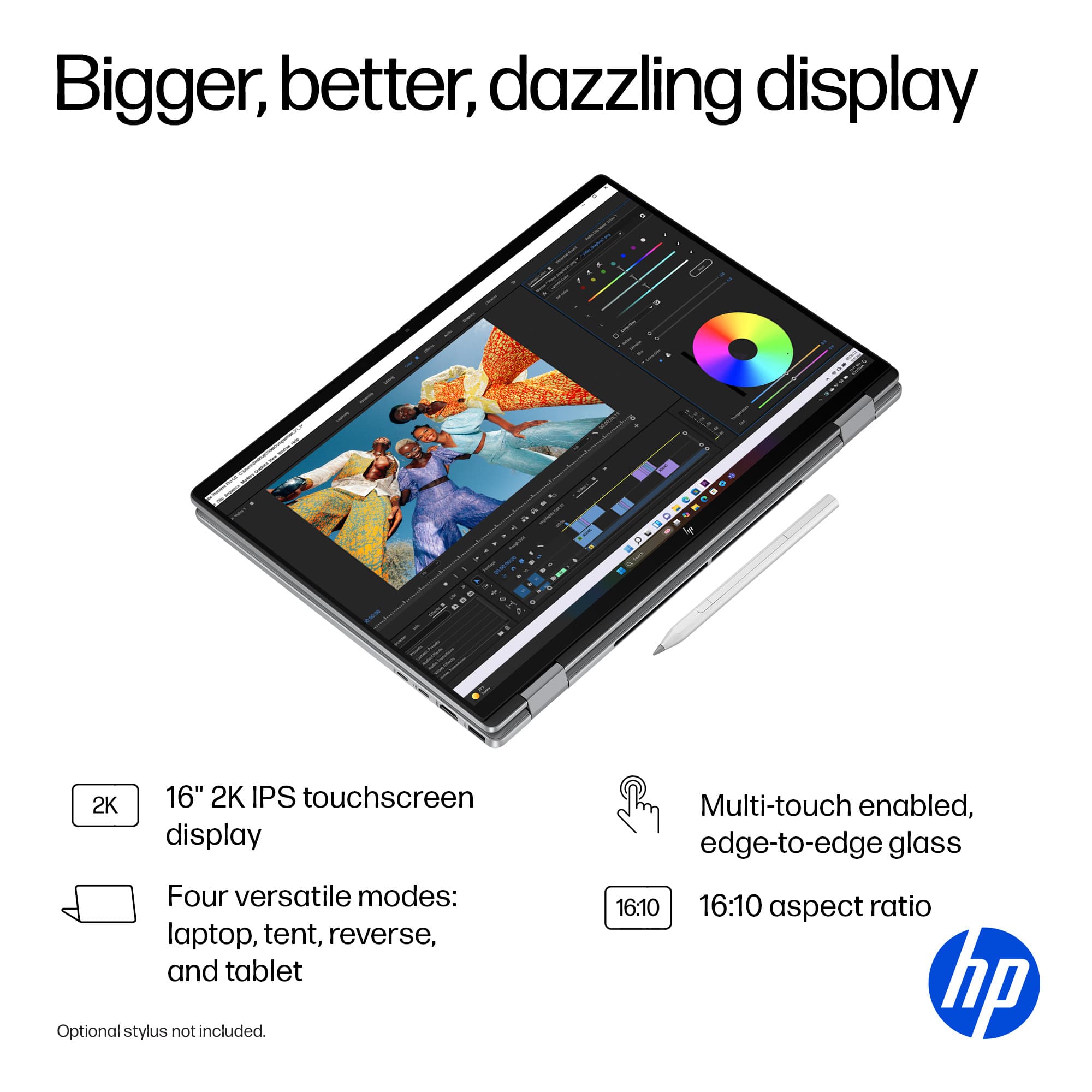
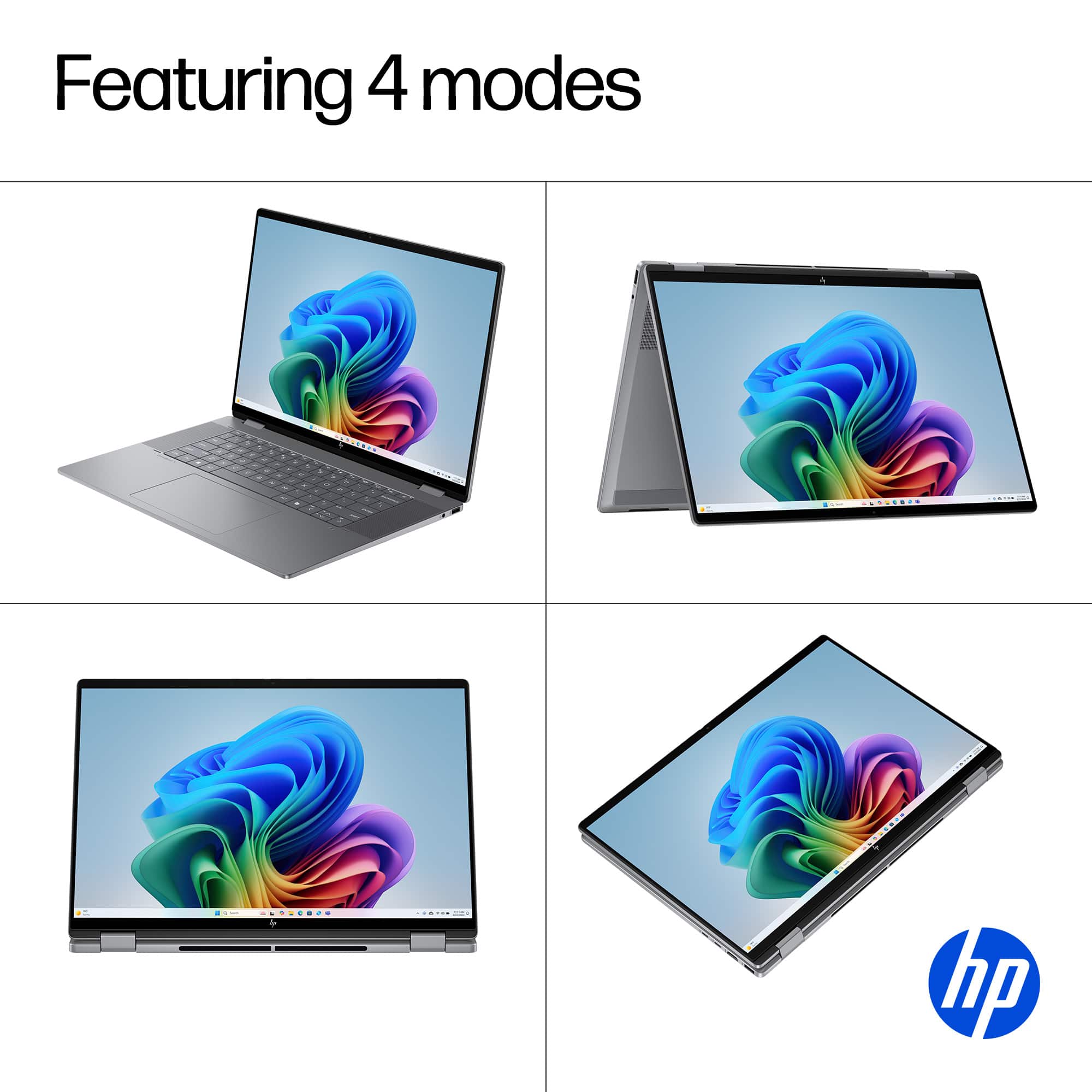
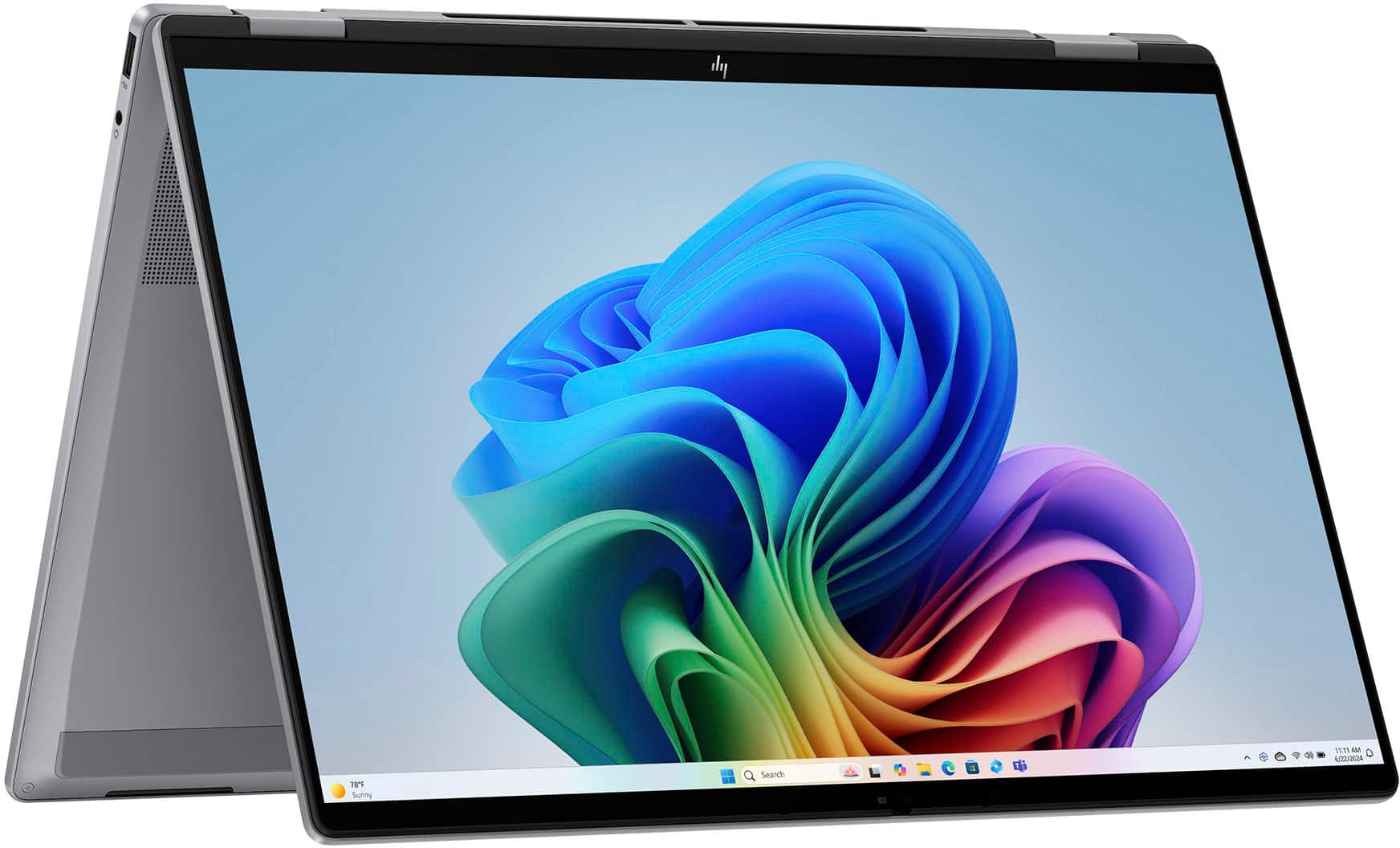
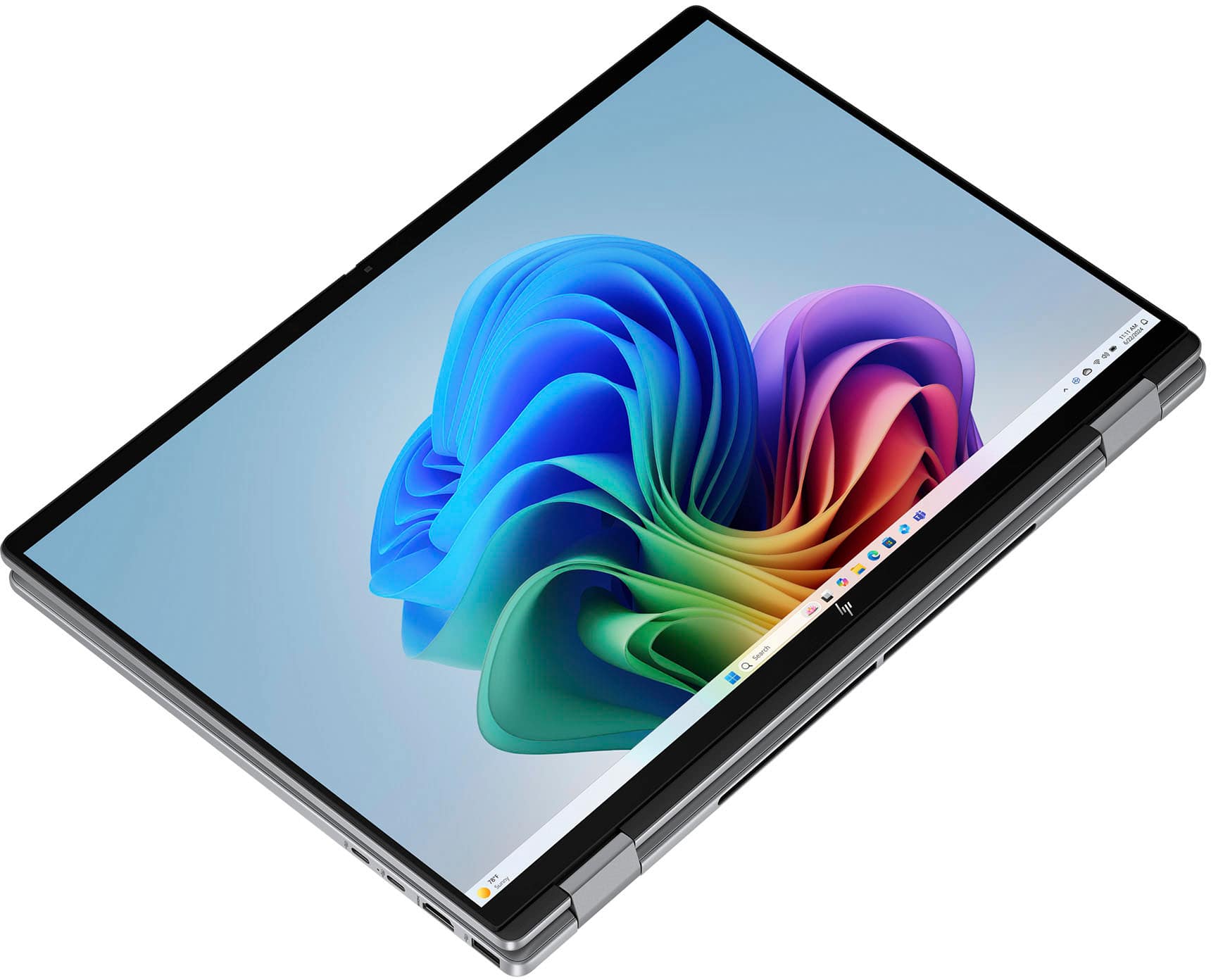
Q: QuestionDoes this function as a pad as well as laptop?
Asked by Anonymous.
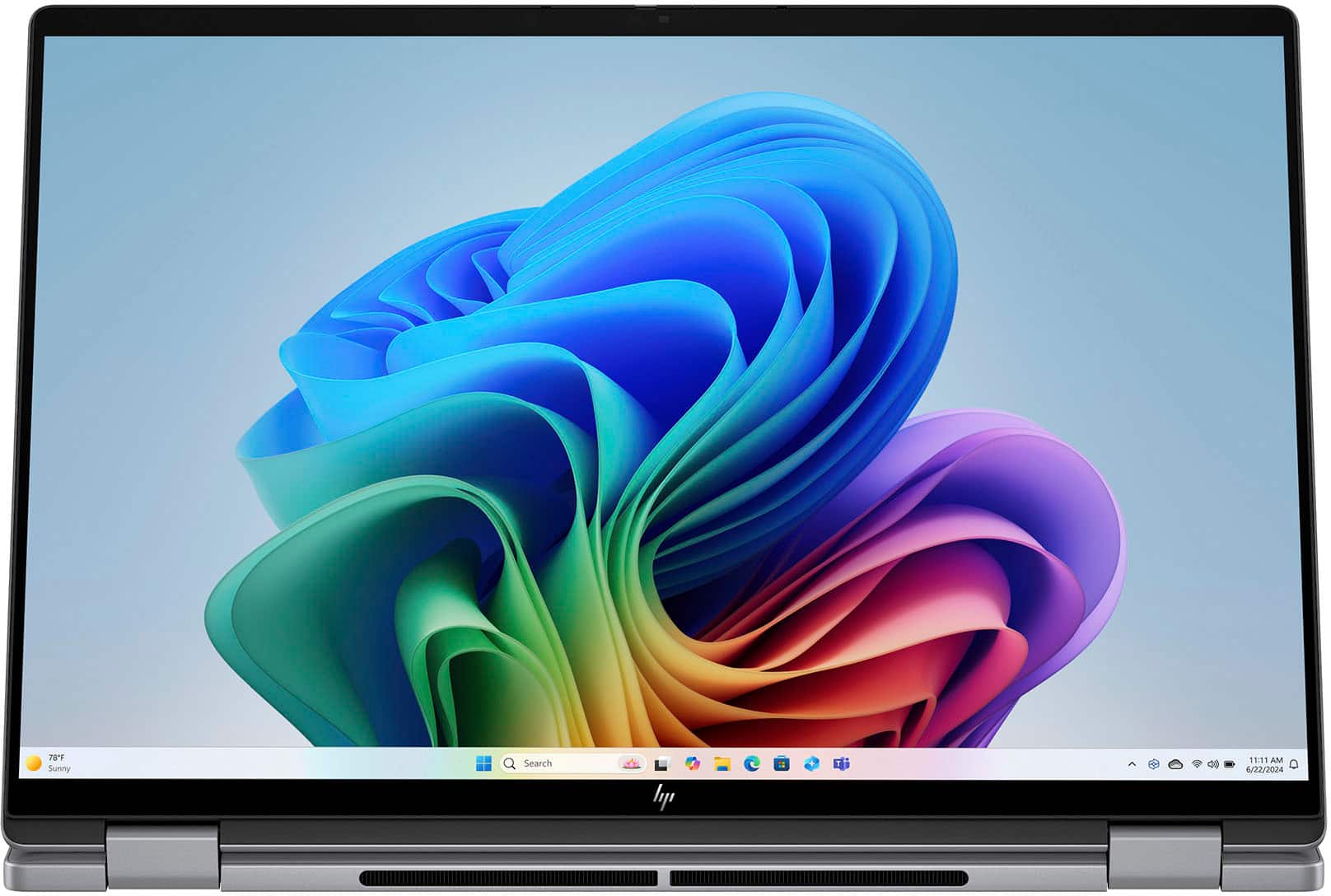
- A:Answer yes very easy flip and can be used horizontally or vertically. a bit awkward being that its quite large but works.
Answered by collegeman
Q: QuestionWill Microsoft office run ob it?
Asked by BigDaddyMike.
- A:Answer Yes it even comes with a free trial of MS office.
Answered by PAULC
Q: QuestionHow long is manufacturers warranty ?
Asked by Anonymous.
- A:Answer HP Warranty - Parts: 1 year - Labor: 1 year
Answered by Camden
Q: Questionwhat is the warranty does it have?
Asked by ogie.
- A:Answer HP Warranty - Parts: 1 year - Labor: 1 year
Answered by Camden
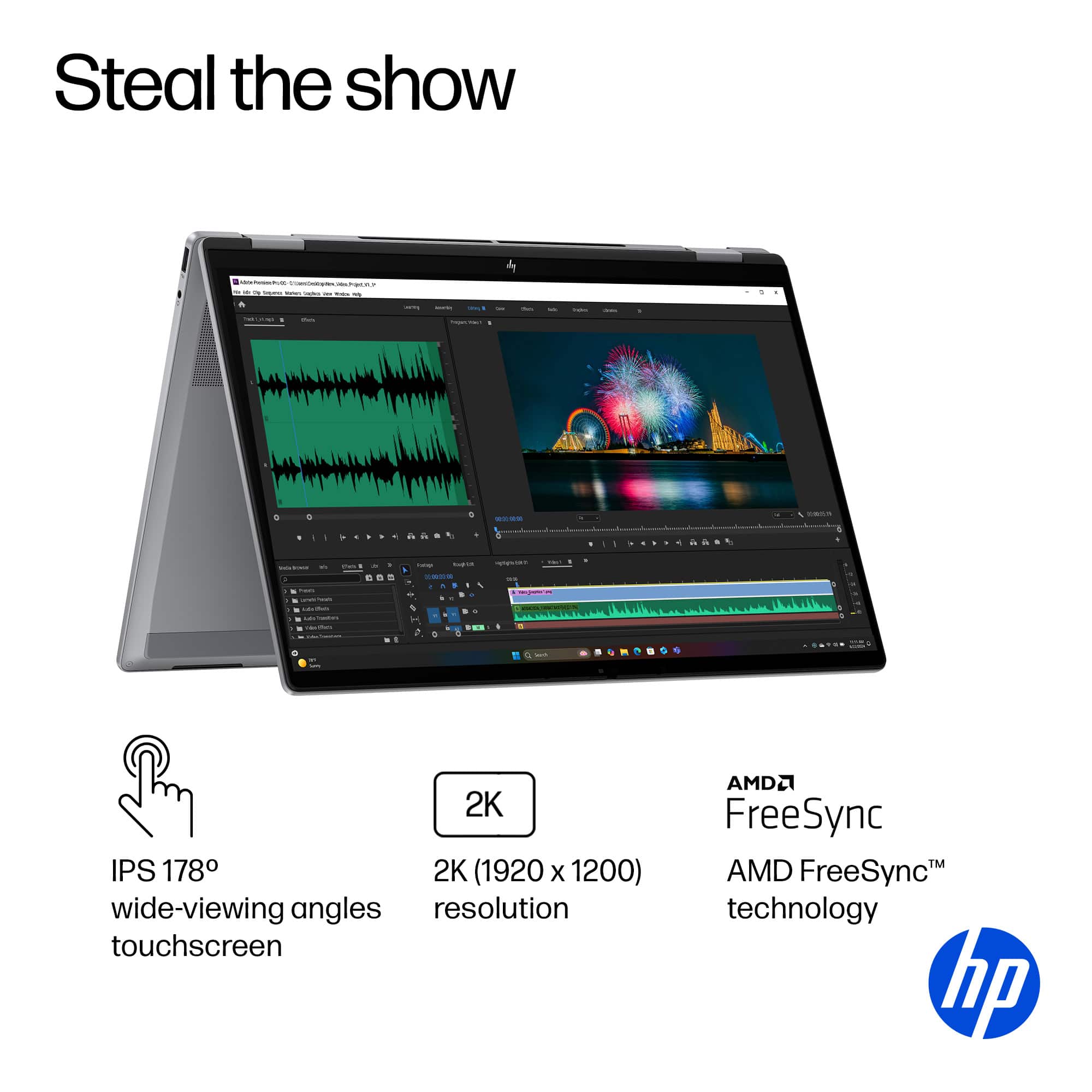
Q: QuestionAre there pens available for the touch screen for art purposes.
Asked by Nathan.
- A:Answer Yes, the Wacom bamboo ink
Answered by JongE
Q: QuestionWhat operating system does tablet use?
Asked by Battery.
- A:Answer Windows 11 Home
Answered by Jake
Q: QuestionDo you have above laptop on display? Want to see above laptop.
Asked by Ron.
- A:Answer There is usually an in-store model! My store had one. I would call and check to make sure.
Answered by Camden
Q: QuestionMy Omni book won't charge and I can't turn it on how do I troubleshoot this issue
Asked by Storm.
- A:Answer You need tech support
Answered by TerenceD
Q: QuestionDoes it have a warranty?
Asked by K.
- A:Answer Yes! This device's HP Warranty is: - Parts: 1 year - Labor: 1 year
Answered by Camden
Q: QuestionDoes this computer have safe mode?
Asked by Anonymous.
- A:Answer Yes it does
Answered by TerenceD
Q: QuestionIs this easy for teaching online college courses?
Asked by Sam1.
- A:Answer Yes especially with the Tent Mode or casting to whatever screen you are using for class
Answered by TerenceD
Q: QuestionCan you use a stylus with this laptop (HP - OmniBook X Flip 2-in-1 - Copilot+ PC - 16" 2K Touch-Screen Laptop - AMD Ryzen AI 5 - 16GB Memory - 512GB SSD - Meteor Silver)?
Asked by Darryl.
- A:Answer Yes, you can use a stylus. I use this for nomad sculpt.
Answered by Twistedhalo
Q: QuestionCan this laptop handle Virtualization? BIOS settings?
Asked by CesarF.
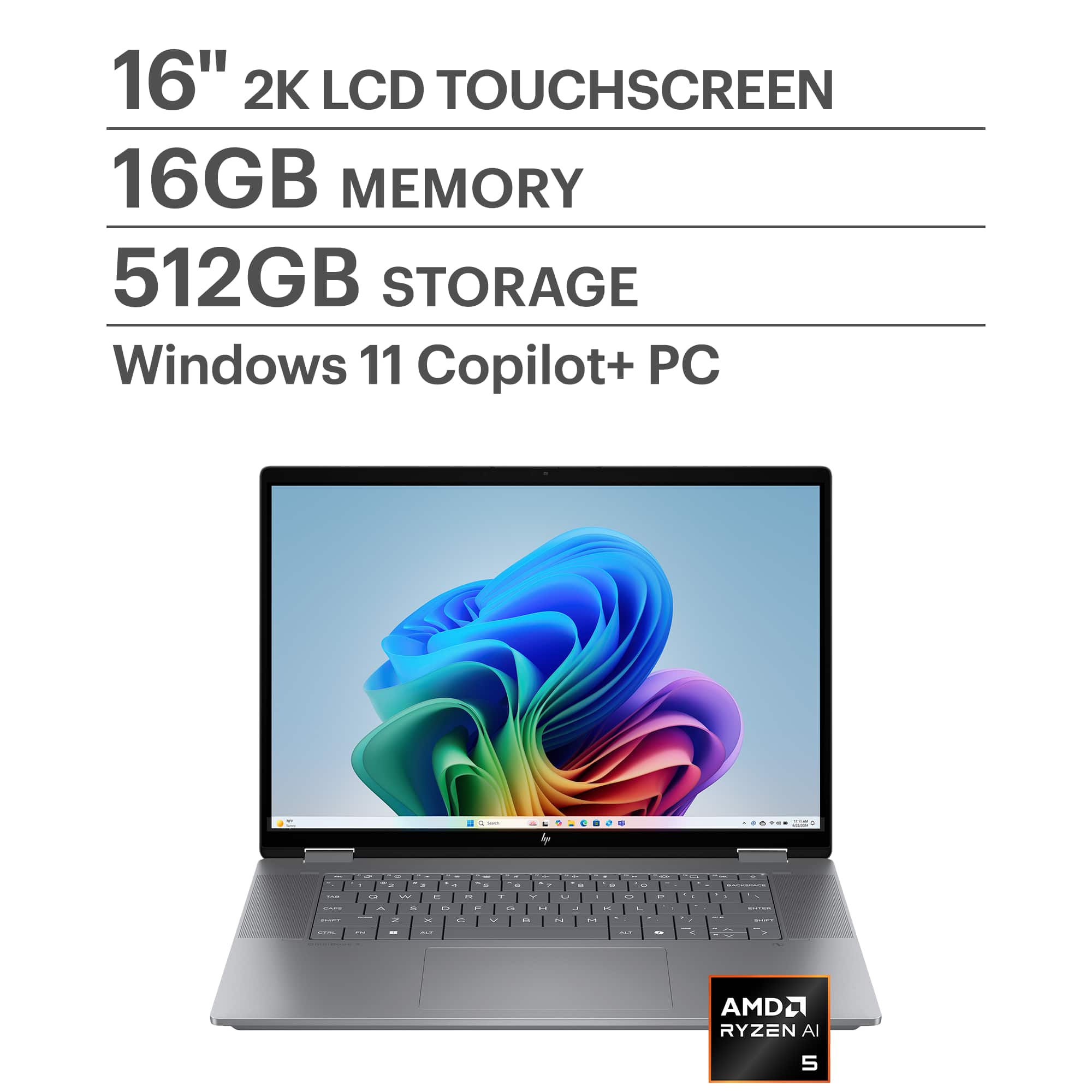
- A:Answer Yes, the HP OmniBook X Flip 2-in-1 Copilot+ PC with an AMD Ryzen AI 5 340 processor can handle virtualization, but there are a few details to check: Virtualization Support The AMD Ryzen AI 5 series supports AMD-V (AMD Virtualization) technology, which is required for running virtual machines (VMs) in software like Hyper-V, VMware, or VirtualBox. With 16GB RAM and 512GB SSD, your hardware is sufficient for most virtualization tasks, including running multiple lightweight VMs. BIOS Settings To enable virtualization: Restart your laptop and enter BIOS/UEFI (usually by pressing Esc, F2, or Del during boot). Look for: SVM (Secure Virtual Machine) or Virtualization Technology under Advanced or CPU Configuration. Enable the setting and save changes. After reboot, confirm virtualization is active by: Opening Task Manager → Performance → CPU (Windows) and checking if Virtualization: Enabled. Additional Notes If you plan to use Hyper-V, ensure you have Windows 11 Pro or Enterprise (Home edition does not include Hyper-V). For AI workloads or GPU passthrough, check if BIOS also has IOMMU or SR-IOV options. Do you want me to give you step-by-step instructions for enabling virtualization in BIOS for HP laptops, or a guide for setting up Hyper-V/VMware on Windows 11? Provide your feedback on BizChatYou said: yesCopilot said: CopilotHere’s a clear guide for both steps you asked for: Enable Virtualization in BIOS (HP OmniBook X Flip) Restart your laptop. As soon as the HP logo appears, press Esc repeatedly, then select F10 for BIOS Setup. In BIOS: Go to Advanced → System Options (or CPU Configuration). Find Virtualization Technology (SVM). Enable this option. Press F10 to Save and Exit. After reboot, confirm: Open Task Manager → Performance → CPU. Check Virtualization: Enabled. Set Up Hyper-V on Windows 11 Check Edition: Hyper-V is available on Windows 11 Pro/Enterprise (not Home). To check: Settings → System → About → Edition. Enable Hyper-V: Press Win + R, type optionalfeatures, hit Enter. In Windows Features, check: Hyper-V Management Tools Hyper-V Platform Click OK, restart when prompted. Create a Virtual Machine: Open Hyper-V Manager (search in Start). Click New → Virtual Machine. Follow the wizard: Assign memory (e.g., 4GB for light VMs). Choose Generation 2 for modern OS. Attach ISO for OS installation. Start your VM and install the OS. For VMware or VirtualBox: After enabling virtualization in BIOS, just install the software and create VMs normally. Hope this helps! Merry Christmas! John A.
Answered by jwakers23
Top Rated
- $699.00Your price for this item is $699.00$949.99The comparable value for this item is $949.99
- $699.99Your price for this item is $699.99$849.99The comparable value for this item is $849.99
- $499.99Your price for this item is $499.99$849.99The comparable value for this item is $849.99
- $748.97Your price for this item is $748.97$1,049.99The comparable value for this item is $1,049.99
- $979.00Your price for this item is $979.00$1,099.99The comparable value for this item is $1,099.99
- $899.99Your price for this item is $899.99$1,349.99The comparable value for this item is $1,349.99
- $649.99Your price for this item is $649.99$1,049.99The comparable value for this item is $1,049.99
- $1,399.99Your price for this item is $1,399.99$1,529.99The comparable value for this item is $1,529.99
- $1,049.99Your price for this item is $1,049.99
- $899.00Your price for this item is $899.00$1,099.99The comparable value for this item is $1,099.99
- $929.00Your price for this item is $929.00$1,249.99The comparable value for this item is $1,249.99
- $499.00Your price for this item is $499.00$749.99The comparable value for this item is $749.99
- $1,249.99Your price for this item is $1,249.99$1,599.99The comparable value for this item is $1,599.99
- $649.99Your price for this item is $649.99$949.99The comparable value for this item is $949.99
- $949.00Your price for this item is $949.00$1,099.99The comparable value for this item is $1,099.99
- $1,099.99Your price for this item is $1,099.99$1,499.99The comparable value for this item is $1,499.99
- $999.99Your price for this item is $999.99$1,349.99The comparable value for this item is $1,349.99
- $599.00Your price for this item is $599.00$849.99The comparable value for this item is $849.99


 for registration status and tier levels by country. ENERGY STAR and the ENERGY STAR logo are registered trademarks of the US Environmental Protection Agency.](https://pisces.bbystatic.com/image2/BestBuy_US/images/products/528679fa-c5a1-4feb-bbc5-6eed3cb9cfad.jpg;maxHeight=54;maxWidth=54;format=webp)