Save up to 50% on 3-Day Sale deals.Ends 12/7.Shop now

Skip to content
Gift Ideas
Main Content

Questions & Answers

3-Day Deal
Your price for this item is $599.99
The comparable value price is $849.99
Page Showing 1-20 of 89 questions
  • QuestionWhat type of RAM does this HP computer use?

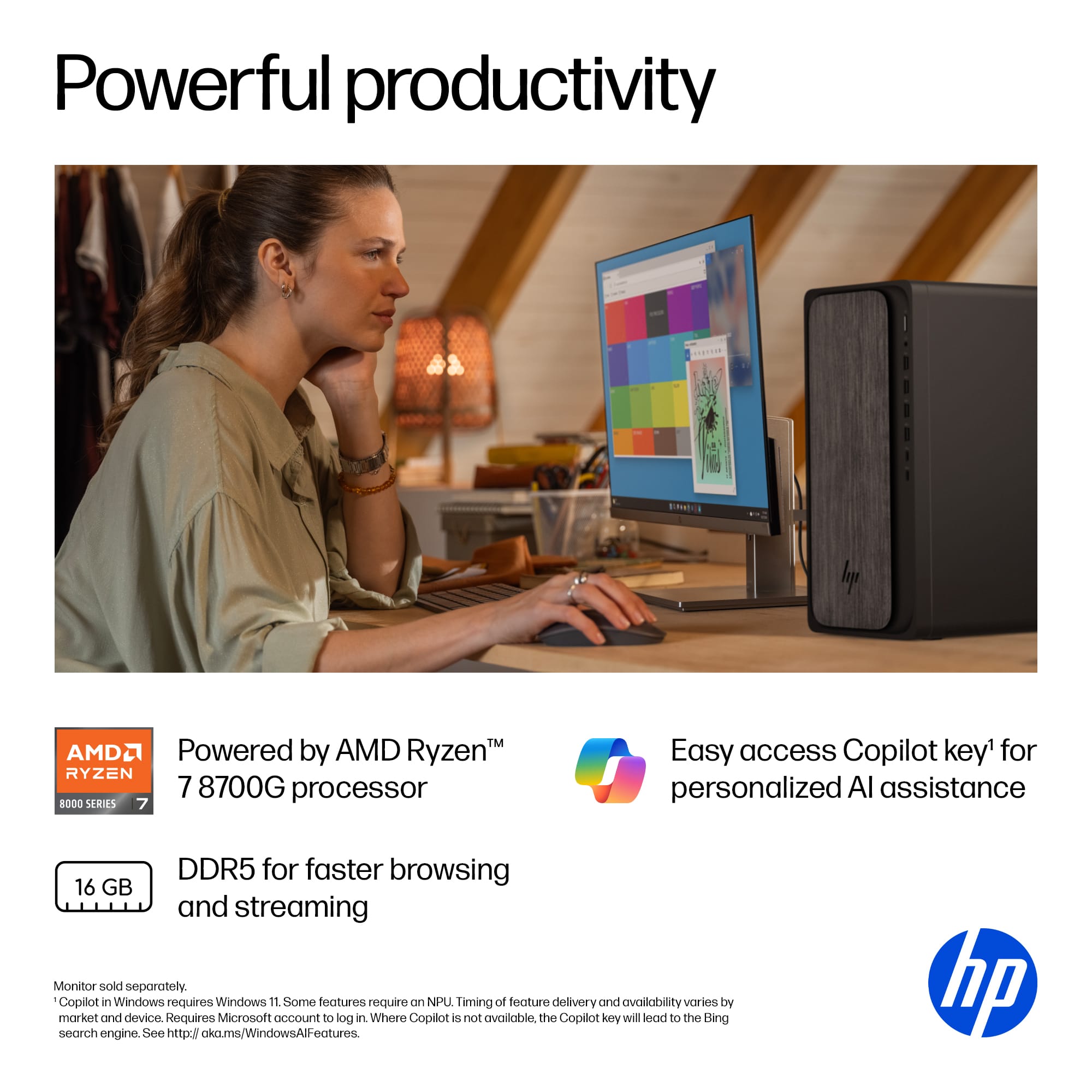
    • Answer This computer uses DDR5 RAM.
    This question and answer was generated by AI based on customer and product data.
  • QuestionHow much RAM does the HP OmniDesk have?

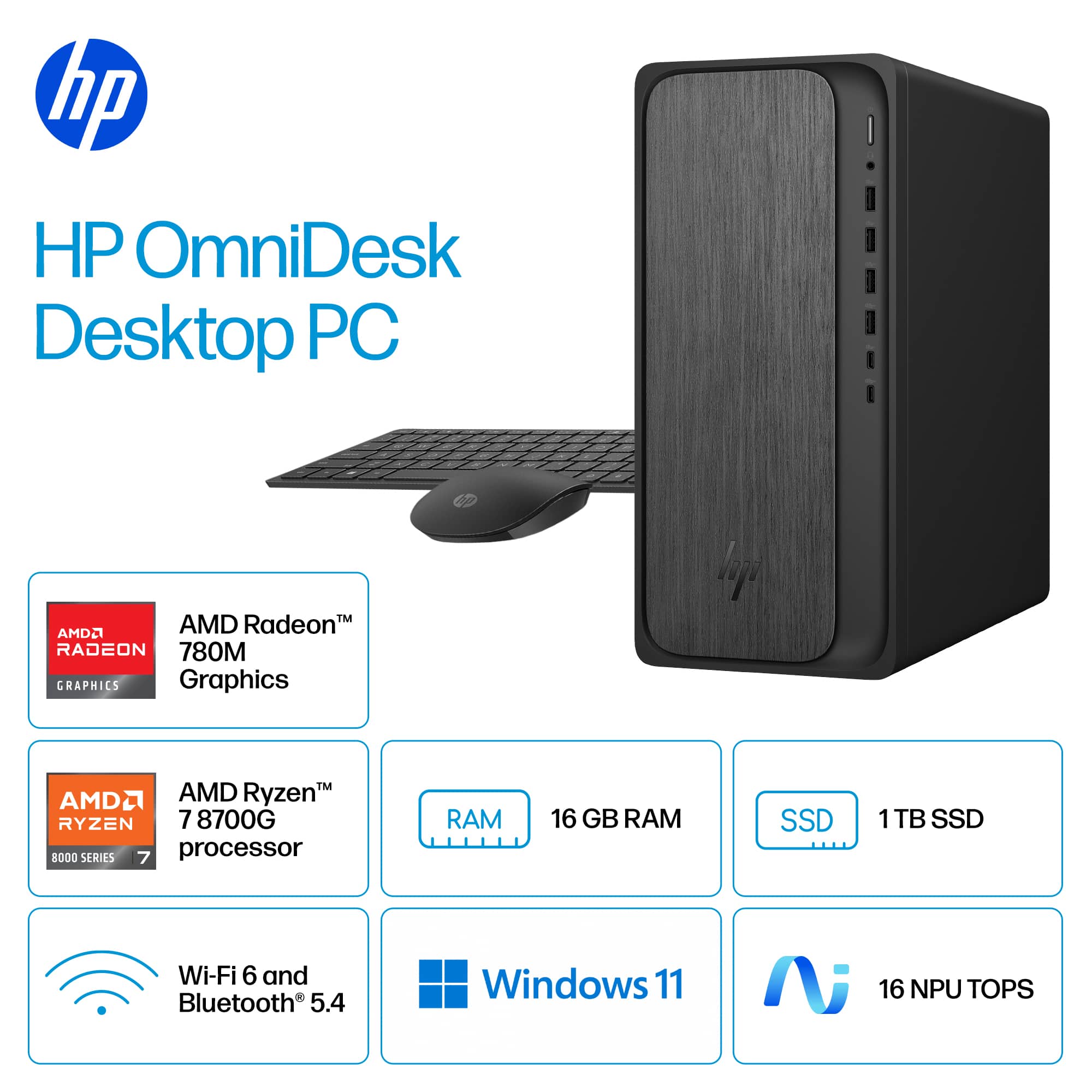
    • Answer It has 16GB of DDR5 RAM.
    This question and answer was generated by AI based on customer and product data.
  • QuestionWhat processor does this computer have?

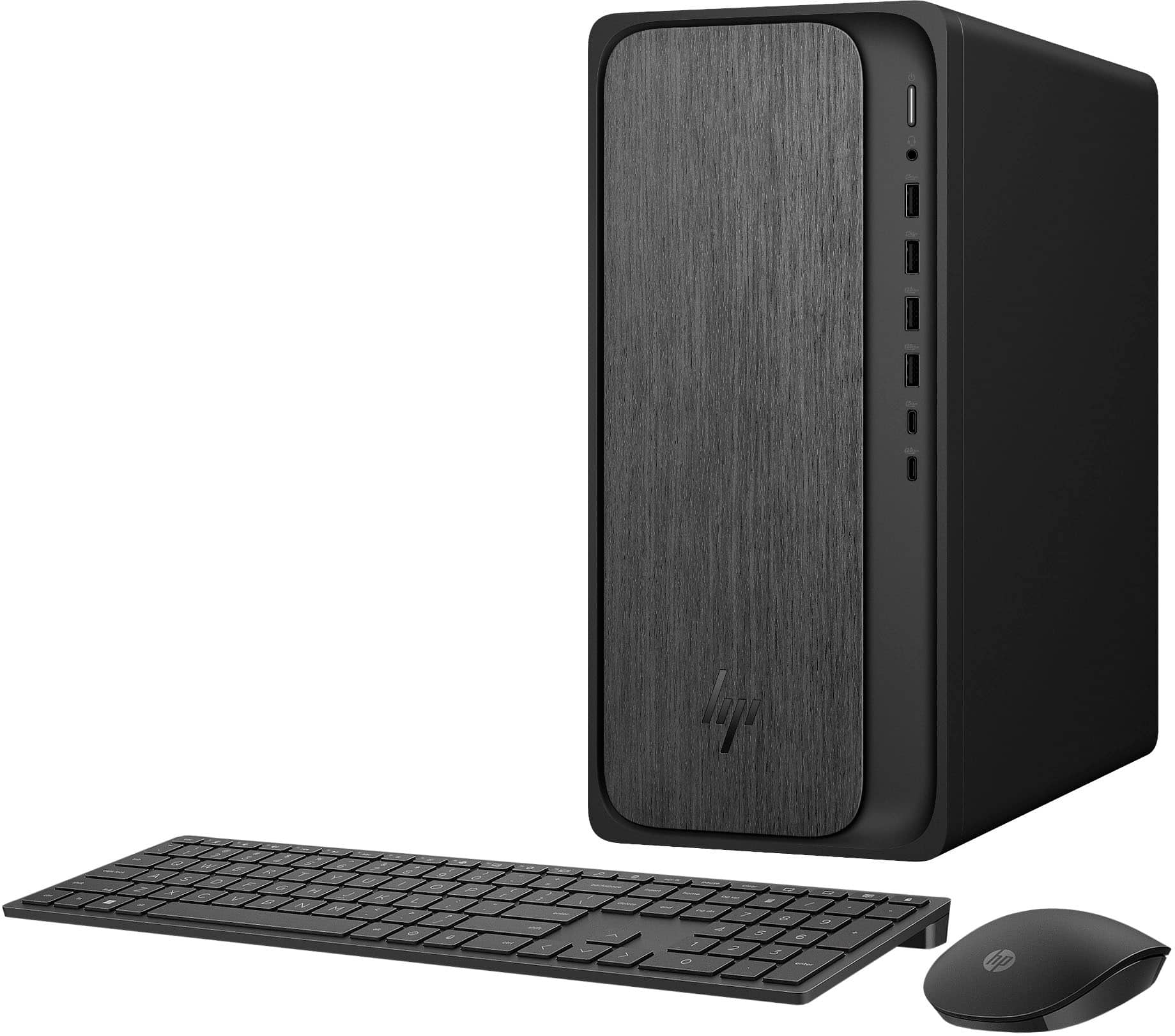
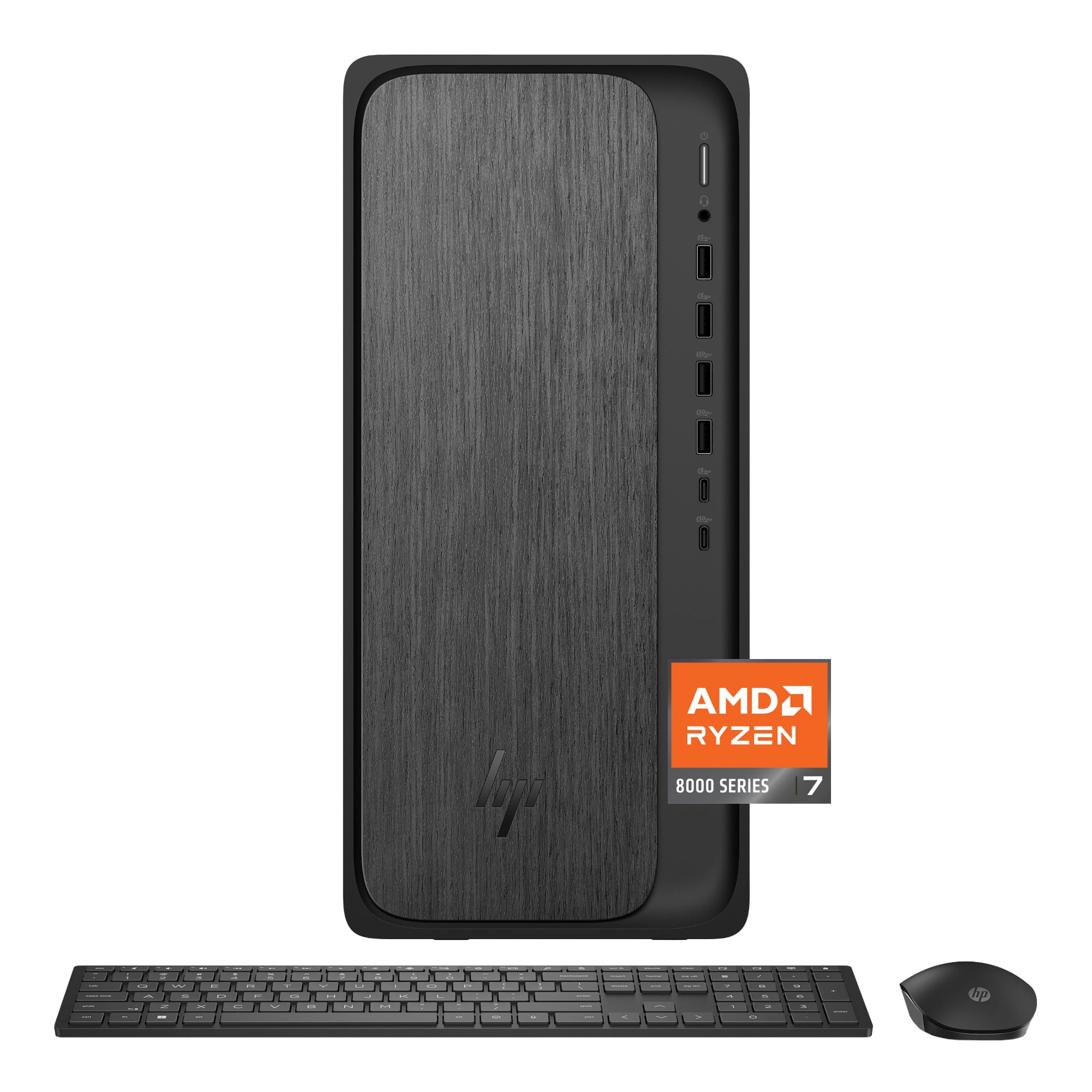
    • Answer It has an AMD Ryzen 7 8700G processor.
    This question and answer was generated by AI based on customer and product data.

  • QuestionDoes this computer support multiple displays?

    • Answer Yes, it supports up to four displays for multitasking.
    This question and answer was generated by AI based on customer and product data.

  • QuestionWhat operating system does the HP OmniDesk come with?

    • Answer It comes with the Windows 11 Home operating system.
    This question and answer was generated by AI based on customer and product data.

  • QuestionWhat is the storage capacity of the SSD?

    • Answer The SSD has a storage capacity of 1TB.
    This question and answer was generated by AI based on customer and product data.

  • QuestionCAN YOU UPGRADE RAM TO 32 GIG ON THIS COMPUTER

    Asked by TESSIEGOGO123.

    • Answer I, recently, purchased this exact pc and am currently running 2X Crucial Pro 32 GB DDR5 sticks for a total of 64 GB without an issue. So, it does read the bigger sticks.

      Answered by CFussell

  • QuestionDoes this unit have a CD ROM drive?

    Asked by AlmoC.

    • Answer No, I have a plug and play CD player attached separately that works well and was not very expensive.

      Answered by Kkohl

  • QuestionDoes this unit have and audio output on the rear for speaker hook up?

    Asked by Brudog.

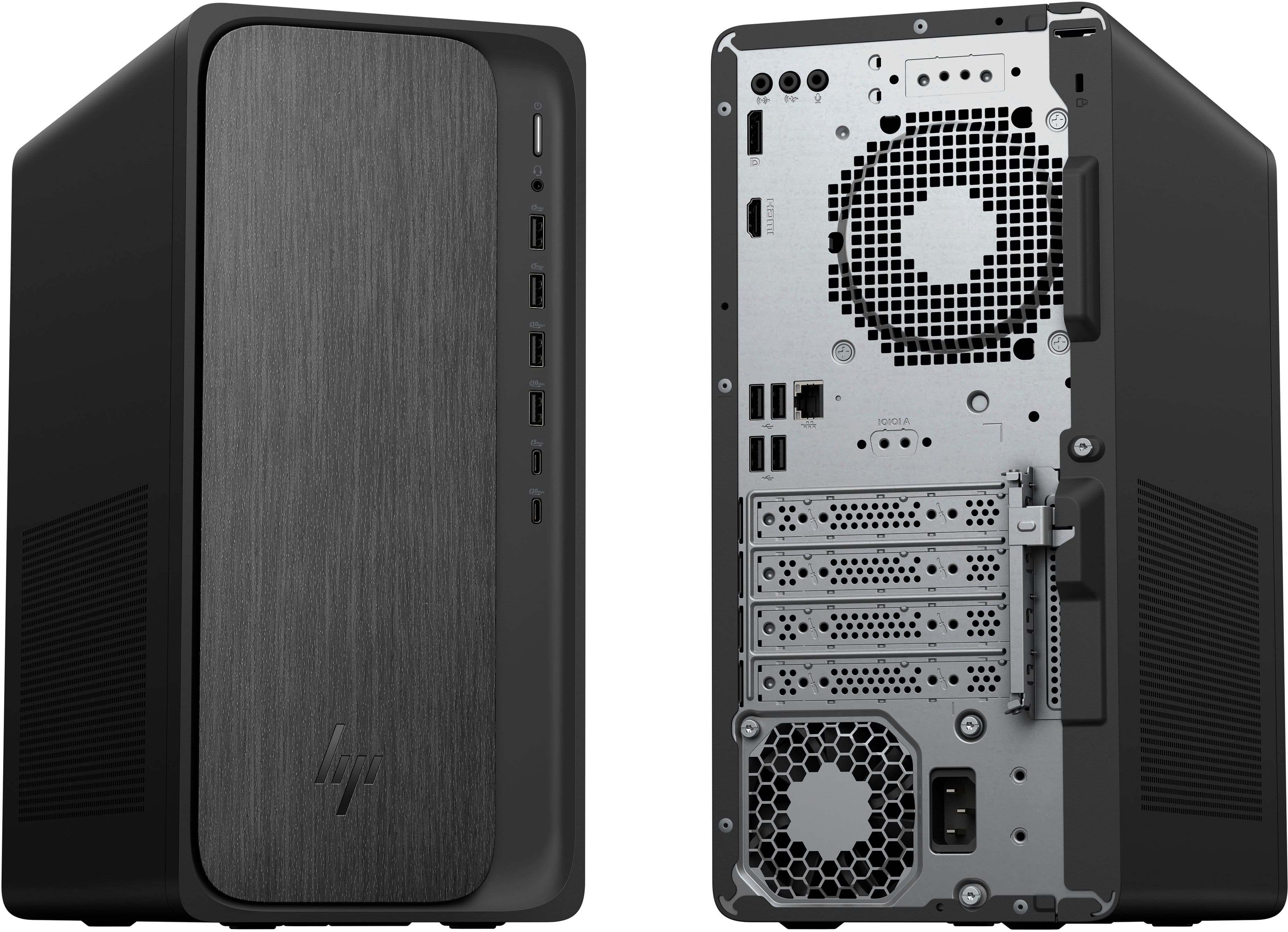
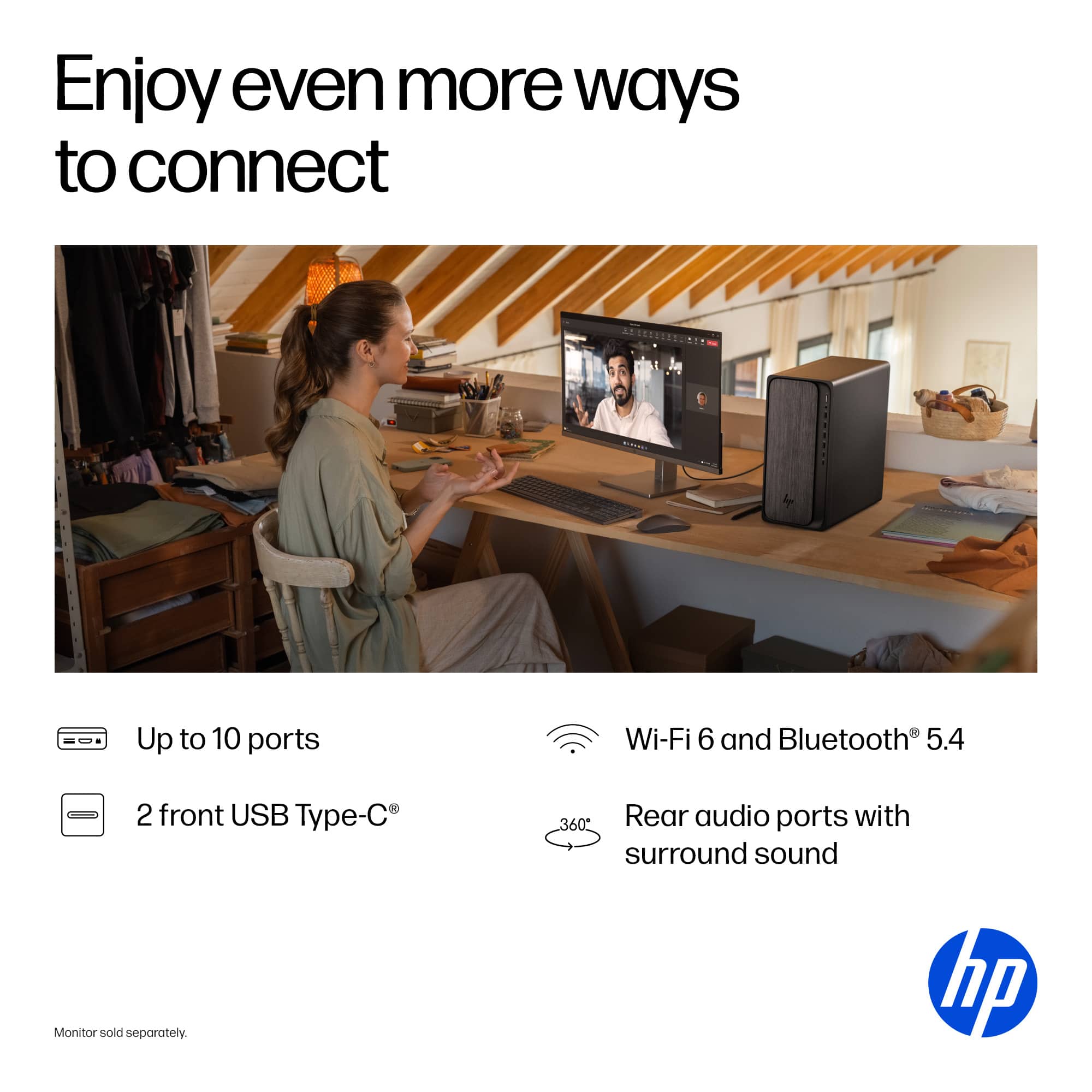
    • Answer Brudog, thank you for your question about this HP OmniDesk! Yes, it is equipped with audio hookups on the back side.

      Answered by HP Team

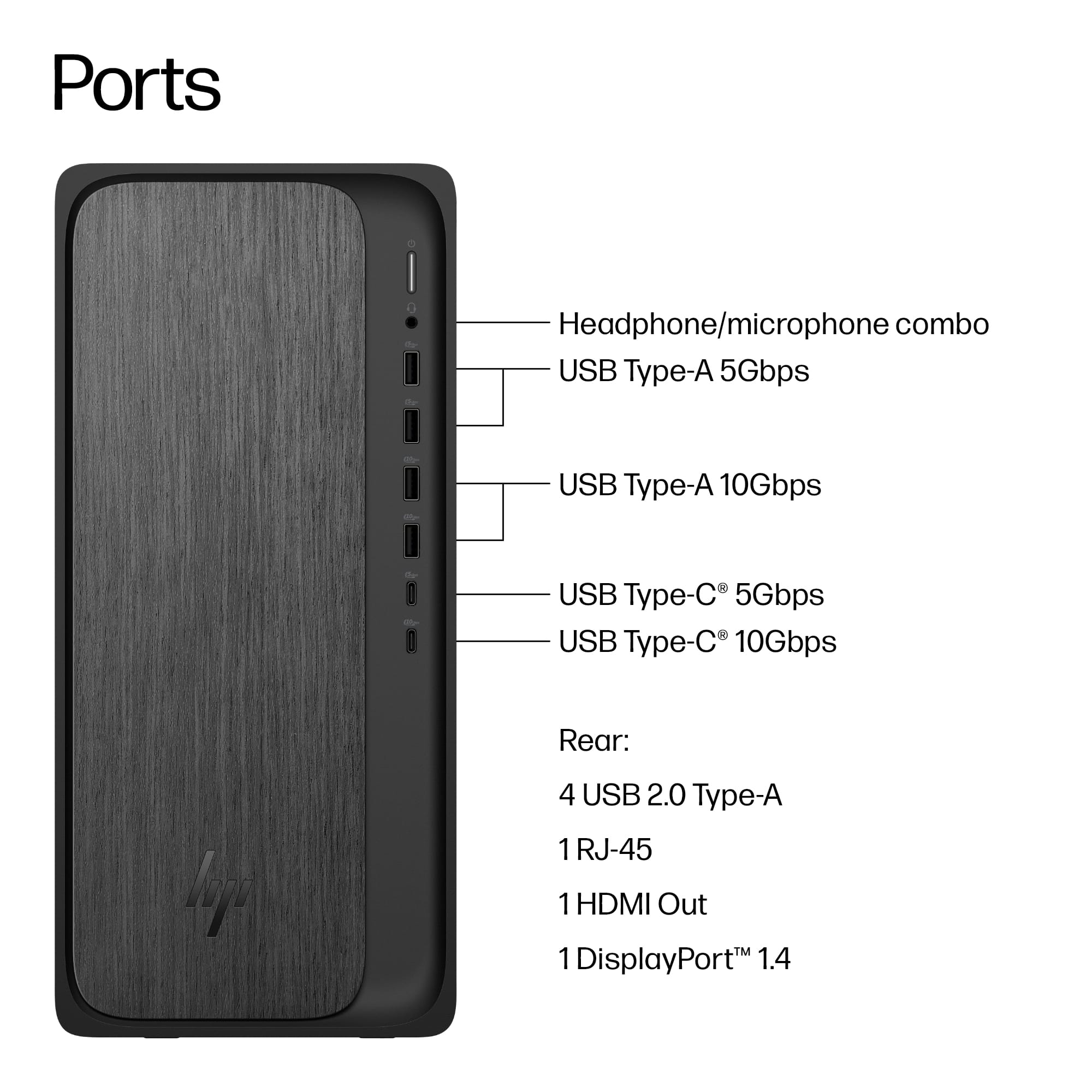
  • QuestionHow would you connect more than one display?

    Asked by Anonymous.

    • Answer The first two monitors are easy. One connects to the HDMI on the desktop, the other connects to the display port on the desktop....BUT HOW DO YOU CONNECT A THIRD MONITOR?? Been on the phone with HP for over 2 hours. First they say you can use the USB c 10GBPS port to connect up to 2 monitors. Connected them directly to the usb c and that didnt work. Then they said I needed a USB hub, so I purchased one of those from HP, and that didnt work. Then I was told they cant help me any further because I dont have HP monitors...so I am at a loss. No clue how to get more than 2 monitors to work.

      Answered by Frank

  • QuestionCan you use a plug in keypad and mouse or only wireless?

    Asked by Brandon.

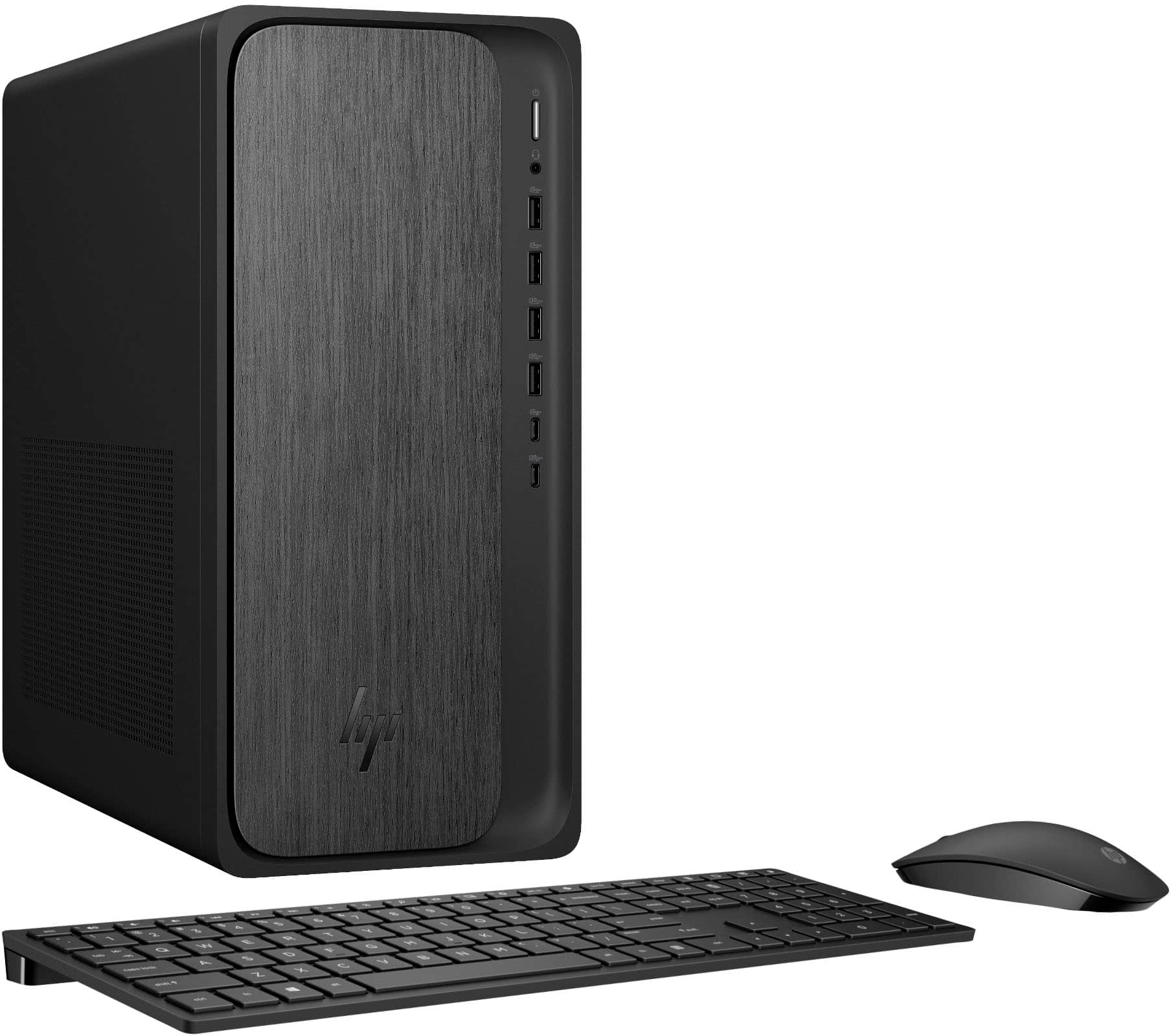
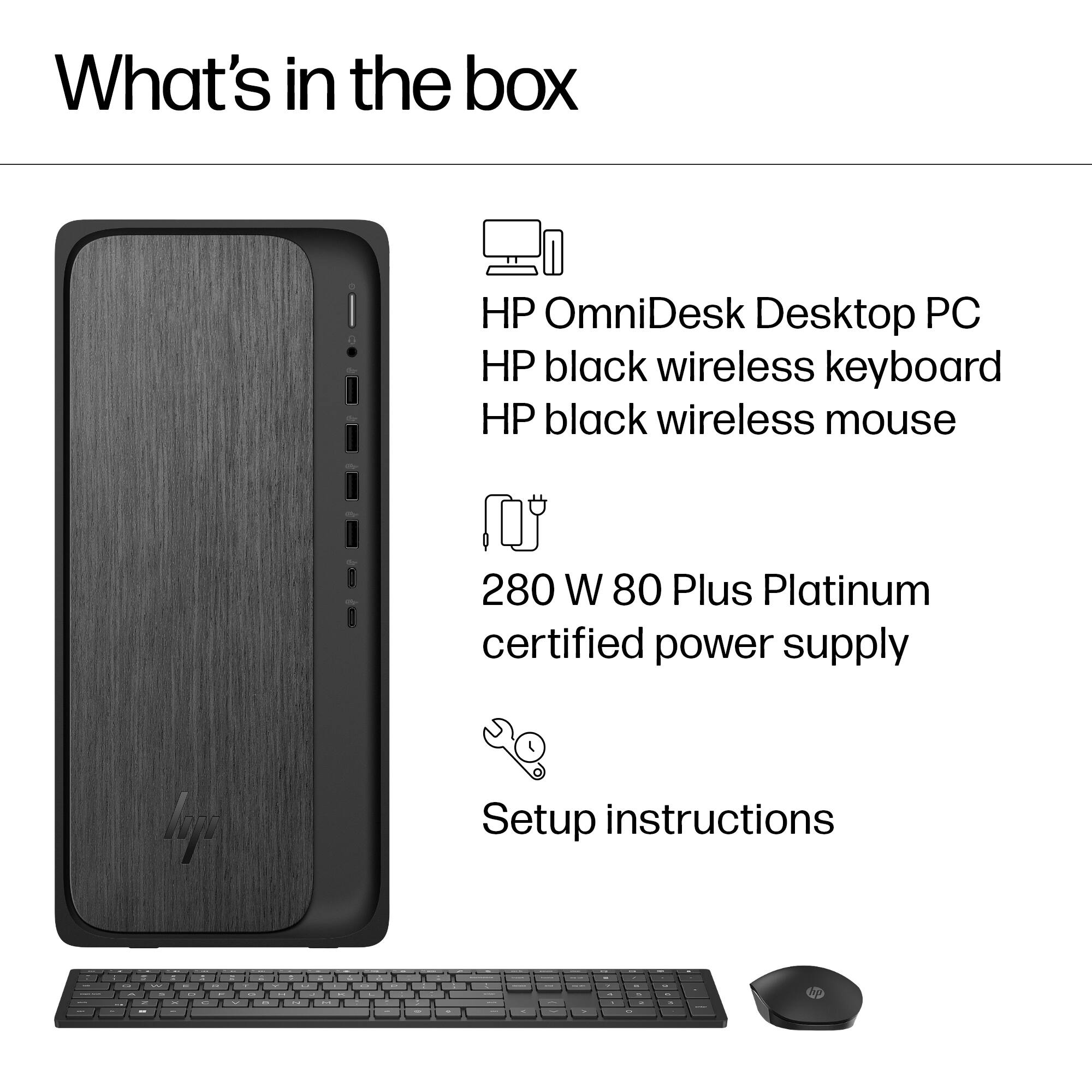
    • Answer Both

      Answered by JoyT

  • QuestionI need a slot for an SD card. Apparently, this computer doesn't have one. What do I do??

    Asked by VETREP.

    • Answer You can buy a USB SD card or multi-card reader.

      Answered by Anonymous

  • QuestionDoes this PC have a card slot for multimedia?

    Asked by cma.

    • Answer No, I use a separate card reader for mine. It was a question I asked before buying and was told newer computers no longer have a card slot as everything is going Wi-Fi.

      Answered by Beta55omega

  • QuestionDoes this computer have a CD player?

    Asked by jp.

    • Answer no

      Answered by GinaJ

  • QuestionIs Microsoft Word included?

    Asked by Anonymous.

    • Answer Had to purchase a 12 month subscription to Microsoft 365 Personal to get MS Word.

      Answered by ACCT

  • QuestionDoes PC have a cd player?

    Asked by Marcia.

    • Answer no

      Answered by MReviews

  • QuestionDoes this tower have a jack for headphones, and, if so, where is it located on the tower?

    Asked by keithg.

    • Answer Yes, on the front side, just beneath the power button, on the right side.

      Answered by keithg

  • QuestionDoes this computer have a CD/DVD drive?

    Asked by Bill.

    • Answer Greeting and thanks for asking. The HP OmniDesk M02-0234 desktop computer does not have an internal CD/DVD drive. If you need that capability, we suggest purchasing an external USB CD/DVD drive. They cost about $40 and up and are available at Best Buy.

      Answered by HP Team

  • QuestionCan an optical drive be added?

    Asked by Anonymous.

    • Answer Thank you for your question about this HP OmniDesk! Even though this chassis is not able to accommodate an optical drive, you can purchase an external optical drive at Best Buy and plug it into an open USB port on the tower.

      Answered by HP Team

  • QuestionCan I upgrade this tower to 11 Pro?

    Asked by Trailboss.

    • Answer Thanks for your question about this HP OmniDesk Desktop (model M02-0234)! You can upgrade to Windows 11 Pro.

      Answered by HP Team