A:AnswerThe DDR5 RAM that is included is 5600. Whether the motherboard is capable of running faster, I don't know, but I doubt it.
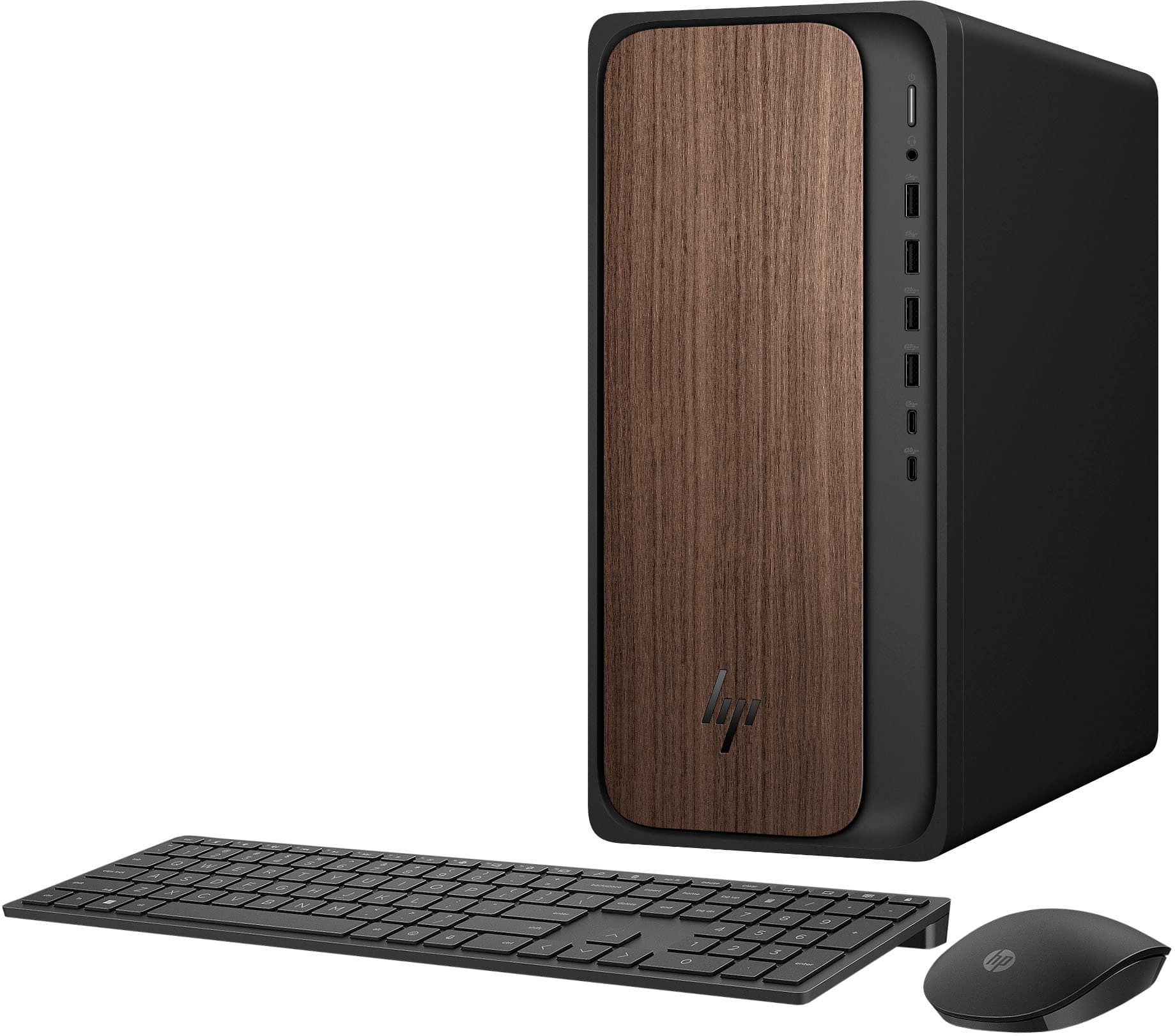
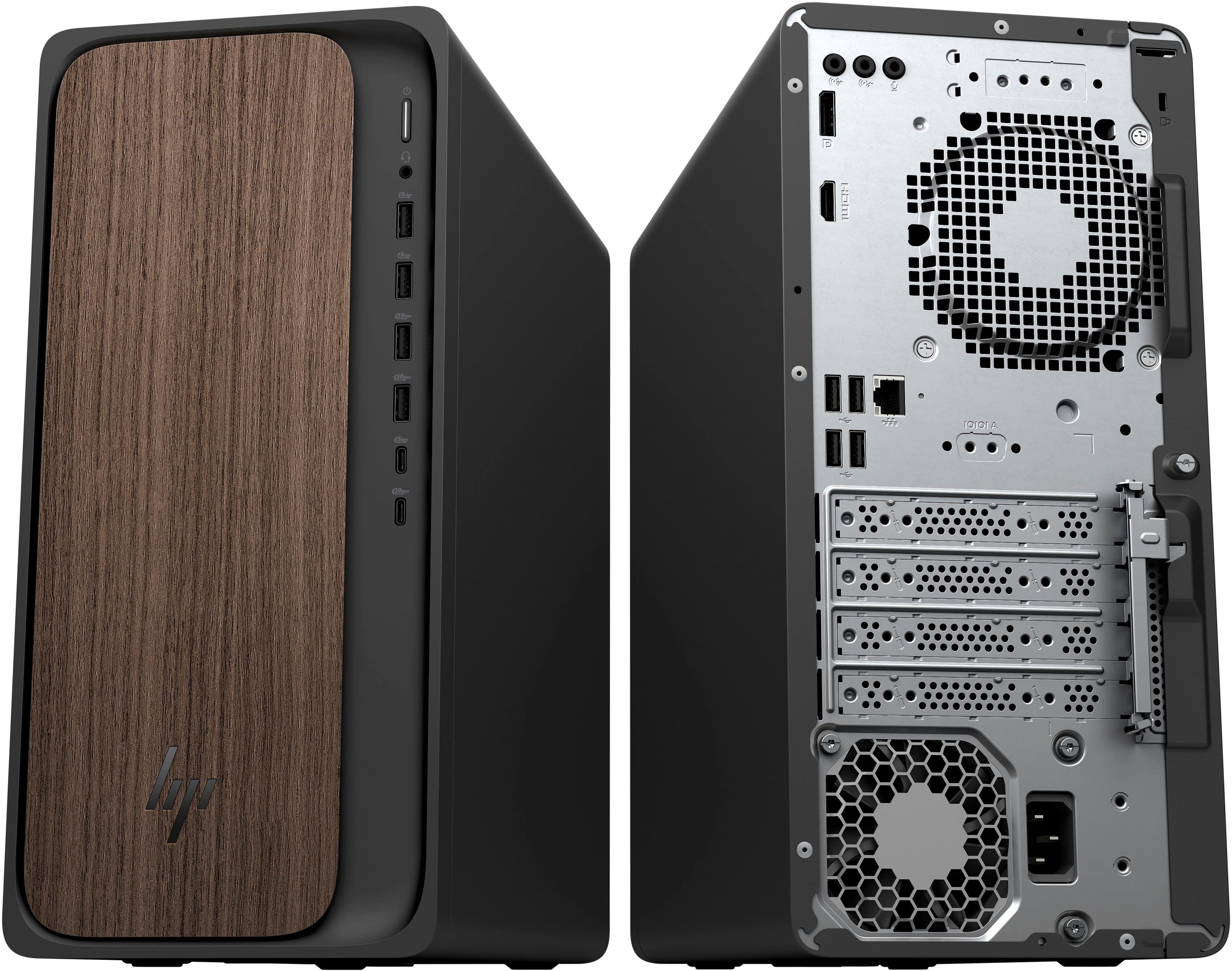
This computer has one open PCIe x1 slot and one open PCIe x16 slot, so you should be able to add a PCIe WiFi card if desired.
A:AnswerThank you for your question about this HP OmniDesk tower! The system board is not equipped with SATA ports nor does the chassis have a place to mount a hard drive or a SATA device. Your options are to either swap out the factory-installed drive for a larger-capacity drive, purchase a higher-storage model, or purchase an enclosure for your existing hard drive and connect it to an open USB port.
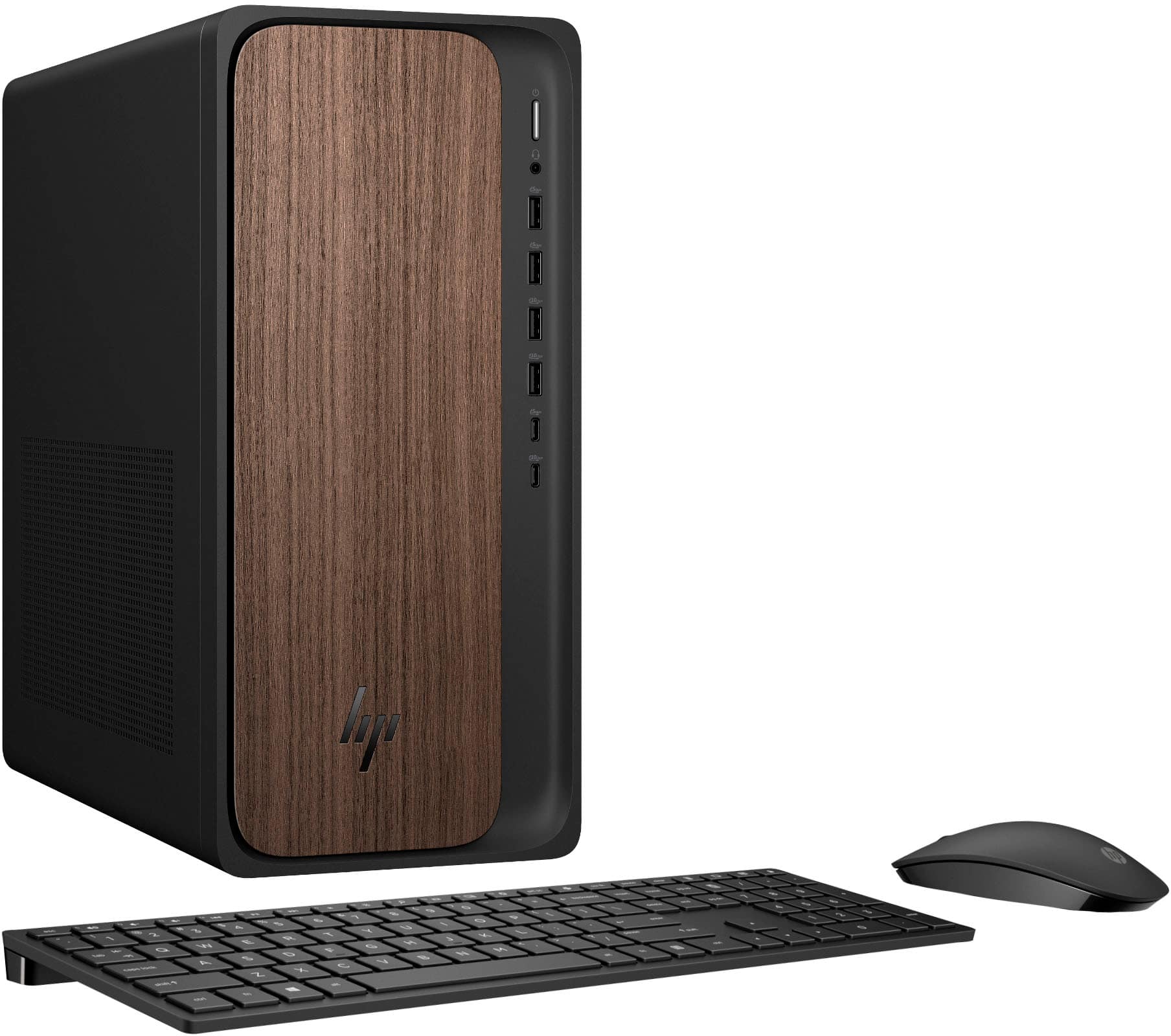
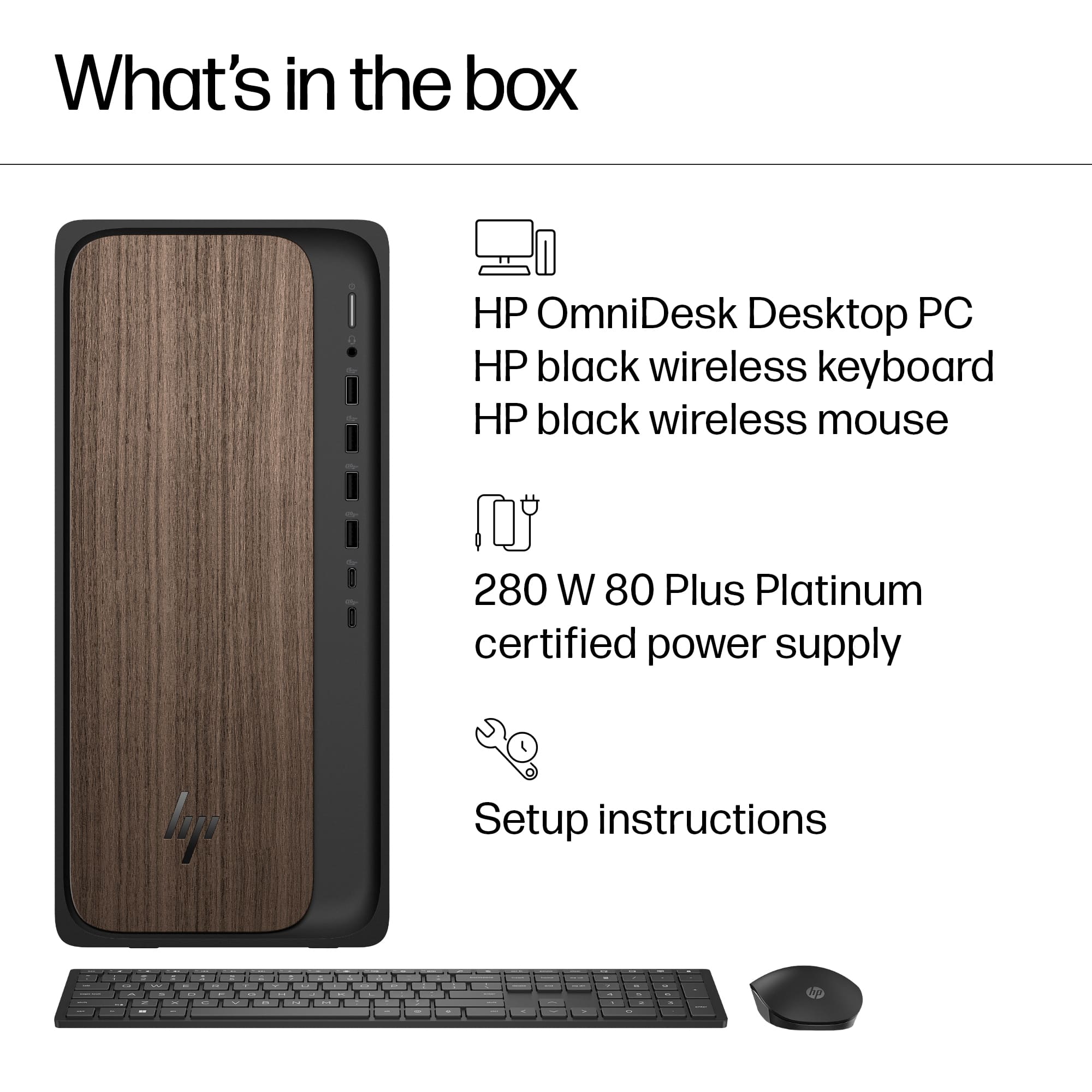
A:AnswerThank you for your question. The HP M03-0044 desktop computer does not come with an internal optical drive CD ROM, and adding one internally might be challenging due to the design and available space within the chassis. However, you can use an external optical drive connected via USB.
A:AnswerNext time, try reading the listing before asking a question. That way, you won't miss an excellent sale or have to wait a month for an answer. Specs state:
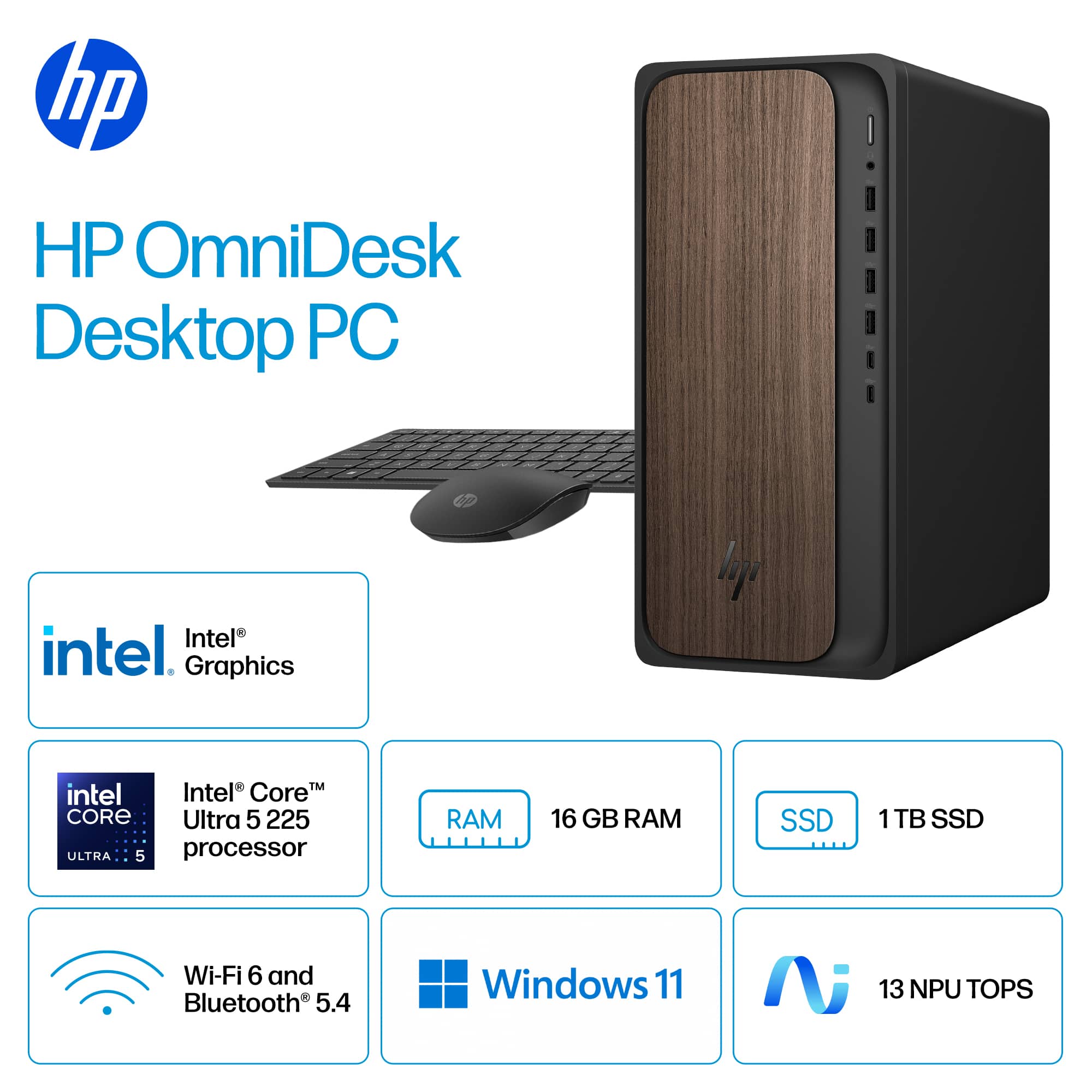
"Expansion...Number of PCI-E x1 Slots...1
Number Of PCI-E x16 Slots...1."
A:AnswerI had to buy an adapter , which meant another trip to the store or wait for several days while the computer was down for Amazon to deliver one.
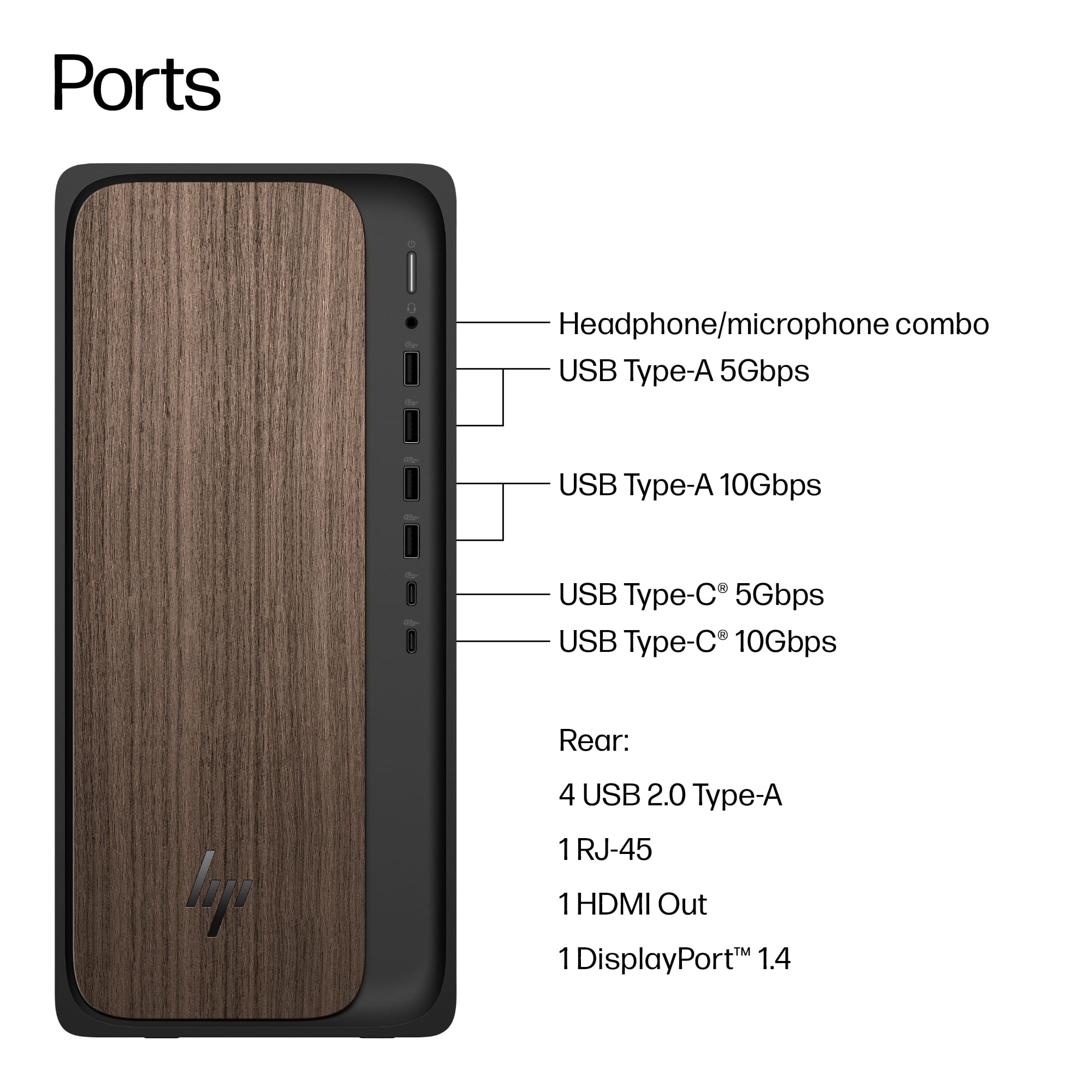
A:AnswerIf you have an older monitor, one with a VGA connector instead of the HDMI or DisplayPort connectors:
1. Strongly suggest getting a new monitor. The money you will save on the lower electricity demands will pay for itself in five years (on average), plus you will get a MUCH better picture, and can get a larger or smaller screen to suit.
2. You can also use a modern TV (one that has an HDMI or DisplayPort connection) instead.
3. They sell adapters for VGA-to-HDMI or DisplayPort.
4. There are two expansion slots, and one of them can be used to add a separate video card, one with a VGA port.



 for more information.
* ENERGY STAR and the ENERGY STAR logo are registered trademarks of the US Environmental Protection Agency.
* HP](https://pisces.bbystatic.com/image2/BestBuy_US/images/products/bbea6963-47a7-40c4-92ea-0427cfed17fb.jpg)