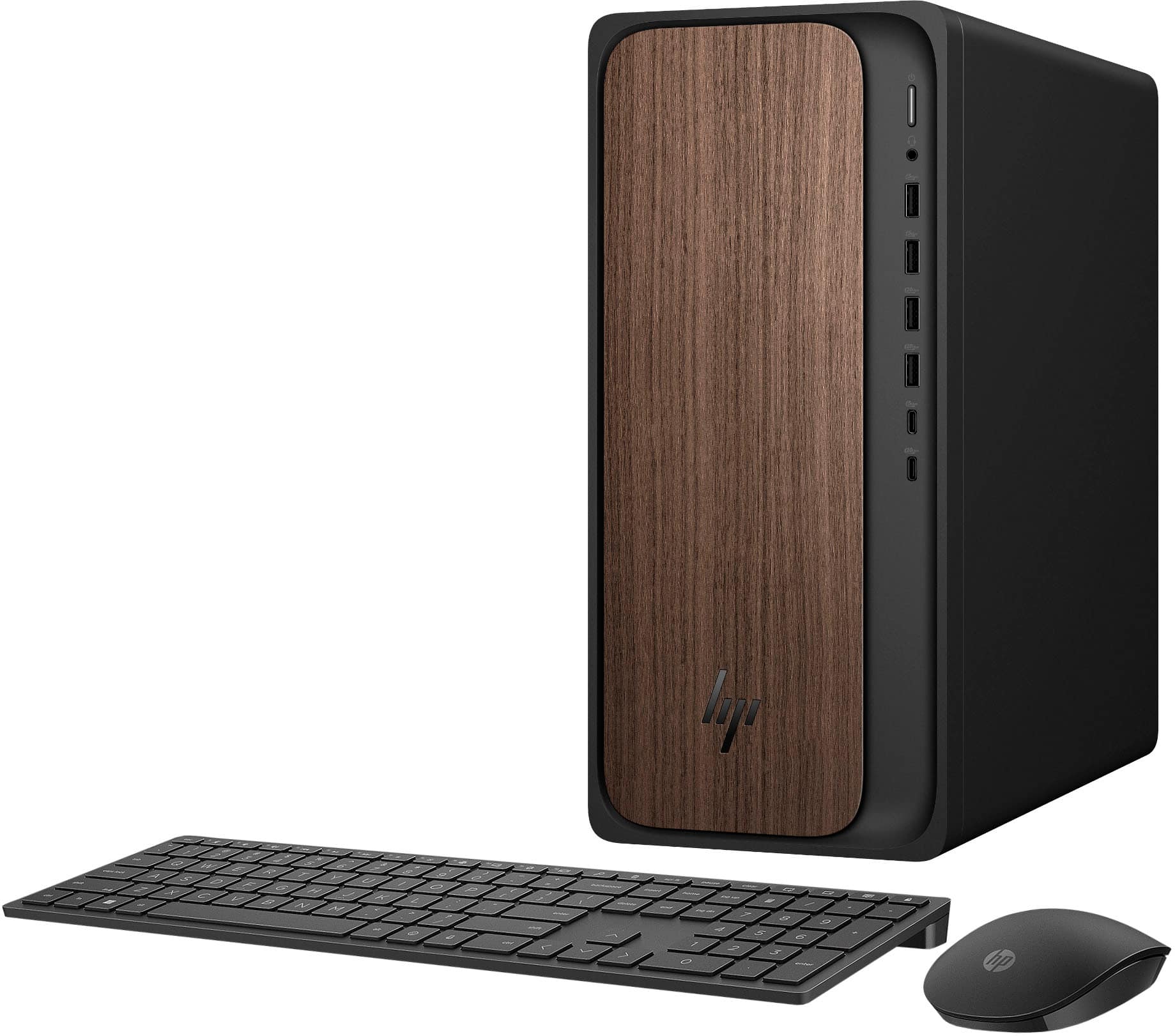
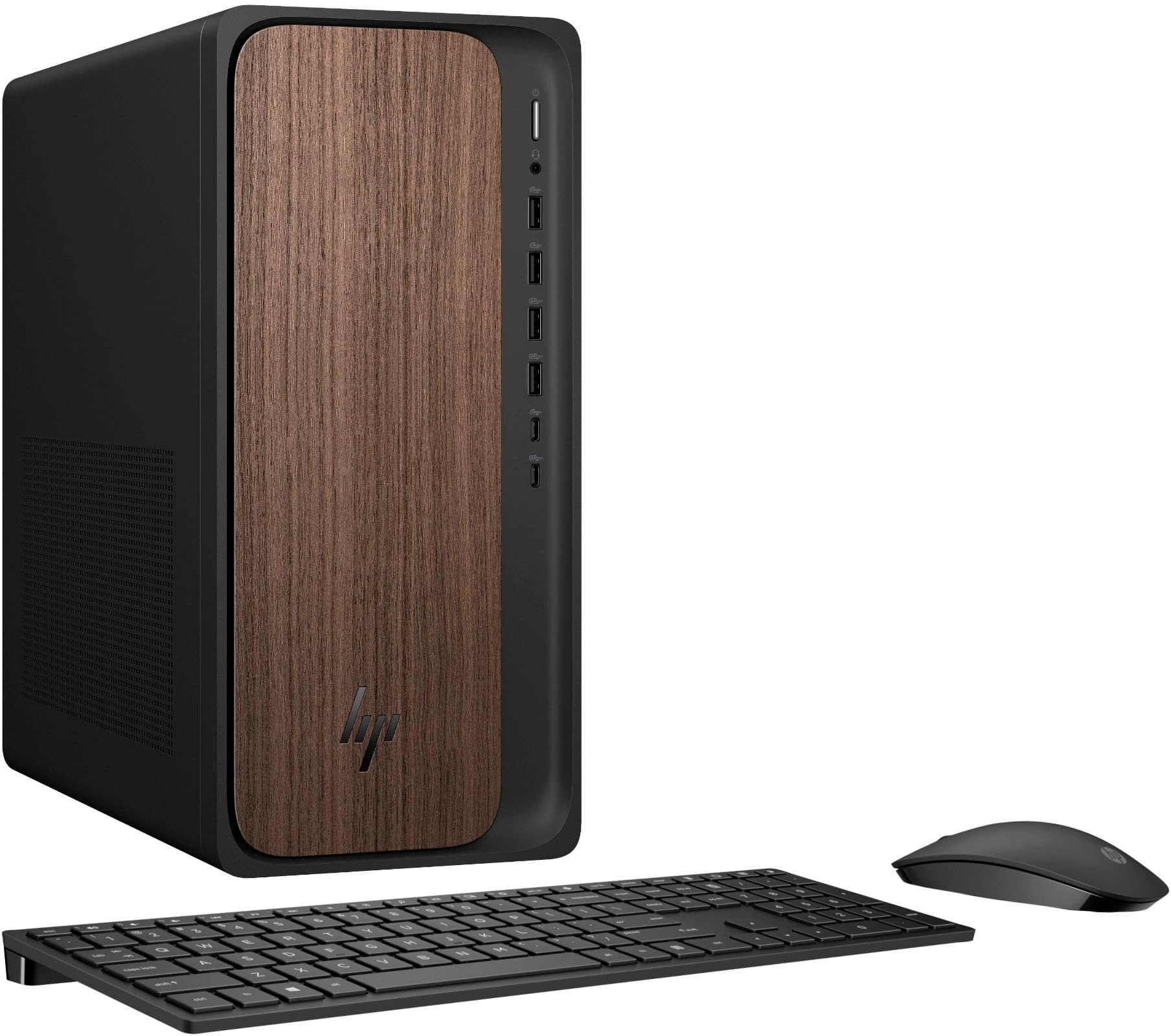
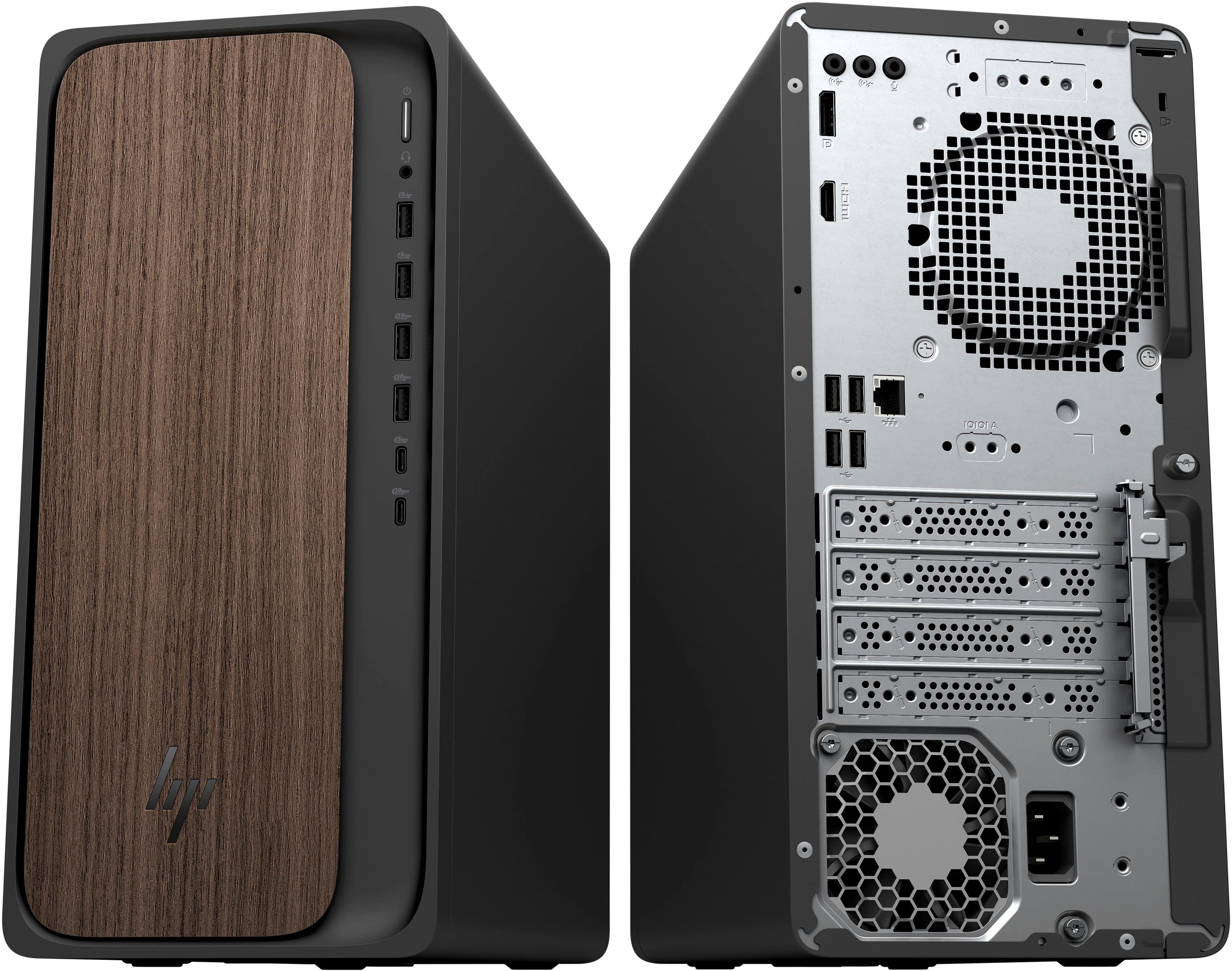
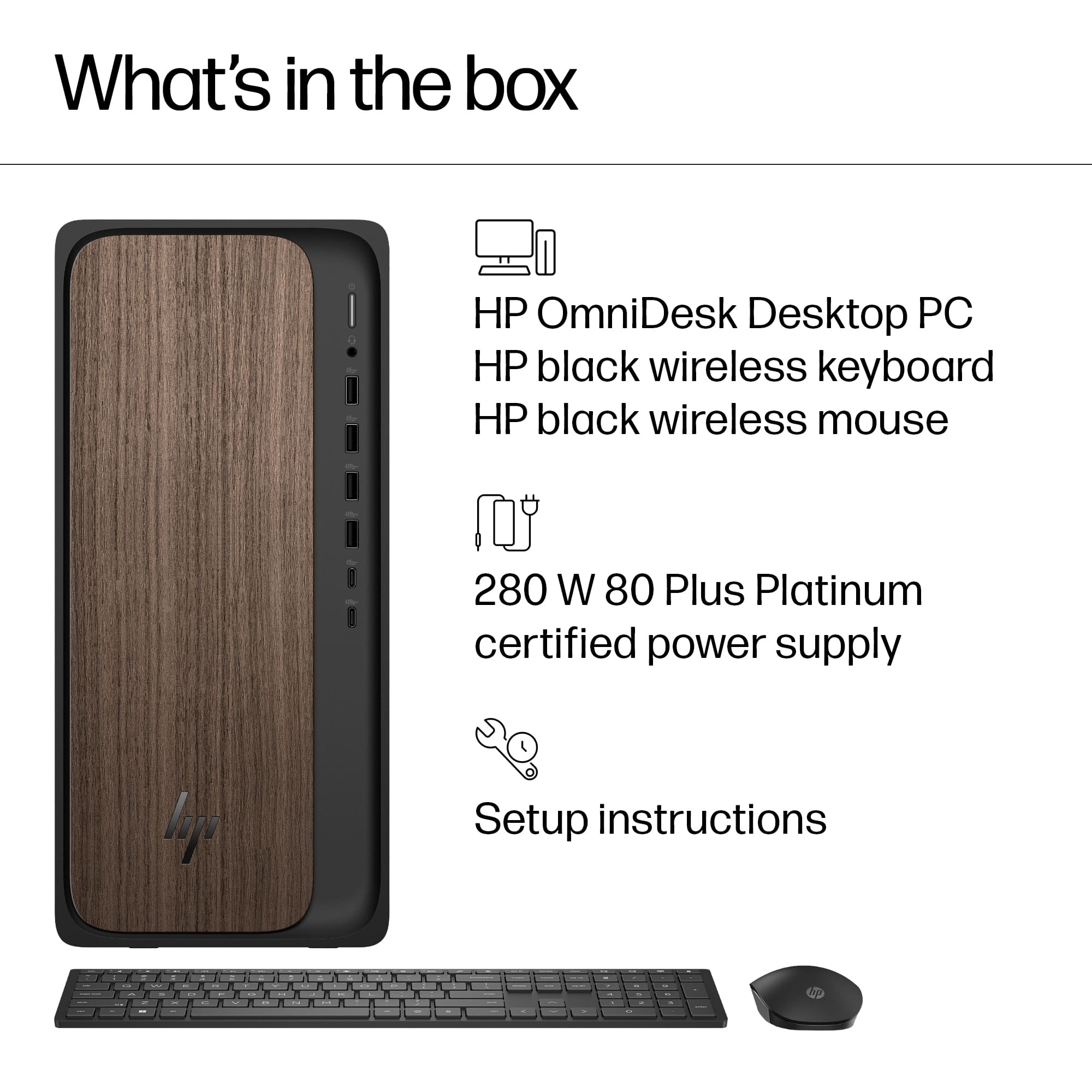
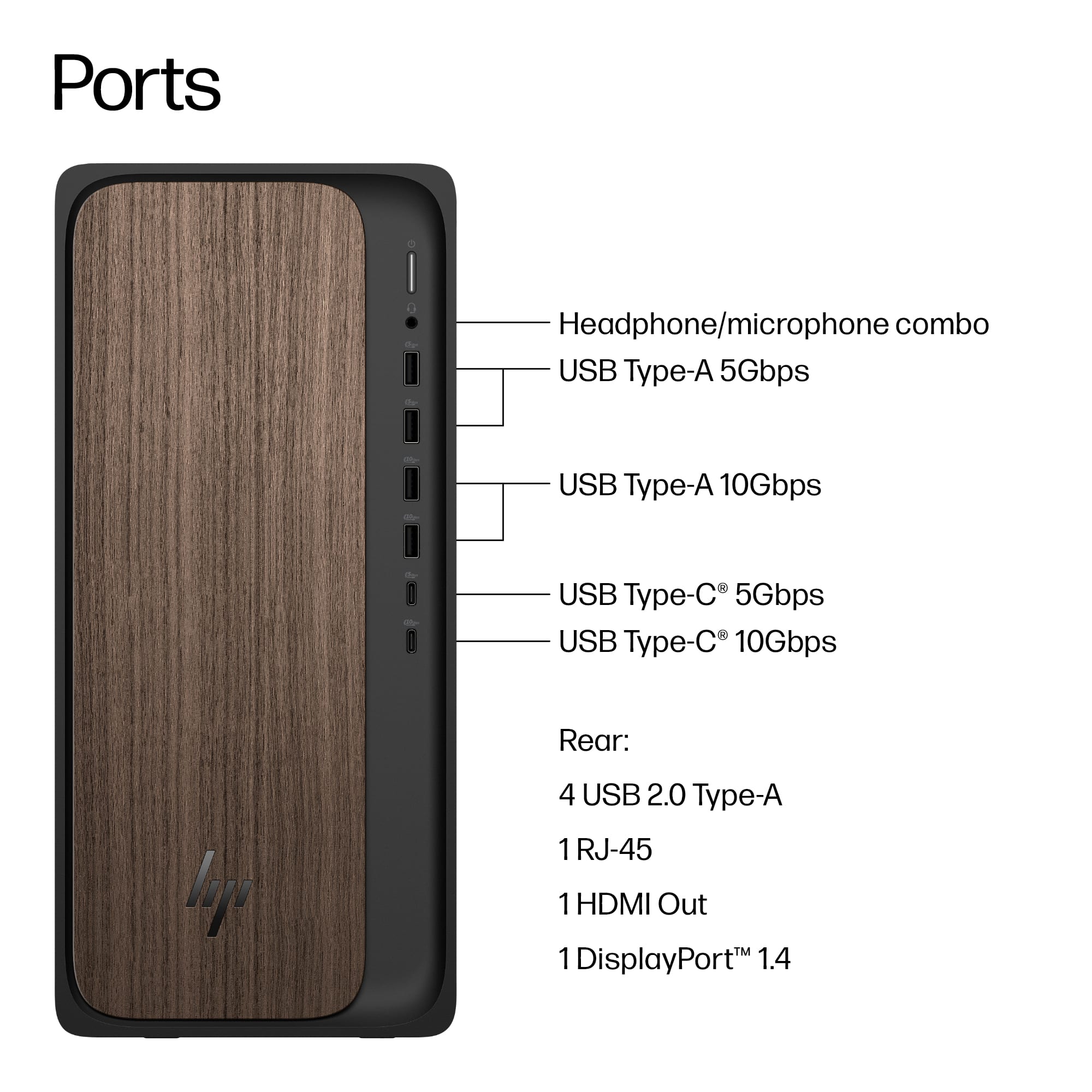
A:AnswerNo CD/DVD reader - no slot.
3 female ports on rear: Audio, microphone, headphones. You have to buy speakers, microphone and headphones separately.
No camera. Computers don't come with cameras.
A:AnswerWe had an both a VGA and HDMI slot on our monitor. There is only an HDMI slot on the back of the computer. VGA to HDMI adapters are plentiful on Amazon and I'm sure Best Buy would also carry them.
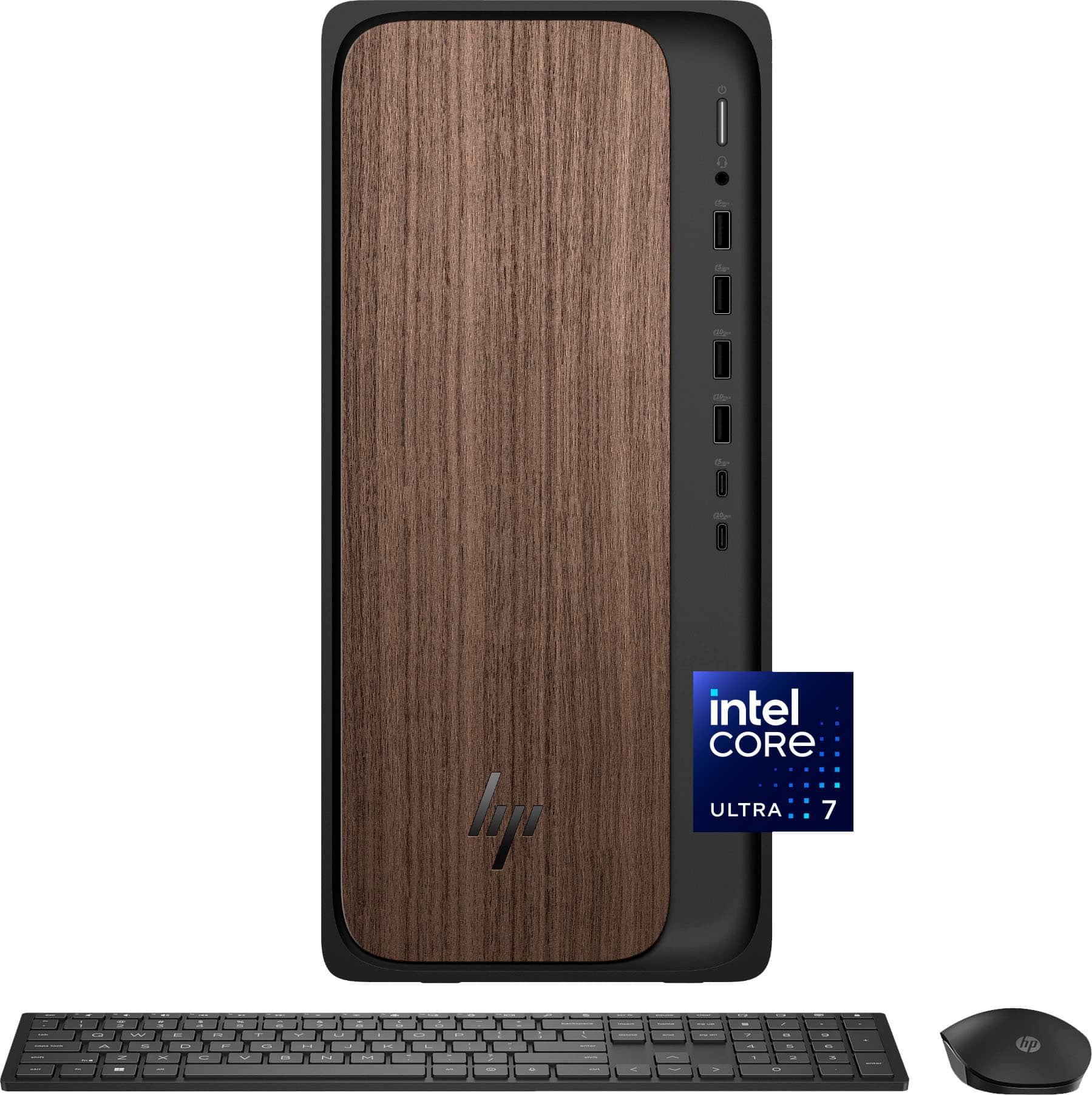
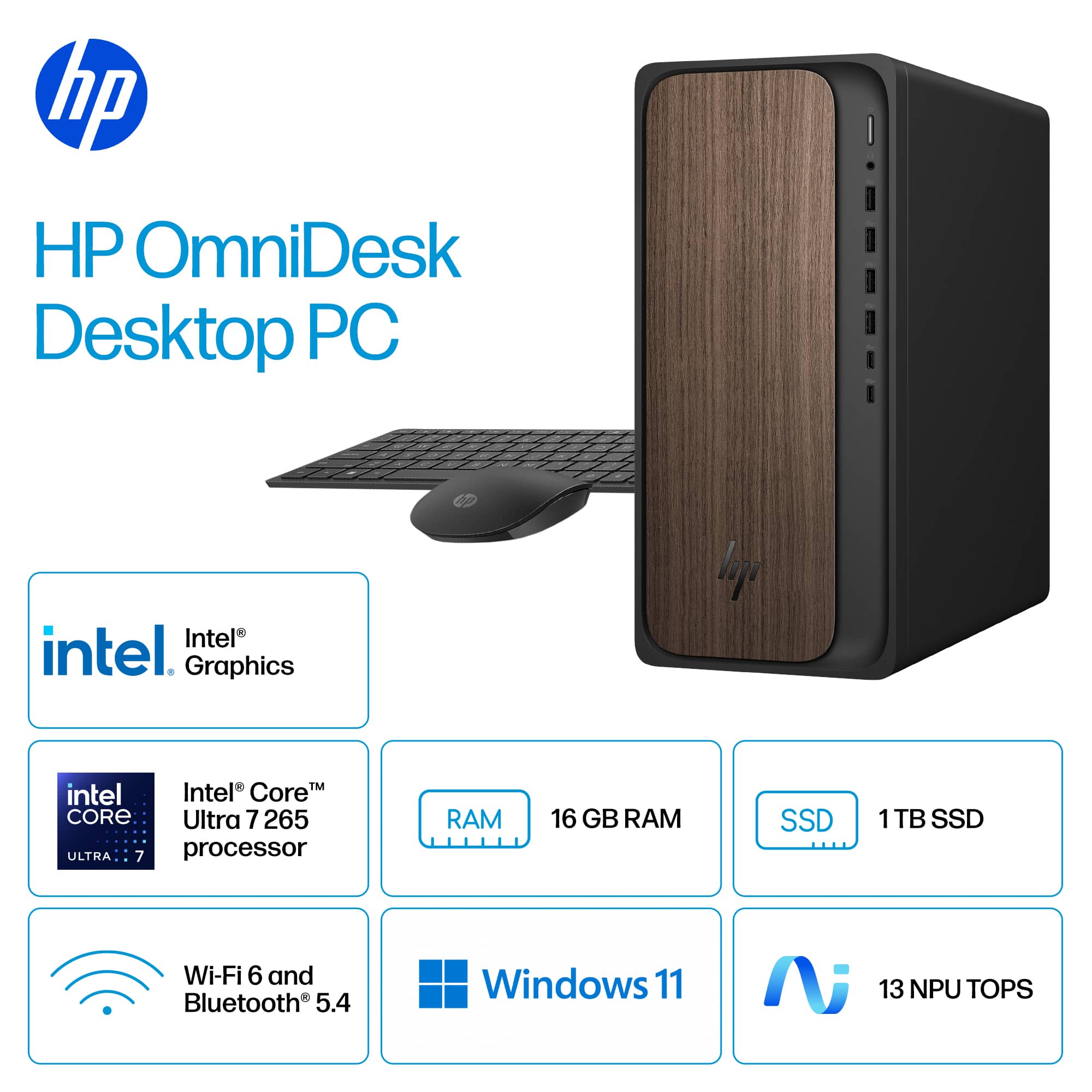
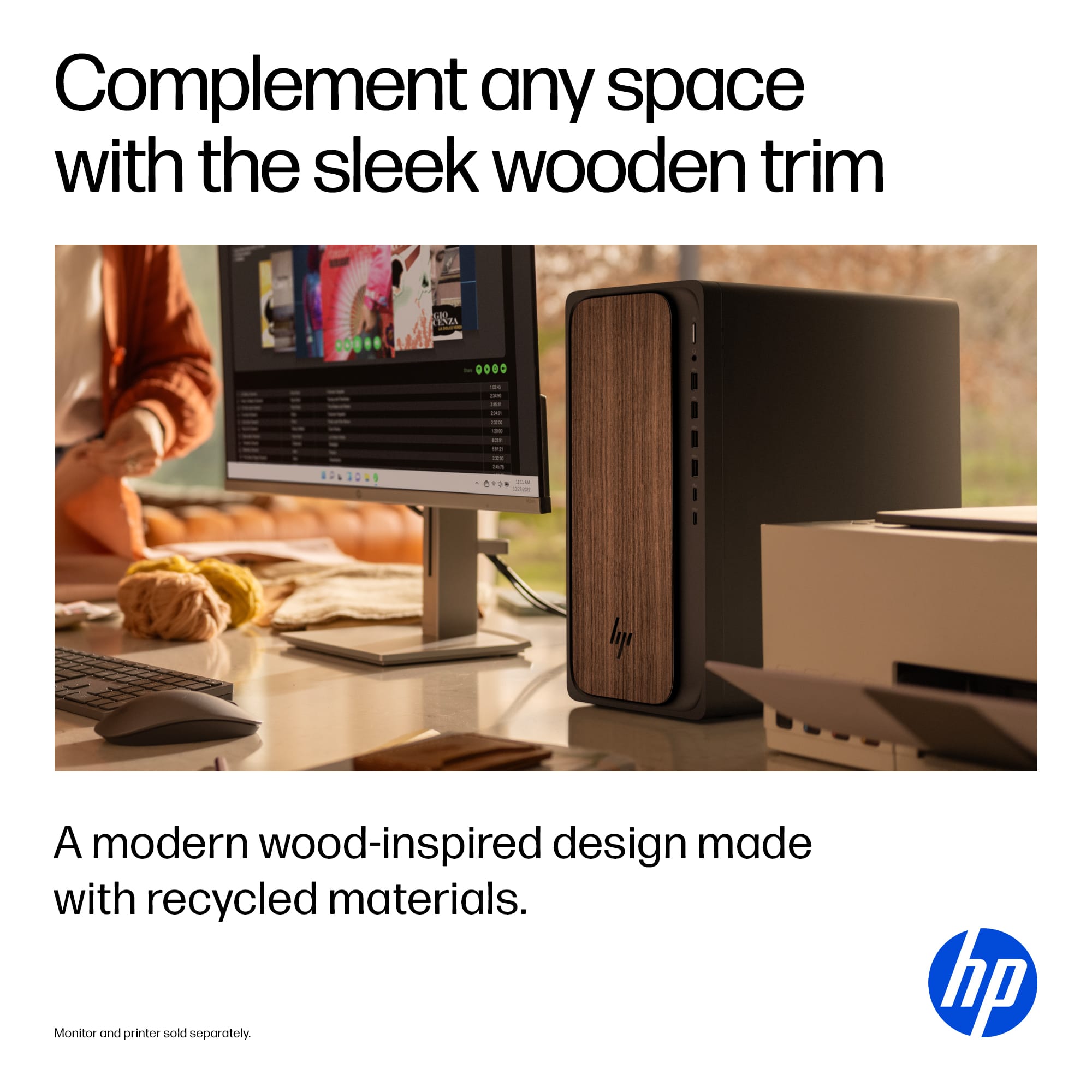
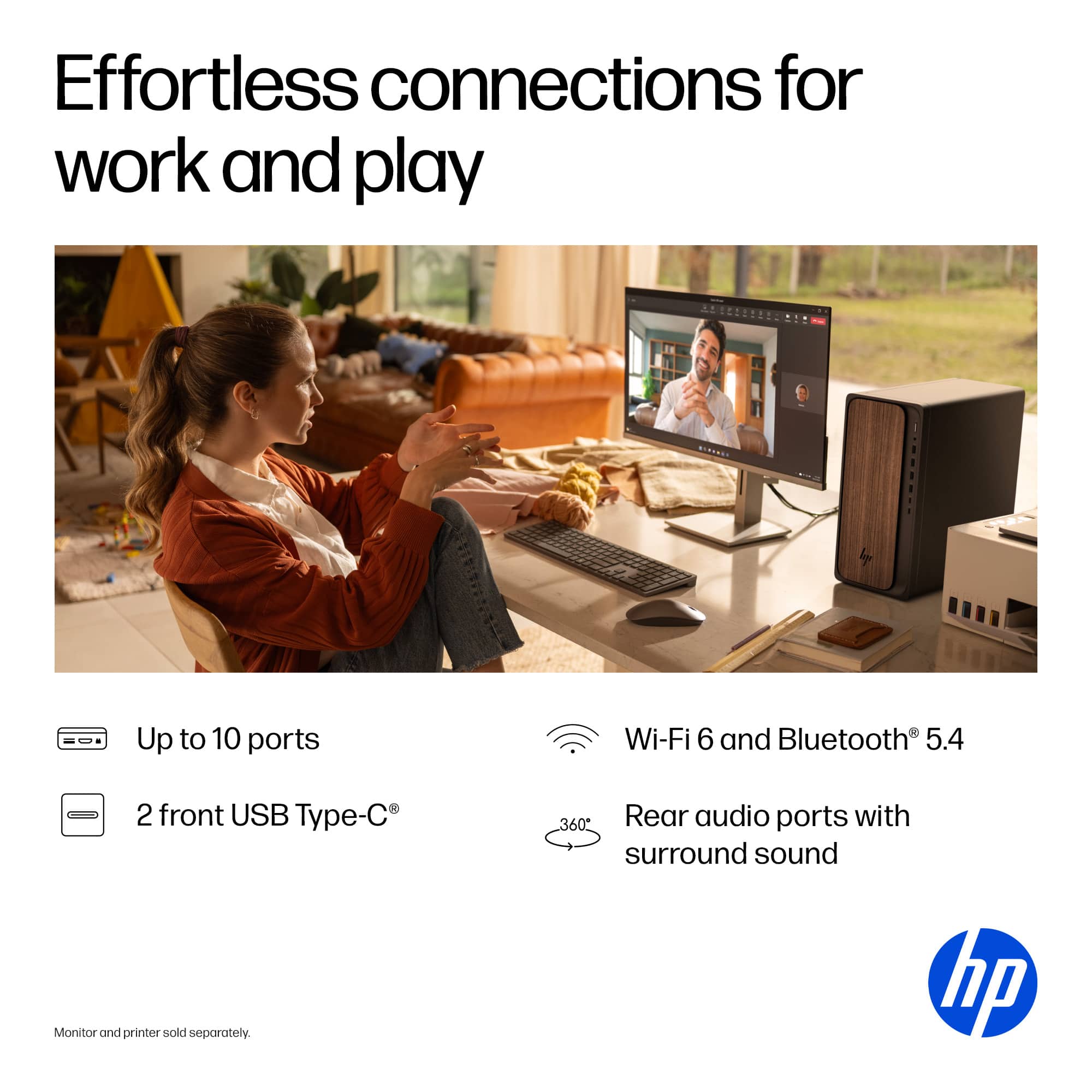
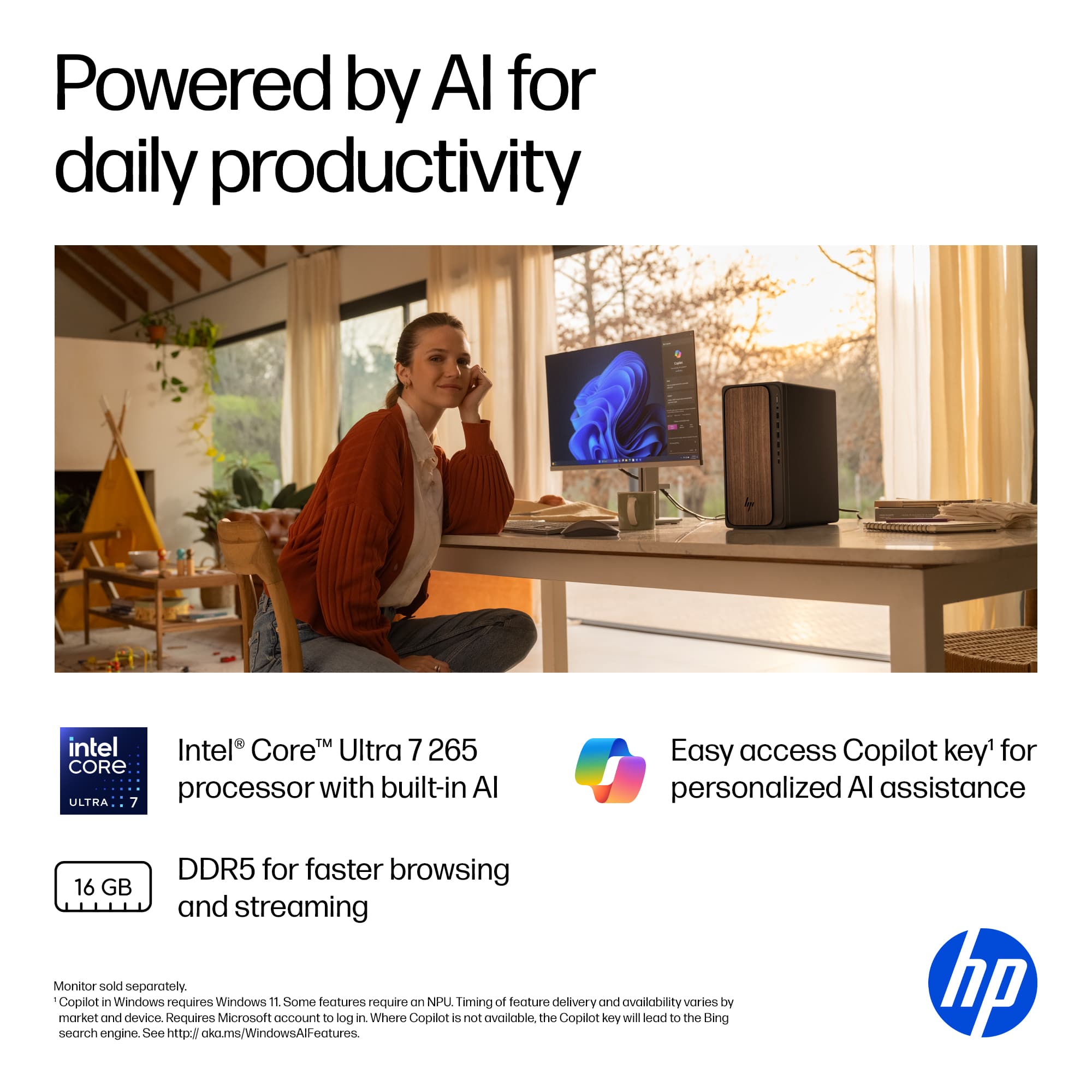
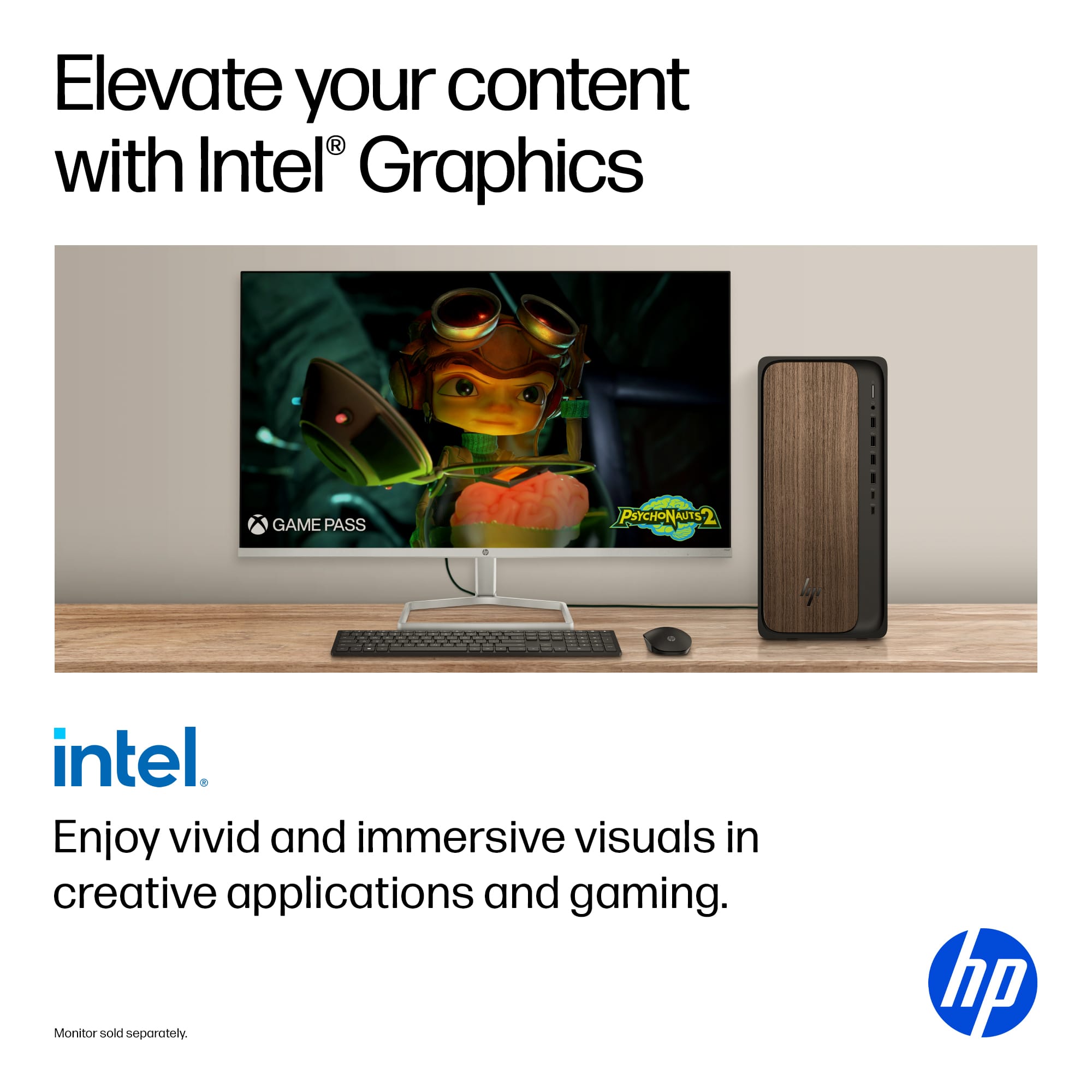
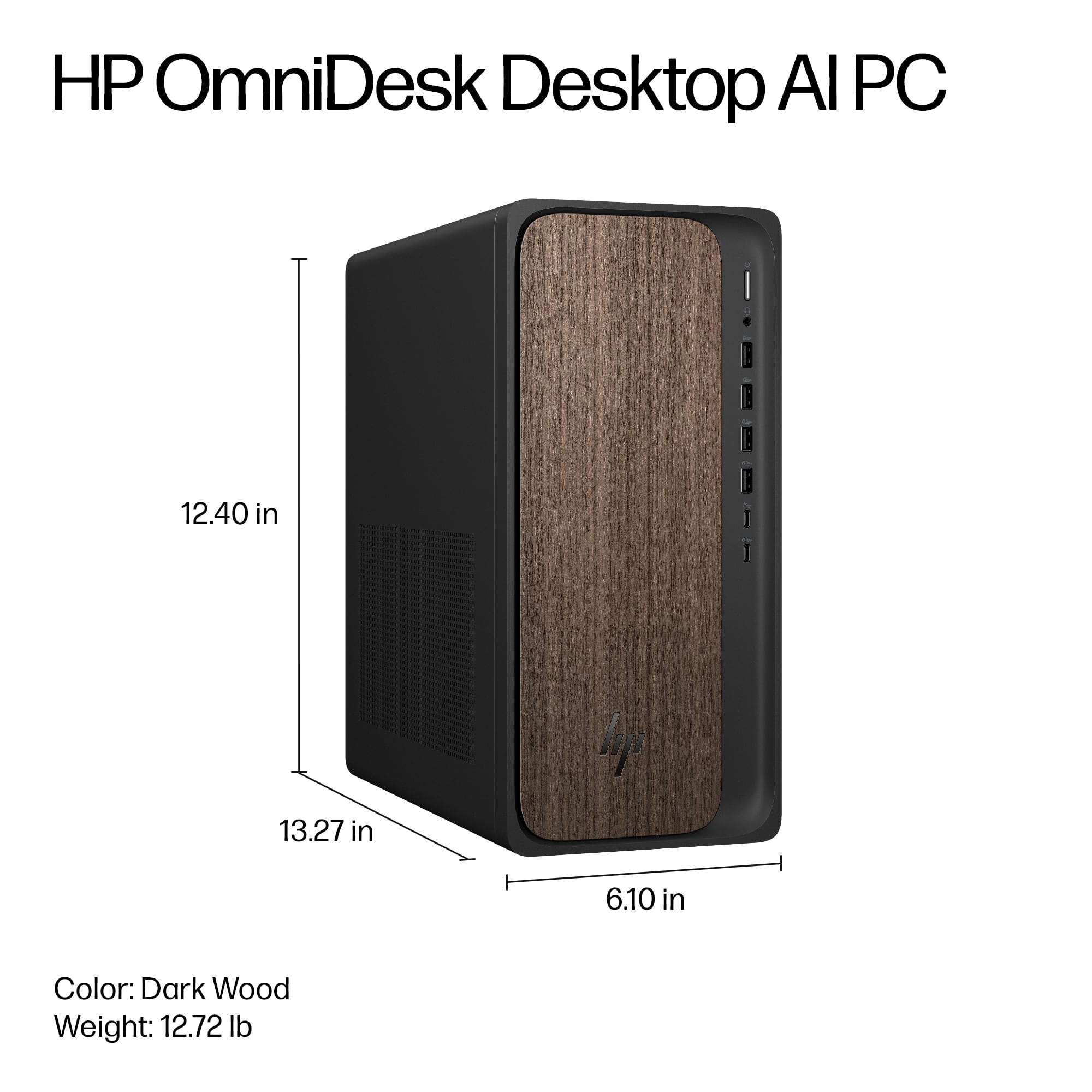
 for more information. ENERGY STAR and the ENERGY STAR logo are registered trademarks of the US Environmental Protection Agency. HP.](https://pisces.bbystatic.com/image2/BestBuy_US/images/products/ce74e2a9-ccfb-4010-8853-77d372c2ad73.jpg)