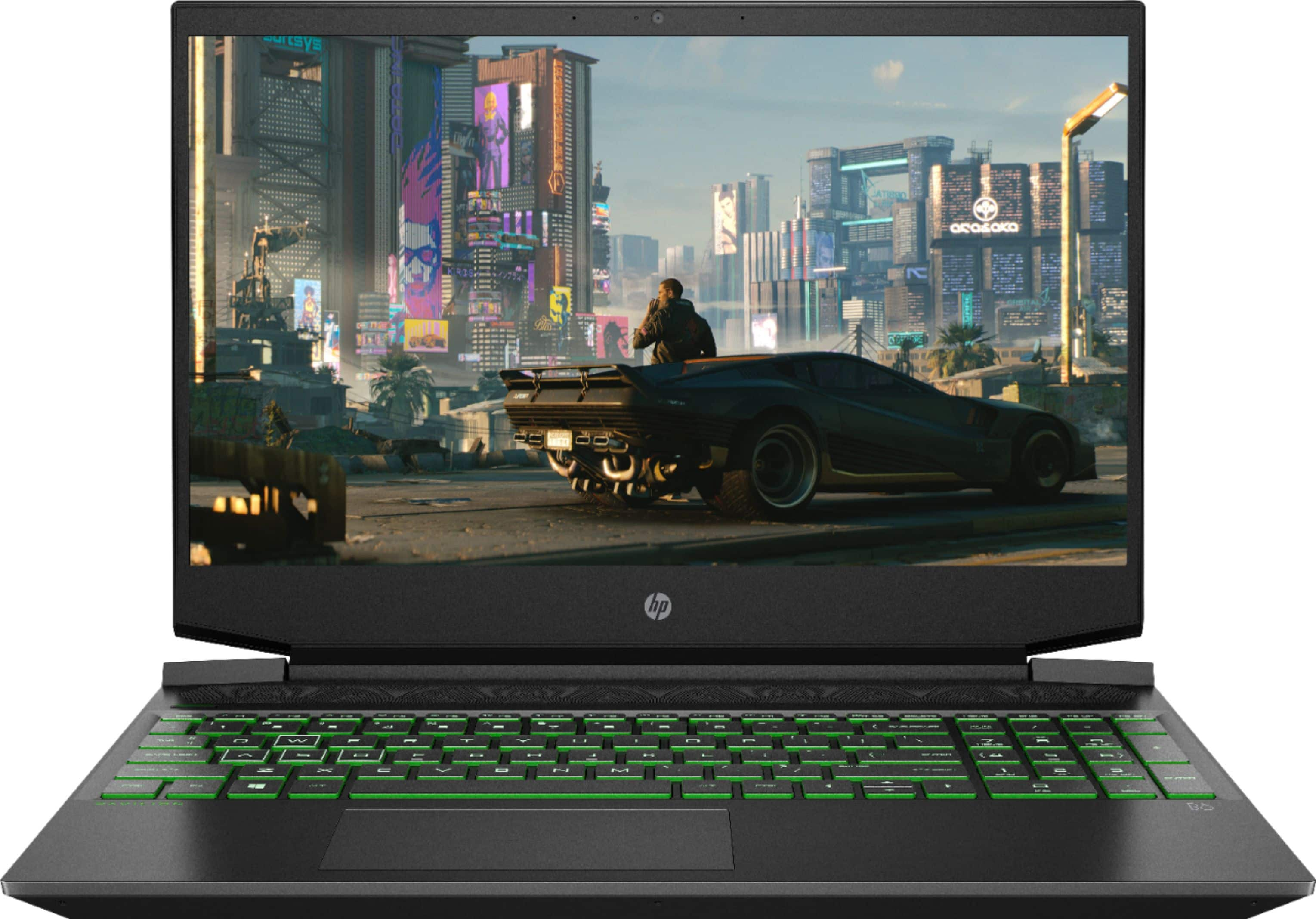
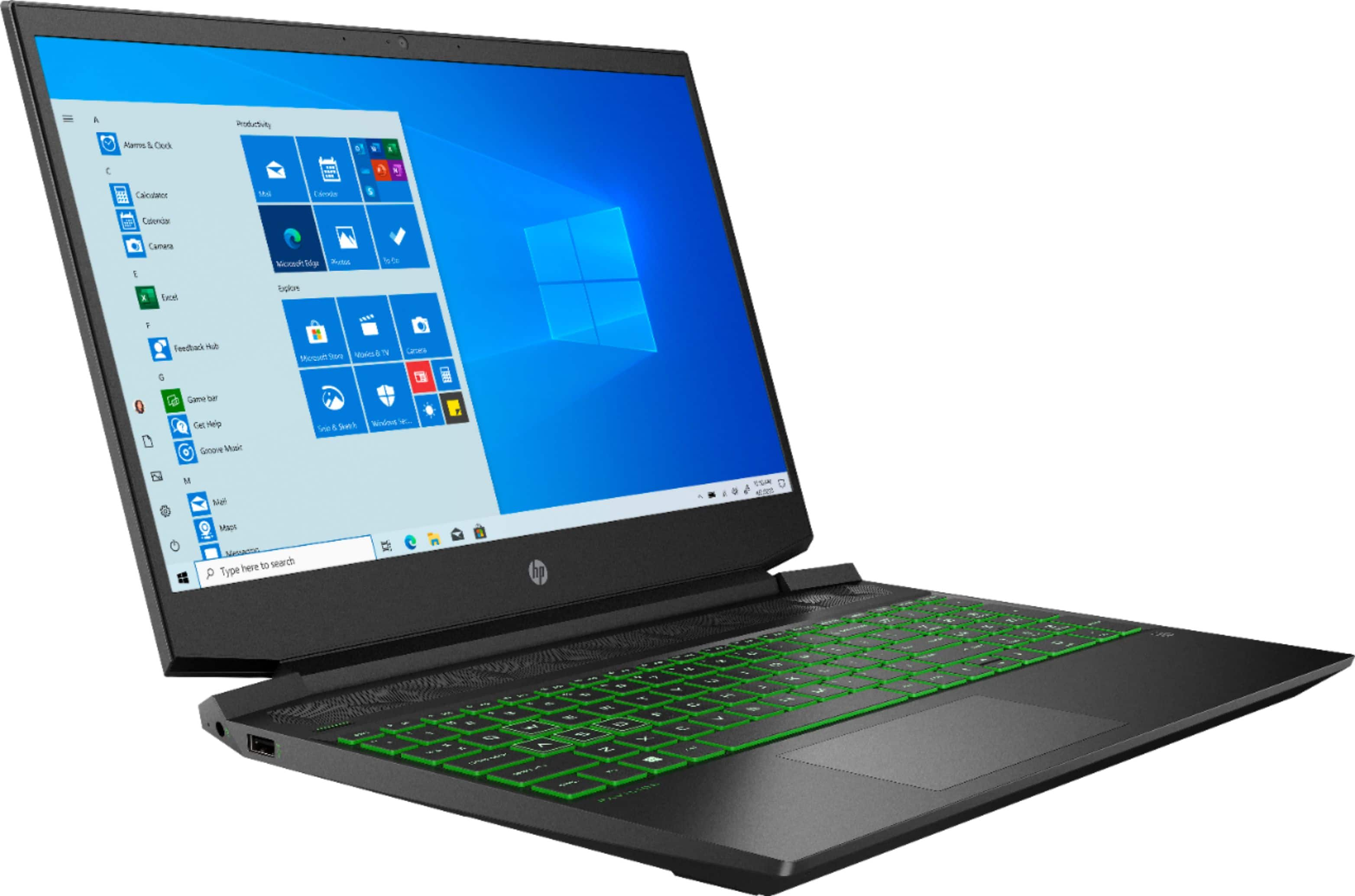
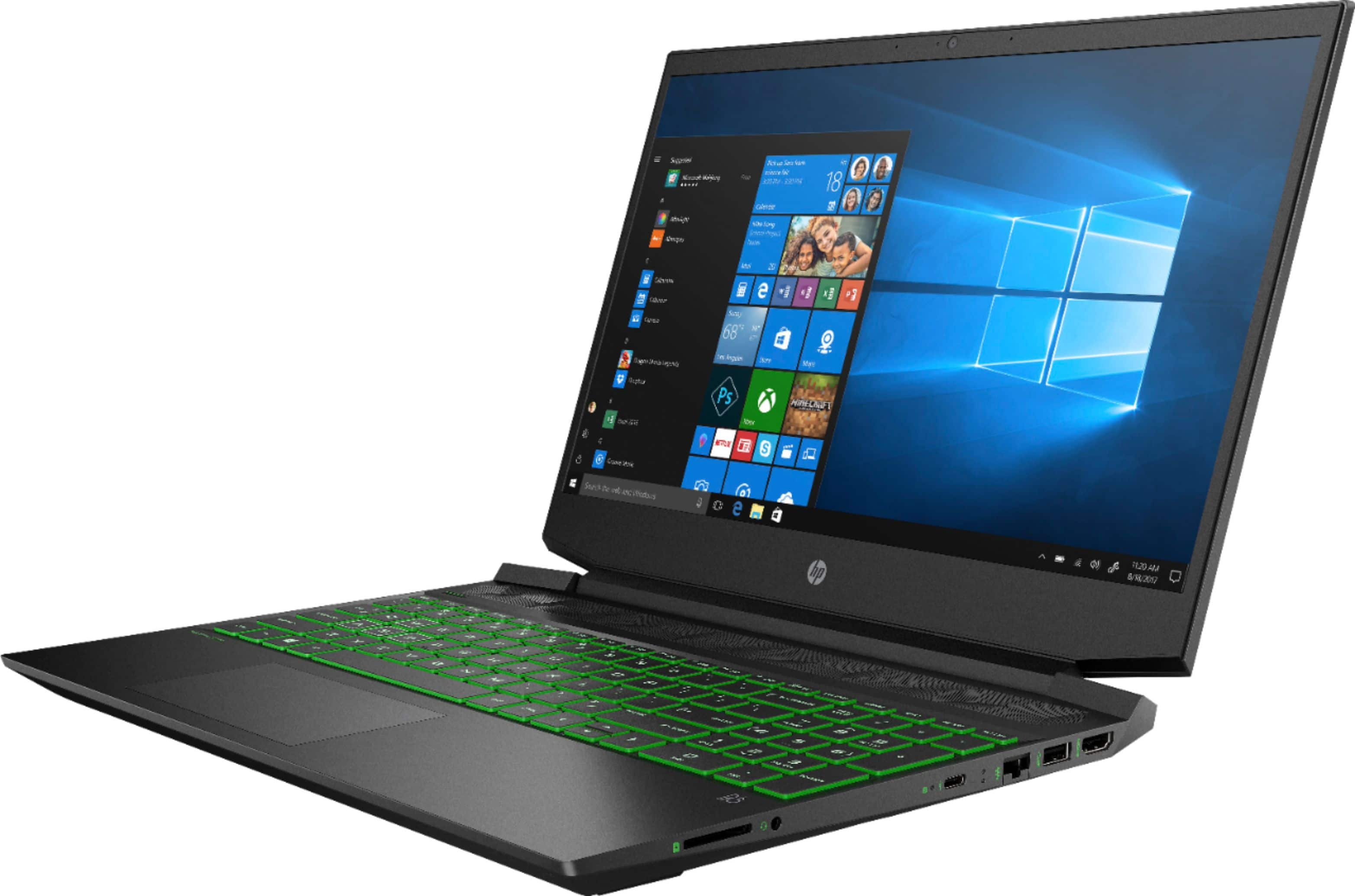
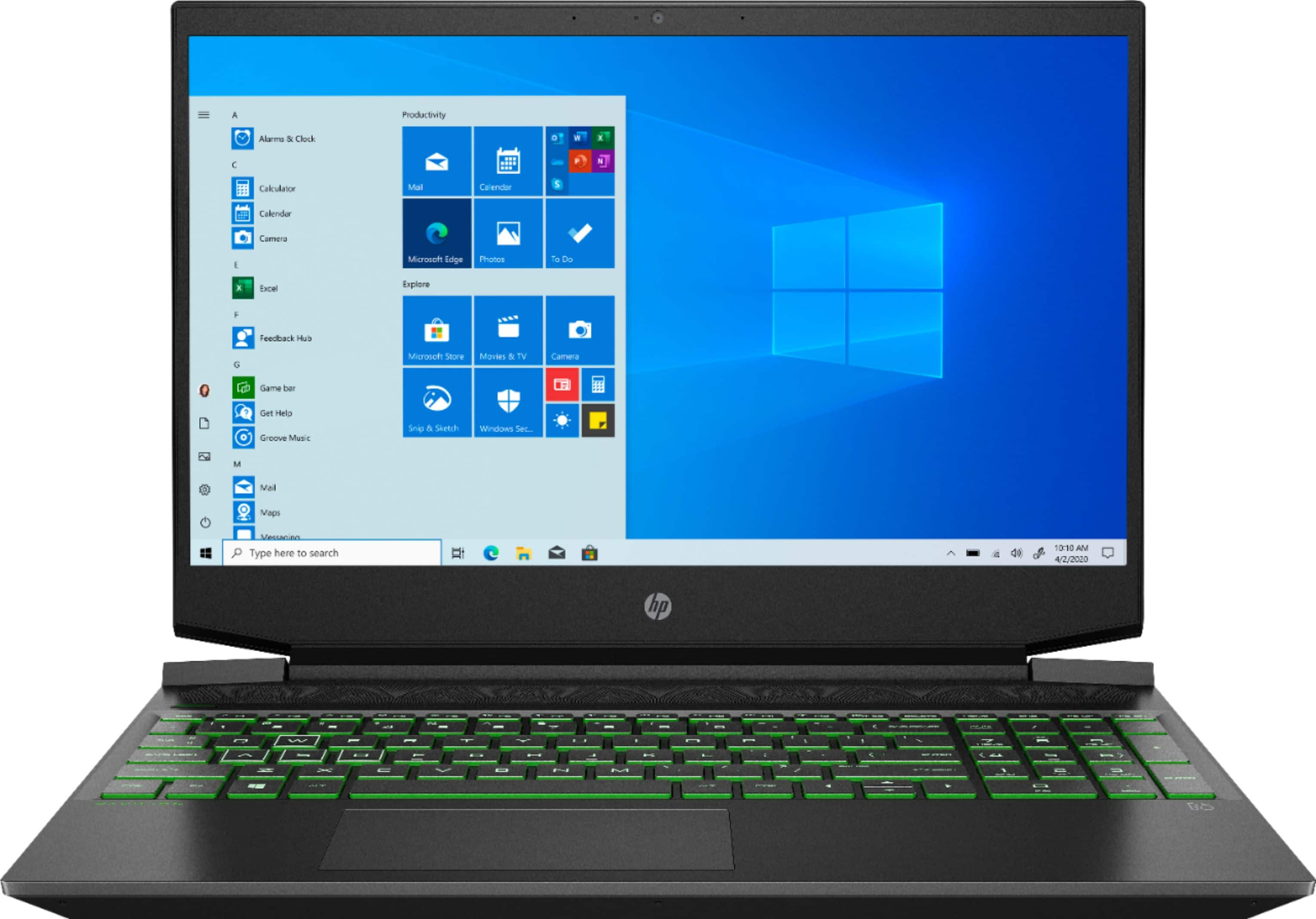
A:AnswerSince the system is dual channel memory, when adding a second memory module you should match the specs of the installed module to avoid performance issues. There is an 8 GB DDR4-3200 SDRAM (1 X 8 GB) SODIMM in the first memory slot. You should match this. You will not void the warranty if you cause no damage during the upgrade.
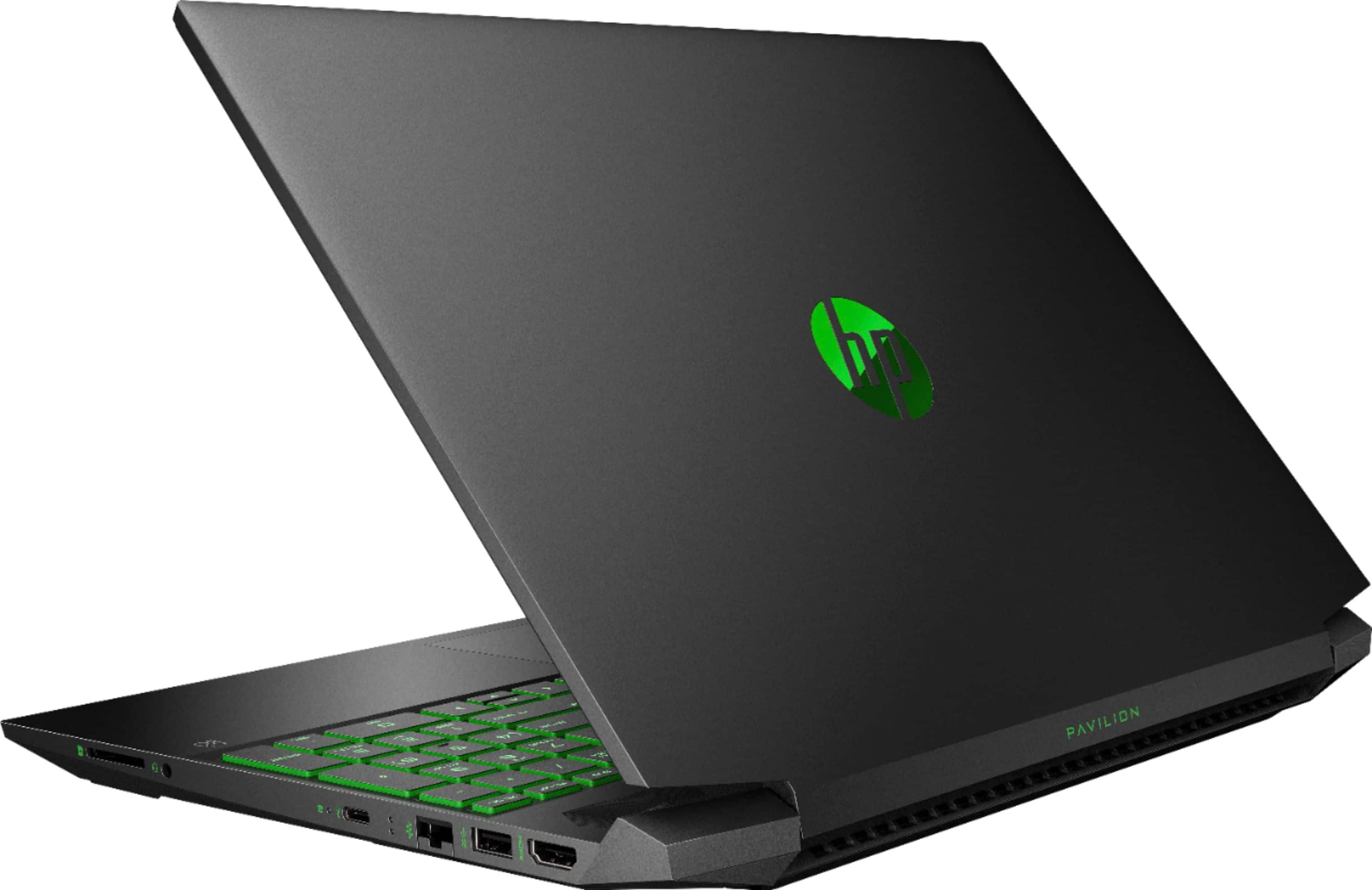
A:AnswerNo, you cannot. The laptop has one HDMI for connectivity to an external monitor. If you wish to have 2 external monitors, you'll need to use something like an HDMI splitter. Here is an example of one: https://www.bestbuy.com/site/rocketfish-2-output-hdmi-splitter-with-4k-and-hdr-pass-through-black/5986903.p?skuId=5986903
A:AnswerHi! Since you would want a matched pair of memory modules (dual channel memory) you should match the specs of the installed RAM which is 8 GB DDR4-3200 SDRAM SODIMM.
A:AnswerThe simple answer: no. This laptop does not include support for DisplayPort over USB-C and somewhat related, does not support Thunderbolt 3 for docking stations.
A:AnswerThe way batteries are installed on laptops today is so they last longer. It requires you to remove the bottom cover to access the battery. You could remove the battery and plug the laptop into the outlet. But if you accidentally unplug or lose power, then everything will be lost. If you have the battery, it will be an extra piece of mind that you won't lose what you were working on.
A:AnswerThis laptop has Windows 10 Home. You can download software and apps from the Microsoft Store. The Google Play Store is not available on this laptop. The Chromebooks have access to the Google Play Store.