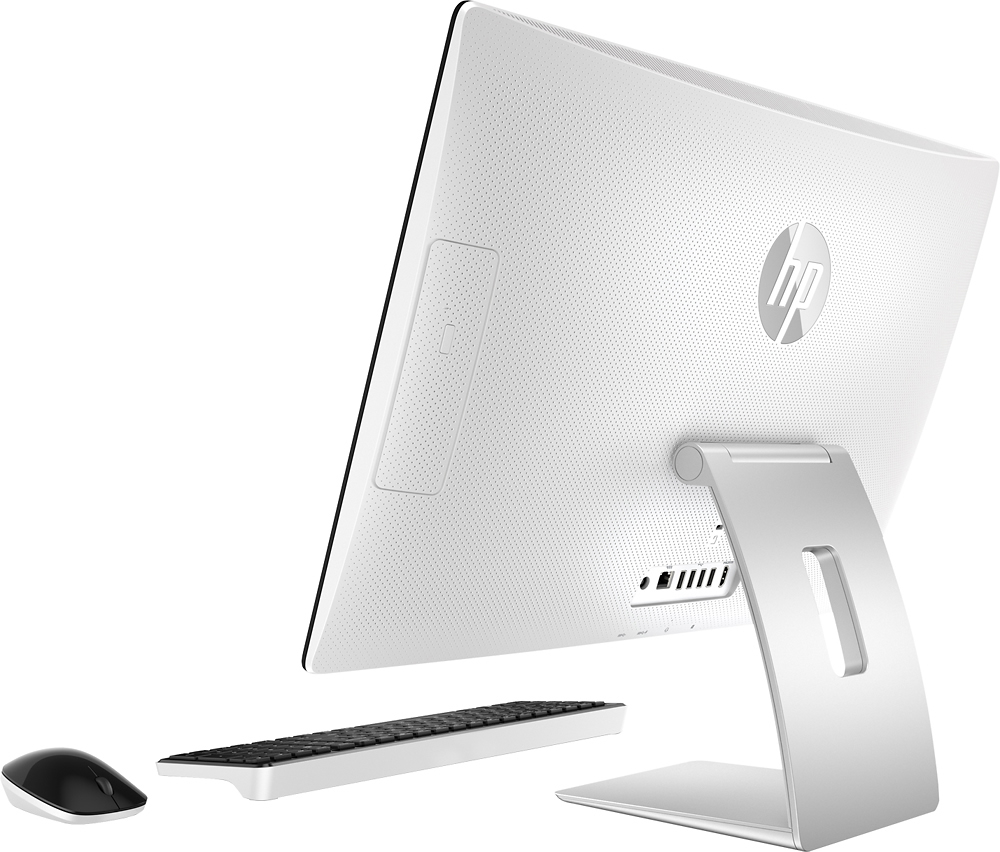
A:AnswerI plugged in an old monitor I had. I used an adapter (HDMI to VGA.) The computer set the resolution for me. Just disable the sound from the second monitor.
Just Ask " Hey Cortana, open Control Panel.-Control Panel-Hardware and Sound-Sound-Manage Audio devices. Right Click on the second display and disable it.
A:AnswerMy bad. I meant can I upgrade to 16GB? Assuming I can, do I need one 8GB module or is the installed memory 2x4GB modules which would mean I would need 2x8GB modules? Thanks.
A:AnswerGood question. You will be able to expand the RAM to 16 GB, upgrade to Windows 10 Pro, and install Microsoft Office Home & Business on this PC.
For more details on this PC, please visit the following link: http://store.hp.com/wcsstore/hpusstore/pdf/t4a02aa.pdf
I hope this helps.
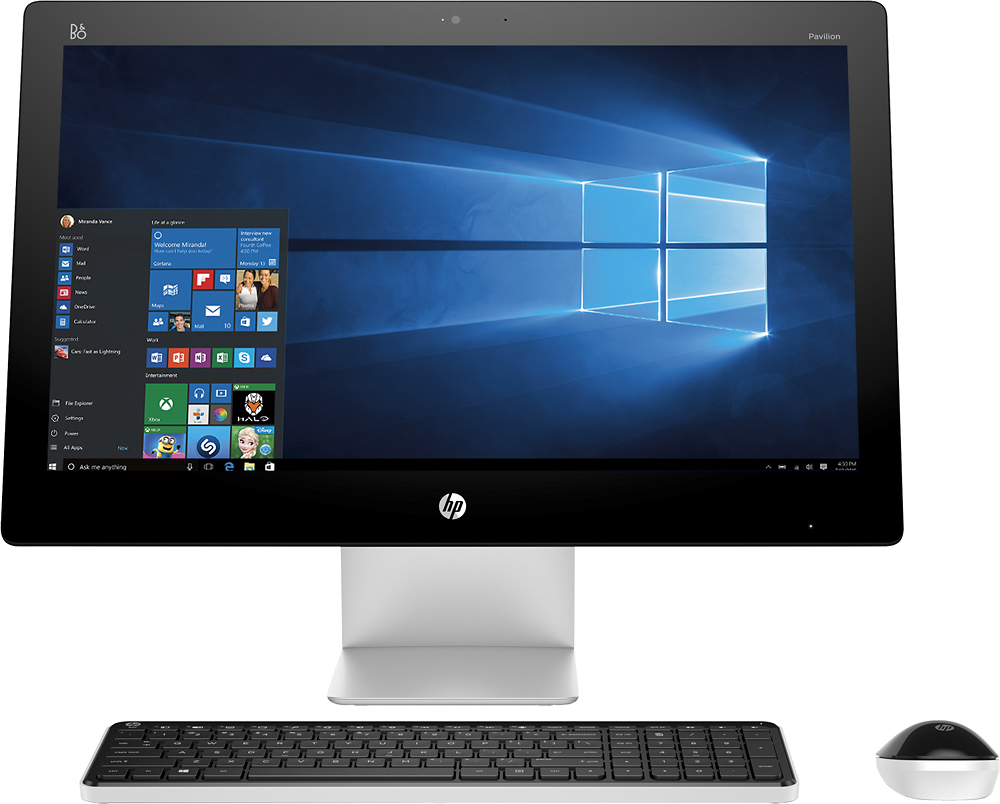
A:AnswerGood question. The 23-q214 has an Intel Core i3 processor and the other one has an Intel Core i5 processor. They both have 1 TB of hard drive space and 8 GB of RAM. The 23-q127c is slightly faster.
Here is a link to the specification page for the 23-q127c: http://support.hp.com/us-en/document/c04772318
I hope this helps!
A:AnswerGood question. Basically 8 GB of RAM will hold twice as much working memory as 4 GB RAM. When you load up a an application your computer it loads goes into your available RAM memory. It is very quick type of memory. The more programs you load up, the more RAM is taken up.
It really all depends on the programs you are running. Programs have certain requirements for the amount of RAM they need to run smoothly. I advise you to look at the system requirements for the programs you run. 8 GB will definitely speed things up for you.
I hope this helps.