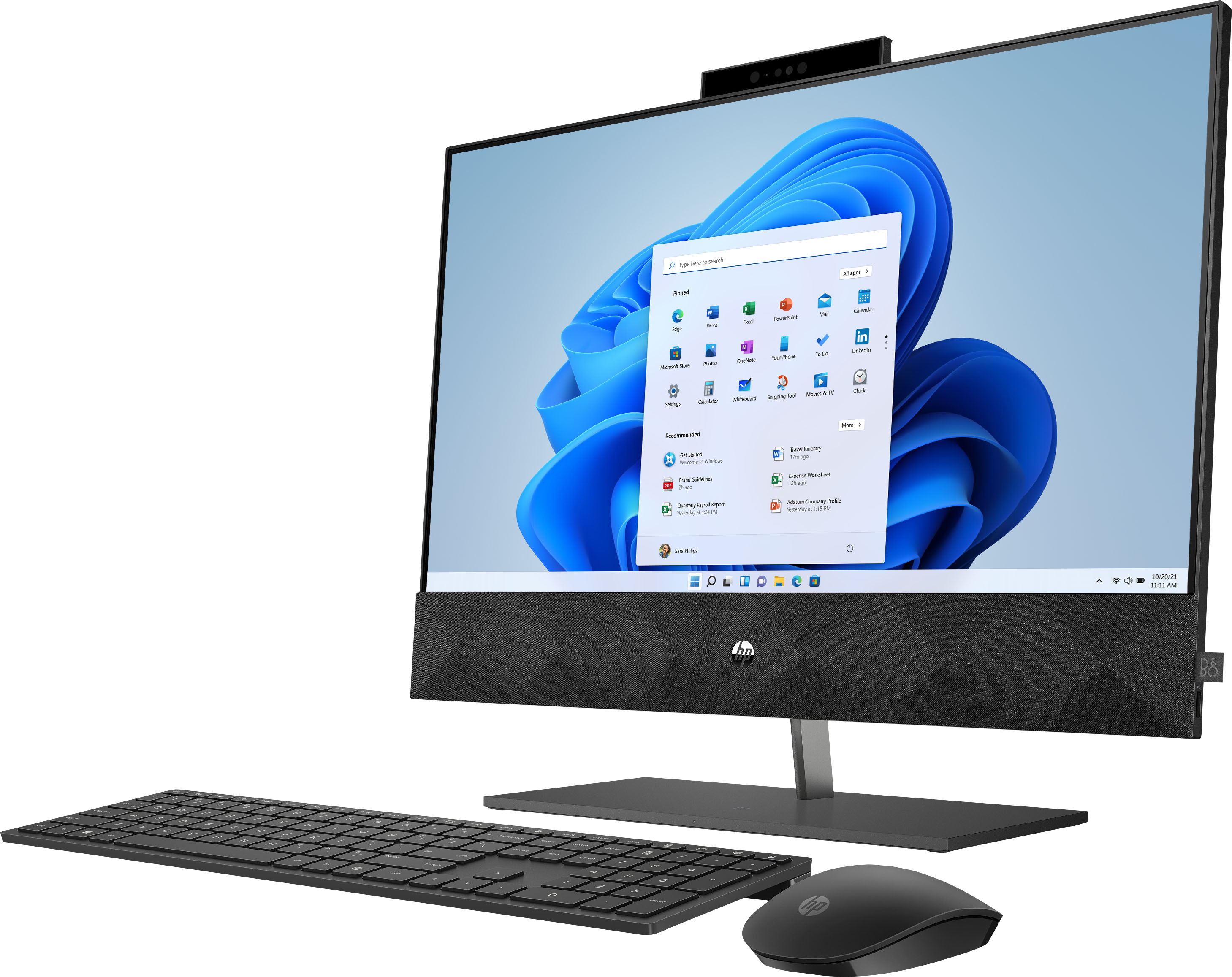
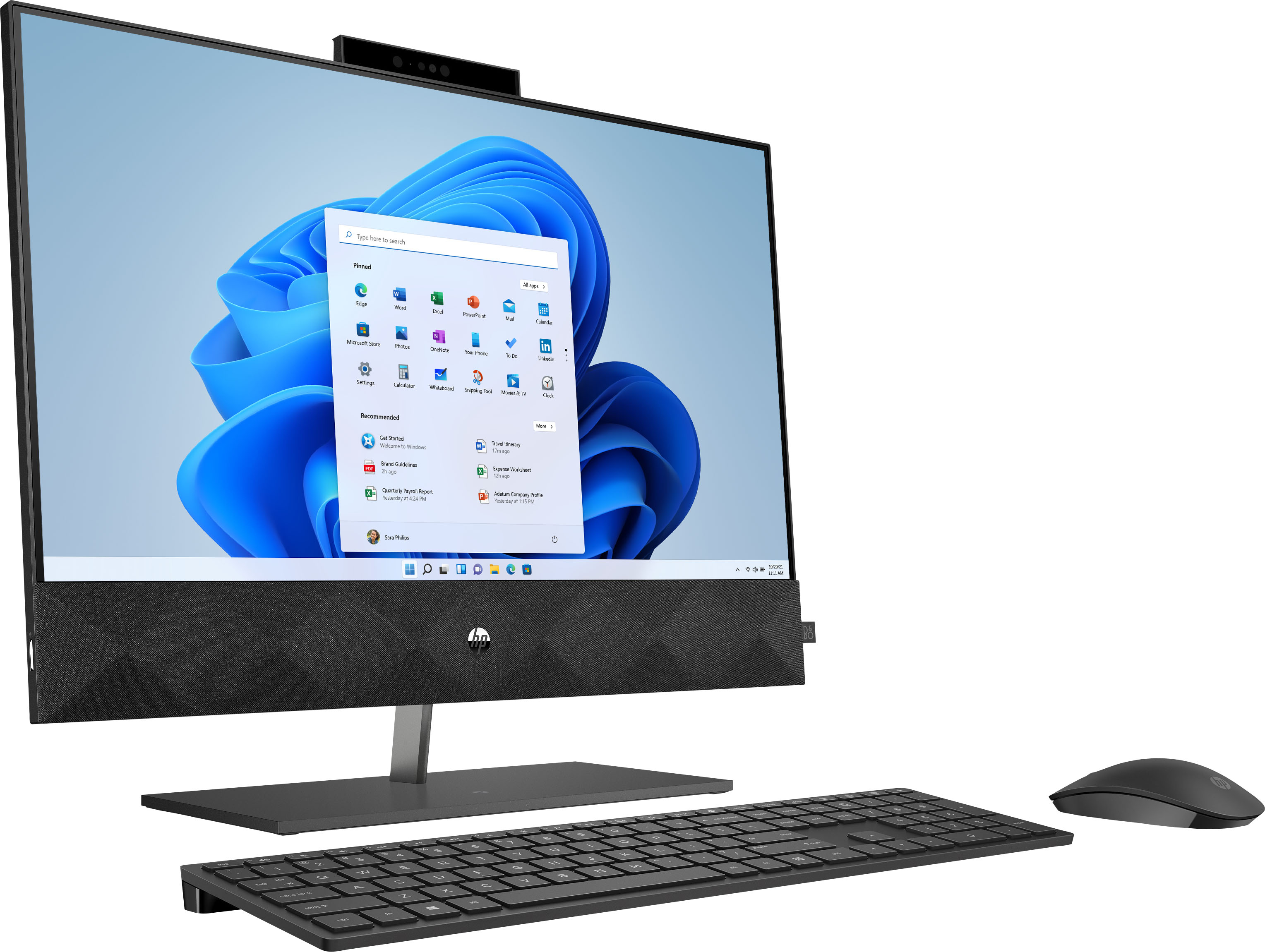
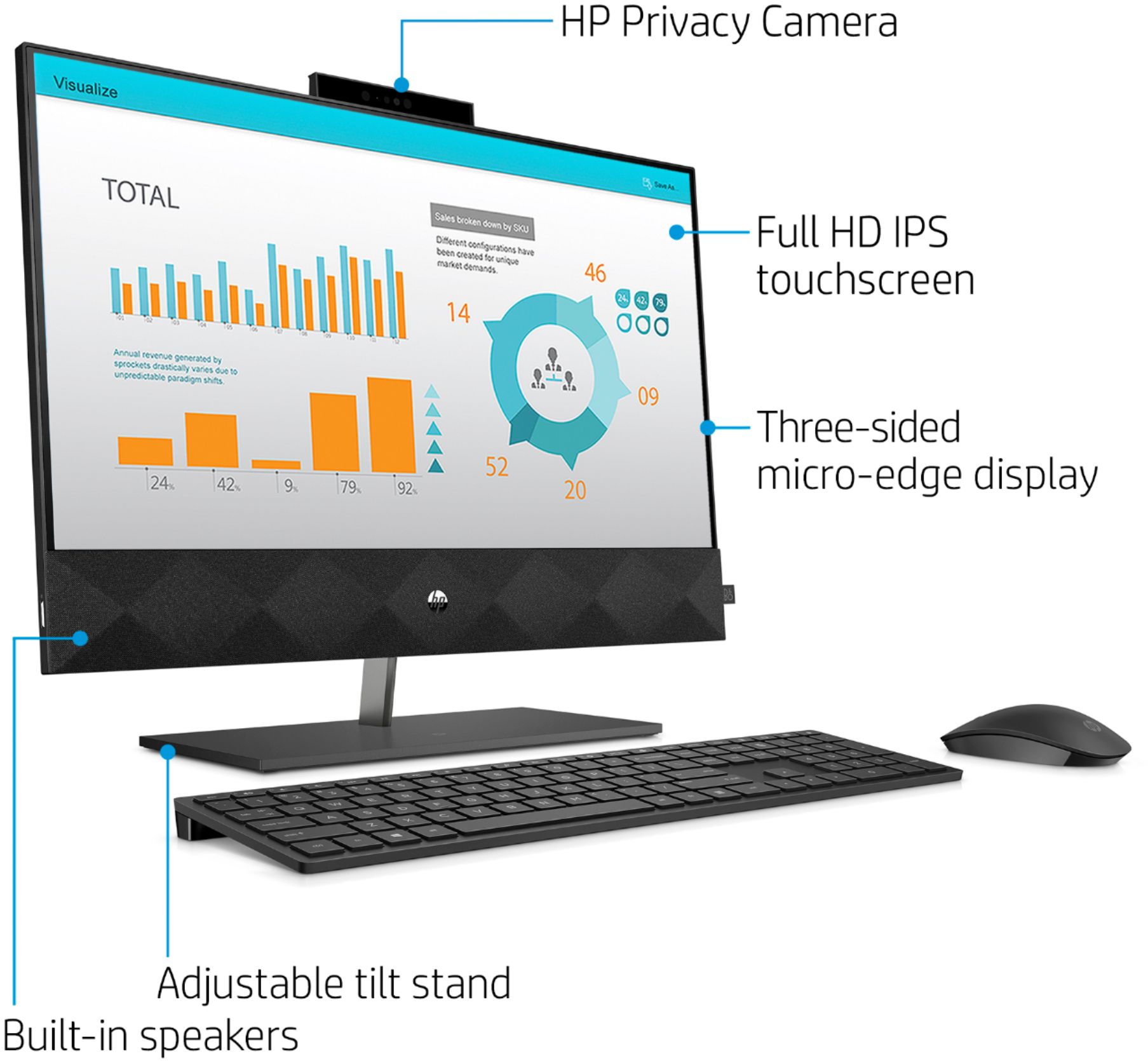
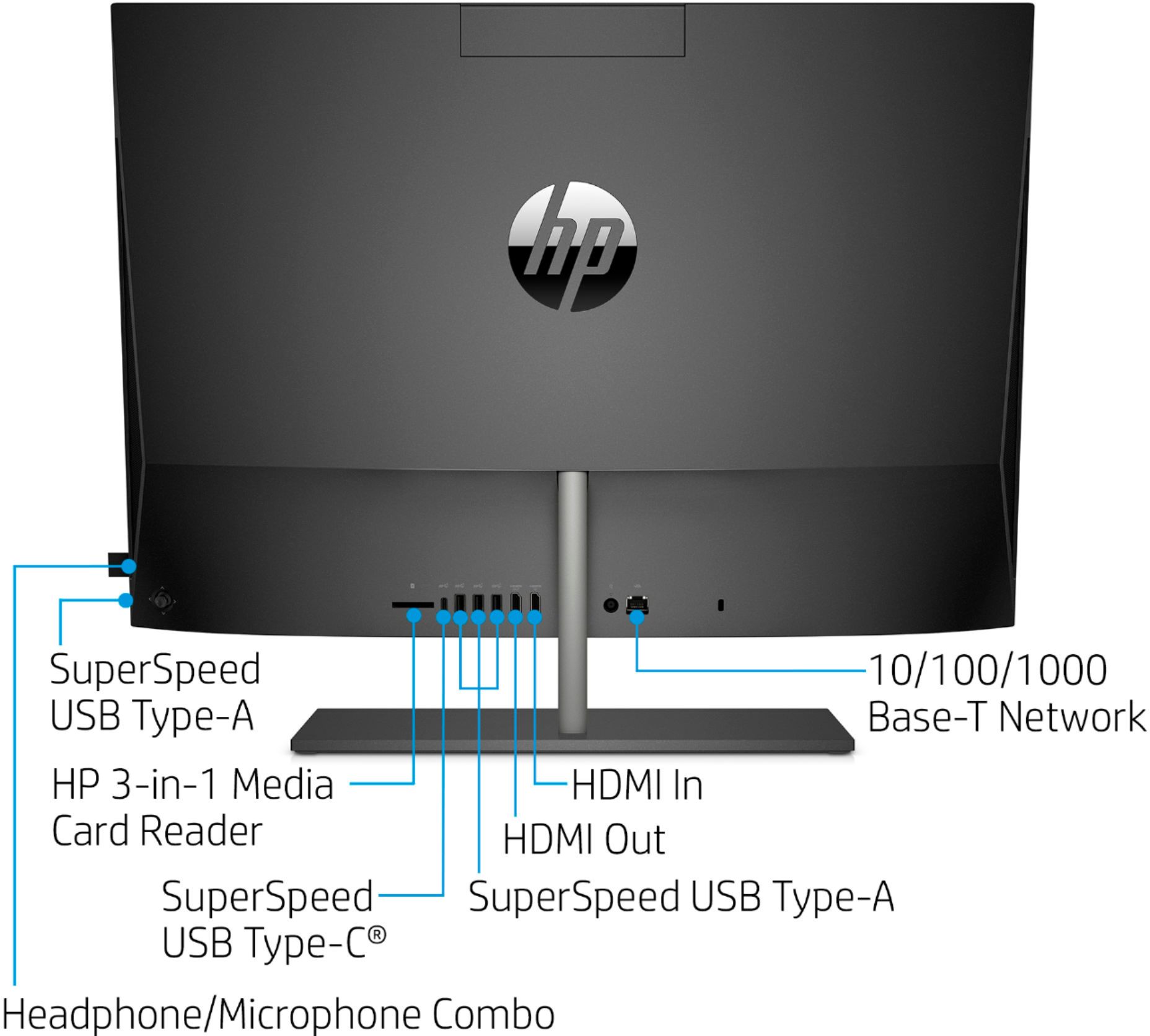
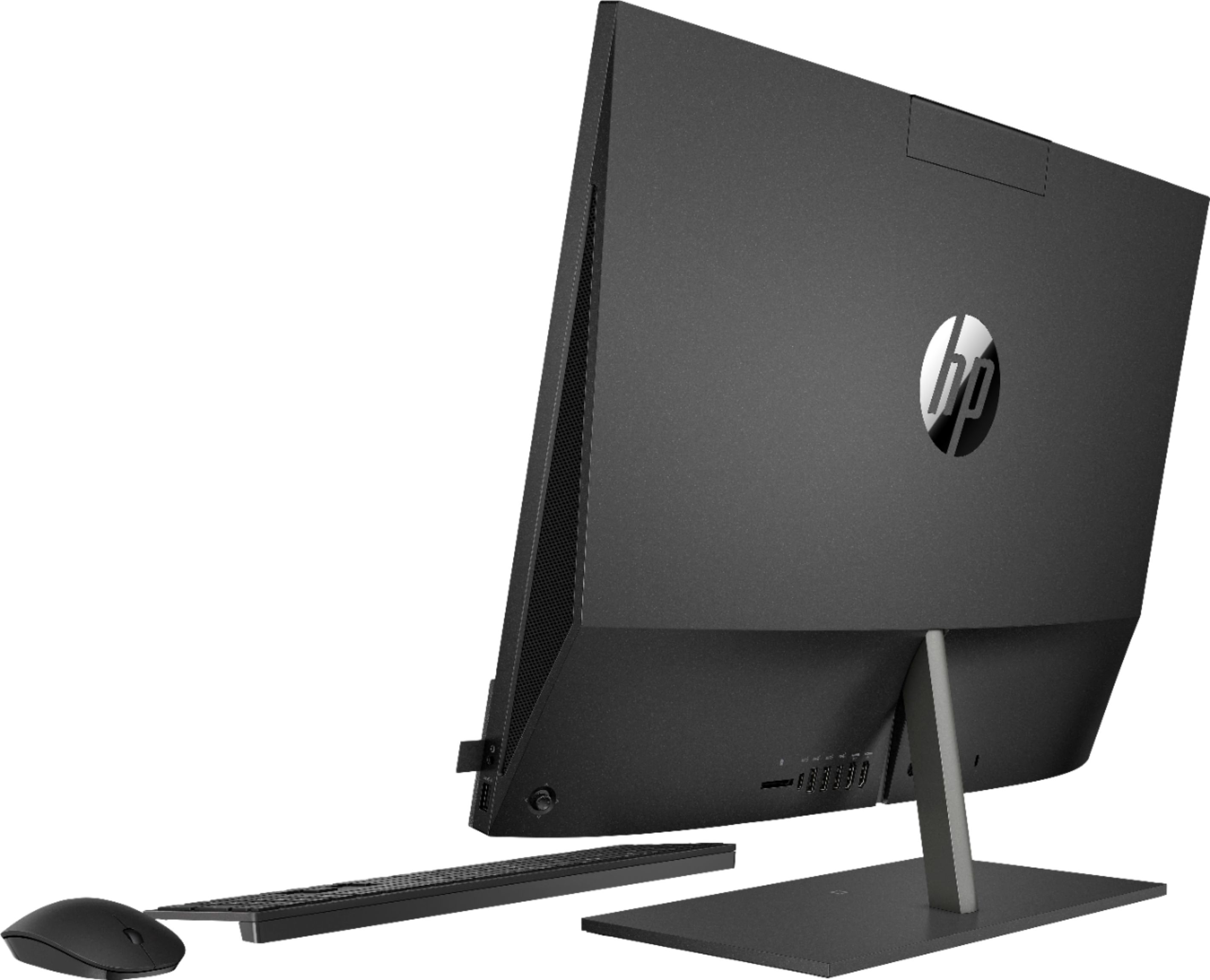
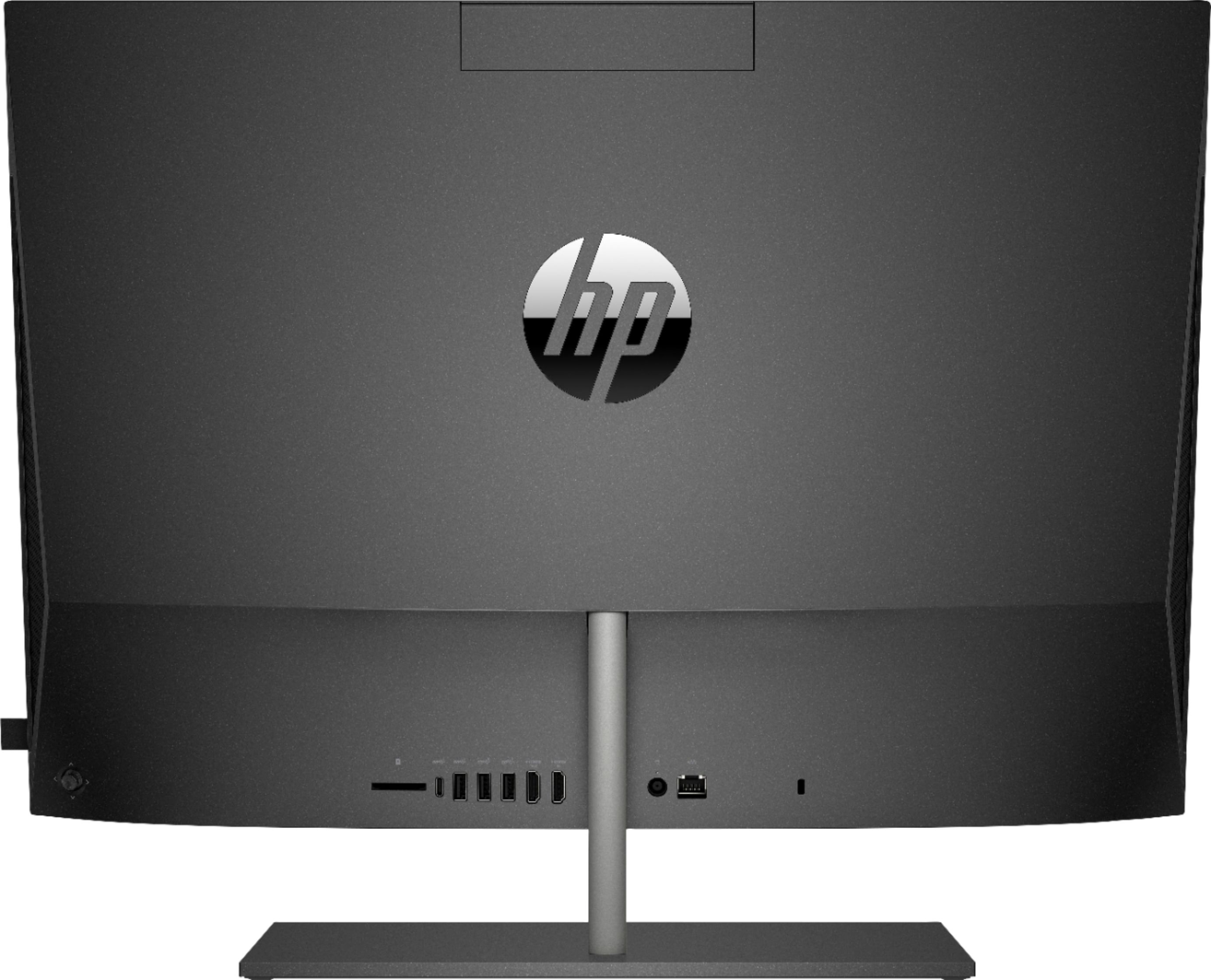
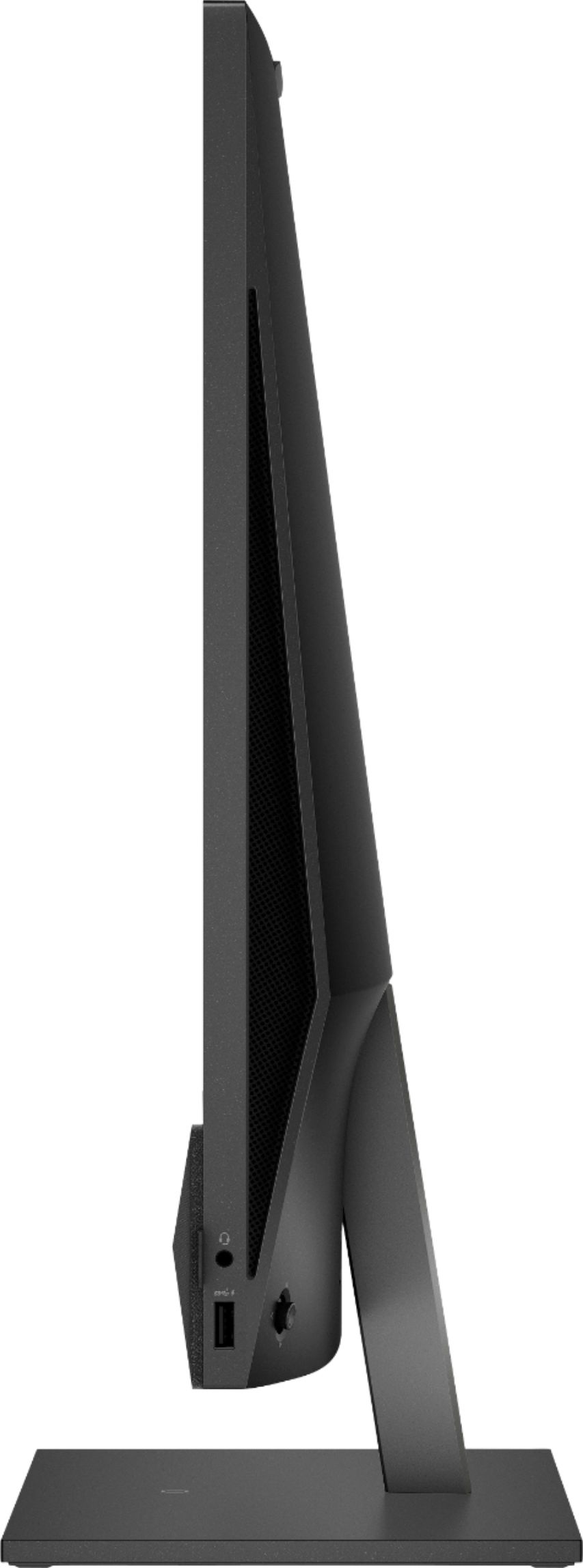
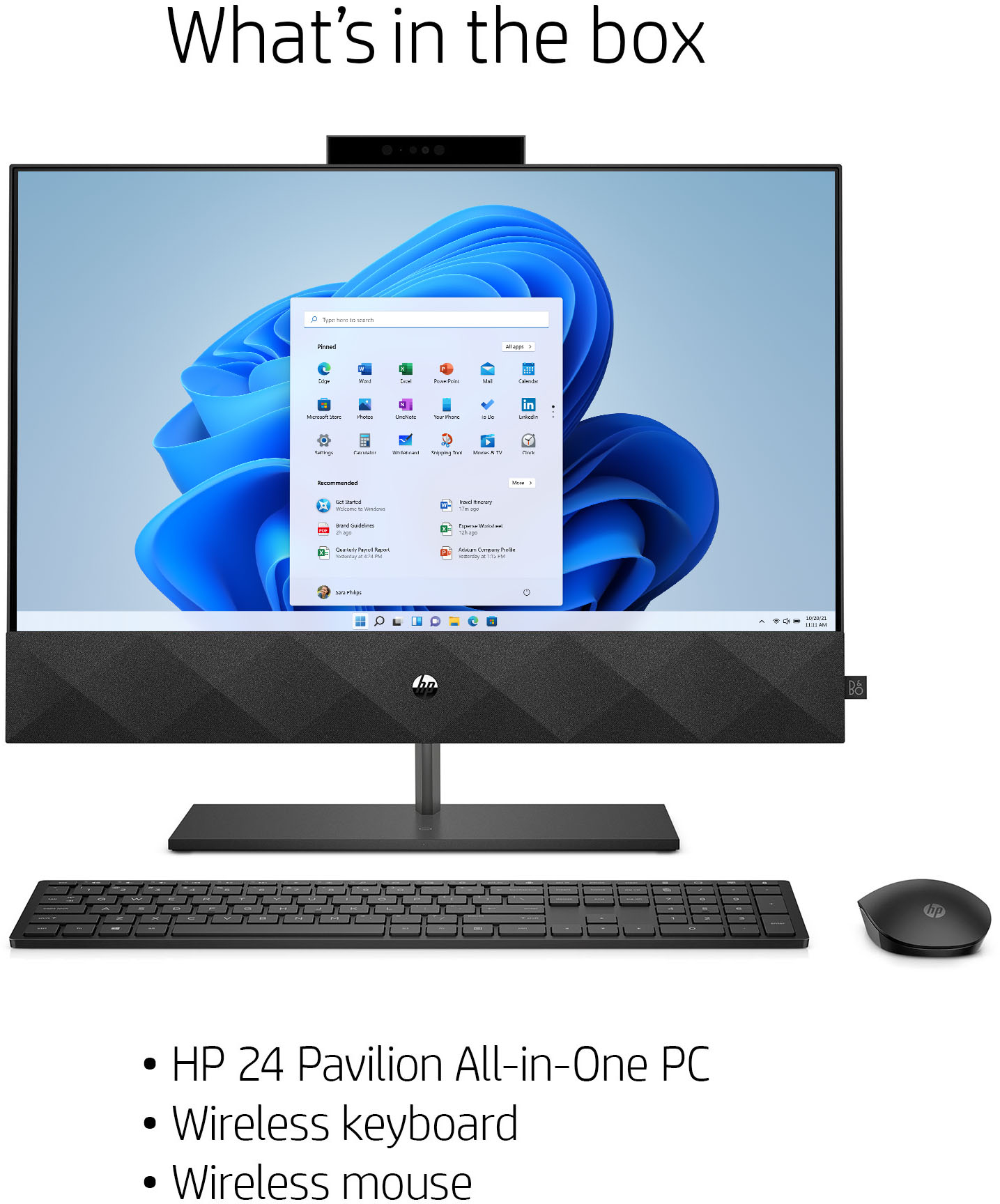
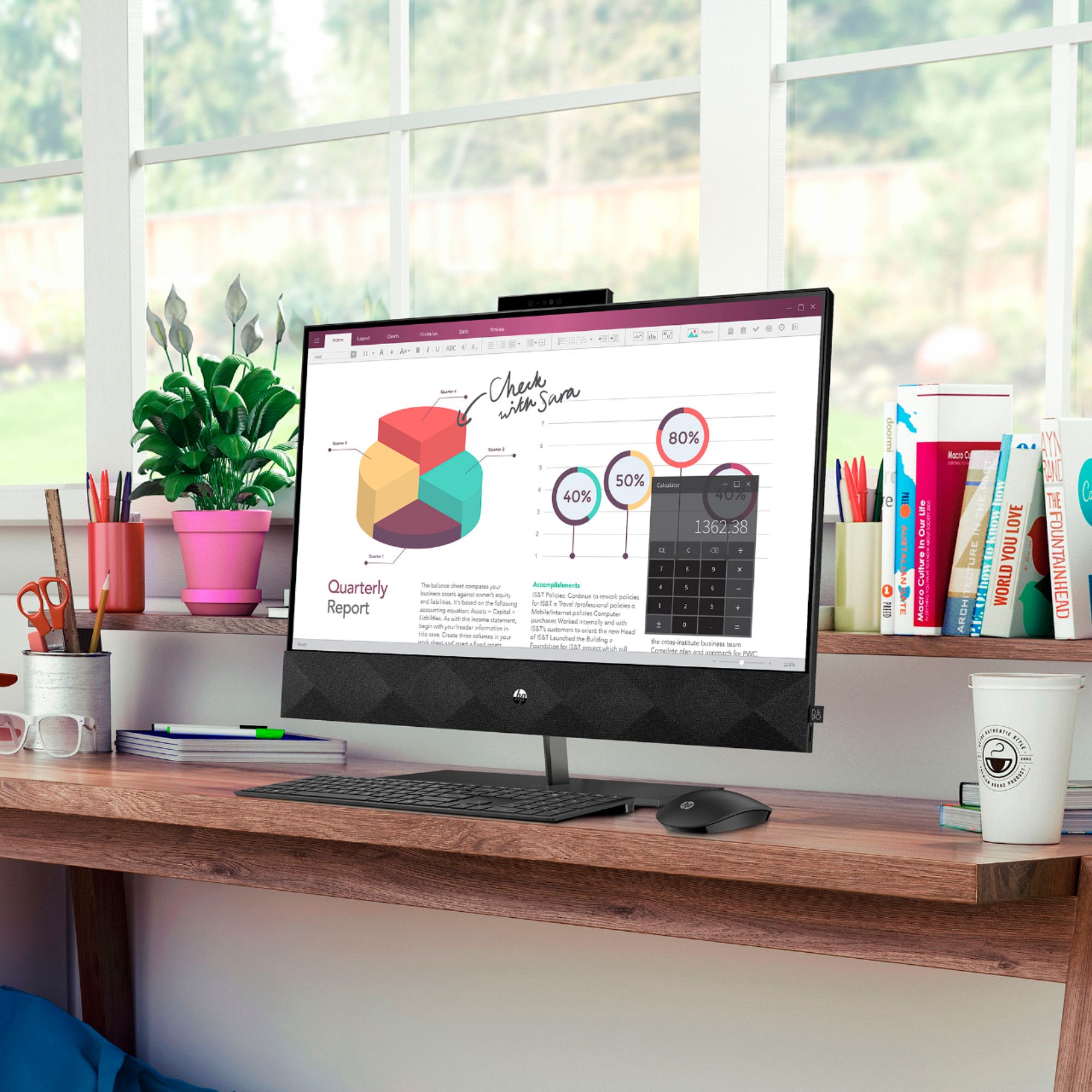
A:AnswerHello, yes this computer comes with a keyboard and a mouse, as well as speakers and a webcam, and bluetooth. The computer requirements for Steam RECOMMENDED:
Processor: Intel Core i7-4790 (3.60GHz) or better; Quad-core or better
Memory: 8 GB RAM
Graphics: NVIDIA GeForce GTX 760 (DirectX 11 graphic card required).
DirectX: Version 11
Hard Drive: 28 GB available space
Sound Card: DirectX 9.0c compatible sound card (Surround Sound 5.1)
Due to these recommended requirements this laptop would not be one that is recommended because it does not have a dedicated graphics card.
Thank you for being an HP customer!
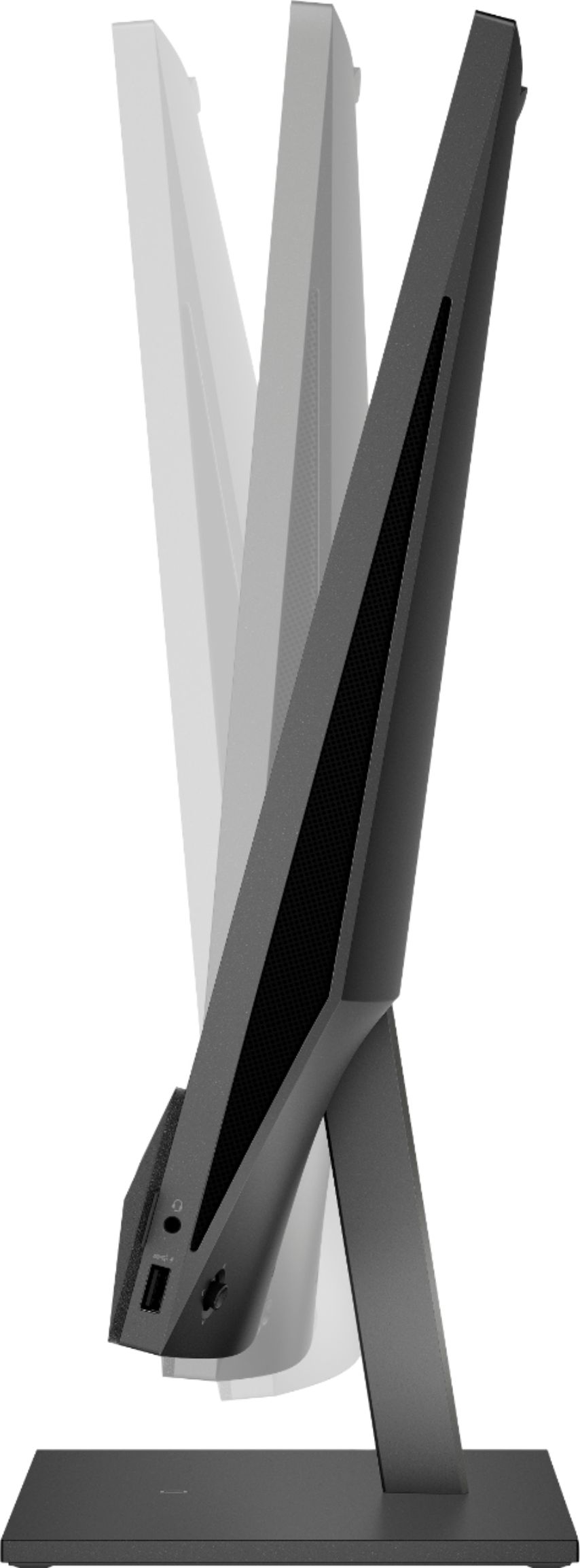
A:AnswerHello Barb287. Thank you so much for your question. To confirm if you can adjust the height of this HP Pavilion 24-k0034 PC, you may contact the computer manufacturer using the information below:
***https://support.hp.com/us-en/contact-hp***
Thank you for choosing Intel!
A:AnswerHello Phuong. Thank you for your question. Based on the information provided by the manufacturer, this HP Pavilion 24-k0034 desktop system does not come with an internal optical drive CD/DVD reader.
Thank you for choosing Intel!
A:AnswerHello, the all in one desktops are similar in design to a laptop as far as space is afforded so this device does not have the ability to upgrade and add a dedicated graphics card, however the graphics card which is integrated into the Intel Core I5 processor is the Intel® UHD Graphics 630, launched in April 2020, which supports DirectX12 ensuring that all modern games will run. Thank you for being an HP customer!
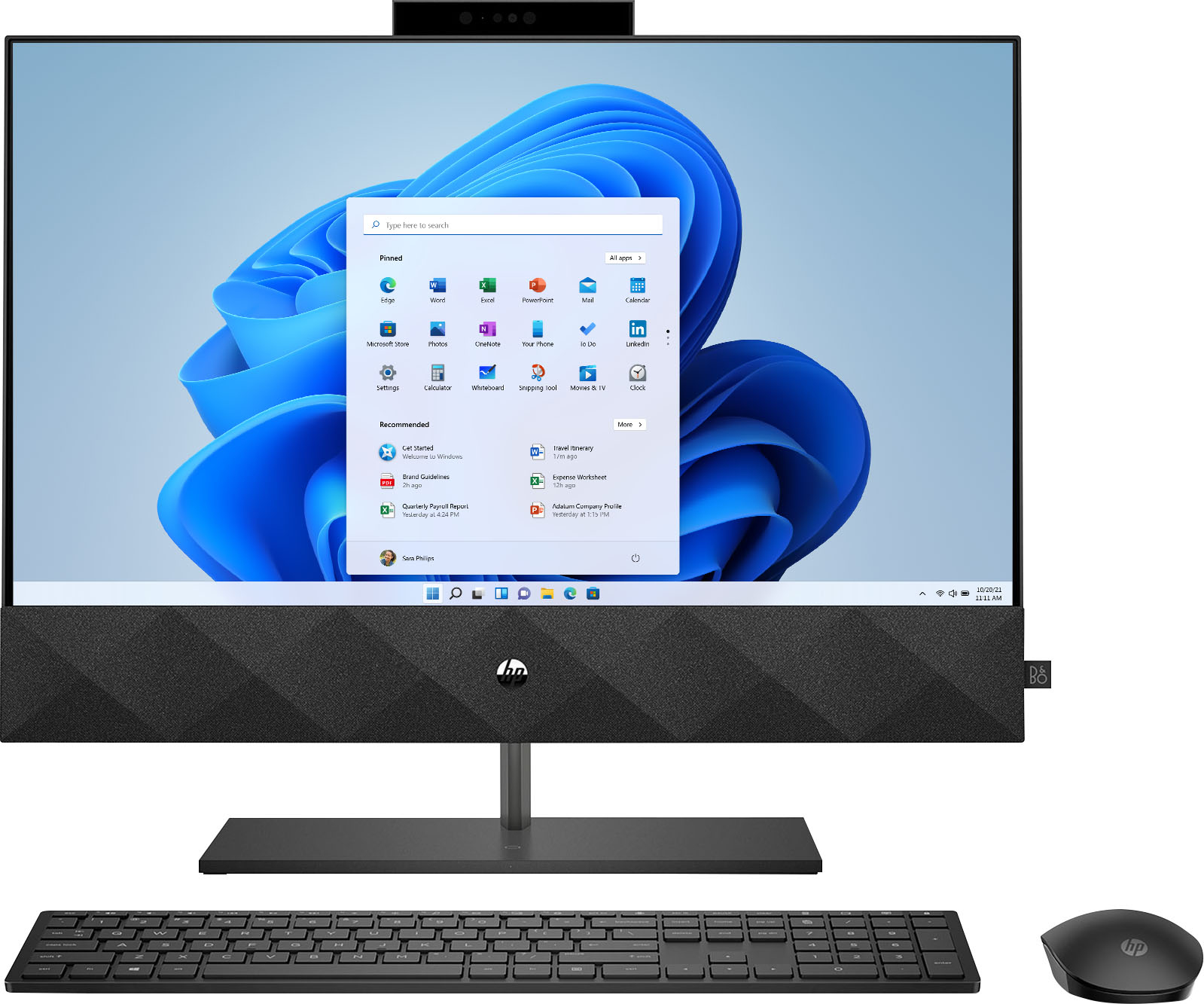
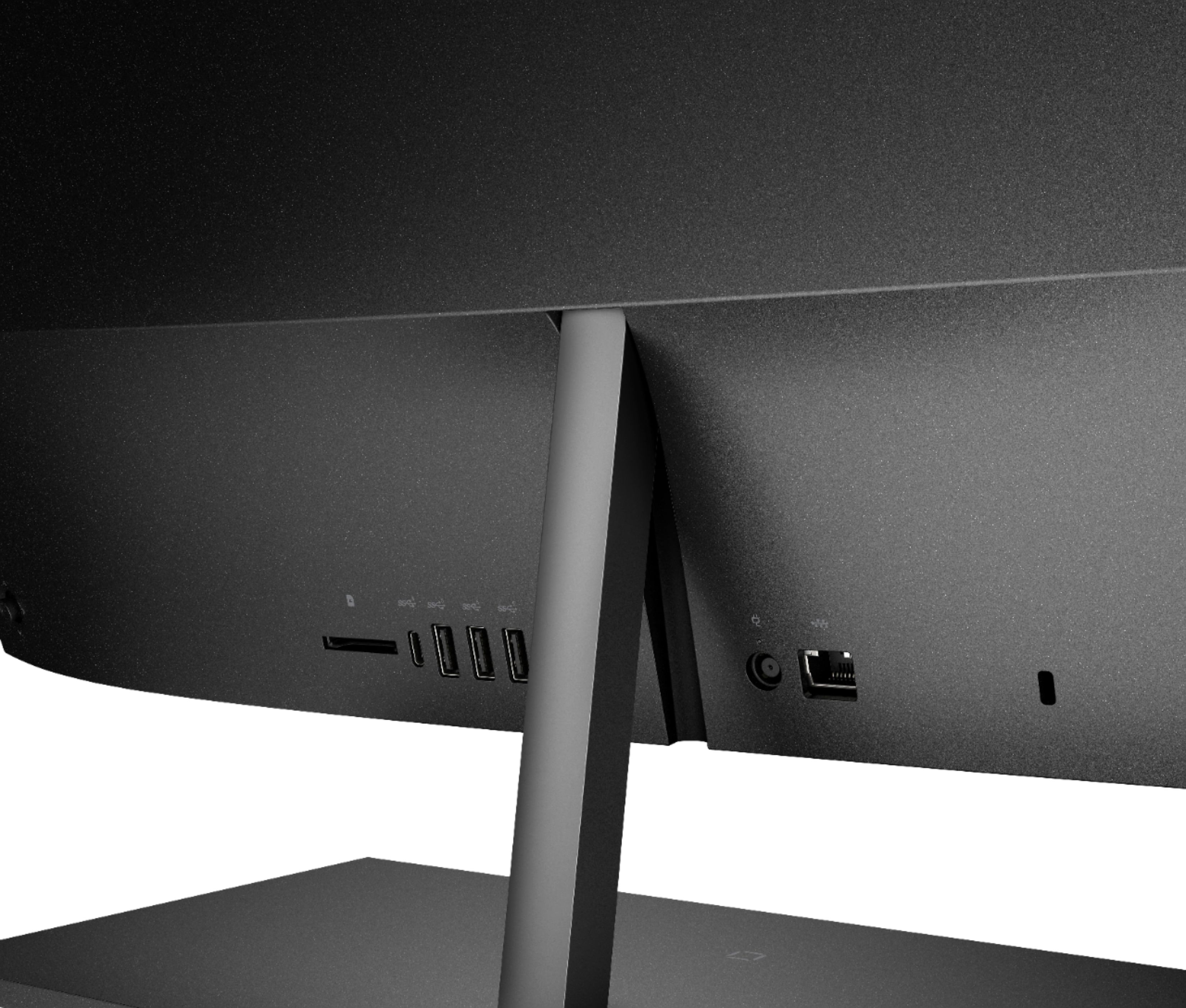
A:AnswerHi, thank you for the question. HP 24-k0034 All-In-One PC does have wireless functionality and it does not need to be directly connected to an ethernet cable to access the internet.
A:AnswerHi, thank you for the question. Unfortunately, HP 24-k0034 All-In-One does not support Oculus Quest 2 because it does not have a dedicated graphics card.
A:AnswerHello. Thanks for your question. Yes, you can use the HP Envy 4500 printer. You would need to install the printer with either the HP Smart app or by visiting https://123.hp.com/setup. For the Total Tech Support, we recommend reaching out to the Geek Squad at Best Buy. You can reach the Geek Squad at 1-800-433-5778 or https://bit.ly/3dRM7ju