Questions & Answers
- Model:
- 24-k0034
- |
- SKU:
- 6454570
Highly rated by customers for: Speed, Ease of use, Screen Size
Page Showing 61-63 of 63 questions
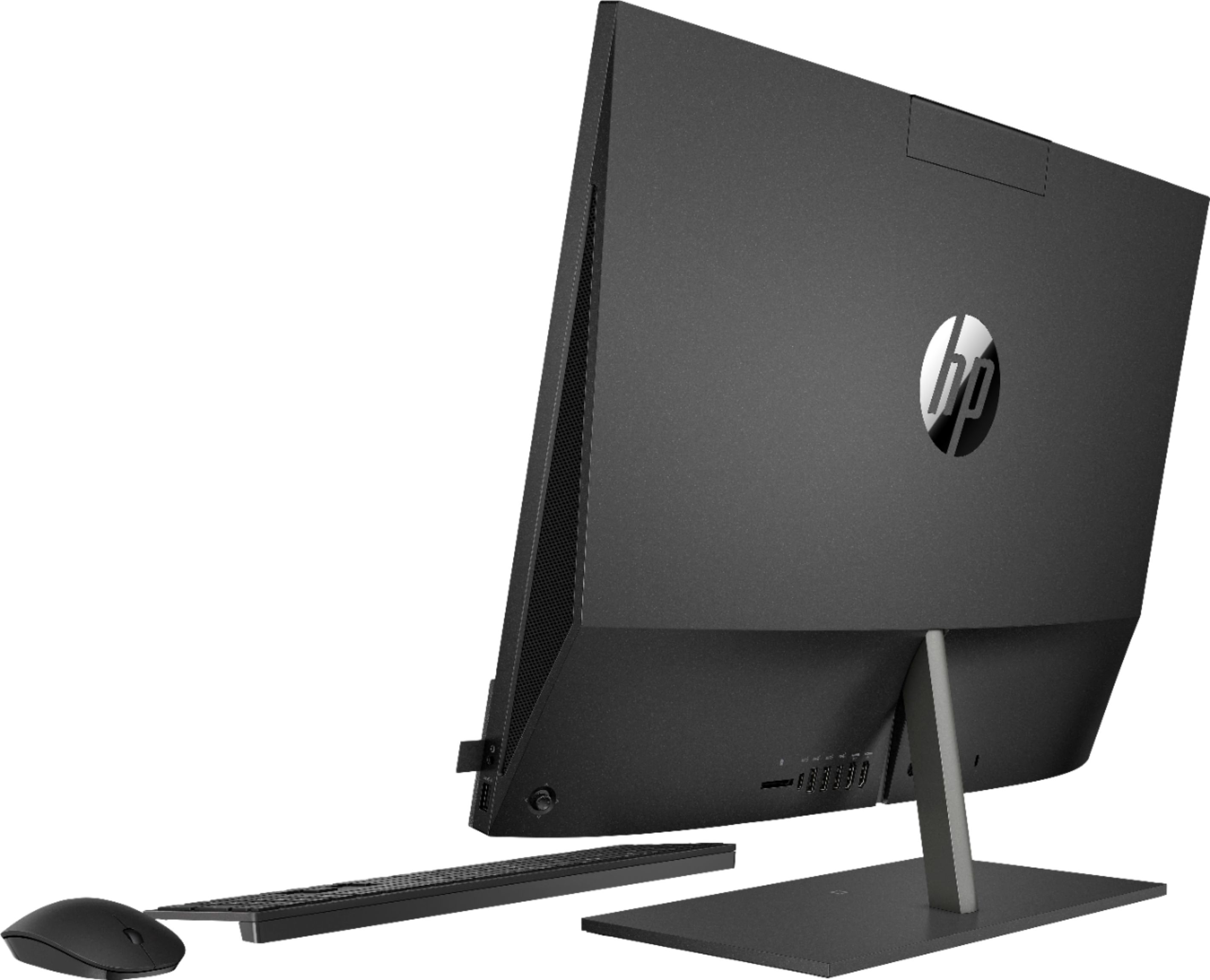
Q: QuestionHow do you turn on and off the keyboard? It is battery operated so want to make sure I am being energy efficient. There is an image in the box that the keyboard came with some sort of graphic, but honestly it's not that clear. the mouse has a button.
Asked by HPPavOwner.
- A:Answer It is battery powered and it doesn't have an on/off switch like the mouse does.
Answered by EmberCelica
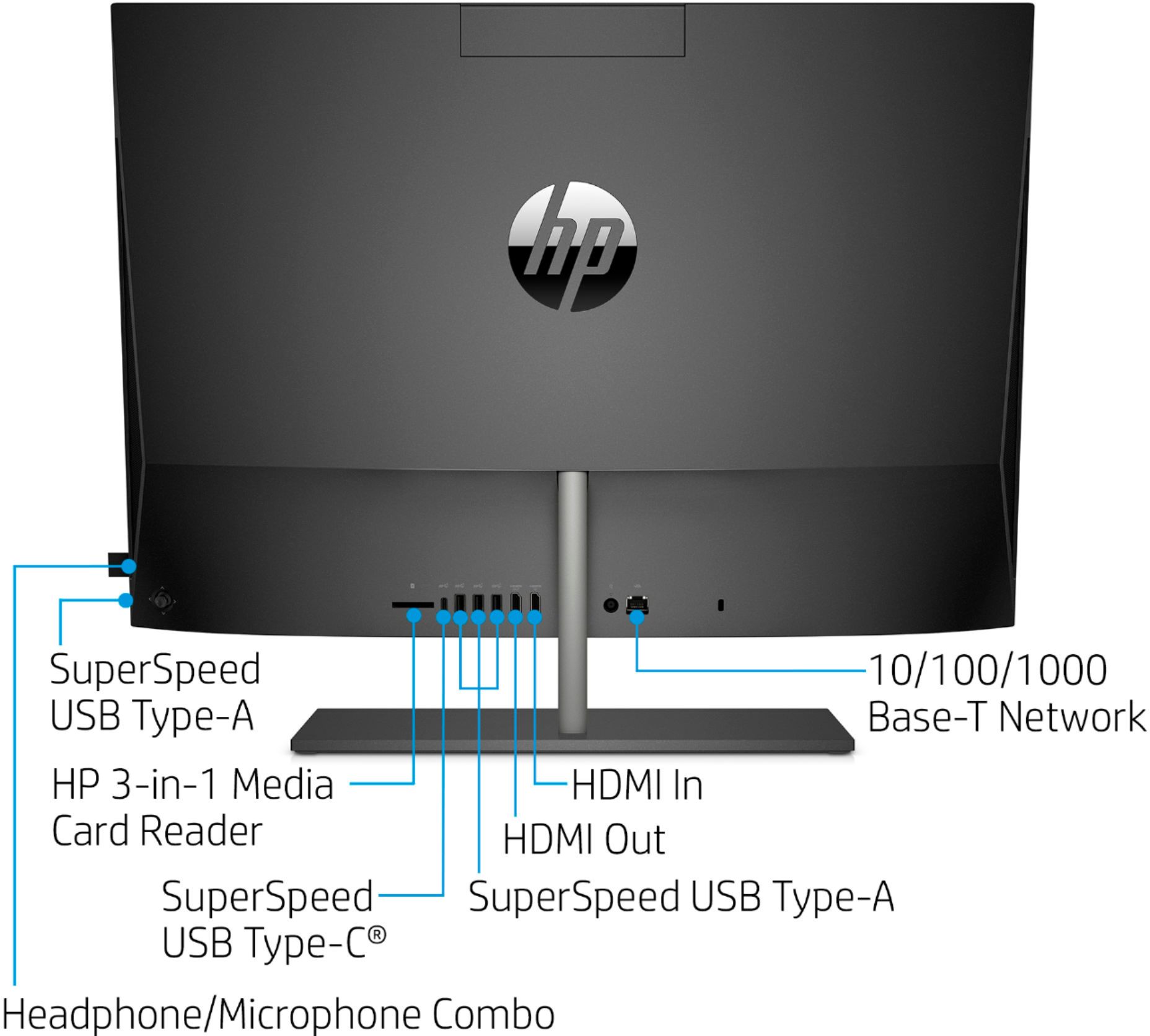
Q: QuestionHow can I connect my Klipsch satellite speakers to this computer?
Asked by Eric.
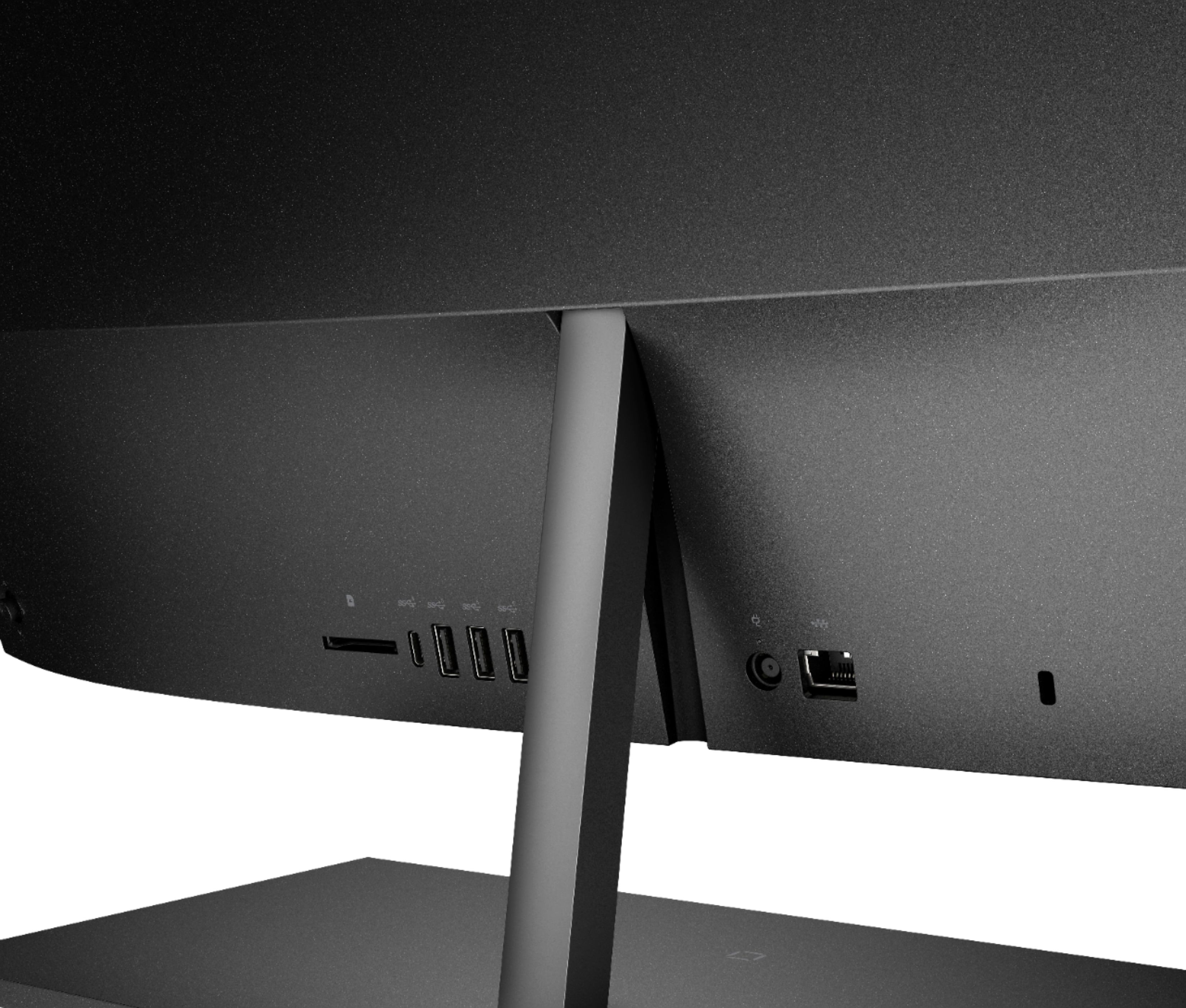
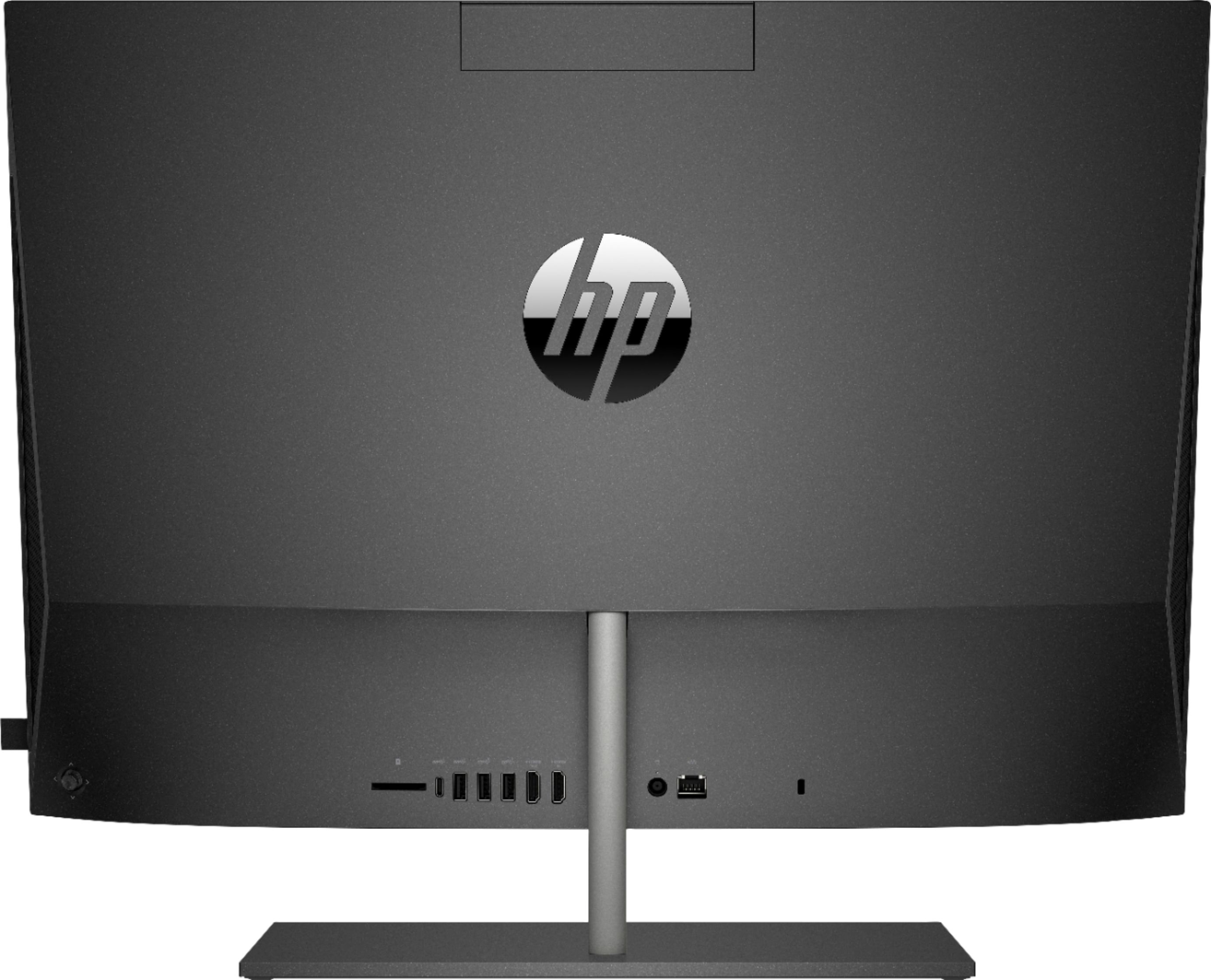
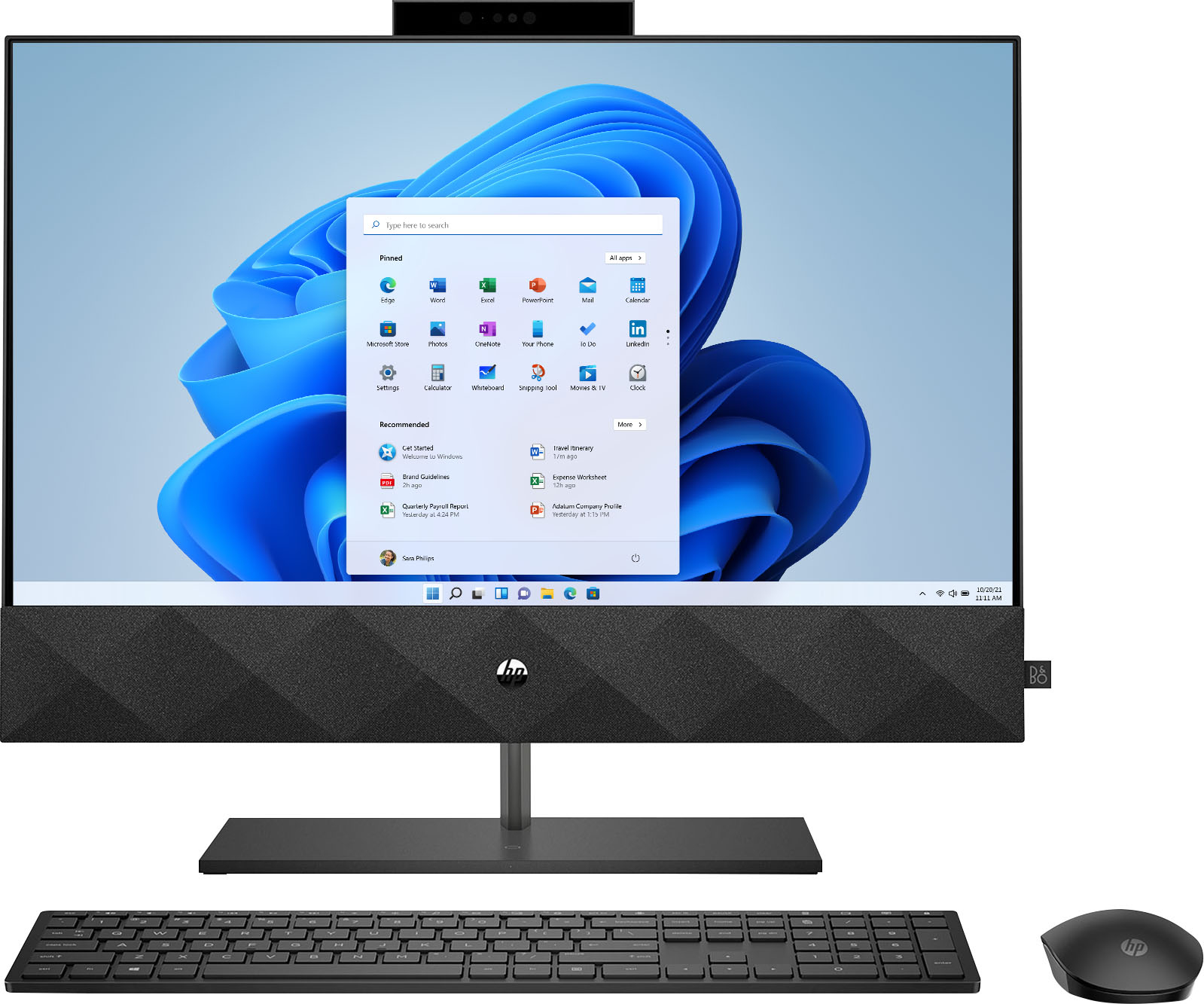
- A:Answer Hello Eric. Typically, external speakers have a single, small 1/8" or smaller (width) jack that plugs into the back of the all-in-one system. For Klipsch, most cases the color of the connector is a pale green color. The instruction manual in your speaker set should note this, or if you are missing that manual, you can search on YouTube (for example) on how to connect computer speakers to an all-in-one or desktop PC. The process would be the same whether the PC was an all-in-one (like you have) or a tower desktop system.
Answered by HP Team

Q: QuestionKeyboard - Mouse - Loading: First couple days, no problem but now the typing response, mouse clicks and page loading are very slow especially while using Yahoo Mail. Using Mozilla Firefox. Not a problem with my 10+ year old Samsung laptop.
Asked by LEE3.
- A:Answer Thank you for your question! Sorry for your issues with our mouse. Please visit our HP Support page for assistance in resolving this problem.
Answered by HP Team

Top Rated
- $820.00$820.00The price was $1,049.99
- $599.99$599.99The price was $949.99
- $149.99$149.99The price was $199.99