A:AnswerYou would want to look at the system requirements for any software from the developer's website. Updates can change the requirements which can affect which settings you can run the software on or if you can run it at all.
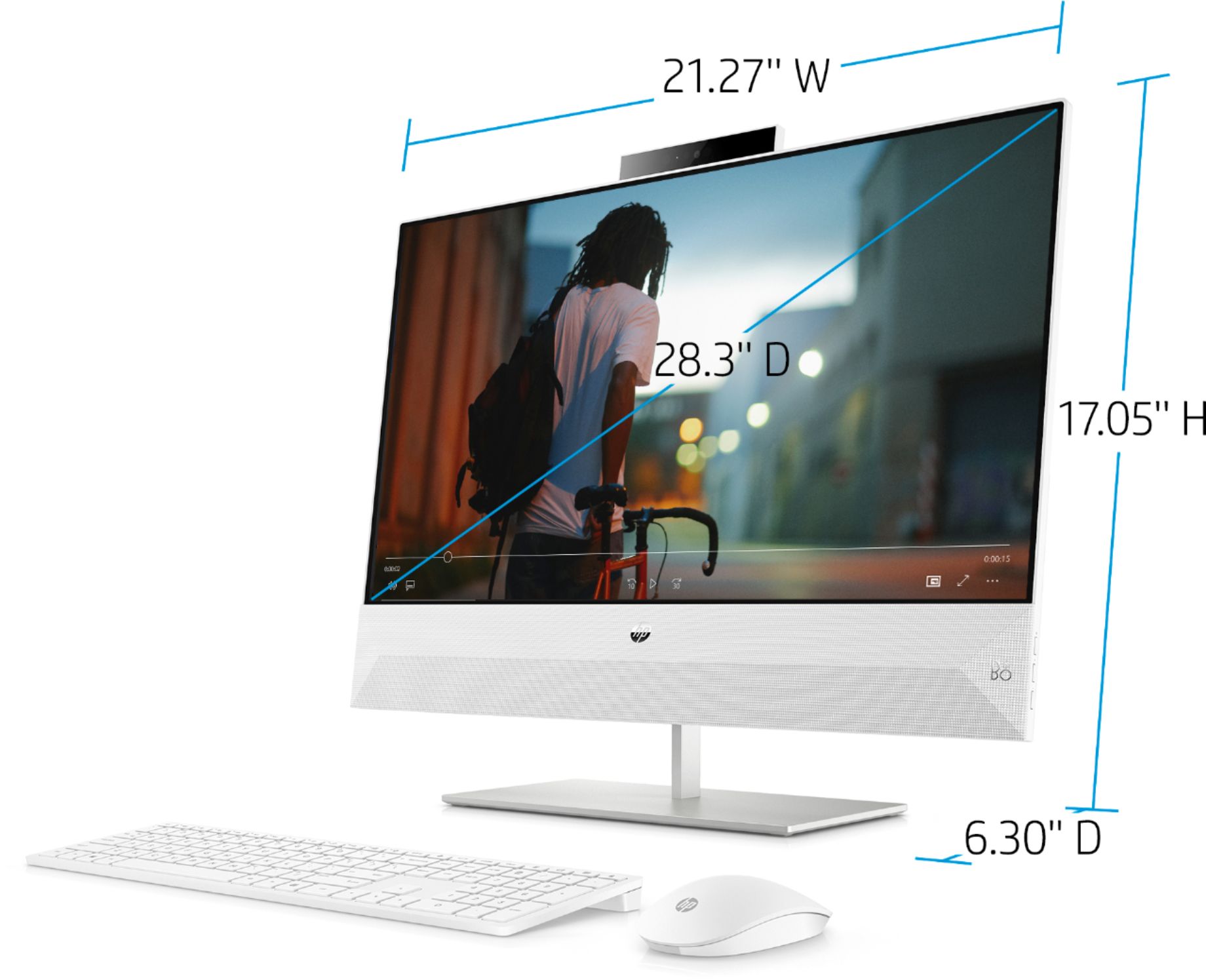
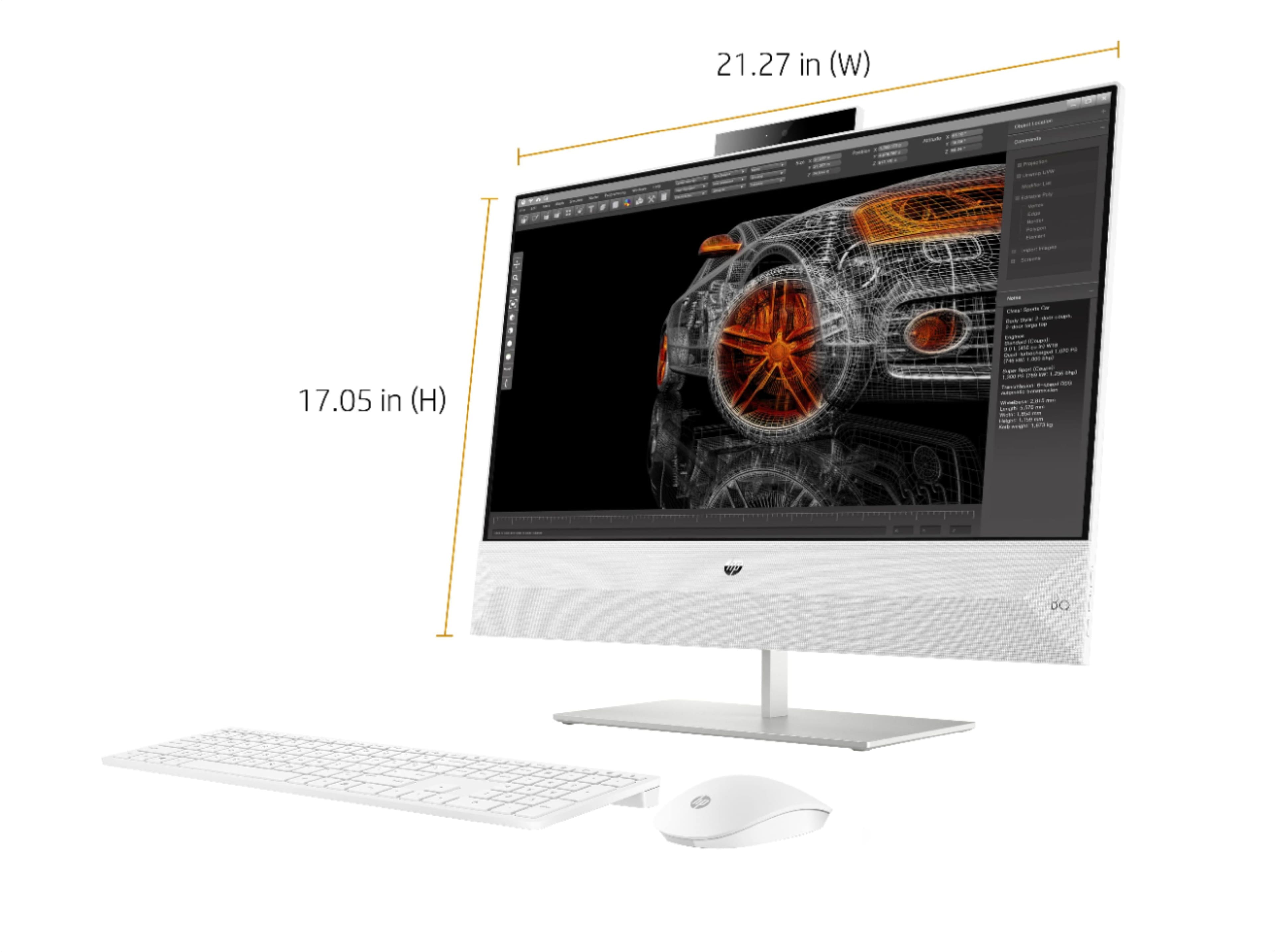
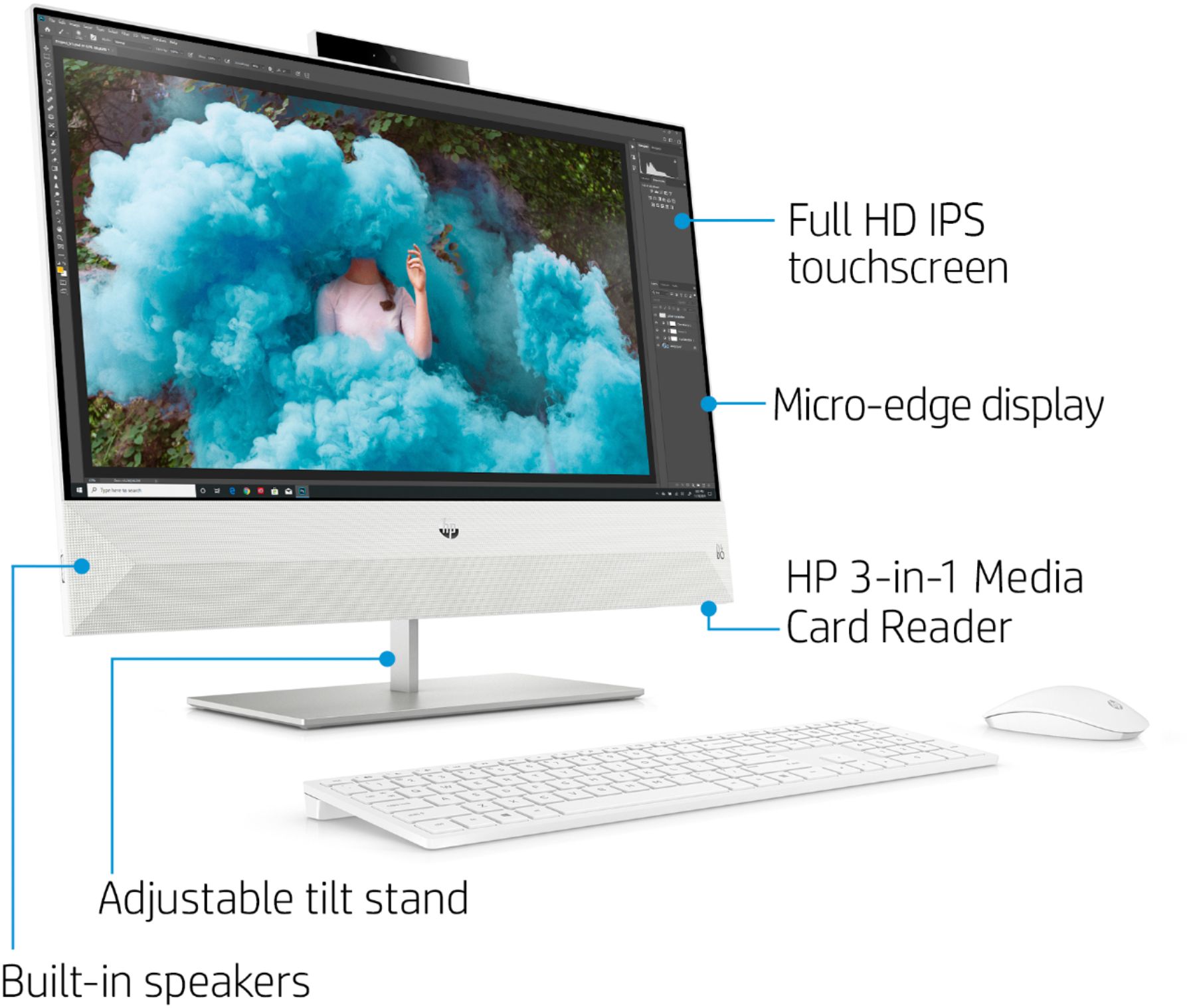
A:AnswerWith the base, it's about 17 inches high. There is not a model currently available that ships with 16 gigabytes of RAM, but you can contact the Geek Squad at your local Best Buy to look into the cost of replacing the RAM that comes with the computer with 16 gigabytes.
A:AnswerWe do not have any complaints about this computer being noisy.
You can check with HP support at https://support.hp.com or call them at 1-800-HPINVENT about your previously purchased product. It is possible that noise can be reduced by adjusting reducing power consumption and reducing the temperature. You can also check with the HP support community . Here is a link to that site: https://h30434.www3.hp.com/
A:AnswerYou will not be able to upgrade the graphics on the All-In-One computers. You will need to get a model that has a good dedicated GPU for 3D Modeling built-in.
A:AnswerYes, you can upgrade the processor. There is no slot for a graphics card on this computer. Refer to "Processor upgrade information" on this webpage: https://support.hp.com/us-en/product/hp-pavilion-all-in-one-pc-24-xa0000i/23302609/model/27090305/document/c06117849