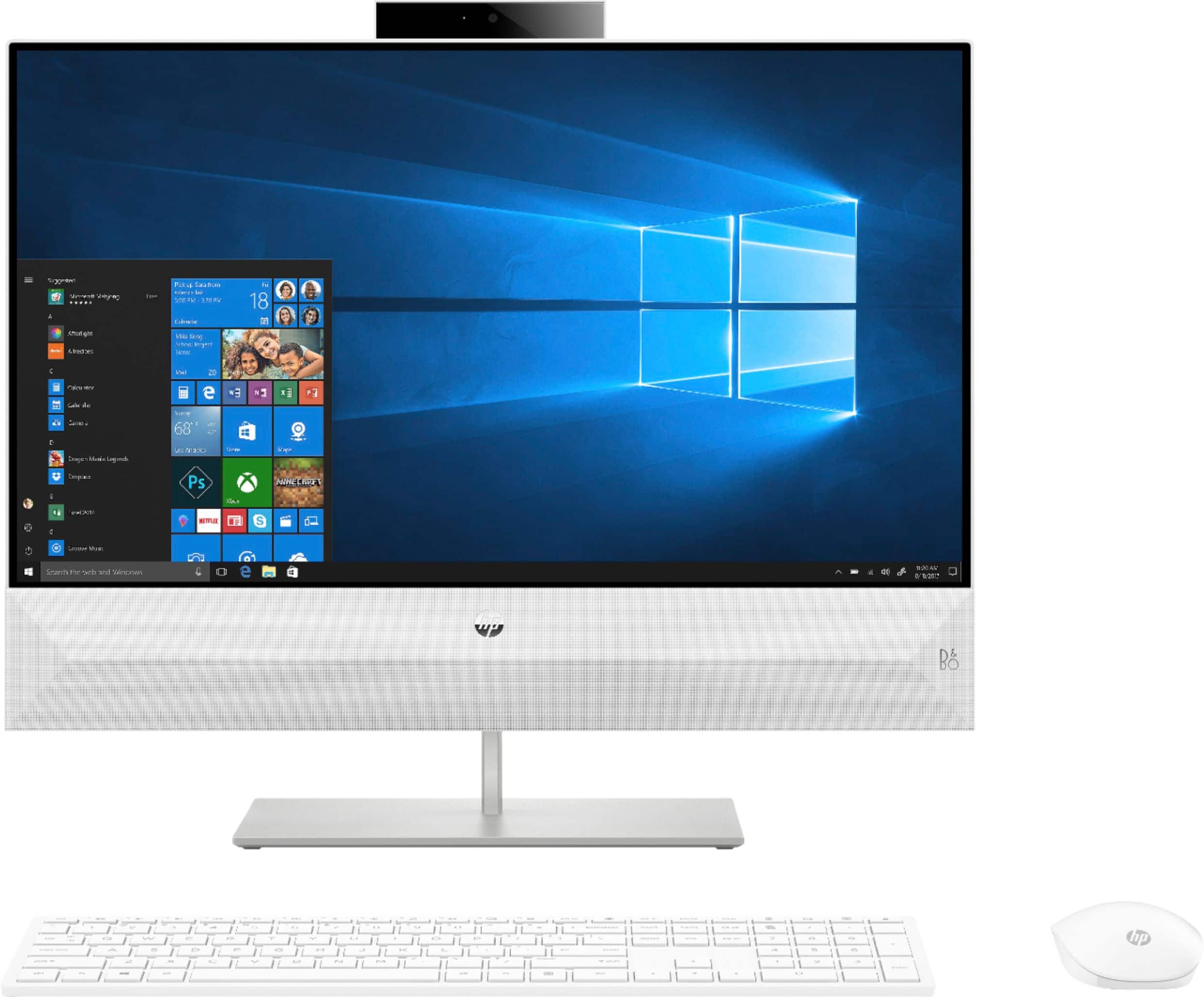
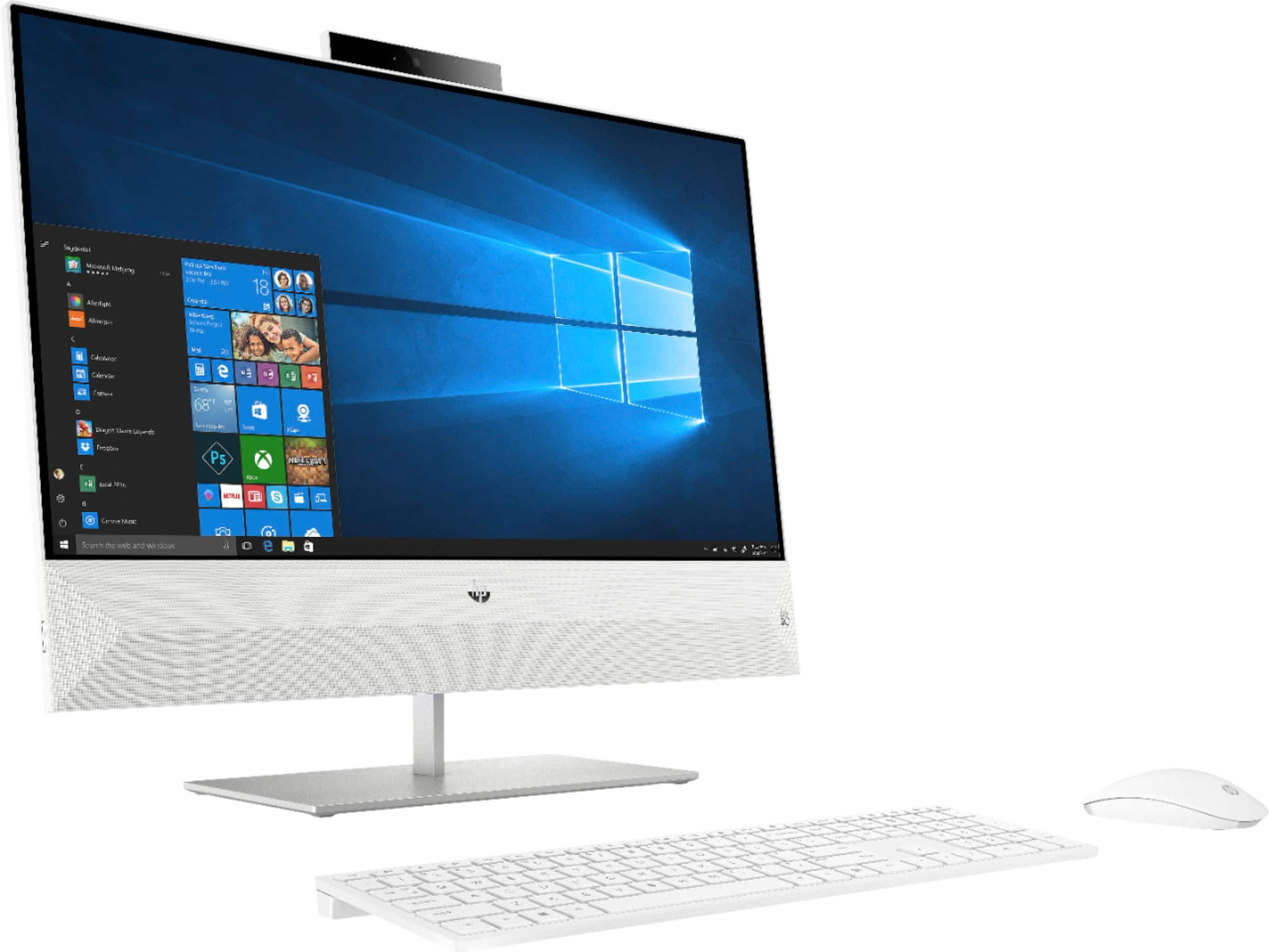
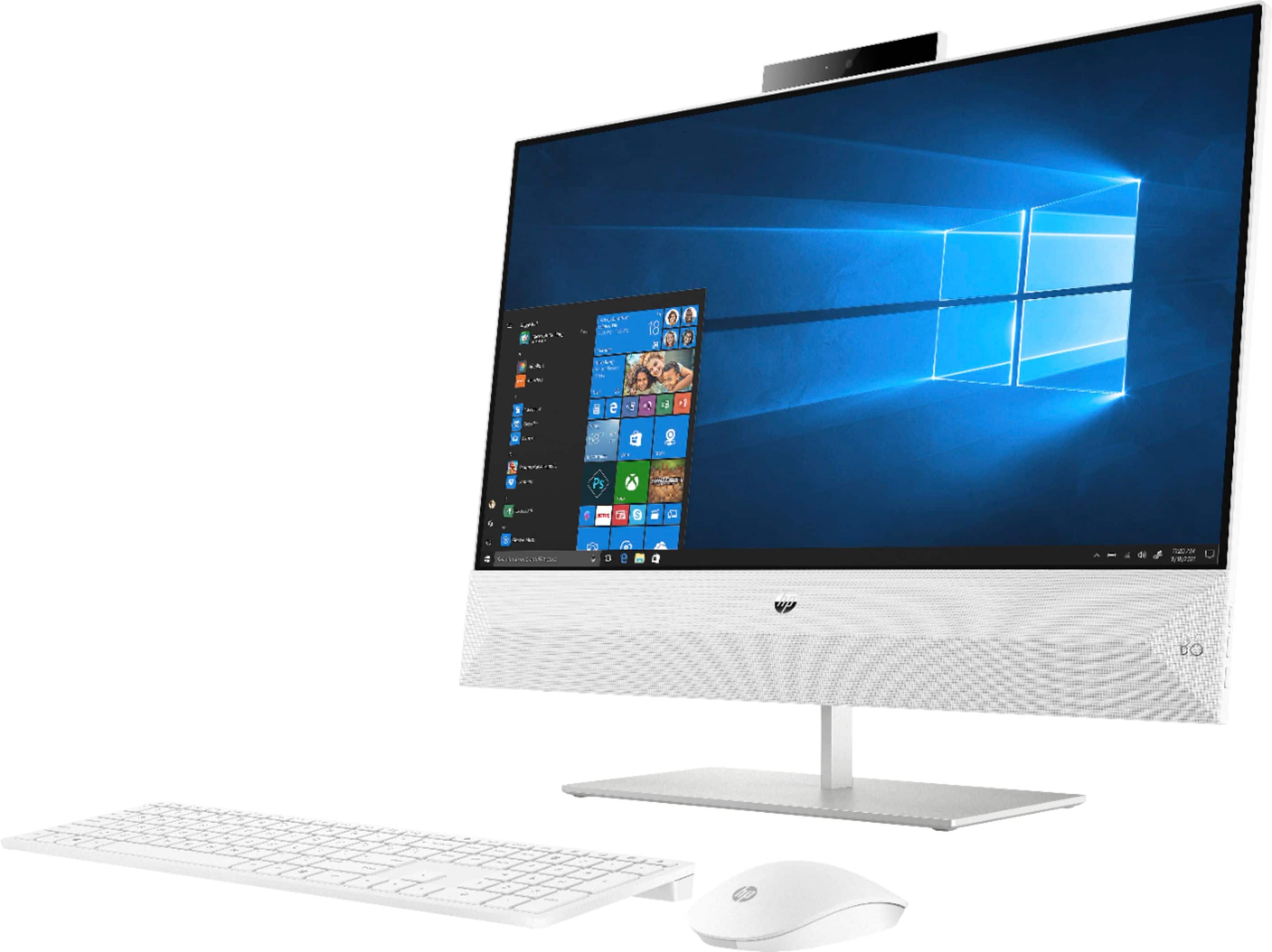
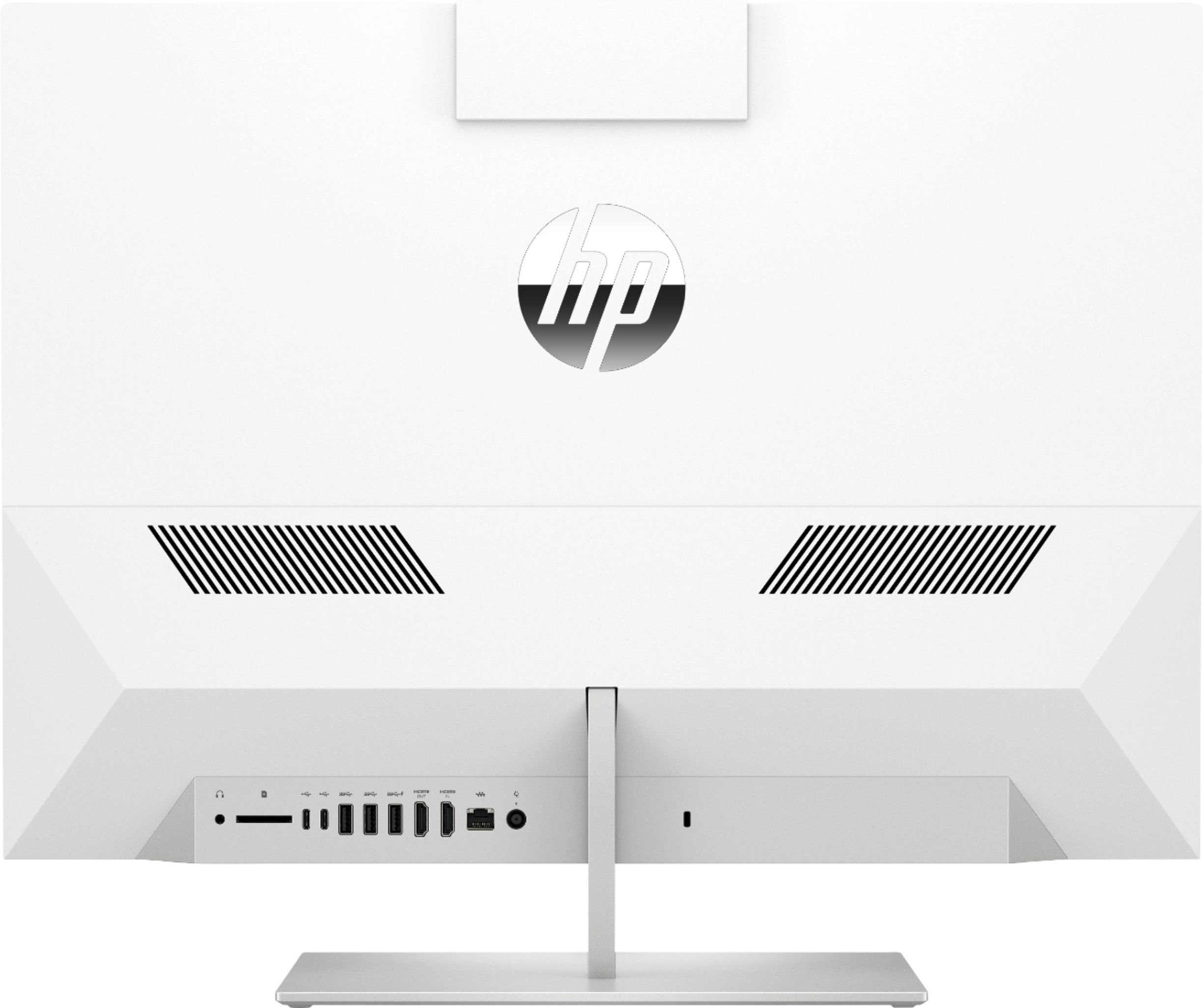
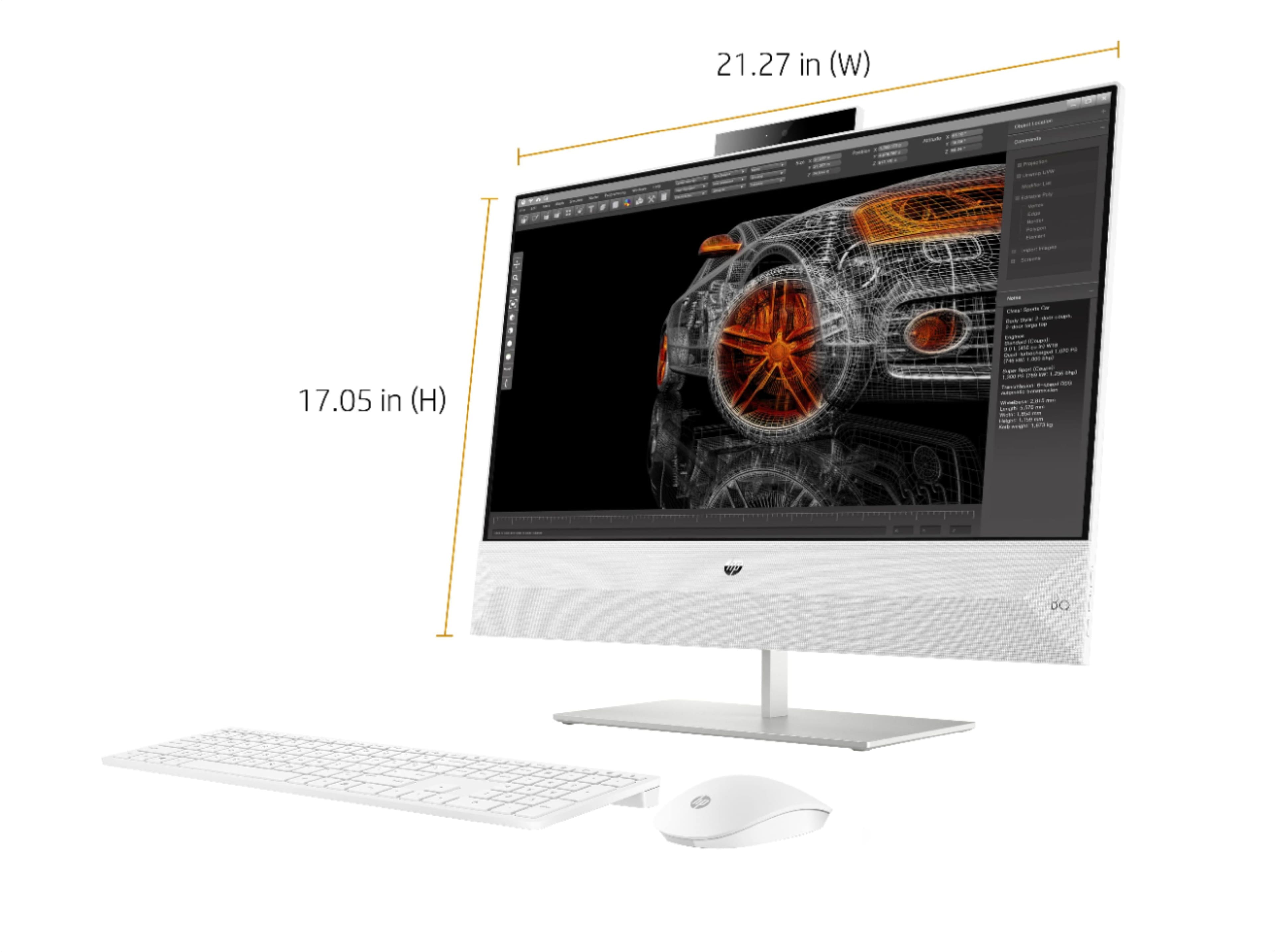
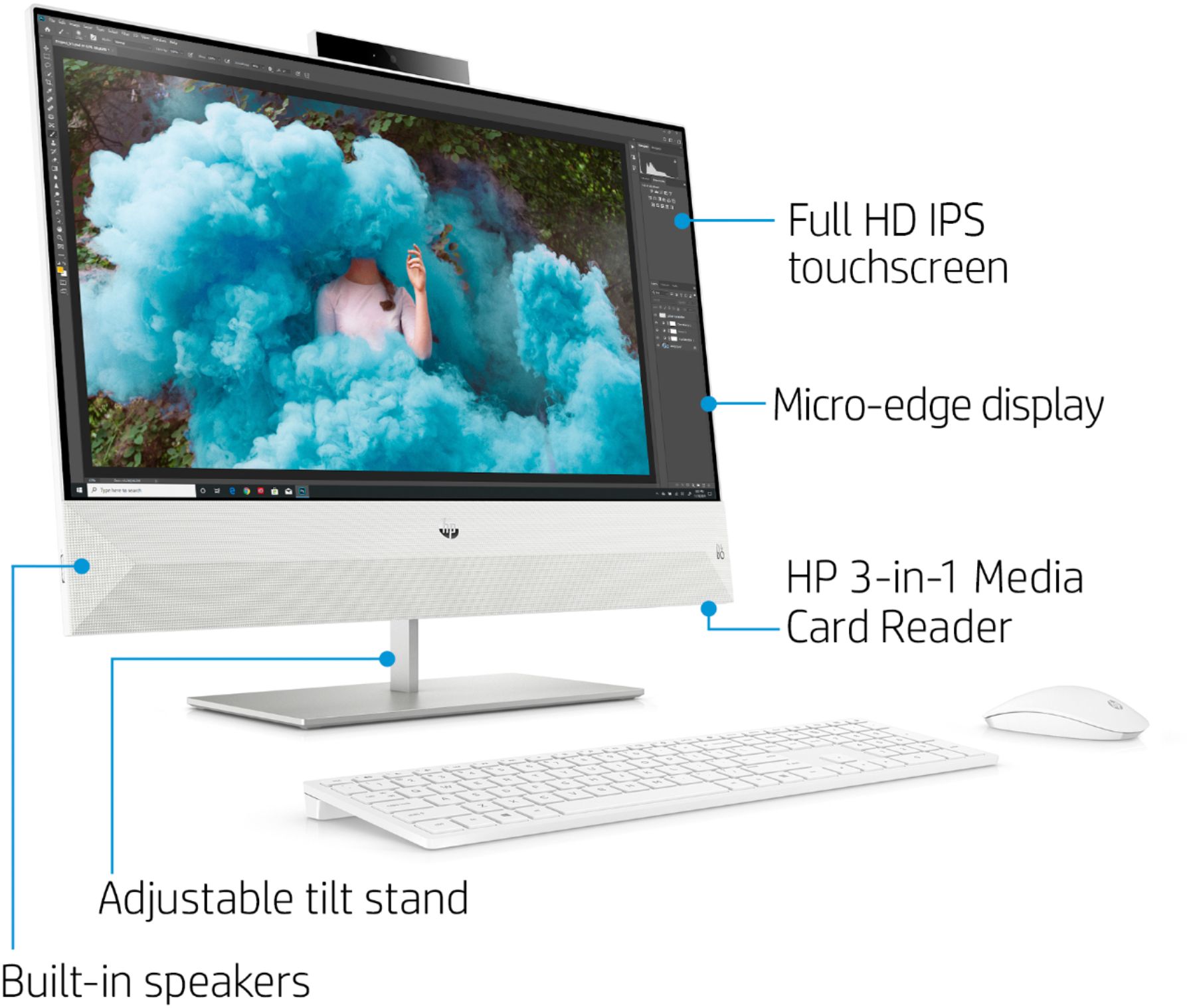
A:AnswerTo connect this All-in-One to your monitor, you will need an HDMI cable (male to male, both ends HDMI) and will connect using the HDMI out to your monitor from the all in one. (The HDMI in allows you to connect a game system or other device to display on the screen of the all in one.)