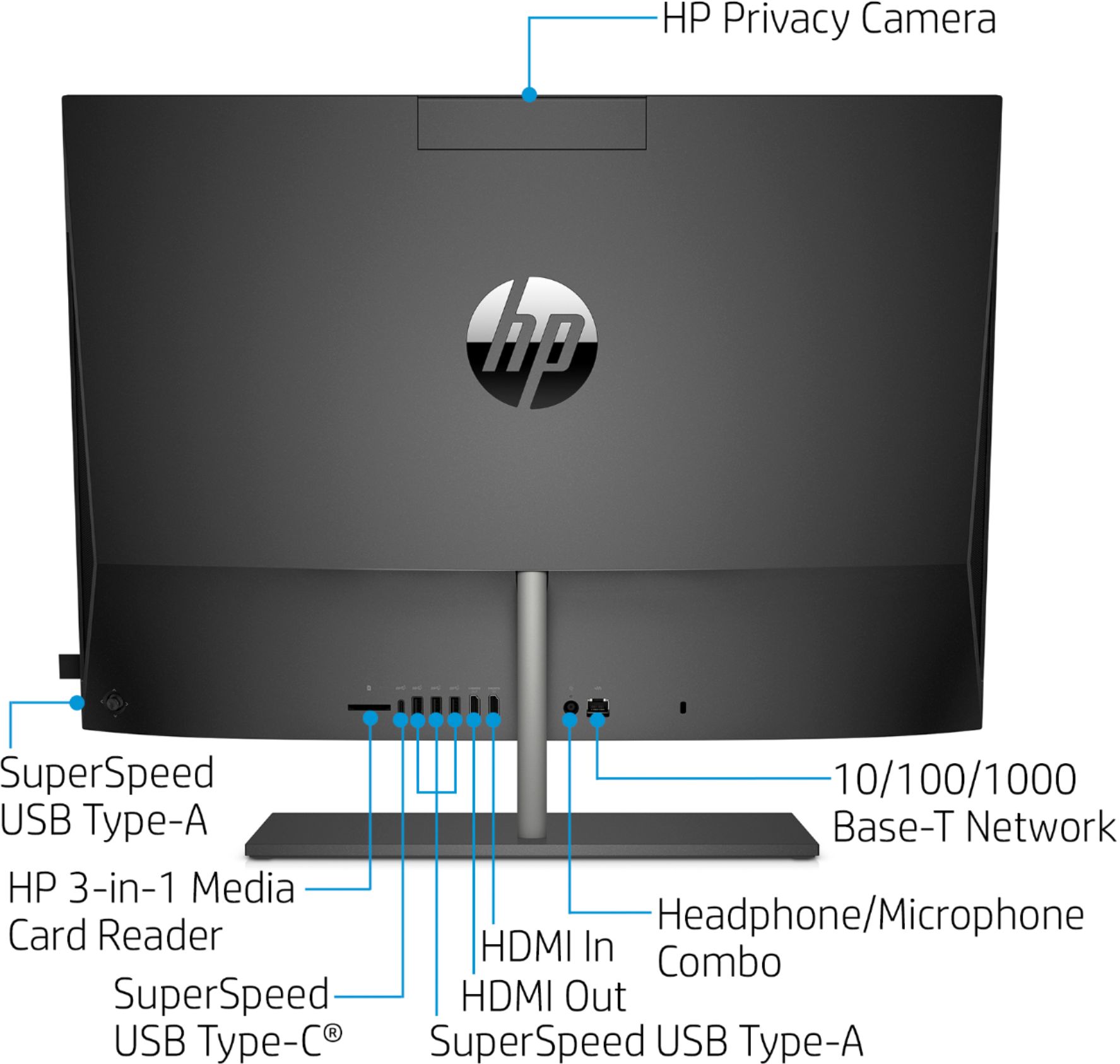
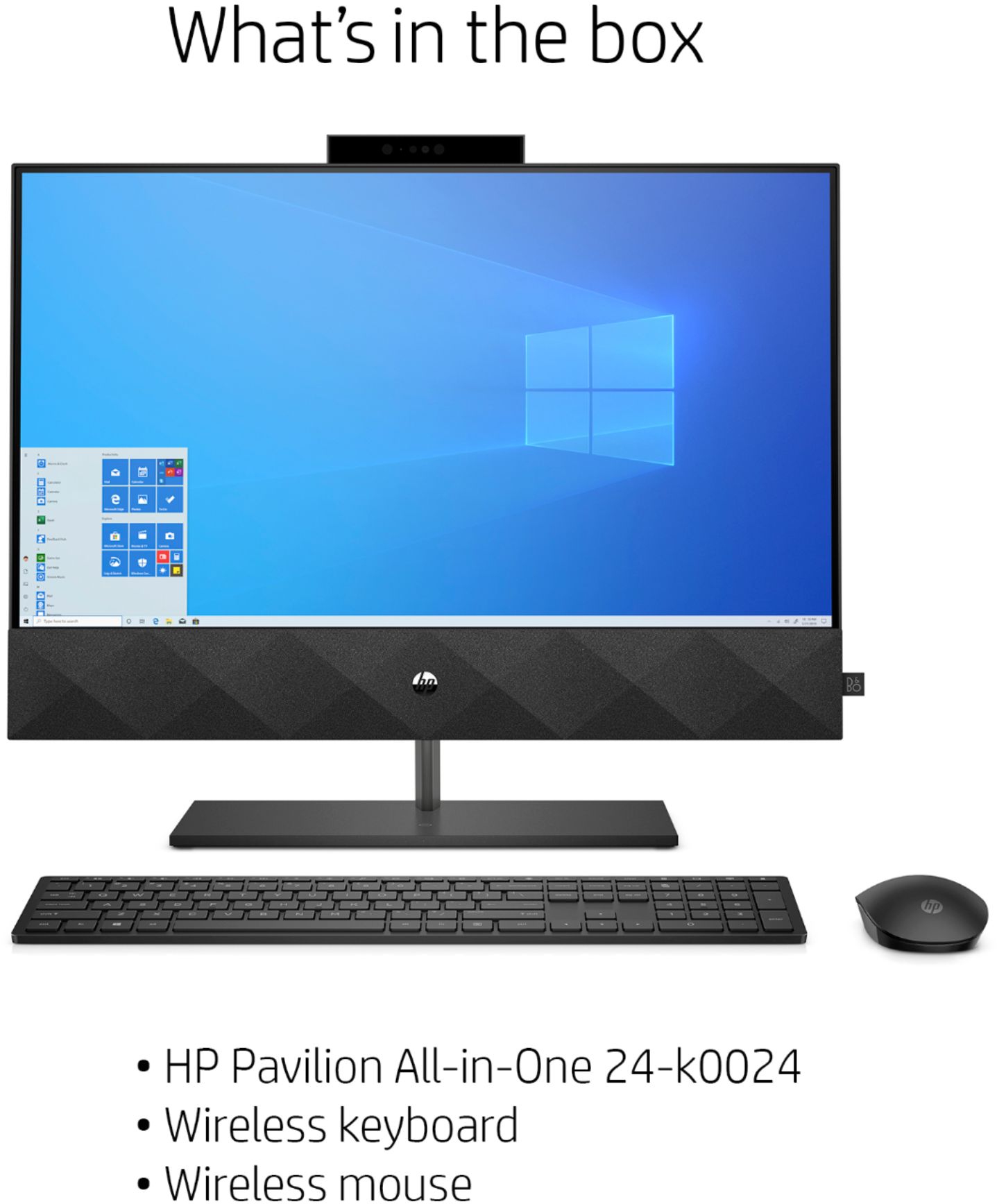
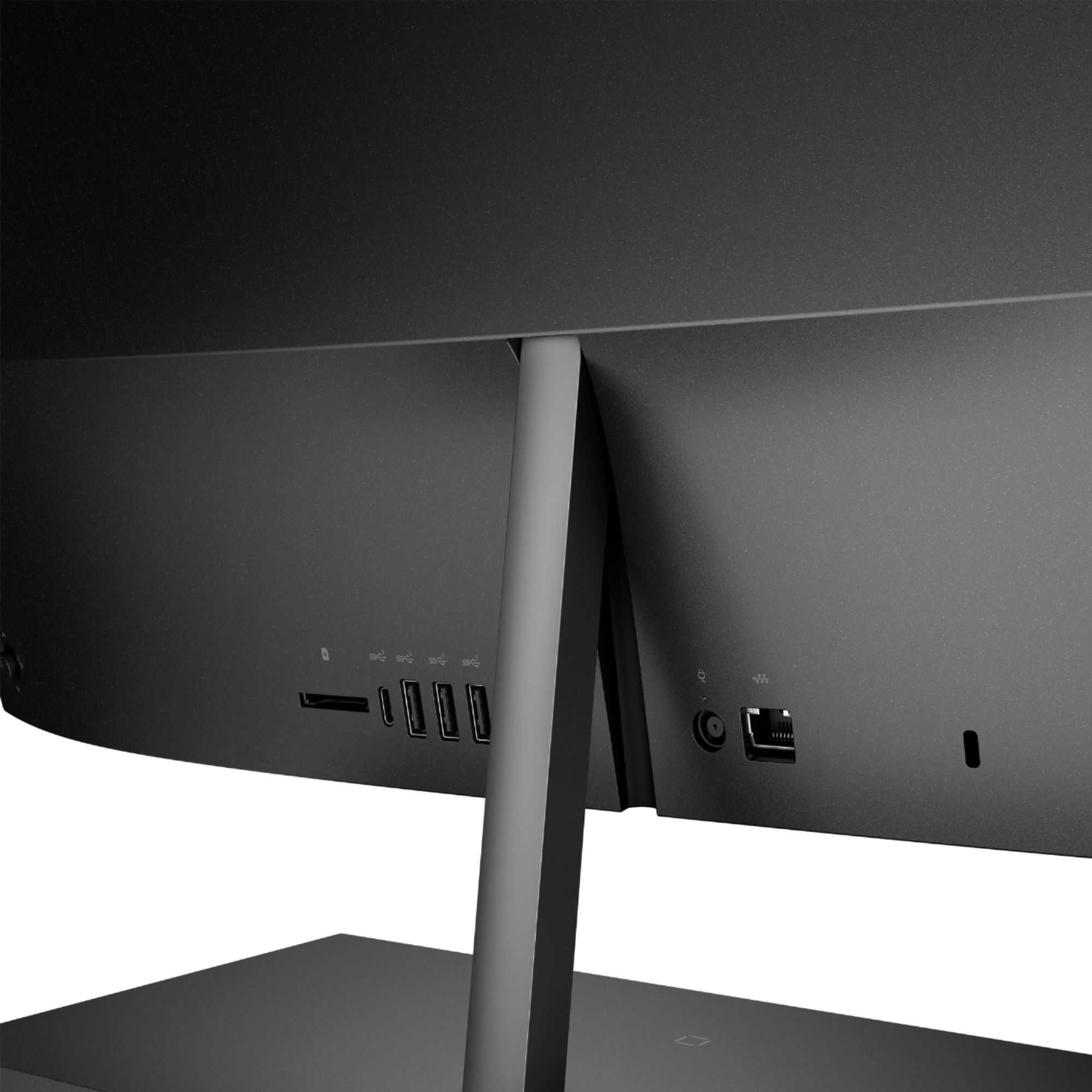
A:AnswerThank you for the question. You'll need to plug the computer into a power source (wall socket, electricity). Wireless refers to the internet connection. You can either allow the computer to be on your network (wireless connection) or you can plug the internet cable directly into the computer (not wireless connection).
A:Answer"Playing games" is an incredibly broad field, so there no "yes or no" answer. With an i5 processor and 12 gigabytes of RAM it should run most games, but without knowing what specific games you're interested in, it's impossible to say if it will run the games you're interested in.
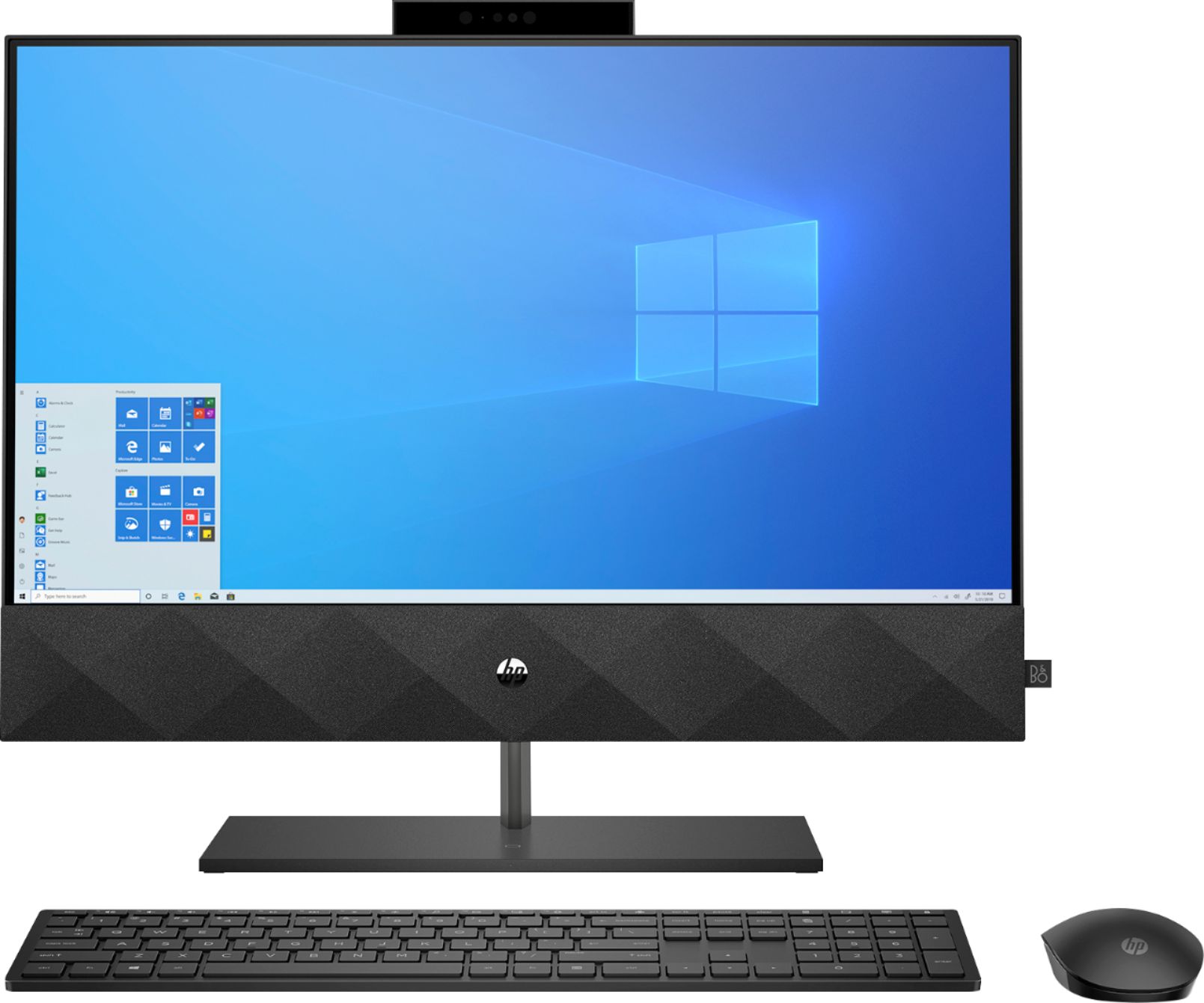
A:AnswerThere is a 30 day trial of Microsoft Office on this computer, which includes Word, Excel, and PowerPoint. We recommend purchasing Microsoft Office with this laptop to save $20 on Microsoft Office.
A:AnswerLeft click the wireless signal icon (most often located on the bottom right corner of the desktop). Within the list of networks, look for the network name listed next to "Connected". This is your network's SSID.
A:AnswerHello Tosha. Thank you for your question. To check on this information, we suggest you to contact the retailer support center using the link below:
***https://www.bestbuy.com/site/electronics/customer-service/pcmcat87800050001.c?id=pcmcat87800050001***
Thank you for choosing Intel!