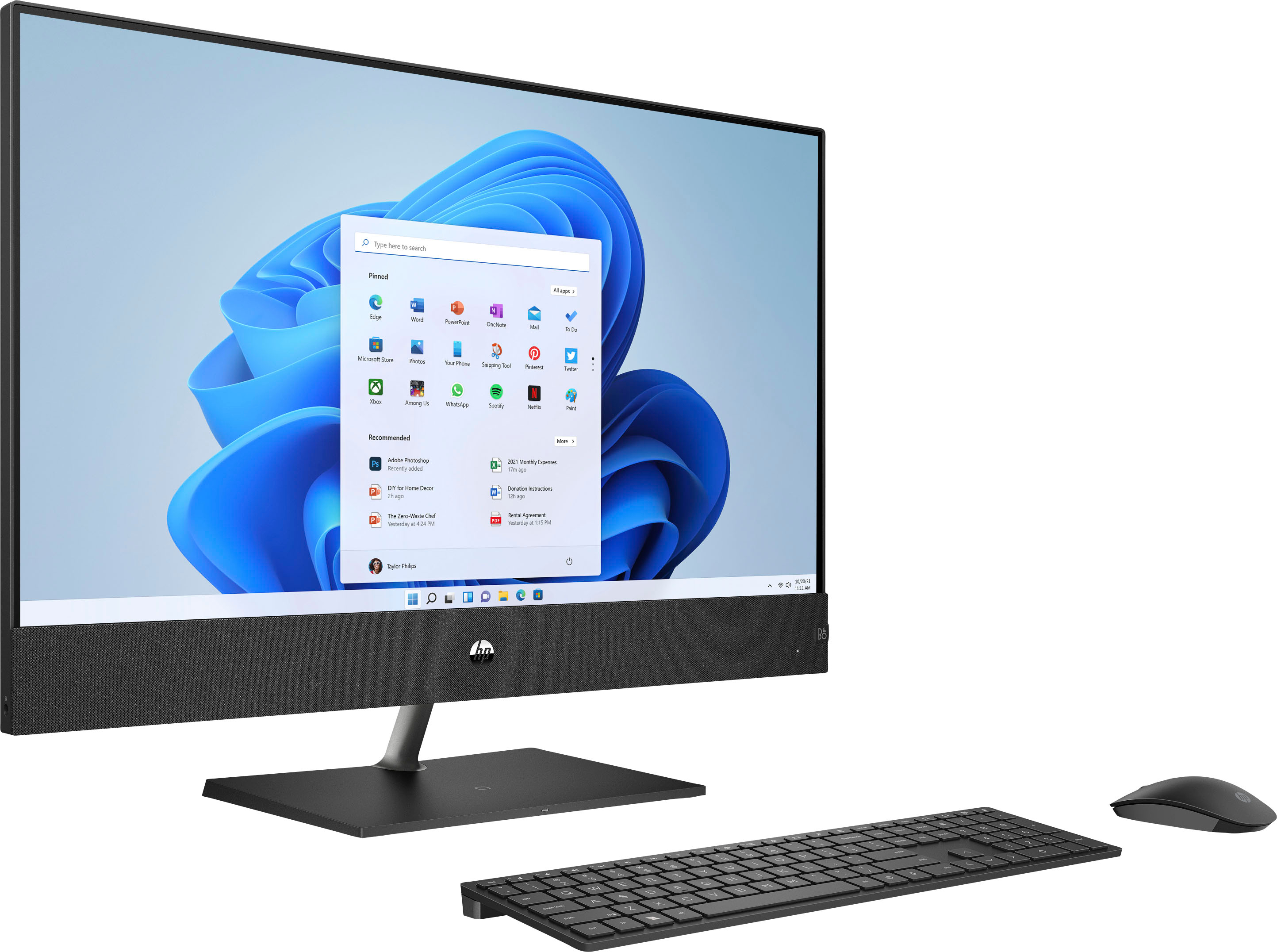
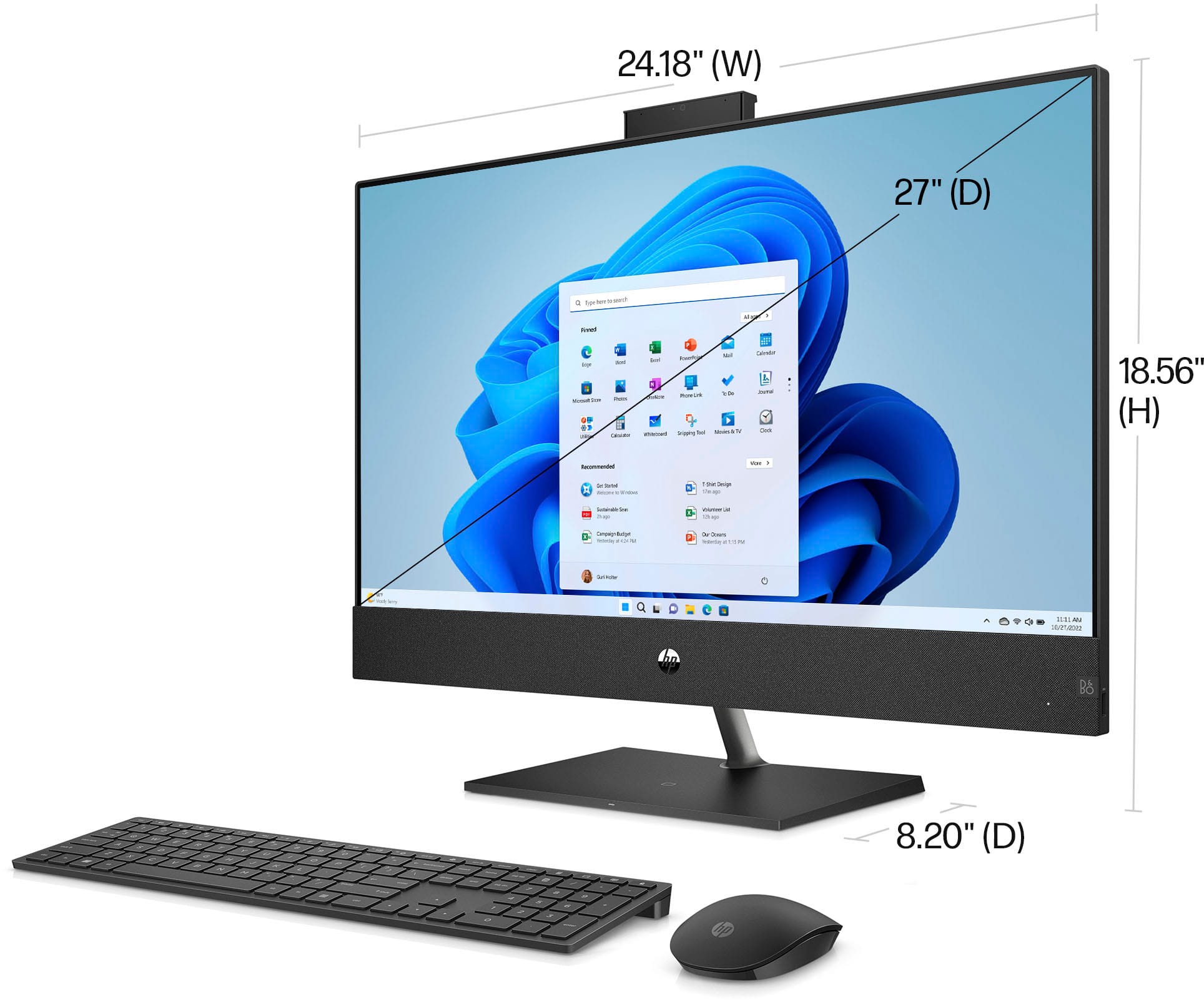
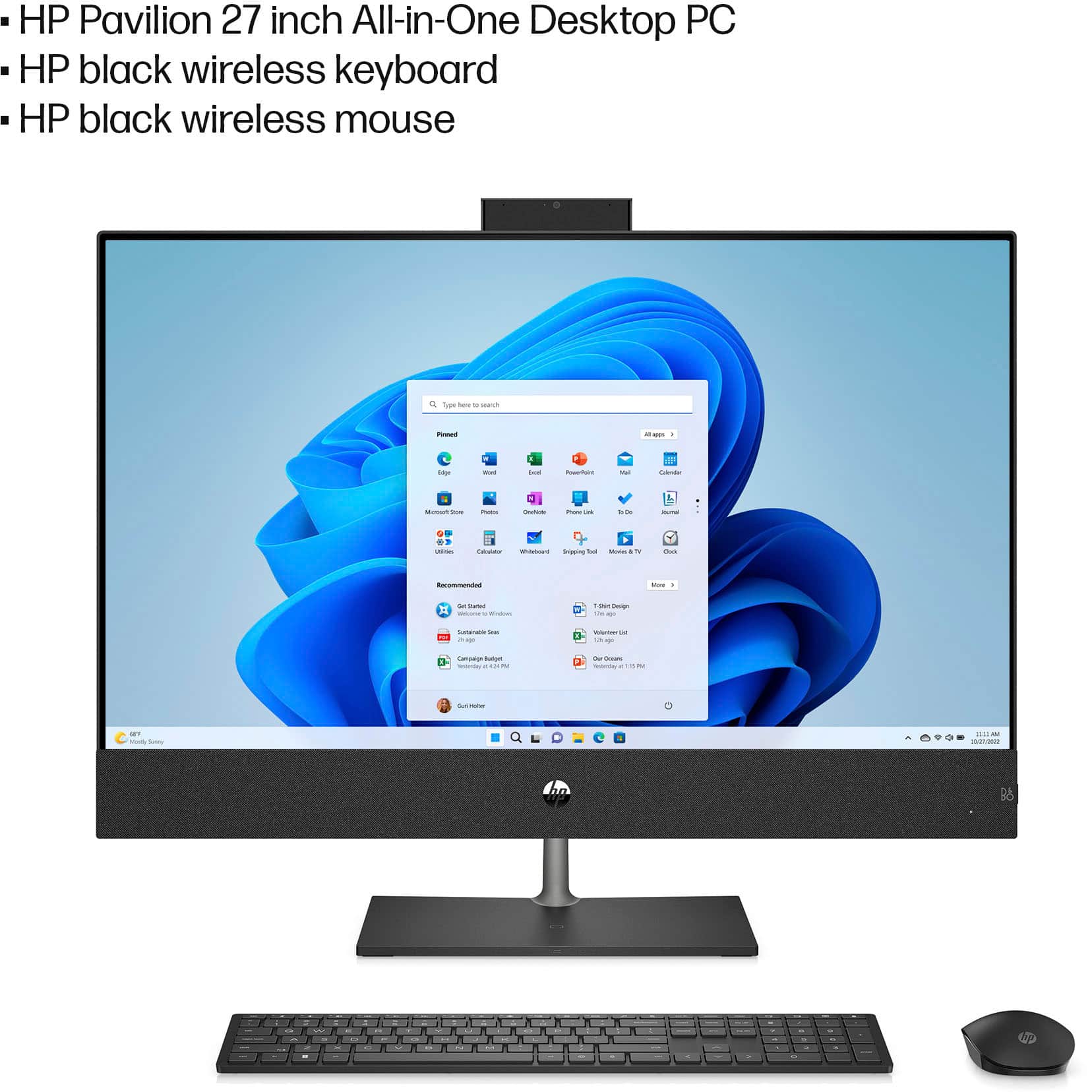
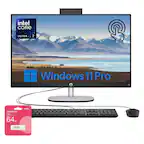
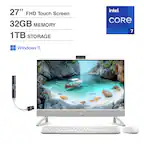
A:AnswerThe microphone is adjacent to the pop-up camera. You can adjust the settings by right-clicking the sound icon (near the time display) and click "open volume mixer" or "sound settings".
A:AnswerHello Ellen! This HP All in One computer has Bluetooth 5.0 and Realtek RTL8822CE 802.11a/b/g/n/ac (2x2) Wi-Fi technology built into it. Thank you for your question.
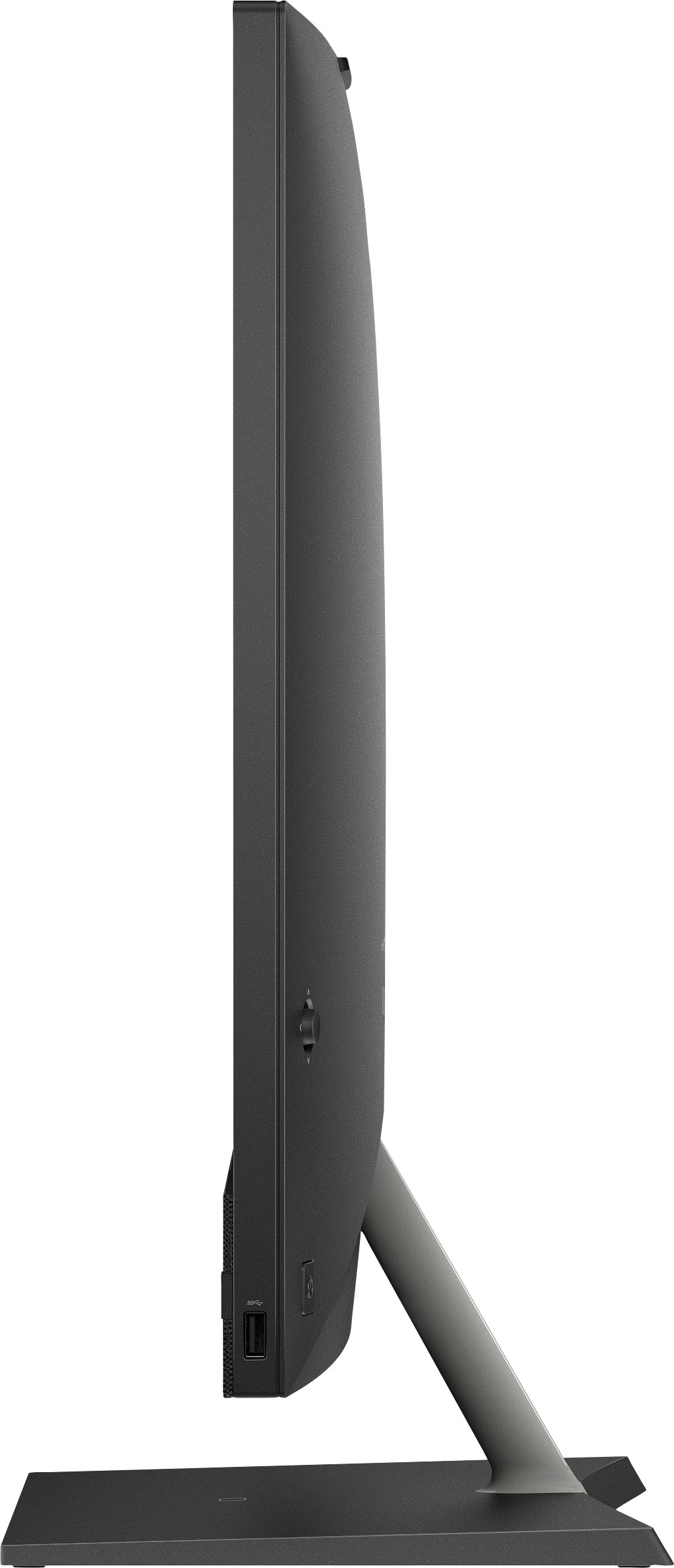
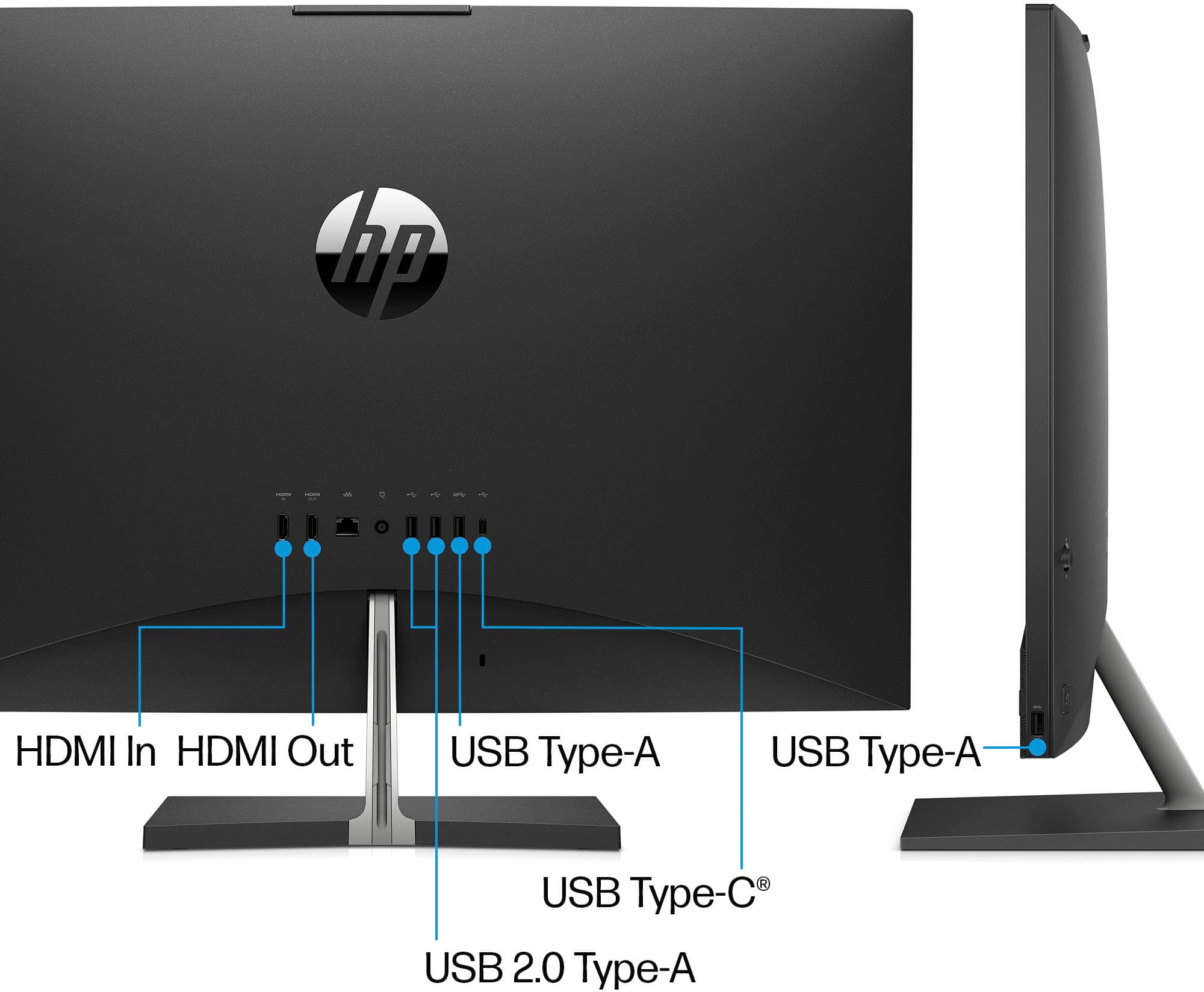
A:AnswerThank you for asking. Yes, the Pavilion 27-ca2244 all-on-one desktop has an HDMI 1.4 (out) port on the rear, where you can connect the external monitor. There is also an HDMI 1.4b (in) port, should you want to connect a DVD player or gaming console.
A:AnswerIf you cannot see it in the manual, you will want to contact HP Support. Their phone number is 1-800-474-6836. You can also try contacting Geek Squad to see if they have that information on hand.