A:AnswerHello, Dan. We are sorry to hear about the issues you are experiencing. We recommend reaching out to HP Support for further troubleshooting by visiting https://support.hp.com. Or you can reach out to the Geek Squad at Best Buy.
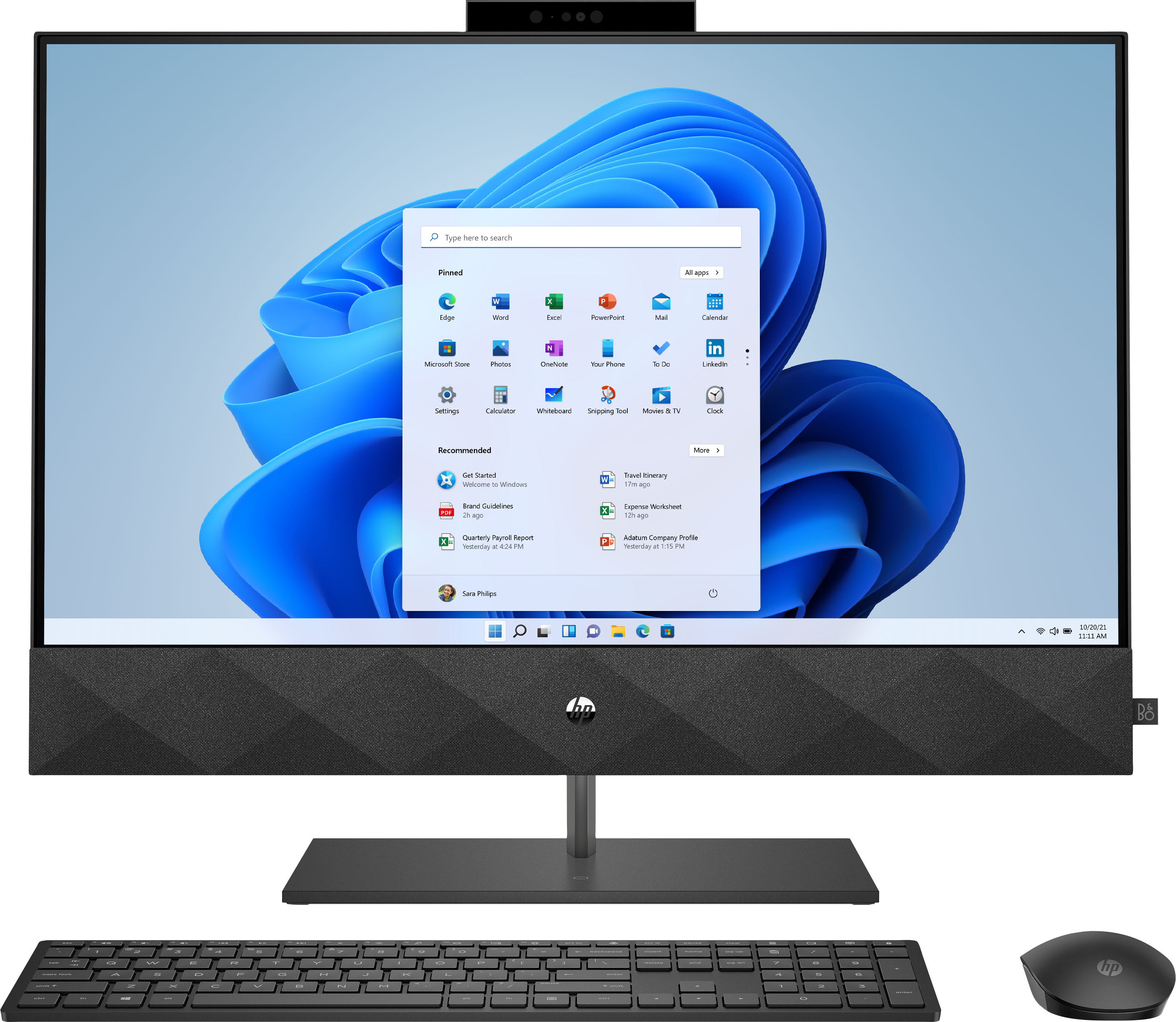
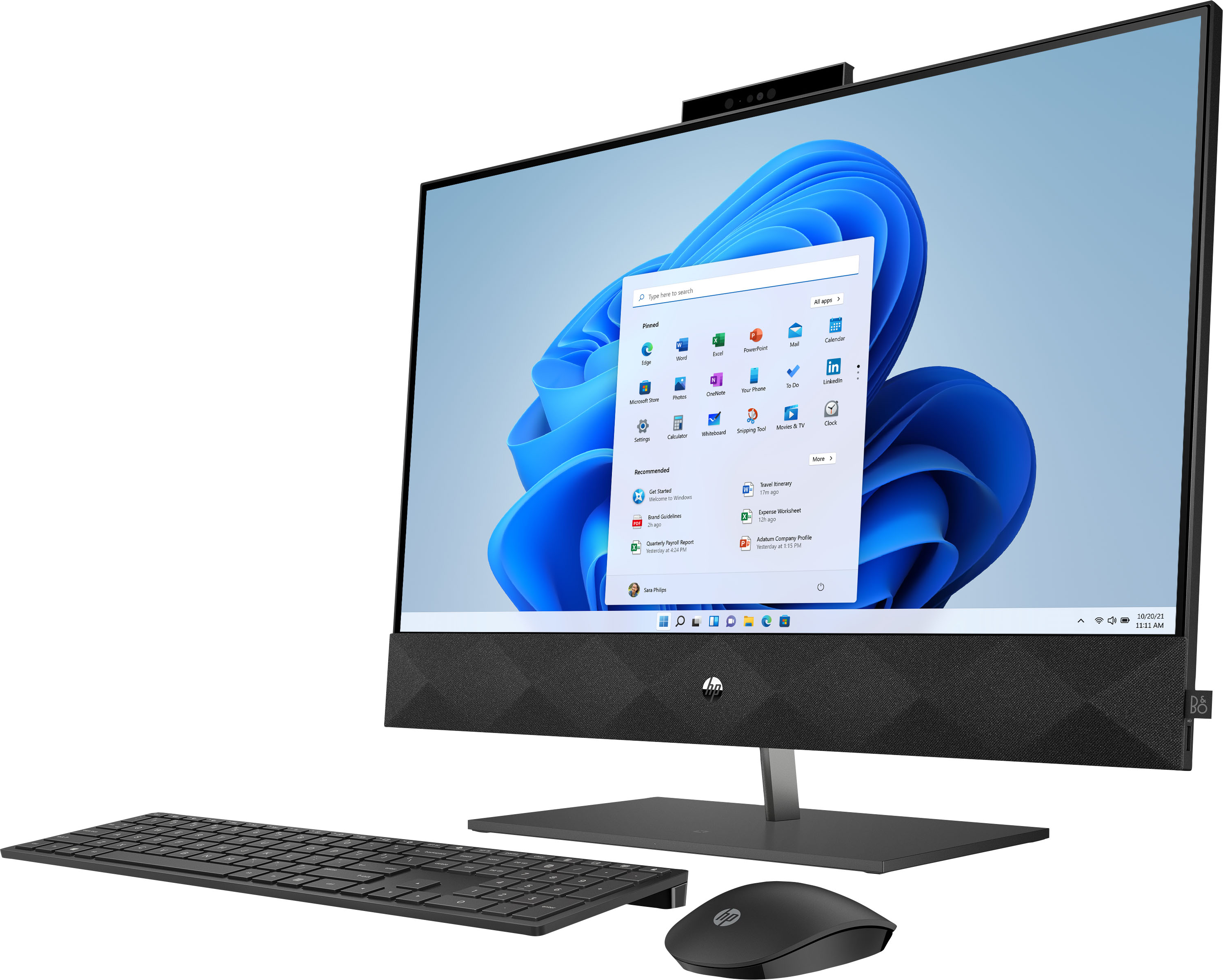
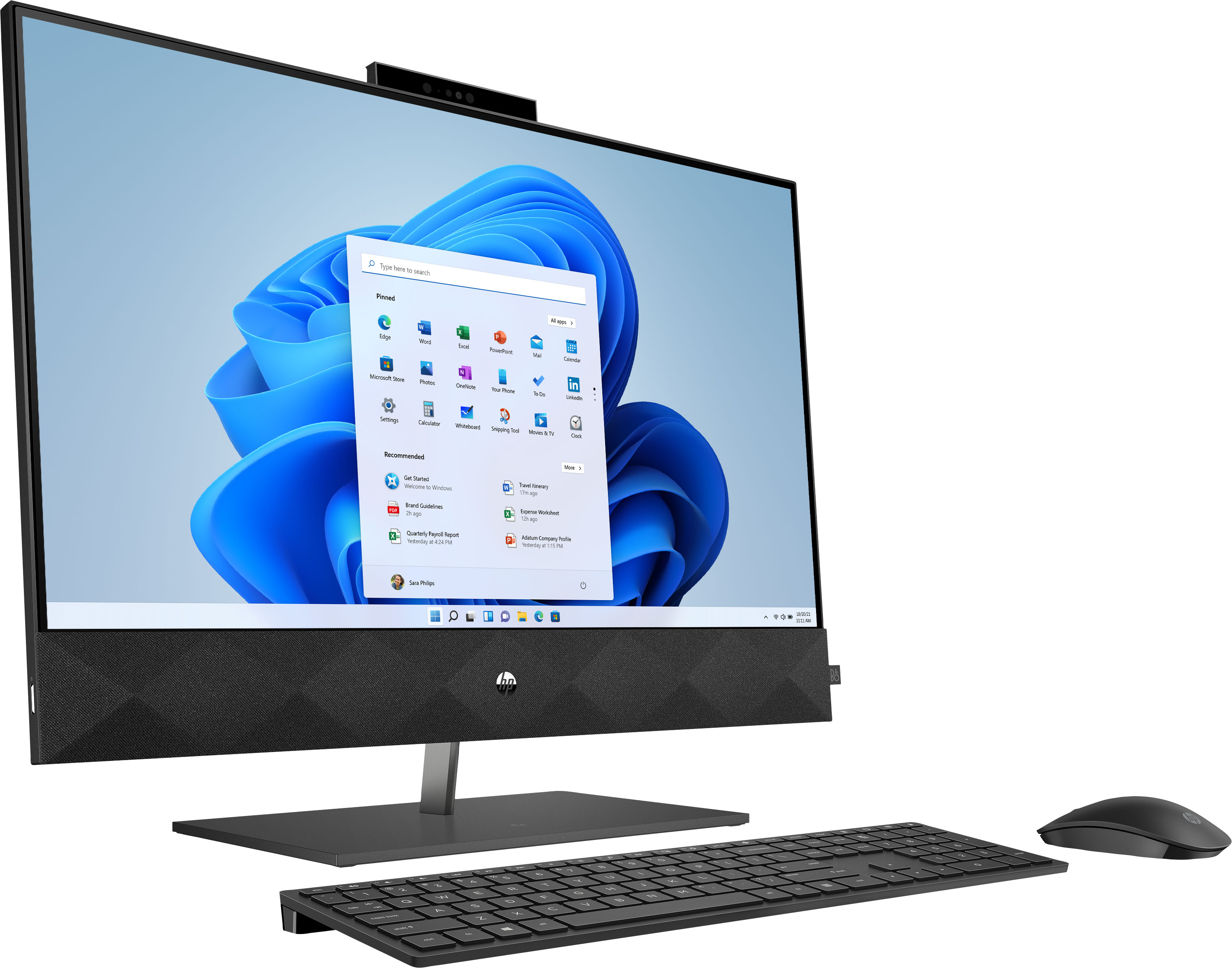
A:AnswerHello! Thank you for your question! The HP Pavilion Laptop (27-d0244) does not come with an optical drive for CD/DVDs. In order to burn your own media you will need to purchase an external drive.
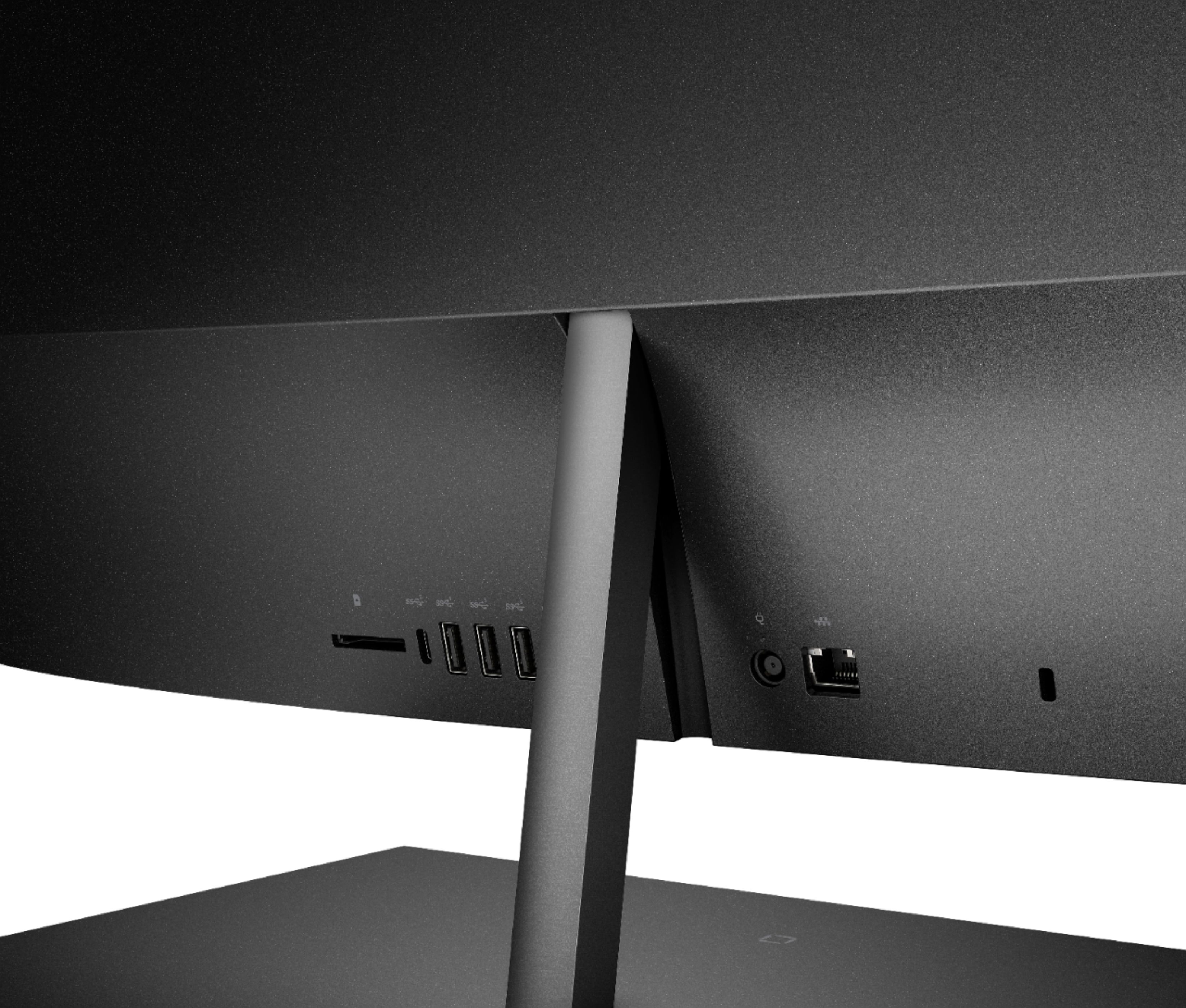
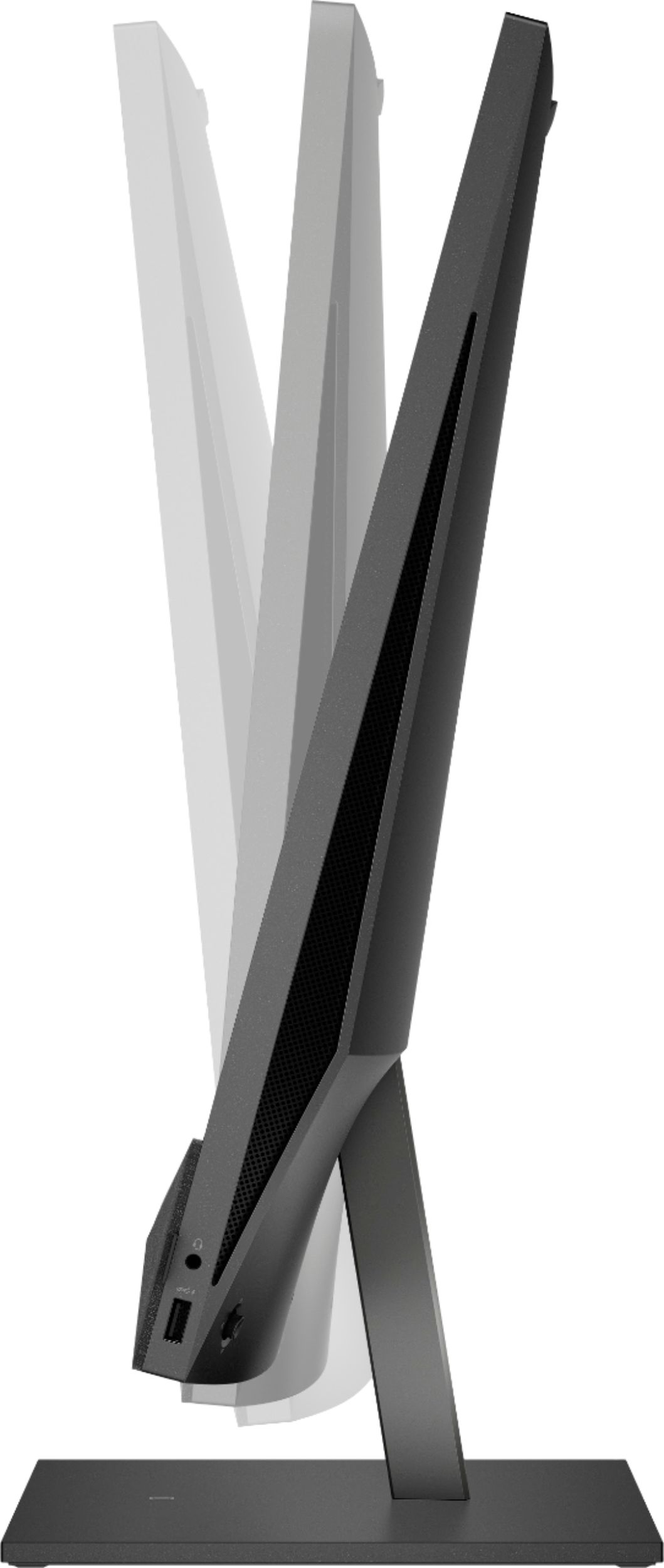
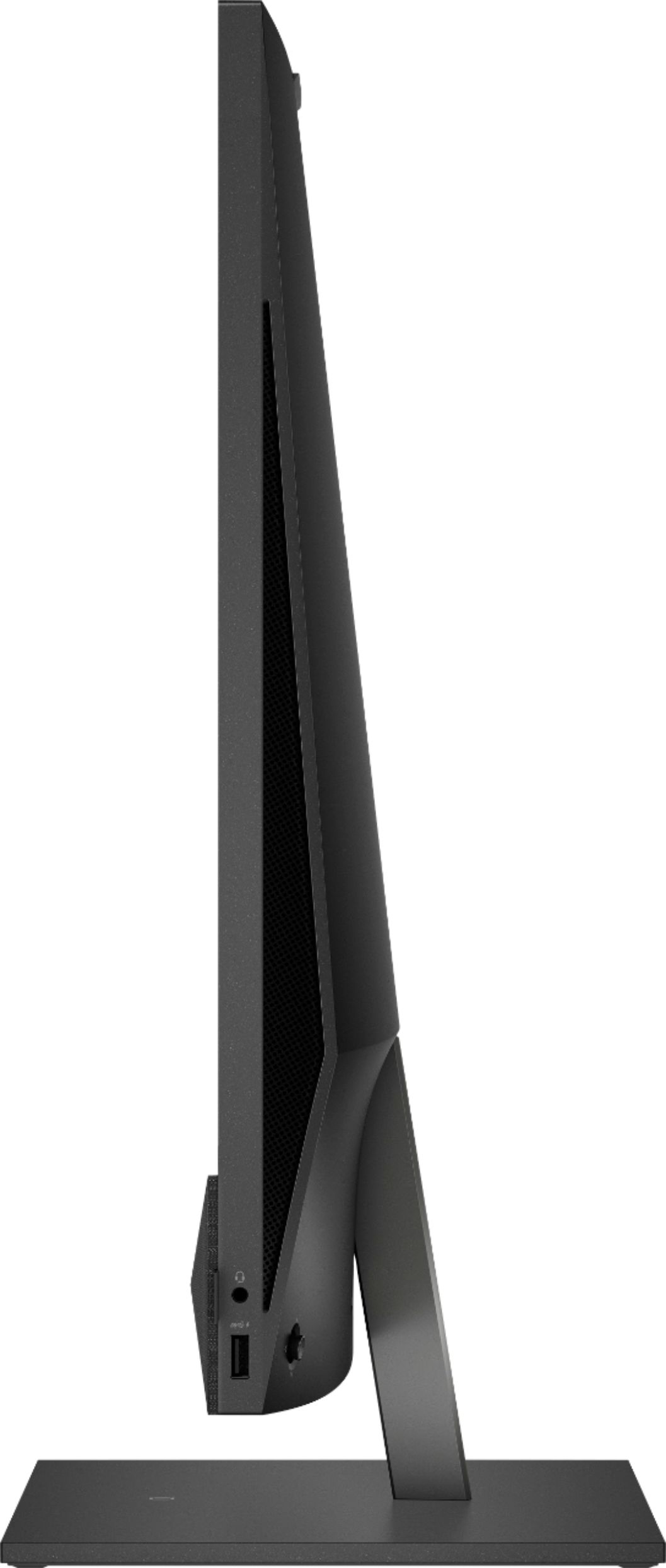
A:AnswerGreat question! This has 1 HDMI-out port and 3 SuperSpeed USB-A ports. You could use HDMI for one monitor and a USB-A to HDMI Adapter for the second monitor.
A:AnswerSome all-in-ones do let you add RAM . But all of them From all manufacturers have onboard graphics. If you're looking to upgrade graphics for gaming or some other purpose you should not be looking at all in ones. As a rule all in ones are not made of the same stuff a desktop computer would be made of which is completely upgradable and you could get a better monitor as well. All in ones are for people who want style over upgradeability. So if the base components aren't good enough for what your goal is, on all in one may not be the right choice.
A:AnswerThank you for reaching out. Here are two articles you can read about this process: https://support.apple.com/en-au/HT201302 and https://support.microsoft.com/en-us/windows/import-photos-and-videos-from-phone-to-pc-198f2301-e9a7-c734-5f39-a8946a5ebc99
A:AnswerThank you for the question. Yes, you can reassign the key functions. See how here: https://support.microsoft.com/en-us/topic/how-do-i-reassign-hot-keys-for-my-keyboard-703f897c-ad72-db5d-8e64-0928873d712f
A:Answer.I would assume it would be if ( My H.P Printer which is connected to WiFi with Blue tooth hooked up super easy, all I had to do was go to Printers and click on it and they connected actually easiest set up for a printer I have ever done and to be honest I am a novice at things like this) so if your printer is hooked to Wifi it should work. and this computer ROCKS :)
A:AnswerHello. Thanks for your question. You can use any monitor that has a HDMI port. You would plug the monitor into the HDMI out port on this HP Pavilion all in one computer. We recommend reaching out to the Blue Shirts in the computer department at Best Buy or their customer service team online for further assistance.