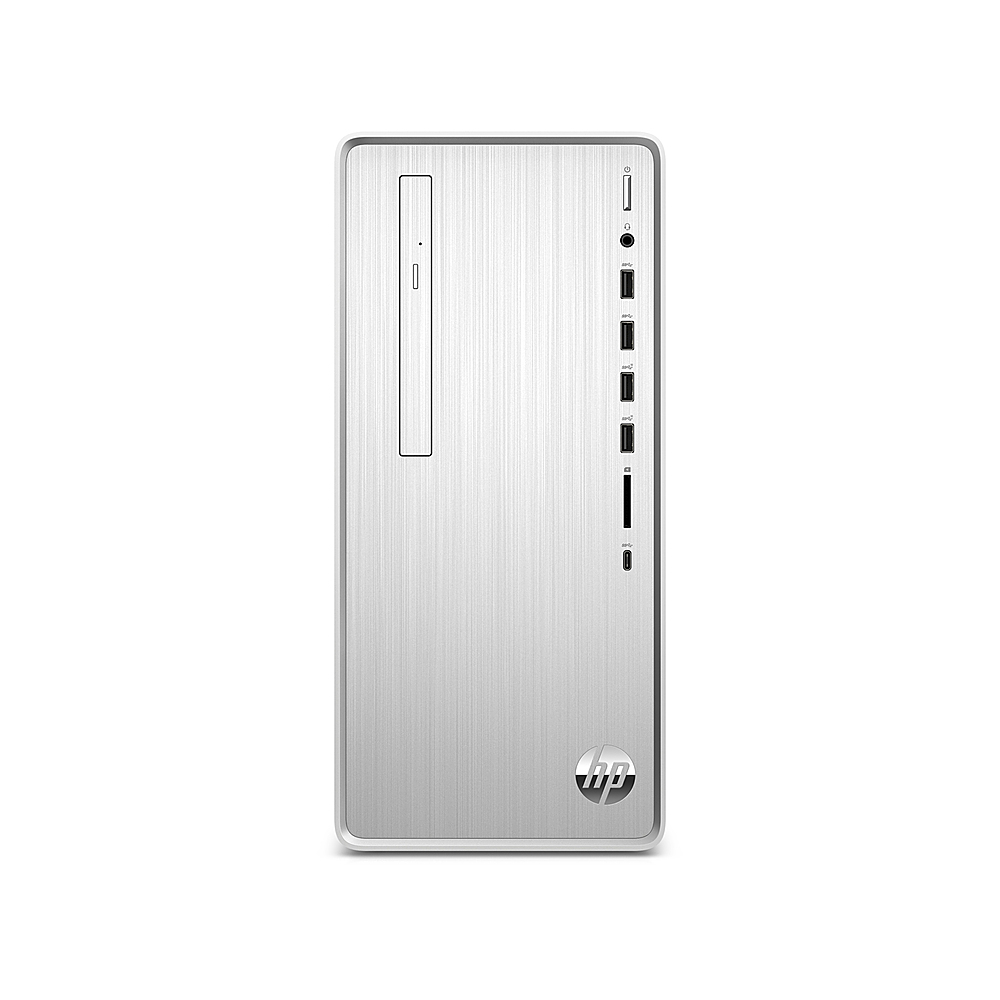
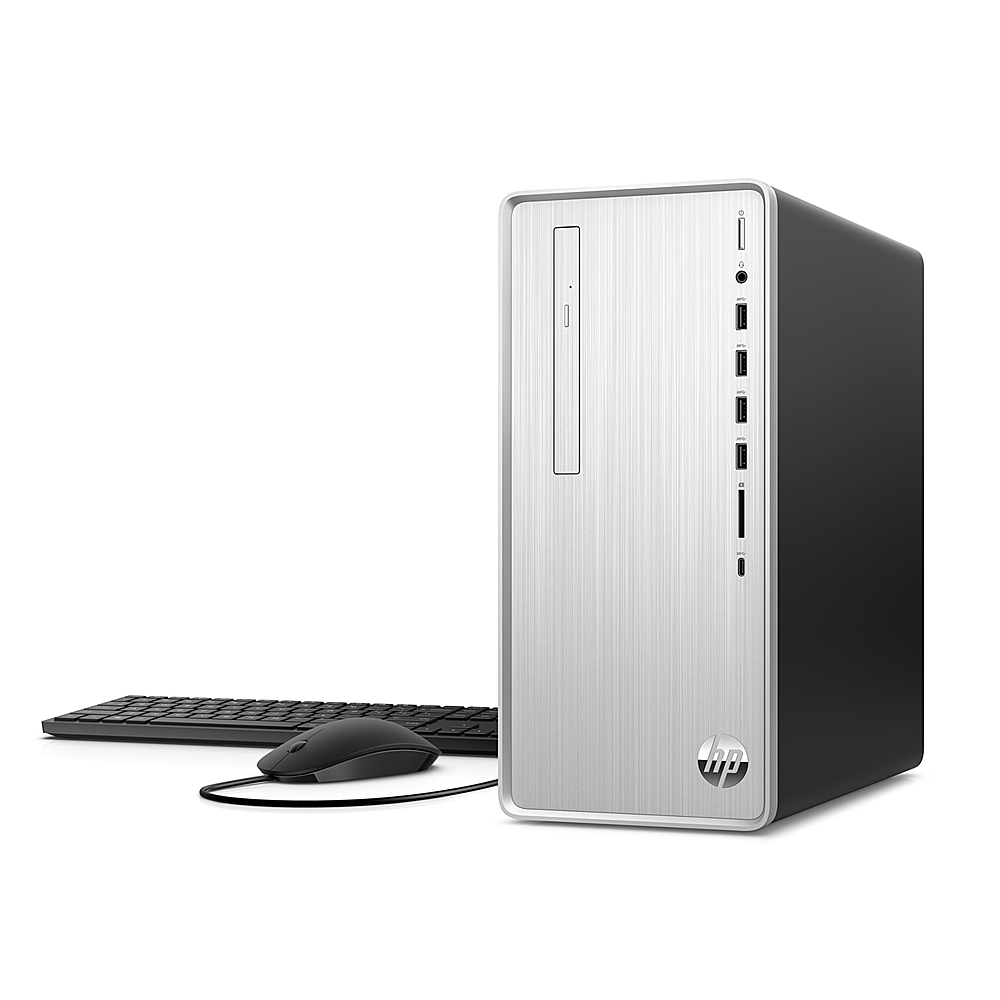
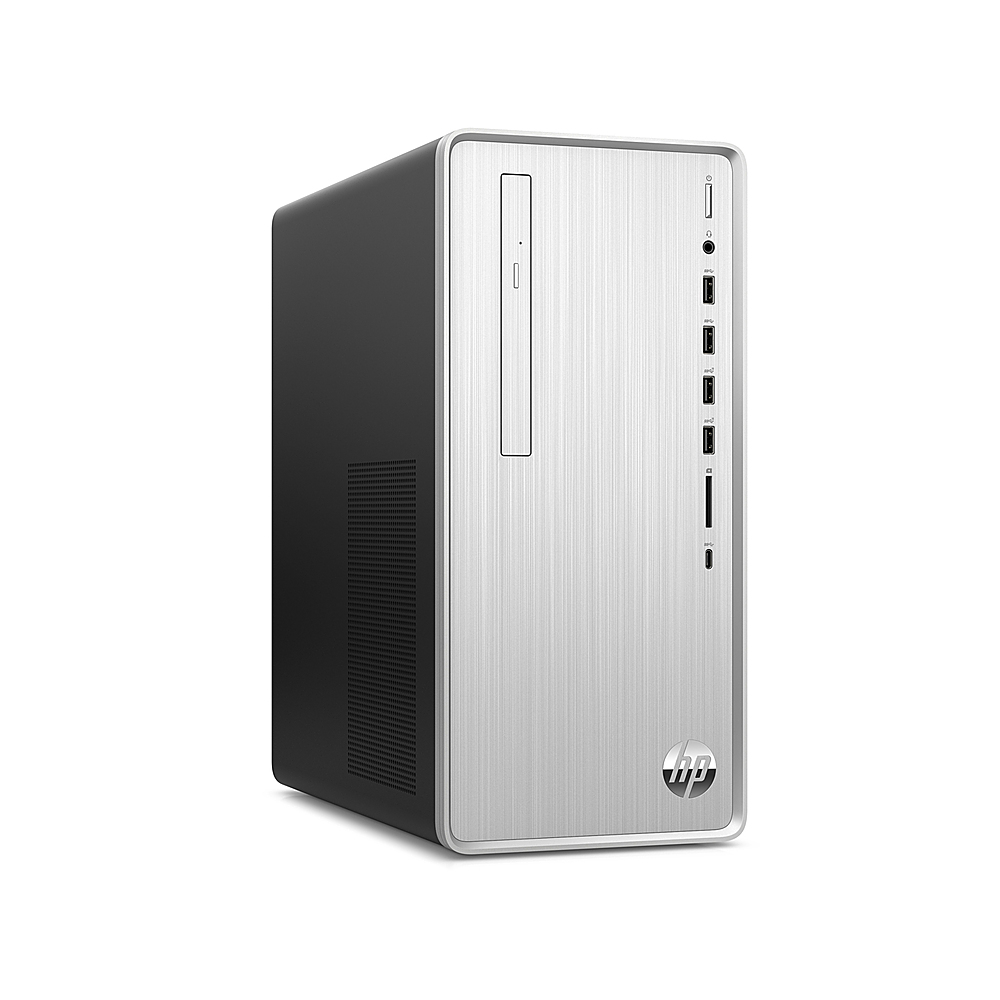
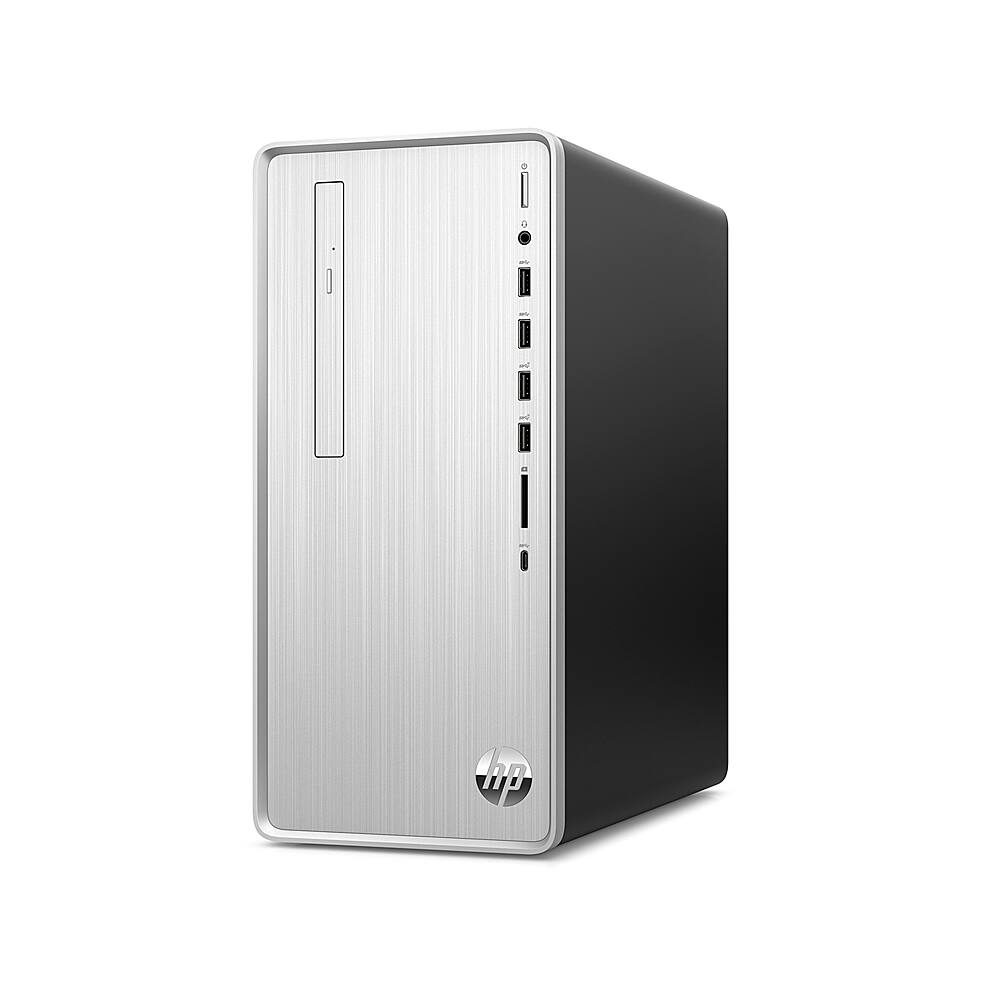
A:AnswerHello. Thanks for your question. Yes, this HP Pavilion Desktop TP01-1140 has dual channel memory. This desktop can be upgraded up to 32 GB DR4-3200. There is currently 12 GB DDR4-3200 SDRAM memory (1 x 8 GB, 1 x 4 GB) installed.
A:AnswerThank you for the questions. Yes, you can add a hard drive. Per the HP specification, the power supply is 180 W Gold efficiency, so you would not be able to upgrade the video card without first upgrading the PSU.
A:AnswerHello, this computer is equipped with a 512GB SSD (Solid State Drive) for storage purposes. If you wish to expand the storage capacity you can install additional Hard Drives or Solid State Drives. Storage capacity is determined by what you personally require.
A:AnswerIt does have a free PCIe x16 slot, so a card will fit. However, the computer has a 180w power supply, so a card that takes a lot of power won't work without also replacing the power supply.
A:AnswerThanks for the question. Yes the memory can be upgraded to 16GB or 32 GB. I recommend using 2 matched ram modules for the best performance. There is room to add 1 hard disk drive and you can also upgrade the existing SSD.
A:AnswerHi Swede, thank you for the question. The 2009m has DVI and VGA inputs. Use a DVI-to-USB A or VGA-to-USB A adapter to connect to the Pavilion desktop PC.
A:AnswerI can’t unplug everything, but here’s what it looks like and a by row description to assist.
Green/Audio-out, blue/Aud.-in, red/mic-in
VGA
HDMI
2x USB 3.0
2x USB 3.0, Ethernet port
A:AnswerYes! It has a VGA and HDMI port. You can also buy a USB to 2 x HDMI external graphics card (see photo) to add more than 2. I have 3 monitors connected this way. (1 VGA, 1 HDMI, 1 external graphics card (usb-hdmi). Card is $50-100. Worth it!