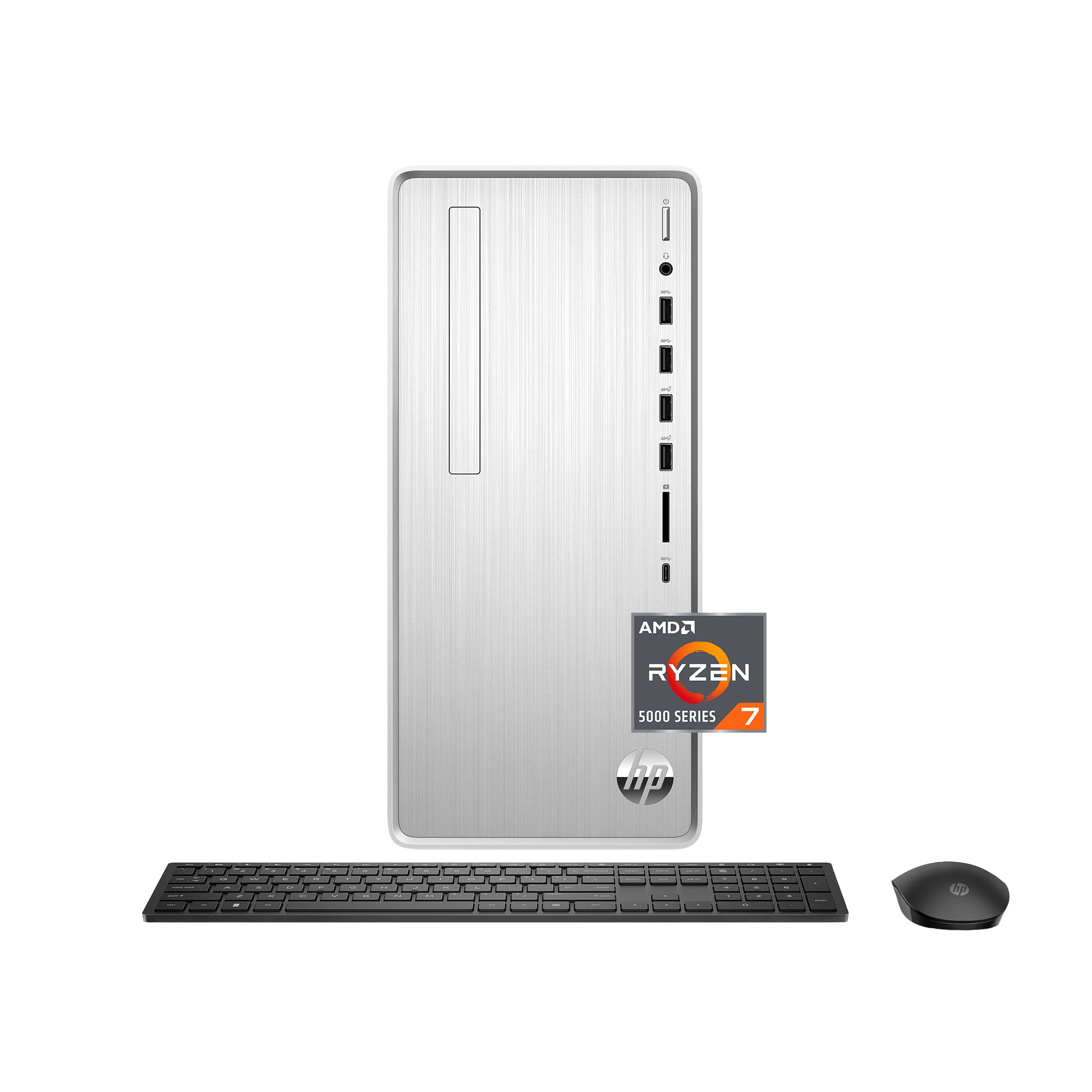
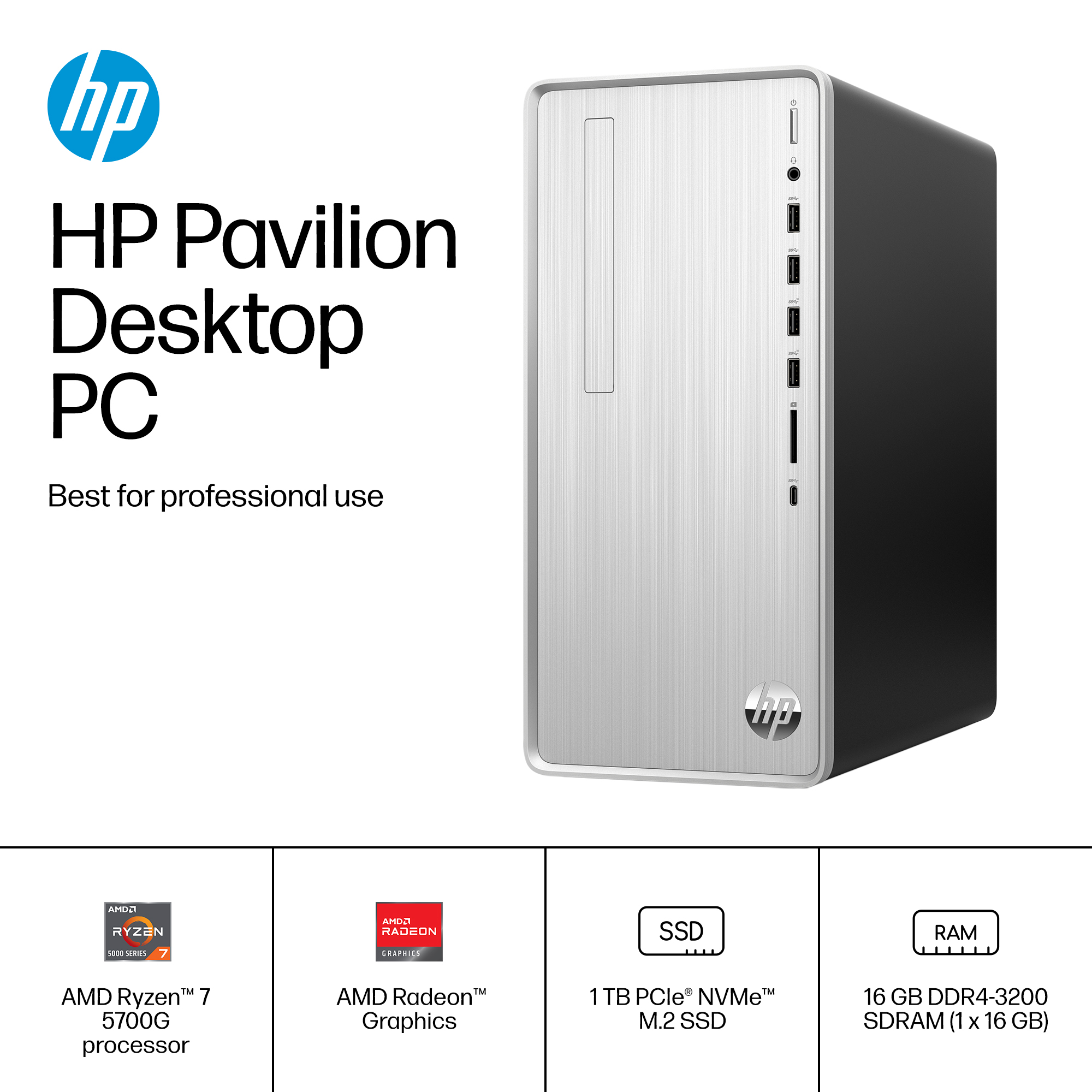
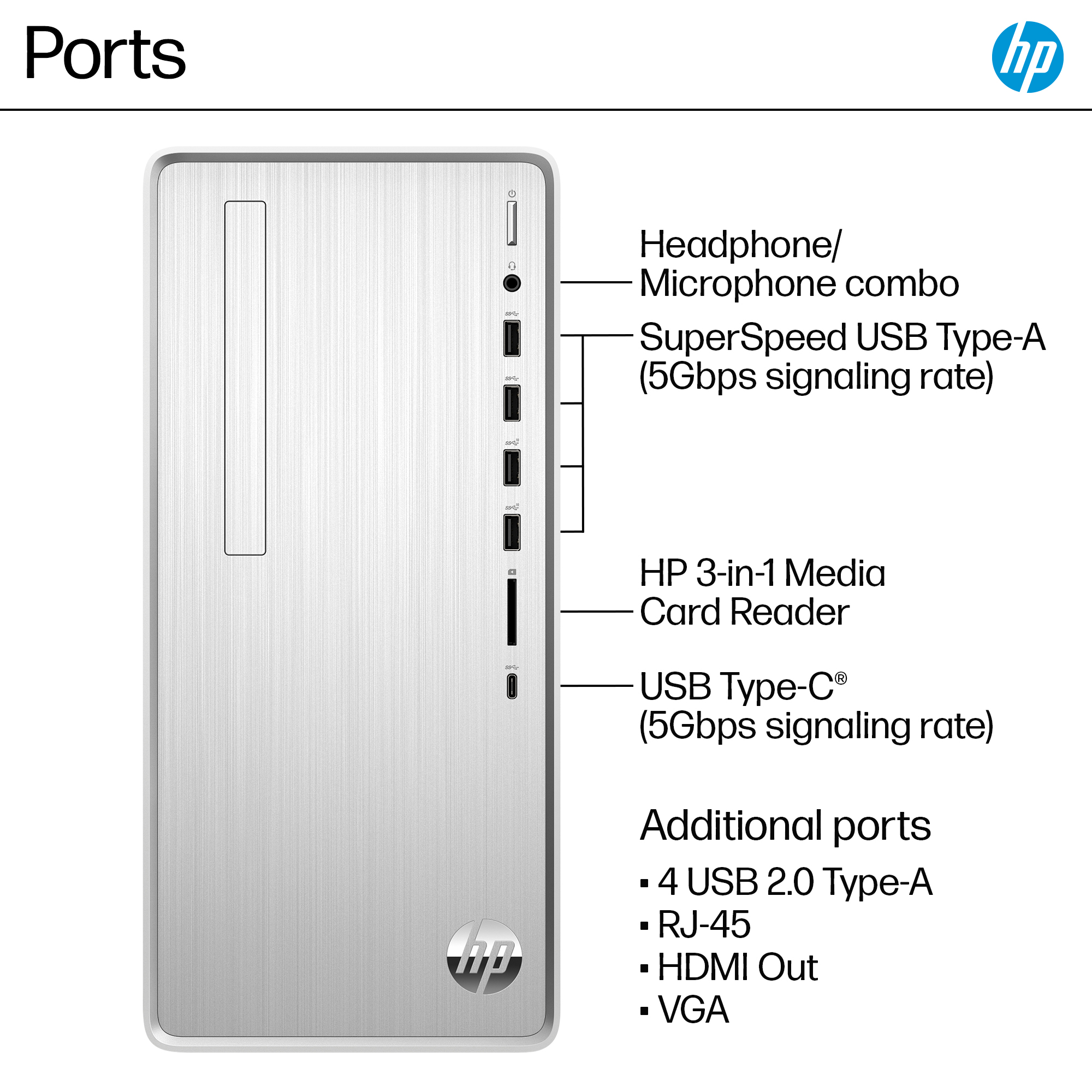
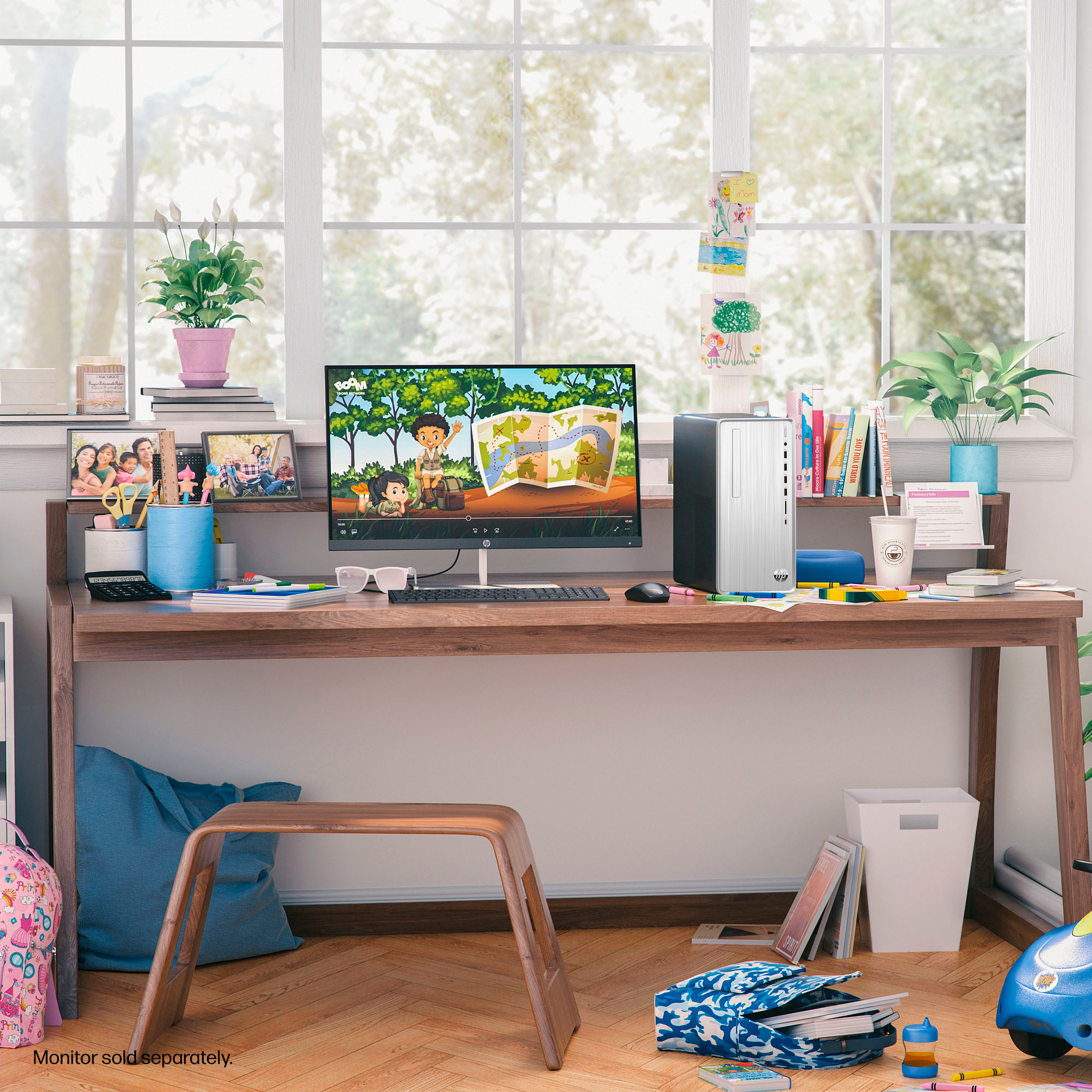
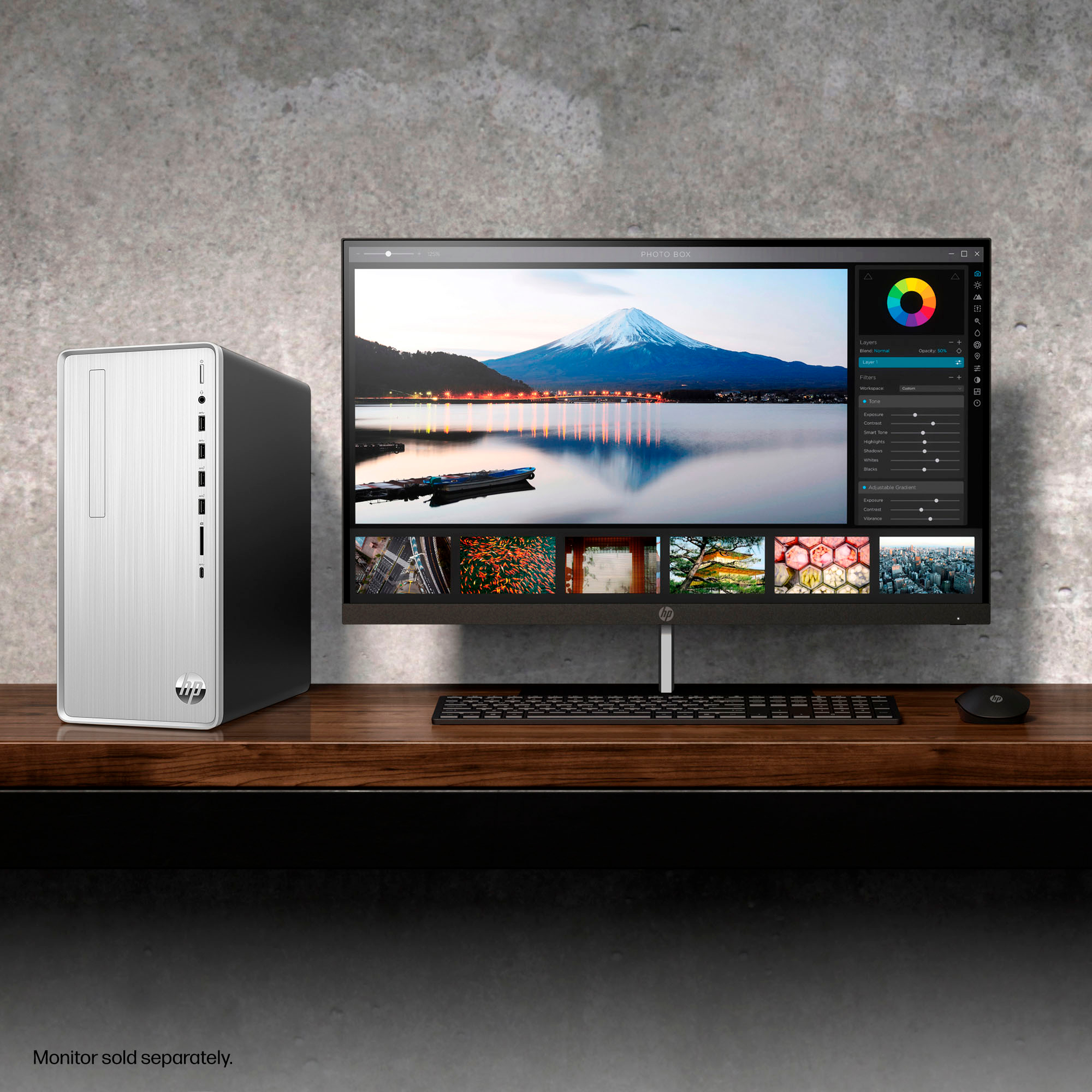
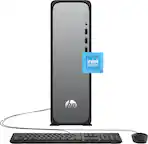
A:AnswerThank you for the question. The Pavilion TP01-2234 has an AMD Ryzen 7-5700G processor that can support up to three monitors. The desktop has one HDMI-out 1.4 connection and one VGA. You can also connect monitors via USB using an d HDMI adapter, if your monitor does not connect to VGA.
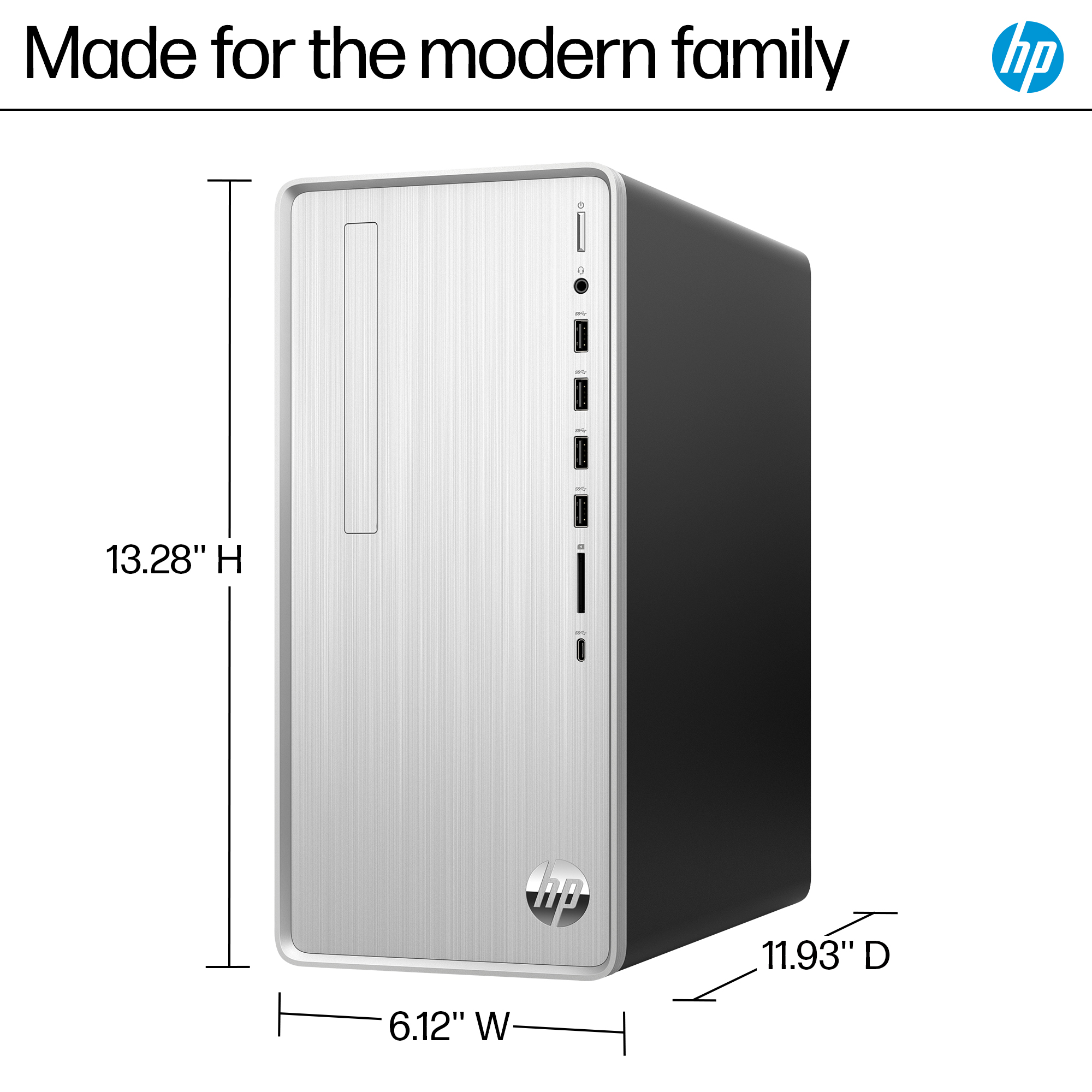
A:AnswerThank you for your question about this HP Pavilion Desktop! If you swap out the case, you swap it with another HP case. The system board and case are both HP-proprietary form factors.
A:AnswerNo. At least not on mine. There is a sideways slot where I think that one could be added. Most people that I know are using an external CD/DVD drive instead.
A:AnswerIt comes with Windows 11. However, I had to purchase Microsoft Home & Business 2024 in order to have the latest WORD, EXCEL, and PowerPoint and Outlook.
A:AnswerThank you for the question. Use the Registry Editor, typing regedit in the Start menu search bar. Navigate to Computer\HKEY_LOCAL_MACHINE\SOFTWARE\Microsoft\Windows NT\CurrentVersion and look for BackupProductKeyDefault. This is your product key.