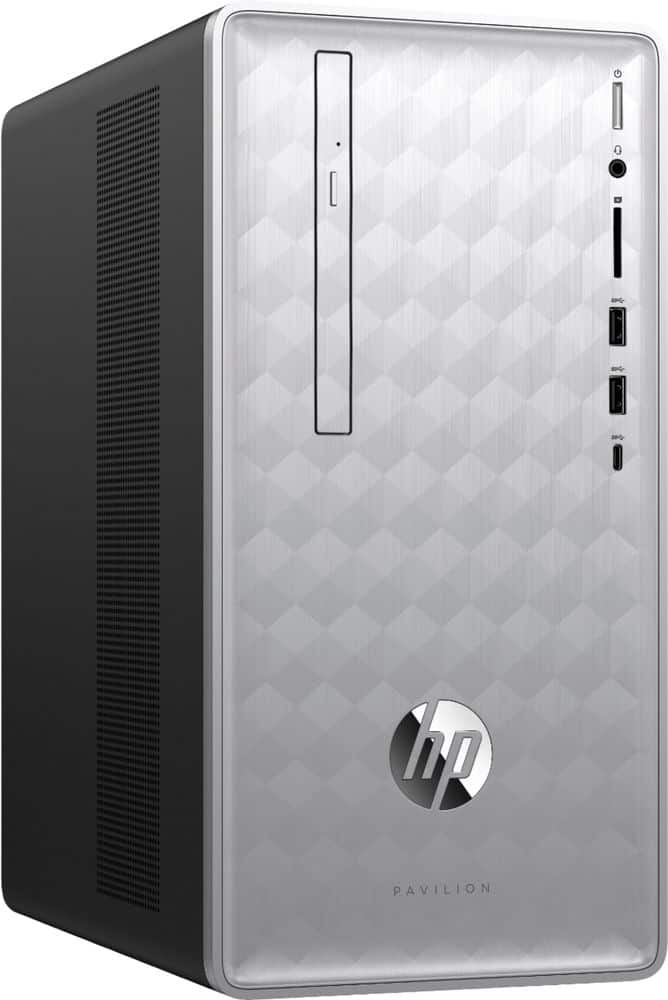
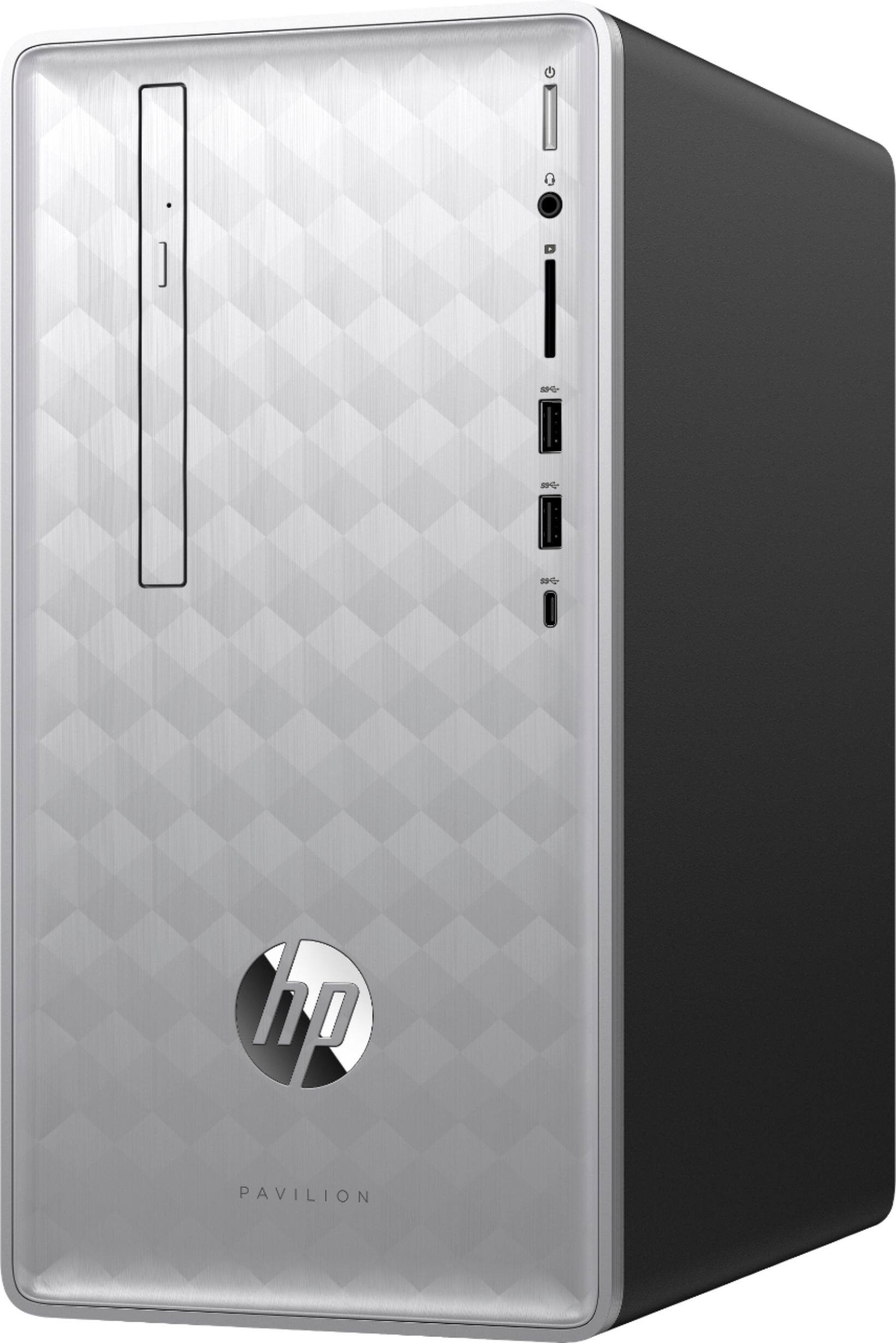
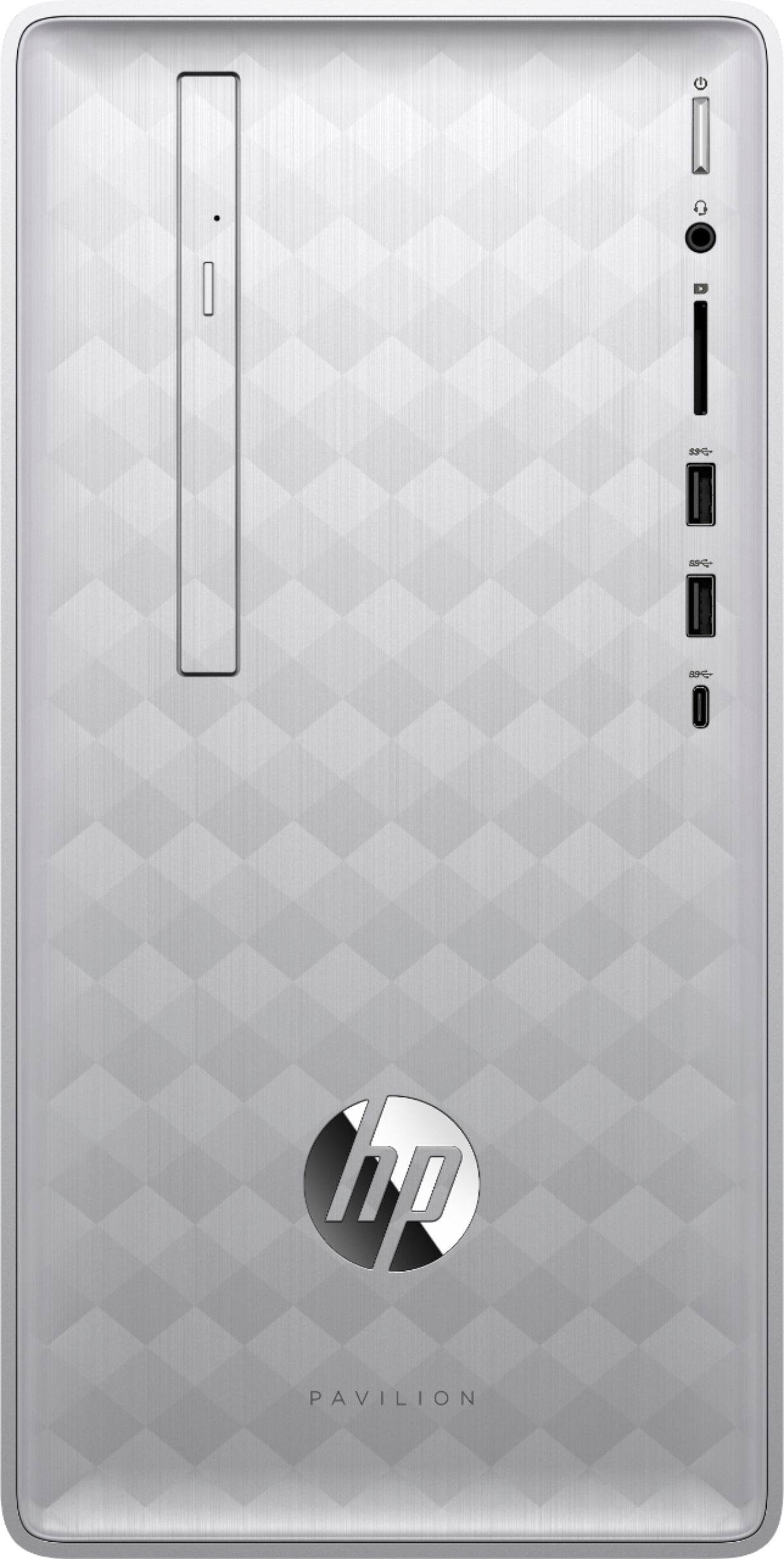
A:AnswerIt has 4 USB 2.0 Ports and 4 USB 3.1 ports that can connect any standard USB Printer. It does not have a parallel port though, in case you wanted to connect an really old model printer that still used those (although there are parallel-to-USB adapters for those too).
A:AnswerAll of your files can be transferred. You can use the Geek Squad services to do it for you (easiest), use a program like PC Mover, or just move everything to a flash drive from your old tower and then copy it onto the new computer.
A:AnswerWhat do you mean by software developer? If you are referring to the operating system (Windows 10 OS), the manufacturer is Microsoft. https://support.microsoft.com/en-us/contactus/
A:AnswerThis computer does not include Microsoft Office but you can get it at the time of purchase for a discount. You should be able to run the game you mention however I would verify the specifications with the software developer.
A:AnswerFiles can be transferred with a data transfer cable, or backed up to an external hard drive before copying it to the new computer. However, programs and apps need to be reinstalled.